









































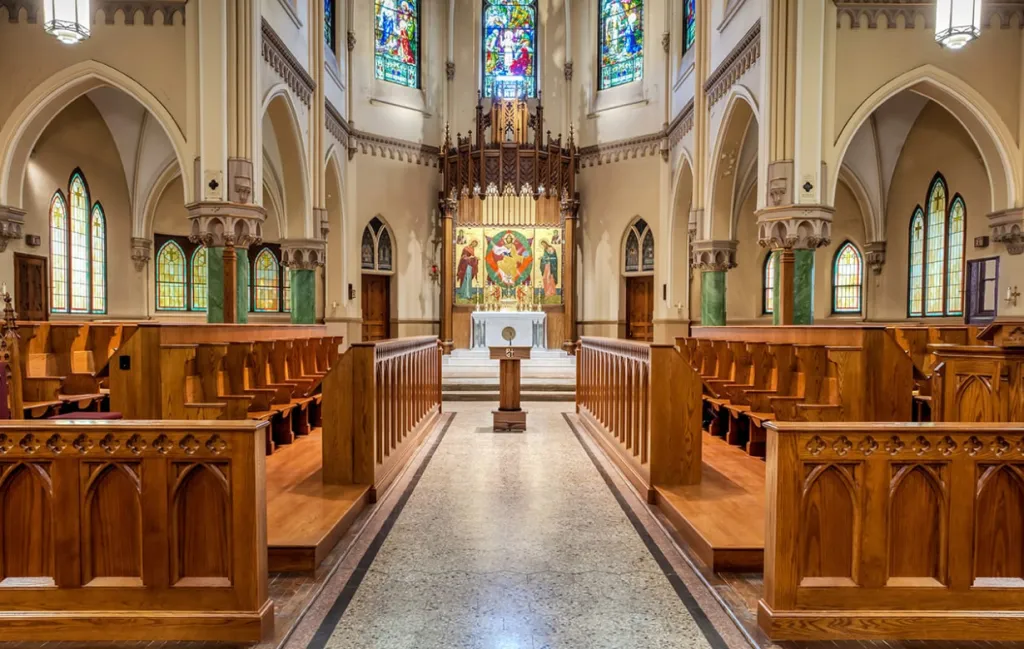
The beauty of a Catholic cathedral lies in its grandeur: high vaulted ceilings, stained glass windows, and long marble aisles. However, these same features make church live streaming a technical nightmare. The lighting is often dim, the distance to the altar is vast, and the acoustics create an "echo chamber" that ruins standard audio.
If you try to stream a Catholic church wedding using a smartphone or a simple webcam, the result is often a grainy, silent disaster. To honor the solemnity of the sacrament, you need professional tools. In this guide, we break down the essential gear—specifically the camcorder and the best capture card (NearStream)—needed to bring the ceremony to remote guests with crystal clarity.
The Unique Challenges of a Catholic Church Wedding
Unlike a beach wedding or a civil ceremony in a small room, a Catholic church wedding presents a "Trifecta of Difficulty" for videographers and streamers. Understanding these challenges is the first step to solving them.
1. The "Low Light" Problem
Cathedrals rely on atmospheric lighting—candles and filtered sunlight through stained glass. To the human eye, it looks spiritual. To a webcam sensor, it looks like "noise."
- The Flaw: Webcams have tiny sensors that struggle to gather light, resulting in a muddy, pixelated image.
- The Fix: You need a Camcorder or Mirrorless camera with a larger sensor and a lens with a wide aperture (low f-stop) to physically gather more light.
2. The "Long Aisle" Problem
In a Catholic mass, the camera is often positioned at the back of the nave or in the choir loft to avoid disrupting the liturgy. This can be 50 to 100 feet away from the altar.
- The Flaw: Smartphones and Webcams have wide-angle lenses (digital zoom only). If you zoom in, the image becomes a blur.
- The Fix: You need Optical Zoom. A traditional camcorder (like a Sony Handycam or Canon Vixia) can zoom 20x or 30x optically without losing a single pixel of quality.
3. The "Echo Chamber" Problem
Stone walls and high ceilings cause sound to bounce.
- The Flaw: A camera microphone picks up the "room sound"—mostly reverb and coughing—rather than the priest’s voice.
- The Fix: You must capture the Direct Audio Feed from the church's sound system.
Table 1: Webcam vs. Pro Setup in a Cathedral
| Feature | Smartphone / Webcam | Camcorder + NearStream Setup |
|---|---|---|
| Low Light Performance | Grainy, dark, "muddy" shadows | Bright, clean image (Large Sensor) |
| Zoom Capability | Digital Zoom (Pixelated blur) | Optical Zoom (Sharp close-ups of rings) |
| Audio Quality | Hollow, echoes, hard to hear vows | Crystal Clear (Direct feed from Soundboard) |
| Stability | Battery drains, overheating risks | AC Powered, unlimited runtime |
| Professionalism | Looks like a FaceTime call | Looks like a TV Broadcast |
Elevating Your Church Live Streaming Setup
To overcome these physical limitations, the industry standard for church live streaming is not a phone, but a Signal Chain.
The Chain:
Camcorder (Optical Zoom) -> HDMI Cable -> Capture Card (NearStream) -> Laptop (OBS/Zoom)
Why the Camera Needs a Bridge
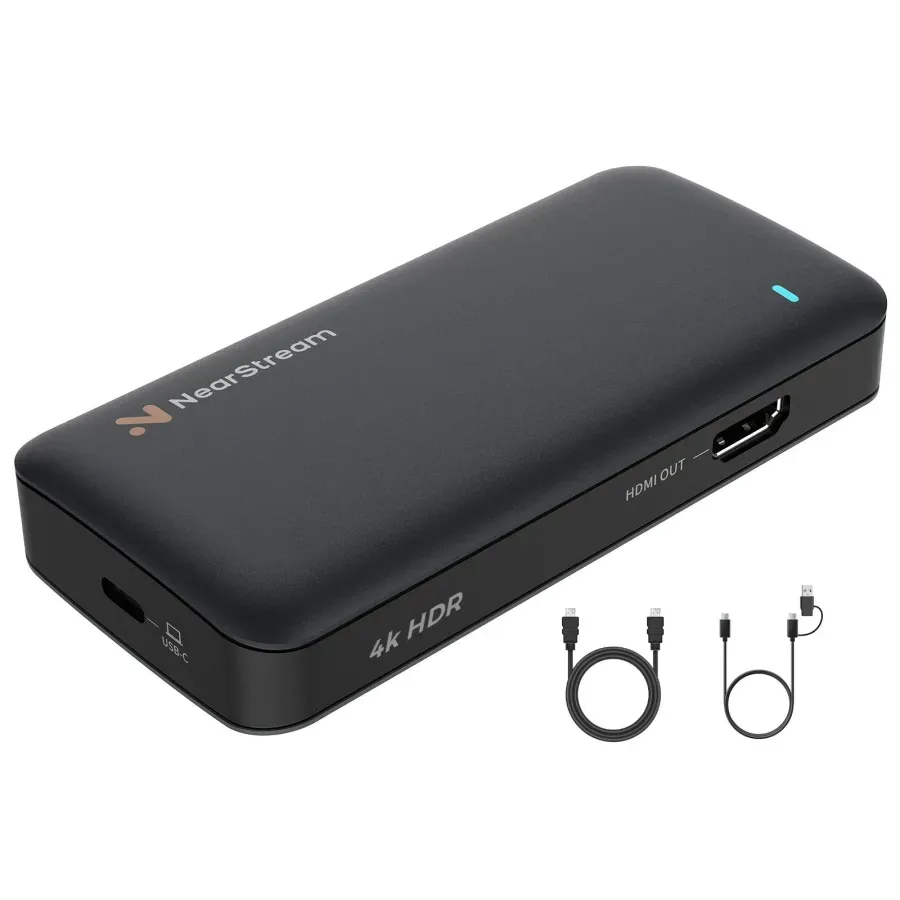
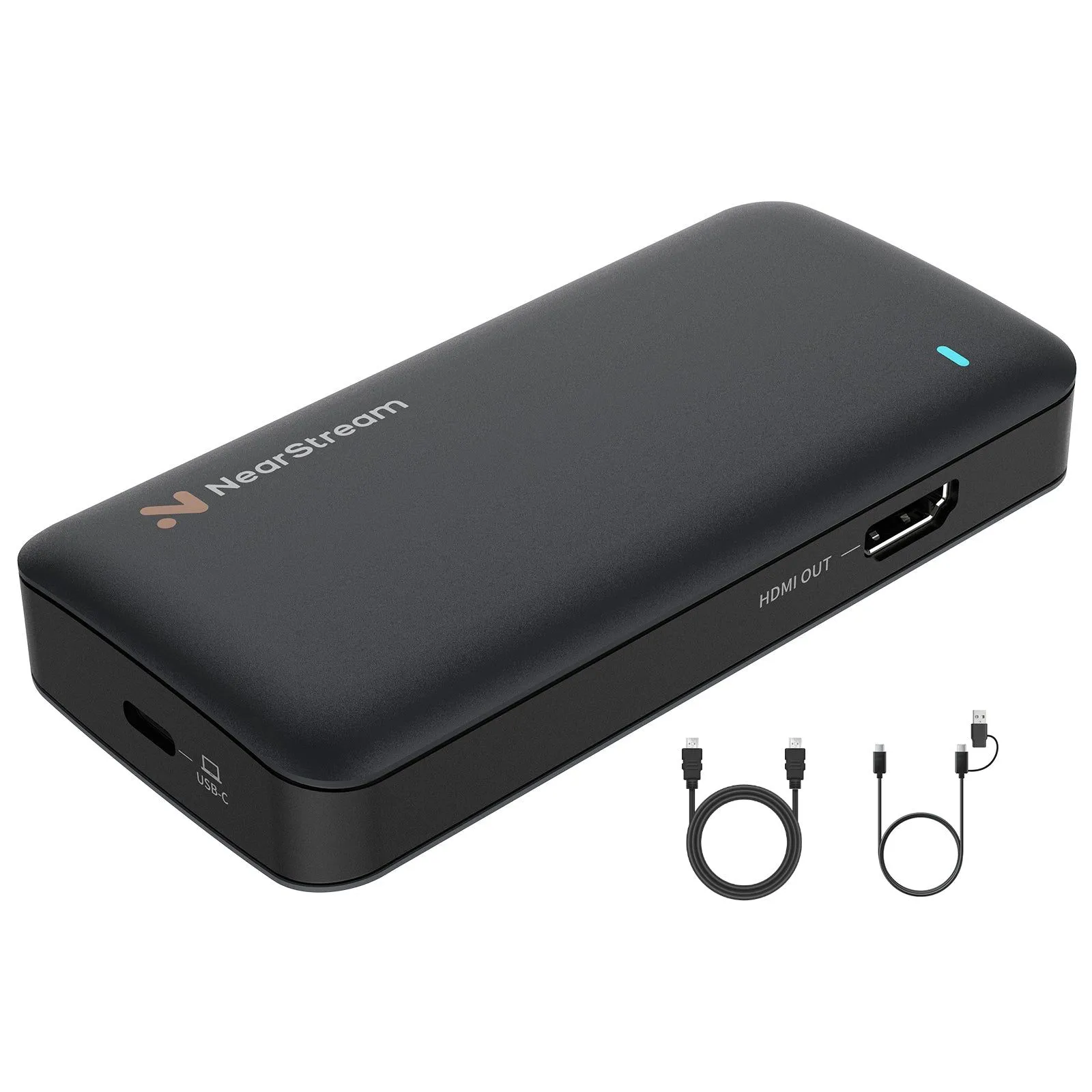
You might have a $2,000 camcorder, but you cannot plug it directly into a laptop. Laptops do not have HDMI Inputs. This is where the capture card becomes the most critical link in the chain.
The NearStream Solution for Long Distances:
In a large church, your camera might be 50 feet away from the streaming laptop.
- Signal Integrity: Cheap plastic dongles often fail to read signals from long HDMI cables (signal degradation).
- NearStream Capture Card: Engineered with high-quality input receivers, NearStream ensures that even if the camera is at the back of the church, the signal arrives at the laptop with 100% integrity, zero flicker, and zero frame drops.
Why NearStream is the Best Capture Card for Audio Clarity
In a Catholic mass, the Liturgy of the Word and the Exchange of Vows are the most important moments. If the remote audience cannot hear the "I do," the stream has failed.
When looking for the best capture card for churches, video is important, but Audio Processing is paramount.
The "Soundboard to Stream" Technique
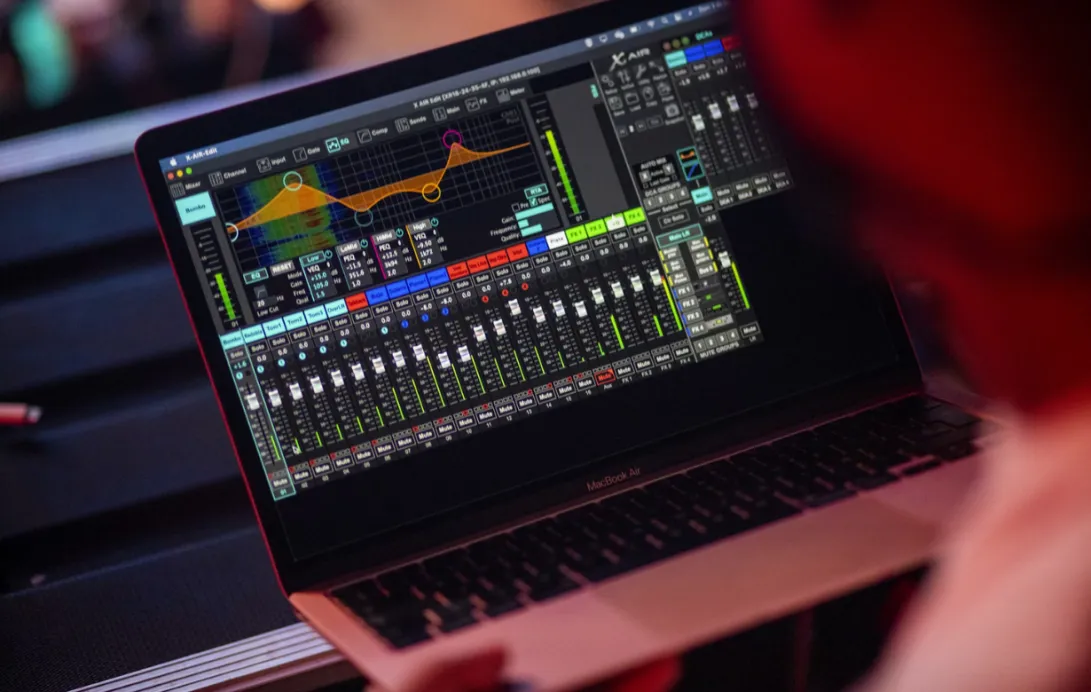
Most Catholic churches have a sophisticated sound system (Soundboard/Mixer) that controls the microphones on the ambo (lectern) and the altar.
- The Output: Take an output (XLR or 1/4 inch) from the church mixer.
- The Camera Input: Feed that cable into your Camcorder's "Mic Input."
- The HDMI Carrier: The Camcorder embeds this crystal-clear audio into the HDMI signal.
- The NearStream Role: The NearStream capture card receives this HDMI signal. Unlike cheaper cards that compress audio, NearStream preserves the high-fidelity audio data (PCM/AAC) and sends it to your computer.
Result: Your remote audience hears the priest and the couple exactly as clearly as if they were wearing headphones plugged into the church microphone. No echo. No background noise.

Essential Gear: Things You Need for a Wedding Broadcast
To help you prepare, here is a definitive checklist of things you need for a wedding live stream. This list balances budget with professional reliability.
Table 2: The "Cathedral Ready" Gear Checklist
| Item Category | Recommended Specs | Why You Need It |
|---|---|---|
| 1. The Camera | Camcorder with 20x Optical Zoom | To see the couple's faces from the back of the church. |
| 2. The Bridge | NearStream Capture Card | To convert the HDMI camera signal for the laptop. Must handle heat well. |
| 3. The Computer | Laptop with USB 3.0 | To run OBS Studio or Zoom. |
| 4. The Cables | High-Speed HDMI (or Fiber Optic HDMI) | Standard copper cables fail after 25ft. Use Fiber Optic for long runs. |
| 5. The Audio | XLR to 3.5mm Adapter / Audio Recorder | To connect the church soundboard to your camera. |
| 6. The Tripod | Fluid Head Tripod | For smooth panning when the bride walks down the aisle. |
| 7. Power | AC Power Adapters | Never rely on batteries for a 90-minute Catholic mass. |
Step-by-Step: How to Live Stream Wedding Ceremonies
You have the gear. Now, here is how to set it up on the big day.
Step 1: The Audio Handshake (Crucial)
Arrive at the church at least 60 minutes early. Find the Sacristan or the Sound Technician. Ask politely: "Can I get an aux out from the soundboard for the video feed?"
- Tip: Bring multiple adapters (RCA, 1/4 inch, XLR) because every church mixer is different.
Step 2: Cable Management
Run your HDMI cable from the balcony/choir loft to your laptop station. Tape down cables (Gaffer tape) to ensure no one trips.
Connect the HDMI into the NearStream Capture Card, and plug the card into your laptop's USB 3.0 port.
Step 3: OBS Configuration
- Open OBS Studio.
- Add Source > Video Capture Device > Select NearStream.
- Resolution: Set to 1920x1080.
- Frame Rate: Set to 30fps (Cinema/TV feel) or 60fps (Smooth motion). Note: 30fps is usually better for low-light church settings as it allows the camera shutter to stay open longer.
Step 4: The "Heat Test"
Catholic weddings are long. Including the seating, mass, and exit, you might be streaming for 2 hours.
Why NearStream Wins Here: Cheap dongles overheat and freeze after 45 minutes of 1080p encoding. NearStream’s aluminum alloy chassis effectively dissipates heat, ensuring the stream stays stable from the entrance procession to the final blessing.
Troubleshooting Common Church Streaming Issues
Even with the best plans, things happen. Here is a quick fix guide for the day of the event.
Table 3: Troubleshooting Matrix
| Problem | Likely Cause | Rapid Fix |
|---|---|---|
| Video is too Dark | Camera Aperture closed | Open the camera Iris/Aperture. Lower the Shutter Speed to 1/60 or 1/30. |
| Audio has a loud "Hum" | Ground Loop interference | Use a "Ground Loop Isolator" on the audio cable coming from the soundboard. |
| Video Flickers / No Signal | HDMI cable too long | If cable is >25ft, you need an HDMI Signal Booster or a Fiber Optic HDMI cable. |
| Laptop Battery Dying | High CPU usage | Streaming eats power. ALWAYS plug the laptop into wall power. |
| Stream lags/buffers | Poor Church Wi-Fi | Never use Wi-Fi. Use a long Ethernet cable to connect to the church router, or use a 5G Cellular Hotspot bonding device. |
Conclusion
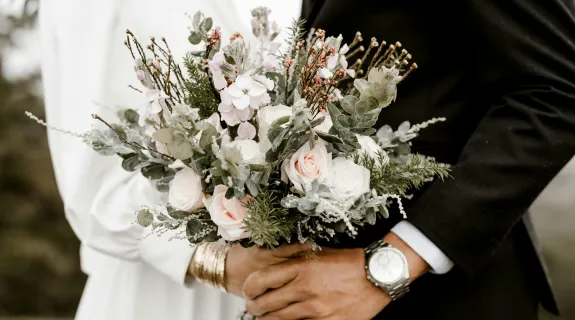
A Catholic church wedding is a momentous occasion, rich in tradition and visual splendor. It deserves better than a shaky smartphone video.
By upgrading your setup with a dedicated camcorder and the NearStream capture card, you solve the three giants of church streaming: distance, darkness, and echo. You aren't just broadcasting a video; you are extending the invitation of the sacrament to loved ones around the world, ensuring they can see every smile and hear every vow with absolute clarity.
FAQ: Frequently Asked Questions
Q1: Do I need 4K for a church livestream?
A: Generally, no. Most platforms (Facebook Live, Zoom) compress video to 720p or 1080p. However, using a camera and capture card that supports 4K (like NearStream) allows you to record a high-quality master copy to your hard drive while streaming a compressed version to the internet.
Q2: How do I get internet in an old stone church?
A: Stone walls block cellular signals, and church Wi-Fi is often slow. The best method is to ask the church for an Ethernet port connection. If that's not available, bring a dedicated 5G Mobile Hotspot and place it near a window or door.
Q3: Can I use a DSLR instead of a Camcorder?
A: Yes, but be careful. Many DSLRs have a 30-minute recording limit and may overheat during a long mass. Camcorders are designed to run for hours without stopping. If using a DSLR, ensure it has "Clean HDMI" output and a dummy battery for continuous power.
Q4: Can I use NearStream with vMix or Wirecast?
A: Absolutely. NearStream is fully compatible with professional broadcast software like vMix, Wirecast, OBS, and ECAMM Live. It appears as a standard video source, making it easy to integrate into complex multi-camera productions.


 sales@nearstream.us






