









































You’ve just dropped a bunch of cash on the iPhone 16 Pro. You’ve got that gorgeous 4K ProRes log footage, the stabilization is buttery smooth, and the color grading looks like a movie. But then… you hit play.
And it sounds like you recorded your vlog inside a tin can. Or worse, a washing machine. That’s why finding a reliable lavalier microphone is probably the single most important upgrade you can make for your channel this year.
So, grab a coffee, and let’s talk about finding the best mic for iphone setup for you.

The Mobile Audio Landscape: What’s Out There?
When you start looking for a microphone for iPhone, the options can get overwhelming fast. The market has exploded in the last year.
If you look at the top-tier recommended wireless microphones for iPhone, you’ll see some familiar names. You’ve got the Shure MoveMic 88+, which is a beast for mobile journalists. Then there’s the super-compact DJI Mic Mini, which is great if you want something tiny. Of course, you can't ignore the industry standard RØDE Wireless GO II, which has been on every YouTuber's collar for years. And for the old-school vloggers, the Shure MV88+ is still a solid wired option.
Honestly, the Shure MoveMic Two-Kit is such an interesting piece of tech that it could easily be the subject of a dedicated blog post recommending five wireless microphones for iPhone.
But today, I want to focus on a newcomer that is punching way above its weight class. It’s the NearStream AWM28T, and for my money, it’s currently the most versatile iPhone mic you can grab if you are a content creator who juggles multiple platforms.

Why the NearStream AWM28T is My Current Favorite
I’ve been testing the AWM28T for a few weeks now, and it solves so many of the headaches I usually have with wireless audio. It’s ranked highly for a reason—it’s just incredibly practical.
Here is the breakdown of why this thing has earned a permanent spot in my camera bag.
1. Studio-Quality Audio (That Actually Sounds Like a Studio)
A lot of budget wireless mics sound "thin." They lack that rich, broadcast-quality bottom end. The AWM28T is engineered with a high-fidelity 6mm condenser microphone that captures 48kHz/24-bit uncompressed audio.
In plain English? It sounds rich.
With a 90dB Signal-to-Noise Ratio (SNR) and the ability to handle 120dB SPL (Sound Pressure Level), this thing captures every nuance. I’m talking about the subtle texture of a whisper all the way up to intense vocals without distorting. If you’re a singer or you get really excited during your gaming streams, this mic for iphone won’t crack under pressure.
2. AI Noise Reduction That Isn't "Robotic"
We film in the real world, not soundproof studios. AC units hum, traffic honks, and coffee shops are noisy.
The AWM28T has an advanced HiFi 4 DSP chip with AI-powered noise cancellation. It’s been trained on over 700,000 noise types. It intelligently filters out steady background noise (like that annoying fridge hum) by -21dB and can squash sudden disruptions by -40dB.
The best part? It doesn’t make your voice sound like a robot underwater. It keeps your vocals crystal clear and isolated.
3. Total Control at Your Fingertips
The receiver has a responsive LCD touchscreen. This is a game-changer. No more fiddling with tiny buttons or opening an app just to check your battery. You can adjust gain instantly and switch between three recording modes:
- Mono: Great for a single speaker.
- Stereo: Perfect if you want to capture some ambient sound or two distinct speakers.
- Safety Track: This records a second version of your audio at a lower volume, so if you scream, you have a backup that isn't distorted.
4. The Streamer's Dream: Dual-Device Recording
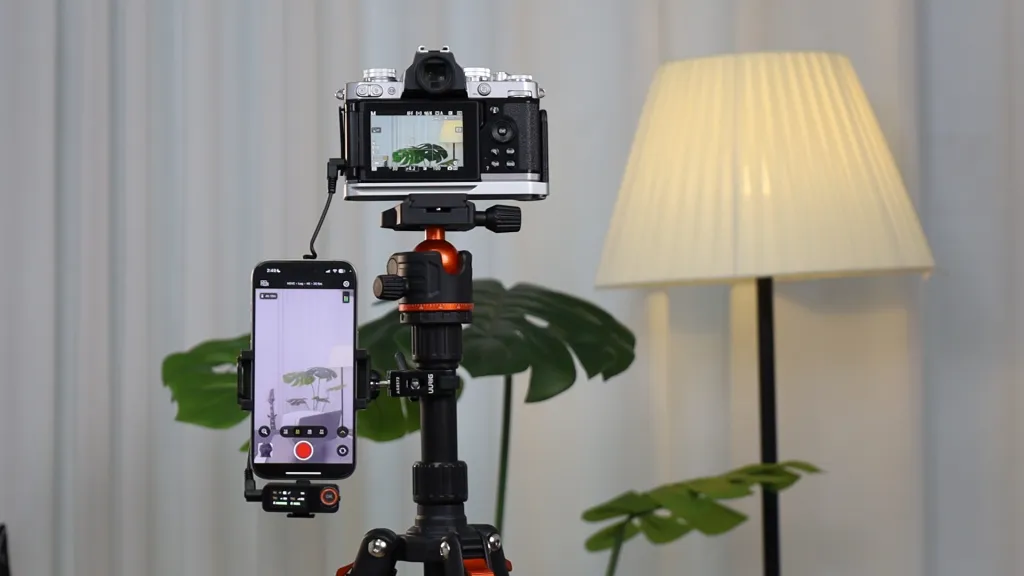
This is the feature that made me fall in love. The receiver has both a 3.5mm analog output and a USB-C digital output.
Why does this matter?
It means you can plug the receiver into your mirrorless camera (via the 3.5mm jack) AND your iPhone 15/16 (via USB-C) at the same time. You can record high-quality audio to your main camera for your YouTube video, while simultaneously recording perfect audio to your phone for TikTok or Instagram Reels.
No adapters. No syncing in post. Just plug and play. It includes adapters for iPhone 15/16 (USB-C), legacy iPhones (Lightning), and Android, so it’s compatible with basically everything.
5. Battery Life for Days (Literally)
Battery anxiety is real. There is nothing worse than your mic dying mid-vlog.
- Transmitters: 9 hours of runtime.
- Charging Case: Extends the total runtime to 54 hours.
- Fast Charging: 0% to 100% in just 2 hours.
Plus, it has a 100m (328ft) transmission range. You can walk ridiculously far away from your phone and still sound like you’re standing right next to it.
How to Get Pro Audio on Your iPhone (A Mini Tutorial)
Okay, you’ve got a great lavalier microphone. Now, how do you use it to get that "pro" sound? It’s not just about plugging it in; it’s about Gain Staging.
Step 1: Trust the Hardware
Because the AWM28T has such a high dynamic range (120dB SPL), you don't need to baby it. Speak naturally. Whether you are whispering a secret to your vlog or shouting at a jump scare, the capsule can handle it.
Step 2: The Receiver Output
Use the touchscreen on the receiver to check your levels. You want your voice to be hitting around -12dB to -6dB on the meter. If you are hitting 0dB (the top of the meter), you are "clipping" and it will sound distorted. If you are too low, you’ll hear hiss when you boost it later. The touchscreen makes dialing this in super easy.
Step 3: Use the Safety Track
I cannot stress this enough: Always use the Safety Track mode.
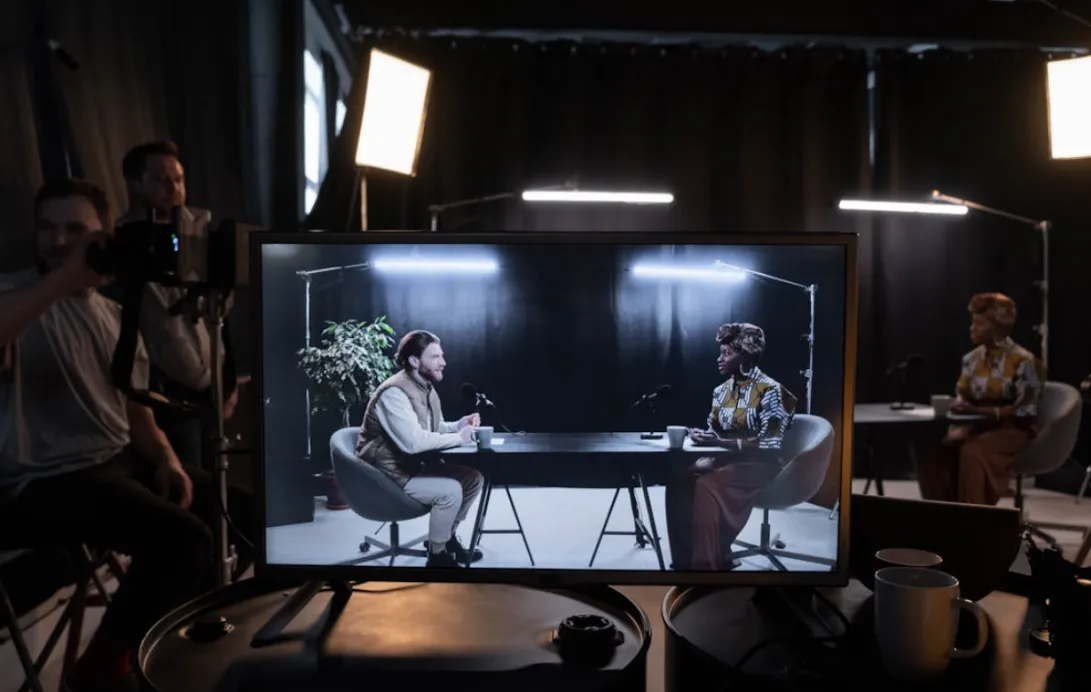
Imagine you are filming an interview. Everything is calm. Suddenly, your guest bursts out laughing. On a normal mic, that laugh would be blown out and distorted. With the Safety Track, the AWM28T saves a second copy of the audio at a lower volume (-6dB). You can just drag that clean audio over the distorted part in your editor. It’s a lifesaver.
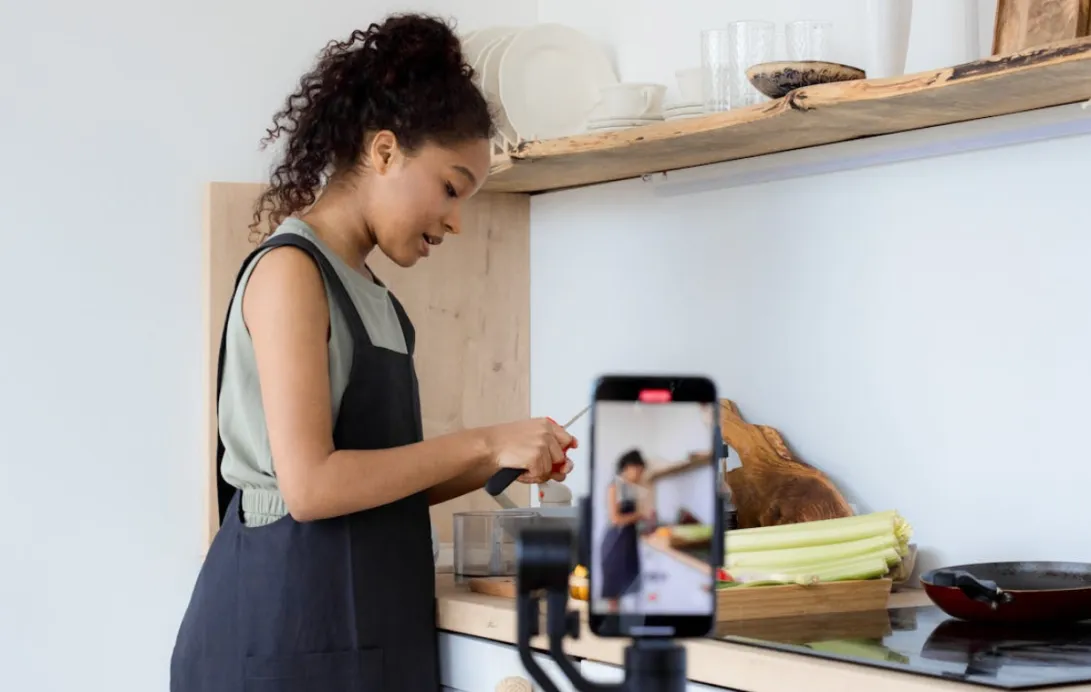
Solo Vlogging Workflow: The "Set and Forget" Method
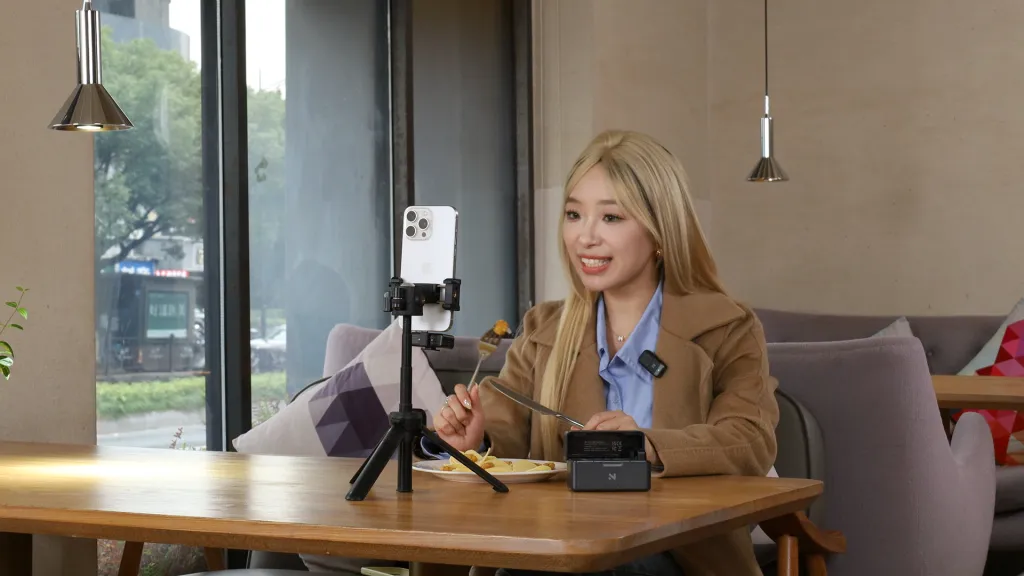
If you are a solo creator (like me), you know the struggle. You are the talent, the camera operator, and the audio engineer all at once.
Using a wireless microphone for iphone like the AWM28T allows you to separate yourself from the camera.
The Setup:
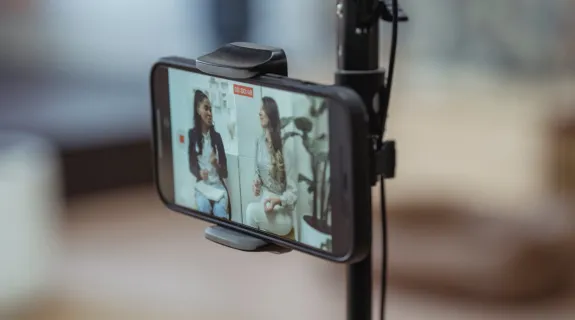
- Tripod Up: Set up your iPhone on a tripod.
- Light It Right: Put a soft light (like a softbox or a window) at a 45-degree angle to your face. Avoid ring lights if you wear glasses!
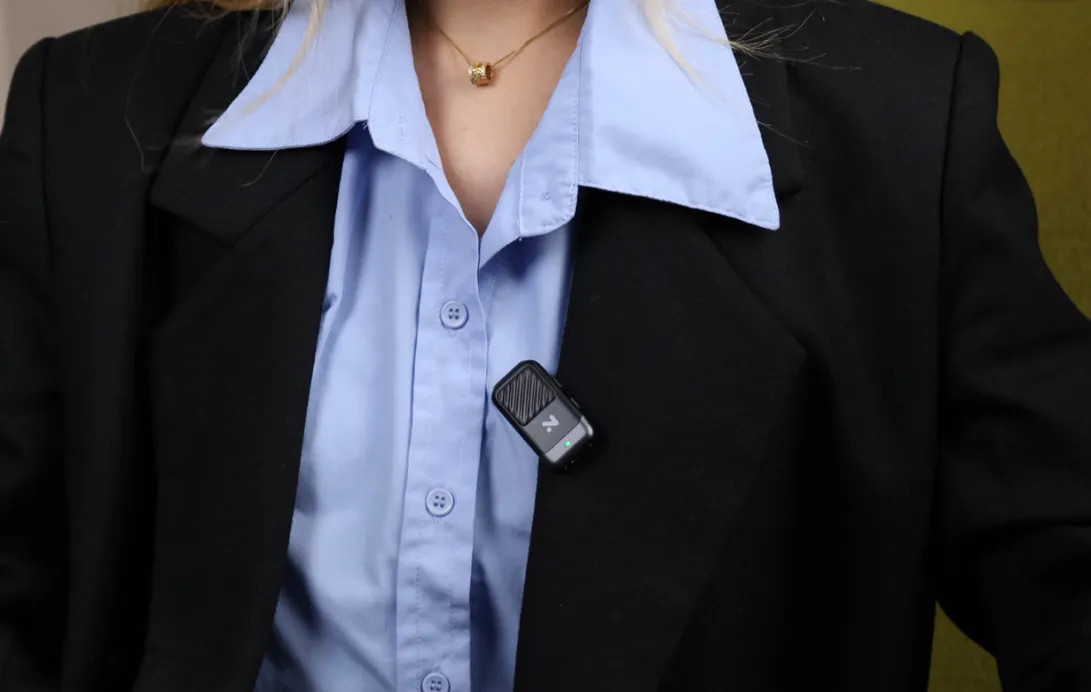
- Mic Check: Clip the AWM28T transmitter to your collar. Or, use the magnetic attachment to hide it under your shirt for a cleaner look.
- Monitor: Plug a pair of headphones into the receiver’s 3.5mm headphone jack. Do a quick test recording. Listen back. Is there wind noise? (Use the included fur windshield). Is there traffic? (Turn on the AI Noise Reduction).
- Action: Hit record.
Because the mic is wireless, you can move around your kitchen, your studio, or the street, and your voice will always be consistent. The "inverse square law" doesn't apply to you anymore because the mic stays with you, not the camera.
Comparing the Contenders
Look, the(https://www.shure.com/en-US/products/microphones/movemic88plus) is fantastic if you need specific polar patterns for field recording. The(https://store.dji.com/product/dji-mic-mini) is incredible if you are counting every gram of weight in your backpack. The(https://rode.com/en/products/wireless-go-ii) has that legendary onboard recording backup.
But for the modern creator who needs to move fast, stream to multiple devices, and wants a touchscreen interface that just works, the NearStream AWM28T is the best mic for iphone right now.
It bridges the gap between "hobbyist gear" and "professional studio," all while fitting in your pocket.
What You Get in the Box
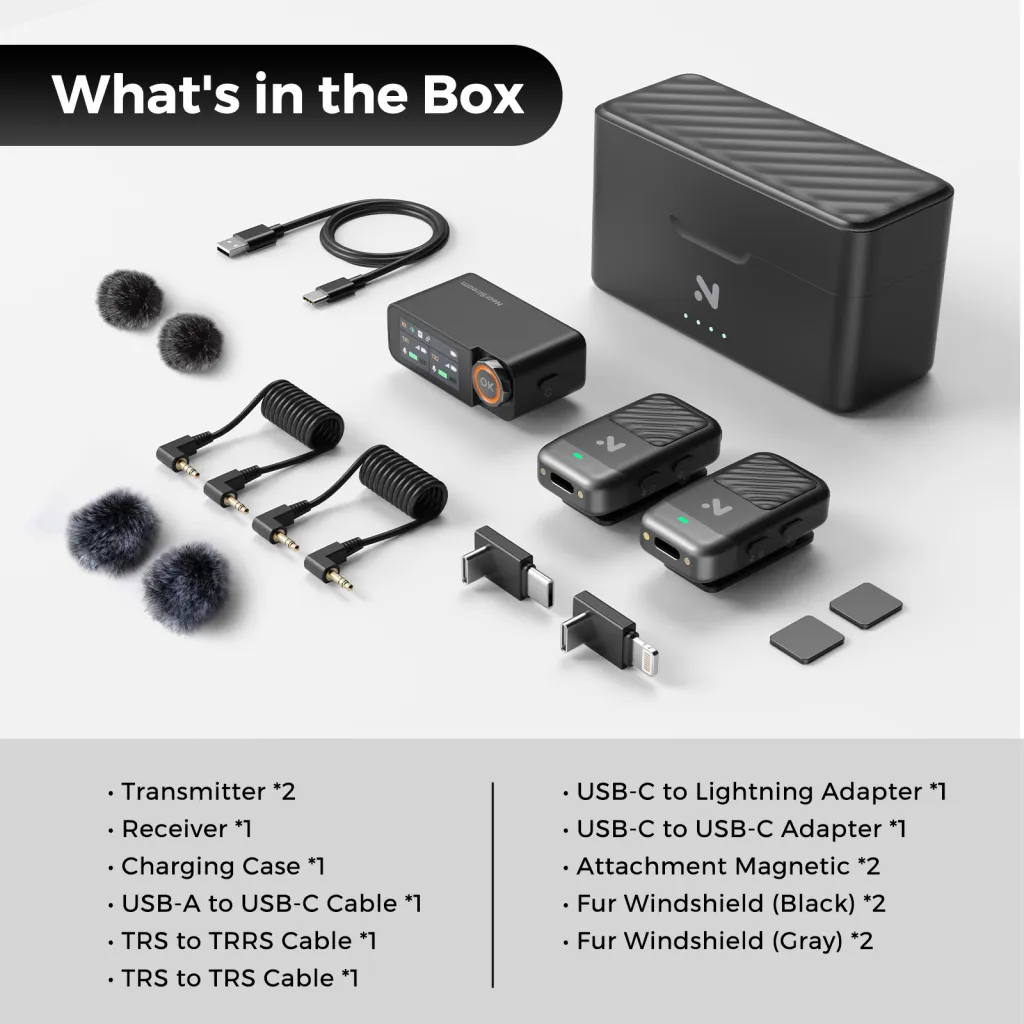
Just so you know what you’re buying, the AWM28T kit is fully loaded. You don't need to buy extra dongles.
- Transmitters x2 (So you can interview a friend!)
- Receiver x1 (With the touchscreen)
- Charging Case x1 (54 hours of power!)
- Cables: USB-A to USB-C, 3.5mm TRS to TRS (for cameras), 3.5mm TRS to TRRS (for older phones/laptops).
- Adapters: USB-C to Lightning (for older iPhones), USB-C to USB-C (for iPhone 15/16).
- Windshields: 2x Black and 2x Gray fur windshields.
- Magnetic Attachments: 2x (for easy mounting).
Conclusion: Audio is Half the Experience
Rule #1 of video making: Viewers will forgive a slightly grainy video, but they will click away instantly if the audio is bad.
Don't let your amazing content get ruined by the built-in microphone on your phone. Whether you choose the AWM28T or one of the other great options we mentioned, investing in a proper iphone mic is the best thing you can do for your channel in 2025.
Go create something awesome (and make sure it sounds as good as it looks)!
Frequently Asked Questions (FAQ)
Q: Will this microphone work with the new iPhone 15 and 16?
A: Yes! The AWM28T comes with a USB-C adapter that plugs directly into the iPhone 15 and 16 series. It also includes a Lightning adapter for older iPhones (14 and below). It is fully plug-and-play.
Q: Do I need an app to use the AWM28T?
A: No, you don't need an app for basic recording. It works natively with the default Camera app, Voice Memos, Instagram, TikTok, and YouTube. However, there is a companion app if you want to access advanced features like firmware updates or local transcriptions.
Q: Can I use this for live streaming?
A: Absolutely. This is one of the best use cases for it. You can plug the receiver into your phone and go live on TikTok or Instagram. Because it uses digital audio via USB-C, the quality is pristine compared to analog adapters.
Q: How far is the range really?
A: The rated range is 100 meters (328ft) line-of-sight. In a crowded city with lots of Wi-Fi signals, this might be a bit less, but for 99% of creators, you will never walk far enough away from your phone to lose signal.
Q: Does the AI noise cancellation make my voice sound weird?
A: Not if used correctly. The AWM28T’s algorithm is very good at preserving the natural tone of the voice. However, like any noise reduction, it's best used when there is actually noise. If you are in a quiet studio, turn it off for the absolute highest fidelity. If you are in a coffee shop, turn it on!

 sales@nearstream.us






