


























































Struggling to find an affordable yet high-quality camera for live streaming? This guide compares the top budget-friendly options, analyzing key features like resolution, autofocus, and connectivity. Discover which models deliver professional results without the hefty price tag, including hidden gems like the NearStream VM20 for hassle-free streaming. Perfect for gamers, content creators, and beginners looking to upgrade their setup on a budget.
The Rise of Streaming and Affordable Camera Options
Streaming has grown into a massive industry, with over 2.5 million active streamers on Twitch and millions more broadcasting on YouTube, Facebook, and TikTok every day. Whether you're gaming, hosting live chats, or creating content, a high-quality camera makes a big difference in how professional your stream looks and how engaged your audience stays.
While top-tier streaming setups can cost over $1,000, you don't need to spend that much to get great results. Many budget-friendly cameras now offer features like 1080p/60fps video, sharp autofocus, and excellent low-light performance—all at a fraction of the price of professional gear. With the right affordable camera, you can significantly upgrade your stream's quality without straining your budget.
How We Evaluated These Cameras
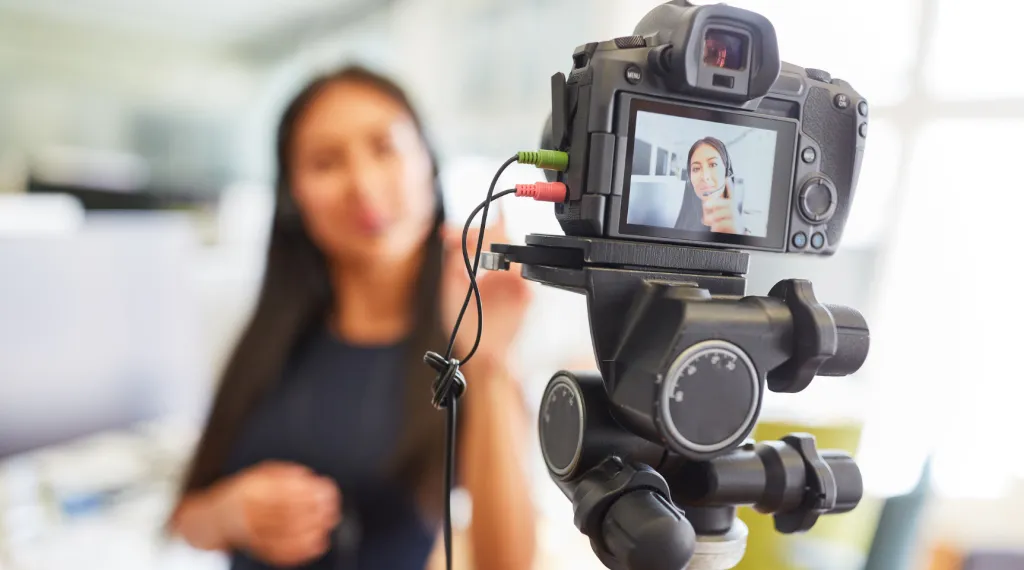
To find the best budget camera for streaming, we looked beyond just the price tag. We evaluated over a dozen cameras based on their low-light performance (crucial for home studios), autofocus reliability, frame rates (prioritizing 60fps for gamers and smooth 4K/1080p for general content), and how easily they integrate with software like OBS and Streamlabs.
Why You Need a Dedicated Streaming Camera
Most beginners start with a basic webcam, but upgrading to a dedicated streaming camera can significantly improve your video quality. Here’s why:
Better Quality Than Webcams
Most webcams cap at 1080p 30fps, while budget streaming cameras deliver 1080p 60fps or 4K, with superior color accuracy and detail—ideal for [flawless video streaming].
More Control Over Lighting & Focus
Unlike basic webcams, budget streaming cameras often feature manual focus, exposure, and white balance adjustments. This extra control helps you fine-tune lighting and sharpness for a polished, professional look—without expensive equipment.
Professional Look Without Breaking the Bank
Skip the $2,000 pro cameras—many cameras under $500 deliver crisp, near-professional quality for streaming. Great visuals don’t have to cost a fortune.
What to Look for in a Cheap Streaming Camera
Before buying, consider these key factors:
1. Resolution & Frame Rate (1080p vs. 4K)
- 1080p 60fps is ideal for most streamers.
- 4K is great if you also record videos, but most platforms downgrade to 1080p anyway.
2. Autofocus & Low-Light Performance
- Fast autofocus keeps you sharp even when moving.
- Good low-light performance is crucial if you don’t have perfect lighting.
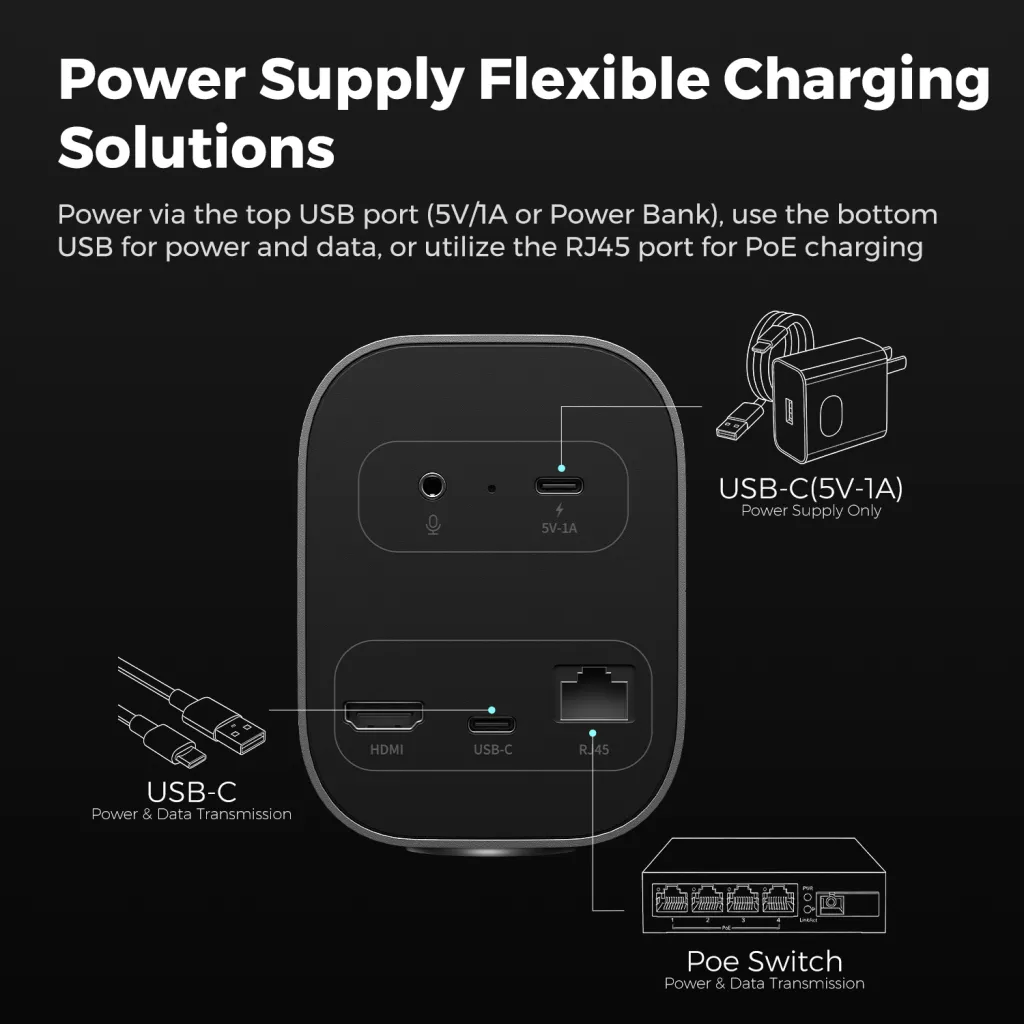
3. Connectivity (HDMI vs. USB)
- HDMI cameras require a [capture card] (better quality).
- USB cameras are plug-and-play (easier setup).
4. Compatibility with Streaming Software
Ensure your camera works with OBS, Streamlabs, or XSplit.
Best Cheap Cameras for Streaming – Top 5 Picks
1. Logitech Brio 4K – Best Overall Budget Streaming Camera
✅ Pros:
- 4K resolution (downscales beautifully to 1080p)
- HDR & excellent low-light performance
- USB plug-and-play
❌ Cons:
- No interchangeable lenses
- Slightly pricier than basic webcams
Best For: Streamers who want a hassle-free, high-quality USB camera.
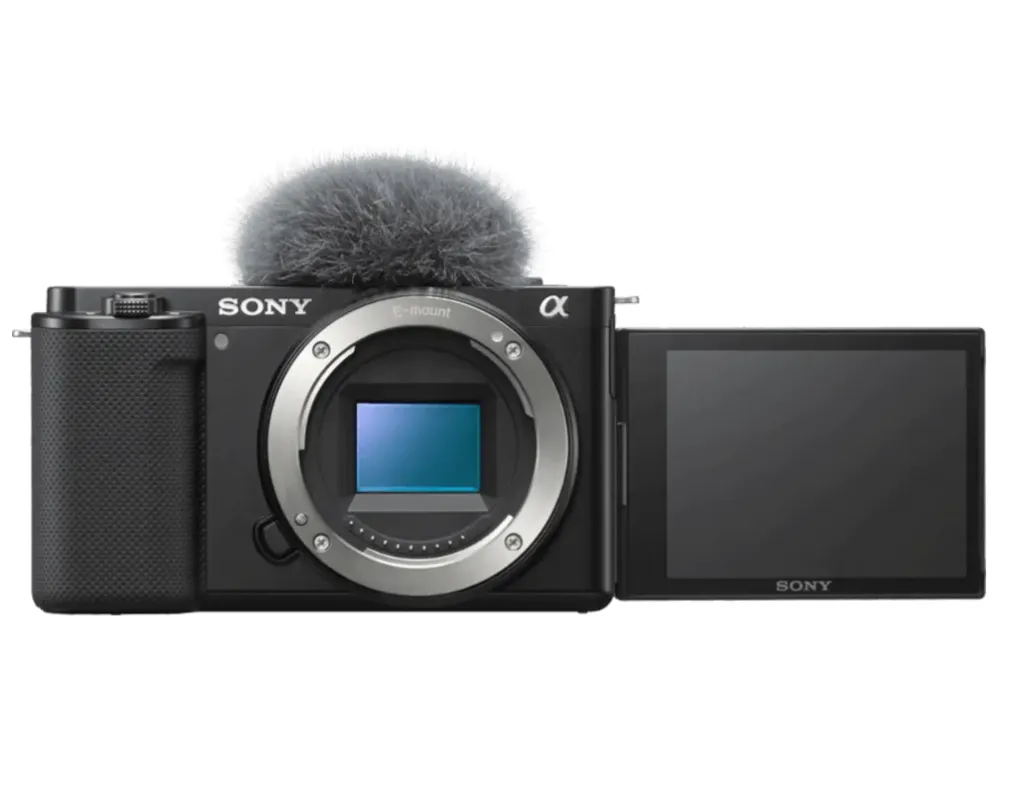
2. Sony ZV-E10 – Best Budget 4K Mirrorless for Streaming
✅ Pros:
- Interchangeable lenses (great for customization)
- Superb autofocus & background blur
- HDMI output for capture cards
❌ Cons:
- Requires extra accessories (lens, capture card)
- Not USB-powered
Best For: Content creators who also record videos.
3. Elgato Facecam – Best USB Plug-and-Play Option
✅ Pros:
- Optimized for streaming (1080p 60fps)
- Great software control
- No extra drivers needed
❌ Cons:
- Fixed focus (not ideal for moving streamers)
Best For: Gamers who want a simple, high-quality USB cam.
4. Canon M200 – Best for Low-Light Streaming
✅ Pros:
- Excellent APS-C sensor (great in dim lighting)
- Lightweight & compact
- Flip screen for monitoring
❌ Cons:
- No clean HDMI out (requires workaround)
Best For: Streamers with poor lighting conditions.
5. Razer Kiyo Pro – Best for Adjustable Lighting
✅ Pros:
- Built-in adaptive light sensor
- 1080p 60fps with wide FOV
- USB-powered
❌ Cons:
- No 4K option
Best For: Travel streamers or those without studio lighting.
Best Buy Streaming Camera – Where to Get the Best Deals
- Amazon Prime Day / Black Friday: Big discounts on Logitech, Sony, and Elgato.
- Refurbished Cameras: Check Canon & Sony’s official refurb stores for like-new deals.
- Bundles: Some cameras come with tripods, mics, or capture cards.
NearStream VM20 – Best Overall Plug-and-Play Camera
If you want a budget-friendly, high-quality streaming camera without dealing with HDMI capture cards, the NearStream VM20 is a fantastic choice.
✅ Pros:
- 4k 30fps with crisp detail
- USB-powered (no extra adapters needed)
- Built-in mic & autofocus
- Works with OBS, Zoom, and Twitch
Best For: Beginners or streamers who want an affordable, all-in-one solution without complicated setups.
Cheap Streaming Camera Alternatives
- Smartphone as a Webcam: Apps like EpocCam turn your phone into a 1080p webcam.
- Budget Webcams: The Logitech C920 is still a solid backup.
Camera Model | Best For | Max Resolution | Setup Type |
|---|---|---|---|
NearStream VM20 | Best All-in-One Plug & Play | 4K 30fps / 1080p 60fps | USB (No capture card) |
Logitech Brio 4K | General Streaming | 4K 30fps | USB |
Sony ZV-E10 | Pro-level Video | 4K 30fps | HDMI (Needs capture card) |
Elgato Facecam | Twitch Gaming | 1080p 60fps | USB |
Canon M200 | Low-light setups | 4K 24fps | HDMI (Needs capture card) |
Best Budget Camera for Live Streaming Church
If you are setting up a broadcast for a house of worship, your needs are different from a standard Twitch gamer. A budget camera for live streaming church services must handle varying lighting conditions (like bright stage lights and dim audience areas) and have a good field of view to capture the altar or stage.
You don't necessarily need a $2,000 PTZ setup right away. The NearStream VM20 is an excellent choice for churches starting their broadcasting journey. Its 4K resolution ensures the congregation gets a clear, sharp view from home, and its simple USB plug-and-play setup means volunteers don't need to be tech experts to start the Sunday stream. For more tips on setting up, check out our [volunteer guide to flawless church live streaming].

Final Verdict – Which Budget Streaming Camera Should You Buy?
- Best for Beginners: Logitech Brio 4K or NearStream VM20
- Best for Professional Streams: Sony ZV-E10 (with a capture card)
- Best for Gamers: Elgato Facecam or Razer Kiyo Pro
FAQs About Cheap Streaming Cameras
Can I use a DSLR for streaming?
Yes! Just ensure your DSLR has clean HDMI output and pair it with a capture card for high-quality streaming. Perfect for professional-looking broadcasts.
Do I need a capture card for streaming?
Only if your camera doesn’t support USB video output. Most DSLRs and pro cameras require a capture card, while many webcams and USB cameras work directly.
What’s the cheapest way to improve stream quality?
Start with proper lighting and an affordable 1080p camera like the NearStream VM20. These simple upgrades make a huge difference without breaking the bank.
Final Thoughts
You don’t need to spend a fortune to get a great streaming setup. Whether you choose a USB webcam, mirrorless camera, or the NearStream VM20, there’s a perfect budget option for every streamer.
Which camera are you considering? Let us know in the comments! 🎥🔥



 sales@nearstream.us






