
























































By The NearStream Audio Team Estimated Reading Time: 15 Minutes
It starts with a simple idea. You have a podcast, a corporate webinar, or a team meeting that needs to happen now.
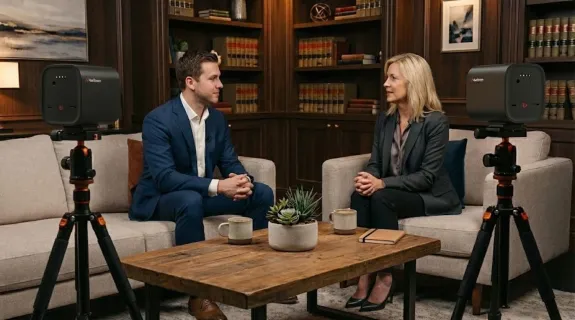
You have the perfect lineup:
- You (The Host): Sitting in the office or studio.
- Guest A (The Local Expert): Sitting right across from you at the table.
- Guest B (The Remote VIP): Dialing in from London via Zoom or Teams.
You have the people. You have the topics. But then you hit a technical wall.
You realize that placing a laptop in the middle of the table won't cut it. If the local guest speaks, the remote guest can't hear them clearly. If the remote guest speaks, their voice echoes back through the room speakers, creating a feedback loop that destroys the conversation. The flow is broken. The "vibe" is dead.
In this comprehensive guide, we will deconstruct why this specific setup is so tricky, why traditional solutions fail, and how the NearStream VM20 is designed to solve it effortlessly.

The Quick Verdict: Yes, It Is Absolutely Possible
Let’s alleviate the anxiety right now. You do not need a television studio. You do not need a dedicated sound engineer monitoring levels in the next room. You don't need to wire everyone up with lavalier microphones like a reality TV show.
You can absolutely run a professional-grade interview where:
- The two people in the room can hear the remote guest clearly without echo.
- The remote guest can hear both people in the room as if they were sitting next to them.
- The audience (livestream or recording) hears a perfectly balanced mix of all three voices.
However, success depends on one thing: Routing.
This setup only works well if the audio is handled correctly at the source. If the hardware can't distinguish between "Local Sound" (you) and "Remote Sound" (Zoom), no amount of software editing can save you.
The "Audio Triangle": Why This Setup Is Usually So Hard
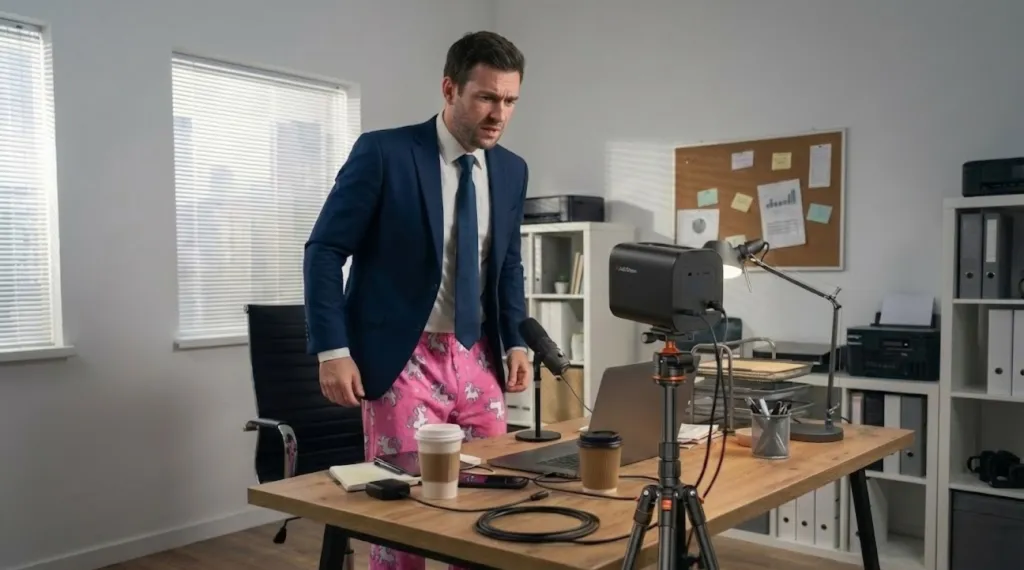
To understand the solution, we must respect the problem. Why do 90% of hybrid interviews sound terrible when using standard webcams or laptops?
It comes down to The Audio Triangle—three distinct points of failure that traditional gear struggles to handle simultaneously.
Point 1: The Local "Huddle"
Standard webcams are designed for one person sitting 2 feet away. When you add a second person to the room, you create a distance gap.
- The Issue: If you use a single directional mic, it’s usually pointed at the host. When the local guest speaks, they sound "off-axis"—distant, muffled, and quiet.
- The Bad Fix: People compensate by leaning uncomfortably close to the microphone (the "huddle"), which looks awkward on camera and kills the natural body language of the interview.
Point 2: The Echo Nightmare
This is the dealbreaker for the remote guest.
To have a conversation, you need to hear the Remote Guest, so you turn up your laptop speakers.
- The Loop: Your microphone hears the sound coming from the speakers.
- The Fail: It sends that sound back to the Remote Guest.
- The Result: The Remote Guest hears their own voice delayed by 0.5 seconds. It is psychologically impossible to speak when you hear your own echo. They stop talking, or they interrupt awkwardly.
Point 3: The Complexity Barrier
To fix this "Old School" style, you would traditionally need a mess of equipment:
- Two XLR Microphones (one for each local person).
- An Audio Interface or Mixer to combine them.
- Headphones for everyone to prevent the echo.
This kills the natural conversation flow. It feels like a science experiment, not a chat.
What a Proper Solution Must Do
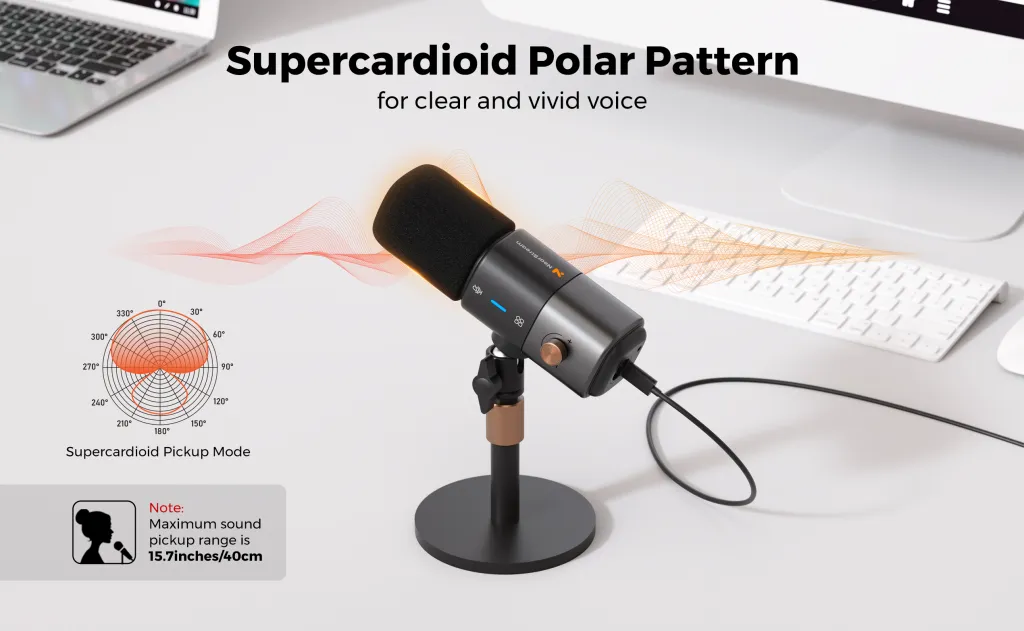
If you are shopping for equipment to solve this, you need to look for specific capabilities. A proper hybrid setup must achieve three goals simultaneously.
| Goal | The Challenge | The Ideal Outcome |
|---|---|---|
| Local Clarity | Two people sitting 1-2 meters apart often sound unbalanced (one loud, one quiet). | Both local voices are captured at equal volume and clarity, regardless of who is speaking. |
| Remote Interaction | The remote guest often hears their own voice echoing back (The "Echo Loop"). | The remote guest hears a clean "Mix-Minus" feed (everything except their own voice). |
| Unified Broadcast | The audience hears disjointed audio (one sounds like a room, one like a phone). | The audience hears a single, polished audio stream where everyone sounds like they are in the same room. |
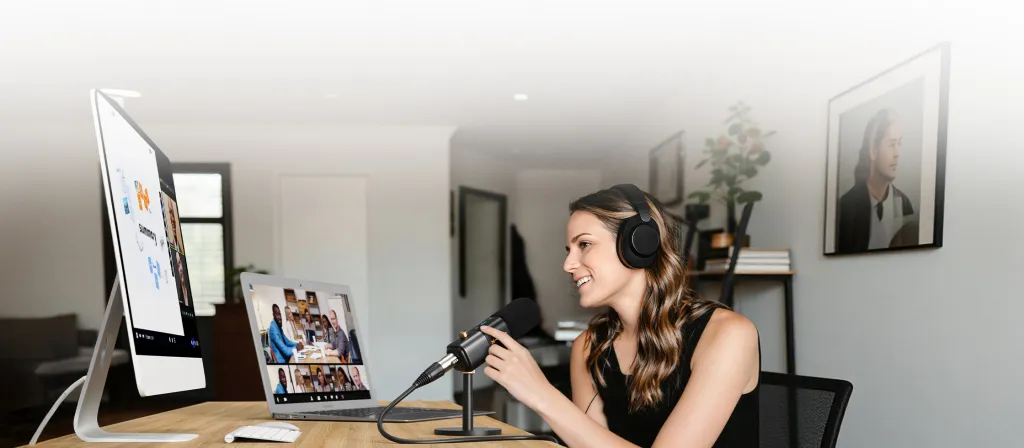
How VM20 Fits This Scenario
This is exactly why we built the NearStream VM20.
We didn't just build a camera; we built an All-in-One Broadcast Hub. When you ask, "Can I do this with a VM20?", the answer is yes, because the VM20 was engineered specifically to replace that entire table of messy equipment.
Core Philosophy:
VM20 is designed for real conversations — not complicated audio setups.
Here is how the VM20 acts as your "Invisible Audio Engineer" to solve the specific problems of the hybrid interview:
It Balances the Room (Beamforming)
The VM20 features an 8-element microphone array with advanced beamforming technology. It doesn't just record "sound"; it detects "direction."
- Dynamic Focus: When the Host speaks, the VM20 focuses on the Host. When the Local Guest speaks, it shifts focus to them.
- The Benefit: You don't need to pass a microphone back and forth. You don't need to lean in. You can sit comfortably at the table and just talk.
It Kills the Echo (Hardware AEC)
This is critical for the "Remote Guest." The VM20 has sophisticated Acoustic Echo Cancellation (AEC) algorithms built directly into the hardware.
- The Magic: The VM20 "knows" what sound is coming from the speaker (the remote guest's voice) and mathematically subtracts it from the microphone input.
- The Benefit: Your remote guest hears only you and your local partner. They hear zero echo of themselves. This allows for natural, "interrupt-friendly" banter.
It Simplifies the Signal (USB Simplicity)
To your computer (Zoom, Teams, OBS, Riverside), the VM20 looks like one single device.
- No Drivers: Plug it in via USB.
- No Mixer: Select "VM20" as Microphone and Speaker.
- Done: The device handles the mixing internally and sends a unified, broadcast-ready signal to your streaming software.
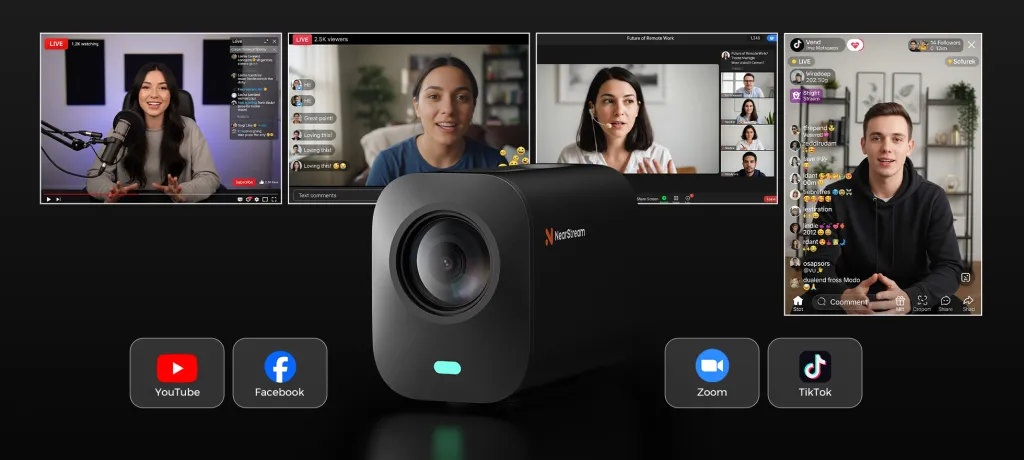
Typical Use Cases: Is This For You?
Now that we know how it works, let's look at who actually benefits from this One Local Host + One Local Guest + One Remote Guest setup.
The Modern Podcast
- Scenario: Two co-hosts sit on a couch in a comfortable studio. They are interviewing an author who is in New York.
- Why VM20: It captures the "buddy chemistry" of the co-hosts while keeping the remote author clearly in the mix, without anyone wearing bulky headphones.
The Corporate "All-Hands"
- Scenario: The CEO and the Head of HR are in the main conference room. The Regional Director joins from the Singapore office to give a quarterly report.
- Why VM20: It ensures hundreds of employees watching the stream hear a unified conversation, not a disjointed Zoom call where half the audio is missing.
The Client Consultation
- Scenario: An architect and a project manager are reviewing blueprints in the office. The client joins via video call to give feedback.
- Why VM20: It captures the discussion around the blueprints clearly. The client can hear both the architect (explaining the design) and the PM (explaining the budget) without confusion.

Addressing Common Concerns (FAQ)
If you are new to hybrid setups, you likely have a few specific worries. Let's address the most common questions we receive from creators.
"Do the local host and guest need to wear headphones?"
With the VM20, No. This is a huge advantage. Because the VM20 has advanced echo cancellation (AEC), you can play the remote guest's voice through the VM20's built-in speaker or your laptop speakers. The microphone is smart enough to ignore that sound, so you don't need to wear headphones to prevent echo. It looks much more natural on camera!
"Does this setup work with Zoom, Teams, and Google Meet?"
Yes. The VM20 is a "Class Compliant" USB device. This means it doesn't care what software you use. If your platform allows you to select a Microphone and a Speaker, it works with the VM20. It effectively "tricks" Zoom into thinking you are just one person, even though you are broadcasting a whole room.
"How close do we need to sit to the VM20?"
For the best "broadcast quality" voice presence (where you sound rich and full), we recommend sitting within 1.5 to 3 meters (5-10 feet) of the camera. The beamforming microphones can pick up sound from further away, but this range ensures the richest voice tone and allows the AI tracking to frame you perfectly.
"What if the local guest speaks very softly and I speak loudly?"
The VM20 features Automatic Gain Control (AGC). It actively listens to the volume of each speaker. It boosts the quiet voices while leveling out the loud ones, ensuring your remote guest (and your audience) hears a consistent volume level without reaching for their volume knob.
Conclusion: Don't Let Tech Kill the Vibe
The fear of "bad audio" holds back too many great conversations. We stick to boring, fully-remote Zoom calls because they are safe, even though we know the chemistry is better when people are in the same room.
You shouldn't have to choose between Human Connection (meeting in person) and Technical Safety (meeting online).
The NearStream VM20 bridges this gap. It handles the physics of sound—the echoes, the varying volumes, the mixing—so you can focus on the interview.
- You get the energy of the local face-to-face interaction.
- You get the expertise of the remote guest.
- And your audience gets a broadcast that sounds like it was produced by a pro.
Yes, you can run a hybrid interview. And with the right tool, it’s actually quite easy.
In the next post of this series, we will move from Theory to Practice. We will provide a comprehensive, step-by-step tutorial on building this exact setup in less than 10 minutes.
Next Up: Blog 2 — How to Set Up a Hybrid Interview with VM20 (Local + Remote) — Step by Step
🛒 Ready to simplify your setup?
Don't let technical hurdles stop your conversation. Explore the NearStream VM20 and see why creators are switching to All-in-One solutions.
[View Product Details]




 sales@nearstream.us






