










































Streaming is a battlefield. With millions of active channels on Twitch and TikTok, "good enough" is no longer enough. To capture a viewer's attention in the first three seconds, your audio needs to be crisp, your visuals need to pop, and your content needs to be everywhere.
But you don't need a Hollywood budget to stand out. Whether you are building a complex dual pc setup for streaming or simply refining your bedroom studio, smart hardware choices can skyrocket your growth. Here are the top 5 strategic upgrades to transform your streamer setups and help you dominate both horizontal and vertical platforms.
Upgrade 1: Intelligent Lighting (The Visual Hook)
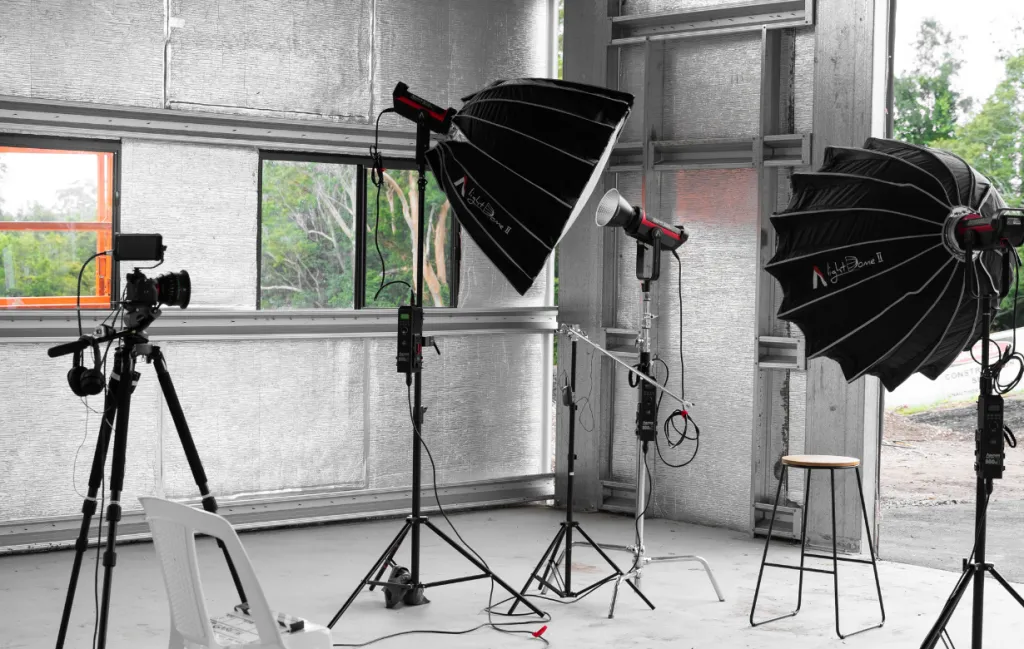
Before we talk about cameras, we must talk about light. You could have a $3,000 camera, but if your lighting is bad, it will look like a $20 webcam. Nowadays, lighting isn't just about visibility; it's about "Mood."
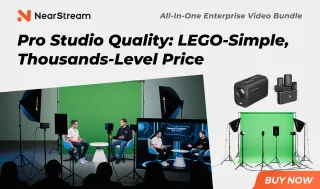
The Standard: 3-Point Lighting
- Key Light: The main light source, usually placed 45 degrees to your side.
- Fill Light: A softer light on the opposite side to eliminate harsh shadows.
- Back Light (Rim Light): This is crucial. A colored LED light behind you separates you from the background, giving your stream depth and a professional look.
Why Upgrade?
Upgrading from a cheap ring light to softbox panels allows you to control the "Color Temperature." Warmer lights (3200K) create a cozy "Just Chatting" vibe, while cooler lights (5600K) scream high-energy gaming.
Upgrade 2: Professional Audio (The Retention King)
Research shows that viewers will tolerate pixelated video, but they will instantly leave if the audio is bad. If you are still using a headset microphone, this is your priority upgrade.
Dynamic vs. Condenser Mics
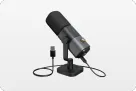
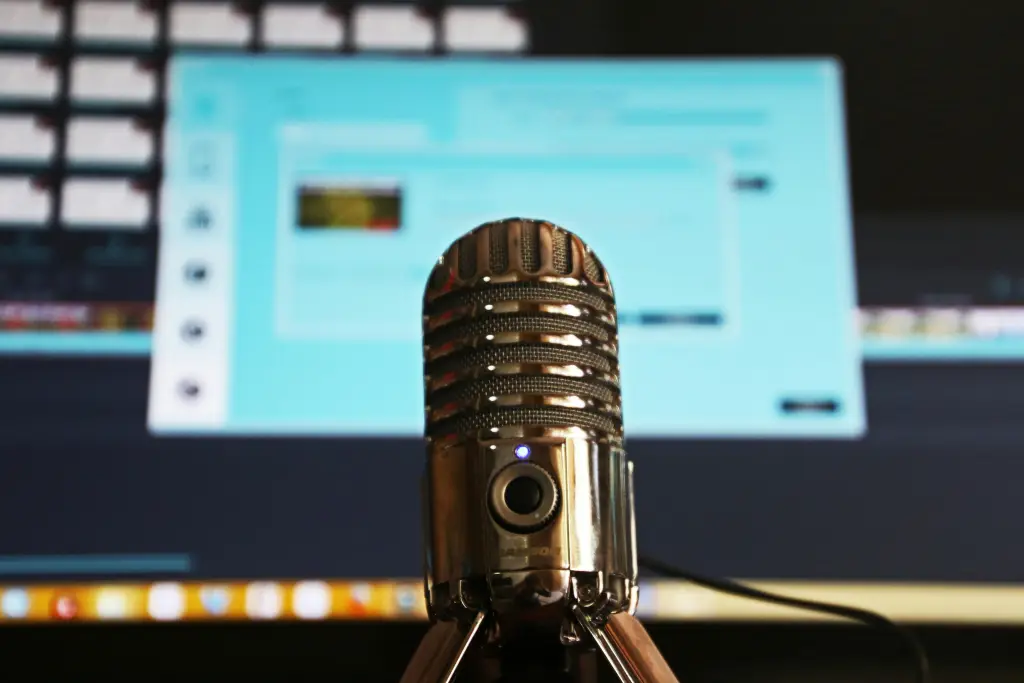
- Condenser Mics (e.g., Blue Yeti): Great for quiet, treated studios. They pick up everything, including your keyboard clicks and air conditioning.
- Dynamic Mics (Recommended): These are less sensitive to background noise and give you that rich, "radio broadcast" voice.
The Interface Factor
To get that "broadcast quality," move away from USB mics to XLR microphones connected to an Audio Interface. This gives you hardware control over your gain and lets you mix your voice before it even hits the software.
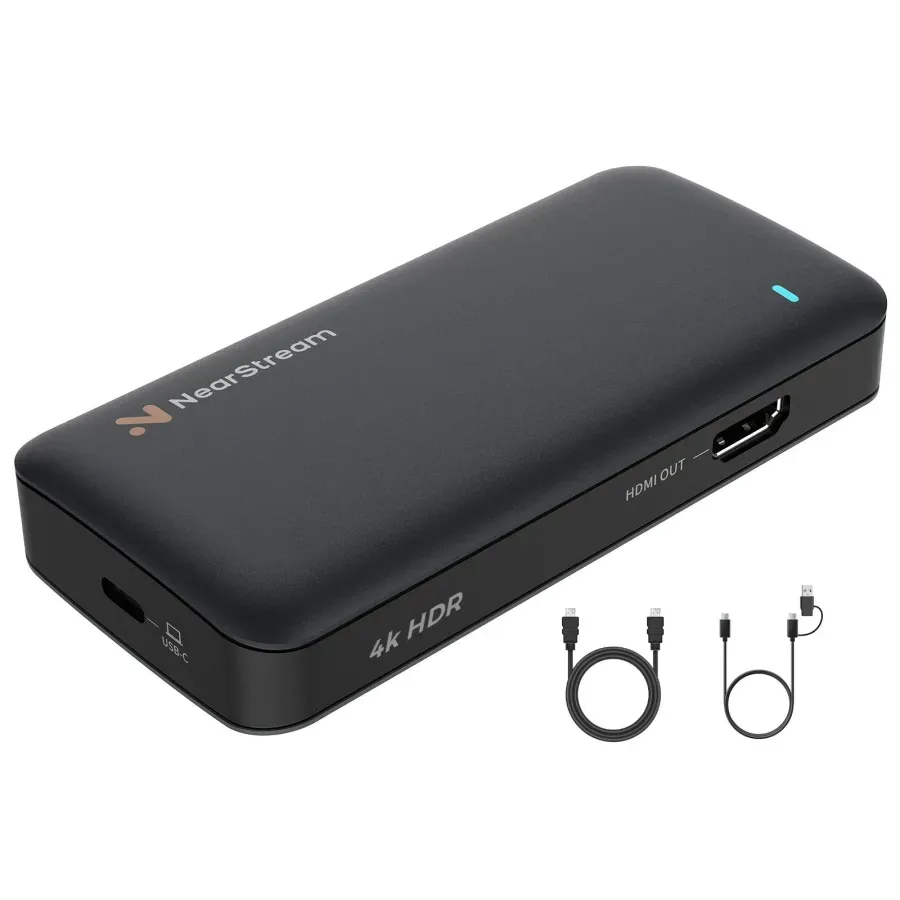
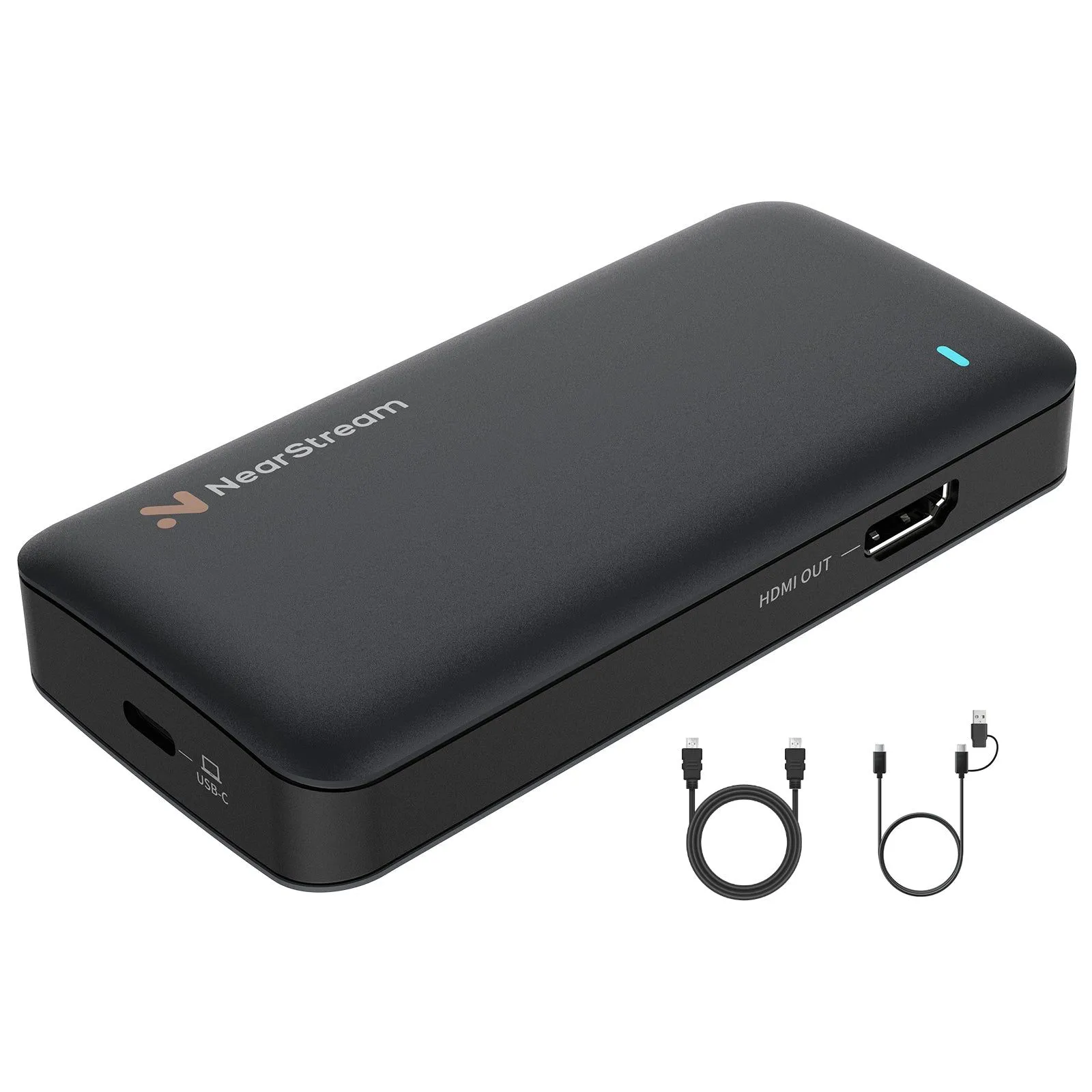
Upgrade 3: The Content Engine – NearStream Capture Card
This is the most critical upgrade for any growing channel. Many streamers think a capture card is only for playing console games. They are wrong. A high-end capture card is the engine of a modern dual pc setup for streaming and the secret weapon for TikTok content creation.
Why You Need the Best Capture Card (NearStream)
If you stream on Twitch (16:9) but want to grow on TikTok (9:16), you face a technical problem: Resolution Crop.
- The Problem: If you capture your gameplay in 1080p, when you crop the center for a vertical TikTok video, you are zooming in. The resulting video is blurry and low-quality.
- The NearStream Solution: The NearStream capture card supports 4K60 Input and Recording.
- You capture the game in 4K.
- When you crop the center for TikTok, the vertical slice is still effectively 1080p (high definition).
- Result: Your clips look sharper than 90% of other creators on the "For You" page.
Comparison: Why Specs Matter for Growth
| Feature | Budget USB 2.0 Card | NearStream Capture Card | Why It Matters for Growth? |
|---|---|---|---|
| Max Recording | 1080p30 | 4K60 / 1080p120 | 4K source allows for lossless vertical cropping for TikTok/Shorts. |
| Interface | USB 2.0 | USB 3.1 (Type-C) | Necessary bandwidth for uncompressed color and low latency. |
| Latency | High (Laggy) | Premium Ultra-Low | Essential if you play looking at your OBS preview. |
| Dual PC Ready | No | Yes | Perfect bridge between your Gaming PC and Streaming PC. |
The Dual PC Setup for Streaming
For streamers aiming for the top, separating your gaming rig from your streaming rig is the ultimate goal. The NearStream card connects the two, ensuring your Gaming PC pushes 144Hz+ FPS while the Streaming PC handles the heavy encoding. This guarantees zero frame drops on stream, no matter how demanding the game is.

Upgrade 4: The Software Magic – OBS Vertical Plugin
Hardware is the muscle; software is the brain. In the current era of short-form content, you cannot ignore the vertical video trend. But streaming separately to Twitch and then recording for TikTok is exhausting.
Enter the Aitum OBS Vertical Plugin
This revolutionary plugin allows you to run two streams simultaneously from a single instance of OBS.
- Canvas A (1920x1080): Streams to Twitch/YouTube.
- Canvas B (1080x1920): Streams to TikTok or records vertical clips.
How NearStream Enhances This:
This plugin is resource-hungry. It needs a clean, high-resolution signal. By feeding the plugin a 4K signal from your NearStream card, you allow the plugin to generate the highest quality vertical clips automatically.
Backtrack Recording:
The plugin has a "Backtrack" button (similar to ShadowPlay). When something funny happens, you hit one button, and it saves the last 2 minutes in vertical format, ready to post. No editing needed. This is the fastest workflow to grow on social media.

Upgrade 5: Platform Strategy – How to Stream on TikTok
You have the lights, the mic, the best capture card, and the plugin. Now, how do you actually get the signal out?
The "Stream Key" Hurdle
Unlike Twitch, how to stream on TikTok via OBS (PC) is a privilege, not a right. You need a "Stream Key."
- Option A: TikTok Live Studio: TikTok's own software. It works, but it's limited.
- Option B: The Stream Key (OBS): To get this, you typically need 1,000+ followers and must apply for agency access or wait for an invite.
The Strategy:
Until you unlock the Stream Key:
- Use your NearStream capture card to record high-quality 4K gameplay.
- Use the OBS vertical plugin to create clips.
- Post 3-5 high-quality clips per day on TikTok.
- Once you hit the follower threshold and unlock the key, use the NearStream + Vertical Plugin setup to simulcast (stream to both) and dominate.
Conclusion: Invest in Your Workflow
Upgrading your streamer setups isn't just about buying expensive toys; it's about removing friction from your workflow.
- Better audio retains viewers.
- Better lighting builds your brand image.
- The NearStream capture card ensures your content is crystal clear on every platform, from a 60-inch TV to a 6-inch phone screen.
- The OBS vertical plugin automates your growth strategy.
Ultimately, the creators who win are the ones who produce the best content the fastest. With this setup, you are ready to be one of them.
FAQ: Frequently Asked Questions
Q1: Do I really need a dual PC setup for streaming?
A: Not necessarily. Modern GPUs (like NVIDIA's 40-series) are very good at encoding. However, a dual pc setup for streaming using a NearStream capture card is still the gold standard for reliability. It ensures that if your game crashes, your stream stays live, and it completely removes the encoding load from your gaming rig.
Q2: Can the NearStream card record 4K for clips but stream 1080p to Twitch?
A: Yes! This is the "Downscaling" advantage. In OBS, you can set your "Base Canvas" to 4K (matching the NearStream input) to record sharp vertical clips, while setting your "Output Resolution" to 1080p for Twitch. This gives you the best of both worlds.
Q3: How do I get the OBS vertical plugin?
A: It is a free plugin developed by Aitum. You can download it from the official OBS resource forum. It integrates seamlessly with the NearStream capture card source.
Q4: Why is my TikTok stream blurry even with a good capture card?
A: This is often a bitrate issue. TikTok has a lower bitrate cap than Twitch. Ensure your vertical stream bitrate is between 4000-6000 Kbps. Also, ensure you are sending a true 1080x1920 signal, which is why NearStream's high-res input is crucial for maintaining sharpness after cropping.
Q5: Does NearStream work with Mac for this setup?
A: Yes. Since NearStream is UVC compliant, it works on macOS. You can use OBS for Mac to record gameplay, though the "Dual Stream" capability depends on your Mac's processing power.


 sales@nearstream.us






