








































By The Creative Team Estimated Reading Time: 9 Minutes
The blinking cursor is the enemy of every creator. Whether you are writing a LinkedIn think-piece or a YouTube script, staring at a blank white page is the quickest way to kill your flow.
Here is the secret that prolific creators know: Writing is hard, but talking is natural.
We speak at roughly 150 words per minute, while most of us type at only 50. By switching to a "Voice-First" workflow, you aren't just speeding up; you are changing the texture of your content. North American audiences crave "spoken-style" writing—content that feels conversational and authentic.
So why struggle with the keyboard? Here is how switching to voice dictation can unlock your creative block, and why your hardware choice is the key to making it work.

Why the Best Microphone is the Secret to "Spoken-Style" Blogs & Newsletters
Have you ever noticed that your best ideas happen when you are explaining them to a friend, not when you are trying to write them down?
For Bloggers and LinkedIn creators, the "Drafting Phase" is the bottleneck. You obsess over sentence structure before you even have the main point down.
The "Explain It" Workflow
Instead of typing, hit record.
- Method: Imagine you are having coffee with a colleague. Explain your concept out loud.
- Result: You capture the natural cadence, the analogies, and the energy of your voice.
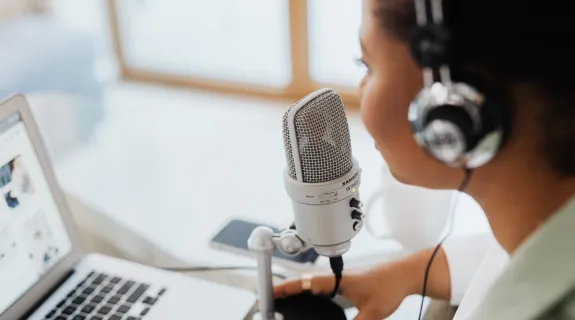
- The Hardware Role: To capture this flow accurately, you need the best microphone available. If your audio is clear, modern AI tools can transcribe your rant into a structured post, retaining your unique "voice" without the robotic feel of typed text.
Perfect For: Tutorials, Case Studies, and "Personal Experience" posts.
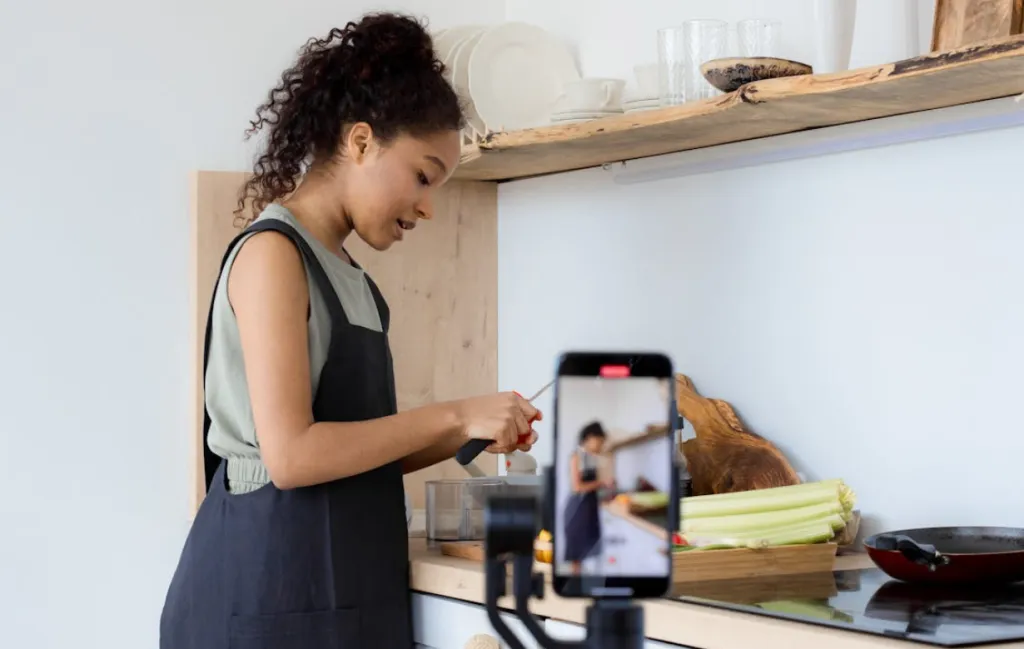
Scripting Made Simple: Using a Dictation Microphone for YouTube & Podcasts
Scripting a video or podcast is different from writing an essay. It needs to sound good when read aloud. If you type your script, you often end up using stiff, formal language that sounds awkward on camera.
The Iteration Game
Top YouTubers and TikTok creators use a dictation microphone to "riff" on their ideas.
- The Hook: Instead of typing one version of an intro, speak 5 different versions in a row. "Hey guys…" vs. "Stop doing this…" vs. "Here is the secret…"
- The Selection: Read through the transcripts and pick the one that felt most natural.
Why it works: You are writing for the ear, with the mouth. It bypasses the brain's internal editor that tries to make everything sound like a textbook.
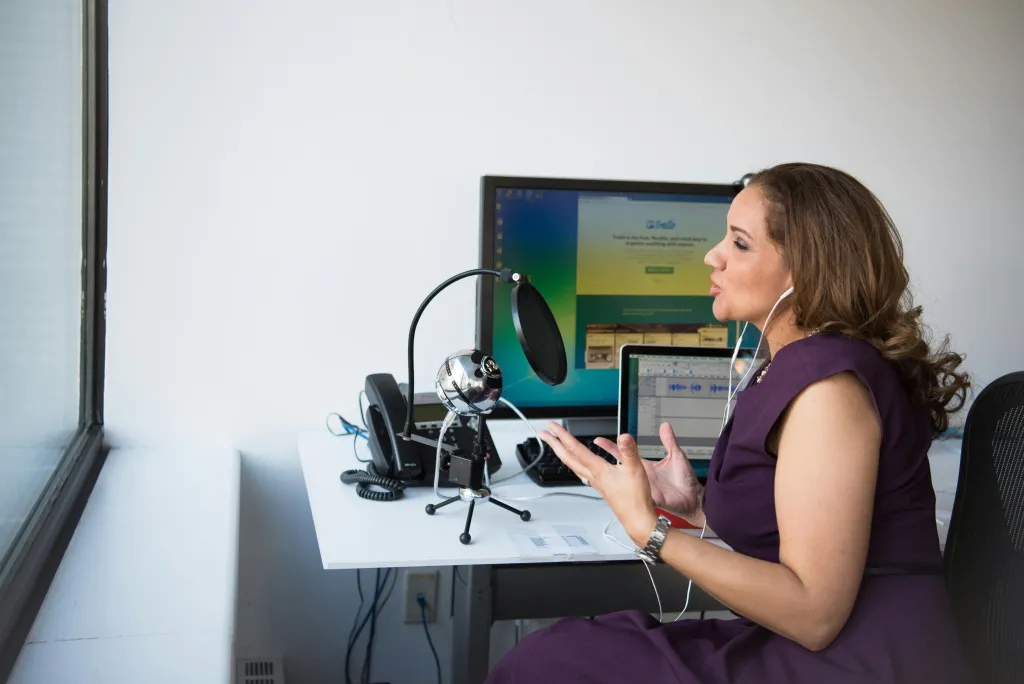
Microphone for PC Setups: The Fastest Way to Capture Tasks & Ideas
Creativity is fleeting. The best ideas often come right after a meeting or in the middle of a chaotic workflow. If you have to open Notion, create a new page, and type it out, the idea might be gone.
The "Low Friction" Capture
Having a dedicated microphone for pc setups allows for instant "Task Capture."
- After the Meeting: Don't type the to-do list. Just speak: "Reminder: Send the contract to Mike by 5 PM and follow up on the Q3 design."
- The Loop: Voice input is the lowest-friction way to get data out of your brain and into your system (like Todoist or Slack).
The Benefit: It reduces cognitive load. You dump the task and get back to work instantly.
How to Choose a Microphone for Multilingual & ESL Creators
For many professionals in North America, English is a second language (ESL). Often, your spoken English is more confident and fluid than your written grammar.
The "Confidence Gap"
Staring at a sentence you typed can induce anxiety: "Is this grammar correct?" "Is this the right preposition?"
- The Solution: Speak your thoughts freely. Then, use an AI tool (like ChatGPT) to "proofread and polish."
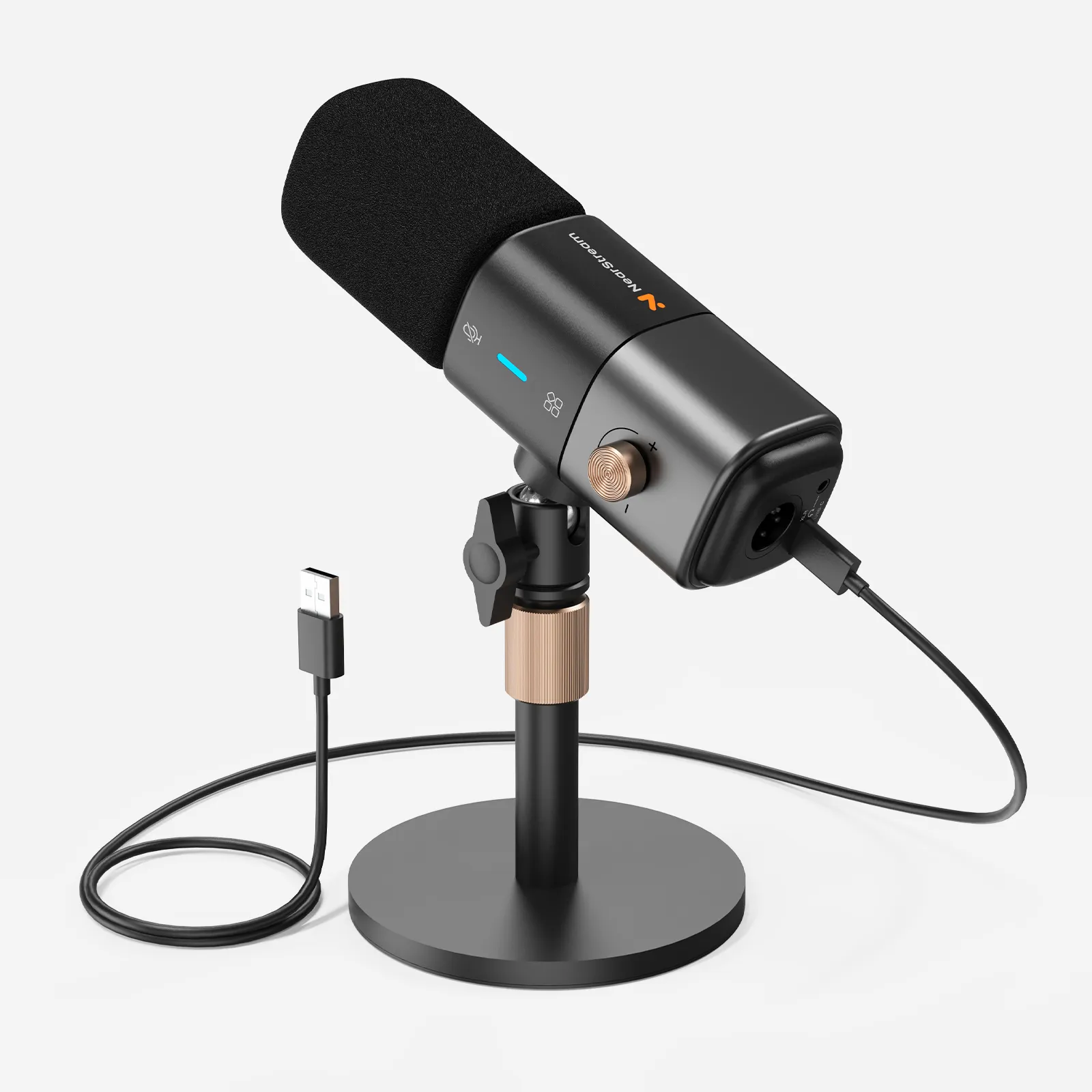
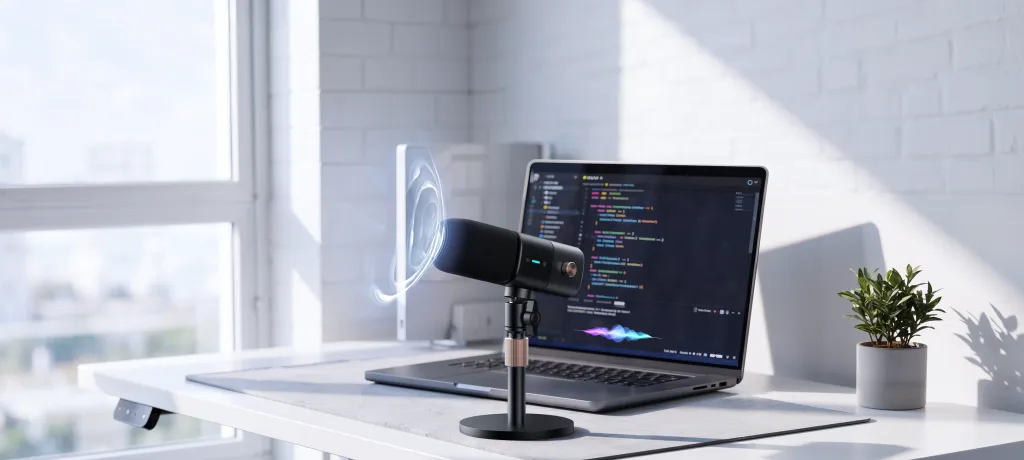
- The Key: When learning how to choose a microphone for this workflow, prioritize clarity above all else. Accents can be tricky for basic speech-to-text engines. A high-fidelity microphone like the AM25X captures the subtle nuances of pronunciation, ensuring the AI understands exactly what you meant, allowing you to create content with confidence.
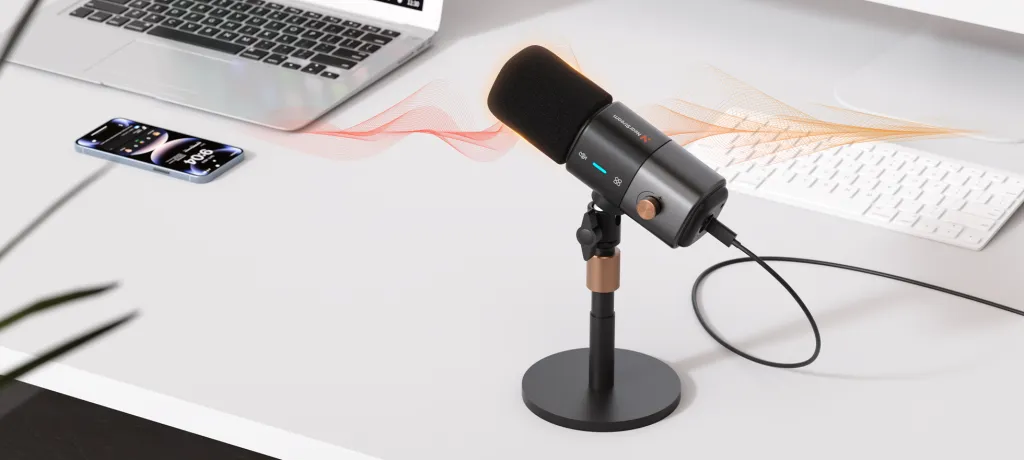
The Enabler: Why the AM25X is the Creator's Choice
All of these workflows rely on one thing: Transcription Accuracy.
If you spend 20 minutes fixing typos because your built-in laptop mic couldn't hear you clearly, you haven't saved any time. The AM25X is designed to bridge the gap between your thought process and the digital page.
- Cardioid Focus: It ignores the room echo, making your dictated drafts sound crisp.
- Plug-and-Play: It’s ready the moment inspiration strikes—no drivers, no friction.

Comparison: Typing vs. Voice Dictation for Creators
| Feature | Manual Typing | Voice Dictation (with AM25X) |
|---|---|---|
| Speed | 40-60 WPM | 150+ WPM |
| Tone | Formal, Stiff, "Academic" | Conversational, Authentic, Engaging |
| Ideation | Linear (One sentence at a time) | Fluid (Brainstorming freely) |
| Writer's Block | High Risk (Blank page anxiety) | Low Risk (Just start talking) |
| Editing Time | Low | Moderate (Polishing the transcript) |
Conclusion: Unblock Your Creativity
The keyboard was designed for data entry, not for creative flow.
By switching to voice dictation, you are removing the barrier between your brain and your audience. Whether you are drafting a viral LinkedIn post, outlining your next podcast, or just trying to survive a busy inbox, speaking is the cheat code.
Don't let your slow typing speed hold back your fast thinking. Grab a reliable microphone like the AM25X, and start creating at the speed of sound.
Frequently Asked Questions (FAQ)
Q: Does voice dictation work for short-form content like TikTok?
A: Absolutely. It is arguably better for short-form. Dictating your TikTok or Reels captions helps you find a "hook" that sounds punchy and energetic, rather than one that reads like a book report.
Q: I have a strong accent. Will this work for me?
A: Yes, but hardware matters. Standard laptop mics muddle accents. Using a high-quality USB microphone like the AM25X gives the transcription engine a much clearer signal, significantly improving accuracy for non-native speakers.
Q: Can I use the AM25X for recording the actual podcast, not just the outline?
A: Yes! The AM25X is a broadcast-quality condenser microphone. You can use it to dictate your outline, and then hit record to produce the final show with the same device. One mic, entire workflow.
Q: What if I ramble too much when I speak?
A: That is part of the process! It is much easier to delete extra words from a 1,000-word transcript than it is to struggle to write 100 words from scratch. Ramble first, edit later.

 sales@nearstream.us






