

























































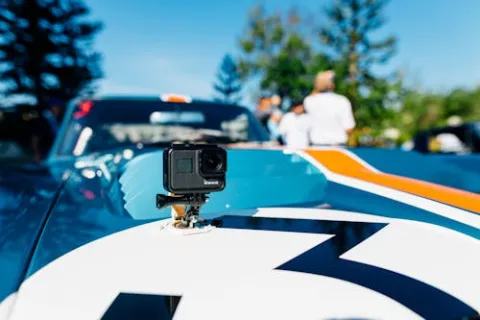
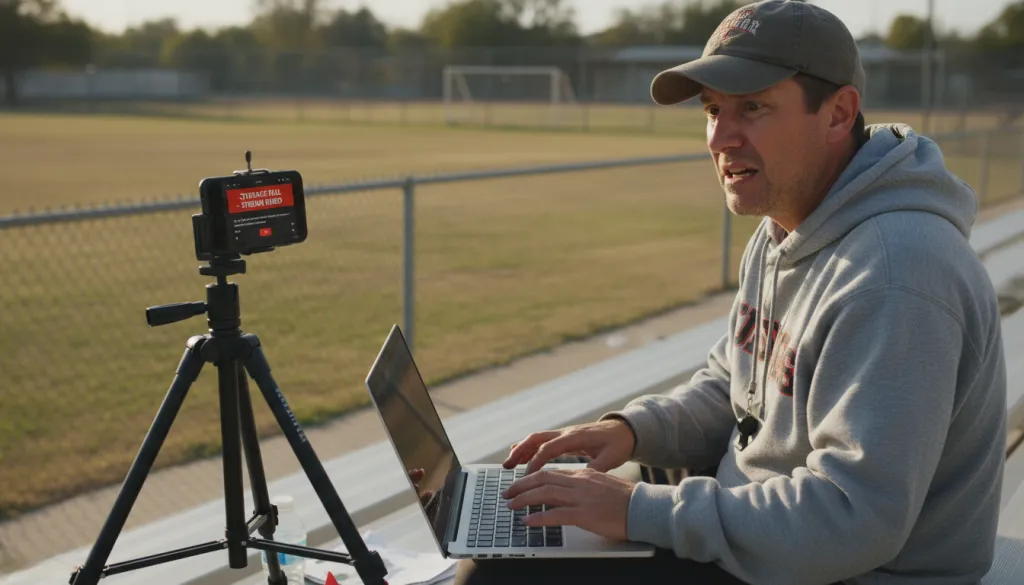
You bought an action cam because it was marketed as the ultimate sports camera. waterproof, rugged, and capable of stunning 4K footage. So when your kid's coach asked for a parent volunteer to live stream the Saturday tournament for out-of-town grandparents, you raised your hand confidently. "I've got a GoPro," you said. "How hard can it be?"
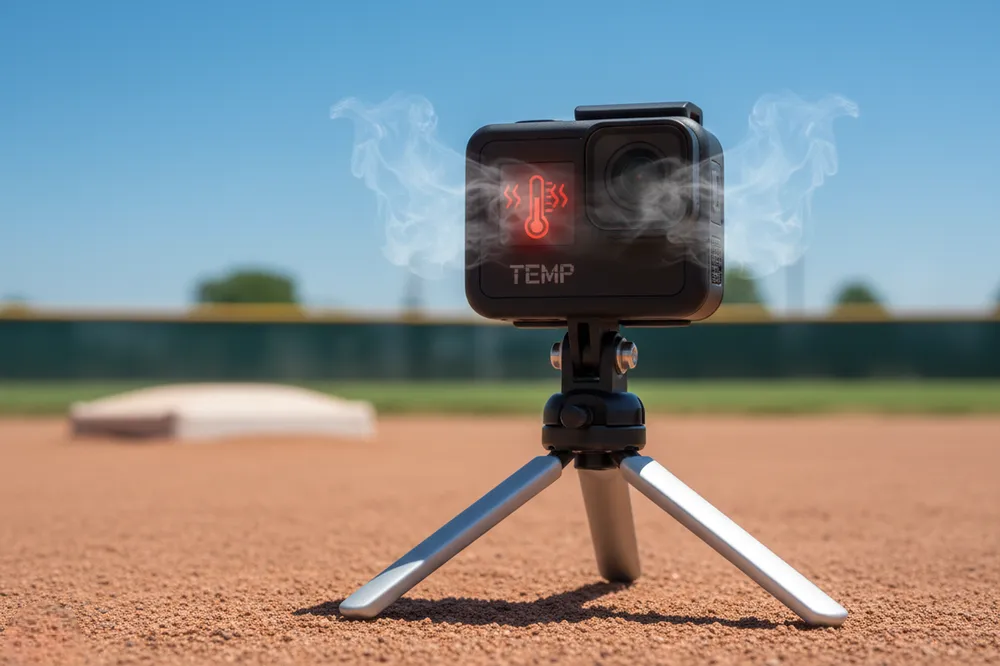
Two innings into a doubleheader, you got your answer. The red thermometer icon flashed on the screen. The stream dropped. Grandparents in Florida stared at a frozen frame of third base while you frantically power-cycled a burning-hot camera, missing your kid's first home run of the season.
If this scenario feels painfully specific, it is because it happens every weekend at youth baseball diamonds, soccer pitches, and football fields across the country. The problem is not user error. The problem is that you are asking a point-of-view recorder to do the job of a broadcast station.To bridge this gap, consulting a professional high school sports live streaming guide can help you select gear designed for the endurance of a doubleheader.
The Myth: "One Camera for Everything"
Action cams have spent a decade building a reputation as the universal adventure camera. Surfing, mountain biking, skydiving, snorkeling. If it is extreme, an action cam has been marketed as the solution. So when parents think about streaming their child's games, the mental shortcut is obvious: sports plus camera equals action cam.
But here is the critical distinction. An action cam is a POV recorder designed for short, high-impact clips. It is engineered to survive a dunk in the ocean and capture 30 seconds of jaw-dropping footage, not to sit on a tripod in direct sunlight for 2.5 hours while encoding and uploading a continuous video stream over Wi-Fi.
When you try to gopro stream live for a full game, you are forcing the device to operate far outside its design envelope. The result is predictable and well-documented: thermal shutdown, app crashes, and that sinking feeling when you realize the relatives missed the winning goal.
The Anatomy of Failure: Why Action Cams Overheat on the Sideline
Understanding why your action cam quit on you requires looking at three fundamental engineering constraints:
1. Heat Dissipation vs. Waterproofing
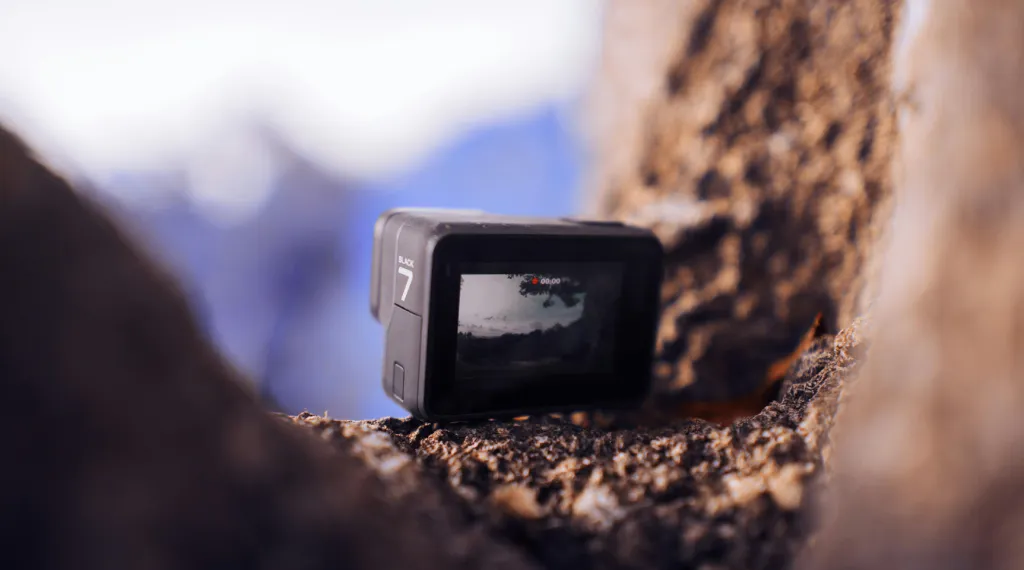
Action cams are built to be watertight. That means sealed bodies with minimal ventilation. Great for whitewater rafting. Terrible for passive cooling during processor-intensive tasks like live encoding. When you stream, the image sensor, encoding chip, and Wi-Fi radio all generate heat simultaneously. With nowhere for that heat to go, internal temperatures climb until the firmware triggers a protective shutdown.
2. Battery Chemistry at High Temperature
A standard GoPro battery is roughly 1900mAh. During live streaming, the camera draws maximum power for the sensor, encoder, and wireless radio simultaneously. Heat accelerates battery drain, and a draining hot battery produces even more heat. It is a thermal feedback loop that no firmware update can fully solve.
3. Wi-Fi Chips Built for Transfer, Not Broadcasting
The Wi-Fi radio in an action cam is optimized for one thing: quickly transferring short video clips to your phone. It was never designed for sustained high-bandwidth uploads to YouTube or Facebook. When you force a gopro live stream for 90+ minutes, that undersized chip runs at maximum wattage, contributing significantly to the thermal load while delivering a connection that drops the moment you walk 30 feet away.
The bottom line? Every time you attempt a full-game stream with an action cam, you are running an unintended stress test on hardware that was explicitly not designed for the task.
The Professional Pivot: What the Sideline Actually Needs
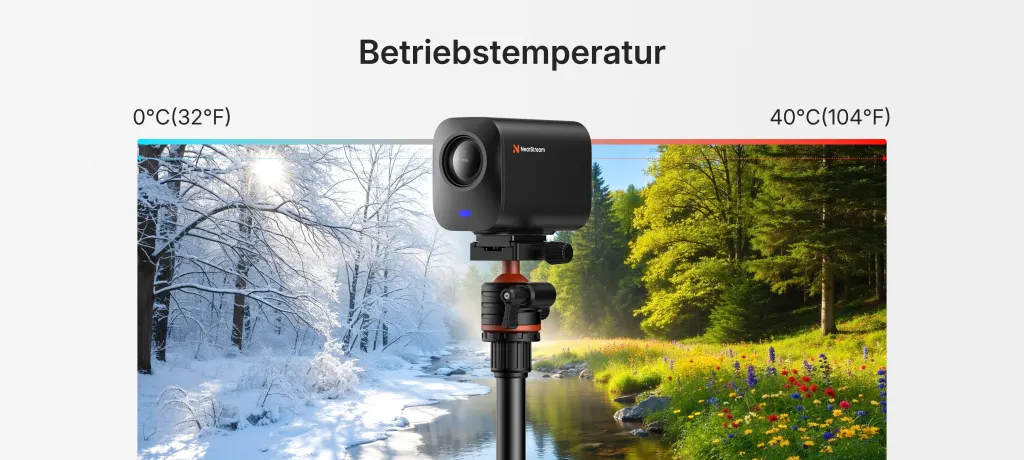
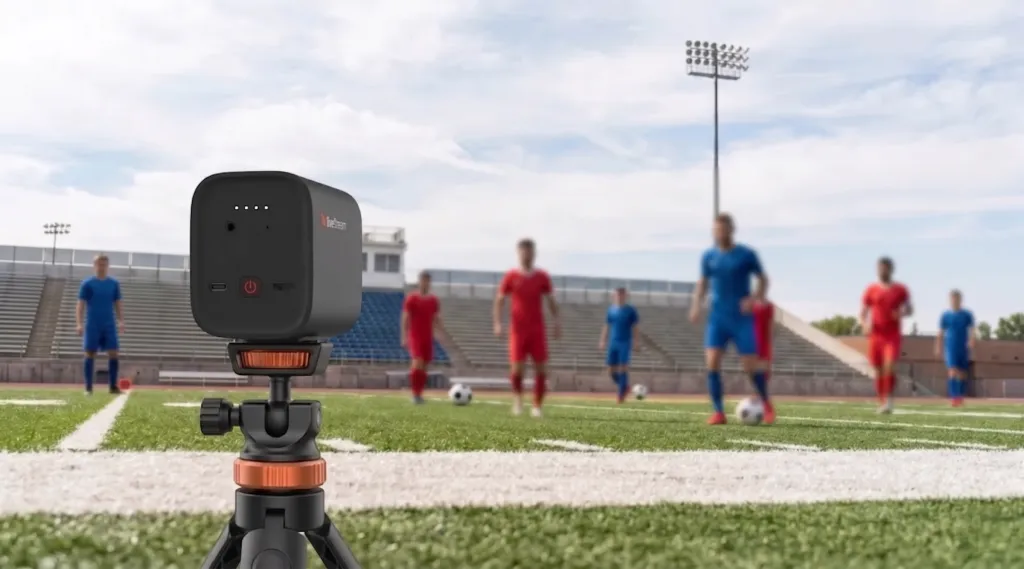
If the action cam is a POV recorder, what the sideline needs is a broadcast station. A device engineered from the ground up for continuous streaming, with thermal management, extended battery life, optical zoom, and remote operation. To see how these features translate into a complete seasonal strategy, refer to our high school sports live streaming guide.
That device exists. It is the NearStream VM33, and it was built specifically for the exact scenario that breaks action cams.
Designed for the Duration
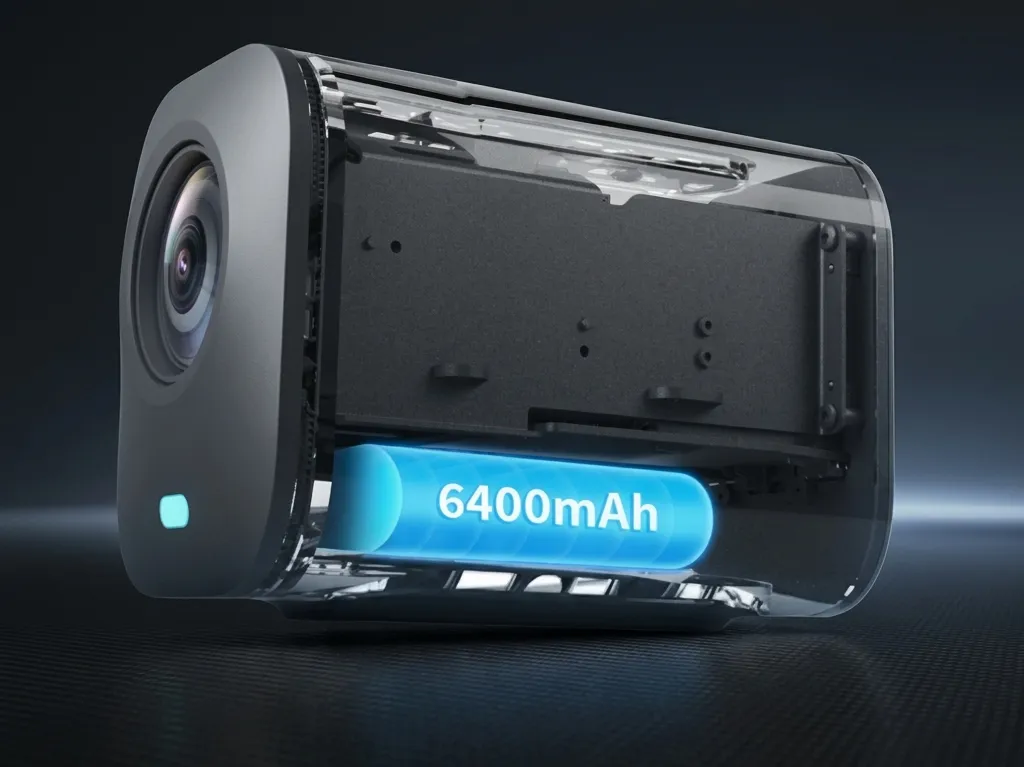
The VM33 houses a 6400mAh built-in battery, more than triple the capacity of a standard action cam battery. It delivers 6+ hours of continuous streaming or up to 8 hours in typical usage. A full youth baseball doubleheader, a soccer tournament with back-to-back games, or a football game with pregame and postgame coverage. The VM33 is engineered for the realities of youth sports schedules.
Optics That Reach the Far End of the Field
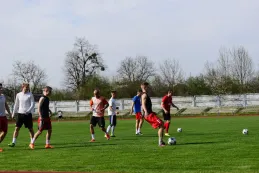
Action cams rely on ultra-wide fixed lenses. Great for capturing your own perspective. Useless for showing the action at the far end of a regulation soccer pitch. The VM33 features a 10x optical zoom plus 4x digital zoom for 40x hybrid magnification, delivering clear detail from up to 100 feet away. Your kid's at-bat, the goal kick from the opposite endline, the quarterback read from the far hash. All of it comes through crisp and clear. Investing in dedicated optics is the most effective way to improve live stream video quality and ensure your viewers never miss a crucial play due to pixelation.
Audio That Cuts Through the Bleachers
A remote control camera is only as good as the experience it delivers to viewers. The VM33 packs 8 built-in MEMS microphones with AI noise cancellation, capturing clean audio within a 16-foot radius. The crowd noise, the crack of the bat, the referee's whistle. Your streaming audience hears the game, not the wind.
True Remote Operation
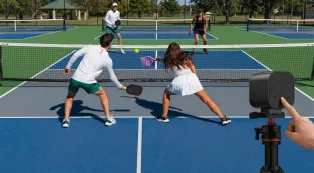
Set the VM33 on a tripod at midfield and control everything from the bleachers via the NearStream app on your phone. Zoom, pan, start and stop the stream, switch between picture-in-picture layouts, and add graphic overlays without walking onto the field. The camera connects via robust Wi-Fi, Bluetooth, or Ethernet via the optional L30 POE adapter for venues where wireless interference is an issue.
The Evidence: GoPro vs. NearStream VM33
Here is how the two devices stack up when the job is "live stream a 2-hour youth sports game from the sideline."
| Feature | Action Cam (GoPro Hero) | NearStream VM33 |
|---|---|---|
| Primary Design Purpose | Short-duration POV recording | Long-form live streaming |
| Continuous Streaming Time | 20–51 min before overheat | 6+ hours |
| Battery Capacity | ~1,900 mAh | 6,400 mAh |
| Optical Zoom | None (fixed wide lens) | 10x optical (40x hybrid) |
| Audio System | 2–3 built-in mics | 8 MEMS mics + 3.5mm jack |
| AI Noise Cancellation | No | Yes |
| Operating Temperature | Overheats in direct sun | 32°F – 104°F reliably |
| Wi-Fi Range & Stability | Short-range clip transfer | Sustained streaming Wi-Fi/Ethernet |
| Multi-Camera Support | No | Up to 3 cameras |
| App Remote Control | Basic, crash-prone | Full PTZ, overlays, mixing |
| RTMP/RTSP Direct Streaming | Via phone intermediary | Native direct streaming |
| GameChanger Integration | No | Yes |
| Price | ~$399 | $359.10 |
The numbers tell the story plainly. The action cam loses on every metric that matters for sideline broadcasting, while the VM33 costs less and does more—solidifying its reputation as the best camera for GameChanger app and sports clubs.
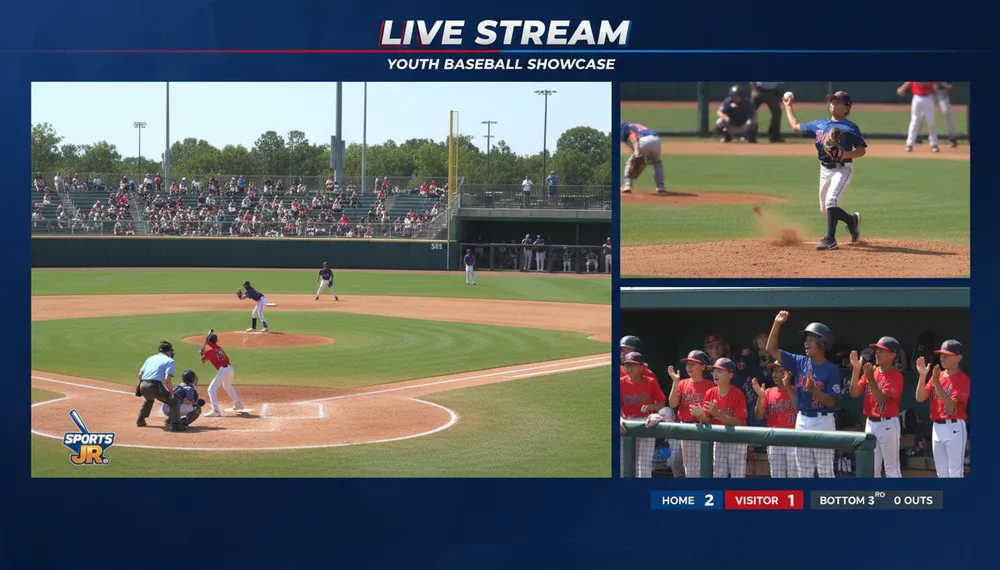
The Real Cost of a Dropped Stream
It is worth pausing to consider what a mid-game overheat actually costs you. It is not just technical frustration.
Your out-of-town relatives rearranged their Saturday to watch. Your kid noticed when the stream went down (they always do). The tournament organizer who asked you to stream is now wondering if they need to hire a professional crew for the next event. And you spent $400 on a camera that just taught you, in the most public way possible, that it was the wrong tool.
The NearStream VM33 eliminates that scenario entirely. It is a purpose-built streaming device with the battery life, thermal design, optical reach, and remote control camera features that sideline streaming actually demands.
The Verdict: Right Tool, Right Job
Here is the answer that saves you money and saves your Saturday.
Keep your action cam. It is still the best tool for helmet-cam footage, post-game highlight montages, and those incredible slow-motion diving catches. Use it for what it was designed to do.
Buy the NearStream VM33 for the broadcast. It is your primary sideline camera for every game, tournament, and scrimmage where people are counting on a reliable live stream. At $359.10, it costs less than replacing an overheated action cam and delivers a broadcast-quality experience that no POV recorder can match.
The tournament is next Saturday. The grandparents are already asking for the stream link. This time, give them a broadcast that lasts from first pitch to final out.

Frequently Asked Questions
Can I prevent my GoPro from overheating with external cooling?
Small USB-powered fans and reflective sunshades can help marginally, but they address symptoms, not the root cause. The fundamental issue is that action cams lack the thermal mass and ventilation required for sustained live encoding. Even with active cooling, you are working against the device's core engineering. For multi-hour games, a dedicated streaming camera remains the only reliable solution.
Is the VM33 difficult to set up compared to a GoPro?
Not at all. The NearStream app guides you through a one-time setup process: power on the camera, pair via Bluetooth, connect to your venue's Wi-Fi, and choose your streaming destination (YouTube, Facebook, Twitch, GameChanger, or custom RTMP). Once configured, starting a stream takes about 15 seconds. The app also supports standalone recording to microSD if you want to capture the game locally without streaming.
Can I run multiple VM33 cameras for better coverage?
Yes. The NearStream Multicam system supports up to three VM33 units synchronized through a single app interface. For baseball, that might mean one camera behind home plate, one down the first-base line, and one in the dugout. You can switch between angles live or record all three for a full production package. For grassroots league organizers, this replaces a three-person camera crew with one volunteer and an app.
What about streaming in venues with weak Wi-Fi?
The VM33 offers three connectivity options: standard Wi-Fi, 4G/5G mobile hotspot tethering, and wired Ethernet via the optional L30 POE adapter. For parks and fields with spotty wireless coverage, the Ethernet option provides rock-solid connectivity. The camera's Wi-Fi also maintains stable connections at distances up to 50 meters in open environments.
Ready for Game Day?
Stop fighting your hardware and start streaming with confidence. The NearStream VM33 is the action cam upgrade that understands what sports parents and amateur league organizers actually need: a reliable, all-day streaming solution that never misses the moment.
Order before the next tournament and give every relative a front-row seat, no matter where they are.



 sales@nearstream.us






