Camera Design and Connectivity
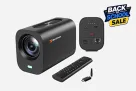
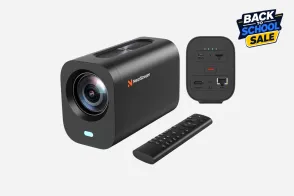
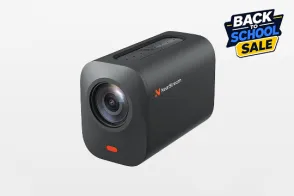
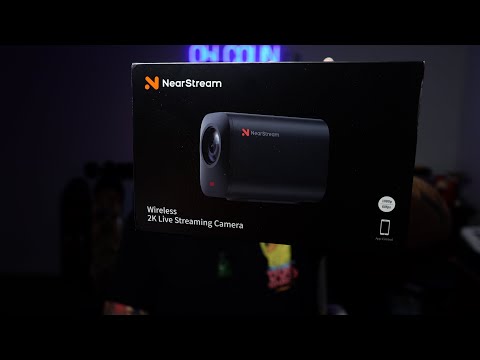
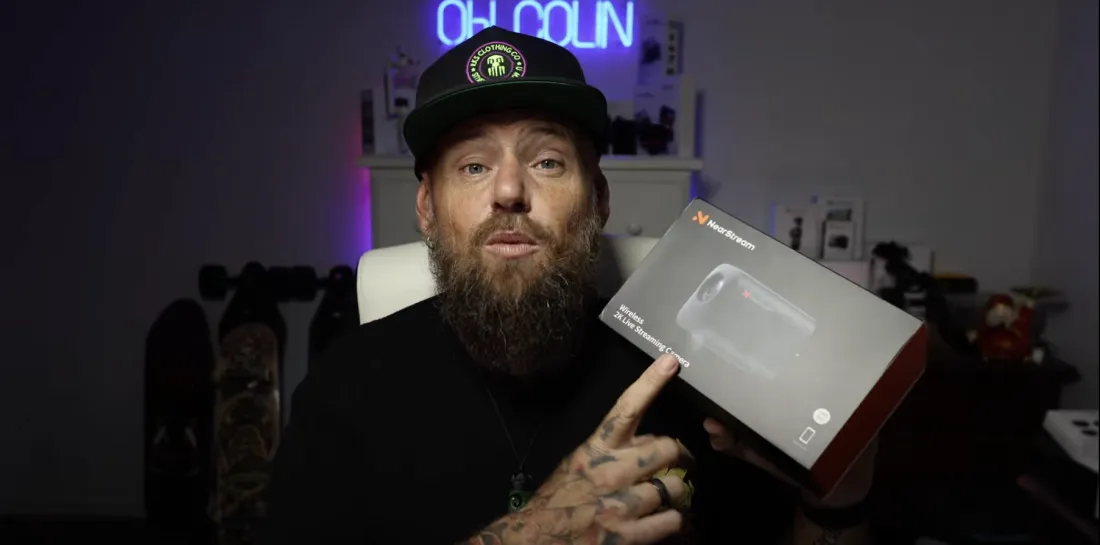
Colin highlighted the design of the NearStream VM33, pointing out the quarter-inch mount, USB-C charging port, SD card slot, and options for external microphone input. He also mentioned the presence of eight microphones with AI noise cancellation technology, ensuring clear audio capture within a 16-foot radius.
Connecting Multiple Cameras
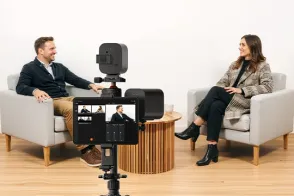
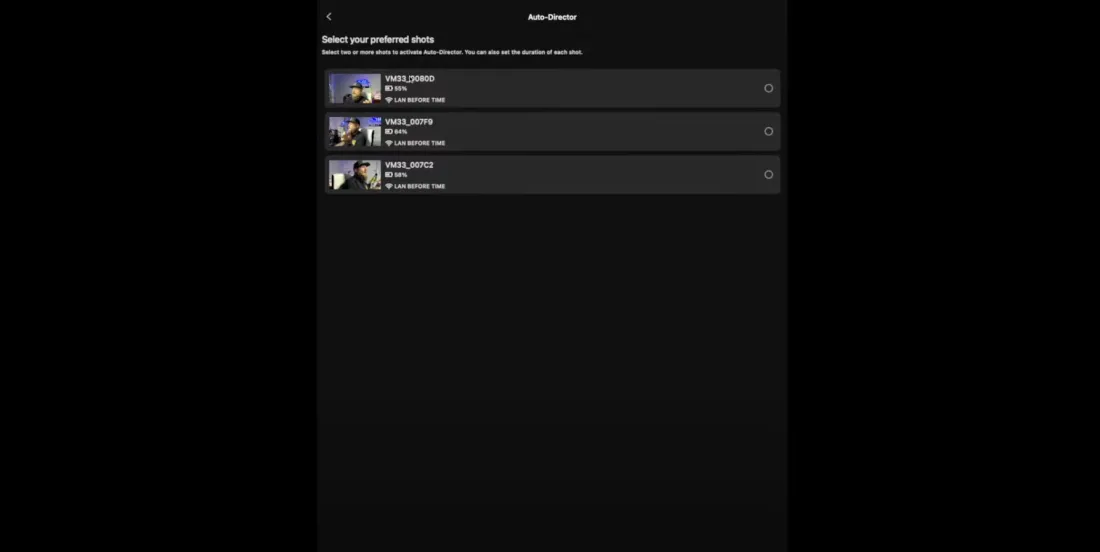
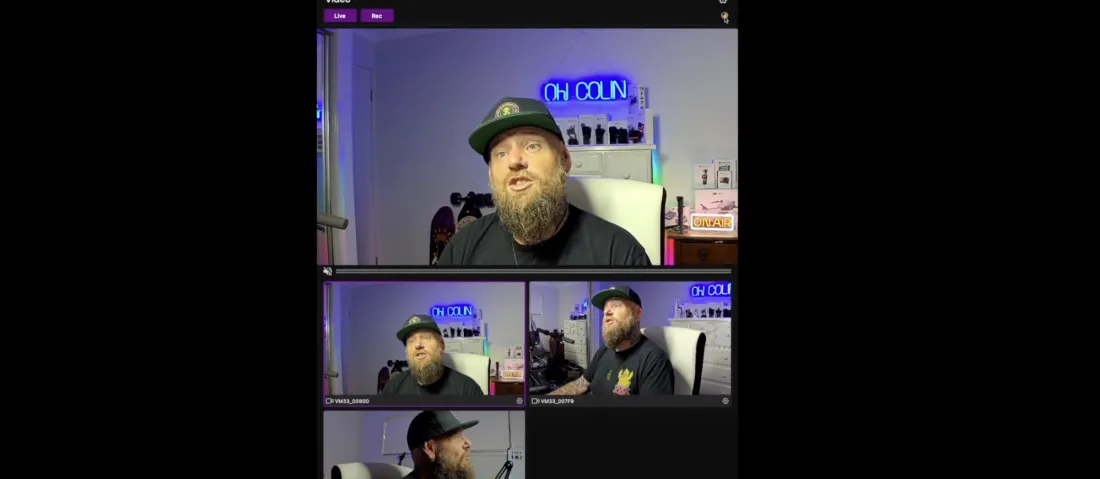
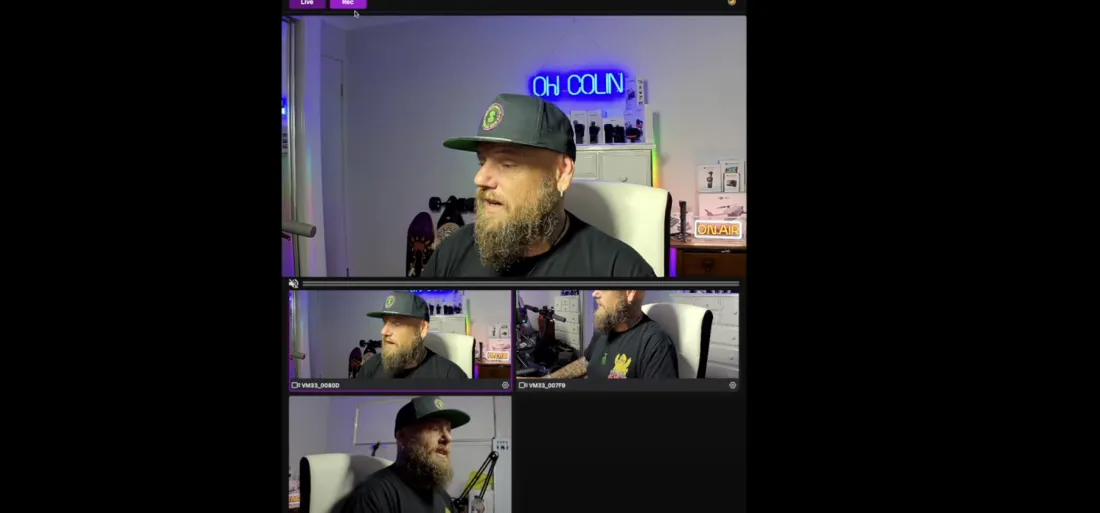
Colin explained the process of connecting multiple NearStream VM33 cameras to a device, such as a phone or a Mac, using the dedicated app. He demonstrated how to pair and control up to three cameras simultaneously, showing viewers how to connect each one and access the settings menu.
Configuring Camera Settings
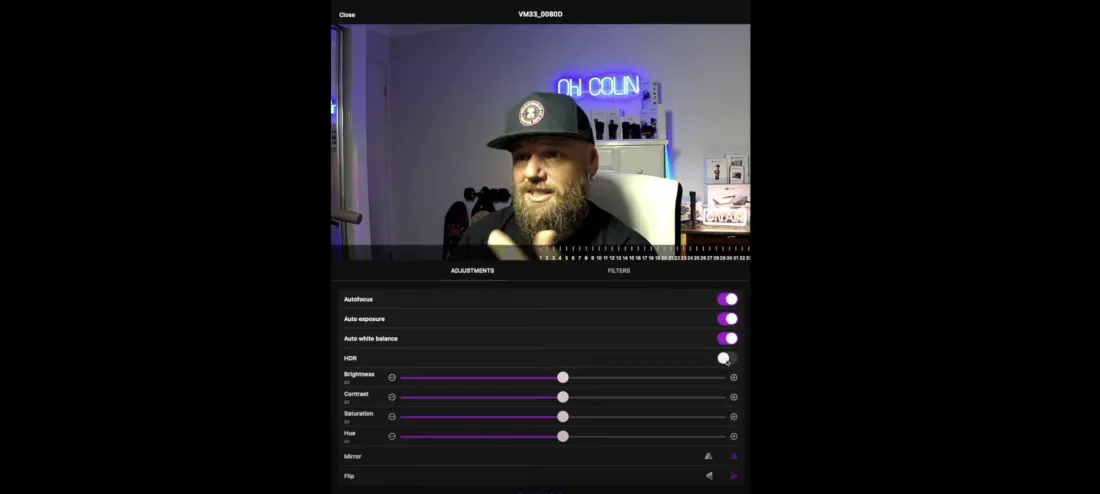
Viewers were guided through the customization options available in the app, including transition effects between camera angles, resolution settings up to 2K, and latency adjustments based on Wi-Fi strength. Colin also covered auto-detection features, anti-flicker settings, and how to adjust autofocus, exposure, and white balance.
Live Streaming and Recording
Colin demonstrated how to live stream using the NearStream VM33 cameras, detailing the process of logging into popular platforms like YouTube, Facebook, Twitch, and custom RTMP services. He also showed how to record directly to a device or SD card, providing a storage indicator for users.
Advanced Features and Picture-in-Picture
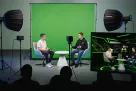
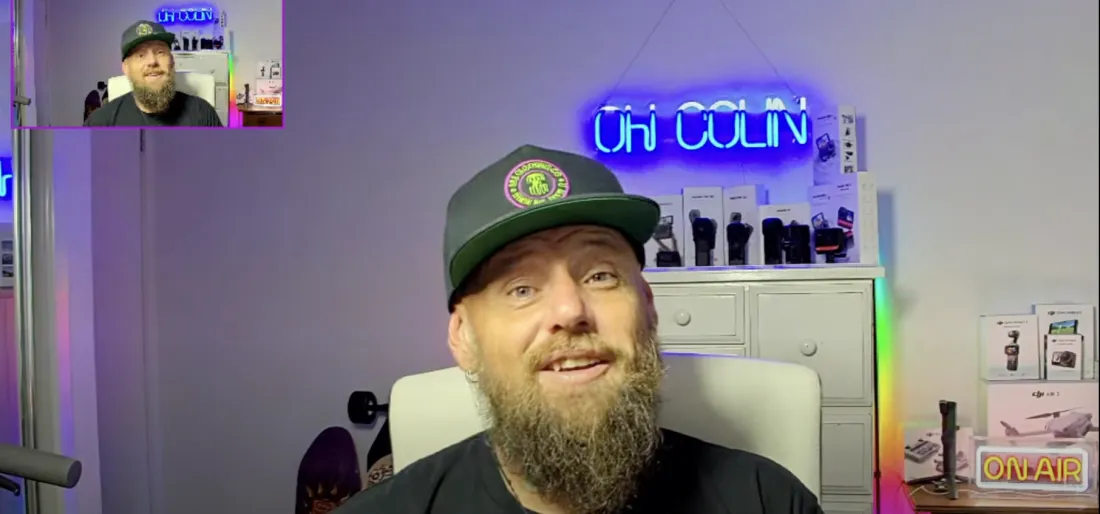
Additional features like adding graphics overlays and picture-in-picture functionality were showcased, allowing viewers to understand the versatility of the camera system. Colin illustrated how to select and overlay a secondary camera feed within the primary frame, enhancing the live streaming experience.
Multi-Camera Setup and Zoom Capability
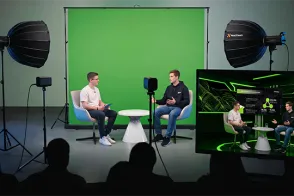
Finally, Colin set up all three cameras for a multi-view demonstration, showing the simplicity of switching between feeds. He concluded by showcasing the 40x zoom feature, demonstrating its effectiveness by zooming in on a distant object in his backyard.



































































 sales@nearstream.us






