How to Choose the Best Recording Devices for YouTube and Home Content Creation?
Learn how to choose the best recording device for YouTube and home use.
Recording Device
Audio Recording
Video Recording
Updated: 24 févr. 2026 · 8 minutes read
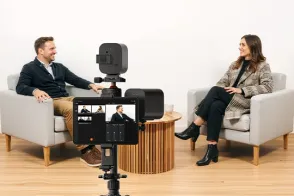
Modular Video Kits for Growing Business.
According to aWistia study,over 70% of viewers say video and audio quality make or break their decision to keep watching (Wistia, 2023). That means picking the right recording gear isn’t just important — it can make or break your audience. So, how do you pick the best gear without getting overwhelmed by specs and price tags? This guide breaks it down!
What Are Recording Devices?
Recording devices refer to any equipment used to capture audio, video, or both. This includes everything from smartphones and webcams to professional cameras and dedicated audio recorders. For content creators, especially on YouTube, it’s important to understand the types of devices available:
Audio recorders: Devices dedicated solely to capturing sound, making them ideal for podcasts, interviews, or voiceovers. These include portable digital audio recorders, audio interfaces, and standalone microphones designed for high-quality audio capture.
Video recorders: Devices that capture video footage, such as digital camcorders, handheld video cameras, smartphone cameras, and webcams.
Audio and video recorders: Devices that can record both sound and video simultaneously. This category covers DSLRs, mirrorless cameras, action cameras, professional live streaming cameras, and compact cameras with built-in microphones.
Understanding these categories helps you choose the right tool based on your content type and budget.
Audio Recording Devices: What’s Best for Clear, Professional Sound?
The best recording device for home: What should you really look for?
When it comes to capturing great audio, your equipment choice makes a big difference. A crackly mic or inconsistent levels can ruin a good podcast or make your online meeting sound amateurish.
So what kind of recording device for home use is worth your money? Let's walk through the most popular options:
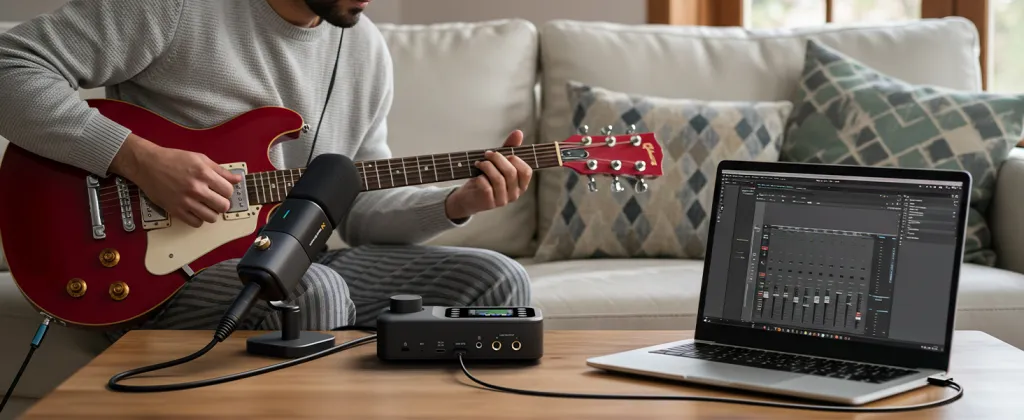
1. USB Microphones
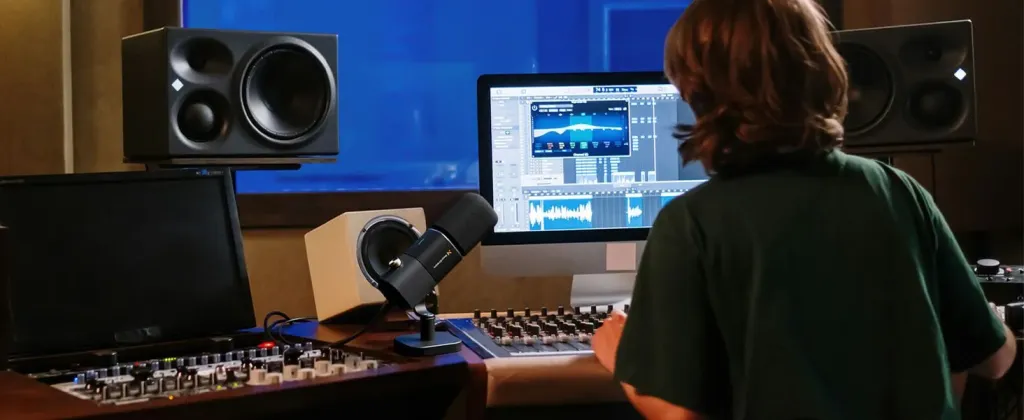
Perfect for beginners or remote workers. Plug them straight into your laptop and start recording. Many YouTubers and podcasters use these daily.
Why consider it:
Easy setup
Affordable and high quality
No need for extra gear
Works well with most recording software
What holds it back:
Not portable
Limited by your computer’s quality and settings
May pick up keyboard or room noise without soundproofing
Great for: Solo podcasters, Zoom calls, voiceovers, Twitch streamers, content creators.
These are a go-to for journalists, filmmakers, and podcasters who need great sound anywhere. They’re small, battery-powered, and have built-in mics (and often mic inputs).
Why people love them:
You can take them anywhere
Great for interviews, events, or vlogging
Good sound quality without needing a computer
Dual mic options: built-in and XLR input for better control
What to watch out for:
May require transferring files manually
Some cheaper models have noisy preamps
No live monitoring unless you plug in headphones
Great for: Field recording, on-location interviews, backup audio on video shoots, mobile podcasters.
Video Recording Devices: Which Audio and Video Recorder is Right for You?
Finding the best recording device for home videos: What works in real life?
Recording video can get complicated fast. But it doesn’t have to. Let’s break down the most common types of video recording devices and who they work best for.
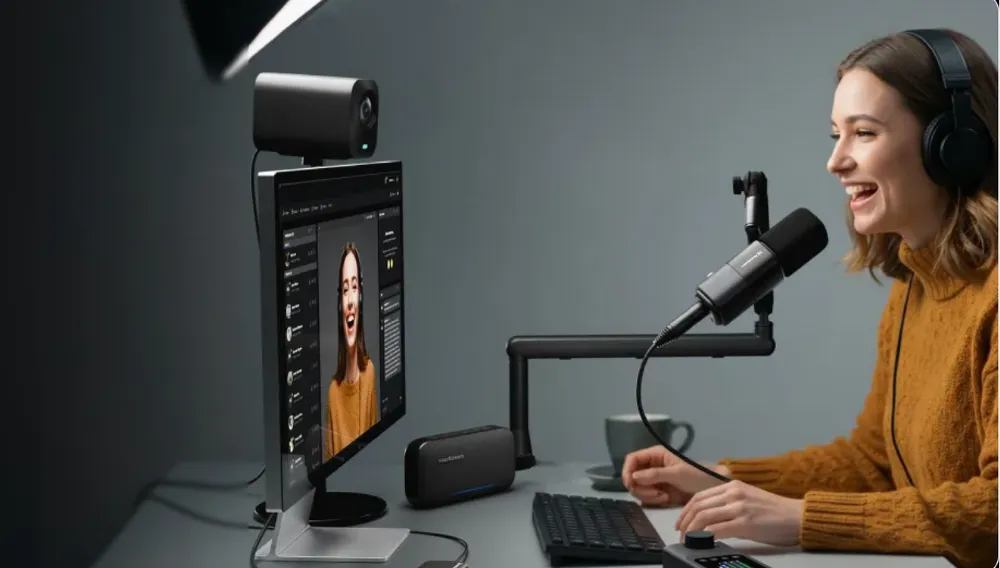
1. Webcams
The go-to for remote workers and live streamers.
Pros:
Simple to use
Great for live content
Affordable
Often integrates easily with Zoom, OBS, and YouTube Live
Cons:
Limited quality in low light
Not great for cinematic visuals
Fixed lens, limited framing options
Perfect for: Online meetings, live streamers, content creators just starting out, remote interviews.
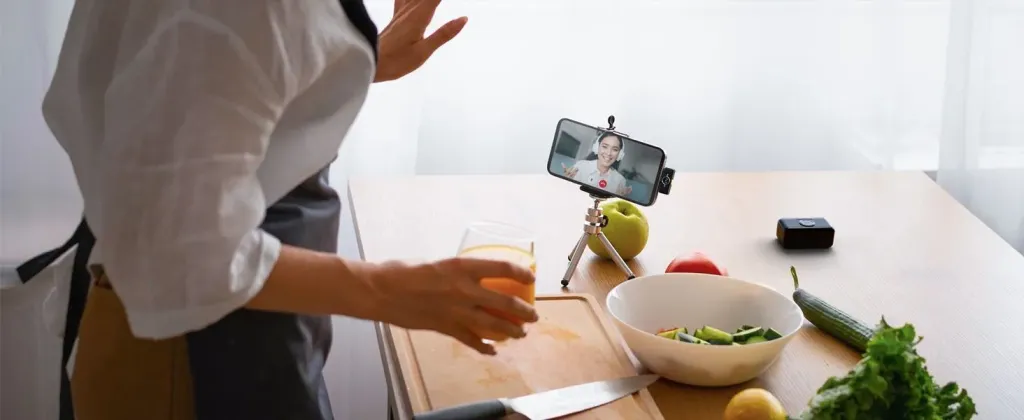
These days, your phone is probably your most powerful video recorder.
Pros:
Always with you
Easy to edit and upload
Ever-improving quality
Tons of video apps for control and effects
Cons:
Battery life
Limited manual control (unless using third-party apps)
May struggle in low-light conditions without additional lighting
Best for: Instagram creators, travel vloggers, daily content, spontaneous shooting.
Tips for Maximizing Your Recording Device’s Potential
Optimize your environment: Good lighting and minimal background noise improve recording quality.
Use external microphones: Even the best cameras benefit from dedicated audio equipment.
Regularly update firmware: Keep your devices up to date to access the latest features and fixes.
Practice framing and angles: Especially for video recorders, good composition makes your content visually appealing.
Backup your recordings: Always save copies to avoid losing valuable footage.
FAQs
Q1: What is the difference between an audio recorder and an audio and video recorder?
An audio recorder captures sound only, ideal for podcasts or music, while an audio and video recorder records both sound and video simultaneously, perfect for YouTube videos and live streaming.
Q2: How do I know which recording device is best for my YouTube channel?
Consider your content type (vlogs, tutorials, music), recording environment (home or outdoor), and budget. For YouTube, devices that offer both high-quality video and clear audio, like action cameras or mirrorless cameras with good microphones, are often the best choice.
Q3: Are USB microphones good for home recording?
Yes, USB microphones are user-friendly and affordable, making them great for beginners and home studios. However, for higher audio quality, XLR microphones with an audio interface are recommended.
Q4: How important is microphone type when choosing a recording device?
Microphone type greatly affects sound quality. Condenser mics are sensitive and ideal for vocals and detailed sounds, while dynamic mics are durable and suited for loud environments or live recording.
Q5: Can I use my smartphone as a recording device?
Smartphones can serve as basic recording devices, especially with external microphones. However, dedicated recording devices generally provide better audio quality and more control.
Q6: How can I avoid audio-video sync issues when recording?
Using an audio and video recorder that captures both simultaneously helps prevent sync problems. Alternatively, using external audio recorders requires careful syncing during editing.
Q7: What should I consider about portability when choosing a recording device?
If you shoot outdoors or travel frequently, choose lightweight, durable devices with good battery life. For home use, portability is less critical than ease of use and sound quality.
Q8: How can I improve recording quality at home?
Optimize your recording environment by reducing background noise, using acoustic treatment, and investing in quality microphones and headphones for monitoring.



































































 sales@nearstream.us






