How to Record Podcast Remotely: The Complete Guide to High-Quality Remote Podcast Recording
Curious about how to record a podcast remotely with high quality?
record high-quality podcast
step-by-step guide for podcast
Updated: 27 févr. 2026 · 8 minutes read
Modular Video Kits for Growing Business.
Remote podcast recording has quickly become a favorite method among today’s content creators — whether you’re hosting interviews, collaborating with co-hosts across different locations, producing video podcasts, or managing a team that delivers fresh content daily.
But sounding great takes more than just having a platform account. This step-by-step guide will take you through the full journey — from picking the perfect platform and setting up your equipment, to fine-tuning your recording environment, streamlining your workflow, and polishing your final edit — everything you need to craft a remote podcast that truly stands out.
Start by Defining Your Podcast Format and Needs
Before choosing your platform and gear, clarify these three key questions to find the best remote recording setup for you:
💭Are you recording solo or connecting with multiple remote guests?
For interviews or multi-person shows, choose platforms that support multi-track recording and group calls.
For solo recordings, simple USB microphones and basic platforms usually suffice.
💭Do you need audio-only or video podcasting?
Audio-only requires less equipment and bandwidth.
Video podcasts need high-quality cameras and platforms that support video recording, plus more post-production work.
💭What are your post-production capabilities and budget?
If you have a professional editing team, consider high-end, feature-rich platforms.
For DIY podcasters, pick tools with automated editing or easy operation.
Knowing your budget helps you allocate resources wisely between gear and software.
Choose the Right Remote Recording Platform – Which One Suits You Best?
A successful recording starts with choosing the right platform. Different platforms vary in terms of audio and video quality, ease of use, and pricing. Finding the one that best fits your show can make the entire process much smoother and more efficient.
Quality depends on internet, local recording recommended
🔍 Summary:
For the best quality: Use Riverside.fm or SquadCast — they offer professional-grade audio and video with cloud backups.
On a budget: Try Zencastr — beginner-friendly and easy to set up, with all the core features you need.
Using Zoom: It works — just enable local recording to significantly improve the quality of both audio and video.
✅ Practical Tips:
Before officially launching your podcast, do a test recording to check your internet speed, microphone connections, and any echo issues.
Prioritize platforms that support local multitrack recording—this way, even if you lose internet connection, your audio tracks won’t be lost.
Make sure the platform’s background process won’t be interrupted or go into sleep mode during recording.
📌 Pro Tip: Riverside and Zencastr allow guests to join without registering, making them very beginner-friendly for first-time recordings.
Choosing the Right Gear for Remote Podcast Recording: A Beginner’s Guide
The platform is just the medium — what truly defines the listening experience is your hardware. From microphones and headphones to audio interfaces and cameras, choosing the right gear means you're already halfway to a great recording.
Microphones: USB vs XLR for Remote Podcast Recording
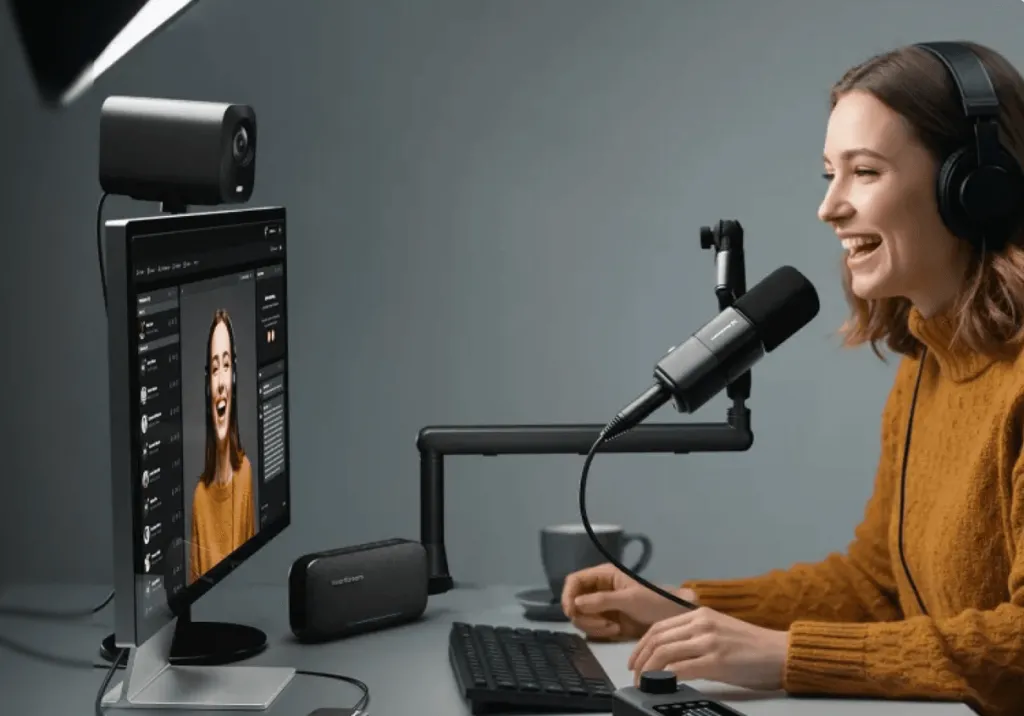
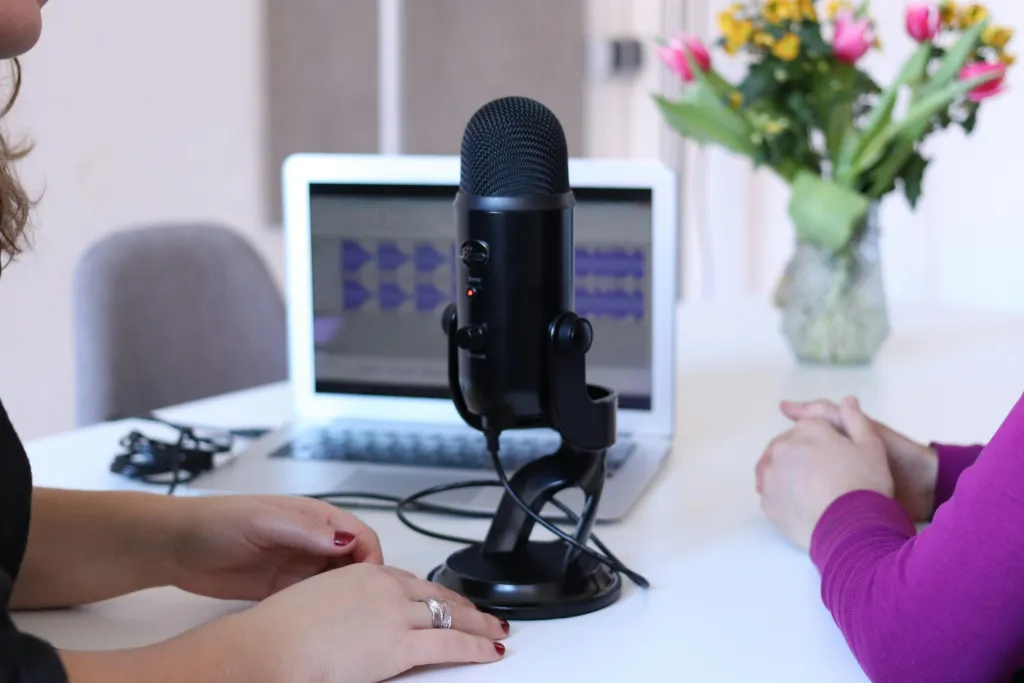
USB mics: Plug-and-play, great for beginners or solo creators.
XLR mics: Superior sound, require interfaces or mixers, ideal for teams wanting premium audio.
Adjust lighting and background to enhance visual professionalism
Use a stand or tripod to avoid shaky footage
Frame your shot properly, keeping your head centered and eyes looking directly at the camera
How to Set Up an Echo-Free Space for Smooth Remote Podcasting?
Tips for Crafting a Pro-Quality Recording Environment for Remote Podcast Recording:
A quiet room means minimal background noise like traffic, appliances, or voices—closing doors and windows helps a lot.
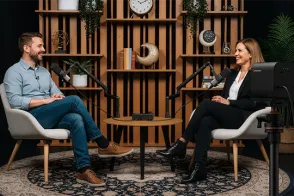
An echo-free room reduces sound reflections from hard surfaces like walls or floors. Soft furnishings like curtains, rugs, sofas, and bookshelves act as natural sound absorbers.
If you hear echo, add DIY soundproofing with blankets, foam panels, or curtains on walls and hard surfaces. These simple tweaks significantly boost your remote recording’s sound quality.
Best Editing Tools for Remote Podcasts – What Pros Are Using?
Post-production is where you polish and clean up your podcast content. Here are popular editors suited for podcast remote recording:


































































 sales@nearstream.us






