


























































If you own a modern MacBook Pro or Air, you’ve heard the marketing. Apple claims their latest laptops feature a "three-mic array with studio-quality beamforming."
But here is the uncomfortable truth: "Good for a laptop" is not the same as "Good."
Many Mac users fall into a trap. They spend $2,000+ on a machine, launch a podcast or join a high-stakes board meeting, and rely on the tiny holes in the chassis to carry their voice. They assume the technology will save them.
But technology cannot defeat physics.
In this comparison, we are pitting the NearStream AM25X against the internal microphones of the Mac ecosystem. We will show you why relying on your laptop for audio is holding your content back, and why an external microphone is the upgrade your Mac deserves.
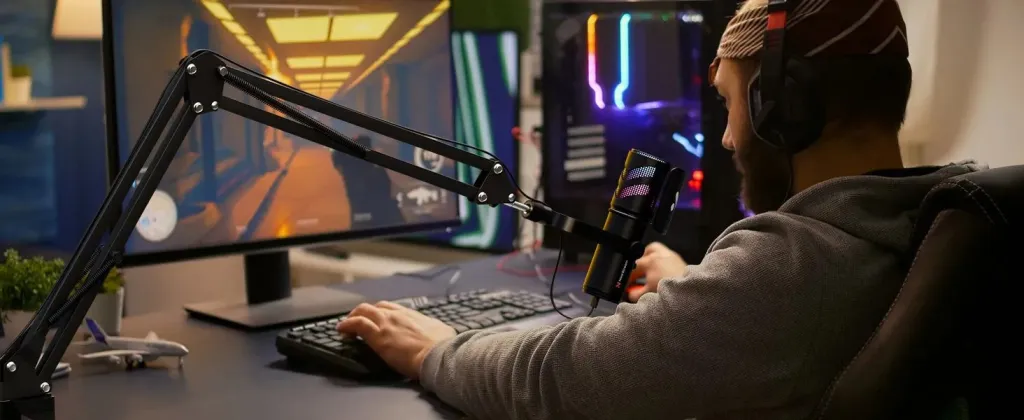
The Physics Problem: Why Laptop Mics Fail
Before we compare the sound, we have to look at the setup. The fundamental flaw of the Mac microphone isn't the chip; it's the location.
The Distance Gap (Reverb)
- Mac Mic: When you use a laptop, you are typically 20-30 inches away from the screen. At this distance, the microphone hears as much of the "room" (reflections off walls) as it hears of your voice. This creates a hollow, distant sound known as "bathroom echo."
- AM25X: An external mic sits 6-8 inches from your mouth. The "Direct Sound" dominates. The room disappears. Your voice sounds intimate, dry, and present.
The Mechanical Coupling (Keyboard Noise)
- Mac Mic: The microphones are physically built into the same chassis as your keyboard and trackpad. Every time you type a note or click a link, that vibration travels directly through the metal case into the microphone. To your listeners, it sounds like thunder.
- AM25X: It sits on its own stand (or boom arm), mechanically decoupled from your typing. You can type furiously during a meeting, and your audio remains clean.
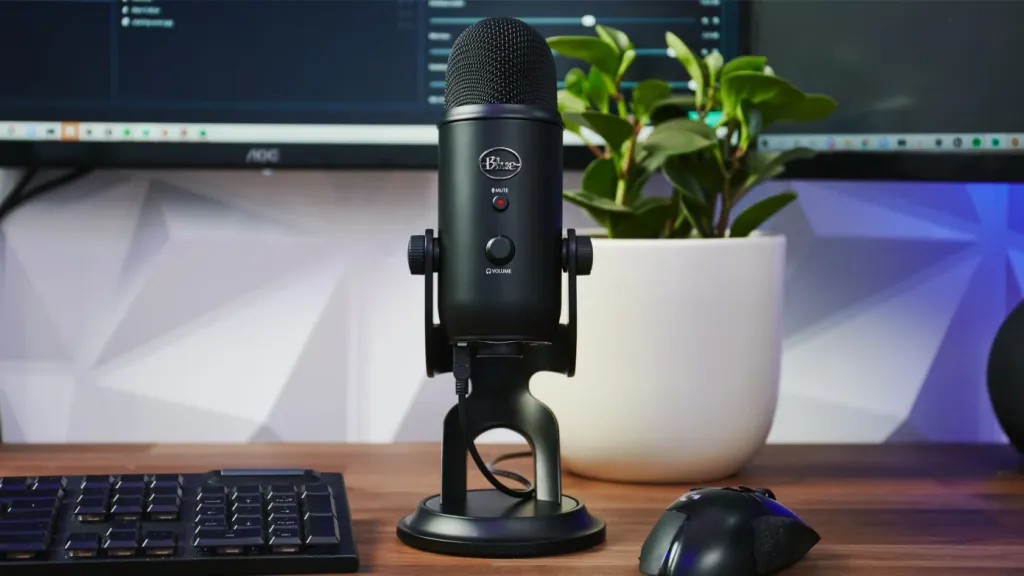
Scenario 1: The Video Conference (Zoom / Teams)
The Challenge: Sounding Professional in a Virtual Meeting.
You are pitching a client or managing a team. You want to sound like a leader.
The Mac Reality: The "Robotic" Voice
Because the Mac mic is far away and picks up fan noise/typing, software like Zoom has to work overtime. It applies aggressive "Noise Suppression."
- The Result: The software chops off the frequencies of your voice that overlap with the noise. You sound thin, garbled, or like you are underwater. If you talk while typing, your voice often cuts out completely.
The AM25X Upgrade: Authority & Warmth
- Rich Tone: The AM25X captures the lower frequencies (the "chest voice") that laptop mics miss. You sound fuller and more authoritative.
- Physical Control: During a meeting, if you need to cough, you have to fumble with your mouse to find the mute button on the screen. The AM25X has a Physical Mute Button with an LED indicator. You can mute instantly and confidently.
- No "Robo-Voice": Because the signal is clean, Zoom doesn't have to process it. You sound like you.
Verdict: The Mac mic is fine for chatting with family. The AM25X is for doing business.
Scenario 2: Content Creation (Podcasts / Voiceovers)
The Challenge: Creating Commercial-Grade Audio.
You want to record a podcast episode or a voiceover for a YouTube video.
The Mac Reality: The "Hiss" Floor
If you open a blank project in GarageBand or Logic Pro and hit record on your Mac mic without speaking, you will see the meter jumping.
- High Noise Floor: This is the static hiss generated by the tiny electrical components packed tightly inside the laptop.
- Unusable for Edit: If you try to compress or EQ this audio later, the hiss gets louder. It sounds amateurish and is exhausting to listen to for more than 5 minutes.
The AM25X Upgrade: The "Black" Background
- Silence is Golden: The AM25X has a much lower self-noise. When you stop speaking, the recording is dead silent (often called a "black background").
- Edit-Ready: Because the source audio is clean and rich, you can apply compression, EQ, and effects in post-production without ruining the file. It is a professional canvas for your creativity.
Verdict: You can record a podcast on a Mac mic, but your listeners will know immediately. The AM25X delivers the broadcast standard.

The "Apple Ecosystem" Integration
One reason Mac users hesitate to buy gear is the fear of compatibility. "Will it work with my USB-C ports? Do I need drivers?"
The AM25X acts like a native Apple accessory.
- USB-C Native: It comes with a USB-C cable. No dongles required. Plug it directly into your Thunderbolt port.
- No Drivers: It is Core Audio compliant. It shows up instantly in Sound Settings, GarageBand, Premiere, and OBS.
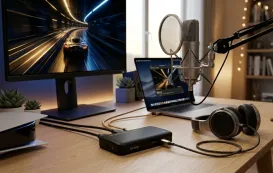
- Aesthetics: Let’s be honest—Mac users care about design. The AM25X’s sleek, minimal industrial design looks at home next to a Space Grey MacBook or a Studio Display. It doesn't look like a cheap plastic toy.
Conclusion: Unlock the Potential of Your Mac
Your Mac is a powerhouse for processing audio. But it is a poor tool for capturing audio.
It’s like owning a Ferrari (the Mac) but putting cheap tires (the built-in mic) on it. You aren't getting the performance you paid for.
The NearStream AM25X is the upgrade that completes your setup.
- It solves the distance problem.
- It eliminates the keyboard noise.
- It brings the "Studio Quality" that Apple promised, but couldn't quite deliver in a laptop chassis.
Don't let $0.50 audio components ruin the output of your $2,000 computer.

Frequently Asked Questions (FAQ)
Q: Will the AM25X work with a USB hub? A: Yes. While we recommend plugging directly into the Mac for the cleanest signal, the AM25X works perfectly fine through most powered USB-C hubs and docks (like CalDigit or Anker).
Q: Do I need to change settings in my Mac every time I plug it in? A: Usually, no. macOS is smart. Once you select the AM25X as your input device in "System Settings > Sound" the first time, your Mac will remember it and automatically switch to it whenever you plug it in.
Q: Is it compatible with GarageBand and Logic Pro X? A: 100%. It appears as a selectable input source in any DAW (Digital Audio Workstation). You can record high-fidelity tracks immediately.
Q: Does it work with iPad Pro? A: Yes! Since the iPad Pro (USB-C models) shares the same architecture, you can plug the AM25X directly into your iPad to record podcasts or voiceovers on the go using the Logic Pro for iPad app or Ferrite.





 sales@nearstream.us






