The Hidden Costs of Live Streaming: YoloBox Ultra vs. a Subscription-Free Alternative
Discover how NearStream Producer compares with YoloBox Ultra in features, production flexibility, and long-term costs—and why it may be the smarter investment for budget-conscious multi-camera live streaming setups.
video switcher
live streaming camera
church live streaming
Updated: Nov 11, 2026 · 8 minutes read
Modular Video Kits for Growing Business.
This article compares YoloBox Ultra and NearStream Producer in hardware costs, production capabilities, connectivity, and long-term value. Explore their key differences, understand the true cost of building a live streaming setup, and discover how NearStream Producer helps fixed-site teams create professional multi-camera productions while keeping more budget for essential equipment.
Key Takeaways
Different production priorities: YoloBox Ultra emphasizes portability, touchscreen operation, and mobile streaming options, while NearStream Producer focuses on multi-camera production for fixed-site environments.
Lower upfront hardware cost: At approximately $720, NearStream Producer costs considerably less than the $1,399–$1,599 YoloBox Ultra price range, leaving more room in the budget for cameras and other production equipment.
Core production features without extra subscriptions: NearStream Producer includes multi-camera switching, 11-channel audio mixing, PTZ control, and local SD recording without additional feature subscription fees for these core functions.
Flexible multi-camera connectivity: With HDMI, USB-C/UVC, PoE/NET, and Wi-Fi inputs, Producer supports different camera configurations for churches, schools, studios, and event venues.
Invest in the complete setup: The best choice depends on your production environment. Consider the full system cost—including cameras, audio equipment, connectivity, and ongoing services—not just the price of the production device.
Introduction: The price on the box is only the beginning
Choosing professional live streaming equipment means budgeting beyond the checkout price. As creators, churches, schools, and event teams upgrade from laptops and capture cards, it is easy to focus on the hardware price and overlook the cost of owning the system for the next one, two, or three years.
YoloBox Ultra is one of the best-known flagship all-in-one production devices. It combines a touchscreen, camera inputs, recording, graphics, multi-platform streaming, NDI, and network-bonding options in a portable unit. For the cost comparison below, we use a YoloBox Ultra hardware budget of $1,399–$1,599.
That headline price does not always tell the full story. A buyer may also need to budget for bonding or connectivity services, SIM cards and data, modems, storage, extra camera control, and backup equipment. A feature that looks included in a product comparison may become a recurring line item once the production goes live.
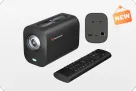
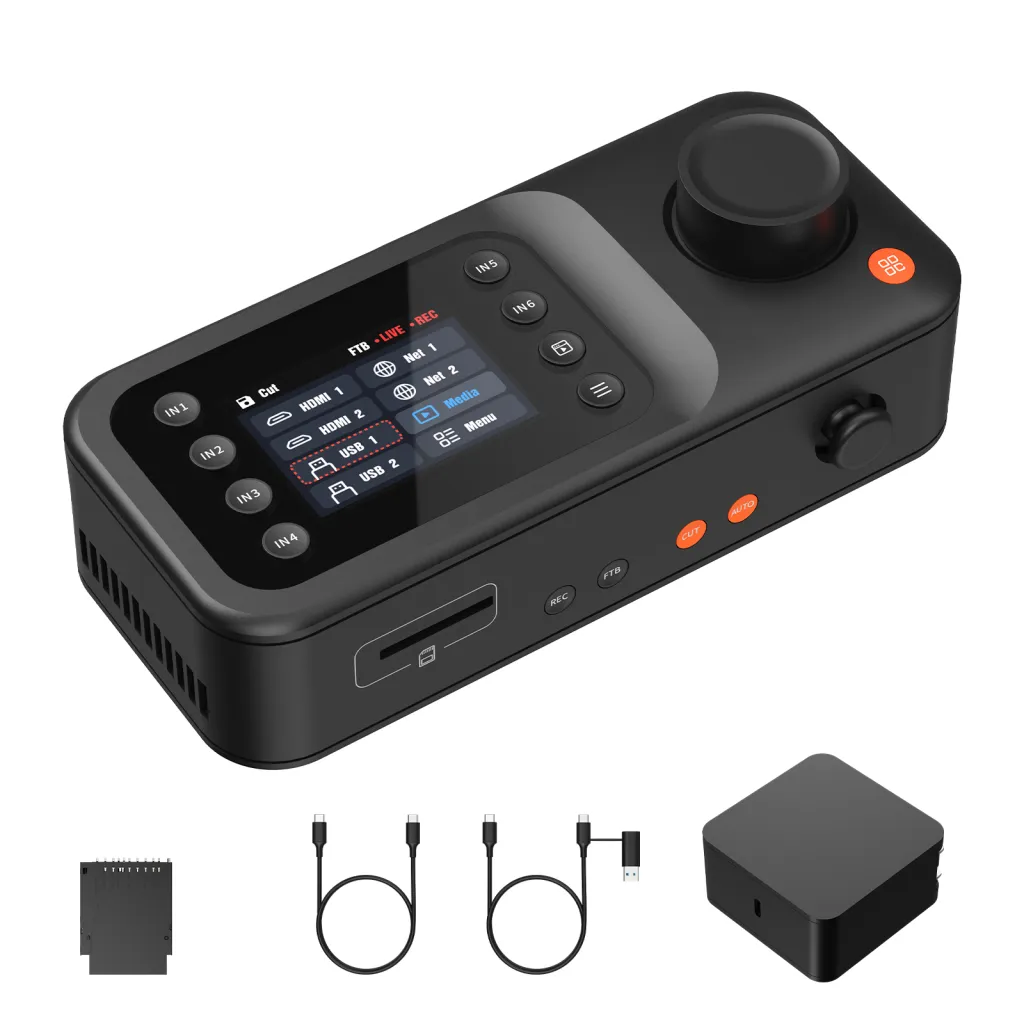
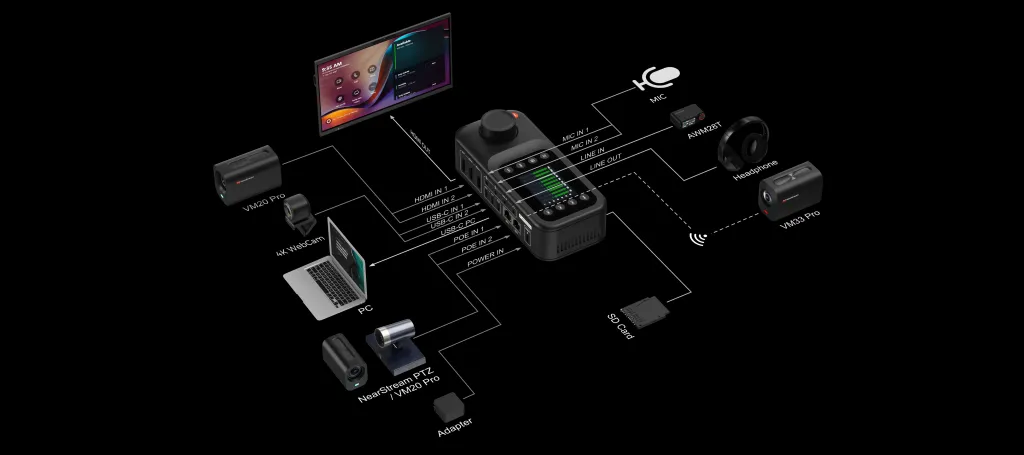
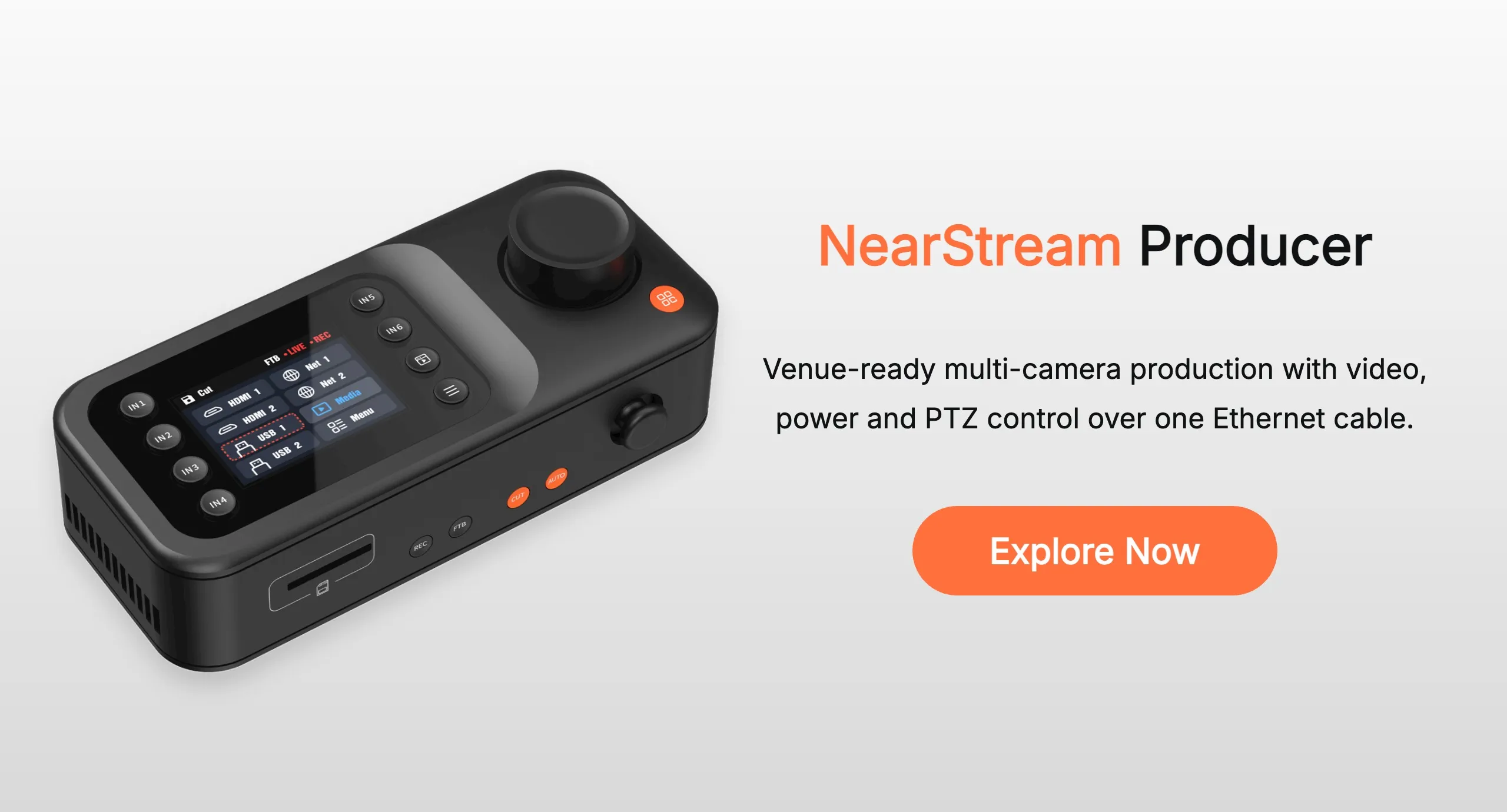
This is where NearStream Producer takes a different approach. At an approximate $720 hardware price, Producer is designed as a one-time investment in a complete live production workflow, rather than a platform that relies on recurring feature subscriptions. It supports up to 9 video sources, with 6 available for simultaneous production, integrating HDMI, USB-C/UVC, PoE network cameras, Wi-Fi cameras, and media sources. Its core capabilities include 11-channel audio mixing, local SD-card recording, multi-platform streaming, 5-way PTZ joystick control, and dual PoE ports that deliver power and video over a single cable for camera deployments up to 328 ft (100 m). It also provides 100W USB-C PD power delivery, making it a centralized solution for multi-camera production, switching, and live streaming without additional feature subscription fees.
The question is not which box has the longest feature list. The question is which system gives your team the production you need without turning ownership into a monthly bill.
The VOC reality check: what buyers discover after purchase
The retrieved YoloBox Ultra reviews include both praise and criticism. Many YoloBox Ultra owners praise its portability, broad connectivity, replay tools, and ability to replace a laptop in the field. A church reviewer described the touchscreen as easy to use for switching cameras, adjusting audio, and adding graphics (Amazon review R13S83EK0PQC7J, June 4, 2024). A sports producer wrote that the Ultra replaced a laptop and power station for multi-camera games (review R3N1JPKAYQ0V9X, March 7, 2024).
Other reviews show why the total cost deserves closer attention.
The subscription and connectivity paywall
One YoloBox Ultra reviewer warned about “additional costs for essential streaming services like bonding” and also mentioned CPU limits, audio-sync concerns, NDI timing problems, and occasional freeze frames (review R1XGN1DKWBLIMF, July 29, 2025). The same review described a professional workflow where extra service costs and reliability concerns affected the buying decision.
Another reviewer reported GPU difficulties with multiple live feeds and objected to the cost of what they called “bridging” (review RROMAE2IOE8VC, August 7, 2025).
These are individual customer experiences, not proof that every YoloBox Ultra requires the same services or will have the same performance. They do reveal the questions buyers should ask before spending nearly $1,600:
Is network bonding included in the current purchase, or does it require a paid service?
What will SIM cards, modem hardware, and cellular data cost per event?
Which advanced functions depend on a service plan or account?
What happens if the bonded connection, touchscreen, or storage fails during a paid production?
When a team has already paid a premium for hardware, discovering a recurring charge for a core workflow can feel like buying hardware and renting the software.
Performance problems also create hidden costs
A second form of hidden cost is time. If a system struggles with multiple feeds, freezes during a show, or requires repeated troubleshooting, the team may need to lower the stream quality, remove graphics, buy a backup device, or schedule a second operator.
A YoloBox Ultra review reported video jumps even after subscribing to a bonding program and said an SD card became stuck or was not detected (review R2CT2KS88WZVEK, July 21, 2025). Another one-star review described touchscreen failures and a YouTube app problem after a purchase of more than $1,300 (review R1GWJBA6HXS3CF, February 13, 2025).
Again, these reports should be read as risk signals rather than universal conclusions. For a church service, school game, or client event, however, even one failed stream can cost more than the difference between two hardware prices.
NearStream Producer: one-time investment, full core access
NearStream Producer takes a different approach to production costs. At an approximate $720 hardware price, it offers a centralized production workflow with its advertised core functions available without additional feature subscriptions.
Compared with a $1,399–$1,599 YoloBox Ultra hardware budget, Producer costs approximately $679–$879 less upfront. That leaves more room in the budget for cameras, microphones, lighting, storage, or backup equipment—investments that can directly improve production quality and reliability.
More importantly, Producer integrates several production capabilities into one device, helping teams avoid purchasing separate hardware for every task.
One Device for Multi-Camera Production
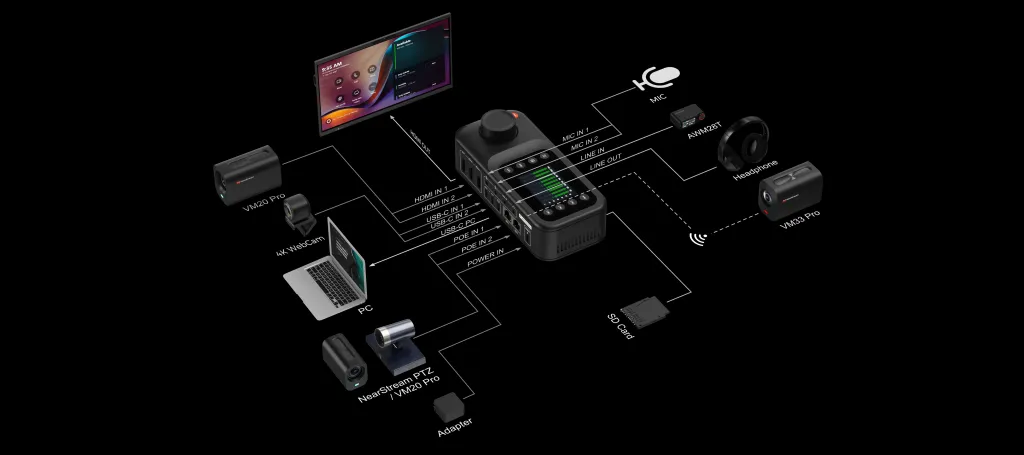
Producer supports up to 9 video sources, with 6 available for simultaneous production. It brings together HDMI, USB-C/UVC, PoE network cameras, Wi-Ficameras, and mediasources in one production workflow.
Producer’s advertised workflow includes:
11-channel professional audio mixing
Local SD-card recording
PTZ camera control
Multi-platform streaming
PoE power and video transport
Core production functions available without a feature subscription
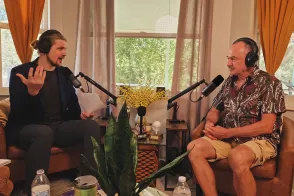
This makes Producer especially compelling for church live streaming, school sports, podcast studios, conference rooms, and other productions that happen in a repeatable location.
Integrated PTZ Control: Less Additional Hardware
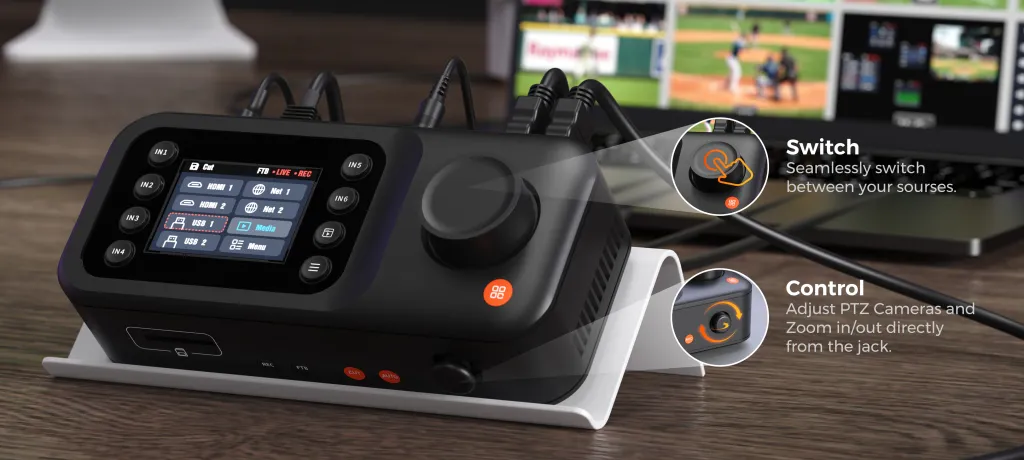
Traditional multi-camera installations may require a separate PTZ controller to operate compatible remotely controlled cameras. Producer integrates a five-way PTZ joystick, allowing operators to control compatible cameras directly from the production console.
This can eliminate the need to purchase a separate PTZ control surface for supported camera workflows. It also gives volunteers and production operators one centralized place to manage camera movement and video switching.
For churches, school auditoriums, and conference rooms with fixed camera positions, this integration can simplify the production desk and reduce the number of devices operators need to manage.
PoE: Lower Camera Deployment Complexity
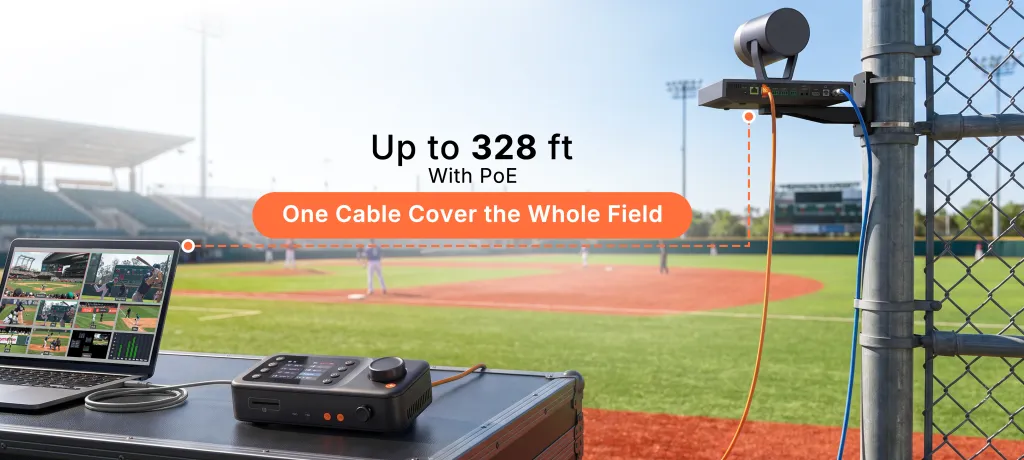
Producer includes two PoE network ports, allowing compatible network cameras to receive power and transmit video through a single Ethernet cable, with supported deployments reaching up to 328 ft (100 m).
This is particularly useful in permanent installations where cameras are mounted on ceilings, walls, or distant corners of a venue. Instead of running separate power and video cables to every camera, teams can simplify their wiring with a single network connection per compatible camera.
For venues with existing network infrastructure, this can reduce installation complexity, cable requirements, and the need for additional power adapters at camera locations.
PoE is not a substitute for cellular connectivity at remote outdoor events. Its cost advantage is strongest in fixed venues where reliable wired networking is available.
Where the Long-Term Savings Come From
Producer's cost advantage comes from three areas: a lower initial hardware price, core production functions that do not require an additional feature subscription, and integrated hardware that can reduce the need for separate production accessories.
It does not mean every production is cost-free after purchase. Cameras, microphones, SD cards, network infrastructure, internet access, and other project-specific equipment may still require additional investment.
However, for teams that primarily produce events in fixed venues, Producer offers a practical way to build a multi-camera production system while keeping the initial hardware investment and ongoing feature costs more predictable.
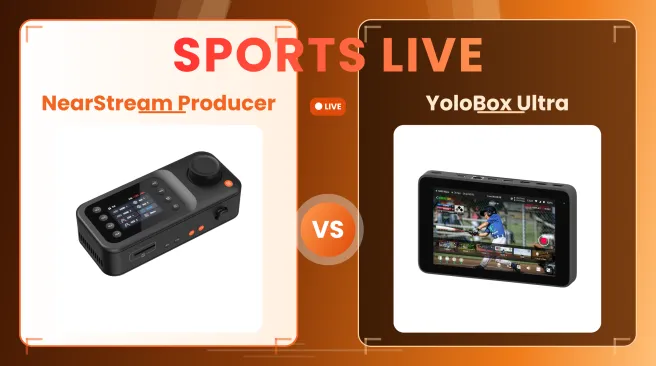
YoloBox Ultra vs. NearStream Producer: Cost Comparison
Cost Category
YoloBox Ultra
NearStream Producer
Approx. Hardware Price
$1,399–$1,599
About $720
Multi-Camera Production
All-in-one production with camera inputs, video switching, graphics, and streaming
Up to 9 video sources, with 6 available for simultaneous production
Video Input Options
HDMI, USB-C, and supported network camera inputs
2 HDMI, 2 USB-C/UVC, 2 PoE/NET, 2 Wi-Fi, and 1 Media source
Audio & Recording
Integrated audio mixing and local recording
11-channel audio mixing and local SD-card recording
Network & Wireless Connectivity
Wi-Fi, Ethernet, cellular connectivity, and bonding options
Wired PoE/NET and Wi-Fi video source integration; PoE supports power and video over one cable, up to 328 ft (100 m)
PTZ Control
Camera control options depend on the camera and workflow; additional accessories may be needed
Built-in five-way PTZ joystick for compatible cameras
Potential Ongoing Costs
Bonding or connectivity services, SIM cards/data, modems, and storage may add costs depending on the setup
No additionalfeature subscription for advertised core functions
Hardware Integration
Portable all-in-one production system with integrated touchscreen controls
Centralized production system combining video switching, audio mixing, PTZ control, and PoE connectivity
Upfront Budget Advantage
Higher initial hardware investment
Approximately $679–$879 lower upfront cost, leaving more budget for cameras, microphones, lighting, or backup equipment
NearStream Producer delivers a complete multi-camera production workflow at a significantly lower upfront cost. With no additional feature subscriptions for its advertised core functions, Producer helps teams maximize their production capabilities while keeping long-term costs predictable.
What can you do with the $800 you save?
A production system is only part of the image chain. Once you have a stable switching and recording center, the camera, lens, lighting, and microphone often create the most visible improvement.
Option 1: Choose a Wireless Live Streaming Camera for Flexible Setups
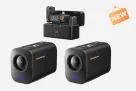
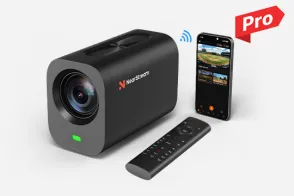
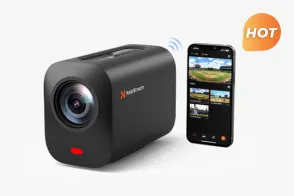
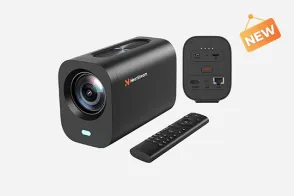
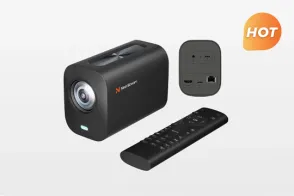
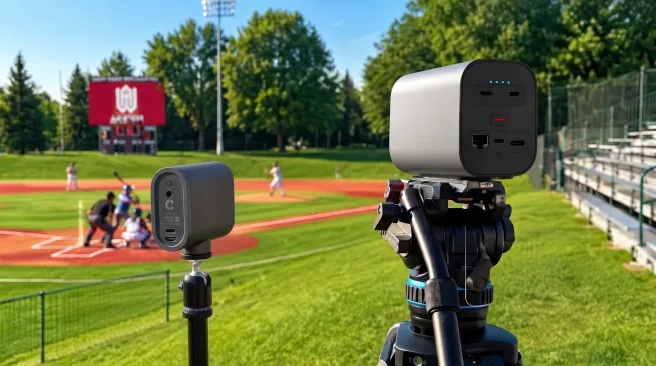
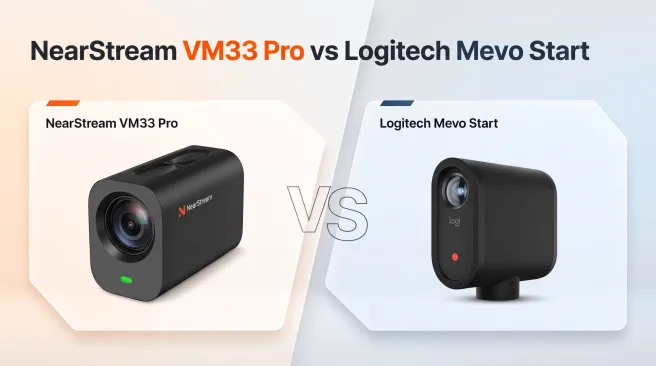
Not every event takes place in a studio or a venue with convenient cable access. For outdoor sports, mobile productions, and locations where running cables is difficult, the NearStream VM33 Pro is a versatile wireless live streaming camera designed for greater setup flexibility.
It combines 4K imaging, 10× optical zoom, built-in battery power, and Wi-Fi connectivity in one compact camera. You can position it where the action happens without being limited to a nearby power outlet, making it a practical choice for field coverage, worship services, and live events.
Instead of putting your entire budget into one production device, you can build a more flexible video setup by choosing the right combination of production hardware and cameras for your needs.
Option 2: Upgrade Your Church or Conference Venue with a 4K PTZ Camera
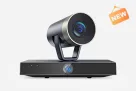
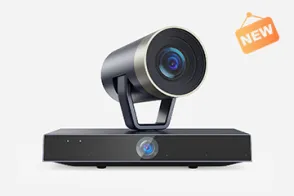
For churches, conference halls, and school auditoriums, the NearStream 4K Dual-Lens PTZ Camera offers a powerful way to elevate live production. Its 20× optical zoom captures clear close-ups from a distance, while the 120° panoramic lens provides a wide view of the entire venue, keeping both the speaker and the surrounding scene in focus.
Paired with NearStream Producer, its PoE connectivity and integrated five-way PTZ joystick make it easier to build a professional multi-camera setup with centralized camera control and simplified cabling. Explore the NearStream 4K PTZ Camera.
Option 3: Put More of Your Budget Toward a Multi-Camera Sports Setup
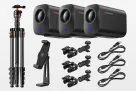
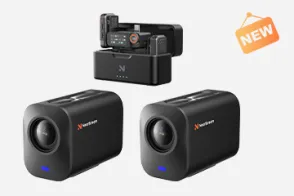
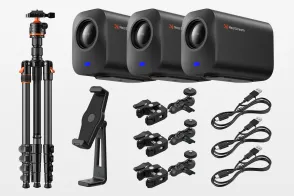
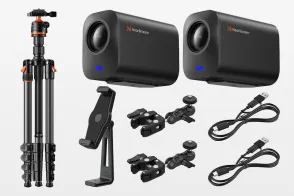
For baseball, football, tennis, school events, and interviews, explore NearStream Sports Solutions, with complete 2-, 3-, and 4-camera kit options.
Choosing NearStream Producer over a higher-priced production system can reduce your initial investment in the production hardware, leaving more room in your budget for cameras and other essential equipment. For teams looking to move beyond a single-camera setup, NearStream’s Sports Kits offer a more complete path to multi-camera coverage, with options starting at $2,681.98 for a two-camera configuration.
With multiple camera angles, teams can capture a wide view of the field, follow the action more closely, and give viewers a more engaging look at the event.
The Verdict: Which System Belongs in Your Setup?
Choose the YoloBox Ultra If:
1. You are a run-and-gun outdoor creator
You frequently broadcast from remote, off-grid locations where Wi-Fi or Ethernet simply don't exist.
2. You don’t mind recurring software bills
You rely heavily on cellular network bonding and are entirely comfortable paying the ongoing monthly data plans and premium subscription fees required to keep your stream online.
3. Portability trumps budget
You prefer a battery-powered, tablet-style touchscreen interface and have the flexible budget ($1,500+) to accommodate not just the expensive hardware, but also the extra modems, SIM cards, and backup connectivity tools you'll need.
Choose the NearStream Producer If:
1. You stream from a dedicated venue
You want a rock-solid, multi-camera command center engineered specifically for church live streaming, school sports, podcast studios, and corporate conferences.
2. You want to permanently escape the "Subscription Trap"
You demand flagship production power—including 9 video sources, 6 simultaneous inputs, 11-channel audio mixing, local microSD recording, and a built-in PTZ joystick—all unlocked right out of the box with zero hidden monthly fees.
3. You value a clean, professional wire-up
You want a true broadcast workflow that seamlessly powers and connects a compatible live streaming camera via a single PoE (Power over Ethernet) cable, eliminating messy cable runs across your sanctuary or stadium.
4. You are a smart investor
You recognize that the $800+ you save on the Producer switching hardware can be immediately reinvested into the gear that actually shapes your final image—like upgrading your lenses, adding a new 4K PTZ camera, or buying better microphones and lighting.
5. You need stress-free operation for your team
You need a practical, tactile production hub that volunteers and small teams can master quickly, without the performance anxiety of touchscreen freezes or complex bridging setups.
Conclusion: buy the workflow, not the hidden bill
Professional live production should not become an open-ended expense.
YoloBox Ultra offers a portable all-in-one workflow with touchscreen control, cellular connectivity options, and built-in replay—valuable features for creators who frequently stream from different locations. However, if your production is primarily based in a church, school, studio, or conference venue, you may not need to pay a premium for mobility-focused features.
NearStream Producer makes a different promise. At about $720, it provides a lower-cost production core with advertised 11-channel mixing, local SD recording, PTZ control, and PoE support without a feature subscription for those core functions. The savings can go toward the camera and audio improvements that viewers actually notice.
If your team is building a fixed-site live streaming equipment setup for a church, school, studio, or conference venue, compare the full one-year cost—not only the price on the box.
Explore the NearStream Producer, request a free consultation, and build a professional multi-camera system without paying a recurring feature bill.
FAQs
Is NearStream Producer one of the best YoloBox Ultra alternatives?
Producer is worth considering for fixed-site productions. Producer is a strong YoloBox Ultra alternative when your priorities are PoE, PTZ control, multi-channel audio, local recording, and no feature subscription for the advertised core functions.
Does NearStream Producer require a monthly subscription?
The core Producer functions described in this comparison—11-channel mixing, local SD recording, and PTZ control—are advertised as included without a feature subscription. Internet service, network hardware, cameras, and any third-party streaming platform costs are separate.
Is YoloBox Ultra better for remote live streaming?
Its cellular, Wi-Fi, Ethernet, and bonding options can make it better suited to remote productions. That flexibility may also introduce recurring data, modem, and service costs.
What is the best live streaming equipment for a church?
For a church with a regular venue, a PoE-enabled production system, compatible PTZ cameras, reliable audio, and local recording can be easier to operate and budget than a mobile-first workflow. NearStream Producer is designed around that use case.






















 sales@nearstream.us