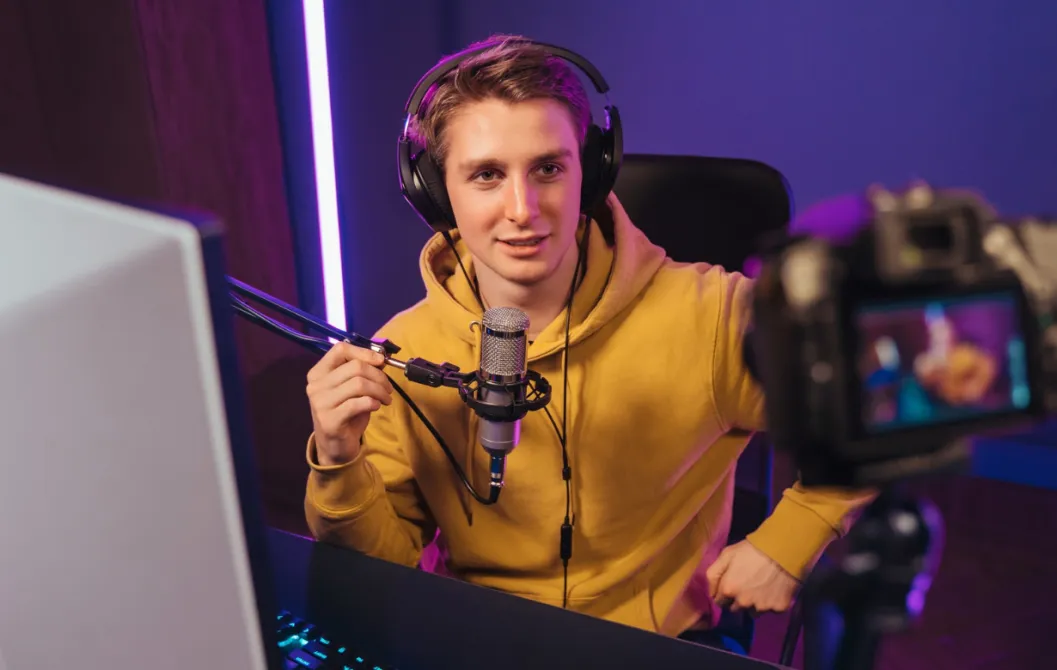




FPS Pro 'SniperJay'
"The Zero Latency HDMI connection finally synced my face cam with my gameplay. My viewers noticed the quality jump immediately."

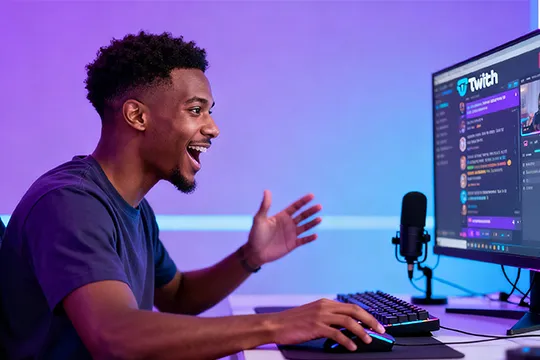
Stop settling for the "Webcam Look." Upgrade to the Best Camera and Audio Setup for Twitch Streaming. Experience 4K PTZ camera clarity, Zero latency HDMI sync, and total audio control designed for OBS and Streamlabs.
Fully Compatible with OBS, Streamlabs & Discord
Seamless Integration With
Real results from the Twitch and YouTube Gaming ecosystem.
"The Zero Latency HDMI connection finally synced my face cam with my gameplay. My viewers noticed the quality jump immediately."
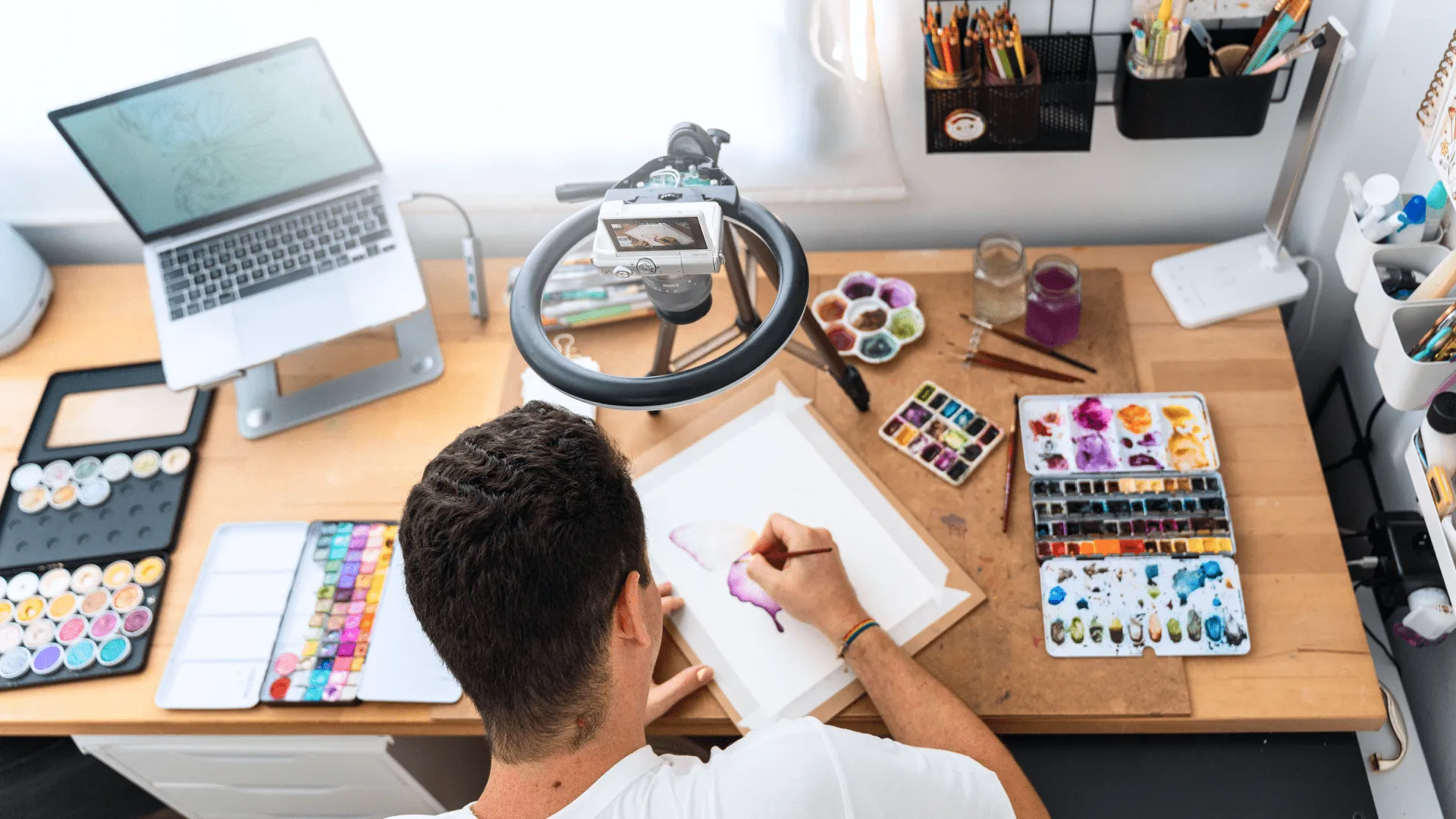
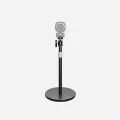
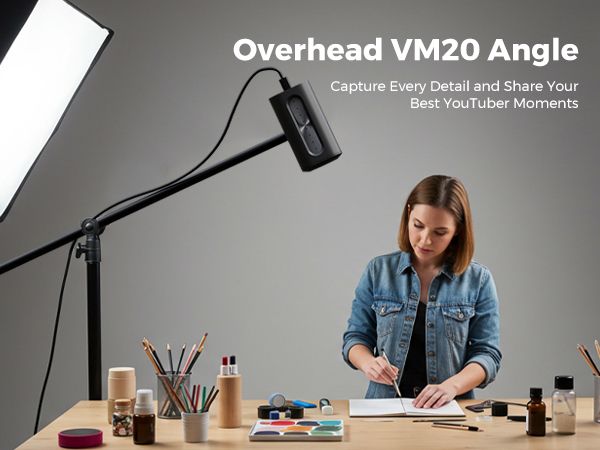
"I use the ST30 stand for a top-down view. The 10x optical zoom lets me show brush strokes in 4K without the webcam grain."
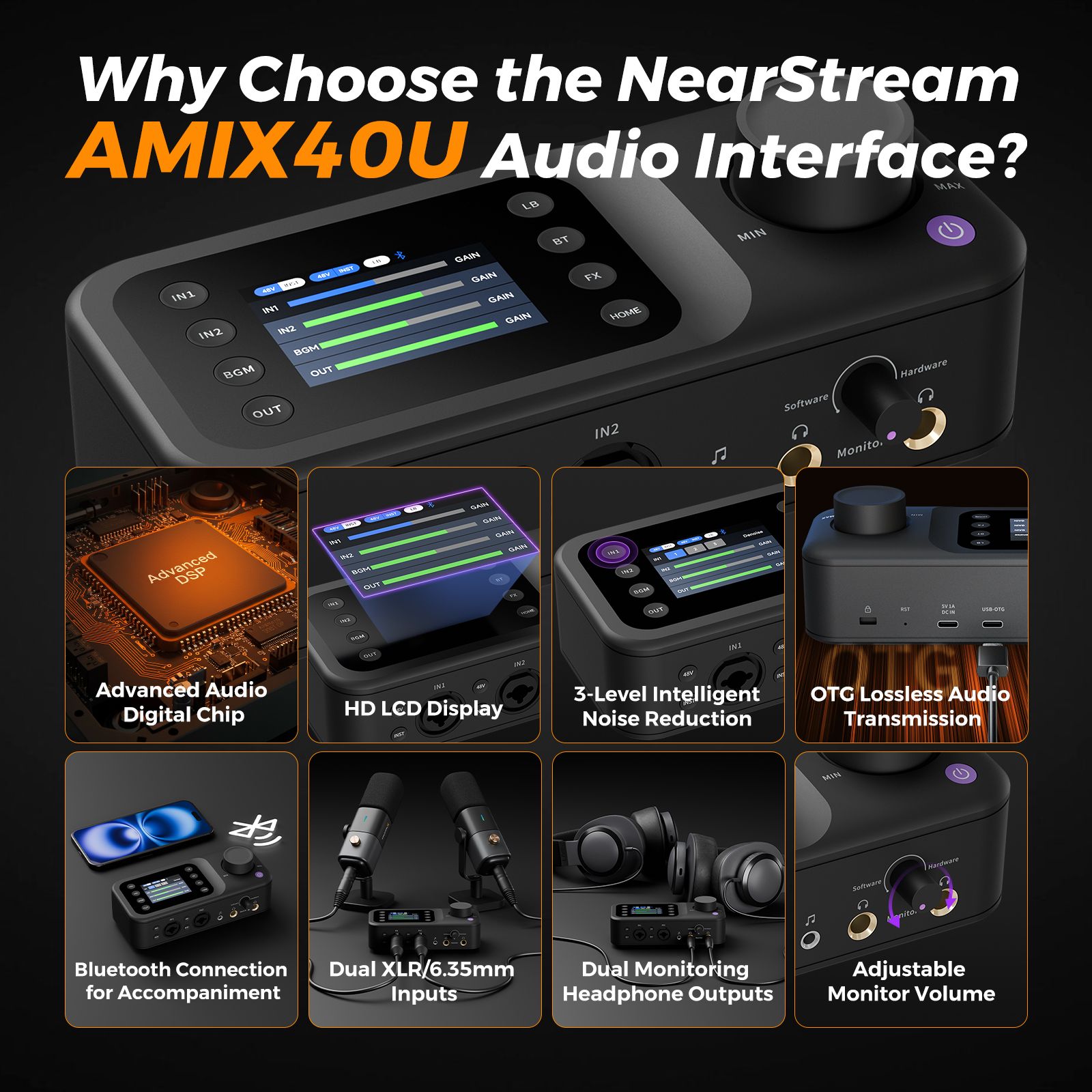
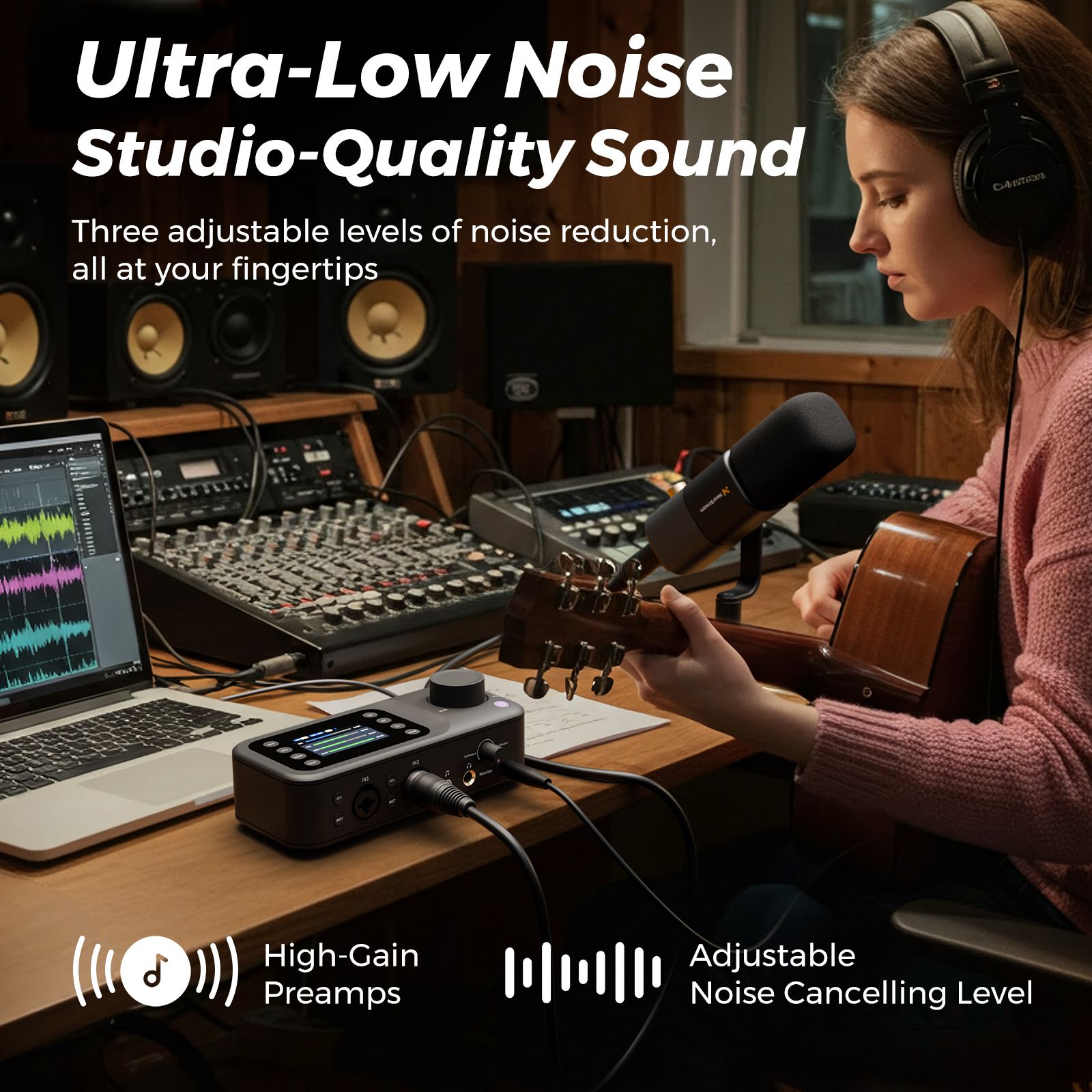
"The AMIX40U mixer is my command center. I can balance game audio, discord, and my mic instantly. No more audio chaos."
Retention isn't luck. It's about clarity, audio immersion, and low latency.
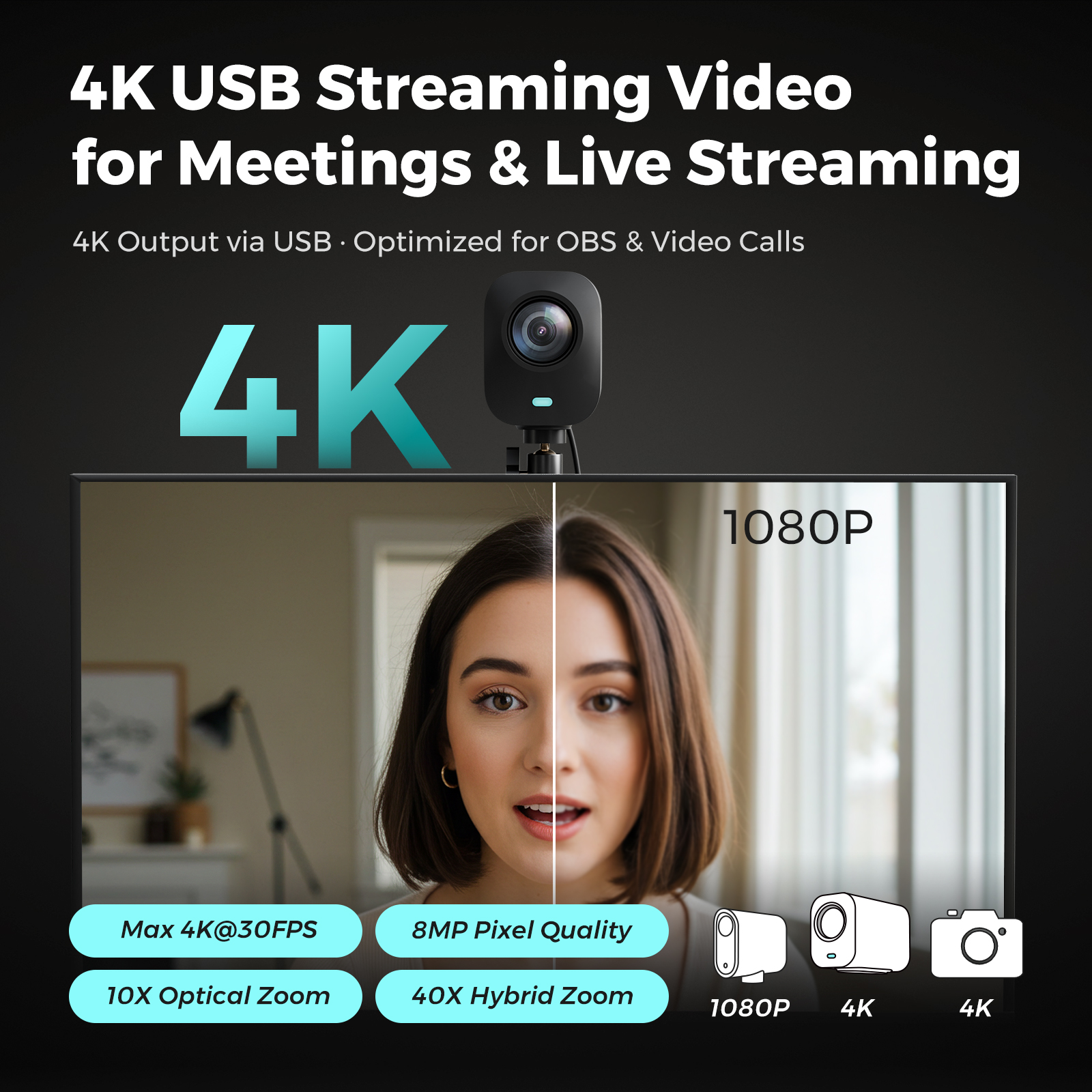
RGB lighting kills webcams. You need a 4K PTZ camera for OBS with 10x Optical Zoom to maintain a crisp image even when the camera is placed behind your monitors.
Wi-Fi cameras cause lip-sync delay. Our Zero latency HDMI streaming camera ensures your reaction shot happens exactly when the headshot lands in-game.
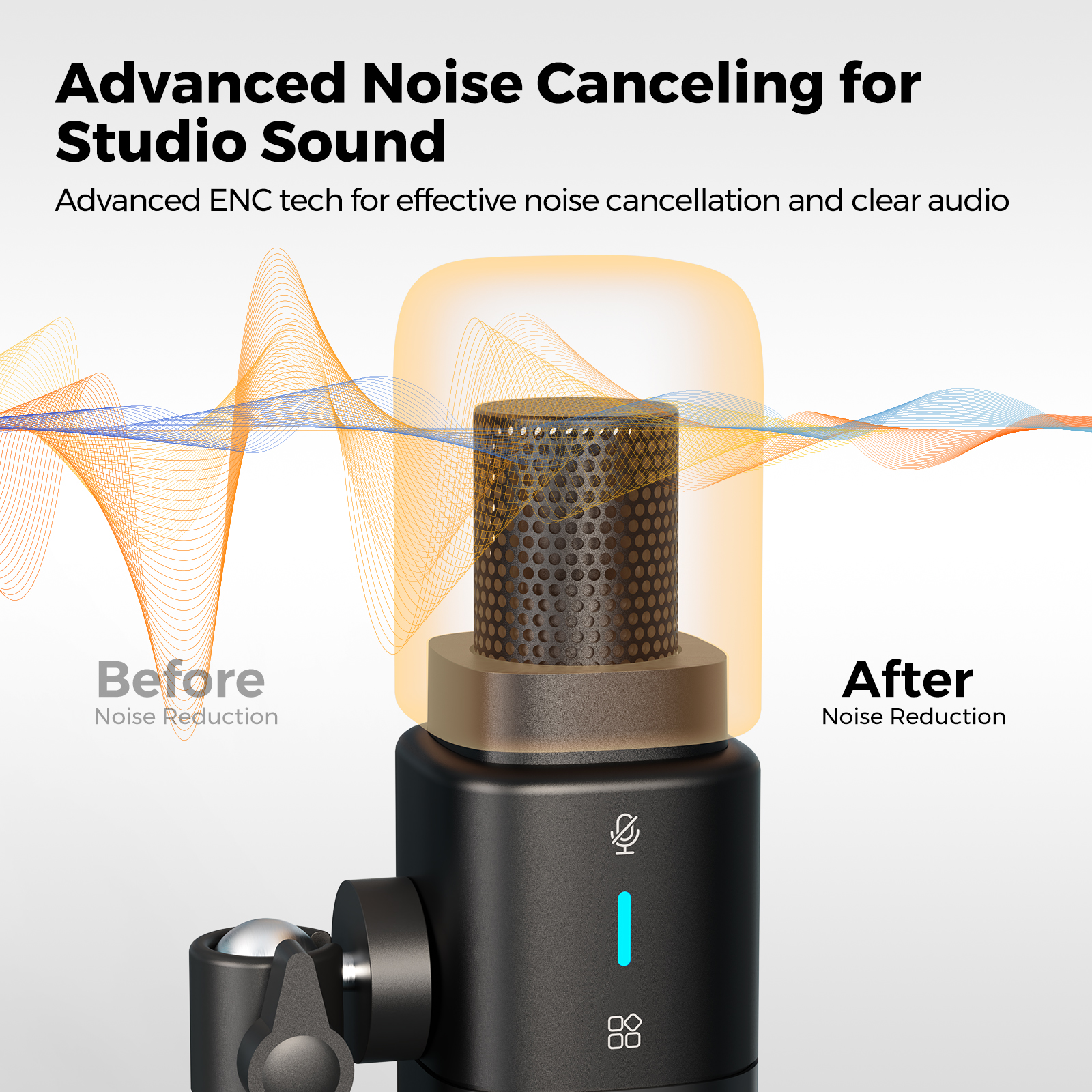
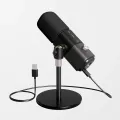
Keyboard clicks shouldn't be heard. An XLR audio interface for streamers gives you physical control to mix game, Discord, and mic levels instantly.
Solve the core pain points of grain, lag, and audio chaos. Hardware built for the serious streamer.
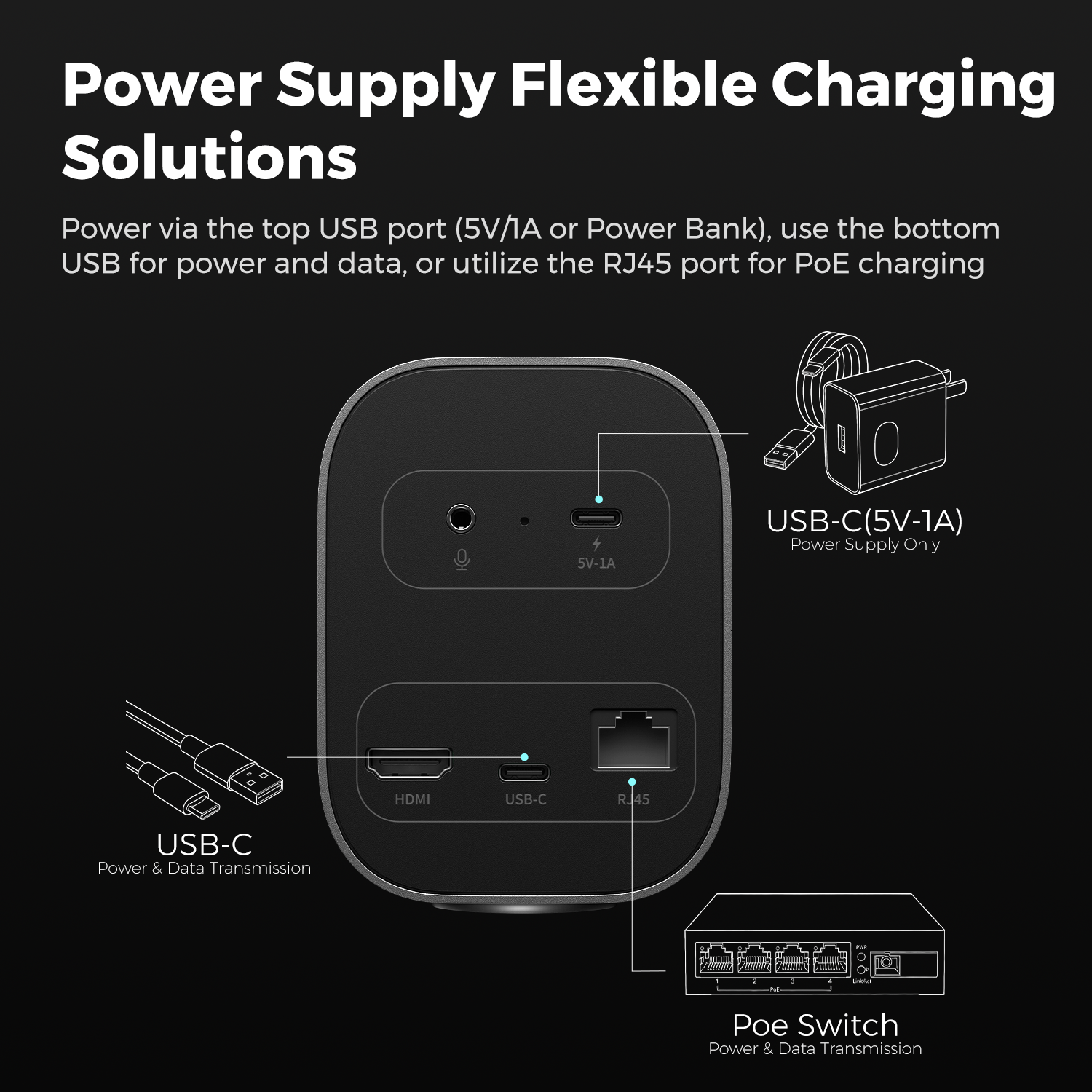
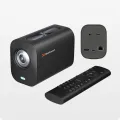
Gamers can't afford delay. NearStream VM20's HDMI output connects directly to your capture card, ensuring your reactions are perfectly synced with gameplay in OBS. No Wi-Fi buffering.
Replaces software mixing struggles. The AMIX40U acts as a physical command center. Balance game audio, Spotify, Discord, and your mic with real tactile knobs.
Don't buy expensive rigs. The VM20 combined with the ST30 stand creates the perfect Hand Cam or keyboard view. Supports upside-down mounting with native image flip.
Build your dream broadcast studio without the complexity.
Connect your 4K PTZ camera for OBS via HDMI or USB. Plug your microphone into the AMIX40U mixer for instant audio power.
Use the app to set presets. Switch from Face Cam to Top-down camera for keyboard cam instantly using the 10x optical zoom.
Select NearStream as your video source in OBS or Streamlabs. Start streaming with zero latency and studio-grade quality.


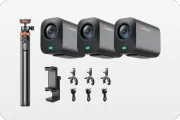
34,171円 オフ


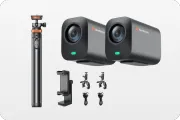
18,983円 オフ
Whether you are a competitive gamer or a creative artist, NearStream adapts to your workflow.
Sync is everything. The VM20's HDMI output eliminates the 2-second delay found in Wi-Fi cameras, ensuring your headshot matches your gameplay perfectly.
Mix game sound and Discord chat instantly with the AMIX40U.
Large sensor performs perfectly in RGB-lit gaming rooms.
Whether painting or building mechanical keyboards, the VM20 + ST30 stand gives you a stable, high-definition overhead view.
Mount upside down easily. The app flips the image for you.
Zoom in on intricate details without losing 4K resolution.
See how we stack up in the Logitech Brio 4K vs NearStream and Sony A6400 vs NearStream debate.
The Studio King
Standard Setup
Pro Setup
*DSLR setups can cost over $2,000. NearStream offers pro quality for a fraction of the price.
Join thousands of streamers upgrading from webcams to NearStream.
"I was tired of my webcam getting grainy when I tried to zoom in on my face. The VM20's optical zoom keeps me crisp even from across the room. It feels like a TV studio."
"I used to struggle with VoiceMeeter for hours. The AMIX40U mixer just works. I can mute my mic or lower game volume instantly with physical knobs. Best upgrade ever."
"The ST30 stand is so sturdy. I use it for my top-down keyboard cam when I build custom boards. The camera flips natively, so setup takes 2 minutes."
Find the perfect gear for your selling style.
Customized Solutions
We'll address your challenges and show how our product can be tailored to your needs.
Product Overview
Explore our product's key features and real-world applications.
Live Q&A
Engage in an interactive session with our experts to get your questions answered.