


























































By The Live Commerce Lab Estimated Reading Time: 10 Minutes
Why "One System" Beats "Many Hacks"
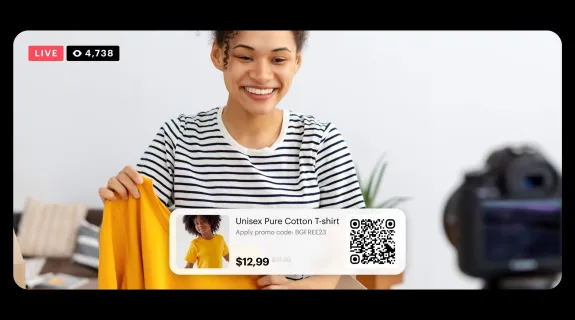
Live selling has changed. Two years ago, holding a shaking phone and shouting into the microphone was acceptable. Today, it is not.
Viewers have evolved. They expect clear audio, sharp product details, and a broadcast that feels stable.
However, creators face a fragmented landscape. You might need to stream on TikTok in the morning, record a YouTube video in the afternoon, and host an Amazon Live session in the evening.
- Different platforms have different software rules.
- Different apps have different interfaces.
But your core needs never change:
- Stability: The stream cannot crash.
- Clarity: The product must look real.
- Control: You need to manage audio instantly.
This is why we designed the PodPro Kit. It is not an accessory for a single app. It is a comprehensive Audio-Visual Foundation designed to work seamlessly across every platform you use. It replaces the "mess of cables" with a unified command center.
What Is the PodPro Kit Designed For?
The PodPro Kit is a Creator-First Live Selling Setup.
It is engineered for the modern merchant who is also a broadcaster.
Target Audience:
- Individual Hosts: You run the show alone and need gear that acts as your crew.
- Content Creators: You need high fidelity for "Shoppable Podcasts."
- Small Brands: You need a professional look without a TV studio budget.
Typical Scenarios:
- Live Product Demonstrations (Cosmetics, Tech, Crafts).
- Hybrid Podcast + Live Streaming sessions.
- Long-format "Marathon" selling events (4+ hours).
The Core Philosophy:
PodPro is built to scale with your content — not lock you into one platform.
Core Challenge in Live Selling (Across Platforms)
Why do most live selling setups fail?
It usually isn't because the creator is bad at selling. It is because the gear fights against them.
When you rely on "Consumer Gear" (Webcams, USB mics, Phones) for "Professional Tasks," you hit a wall.
Table 1: The "Consumer vs. Professional" Gap
Common Issue (Consumer Gear) | The PodPro Standard (Professional Gear) |
|---|---|
"Audio Drift"
❌ Volume drops when you turn to grab a product. | "Consistent Presence"
✅ The AM25X keeps your voice rich and forward, even when moving. |
"Focus Hunting"
❌ Camera blurs when you hold an item close. | "locked Clarity"
✅ The VM20 captures sharp 4K details of the product texture. |
"Menu Diving"
❌ You have to click a mouse to mute your mic. | "Tactile Control"
✅ The AMIX40U gives you a physical mute button and volume fader. |
"Overheating"
❌ Phones dim the screen after 1 hour of streaming. | "Marathon Ready"
✅ Dedicated hardware runs cool for 8+ hours continuously. |
The Reality:
You don't have time to troubleshoot. You need to sell. The PodPro Kit removes the technical friction so you can focus on the audience.
Inside the PodPro Kit: What Each Piece Does
Let’s look at the ecosystem. We aren't looking at specs here; we are looking at Roles. What job does each device do for your business?
VM20 — The Visual Anchor
This is your eye contact.
- Role: It frames you and your product.
- Benefit: Unlike wide-angle webcams that distort your face, the VM20 offers a flattering focal length suitable for desktop streaming. It ensures the product in your hand looks as good as it does in real life.
AM25X — The Voice That Builds Trust
This is your persuasion tool.
- Role: It captures the authority in your voice.
- Benefit: Tuned for "Close-Talk" vocals, it rejects the noise of your room (AC, fans) and focuses strictly on your speech. When audio is clean, conversion rates go up because viewers trust the speaker more.
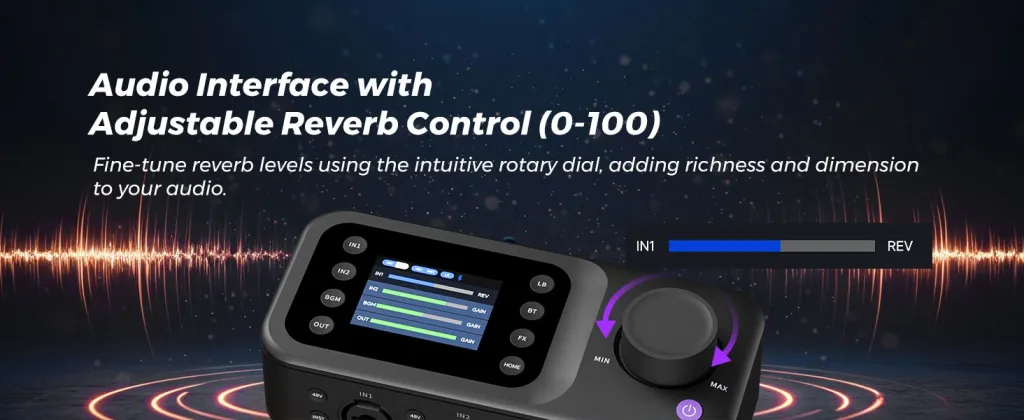
AMIX40U — The Command Center
This is your peace of mind.
- Role: It manages all audio signals.
- Benefit: It allows you to bring in background music, control volume levels, and mute yourself instantly. It frees you from looking at your computer screen to adjust settings.
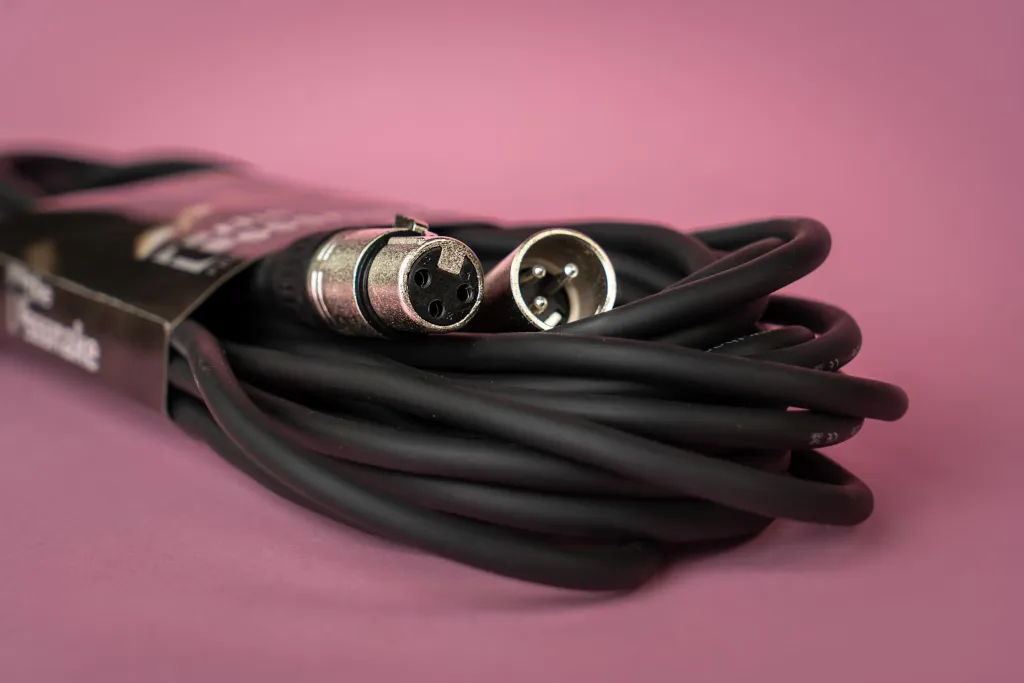
XLR Connection — The Stability Backbone
- Role: It connects the Mic to the Mixer.
- Benefit: XLR is the industry standard for a reason. It locks in place (no accidental unplugs) and provides a clean, interference-free signal that USB simply cannot match over long distances.
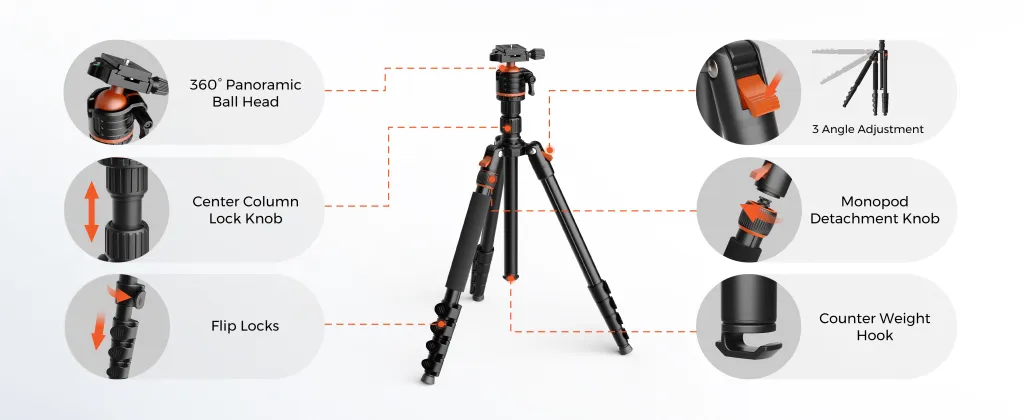
ST20 / ST30 — The Workflow Enhancers
- Role: They organize your physical space.
- Benefit: By lifting the microphone off the table with a boom arm, you reclaim your desk space for product display. It makes the stream look cleaner and more professional.
One Kit, Multiple Platforms: How PodPro Fits Everywhere
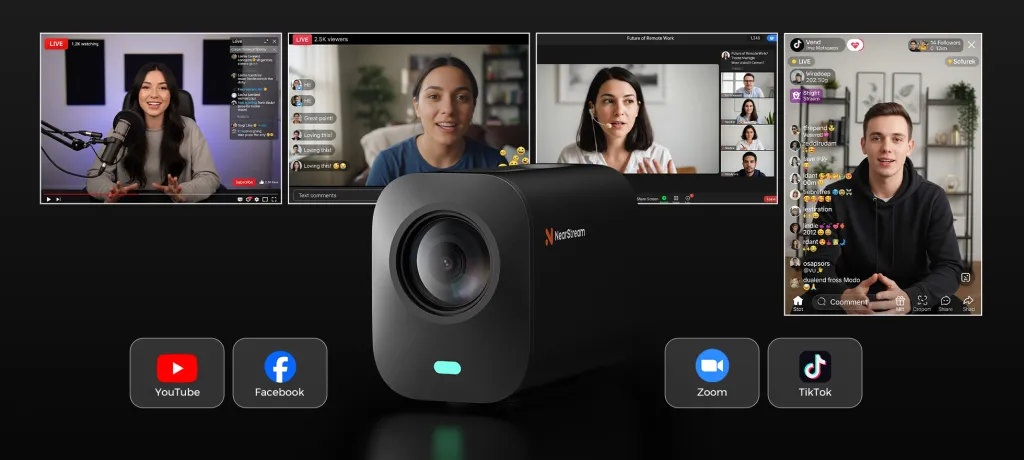
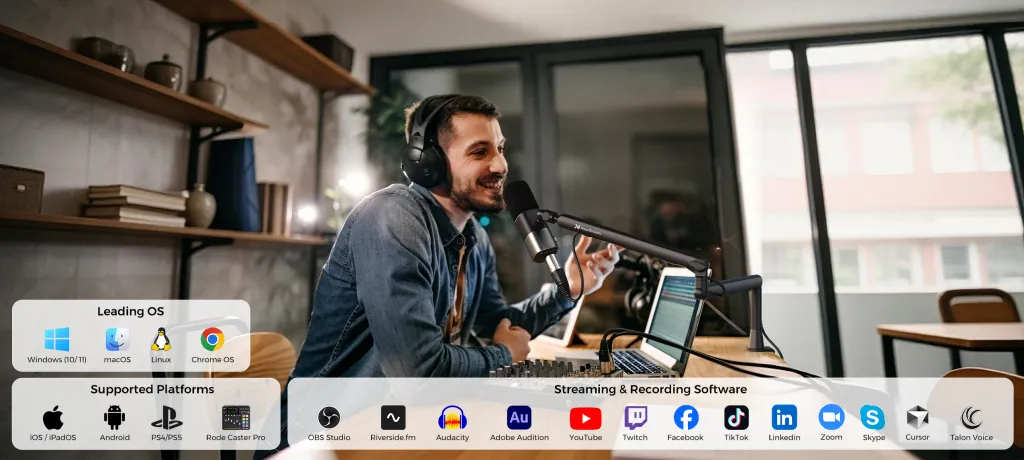
The beauty of the PodPro Kit is that it is Platform Agnostic.
It acts as a standard Audio/Video input device.
How it works:
- Hardware: Your Mic and Camera plug into the Mixer and PC.
- System: Your computer sees "PodPro Camera" and "PodPro Audio."
- Software: You select these inputs in any app.
Table 2: Universal Compatibility Check
Platform / Software | Video Support | Audio Support | Complexity |
|---|---|---|---|
TikTok Live Studio | ✅ Native Support | ✅ Native Support | Plug & Play |
OBS Studio / Streamlabs | ✅ Full Control | ✅ Full Control | Plug & Play |
Zoom / Teams | ✅ HD Webcam Mode | ✅ Crystal Clear | Plug & Play |
Shopify Live | ✅ Product Showcase | ✅ Background Music | Plug & Play |
Amazon Live | ✅ High Bitrate | ✅ Pro Audio | Plug & Play |
You do not need different gear for different apps. One kit rules them all.
Upgrading from Typical Live Selling Gear
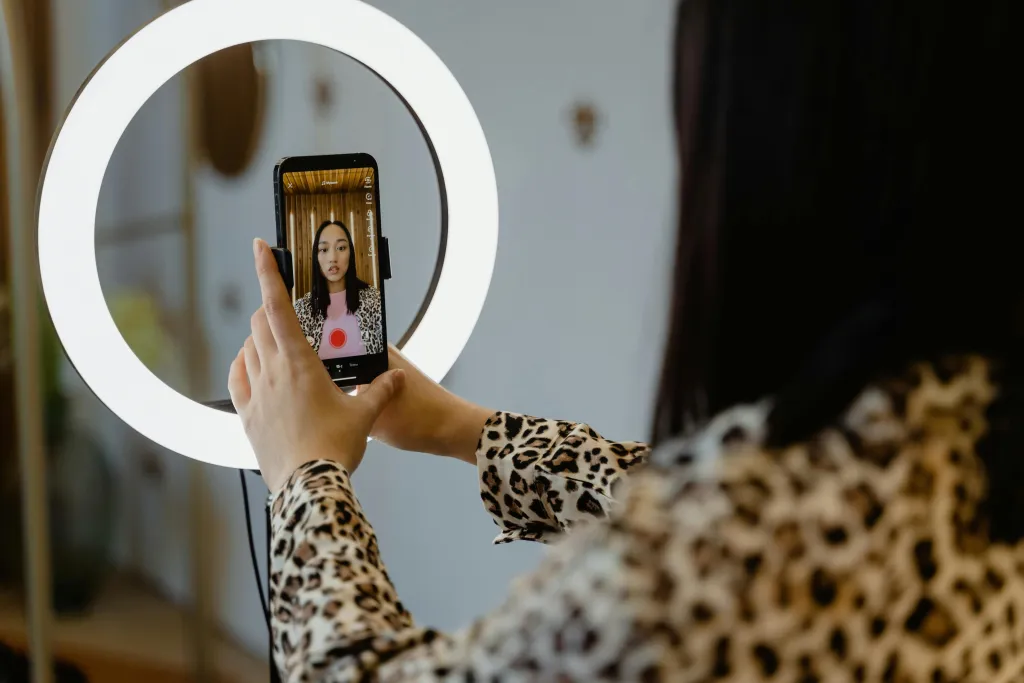
Most creators start with a phone. Then they buy a ring light. Then they realize they need better sound.
The PodPro Kit is the final destination.
Table 3: The Upgrade Experience
Feature | Typical "Starter" Setup | PodPro Professional Kit |
|---|---|---|
Connection Type | Wireless / USB (Unstable) | XLR + Wired USB (Stable) |
Audio Quality | Thin, Distant, Echoey | Rich, Warm, Broadcast |
Music Integration | Difficult (Plays from speaker) | Easy (Bluetooth into Mixer) |
Desk Appearance | Messy Cables | Clean & Organized |
Confidence Level | "Hope it works" | "Know it works" |
The Feeling:
Moving to PodPro feels like moving from a bicycle to a sedan. It is smoother, quieter, and gets you further with less effort.

Why PodPro Works as a Long-Term Live Selling Solution
Live selling is a marathon, not a sprint. You need gear that lasts.
The PodPro Kit is designed to be a Long-Term Asset for your channel.
- Versatility: Today you are doing a live stream. Tomorrow you might record a high-quality Podcast or a voiceover for a short video. This kit does both equally well.
- Durability: Metal construction on the mics and arms means it survives the daily grind of setup and teardown.
- Scalability: Because it uses standard XLR and USB interfaces, you can add to it later. Need a second mic for a guest? The AMIX40U mixer already has the port ready.
PodPro is available in different kit configurations to support different creator needs. Whether you are just starting or building a team, the foundation remains the same.
Looking Ahead: Scaling Your Setup with PodPro
We understand that every creator is at a different stage.
- Some of you are Solo Flyers, managing everything alone.
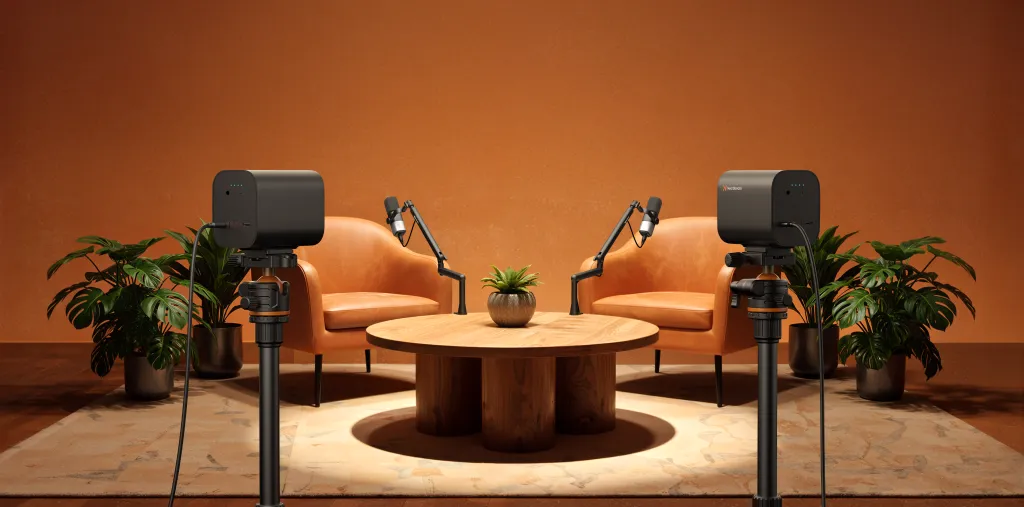
- Some of you are Dynamic Duos, with a host and a guest.
- Some of you run Complex Productions with multiple angles.
The PodPro ecosystem is designed to be modular.
In our upcoming guides, we will break down exactly how to configure the Solo Kit for individual efficiency, and how to set up the Duo Kit for interviews and co-hosting.
But remember: No matter which configuration you choose, the core technology—VM20 Clarity + AM25X Trust + AMIX40U Control—remains the beating heart of your production.
Conclusion: One Setup, Every Platform, Professional Results
You have enough to worry about: Inventory, scripts, audience engagement, and algorithms.
You shouldn't have to worry about your microphone disconnecting or your camera losing focus.
The PodPro Podcast Kit is more than just a box of equipment. It is a commitment to quality.
It provides:
- Simplicity: A clean, organized desk.
- Stability: Connections that don't fail.
- Professionalism: Audio and Video that builds brand authority.
Upgrade your hardware, and you upgrade your sales potential.
Frequently Asked Questions (FAQ)
Q: Does this kit work with a Mac?
A: Yes, the PodPro Kit is fully compatible with macOS. Both the VM20 Camera and the AMIX40U Mixer are "Class Compliant," meaning you just plug them in and they work without installing drivers.
Q: Can I use this for recording videos, not just live streaming?
A: Absolutely. The kit is perfect for recording high-quality YouTube videos, product demos, or course content. The audio and video quality is superior to most standard recording setups.
Q: Do I need a powerful computer to run this?
A: No. The PodPro Kit hardware does the heavy lifting (audio processing and video capture). It works great on standard laptops, including MacBook Air and mid-range Windows laptops.
Q: Can I connect my phone to play music during the stream?
A: Yes! The AMIX40U mixer features Bluetooth connectivity. You can pair your phone wirelessly and play Spotify, Apple Music, or sound effects directly into your stream with zero latency.





 sales@nearstream.us






