

























































By The Audio Support Team Estimated Reading Time: 6 Minutes
The NearStream AM25X is a "Dual-Mode" microphone. This means it has a split personality:
- It is a plug-and-play USB Microphone (for computers and smartphones).
- It is a professional XLR Microphone (for mixers like the AMIX40U).
This versatility is powerful, but it leads to the #1 question we get in our inbox:
"Do I need to plug in the USB cable if I'm using the XLR cable?"
If you get the power logic wrong, you might end up with silence, buzzing noise, or confusion about why the AI noise cancellation isn't working.
In this guide, we will use simple charts to explain exactly how to power your AM25X in every scenario.

📝 Official Support Statement
If you are ever unsure, follow this rule:
"If you are using the AM25X with the AMIX40U via XLR and phantom power is enabled, there is no need to connect the USB-C cable.
USB-C power is only required when using the microphone in USB mode.
For best performance and stability, we recommend using either XLR or USB at one time, not both simultaneously."
The Three Connection Modes (And Which One to Use)
Let's cut straight to the chase. There are technically three ways to plug this microphone in, but only two are recommended.
📊 Table 1: Technical Power Logic
Use this table to understand what is happening inside the microphone.
| Mode | Cable Connected | Power Source | 48V Button Needed? | Status |
|---|---|---|---|---|
| 1. Digital Mode | USB-C Only | Device Battery (5V) | ❌ No | ✅ Recommended |
| 2. Analog Mode | XLR Only | AMIX40U Phantom Power (48V) | ✅ YES (Must be ON) | ✅ Recommended |
| 3. Dual Mode | USB + XLR | USB (5V) takes priority | ⚠️ Conflict Risk | ❌ Not Recommended |
Mode Breakdown: Choosing the Right Path
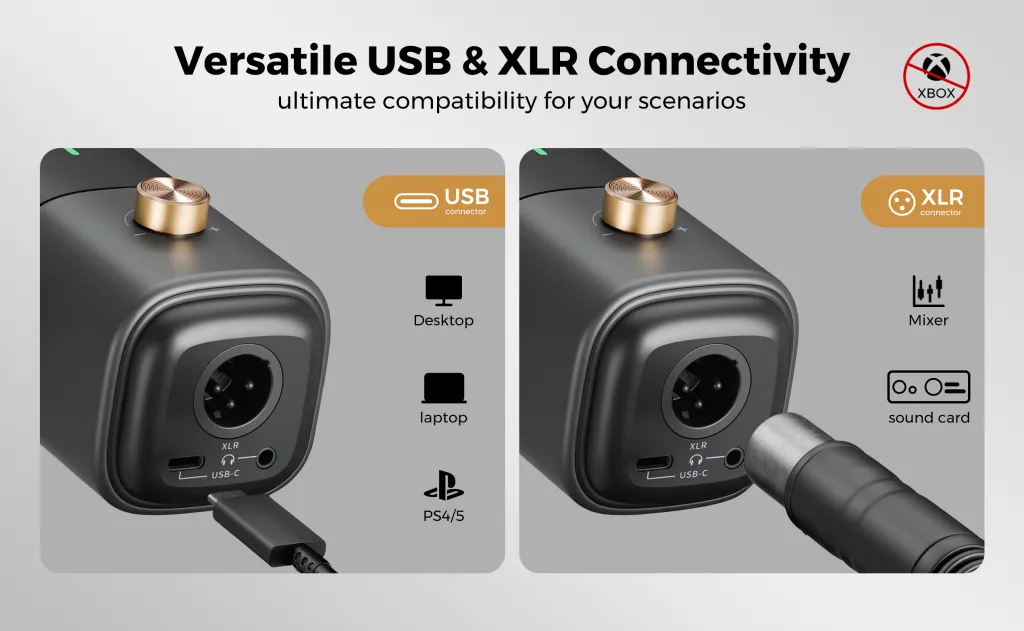
✅ Mode A: USB-C Only (The Plug-and-Play Hero)
Best For: Mobile Recording, Zoom Meetings, Gaming, Content Creation.
This is the core selling point of the AM25X. You do not need a wall outlet, a heavy power brick, or an external battery.
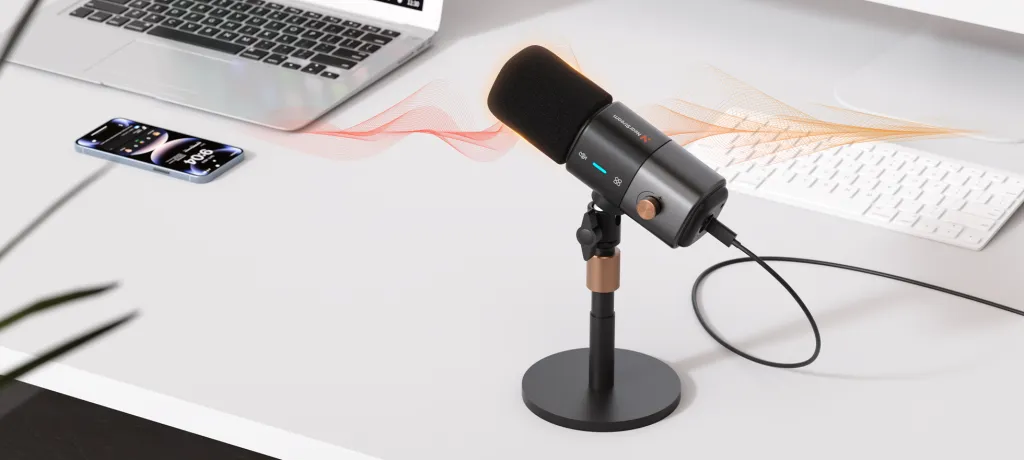
- Direct Connection: You can plug the USB-C cable directly into your Laptop (Mac/PC) OR your Smartphone (iPhone 15+/Android).
- Bus Powered: The microphone draws the necessary 5V power directly from your phone or computer. It is completely self-sufficient.
- Features: Because the USB powers the digital chip, you get access to AI Noise Cancellation, the Mute Button, and the Headphone Jack monitoring.
Key Benefit:
This transforms your phone into a professional recording studio instantly. Just one cable, and you are ready to record anywhere.
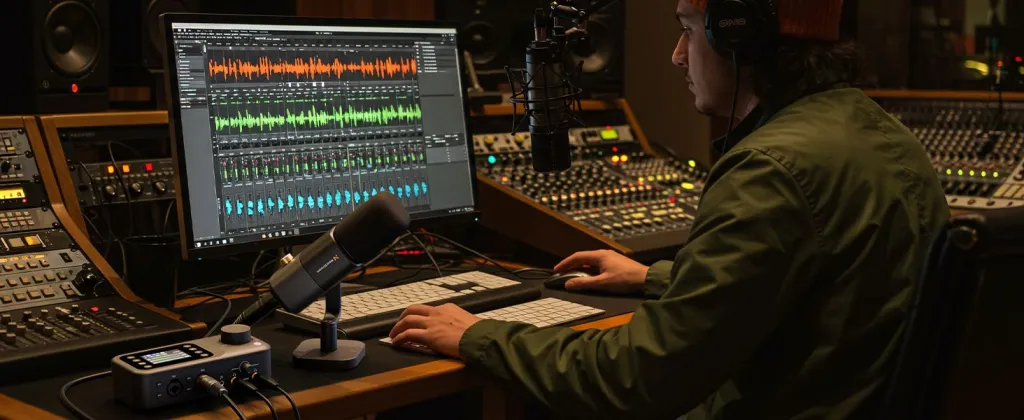
✅ Mode B: XLR Only (The Pro Studio)
Best For: Podcasting, Music Recording, Live Streaming with a Mixer.
When you connect the AM25X to the AMIX40U Mixer via XLR, the microphone is passive until you feed it power.
- Power: You MUST turn on the 48V Phantom Power button on the AMIX40U. This sends electricity down the XLR cable to power the condenser capsule.
- Features: This bypasses the digital chip. You get a raw, pure analog signal. Note: The on-mic Mute button and AI Denoise will NOT work in this mode.
❌ Mode C: USB + XLR Simultaneous (The Danger Zone)
Why users do it: "I want to record via XLR but power it via USB."
Why you shouldn't: While possible, connecting both cables often creates a Ground Loop. This results in a nasty electrical hum or buzz in your recording. Additionally, your computer might try to hijack the audio driver while you are trying to use the mixer.
Official Recommendation:
Pick a lane. Use USB for digital tasks. Use XLR for analog tasks. Avoid using both at the same time.
Which Mode Fits Your Scenario?
Don't choose based on cables; choose based on what you are doing.
📊 Table 2: Scenario Recommendation Map
Find your use case to see the correct setup.
| Use Case | Recommended Connection | Why? |
|---|---|---|
| Mobile Streaming / Vlogging | USB-C Only | Directly connects to Phone/Tablet. Uses phone battery. No heavy gear needed. |
| Zoom Meeting / Online Class | USB-C Only | Plug-and-play with PC/Mac. AI Noise Cancellation blocks keyboard clicks. |
| Multi-Person Podcast | XLR (to AMIX40U) | Allows you to record 2-4 people on separate tracks using the mixer. |
| Professional Vocal Recording | XLR (to AMIX40U) | Provides the cleanest, rawest analog signal for post-production. |
Feature Availability by Mode
This is the most important table for understanding what you "lose" when you switch modes.
📊 Table 3: Feature Limitations
What works where?
| Feature | USB Mode | XLR Mode (Analog) |
|---|---|---|
| Plug-and-Play with Phone | ✅ Yes | ❌ No (Needs interface) |
| AI Noise Cancellation | ✅ Active | ❌ Inactive (Raw Audio) |
| On-Mic Mute Button | ✅ Active | ❌ Inactive (Mute on Mixer instead) |
| Headphone Jack (on Mic) | ✅ Active | ❌ Inactive (Monitor via Mixer) |
| 48V Phantom Power | ❌ Not Needed | ✅ Required |
Crucial Warning: "Power" vs. "Audio"
To avoid the most common support issue, please read this carefully.
Many users assume that plugging in an XLR cable is enough. They think: "The cable is plugged in, why is there no sound?"
The Reality:
- Dynamic Mics (like stage mics) generate their own electricity. They don't need power.
- Condenser Mics (like the AM25X) need electricity to create an electrostatic charge.
If you use XLR without 48V Phantom Power:
The AM25X will transmit Zero Audio. It is not broken; it is just "asleep." You must press the 48V Button on your AMIX40U to wake it up.
Conclusion: Simplicity Saves Sound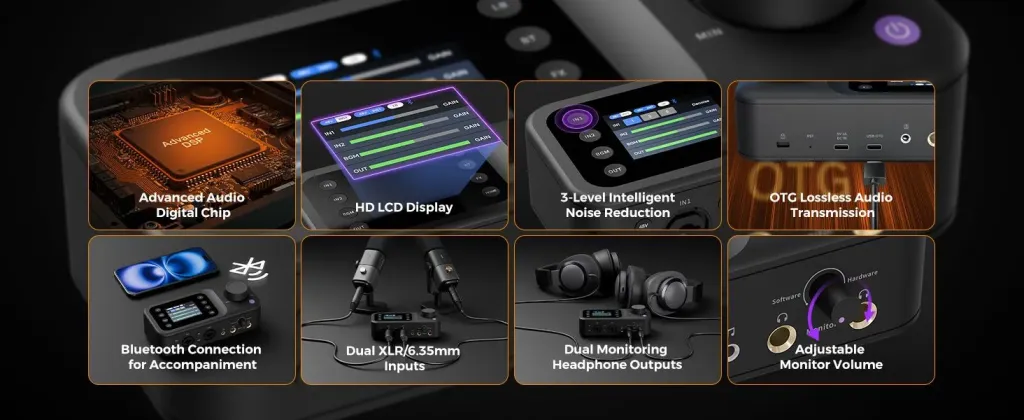
The NearStream AM25X is designed to grow with you.
- Start with USB-C to turn your Phone or Laptop into a mobile studio instantly.
- Upgrade to XLR when you buy an AMIX40U and want multi-track recording.
But remember the golden rule of audio engineering: Keep your signal chain simple. Do not cross the streams. Use one connection type at a time for the cleanest, most reliable sound.
Frequently Asked Questions (FAQ)
Q: Can I connect AM25X to my iPhone?
A: Yes! For iPhone 15 and newer (USB-C), use the included cable. For older iPhones (Lightning), use an OTG adapter. The microphone draws power from the phone, so you can record anywhere.
Q: Can I use the AI Noise Cancellation while connected via XLR?
A: No. The AI Noise Cancellation is processed by the digital DSP chip inside the microphone. This chip requires USB power and digital output. When you use XLR, you are bypassing that chip to get a pure analog signal.
Q: My AM25X is plugged into the AMIX40U, but I can't hear anything?
A: Check two things:
- Is the Gain knob on the mixer turned up?
- Is the 48V Phantom Power button turned ON? (This is the most common oversight).
Q: If I plug in both USB and XLR, which one takes priority?
A: The microphone will default to drawing power from the USB connection (5V). However, this often introduces electrical noise (ground loop) into your XLR audio signal. We strongly advise against this.





 sales@nearstream.us






