


























































By The Live Commerce Lab Estimated Reading Time: 14 Minutes
Why Two Angles Are Better Than One
Live selling is evolving. The "Selfie Mode" era is ending.
Top-tier sellers on TikTok Shop and Amazon Live are now using a format that looks less like a vlog and more like QVC or HSN.
They have:
- Two Hosts: One to engage the chat, one to demo the product.
- Two Angles: One wide shot for the people, one close-up for the product.
The Challenge:
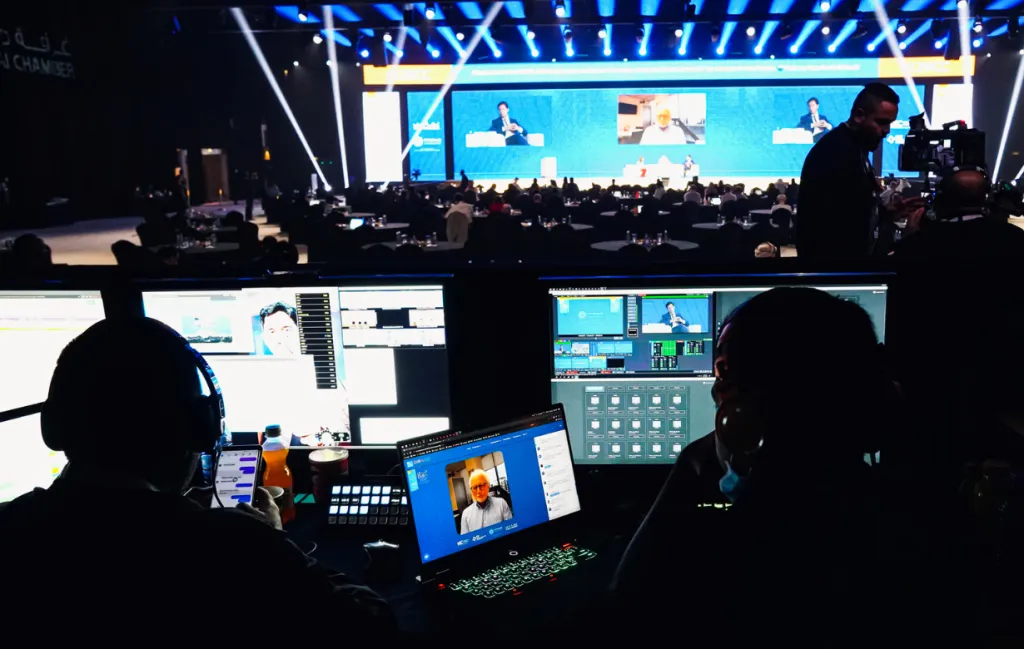
Running a multi-camera, multi-microphone setup usually requires a production truck or a mess of capture cards.
Syncing two voices without them bleeding into each other is hard. Switching camera angles smoothly is harder.
The Solution:
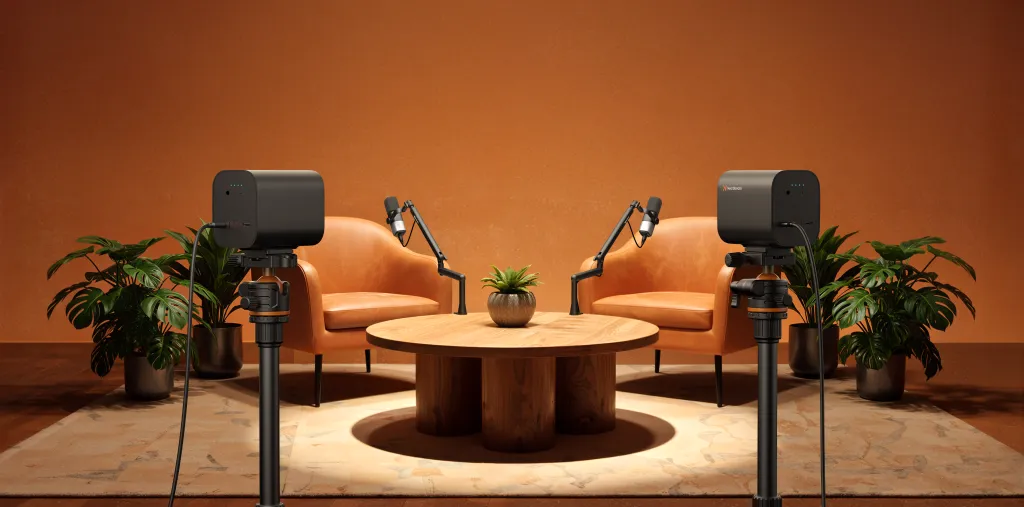
The PodPro Duo Kit was built to solve this specific complexity. It is a unified "Studio-in-a-Box" that gives you Two Eyes (VM20s) and Two Ears (AM25Xs), all controlled by One Brain (AMIX40U).
The "Duo" Strategy: How This Kit Works
This kit isn't just "more gear." It is a strategic upgrade. It allows for two distinct broadcasting styles that solo setups cannot achieve.
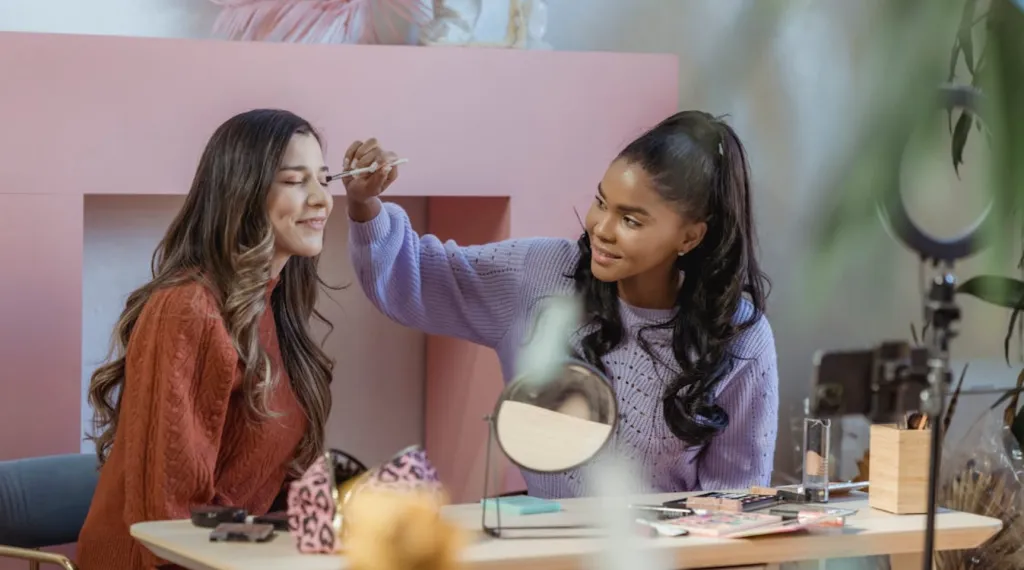
Style A: The "Host + Co-Host" Dynamic
- Two people on screen.
- They banter, they discuss features, they keep the energy high.
- Benefit: Double the personality, double the engagement.
Style B: The "Face + Product" Dynamic
- Camera A is on the Host (Building Trust).
- Camera B is on the Product (Showing Detail).
- Benefit: You never have to awkwardly hold a product up to your face. The product has its own dedicated stage.
Gear Breakdown: The Roles in a Duo Setup
Let's dissect the kit. We are focusing on why you need two of everything in a sales environment.
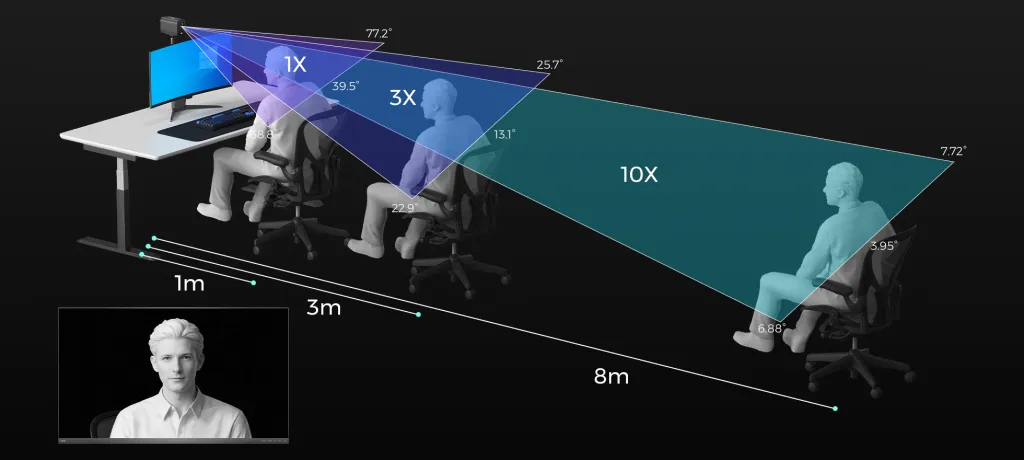
The Visuals: 2x VM20 4K Cameras
In live selling, if they can't see it, they won't buy it.
- Camera 1 (The Host Cam): Mounted on the ST30 Tripod, it frames the presenters. It establishes eye contact and trust.
- Camera 2 (The Detail Cam): This is the money maker. You use the 40X Optical Zoom to frame a tight shot of the product texture, buttons, or jewelry.
- The Payoff: You switch between "Trust" (Face) and "Proof" (Product) instantly. No blurry autofocus hunting.
The Audio: 2x AM25X Condenser Mics
When two people talk at once, bad mics turn into a muddy mess.
- Separation: The AM25X mics are directional. They pick up their host, not the other host. This keeps the conversation crisp, even when you interrupt each other with excitement.
- Clarity: The noise cancellation ensures that the rustling of product packaging doesn't drown out the sales pitch.
- Positioning: With Two ST20 Boom Arms, the mics float above the product, keeping the table clean for the demo.
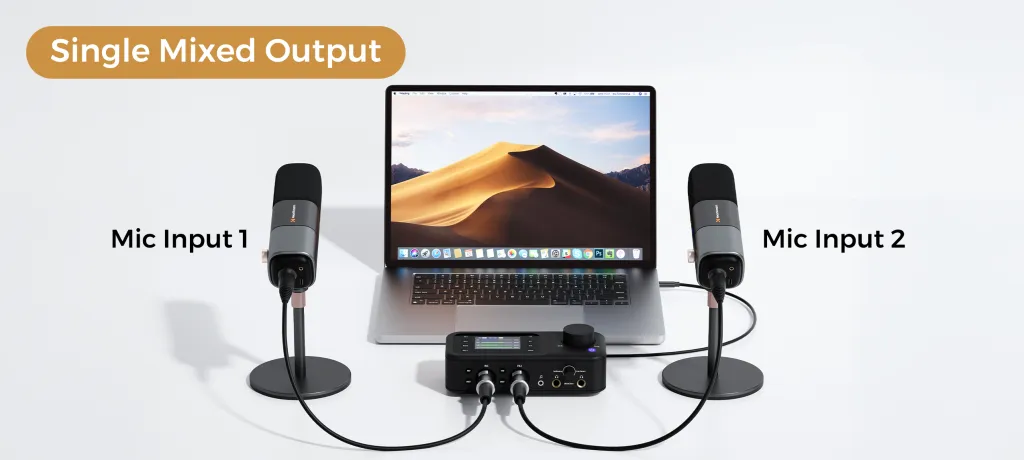
The Brain: 1x AMIX40U Mixer
This is the conductor of the orchestra.
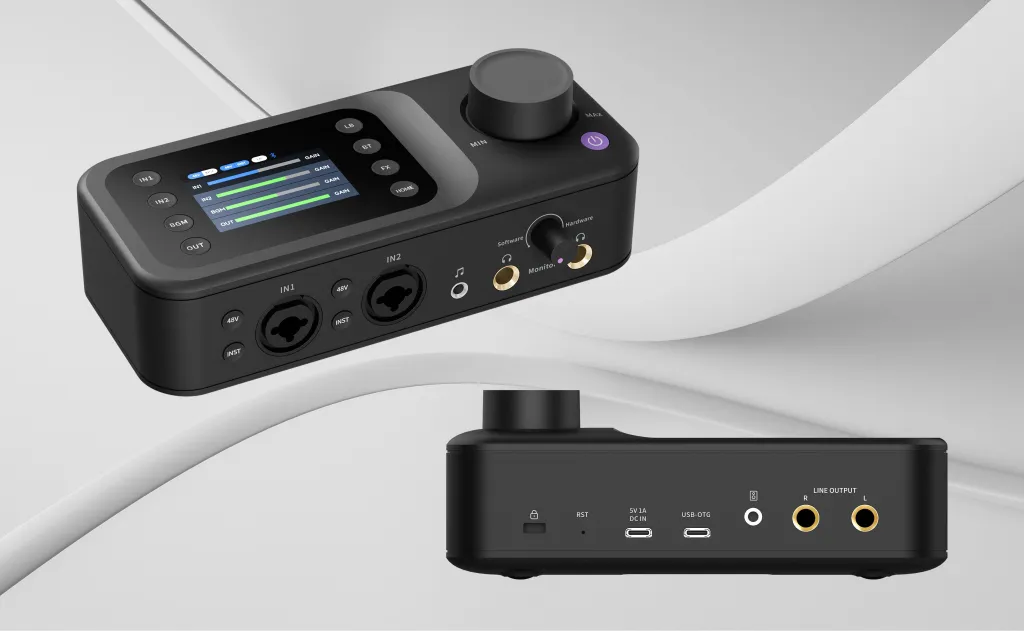
- Traffic Control: You have two XLR inputs. You can adjust the volume of the "Loud Host" and boost the "Quiet Host" so they sound balanced.
- Pacing: You can fade in background music during the demo, and fade it out when answering questions.
- Stability: It merges both microphones into a single USB stream for your computer, so your software never gets confused.
The Foundation: XLR Cables & Stands
- XLR Cables: Essential for dual-mic setups. They eliminate the electrical hum that often happens when you plug two USB mics into one hub.
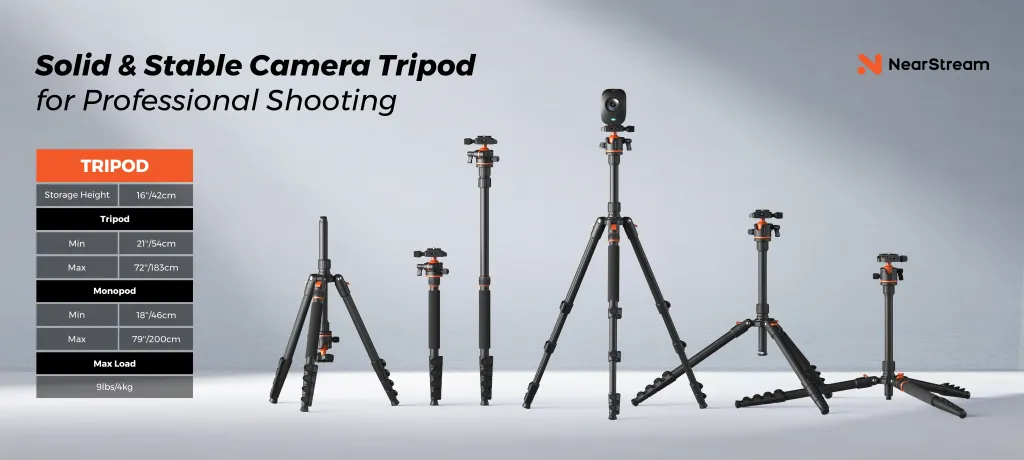
- ST30 Tripods: These aren't just stands; they are your camera crew. They hold the angles perfectly steady for hours, something a stack of books can never do.
Comparison: Single Cam vs. Dual Cam Selling
Why upgrade from a Solo kit to a Duo kit? The difference is in the Conversion Potential.
Table 1: The "Sales Impact" Comparison
Feature | Solo Setup (1 Cam / 1 Mic) | PodPro Duo Kit (2 Cams / 2 Mics) |
|---|---|---|
Product Detail | ❌ You must move the product to the camera. Focus is shaky. | ✅ Camera B is locked on the product. 40X Zoom shows texture instantly. |
Workflow | ❌ Hard to demo and read chat at the same time. | ✅ Host A demos. Host B reads chat. Seamless flow. |
Audio | ❌ If you turn your head to show a product, volume drops. | ✅ Dedicated Mics cover the whole desk area. Consistent volume. |
Vibe | "Vlogger" / "Reviewer" | "Shopping Channel" / "Professional Brand" |
The Workflow: How a Duo Stream Runs
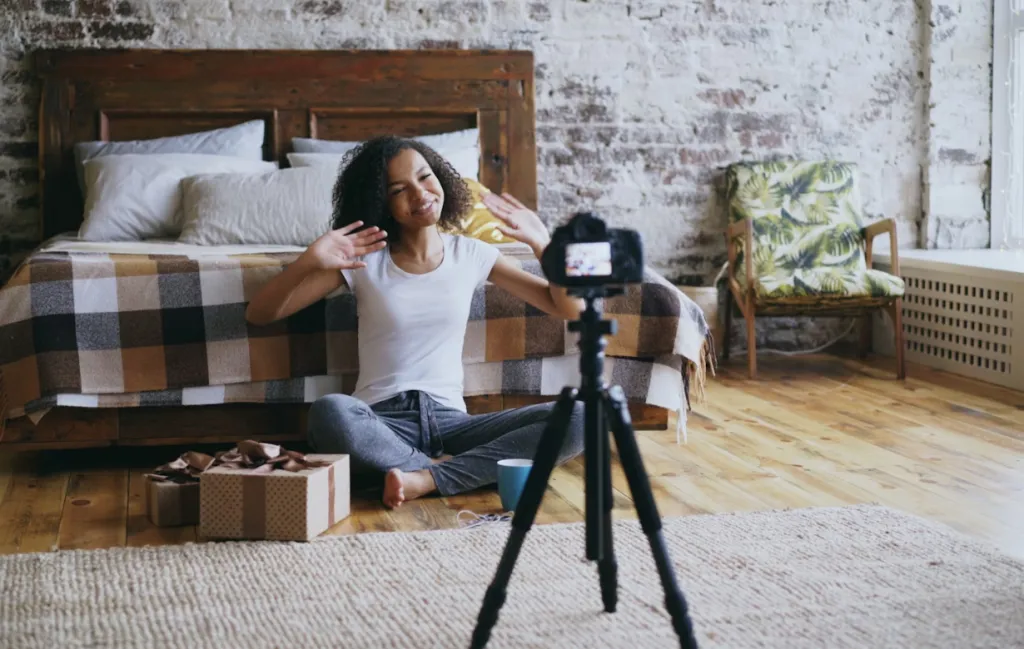
Imagine a live session selling high-end sneakers using the PodPro Duo Kit.
The Setup:
- Host A sits on the Left with Mic A.
- Host B sits on the Right with Mic B.
- Camera A (Wide) covers both hosts.
- Camera B (Zoom) is pointed at a turntable in the middle of the desk.
The Broadcast:
- Intro: Both hosts talk to Camera A. "Welcome to the drop!" (Audio is mixed perfectly on AMIX40U).
- The Reveal: Host A puts the sneaker on the turntable.
- The Switch: In the software, you cut to Camera B. The VM20 is zoomed in 40X on the stitching.
- The Pitch: Host B describes the leather quality while Host A spins the shoe. Both voices are crystal clear.
- The Sale: Cut back to Camera A for the final call to action.
Result: A dynamic, TV-quality rhythm that keeps viewers watching longer.
Who Is the PodPro Duo Kit Best For?
This kit is designed for teams who want to scale.
Table 2: Ideal User Profiles
User Type | Why PodPro Duo? |
|---|---|
The Power Couple | You and a partner host together. You need distinct audio channels for banter. |
The "Host + Producer" | One person is on camera; the other is off-camera managing samples. Both need mics to communicate. |
The Detail Obsessive | You sell jewelry, watches, or tech. You NEED a dedicated Macro Camera (Camera B). |
The Interviewer | You invite guests to your studio. You cannot ask them to share one mic. |
The Workshop Teacher | Camera A is on your face. Camera B is on your hands showing the craft. |

Why "One System" Matters
You could buy two random cameras and two random mics. But you will run into the "USB Nightmare."
Computers hate having multiple USB mics plugged in. They drift out of sync. They cause robotic glitching.
The PodPro Advantage:
By using XLR Mics running into a Single Mixer (AMIX40U), your computer only sees ONE audio source.
- No Drift.
- No Glitching.
- No Driver Conflicts.
It is a unified ecosystem designed to work as one.
Conclusion: Professionalism Scales Sales
In the crowded world of live commerce, "Good Enough" is no longer good enough.
To stop the scroll, you need to look different.
The PodPro Duo Kit gives you the production value of a television studio on a desktop budget.
- It lets you show More Detail (Dual Cams).
- It lets you have Better Conversations (Dual Mics).
- It lets you have Total Control (Mixer).
When you look professional, the customer feels safe. And when they feel safe, they buy.
Frequently Asked Questions (FAQ)
Q: Do I need a powerful PC to run two 4K cameras?
A: Running two 4K streams can be demanding. We recommend a computer with a dedicated graphics card (like NVIDIA RTX series) or a Mac with an M-series chip. However, both VM20 cameras have onboard encoding which helps reduce the load on your CPU.
Q: Can I use the AMIX40U mixer to record a podcast with 2 people?
A: Absolutely. This is the perfect podcast setup. The mixer records both microphones onto separate channels (or a stereo mix), allowing you to edit the conversation easily later.
Q: How do I switch between Camera A and Camera B?
A: You will use streaming software like OBS Studio, vMix, or TikTok Live Studio. Both VM20 cameras will appear as video sources. You can set up a "Scene" for Camera A and a "Scene" for Camera B, and click to switch between them.
Q: Are the XLR cables included long enough?
A: Yes, the kit includes standard professional-length XLR cables, allowing you to position the microphones comfortably on the boom arms while keeping the mixer neatly organized on your desk.




 sales@nearstream.us






