

























































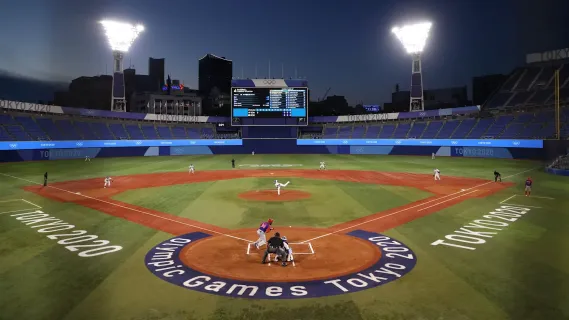
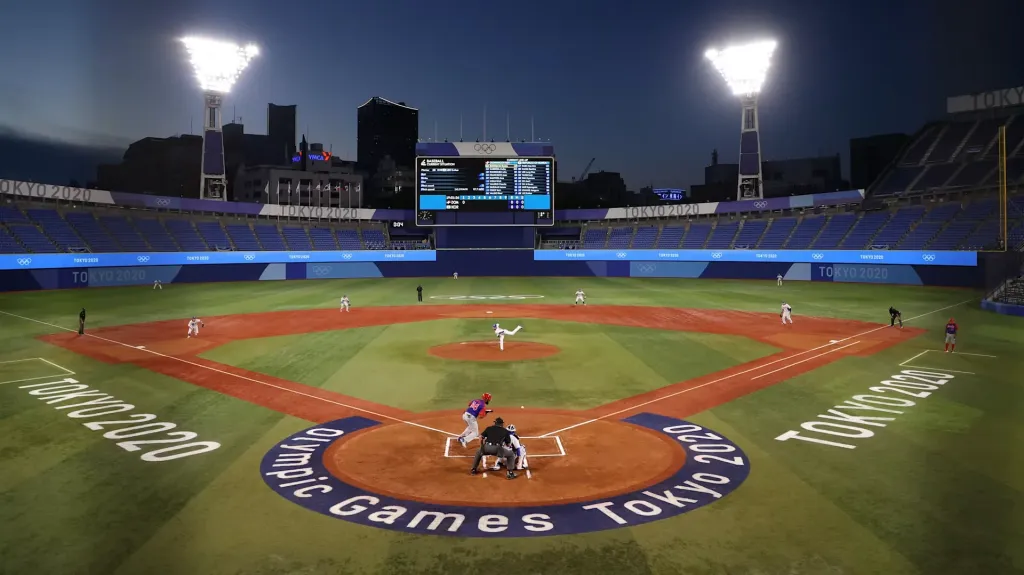
Finding the best wireless outdoor camera for streaming sports can feel overwhelming when every product page promises professional results. The reality is more nuanced. Live sports streams from actual fields come with real challenges: unpredictable lighting, wind noise that drowns out commentary, distances that stretch most cameras past their limits, and volunteers who need to go live without a broadcasting degree.
This guide cuts through the noise. It is written for coaches, school athletic directors, club managers, and the parents who volunteer to stream games so families can watch remotely. Every option below has been evaluated on what actually matters on game day: how fast you can set up, how reliably the stream holds, whether the audio survives a gusty afternoon, and whether a new volunteer can run it without calling tech support.
How We Evaluated the Best Sports Streaming Cameras
Before ranking the top picks, here are the criteria that shaped this list. The best wireless outdoor camera for sports streaming should deliver on several fronts:
- True wireless flexibility: No cables snaking across the field, no capture cards, and no requirement to hardwire into a laptop. The best options stream directly over Wi-Fi or mobile data.
- Multi-camera linking: A single camera can cover a small space, but full-size sports fields demand multiple angles. The ability to link two or more cameras and switch between them from one device is a major advantage for producing watchable live sports streams.
- Battery endurance: Outdoor games and doubleheaders can stretch for hours. A sports recording camera that dies before the final whistle is not a practical solution.
- Optical zoom reach: Fields are large. Digital zoom turns distant players into blurry pixels. Optical zoom preserves clarity even from the far sideline.
- Outdoor-ready audio: Wind, crowd chatter, and distance make field audio notoriously difficult. Built-in microphone arrays with noise suppression, plus the option to plug in an external mic, separate usable audio from amateur-hour sound.
- Volunteer-friendly operation: The person running the stream often has fifteen minutes to learn the system. Complicated software, cryptic menus, or workflows that demand a second pair of hands are dealbreakers.
With those standards in mind, here are the five best ways to stream outdoor sports in 2026, ranked by real-world practicality and production quality.
Top 5 Ways to Stream Outdoor Sports in 2026
1. NearStream VM33 3-Pack Kit — Best Overall for Multi-Camera Field Coverage
For organizers who want professional-quality live sports streams without hiring a production crew, the NearStream VM33 3-Pack Kit is the most complete and practical solution available today. It was designed specifically for scenarios like yours: outdoor fields, multiple angles, and operators who need to go live in minutes, not hours.
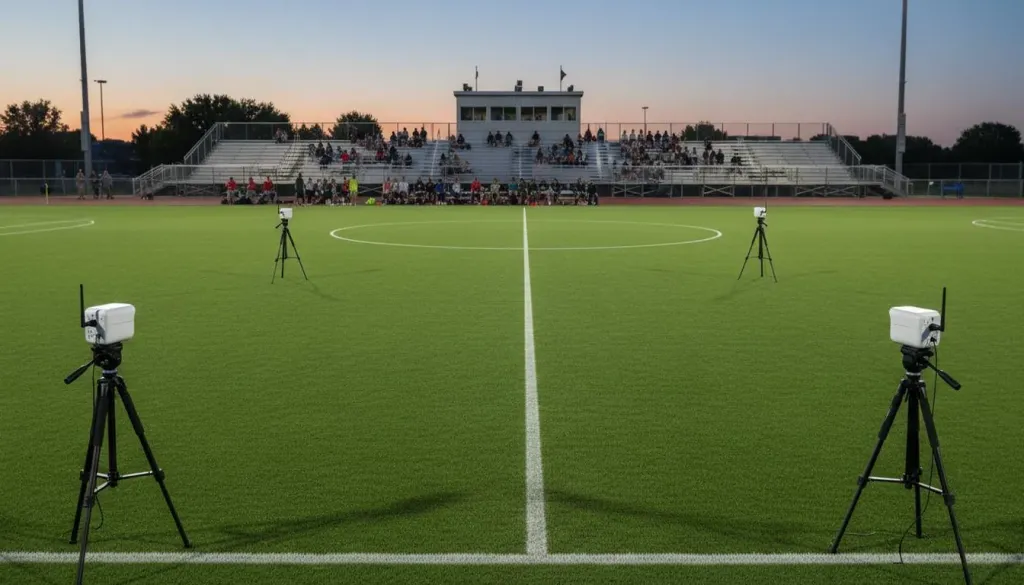
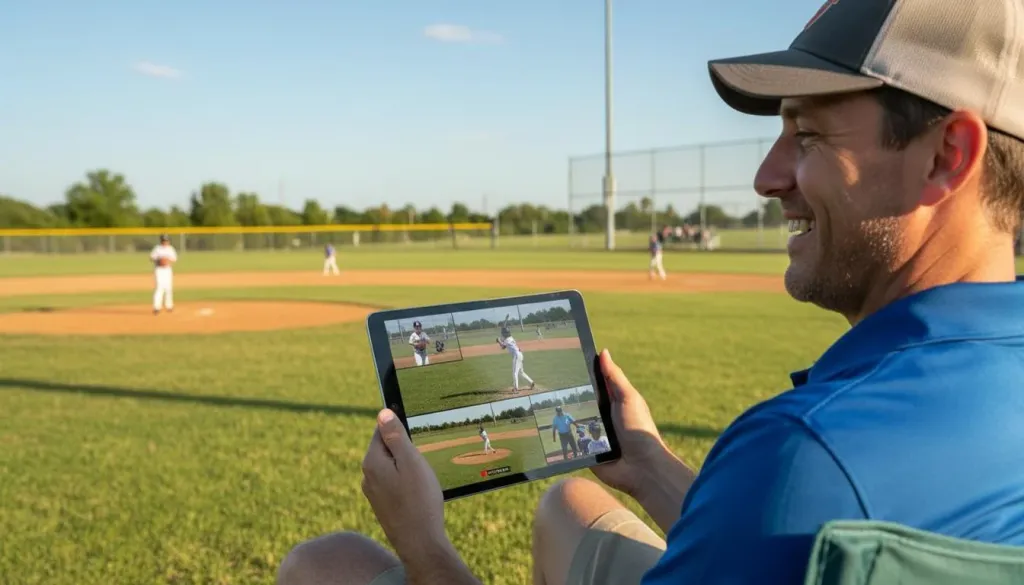
This is not merely three cameras bundled together. It is an integrated wireless system. All three VM33 units connect to the NearStream Multicam app on iOS or Android, letting one person switch angles, apply picture-in-picture layouts, and add graphic overlays from a single tablet or phone. You can position one camera behind home plate, another along the first-base line, and a third capturing a wide tactical view. The result is broadcast-style coverage controlled by one person sitting in a camp chair.
Key strengths:
- 10x optical zoom with 40x hybrid zoom pulls in action clearly from up to 100 feet away. For baseball, soccer, or football, that reach is essential for showing faces and jersey numbers instead of anonymous figures.
- Built-in 8-MEMS microphone array with AI noise cancellation captures field audio cleanly without requiring a separate microphone rig. A 3.5mm audio jack is also available if you want to plug in a dedicated announcer microphone.
- Six-hour battery life per camera (6400mAh) gets you through doubleheaders without scrambling for outlets. USB-C charging means you can also top off with a portable battery pack between games.
- Direct streaming to YouTube, Facebook, Twitch, or custom RTMP without a computer. The cameras handle the encoding internally, which removes an entire category of potential failure points.
- 2K recording and Full HD streaming means your archived footage looks noticeably better than what most competing single-camera systems can deliver.
Trade-offs:
At $999, the upfront investment is higher than a single-camera alternative. However, when you account for the fact that this replaces a capture card, hardware switcher, audio equipment, and a dedicated streaming laptop, the total system cost is lower than building a traditional rig from separate components. One practical note: the VM33 is built for portable production, not permanent outdoor exposure, so you will want a light rain cover during wet weather.
Who it is for: Coaches, school athletic departments, sports club managers, and parent volunteers who want multi-angle coverage that looks like a regional broadcast without bringing a regional broadcast crew.
2. NearStream VM33 Single Unit — Best Entry Point for Single-Camera Streaming
Not every program needs three cameras on day one. The single VM33 at $359 is an excellent starting point for organizations that want to test sports streaming before scaling up.
You get the same 10x optical zoom, AI noise-canceling microphones, six-hour battery, and direct-to-platform app streaming as the 3-Pack. The limitation is coverage. One camera forces you to choose between a wide field shot and a tight action follow. For smaller fields, practices, or scrimmages, that is often perfectly adequate. When you are ready to expand, adding a second or third camera is seamless because they integrate through the same Multicam app you are already using.
Who it is for: Programs with tighter budgets or those streaming smaller events where a single angle tells enough of the story.
3. Mevo Start Multi-Pack — Best for Software-Centric Streamers
The Mevo Start is a compact wireless streaming camera that supports multi-camera setups through the Mevo app. It is lightweight, easy to handle, and integrates cleanly with major streaming platforms.
The Mevo app offers respectable switching and cropping tools, and the camera itself is highly portable. Multi-pack bundles make it straightforward to acquire two or three units together.
The limitation is optical reach. The Mevo Start relies on digital zoom, which degrades image quality significantly when you try to magnify distant field action. Battery life is also shorter than the VM33, and the built-in audio struggles more in windy outdoor conditions. For close-range indoor events, the Mevo holds its own. For full-size outdoor sports fields, the lack of optical zoom becomes a visible weakness.
Who it is for: Streamers who prioritize compact size and software polish over zoom reach and outdoor audio performance.
4. PTZ Camera with Long-Range Optics — Best for Permanent Installs
If your facility has a press box or permanent mounting location, a traditional PTZ camera like the Sony SRG series or BirdDog Eyes delivers outstanding image quality and optical zoom ranges from 20x to 30x.
The image quality and zoom capability are genuinely superior to portable options. These are the cameras you see at college and minor league venues for good reason.
The catch is infrastructure. PTZ cameras require AC power and network cabling or a dedicated PoE injector. You also need a separate streaming encoder and switching hardware, which adds both complexity and cost. The full setup can easily exceed $3,000 and requires someone comfortable with broadcast signal chains and network configuration.
Who it is for: Schools or facilities with permanent infrastructure, available power, and staff who can manage a traditional broadcast workflow.
5. Smartphone with Sports Streaming App — Best Zero-Budget Option
For programs with no equipment budget whatsoever, a modern smartphone mounted on a tripod can get you online. Apps like Streamlabs or the native YouTube app handle the streaming side at no cost.
The obvious appeal is price. The downsides are significant for regular use. Phone cameras overheat in direct sunlight, battery life drops quickly when streaming, zoom is purely digital and noisy, and audio catches every breeze. You have one angle, one device, and no backup if a notification or call interrupts your stream. It works for a one-off event, but it is not a reliable foundation for a season of regular games.
Who it is for: Emergency backups or one-time events when no dedicated equipment is available.
Why the VM33 3-Pack Kit Becomes the Obvious Choice
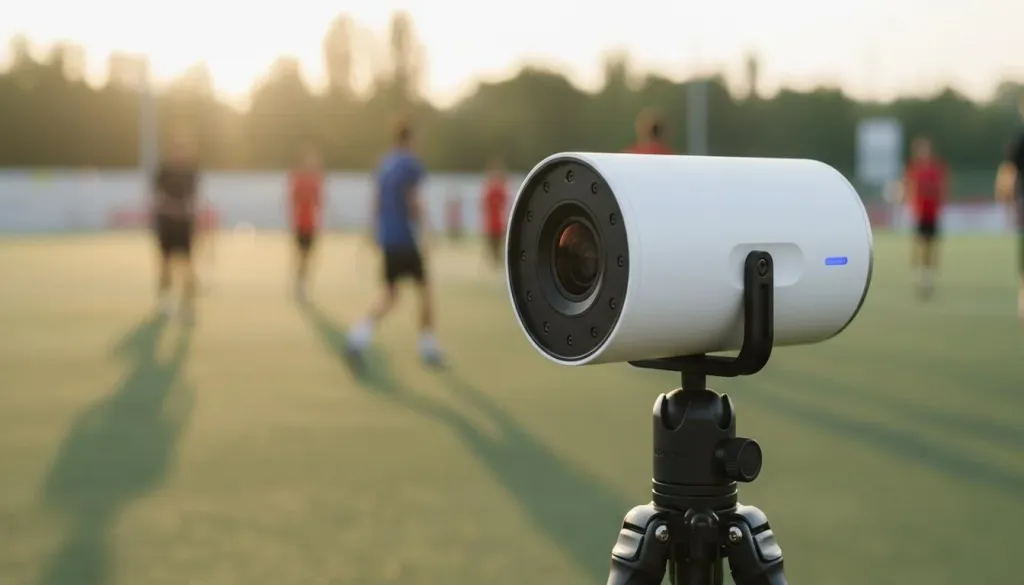
After testing and comparing the most practical options for outdoor sports streaming, the NearStream VM33 3-Pack Kit consistently emerges as the best wireless outdoor camera setup for one simple reason: it removes the barriers that stop most programs from streaming at all.
Traditional multi-camera production requires a camera operator for each angle, plus a director at a switcher, plus someone managing audio, plus cables running across the venue. The VM33 collapses all of that into one person with a tablet. The auto-director feature can even switch between cameras automatically based on where the action is loudest, which means your stream stays dynamic even when you do not have a dedicated operator.
The audio engineering alone saves enormous hassle. Outdoor wind is the single biggest reason sports streams sound amateurish. The VM33's AI noise suppression identifies and reduces wind noise without requiring a separate audio mixer or physical windscreen setup. For programs that want to add play-by-play commentary, the 3.5mm jack lets you plug a wireless microphone directly into any of the three cameras, and the app mixes it with the ambient field audio automatically.
Zoom reach is another differentiator. At 10x optical, the VM33 can pull in a face at midfield from the sideline. Competing cameras that rely on digital zoom begin showing pixelation at much shorter distances. When parents are watching to see their child play, that difference in clarity matters immensely.
Finally, the ecosystem approach is worth emphasizing. Because NearStream builds both the hardware and the app, the integration is tighter than mixing cameras from one brand with software from another. Firmware updates, new streaming platform support, and feature additions arrive through a single update path rather than requiring you to troubleshoot compatibility between vendors.
Head-to-Head Comparison
| Feature | VM33 3-Pack Kit | VM33 Single | Mevo Start Multi-Pack | PTZ + Encoder | Smartphone |
|---|---|---|---|---|---|
| Price (approx.) | $999 | $359 | $700-$900 | $3,000+ | Free |
| Optical Zoom | 10x per camera | 10x | Digital only | 20x-30x | None |
| Battery Life | 6 hours per camera | 6 hours | ~4 hours | AC power only | 2-3 hours |
| Multi-Camera App | NearStream Multicam | NearStream Multicam | Mevo App | OBS / Hardware switcher | None |
| Audio Quality | 8-MEMS array + AI noise cancellation | 8-MEMS array + AI noise cancellation | Built-in stereo | External mic required | Phone mic |
| Outdoor Audio | Excellent | Excellent | Moderate | Excellent (with external mic) | Poor |
| Setup Time | 10 minutes | 5 minutes | 10 minutes | 60+ minutes | 2 minutes |
| Best Use Case | Full field multi-angle | Single angle entry | Close-range indoor | Permanent install | Emergency backup |
Why Multi-Camera Coverage Changes Everything for Sports
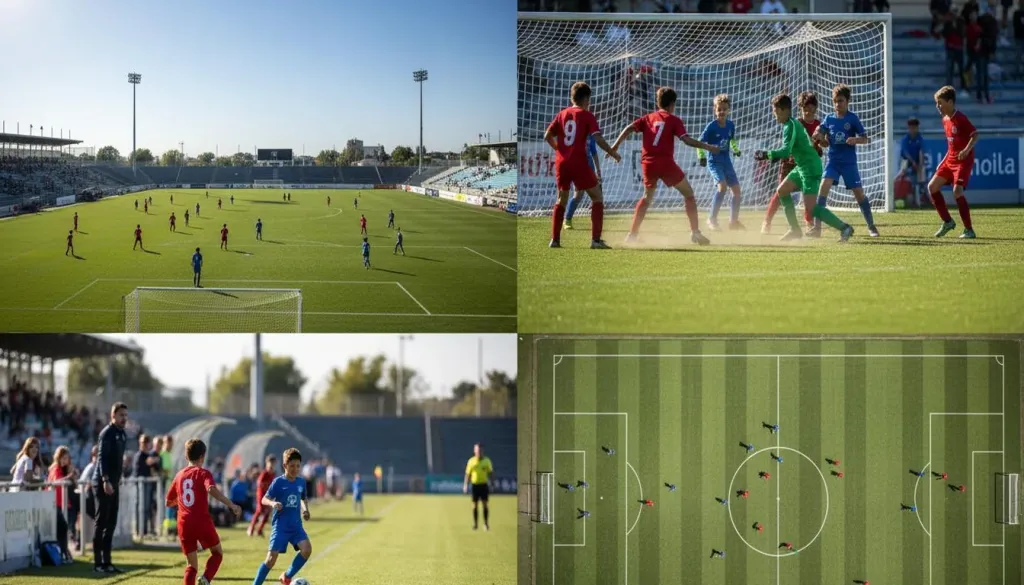
If you are still weighing one camera against three, think about what your viewers actually experience. A single-camera stream of a soccer match forces an impossible choice: either a wide shot where every player looks like an ant, or a tight shot where you miss every off-ball run and defensive shift. Three cameras eliminate that compromise. You keep one wide for tactical context, one on the main action, and a third ready for close-ups or replays.
The NearStream VM33 3-Pack Kit was designed around this reality. The app includes auto-switching and picture-in-picture modes that let a single operator manage cuts without a dedicated director in their ear. For grandparents watching from another state, the difference between a single static shot and a switched multi-angle broadcast is the difference between feeling present at the game and feeling like they are watching a security feed.
Matching the Setup to Your Situation
Your volunteers change every week and nobody has streaming experience: The NearStream VM33 3-Pack Kit is built for this exact reality. App-guided setup means a new volunteer can learn the basics in under ten minutes. Wireless cameras mean no cables to tape down or trip over. Built-in audio means no separate microphone to manage, position, and troubleshoot.
You need to start small but want room to grow: Begin with the single VM33. Stream one angle this season, then add cameras as your program builds sponsorship revenue or parent subscription support. The ecosystem scales naturally because every camera uses the same app.
You split time between indoor and outdoor events: The VM33 handles both well, but if most of your content is close-range indoor work like gymnasium games or training sessions, the Mevo Start multi-pack is worth evaluating as a lighter alternative. Just be prepared for its limitations when you take it outside.
You have a press box, power drops, and a dedicated tech person: A PTZ rig with 20x or 30x optical zoom will deliver the sharpest possible image. The trade-off is cost and complexity, but if your facility and staff can support it, the results are genuinely broadcast-grade.
You are covering a tournament with back-to-back games on multiple fields: This is where the VM33's wireless portability really shines. Each camera weighs about 1.5 pounds and sets up in seconds. You can break down one field and move to the next between games without re-cabling. With six hours of battery life per camera, a three-camera kit can cover an entire tournament day without ever touching a wall outlet.
Frequently Asked Questions
What is the easiest way to livestream outdoor sports with multiple cameras? The easiest approach is an integrated wireless multi-camera system like the NearStream VM33 3-Pack Kit. Three cameras connect to a single app, eliminating the need for cables, capture cards, or a streaming computer. You position the cameras, open the app, and go live.
How many cameras do I need to stream a youth sports game? Three cameras provide ideal coverage for most outdoor sports: one wide shot for field context, one following the main action, and a third for close-ups or alternate angles. A 3-pack kit gives you professional-looking results without hiring a production crew.
Can I stream sports outdoors without Wi-Fi? Yes. The NearStream VM33 supports streaming over 4G/5G mobile hotspots and offers AP mode for direct camera-to-device connections. This makes it practical for remote fields where venue Wi-Fi is weak or nonexistent.
How much should I budget for a multi-camera sports streaming setup? Quality wireless multi-camera kits like the NearStream VM33 3-Pack cost around $999. Professional PTZ systems with full production hardware can exceed $3,000. For most schools, clubs, and youth leagues, the $800-$1,200 range offers the best balance of capability and simplicity.
Do I need a computer to stream with wireless sports cameras? No. All-in-one cameras like the NearStream VM33 stream directly to YouTube, Facebook, and Twitch through their companion app. Removing the computer from the workflow is one of the biggest reasons these systems work so well for non-technical operators.
Bottom Line
The best wireless outdoor camera for your sports program is the one that reliably makes it to air for every game. A high-end broadcast rig that stays in storage because nobody knows how to set it up is worth less than a mid-range kit that is streaming ten minutes after the team takes the field.
For the vast majority of coaches, school organizers, and club managers, the NearStream VM33 3-Pack Kit represents the best balance of coverage, simplicity, and price. It delivers multi-angle broadcasts from any field, handles the audio challenges that ruin most outdoor streams, runs for a full day on battery, and can be operated by someone who has never streamed before. If your goal is giving families, fans, and recruiters a broadcast worth watching, this is the most direct path. The competition makes you choose between quality and simplicity. The VM33 3-Pack Kit is the rare system that actually delivers both.
Ready to see how it fits your program? Explore the VM33 3-Pack Kit and bundle options on the NearStream product page.





 sales@nearstream.us






