

























































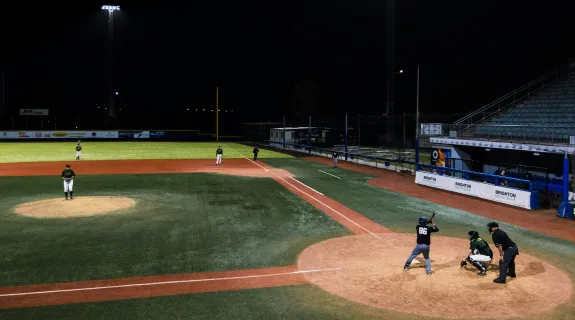
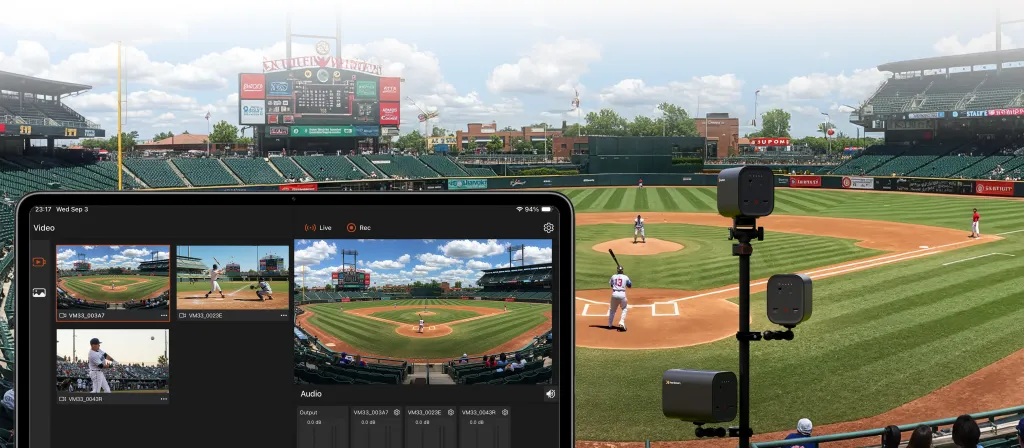
Capturing a walk-off home run or a 90mph fastball requires more than just a great lens; it requires an unbreakable digital connection. While the NearStream VM33 is the ultimate tool for sports streaming, its performance is only as good as the Wi-Fi signal it receives. In the vast, open spaces of a baseball complex, standard smartphone hotspots often fail, leading to pixelation and dropped streams. To bridge the gap from the backstop to the dugout, you need high-performance, long-range networking gear. This guide evaluates the top Wi-Fi 6 routers—including Ubiquiti, TP-Link, and Netgear—specifically for their ability to handle the "Wi-Fi Desert" of remote ballparks.
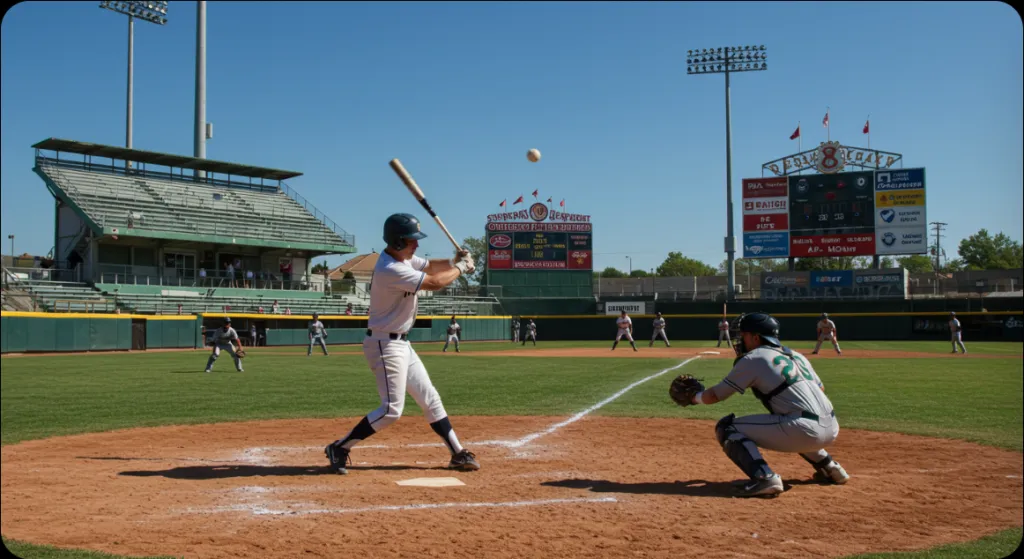
The Middle-Man Problem: Why Your Router is the Heart of Your Stream
Most baseball parents focus on the camera and the app (GameChanger). However, the most common point of failure is the "Wi-Fi Bridge."
In a remote ballpark, your internet usually comes from Starlink or a 5G Hotspot. If you leave that internet source in the dugout while your VM33 is mounted 60 feet away on the center-field fence, the signal has to fight through metal poles, chain-link mesh, and interference from hundreds of other phones.
A high-performance router acts as the "lungs" of your setup—taking in the internet and pushing it out with enough power to maintain a stable 1080p/60fps stream without lag.
Review: Ubiquiti UniFi U6 Long-Range (U6-LR)
The Verdict: Best for Maximum Coverage and Bulletproof Stability.
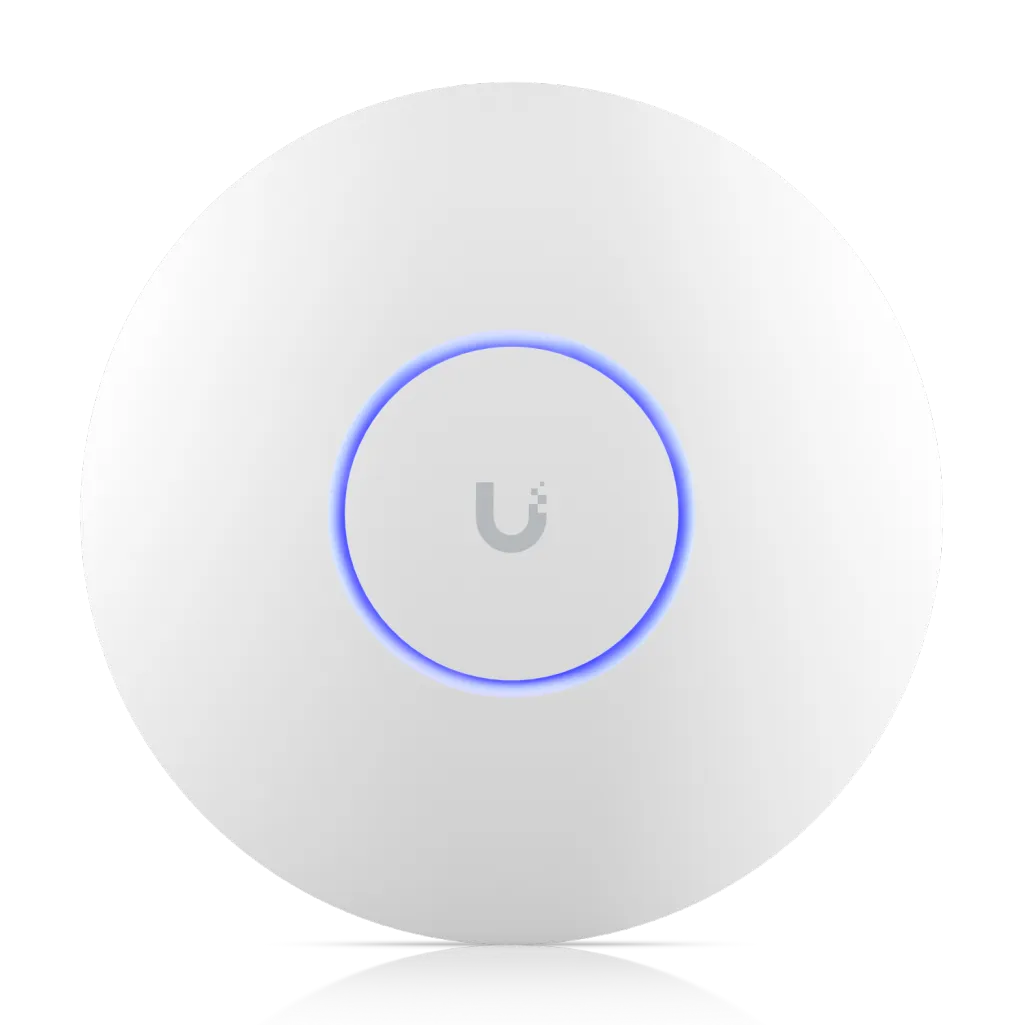
The Ubiquiti U6-LR is an enterprise-grade Access Point (AP) that has become a favorite for high-end sports setups. It isn't a traditional "box with antennas"; it’s a high-gain dish designed to broadcast in a wide, circular pattern.
- Why it's great for Baseball: It features a massive antenna array that can push a signal through the dense chain-link of a backstop. It’s designed for high-density environments, meaning it won't get confused when 500 people in the bleachers are using their phones.
- The Pro Edge: It utilizes Wi-Fi 6 to manage "Traffic Congestion," ensuring your VM33 gets priority bandwidth.
- The Catch: It requires PoE (Power over Ethernet). You’ll need a PoE injector or a portable power station (like a Jackery) with a DC-to-PoE adapter.
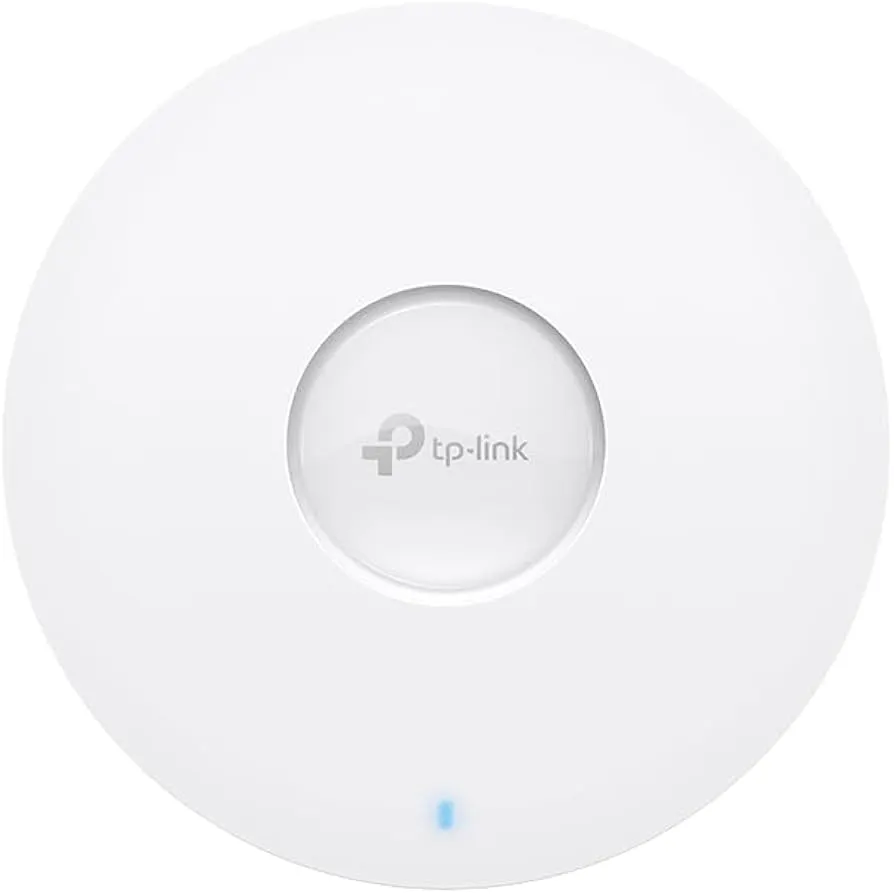
Review: TP-Link Omada EAP610 / EAP660 HD
The Verdict: Best for Multi-Camera Setups (The "Scout" Favorite).
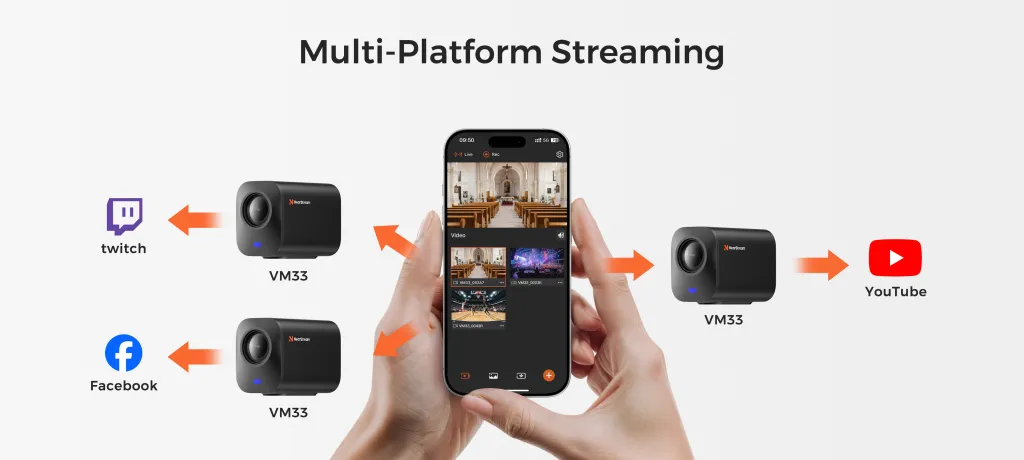
If you are running a 3-camera setup (Center Field, First Base, Third Base) using multiple VM33s, the TP-Link Omada series is the "Business-Grade" workhorse.
- EAP610: Extremely stable and more budget-friendly. It offers excellent outdoor range.
- EAP660 HD: "High Density." This is the one you want for championship games with large crowds. It can handle hundreds of simultaneous connections while keeping your stream stream-clear.
- Key Advantage: The Omada app makes it incredibly easy to manage multiple cameras. You can see the signal strength of every VM33 on the field in one dashboard.
Review: Netgear Nighthawk AX5400 (or higher)
The Verdict: The Best Plug-and-Play Choice for Parents.
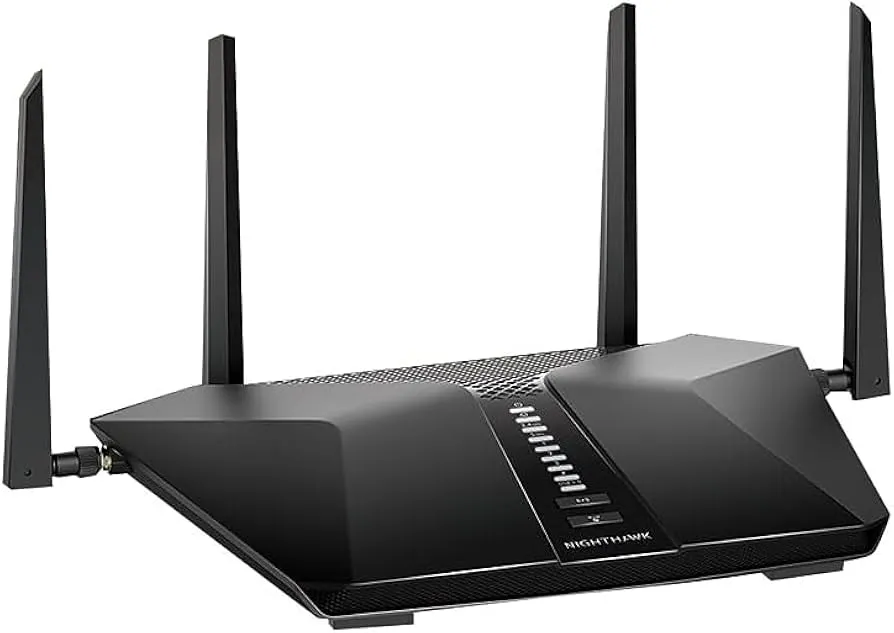
The Netgear Nighthawk is the "Muscle Car" of routers. If you want a traditional router with external antennas that you can simply plug in and go, this is it.
- Why it's great for Baseball: The AX5400 model features high-power amplifiers and six external antennas. You can physically point the antennas toward the fence where your VM33 is mounted.
- Ease of Use: Unlike Ubiquiti or TP-Link Omada, which are "Access Points," the Nighthawk is a full router. You can plug your Starlink Ethernet cable directly into it and be live in seconds.
- Performance: It delivers massive throughput, making it ideal if you are also using your laptop to edit highlights while the camera is streaming.
Comparison Tables: Range, Stability, and Setup
Table 1: Technical Feature Comparison
| Feature | Ubiquiti U6-LR | TP-Link Omada EAP660 | Netgear Nighthawk AX5400 |
|---|---|---|---|
| Wi-Fi Generation | Wi-Fi 6 | Wi-Fi 6 | Wi-Fi 6 |
| Max Coverage | ~1,500 - 2,000 sq ft | ~1,500 sq ft | ~2,500 sq ft (Line of Sight) |
| Power Source | PoE (Required) | PoE (Required) | AC Power (Standard Plug) |
| Antenna Type | Internal High-Gain | Internal Omni-Directional | 6 External Adjustable |
| Management | UniFi Controller App | Omada Cloud/App | Nighthawk Consumer App |
Table 2: The "Ballpark Environment" Suitability
| Setup Scenario | Best Option | Why? |
|---|---|---|
| Remote Field (No Power) | Nighthawk + Power Bank | Easiest to power via standard AC outlet on a portable battery. |
| Multi-Field Complex | Ubiquiti U6-LR | Best at ignoring interference from other Wi-Fi signals. |
| Scouting (3+ Cameras) | TP-Link EAP660 HD | Designed to hold stable connections for multiple HD video feeds. |
| Budget Friendly | TP-Link EAP610 | Enterprise stability at half the price of others. |
The "Remote Field" Workflow: Starlink + Router + VM33
To stream in a location with zero cell service, you need a three-tier system:
- The Source (Starlink Mini/Roam): This fetches the internet from the satellites.
- The Hub (The Router): The Starlink connects to your Netgear or TP-Link router. The router’s job is to broadcast that signal with much more power than the Starlink dish can do alone.
- The Endpoint (NearStream VM33): The camera connects to the router's Wi-Fi.
The Strategy: Place the Starlink dish where it has the best view of the sky. Place your Router as close to the backstop as possible (or high on a tripod). This ensures the VM33 always has a "Full Green" signal indicator in the NearStream App.

Step-by-Step Guide: Configuring Your Field Network
Step 1: Powering Up
- Use a portable power station (like an EcoFlow or Jackery).
- If using Ubiquiti or TP-Link, plug a PoE Injector into the power station, then run an Ethernet cable to the Access Point.
Step 2: The "Invisible" SSID
- Name your Wi-Fi something unique (e.g., "Diamond_Stream_01").
- Set a strong password. You don't want other parents connecting to your router and slowing down your upload speed!
Step 3: Frequency Tuning (Crucial!)
- In the router settings, ensure 2.4GHz and 5GHz are separated (not combined).
- Pro Tip: Connect your VM33 to the 2.4GHz band for long-distance stability, or the 5GHz band if you are within 30 feet of the router for maximum speed.
Step 4: Pairing the VM33
- Open the NearStream App.
- Select "Wireless Connection" and choose your new router's Wi-Fi.
- Confirm the camera shows a stable bitrate (look for $4-6Mbps$ for a solid 1080p stream).
Why Wi-Fi 6 and 2.4GHz vs. 5GHz Matter for Sports
- Wi-Fi 6 (802.11ax): This is essential for baseball fields. Traditional Wi-Fi gets "clogged" when many devices are nearby. Wi-Fi 6 uses OFDMA technology to create a dedicated lane for your VM33, ensuring the video stream doesn't get stuck behind someone else's Instagram upload.
- The 2.4GHz Advantage: In a remote field, range is king. $2.4$GHz travels through fence poles and bleachers much better than $5$GHz. For the VM33, stability is more important than raw burst speed.
Conclusion: Building a Pro-Grade Broadcast Setup
The NearStream VM33 is a powerful engine, but a professional router is the fuel that keeps it running. Whether you choose the industrial-strength Ubiquiti U6-LR, the multi-cam capable TP-Link Omada, or the user-friendly Netgear Nighthawk, you are making an investment in your athlete’s exposure.
By taking control of your own network with high-performance Wi-Fi 6 gear, you ensure that every strikeout and home run is broadcast in crystal-clear high definition—no matter how remote the field.
FAQ: Solving Outdoor Connectivity Challenges
Q: Do I need an outdoor-rated router?
A: While the TP-Link Omada EAP610-Outdoor exists, many parents use the indoor versions (like the U6-LR) and simply keep them in a ventilated plastic bin or under a shade umbrella during the game.
Q: How do I get Ethernet out of a Starlink?
A: For Starlink Gen 2, you need the Starlink Ethernet Adapter. For Starlink Gen 3 and Starlink Mini, the Ethernet port is built-in. Plug this directly into the "Internet/WAN" port of your Nighthawk or the PoE injector of your Ubiquiti.
Q: What if the router is too far from the camera?
A: If you are streaming from the outfield, use a Wi-Fi Bridge or a long-range Directional Antenna. However, for most baseball fields, a U6-LR mounted on a tripod behind the dugout will easily reach a VM33 on the center-field fence.
Q: Can I use a mesh system like Eero or Orbi?
A: We don't recommend them for remote fields. Mesh systems rely on "nodes" talking to each other, which creates latency. A single, high-powered Access Point or Router is much more stable for live video.



 sales@nearstream.us






