Best Camera for Sports Videography: A Practical Guide for the Logistics-Stressed Parent
Tired of hauling three battery packs and two apps just to stream a youth soccer game?
best camera for sports videography
best video camera for sports
best digital video camera for sports
Updated: Apr 30, 2026 · 8 minutes read
Modular Video Kits for Growing Business.
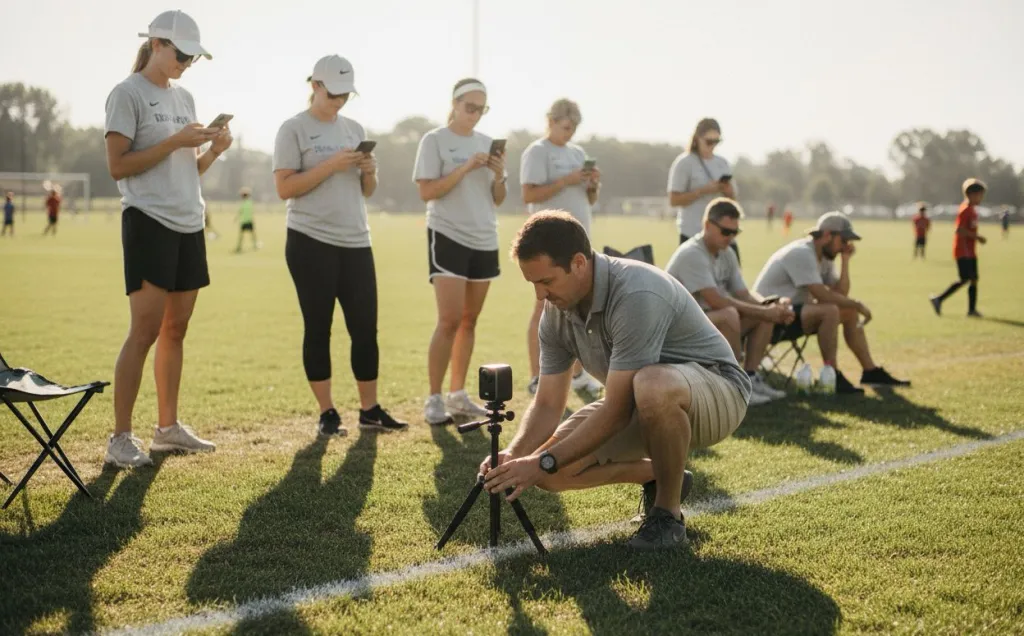
You have been that parent. The one who shows up thirty minutes early to claim the best sideline angle. The one carrying a folding chair in one hand and a backpack full of gear in the other — camera, tripod, battery bank, charging cables, a second phone for hotspot, and a printed cheat sheet because last time you forgot which app handled the scoreboard overlay.
This is not a hobby. It is a logistics operation you run every Saturday so Grandma three states away can watch her granddaughter score a goal. The real question is not "which camera has the best sensor?" It is: which camera gets me from parking lot to live stream before the referee blows the opening whistle?
The best camera for sports videography in 2026 is not the one with the most megapixels. It is the one that replaces your entire sideline setup — not adds to it. Following a professional high school sports live streaming guide is the first step to turning that chaotic logistics operation into a seamless Saturday morning.
Quick Picks: Three Standout Options
If you already know your scenario, here is where each path leads:
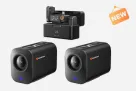
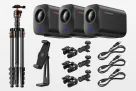
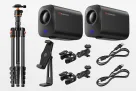
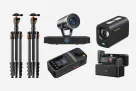
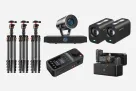
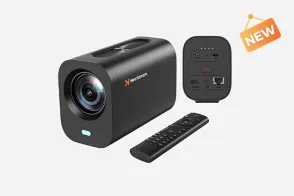
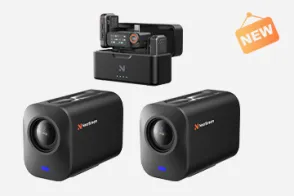
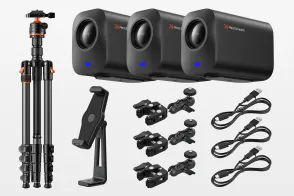
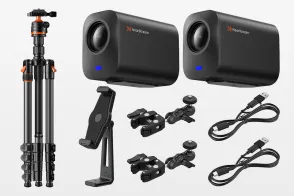
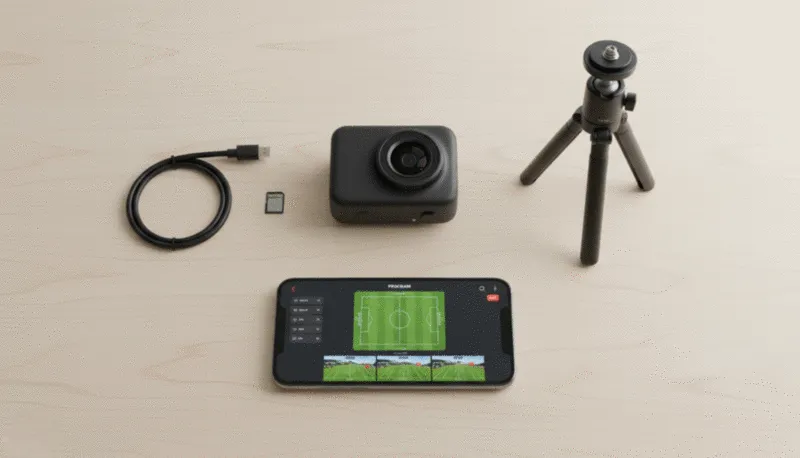
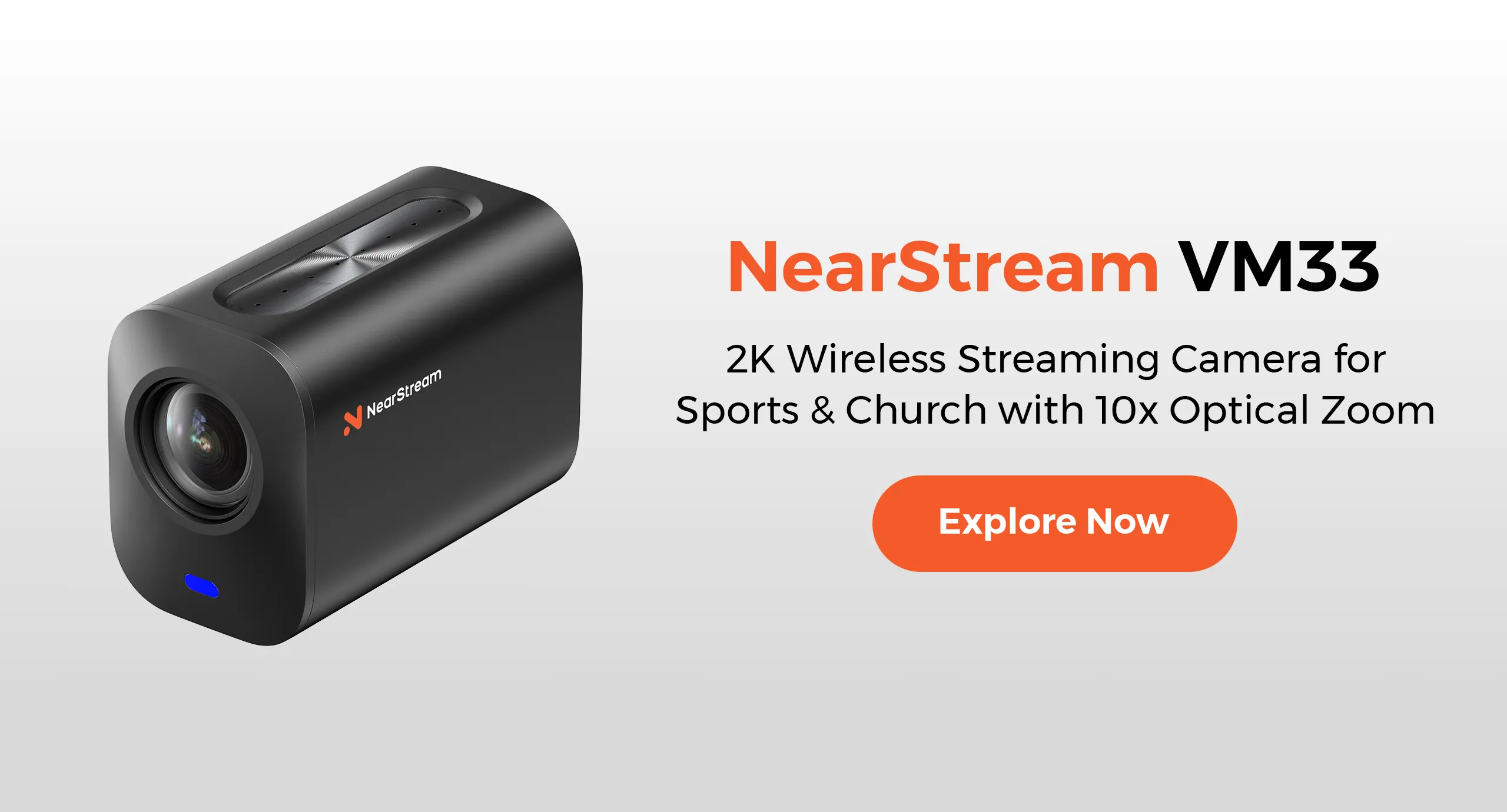
Best overall for youth sports streaming:NearStream VM33 3-Pack Kit — one app handles camera, scoreboard, multi-cam switching, and cloud recording. Setup time under three minutes.
Best for highlight clips and action moments: DJI Osmo Action 5 Pro — incredible stabilization and 4K quality, but not designed for continuous two-hour live streams.
Best for controlled indoor environments with AV staff: Mevo Start — excellent image quality and digital pan-and-scan, but requires third-party plugins for scoreboard overlays.
Everyone else should read on. The right choice depends heavily on whether your primary job is streaming live, recording archives, or capturing highlights — and how much gear you are willing to carry.
How These Recommendations Were Ranked
This guide is written for the technically capable but app-fatigued parent. Every recommendation was evaluated against five criteria that actually matter on a sideline:
Setup simplicity: How many minutes from trunk to live stream? How many apps to juggle?
Runtime reliability: Will it survive a full tournament day without overheating or dying?
Scoreboard integration: Can you add a professional-looking score overlay without opening a laptop?
Multi-cam support: Can you switch between wide and tight angles without running cables across a wet field?
Archive quality: Does it record a clean copy you can share with coaches and families after the stream ends?
These rankings favor all-in-one wireless systems over traditional camcorders paired with capture cards and laptops. If you are still running OBS from a folding table, there is a better way.
1. Best Overall: NearStream VM33 3-Pack Kit
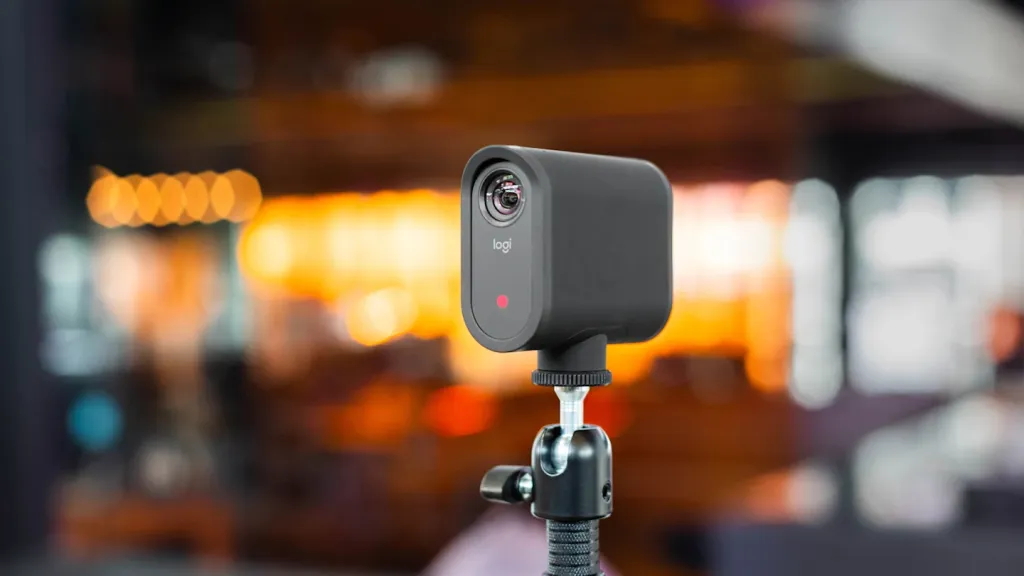
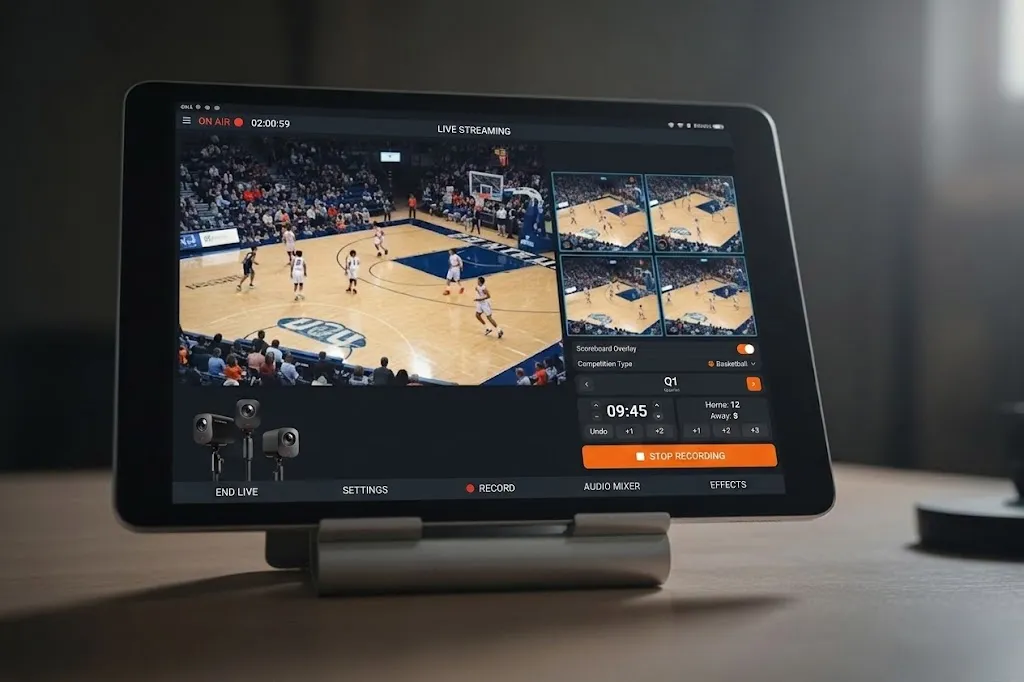
Why it leads this list: The VM33 is not a generic camera bolted to a streaming box — it is a mobile production studio where the camera, software, scoring system, and cloud archive live inside one ecosystem. The 3-Pack bundles three cameras at a price that undercuts assembling a comparable multi-cam setup with other brands.
Key strengths:
10x optical zoom with a Sony CMOS sensor. The 40x hybrid zoom covers the full field from a single mounting position.
Native scoreboard overlay. Tap to update scores in the NearStream app. No OBS, no plugins, no laptop.
Three-camera wireless switching from one tablet. Switch angles without running cables across the infield.
Automatic cloud recording. If Facebook Live glitches, you still have the full game file.
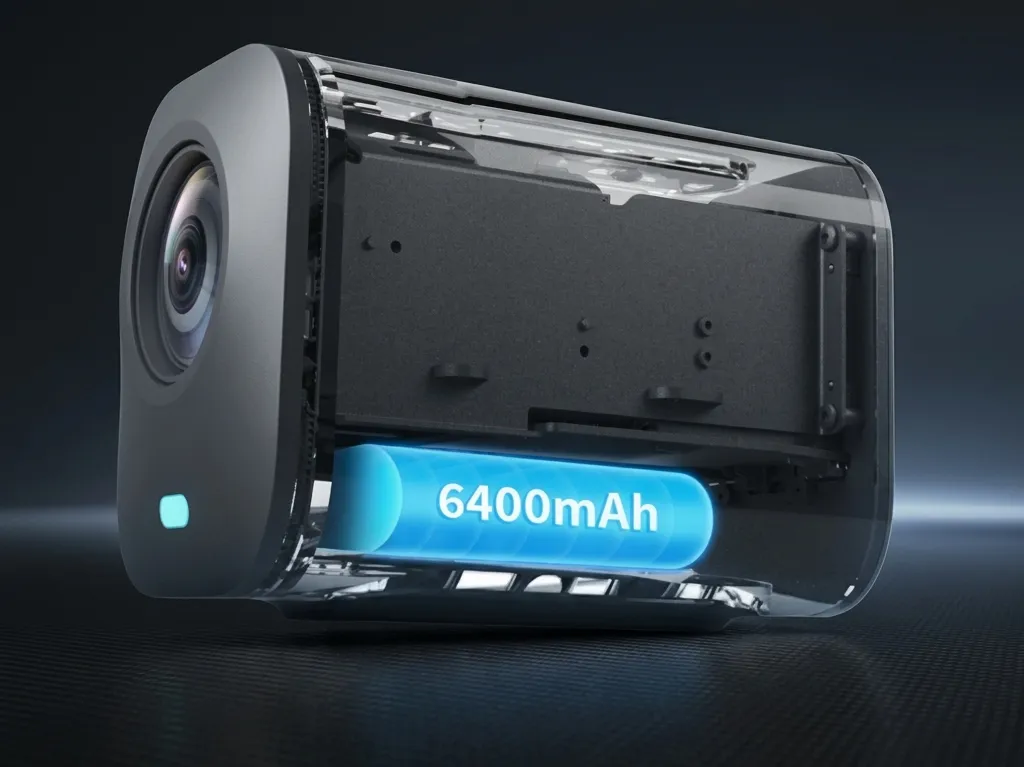
6 to 8 hours of battery life. The 6400mAh battery handles full tournament days.
Under-three-minute setup. Power on, connect, tap Go Live.
Trade-offs: The VM33 streams in 1080p and records in 2K — sufficient for youth sports, but not the 4K some studio setups demand. The app prioritizes simplicity over deep manual controls.
Best for: Solo parent volunteers, school athletic departments following a high school sports live streaming guide, travel teams, and anyone who has thought 'there has to be an easier way.
2. Best for Indoor Courts: Mevo Start
Why it ranks here: The Mevo Start produces a sharp, clean image. Its Multicam app coordinates multiple cameras with smooth transitions. In a gymnasium with strong Wi-Fi, the results look professional.
Key strengths:
Clean image quality in controlled lighting. Performs well under consistent indoor gym lights.
Digital pan and scan within the app. Crop and reframe your shot after mounting.
Compact form factor. Small enough to tuck into a corner of a scorer's table.
Trade-offs: The Mevo Start only offers 4x digital zoom — no optical zoom. For a full basketball court, you either mount close to the action or accept a softer cropped image. Adding a scoreboard requires third-party plugins or OBS integration, adding complexity for rotating volunteers. Battery life is roughly four hours, which gets tight for doubleheaders.
Best for: Schools with AV staff, indoor facilities with strong Wi-Fi, and productions where image quality matters more than sideline simplicity.
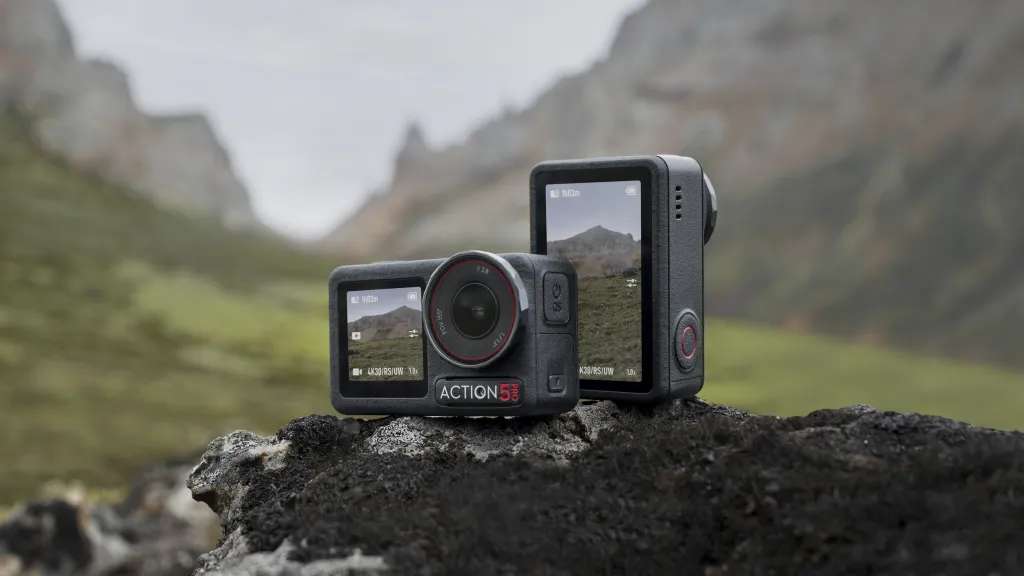
3. Best Action Camera for Highlights: DJI Osmo Action 5 Pro
Why it ranks here: The Osmo Action 5 Pro records gorgeous 4K video at 120fps, has best-in-class stabilization, and fits in a pocket. For recruitment reels or social clips, nothing comes close at this price.
Key strengths:
4K/120fps with RockSteady stabilization. Footage stays smooth even when pacing the sideline.
155-degree ultra-wide field of view. Captures the whole play without panning.
Fast charging. Fifteen minutes delivers two hours of recording.
Waterproof to 65 feet. Rain is not a concern.
Trade-offs: This is an action camera, not a streaming camera. Continuous two-hour runtime pushes thermal limits. There is no native scoreboard, no multi-cam switching, and no cloud recording pipeline. Buy this for highlights, not broadcasts.
Best for: Parents building highlight reels, coaches who want training footage, and anyone needing a pocketable second camera for reaction shots.
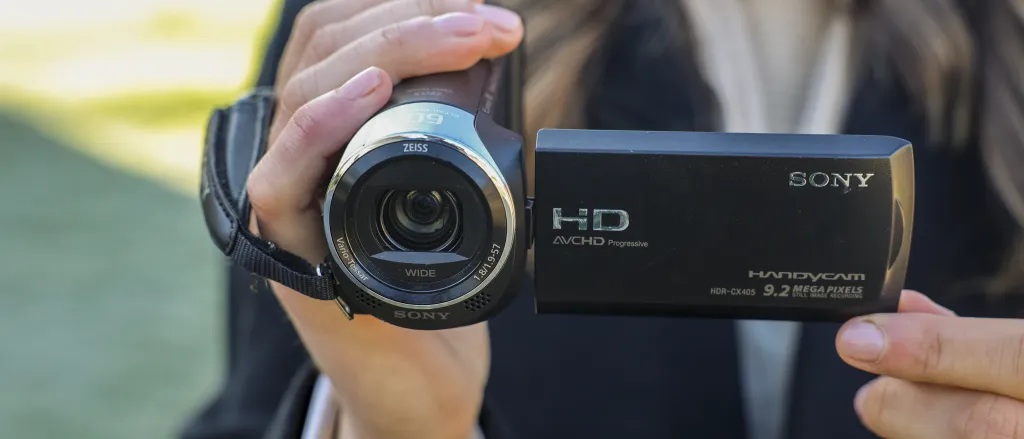
4. Best Budget Camcorder: Sony HDR-CX405
Why it ranks here: Not every family needs to live stream. If you only need recorded game footage for later review, this entry-level camcorder does the job with optical stabilization, 30x zoom, and 64GB of storage.
Trade-offs: This is a recording device, not a streaming solution. To go live, you need an HDMI capture card, laptop, encoding software, and a separate scoreboard solution — the exact cable-heavy setup this guide helps you escape.
Best for: Budget-conscious families who only need recorded archives with no streaming requirement.
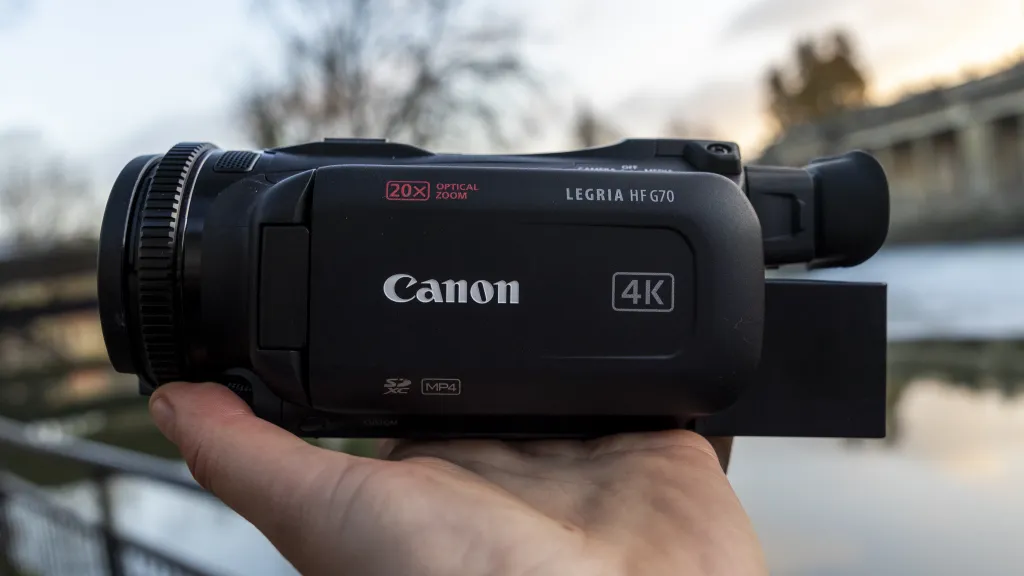
5. Best for Professional Archives: Canon Vixia HF G70
Why it ranks here: The HF G70 records in 4K UHD with a larger sensor, offers dual XLR audio inputs (refer to our microphone buying guide for professional audio gear), and has the manual controls video enthusiasts appreciate. For programs building a permanent game film library, the image quality justifies the extra gear.
Trade-offs: Like the Sony, it does not stream on its own. You are buying into the traditional camera-plus-capture-card-plus-laptop workflow. The price approaches all-in-one streaming systems once you factor accessories.
Best for: High school athletic departments with AV infrastructure and semi-professional leagues where polished game film matters more than live broadcasts.
Side-by-Side at a Glance
Feature
NearStream VM33 3-Pack
Mevo Start (3-Pack)
DJI Osmo Action 5 Pro
Sony HDR-CX405
Canon Vixia HF G70
Setup time
Under 3 min
5–10 min
Minimal (clips)
10+ min with gear
15+ min with gear
Optical zoom
10x
None (4x digital)
None
30x
20x
Max stream resolution
1080p
1080p
1080p (Wi-Fi)
Needs capture card
Needs capture card
Scoreboard overlay
Native, in-app
Third-party plugin
None
None
None
Multi-cam switching
Up to 3, in-app
Up to 3 via Multicam
No
No
No
Streaming battery
6–8 hours
~4 hours
~2–3 hours
N/A
N/A
Cloud recording
Automatic
Manual export
No
No
No
Audio inputs
3.5mm + 8 mics
3.5mm
3.5mm adapter
Built-in only
Dual XLR + 3.5mm
Typical price
~$999
~$1,197
~$349
~$228
~$1,199
Best scenario
Youth sports streaming
Indoor court streaming
Highlight clips
Budget recording
Pro archives
Common Mistakes When Choosing a Sports Camera
Buying an action camera for full-game streaming. GoPro and DJI Action cameras capture incredible highlights but are not engineered for two-hour continuous broadcasts.
Ignoring the scoreboard requirement. Viewers expect to see the score. If your camera ecosystem lacks native scoring, factor in the cost and complexity of external graphics software.
Overlooking connection stability. Outdoor fields have unpredictable Wi-Fi. A camera that auto-reconnects after a dropout saves your broadcast.
Buying for image quality alone. A stunning 4K image does not matter if you miss the first fifteen minutes wrestling with apps and cables. Workflow reliability beats resolution for volunteer-driven productions, though you can still improve live stream video quality through optimized settings and lighting once your basic workflow is stabilized.
Frequently Asked Questions
Do I need a production crew to live stream youth sports?
No. With an all-in-one system like the NearStream VM33, a single volunteer can set up, stream, and score a game in under five minutes. The only other person you need is someone willing to shout the score if you step away for coffee.
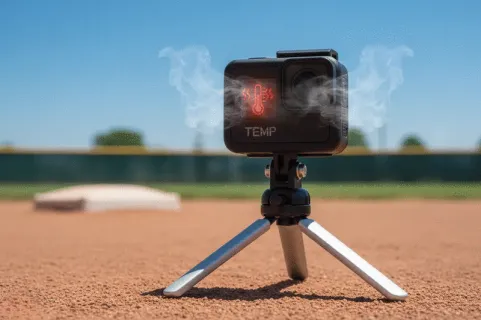
Why does my GoPro overheat when streaming sports games?
GoPro cameras are built for short-action capture, not continuous live streaming. Extended runtime generates heat that triggers thermal shutdown. Dedicated streaming cameras are engineered with passive cooling for hours of uninterrupted broadcasting.
Can I add a scoreboard without using OBS on a laptop?
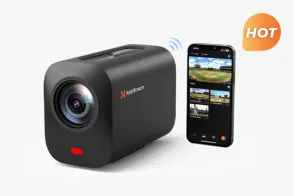
Yes. The NearStream app includes a native scoreboard overlay you control directly from your phone or tablet. Unlike systems requiring third-party plugins, NearStream integrates scoring into the same interface you use to switch cameras and start the stream.
How many cameras do I really need?
One camera with optical zoom covers most youth sports. A second camera adds goal-line coverage. Three cameras — wide, tight, and reaction — produce a professional stream. The key is managing them from a single app rather than juggling multiple devices.
What internet speed do I need?
A minimum upload speed of 5 Mbps is recommended for 1080p streaming. Both Wi-Fi and 4G/5G hotspots work, though a dedicated hotspot provides the most reliable broadcast at outdoor fields.
Which Camera Fits Your Sideline Scenario?
You are a solo parent volunteer streaming one game at a time. The NearStream VM33 is the obvious fit. One app, one camera position, under three minutes to go live, and Grandma gets her link without you missing the opening kickoff.
You run a school athletic department with AV support. The Mevo Start gives you slightly sharper indoor image quality. Just budget for additional software and training time.
You are building highlight reels for college recruitment. Add a DJI Osmo Action 5 Pro as your second camera. Use the VM33 for the full-game stream, then pull Action 5 Pro clips for social cuts.
Your only goal is recording games for coaches. The Sony HDR-CX405 does this at the lowest entry price. Accept that you are not streaming, and carry on.
You need broadcast-quality archives. The Canon Vixia HF G70 delivers the image quality and audio inputs professional productions demand. Pair it with a capture workflow your AV staff already knows.
The throughline in every scenario: the best camera for sports videography is the one that gets used. The most expensive sensor in the world is worthless if it stays in the trunk because setup takes twenty minutes and three apps. Choose the camera that respects your time, survives the sideline, and lets you actually watch the game you came to capture.













































 sales@nearstream.us