Best Audio Mixer Software for PC in 2025: Tools for Music, Podcasts & More
Explore the best audio mixer software for PC in 2025 — from free tools like Audacity and Ocenaudio to pro-level DAWs like Pro Tools and FL Studio.
audio mixer
Updated: Mar 1, 2026 · 8 minutes read
Modular Video Kits for Growing Business.
Whether you're creating music, recording a podcast, or mixing audio for live content, having the right software can make or break your sound. In 2025, the demand for user-friendly yet powerful audio mixing tools is higher than ever. This guide explores the best audio mixer software available today — from free programs to pro-grade digital audio workstations (DAWs). We’ll also cover critical features, hardware pairing tips, and expert tools tailored for both beginners and professionals.
What Is Audio Mixer Software and Why Do You Need It?
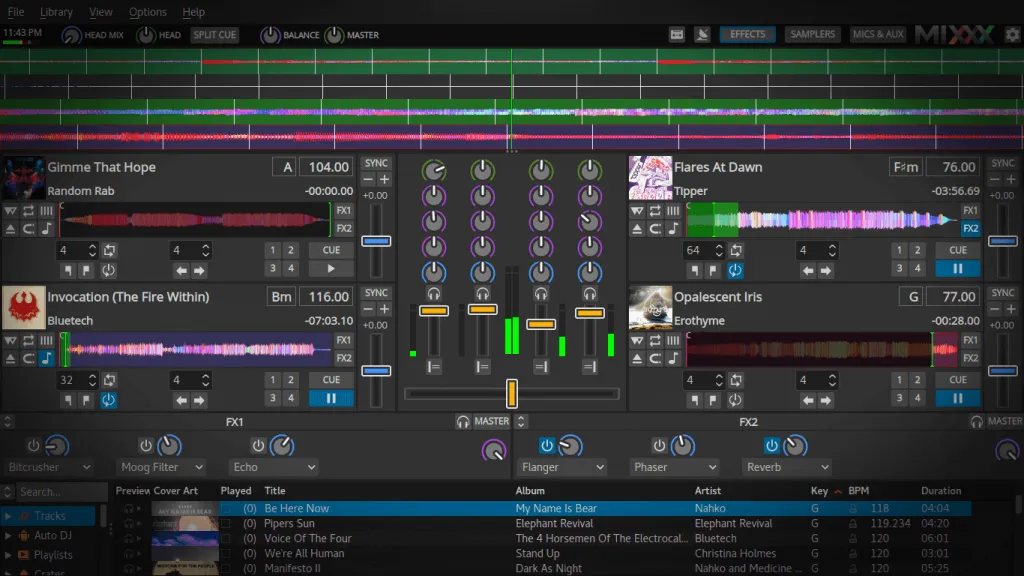
Audio mixer software is a digital tool that allows users to combine, adjust, and manage multiple audio sources in real time or during post-production. It mimics what a physical audio mixer does — but within your computer. Whether you're creating music, recording a podcast, or managing live audio for streaming, this type of software is a core part of your setup.
Audio mixer software helps you:
Adjust audio levels (volume, gain) across multiple tracks
Route different inputs (mics, instruments, system audio)
Mix multiple audio tracks into a single file or stream
Audio Mixing Is More Popular Than Ever
In 2025, the global podcast audience reached approximately 584.1 million listeners, reflecting a 6.84% year-over-year increase. This surge underscores the growing demand for high-quality audio content and the tools necessary to produce it. (source: Demandsage, Podcast Statistics 2025 – Number of Podcasts, Listeners & Trends)
In the music production realm, the global music production software market was valued at $3.54 billion in 2024 and is projected to reach $17.35 billion by 2034, exhibiting a CAGR of 17.22% during the forecast period. This growth is driven by the increasing adoption of digital audio workstations (DAWs) and cloud-based solutions. (source: MARKET RESEARCH FUTURE, Music Production Software)
These trends highlight the critical role of audio mixer software in meeting the evolving needs of content creators, musicians, and podcasters worldwide.
🎯 Why It Matters for Creators
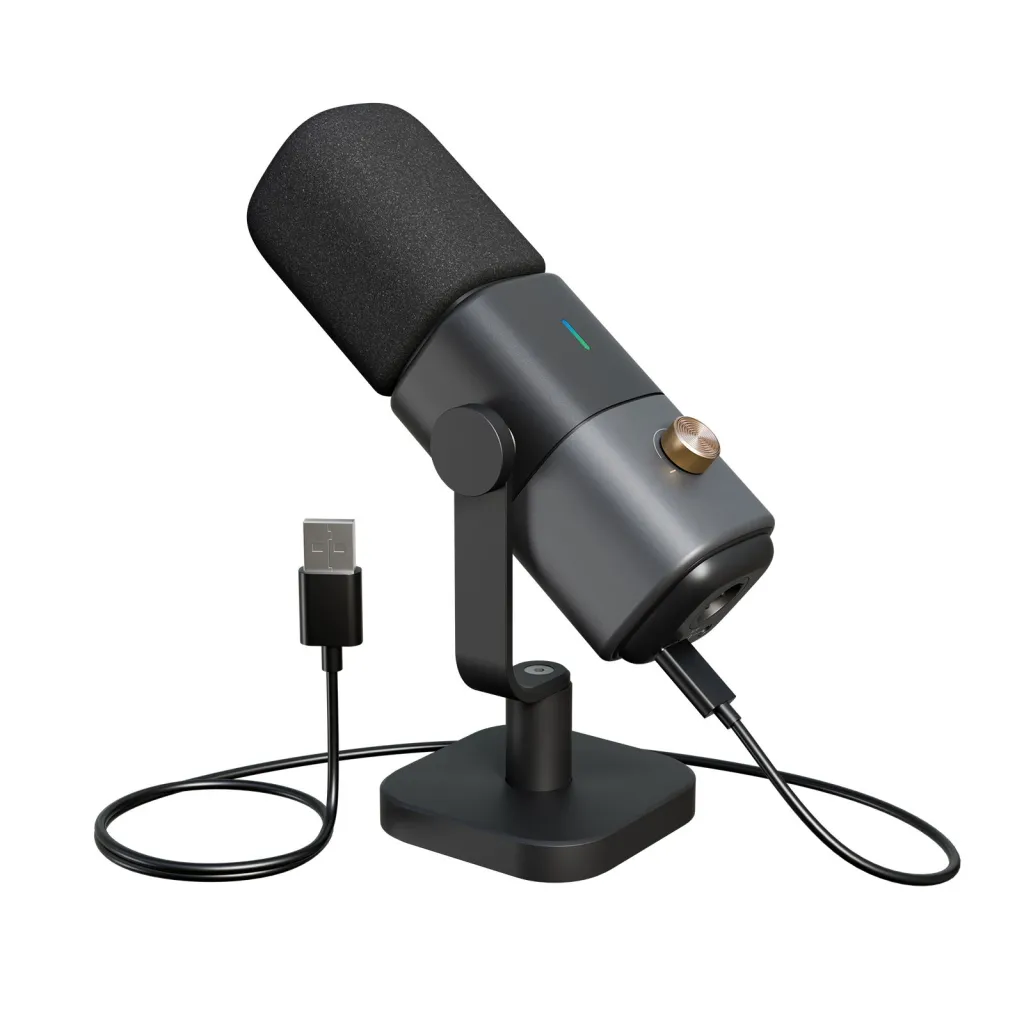
Whether you're mixing music tracks, editing a podcast, or managing multiple audio channels during a live broadcast, using a dedicated audio mixer software gives you greater creative control, cleaner sound, and a more professional result. It also enables more advanced routing, effects, and integration with devices like the condenser mic or a multi-channel audio interface or capture card.
Top Features to Look for in a Sound Mixer for PC
Before investing in audio mixer software, it’s essential to understand what features actually impact the quality of your production. Whether you're mixing music, podcasting, or streaming, your software should provide precision, flexibility, and real-time control.
Key Features Breakdown
Multi-Track Mixing
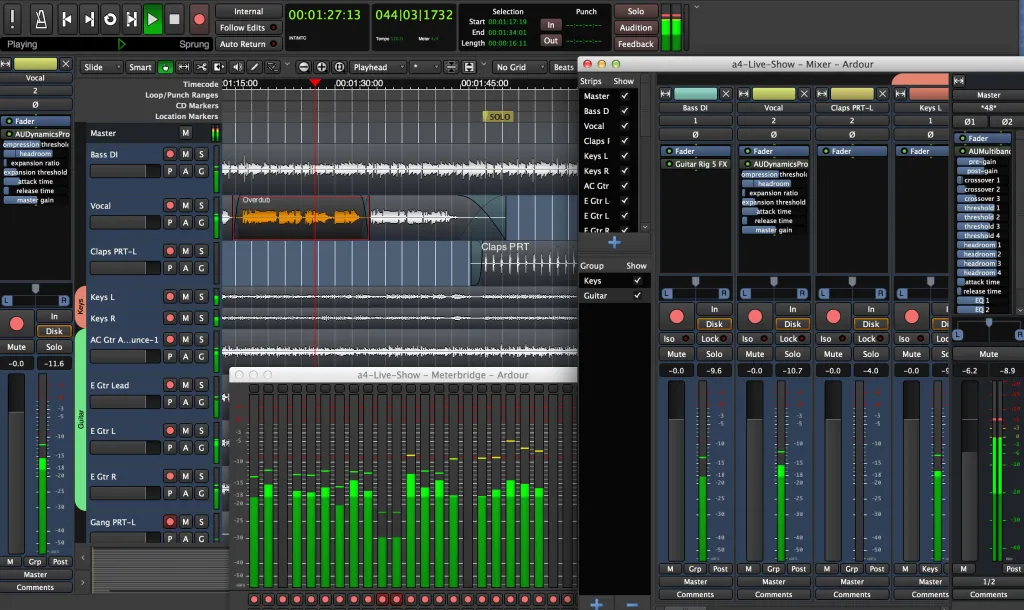
A good audio mixer should allow you to layer multiple tracks simultaneously, each with its own volume, panning, EQ, and effects. This is the foundation for any serious audio production.
Real-Time Monitoring and Effects
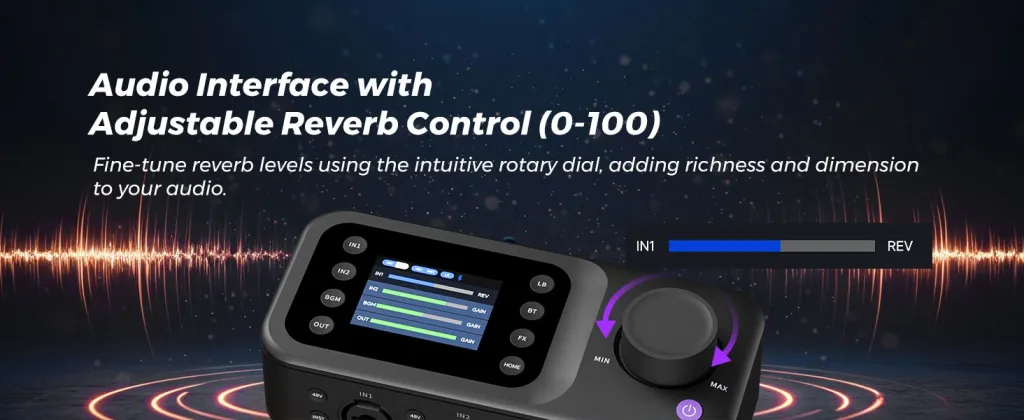
Being able to hear changes in real-time — such as adjusting gain, applying reverb, or EQ — is essential for live recording and streaming.
Automation and Presets
Good software includes volume automation and preset templates for EQ, compression, and noise reduction, saving time during repeated tasks.
Low-Latency Performance
For live streaming and real-time collaboration, latency must be under 10ms. According to Sweetwater, professional audio tools aim for <5ms round-trip latency.
Hardware Integration
Software should support external devices like USB audio interfaces, microphones, and mixing consoles. Products like the NearStream AM25X condenser mic benefit from software that provides phantom power support, gain control, and low-cut filtering.
Best Audio Mixer Software for Beginners (Free & Paid Options)
Data from Fortune Business Insights shows that the global DAW market size was 3.21 billion US dollars in 2024 and is expected to reach 6.34 billion US dollars by 2032, with a compound annual growth rate of 8.9%. (source: Fortune Business Insights, Digital Audio Workstation Market Size, Share & Industry Analysis)
Professional Music Mix Software for Studios and Creators
If you're beyond the beginner phase and ready to produce studio-grade sound, professional-level audio mixers provide greater control, advanced automation, and integration with analog gear.
Best Audio Mixer for Podcasts and Voice-Based Content
For podcasters and vocal-heavy creators, clarity and control over spoken audio are key. A good podcast mixing software should prioritize noise reduction, voice compression, and audio leveling.
Audio Mixer Software vs Physical Mixers: Which Is Better for You?
Feature
Software Mixer
Hardware Mixer
Price
Usually lower
Typically higher
Portability
High (just a laptop)
Bulky
Flexibility
Easily updated
Fixed hardware
Setup Complexity
Easier
More cables/interfaces
Learning Curve
Medium
Steeper (for analog)
For most creators, software wins on value and versatility. However, hybrid setups — such as pairing an analog mixer with NearStream Audio Mixer AMIX40U— offer the best of both worlds.
How to Set Up Your PC for Optimal Audio Mixing
No software can perform at its best without a proper PC setup. Optimizing your computer for audio mixing means ensuring sufficient processing power, audio drivers, and clean input signals.
PC Setup Tips
Use an SSD to reduce loading times for large projects
Allocate ≥8GB RAM for smoother DAW operation
Disable unused input devices to reduce driver conflicts
Use ASIO-compatible audio drivers for low latency
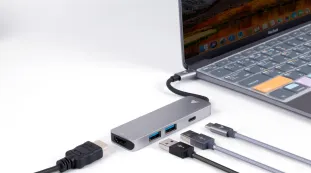
Connect via USB-C or Thunderbolt for fast device response
Remote Collaboration in Audio Mixing
As content creation becomes increasingly global and decentralized, remote collaboration in audio projects is no longer optional — it’s essential. Whether you're co-producing a music track with someone overseas or hosting a podcast interview with a guest across the country, your PC setup must support real-time audio sharing, low-latency communication, and synchronized workflows.
Platforms like Soundtrap, Audiomovers, and Sessionwire enable real-time multi-user audio sessions, where collaborators can monitor, mix, and comment on tracks simultaneously. These tools work best when paired with ASIO drivers, stable internet connections, which ensures smooth audio transmission even in low-bandwidth environments.
FAQs
Q1: What’s the best audio mixer software for voice clarity?
A: Adobe Audition and Hindenburg are ideal for voice-focused mixing due to built-in compression and auto-leveling.
Q2: Is free audio mixing software good enough for podcasts?
A: Yes. Audacity and Ocenaudio offer all essential features for basic podcast editing and are great for beginners.
Q3: How much RAM do I need for audio mixing?
A: At least 8GB is recommended, though 16GB is better for large projects with multiple plugins.
Q4: Should I choose a DAW or a standalone mixer?
A: DAWs (like FL Studio or Cakewalk) offer more flexibility, while standalone tools like Auphonic or MixPad are simpler to operate.
Q5: Can I mix live audio with software?
A: Absolutely. Tools like OBS + audio mixer plugins or GoXLR app can handle real-time mixing for livestreams.




































































 sales@nearstream.us






