The Ultimate Guide: Finding the Best Camera for Baseball Games in 2026
This comprehensive guide helps you find the best camera for baseball games in 2026, detailing why smartphones fall short due to overheating, poor digital zoom, and focus issues.
Baseball camera
Stream camera
Sports video camera
Updated: Apr 20, 2026 · 8 minutes read
Modular Video Kits for Growing Business.
Baseball is a game of millimeters and split seconds. Capturing that perfect slide into home or the mechanics of a swing requires more than just a smartphone. If you have ever tried to record a game from the bleachers with an iPhone, you know the pain: the phone overheats in the sun, the battery dies in the 4th inning, and the digital zoom turns your star player into a pixelated blur.
To capture the game effectively, you need dedicated gear. This guide analyzes the landscape of recording equipment to help you find the best camera for baseball games this season.
Why Your Smartphone Is Not a Sports Video Camera
Before we dive into what you should buy, we need to address what you are currently using. Smartphones are miracles of modern technology, but they are terrible at being a baseball camera.
The baseball environment is hostile to consumer electronics. It involves extreme heat, dust, and long durations.
The "Smartphone Trifecta" of Failure:
The Heat Wall: Smartphones are designed to dissipate heat through their screens and bodies. When clamped into a fence mount under direct July sunlight while processing 4K video and cellular data, they will overheat and shut down within 30 minutes.
The Zoom Trap: Most phones use "Digital Zoom" past 3x or 5x. This isn't real zoom; it is just cropping the image. By the time you zoom in enough to see the pitcher from the stands, the image is grainy and unusable for highlight reels.
The Net Focus Issue: If you mount a phone behind the backstop, the autofocus often gets confused, focusing on the chain-link fence instead of the batter, ruining the entire recording.
To stream and record like a pro, you need a dedicated sports video camera designed for the diamond.
The Three Main Contenders: Categorizing Your Options
When searching for the best camera for baseball games, you will generally encounter three distinct categories of devices. Each has a specific role on the field.
To help you understand the landscape, we have broken them down by function, mounting location, and usability.
1. The "Fence Camera" (Action Cams)
Examples: GoPro Hero, DJI Osmo Action.
Best Position: Mounted directly on the chain-link fence behind the home plate.
The Vibe: These are "Set it and forget it" wide-angle cameras.
Pros: They are incredibly durable and small. They capture the entire field of view (Pitcher, Batter, Catcher, Umpire) in one shot.
Cons: They lack optical zoom. You cannot get a close-up of a play in the outfield. The "fisheye" look can distort the image, making the pitcher look miles away. They also struggle with battery life during doubleheaders.
2. The Traditional Camcorder (The Dad-Cam)
Examples: Sony Handycam, Canon Vixia.
Best Position: On a tripod in the stands or the press box.
The Vibe: Manual operation for zooming and panning.
Pros: incredible optical zoom. You can zoom in on the shortstop’s face from the outfield fence.
Cons: They are not smart. Most cannot live stream directly without a complicated setup involving capture cards and laptops. They are bulky and fragile.
3. The Smart Stream Camera (The Modern Hybrid)
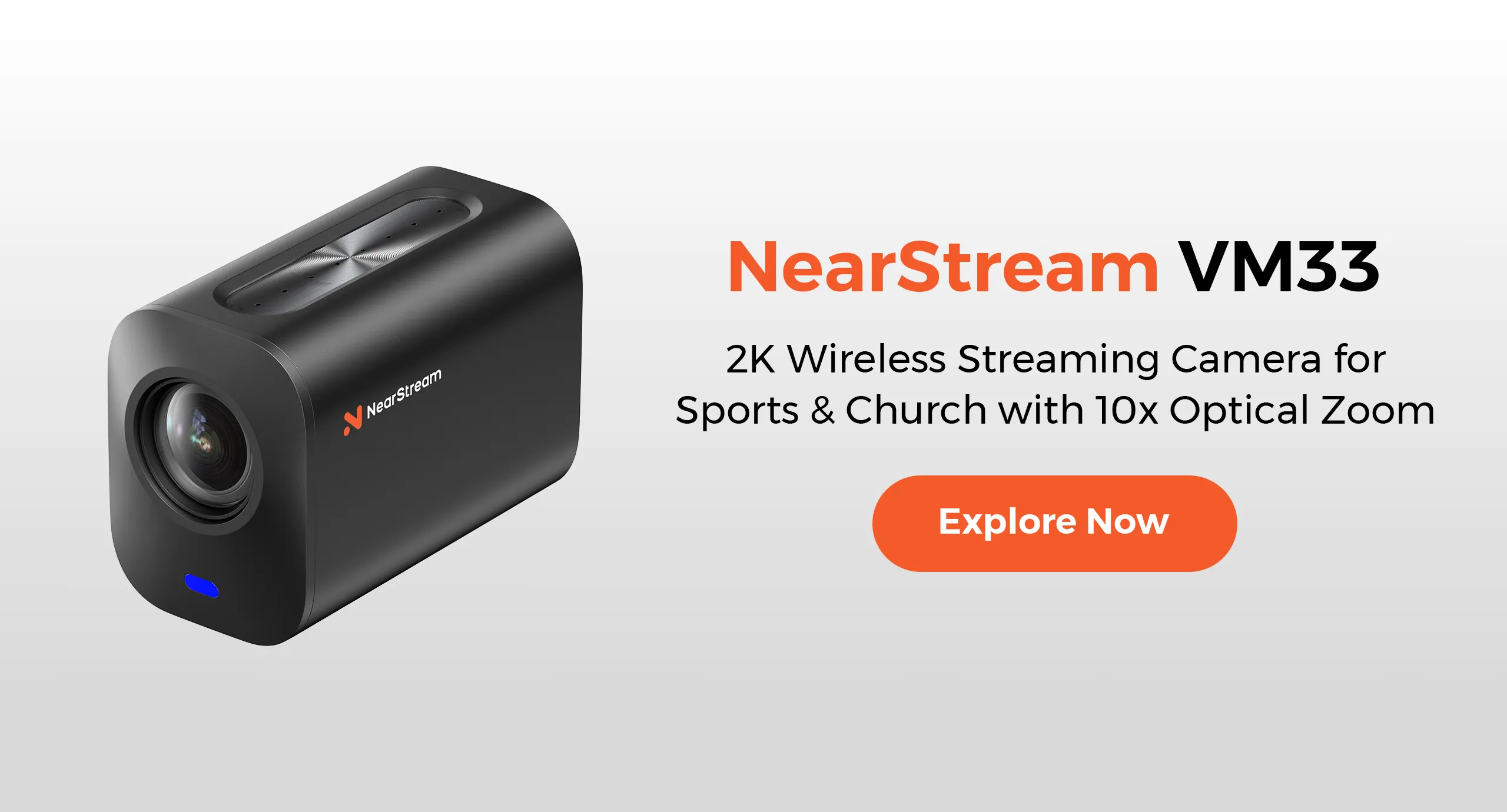
Examples:VM33, Mevo Start.
Best Position: Versatile (Fence mount or Tripod).
The Vibe: The power of a camcorder with the connectivity of a smartphone.
Pros: Designed specifically for long-duration streaming. They feature optical zoom (in models like the VM33), direct integration with scoring apps like GameChanger or SidelineHD, and superior heat management.
Comparison Table: Which Type Fits Your Need?
Feature
Action Camera
Traditional Camcorder
Smart Stream Camera (VM33)
Primary Use
Wide Angle / POV
Deep Zoom / Highlights
Live Streaming / Full Game
Optical Zoom
None (Fixed Lens)
High (20x+)
Balanced (Optical Zoom)
Battery Life
Poor (~60 mins)
Moderate
Excellent (USB-C Power)
Overheat Risk
High
Low
Low (Active Cooling)
Live Stream
Difficult (Requires Phone)
Very Hard (Requires PC)
Native / Built-in
Verdict
Good for "B-Roll"
Good for Scouters
Best for Game Streaming
Deep Dive: What Makes the Best Camera for Baseball Games?
If you are looking to invest in a camera this season, you need to look past the marketing fluff and understand the technical specs that matter for baseball.
1. Optical Zoom vs. Digital Zoom
This is the most critical factor.
Digital Zoom: Crops the image, losing quality.
Optical Zoom: The lens physically moves to magnify the image, retaining full HD/4K resolution.
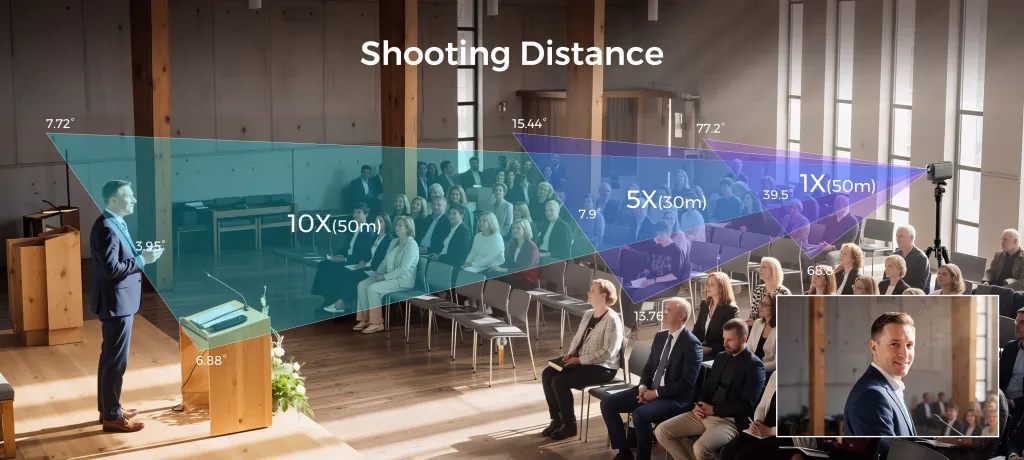
For a baseball camera, optical zoom is non-negotiable. You need to frame the pitcher and batter tightly from behind the backstop without the chain-link fence appearing in the shot. A camera like the VM33 utilizes optical zoom to "punch through" the fence holes, making the net invisible, whereas a wide-angle action cam focuses on the wires.
2. High Frame Rates (60fps vs. 30fps)
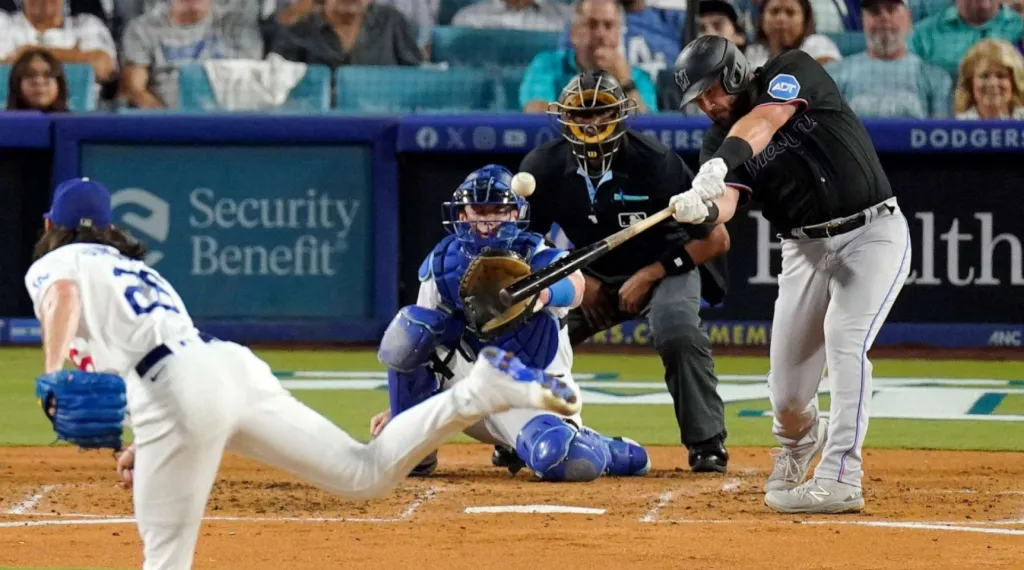
Baseball is a high-speed sport. A standard fastball travels at 90+ mph. A bat swing takes milliseconds.
30fps (Standard TV): Creates motion blur on fast-moving objects. The ball might disappear between frames.
60fps or higher: Captures smooth motion.
When analyzing a player's swing mechanics or a pitcher's release point, you need a sports video camera capable of shooting at 60fps or even 120fps. This allows you to slow the footage down in post-production for detailed coaching analysis without the video becoming choppy.
3. Sensor Size and Dynamic Range
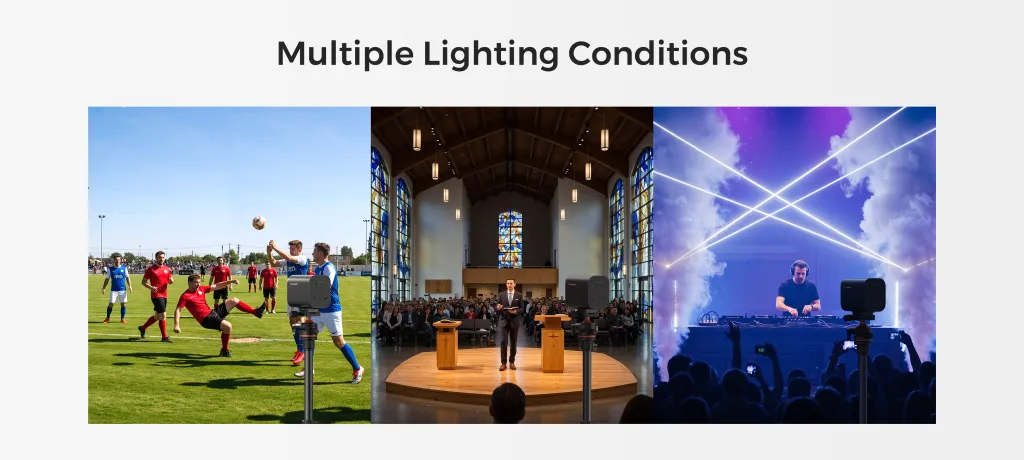
Baseball games happen at high noon (harsh shadows) and late evening (low light under floodlights). A camera with a poor sensor will blow out the highlights in the sun or become grainy and dark at night. You need a sensor capable of handling high dynamic range to keep the player in the shade of the dugout visible while the field is bathed in sunlight.
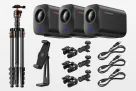
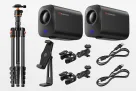
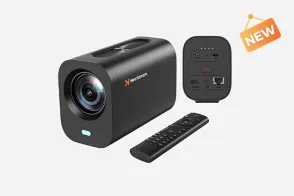
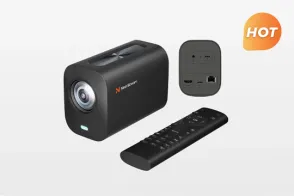
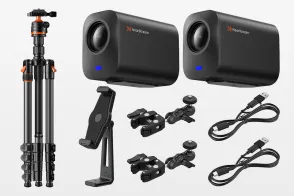
The Solution: Why the VM33 is the Ultimate Stream Camera for Baseball
After analyzing the categories, the market was missing a device that combined the durability of an action cam with the zoom of a camcorder and the brains of a computer.
Enter the VM33.
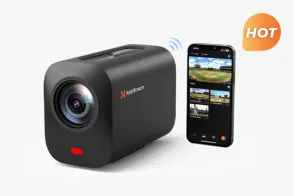
The VM33 is rapidly becoming the go-to recommendation when parents ask for the best camera for baseball games. Here is why it wins the pennant.
It "Sees" Through the Fence
Unlike wide-angle action cameras that focus on the metal links of the backstop, the VM33 features a precision lens system with optical zoom capabilities. This allows you to mount the camera on the fence but zoom past the wire mesh. The result is a clean, professional broadcast view that looks like it was shot from the press box, not the fence.
Built for the Doubleheader
A standard youth baseball tournament day can last 6 to 8 hours.
Heat Management: The VM33 is engineered with thermal efficiency in mind. It won't shut down in the 5th inning of a championship game just because the sun is out.
Power: It supports continuous power via USB-C, meaning you can plug in a large external battery bank and record/stream all day without swapping batteries.
The Stream Camera Ecosystem
The VM33 isn't just a recorder; it's a broadcaster.
App Integration: It plays nicely with the platforms baseball parents live on, such as GameChanger, SidelineHD, and AthletesGoLive.
Wi-Fi Stability: Baseball fields are notorious for bad signal interference. The VM33 utilizes advanced Wi-Fi modules to maintain a steady stream bitrate, ensuring Grandma watching from home doesn't experience buffering during the winning run.
Comparison: VM33 vs. The Field
Let's look at a direct comparison to see why the VM33 stands out as a dedicated sports video camera.
Specification
Smartphone (High End)
GoPro Hero 12
VM33 Stream Camera
Max Resolution
4K
5.3K
4K
Lens Type
Fixed (Digital Zoom)
Fixed Wide (Fisheye)
Optical Zoom Lens
Focus Ability
Struggles with Fence
Fixed Focus
Fence-Ignoring Focus
Streaming Protocol
RTMP (Hot phone)
RTMP (Via App)
Native RTMP / NDI
Heat Limit
~20-30 Mins (Sun)
~40 Mins (Sun)
Continuous
Price
$1000+
$400
Competitive
As shown above, while the GoPro offers higher resolution, the lack of zoom makes it poor for capturing plays at second base. The smartphone is too fragile and prone to heat. The VM33 strikes the balance required for a dedicated baseball camera.
The Future of Youth Sports: Why Streaming Matters
Investing in a stream camera is about more than just vanity; it's about development and community.
Recruiting and Analysis
For high school athletes, video is the currency of recruiting. Coaches don't have time to travel to every game. Sending a crisp, 60fps link of an at-bat shot on a VM33 is far more professional than a shaky, vertical phone video.
Family Connection
Work schedules and travel distance often prevent extended family from attending games. A reliable stream allows grandparents and working parents to stay connected to the player's progress in real-time.
FAQ: Common Questions About Baseball Cameras
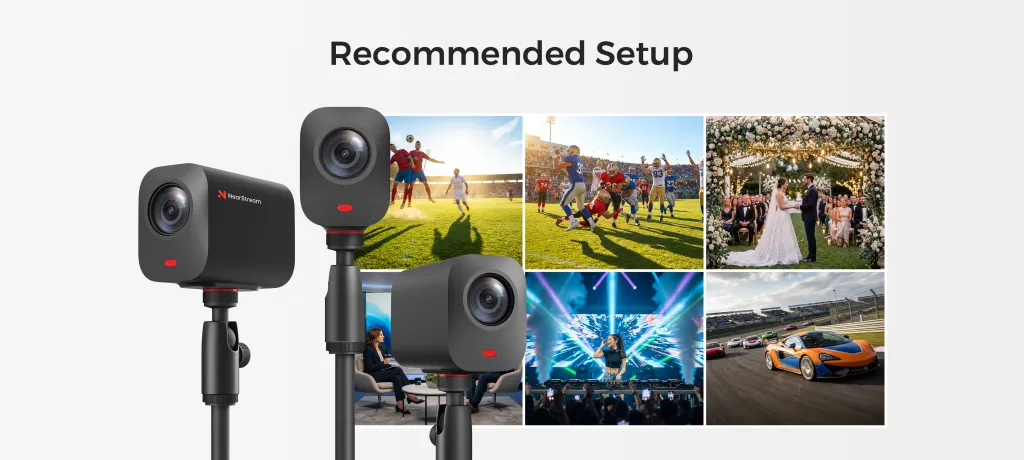
Q: Can I use the VM33 as a general sports video camera for other sports? A: Absolutely. While this guide focuses on baseball, the optical zoom and high frame rate make it the best camera for baseball games and soccer, basketball, or volleyball. The ability to zoom makes it versatile for any field size. Q: Does the VM33 require a subscription to stream? A: The camera hardware itself does not require a subscription. However, the platform you stream to (like GameChanger or SidelineHD) might have its own premium tiers for features like audience clipping or overlay scoreboards. Q: How do I protect the camera from foul balls? A: This is a real risk. We recommend mounting the camera high on the fence (foul balls usually go up and back, or straight back). For ultimate protection, many users buy a small metal cage or "fence clip" housing that absorbs the impact if a ball hits the setup directly. Q: Is 1080p enough, or do I need 4K? A: For streaming, 1080p is the gold standard because cellular data at ballparks is often limited. 4K requires massive bandwidth. However, for recording to edit highlights later, 4K is superior. The VM33 offers the flexibility to do both. Q: Why is this better than just holding my phone? A: Passive recording allows you to actually watch the game. If you are holding your phone, you are watching the game through a 6-inch screen. Setting up a dedicated stream camera allows you to cheer, clap, and enjoy the moment while the machine does the work.
Conclusion
The days of squinting at shaky iPhone videos are over. As technology advances, the barrier to entry for professional-grade sports broadcasting has collapsed.
To capture the nuances of the game—the spin of the curveball, the dust of the slide, and the joy of the walk-off—you need the right tools. By moving away from general-purpose devices and choosing a specialized stream camera like the VM33, you ensure that every highlight is preserved in the quality it deserves.
For the 2026 season, the verdict is clear: Don't let the heat melt your phone. Mount up, power on, and play ball.

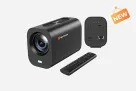

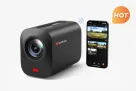
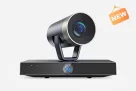
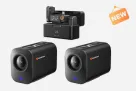















































 The Solution: Why the VM33 is the Ultimate Stream Camera for Baseball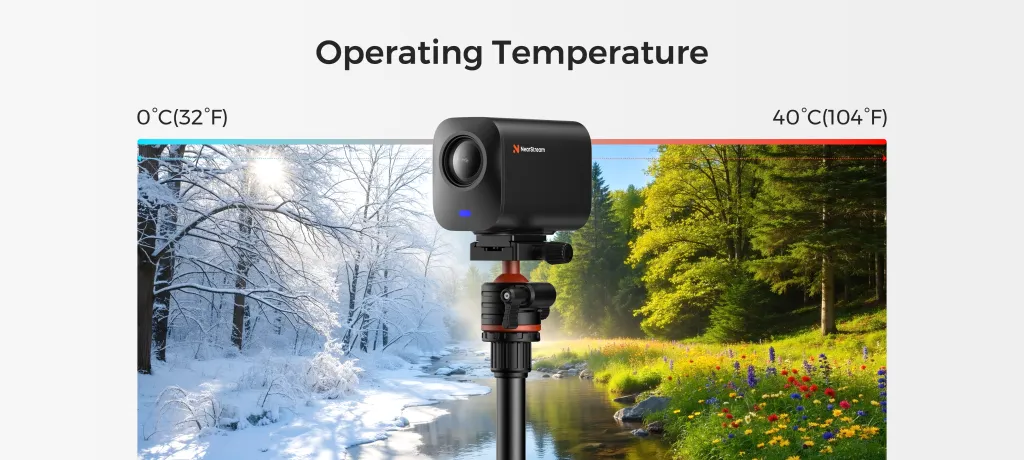




 sales@nearstream.us