Stop Your Keyboard from Ruining Your Stream: The Ultimate Audio Guide for Gamers (2026)
This ultimate guide for gamers tackles common audio issues that sabotage live streams, such as loud mechanical keyboards, fan noise, and voice distortion.
Gaming Microphone
Stream Audio
Dynamic Mic
Updated: Feb 26, 2026 · 8 minutes read
Modular Video Kits for Growing Business.
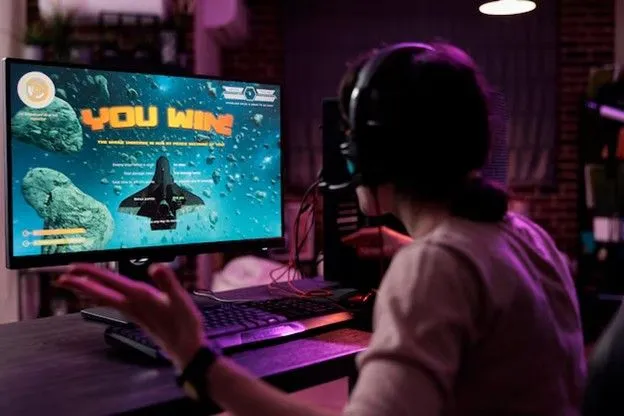
Let's identify who is reading this right now. You are not just a "content creator." You are a gamer. But gamers are not all the same:
The FPS Sniper (CS2 / Valorant / COD): You need your comms to be crystal clear. One missed callout means a lost round.
The MOBA Strategist (LoL / Dota 2): You are clicking your mouse 300 times a minute.
The Console Streamer (PS5 / Xbox): You are sitting on a couch or desk, trying to balance game audio with voice chat.
The Rookie: You just hit "Start Streaming" on OBS for the first time, and your chat is telling you "I can't hear you over the game."
The Harsh Truth:
In gaming, your microphone is a Real-Time Output. Unlike a YouTuber who can fix audio in post-production, you are Live.
If your mic picks up your Cherry MX Blue switches, or if your voice distorts when you scream after a pentakill, that moment is ruined forever.
You don't need a "Studio Microphone." You need a Battle Microphone.
Today, we are going to explain why one specific device—the NearStream AM25X—has become the secret weapon for gamers who care about clean comms.
The 6 Sounds That Kill a Gaming Stream
Before we fix your audio, let's diagnose the sickness. If you are using a standard webcam mic or a sensitive studio condenser, you are likely suffering from these six plagues:
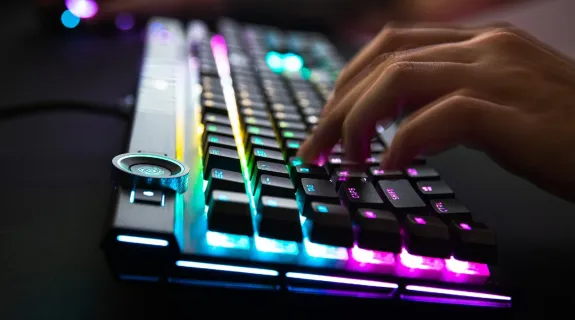
The "Click-Clack" Storm: Your mechanical keyboard sounds like a machine gun firing into the microphone. Viewers hate this.
The Jet Engine: Your RTX 4090 fans are spinning at 100%. Your mic hears it as a constant, annoying hum.
The "Rage" Distortion: You get excited. You shout. The audio "clips" (turns red) and sounds like a broken robot.
The Distance Drift: You lean back in your chair to relax, and suddenly nobody can hear you.
The "Blind" Pilot: You are wearing headphones, so you have no idea if you are shouting or whispering. You can't hear yourself.
The Tech Nightmare: You just want to play. You don't want to spend 30 minutes tweaking VST plugins in OBS just to sound normal.
Why "Dynamic" Mics Are the Gaming Meta (Enter AM25X)
Most beginner streamers buy Condenser Microphones.
Error.
Condenser mics are designed for quiet vocal booths. They are sensitive. They want to hear the room.
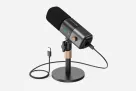
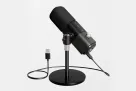
For a gamer, the NearStream AM25X is the correct solution because it is a Dynamic Microphone.
The Physics: Dynamic microphones are less sensitive to high-frequency background noise. They have a "tunnel vision" focus.
The Benefit: The AM25X naturally ignores the keyboard clicking and mouse tapping happening 12 inches away. It focuses strictly on the sound source right in front of it (Your Mouth).
The Result: Your stream sounds "Dry" and professional, even if your room has bare walls and an echoey floor.
🔊 2. High SPL Handling (Scream Proof)
The Physics: The diaphragm in the AM25X is stiffer and more robust than a condenser.
The Benefit: It has a high Sound Pressure Level (SPL) tolerance. When you clutch a 1v4 and scream "LET'S GO!", the mic doesn't panic. It captures the energy without the distortion.
The Result: Your emotional moments stay clear, not painful.
🗣️ 3. Forward Vocals (Cutting Through the Mix)
The Physics: The AM25X is tuned to boost "presence" frequencies (mid-range).
The Benefit: Game audio (explosions, music, gunfire) is loud. A weak mic gets buried in the mix. The AM25X pushes your voice to the front, so it sits on top of the game audio.
The Result: Viewers never have to strain to hear your commentary.
Practical Features: How It Works In-Game
The AM25X isn't just about sound; it's about Workflow. When you are mid-match, you can't be fiddling with software.
🎧 Zero-Latency Monitoring (The "Wallhack" for Audio)
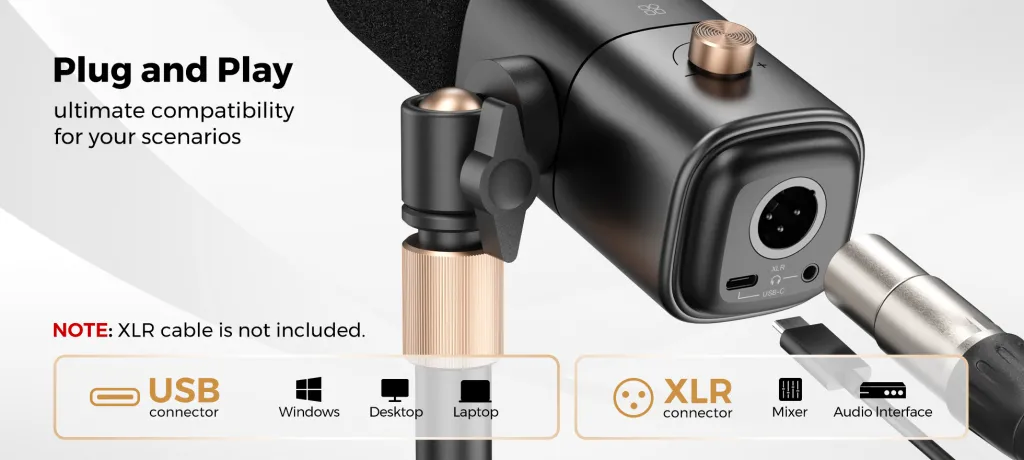
The Feature: A 3.5mm headphone jack on the back of the mic.
The Usage: Plug your gaming headset into the mic instead of your PC.
The Win: You hear exactly what the stream hears, in real-time. If you are shouting, you will know instantly. It stops you from accidentally waking up your roommates.
🔌 USB Plug-and-Play (The "Rush B" Speed)
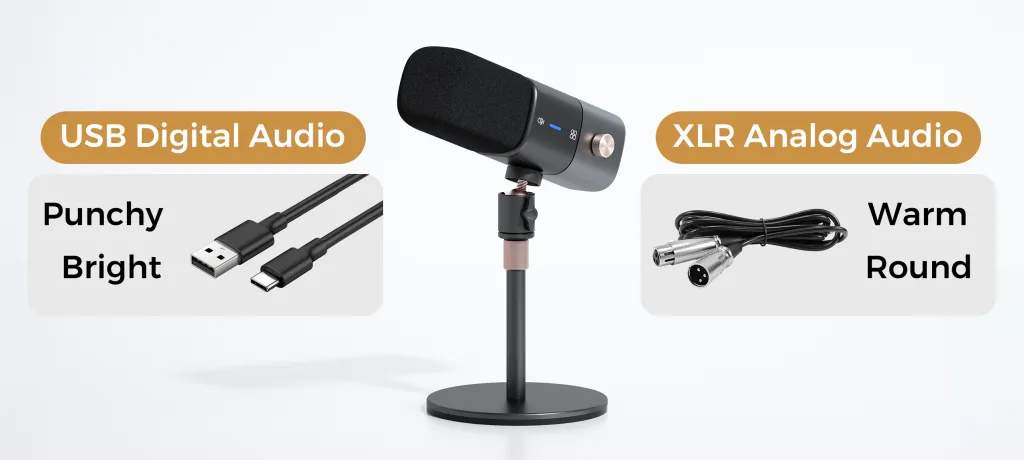
The Feature: Driverless USB-C connection.
The Usage: Plug it into your PC, Mac, or PS5. Open OBS or Discord. Select "NearStream AM25X". Done.
The Win: No expensive sound cards. No "Audio Interface" needed. It removes the barrier to entry for new streamers.
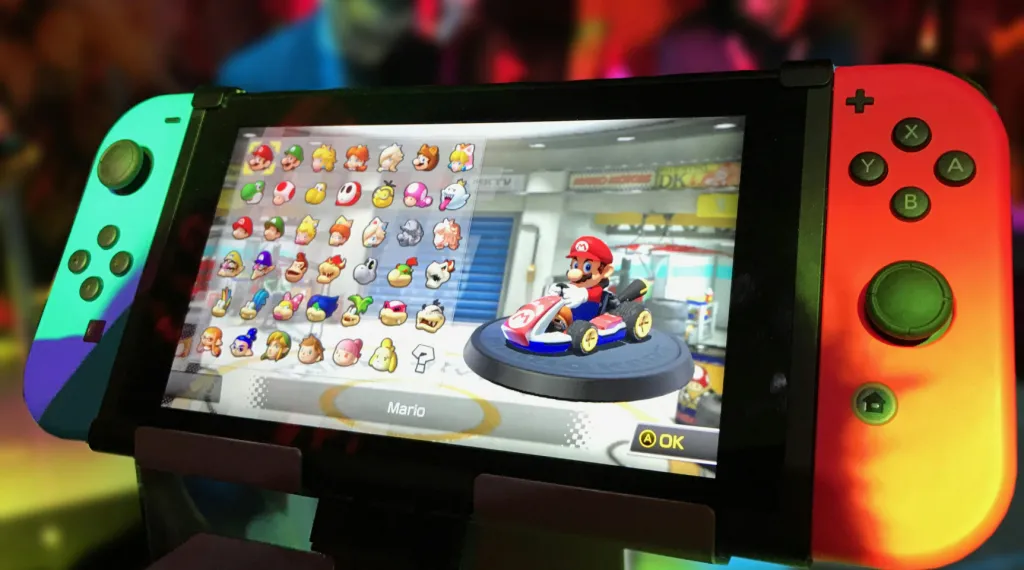
🎮 Console Compatibility
The Feature: Works with PS4/PS5 via USB.
The Usage: Console streaming usually suffers from terrible headset mic quality. The AM25X brings "PC Quality" audio to console streams immediately.
Four Real-World Gaming Scenarios
How does the AM25X perform when the pressure is on?
🔫 Scenario 1: The FPS Sweater (CS2 / Valorant)
Environment: Constant callouts, rapid keyboard movement, high tension.
Performance: The cardioid pattern rejects the keyboard noise. Your teammates in Discord can hear your footsteps clearly because your mic isn't broadcasting static.
⏳ Scenario 2: The Marathon Streamer (MMO / RPG)
Environment: 4-8 hour streams.
Performance: Because the audio is clean and natural, it doesn't cause "Ear Fatigue" for your viewers. Harsh, tinny mics make viewers leave after 20 minutes. The AM25X keeps them staying longer.
🤝 Scenario 3: The Discord Collab
Environment: You are in a Discord call with 4 friends, and streaming to OBS.
Performance: The AM25X prevents "crosstalk" (where your mic picks up your headphones). Your voice is isolated, so your friends don't hear themselves echoing back through your mic.
👶 Scenario 4: The Rookie
Environment: No budget for acoustic foam. Loud PC.
Performance: The AM25X provides a "forgiving" sound. Even with bad mic technique, it sounds passable. With good technique, it sounds pro.
The Showdown: AM25X vs. The "Usual" Gaming Gear
Gamers usually have three bad options. Here is why the AM25X beats them.
📊 Table: The Gaming Audio Tier List
Feature
Gaming Headset Mic
Cheap USB Condenser
NearStream AM25X
Sound Quality
Thin, Nasal, "Telephone-like"
Sensitive, Echoey, Noisy
Full, Rich, Broadcast
Keyboard Noise
❌ Picks up clicks (close to head)
❌ Picks up clicks (sensitive)
✅ Rejects Clicks (Dynamic)
Comfort
❌ Breath noises / P-Pops
😐 Needs Pop Filter
✅ Built-in Pop Guard
Durability
❌ Breakable
❌ Fragile
✅ Metal Build
Scream Test
❌ Distorts badly
❌ Clips easily
✅ Handles High Volume
Vibe
"Amateur Gamer"
"Entry Level"
"Pro Streamer"
Pro Tips: How to Set Up for Victory
Getting the mic is 50% of the battle. Setting it up is the other 50%.
📏 1. The "Hang Loose" Distance
Keep the mic 10–15 cm (4-6 inches) from your mouth.
Why: Dynamic mics need you to be close. This maximizes the volume of your voice and minimizes the volume of the keyboard.
📐 2. The "30-Degree" Angle
Don't point the mic straight at your lips. Point it at the corner of your mouth, angled 30 degrees.
Why: This prevents "Plosives" (air blasts from saying 'P' or 'B') from hitting the capsule, so you don't sound like you are spitting on the viewers.
🛠️ 3. The Essential Upgrades
Boom Arm: Get the mic off the desk. If it's on the desk stand, it will pick up the vibrations of you banging the table. A boom arm isolates it.
Closed-Back Headphones: Use headphones that don't leak sound, so the mic doesn't pick up the game audio.
Conclusion: Stability is the Ultimate Skill
In competitive gaming, you value consistency. You want a mouse sensor that never spins out. You want a monitor with 144Hz refresh rate.
Your audio should be the same.
You don't need a microphone that captures the "soul of the room." You need a microphone that captures Commanding Communication.
For gamers, the most important thing isn't "audiophile perfection." It is Stability, Control, and Reliability.
The NearStream AM25X is built to survive the rage, ignore the keyboard, and keep your comms clear until the GG.
Frequently Asked Questions (FAQ)
Q: Does it work with NVIDIA Broadcast?
A: Yes. However, because the AM25X already has built-in noise rejection hardware, you often don't need NVIDIA Broadcast, which saves your GPU resources for higher FPS in-game.
Q: Can I use it on Xbox Series X?
A: Not directly via USB (Xbox limitation). However, you can connect the AM25X via XLR to an Xbox-compatible mixamp or stream through a PC capture card setup.
Q: Does it have RGB?
A: Yes. In USB mode, the AM25X features a tasteful RGB ring that looks great on a face-cam without being distracting.
Q: Will it pick up my Blue Yeti… I mean, my loud keyboard?
A: If you position it correctly (close to mouth, gain turned down), it will reject significantly more keyboard noise than any condenser mic on the market.





















































 sales@nearstream.us