Ultimate Camera Setup for Whatnot Streaming in 2026
Compare the top 5 camera setups for Whatnot streaming in 2026.
ultimate Camera Setup for Whatnot Streaming
how to stream on whatnot using obs
whatnot stream
Updated: Jun 7, 2026 · 8 minutes read
Modular Video Kits for Growing Business.
On Whatnot, your camera is your credibility. When bidders are evaluating high-ticket graded cards or authenticated luxury goods, visual friction—such as focus hunting, dropping frames, or blurry macro shots—instantly degrades buyer confidence and costs you sales. To help you eliminate these technical interruptions and maximize your auction ROI, this 2026 guide breaks down the five best camera configurations for Whatnot streaming. Evaluated strictly on detail clarity, sustained reliability, and solo-operator workflow, we explore everything from cinematic DSLR rigs to purpose-built, plug-and-play 4K hardware like the NearStream VM20. Whether you are scaling a multi-category operation or optimizing a lightweight, dedicated solo stream, this breakdown will help you integrate the exact professional broadcast setup needed to lock in bidder trust and elevate your live presentations.
On Whatnot, your camera is your credibility. When a bidder considers a four-figure graded card or authenticated luxury handbag, any doubt about condition kills the sale. Blurry focus and awkward adjustments signal unprofessionalism and drive bidders away.
This guide ranks the five best camera configurations for Whatnot sellers in 2026, evaluated on detail clarity, technical reliability, and solo-operator workflow. These picks help you find the best camera for whatnot auctions and the right whatnot camera setup.
How These Rankings Work
These recommendations prioritize auction performance: image clarity for authenticity verification, technical reliability, and OBS integration. ROI from reduced bidder hesitation matters more than cost.
The 5 Best Camera Setups for Whatnot Streaming
1. Dedicated 4K Streaming Camera — Best Overall
A purpose-built 4K streaming camera is the most reliable foundation for a professional whatnot stream. Unlike webcams or DSLRs, dedicated streaming cameras are built for long sessions with stable wired connections and optical zoom.
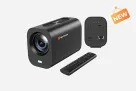
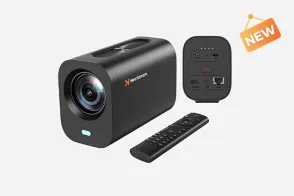
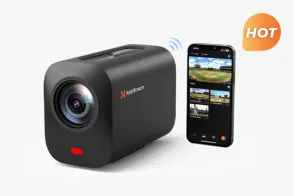
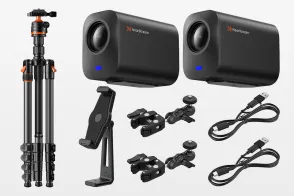
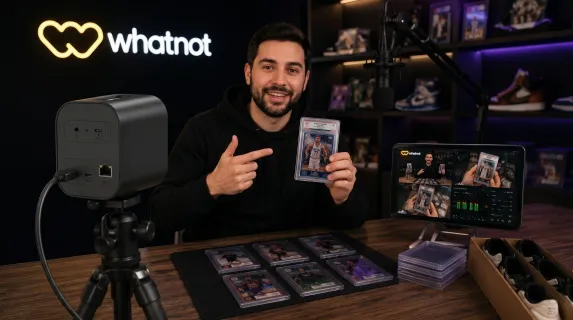
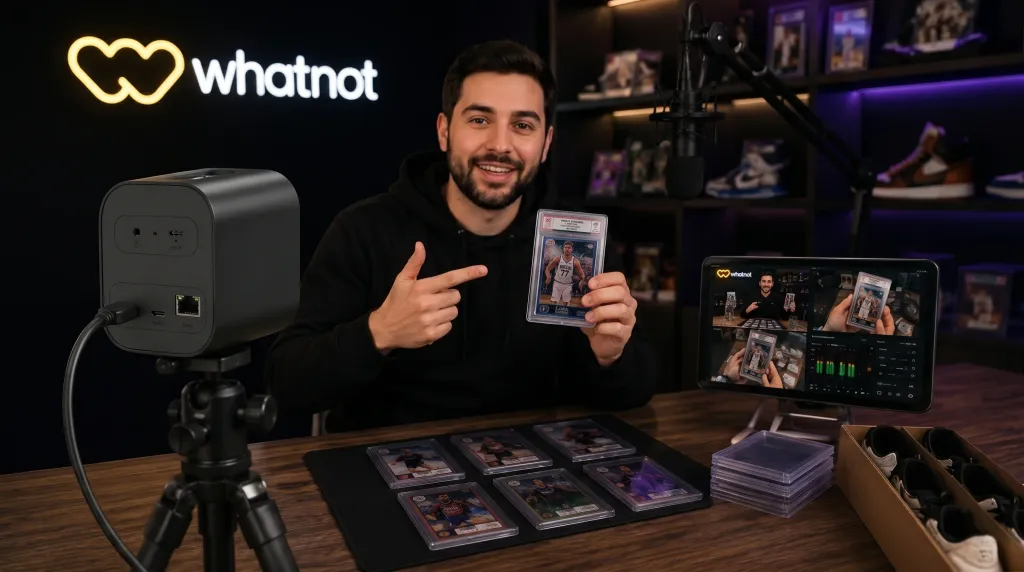
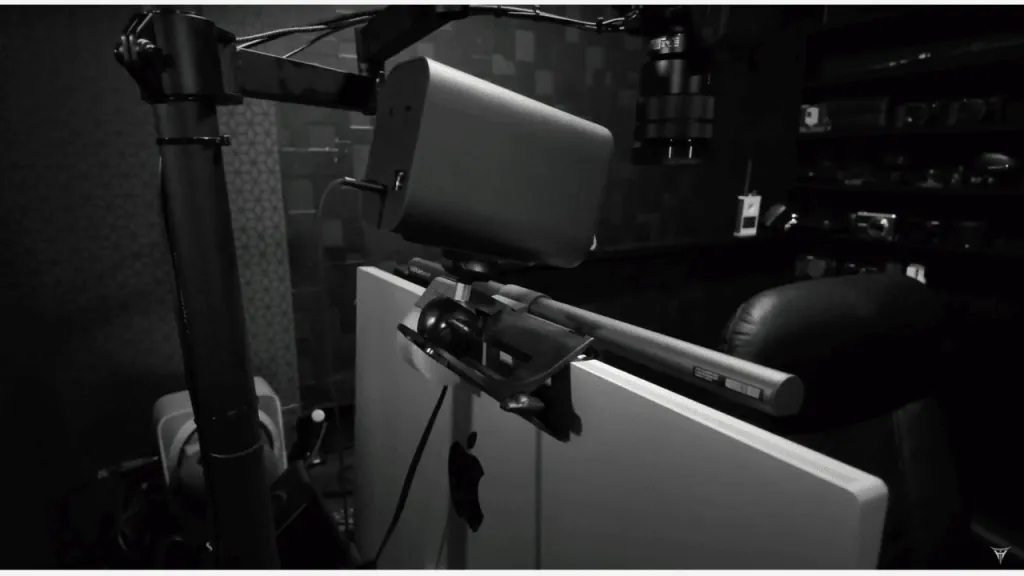
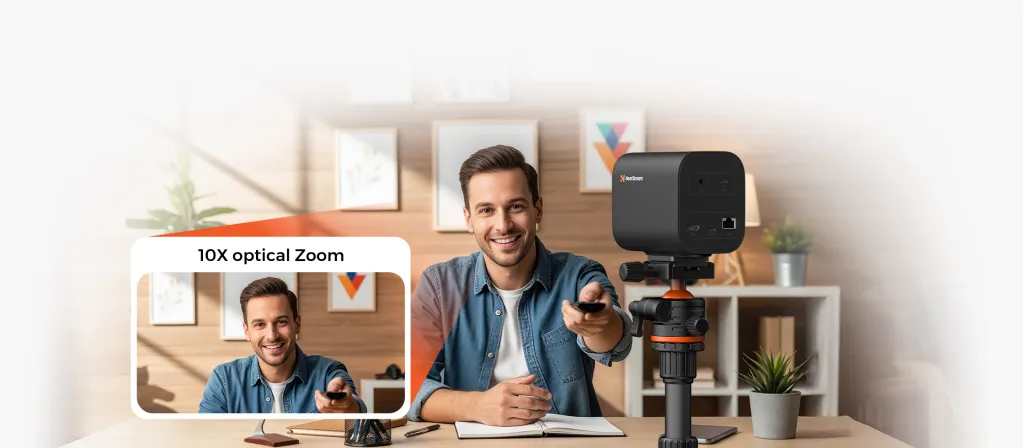
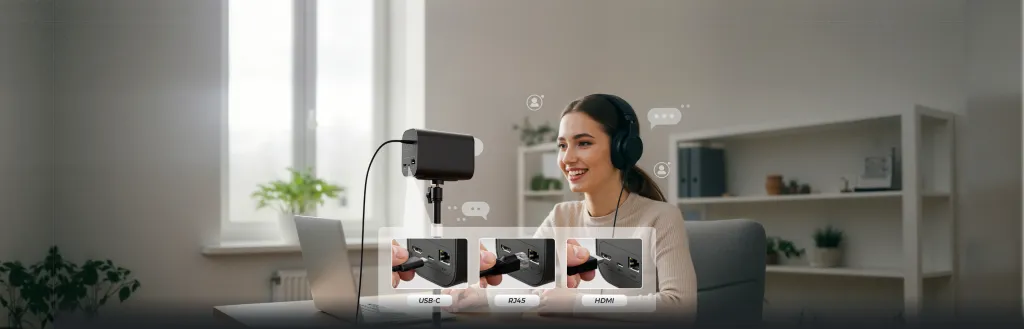
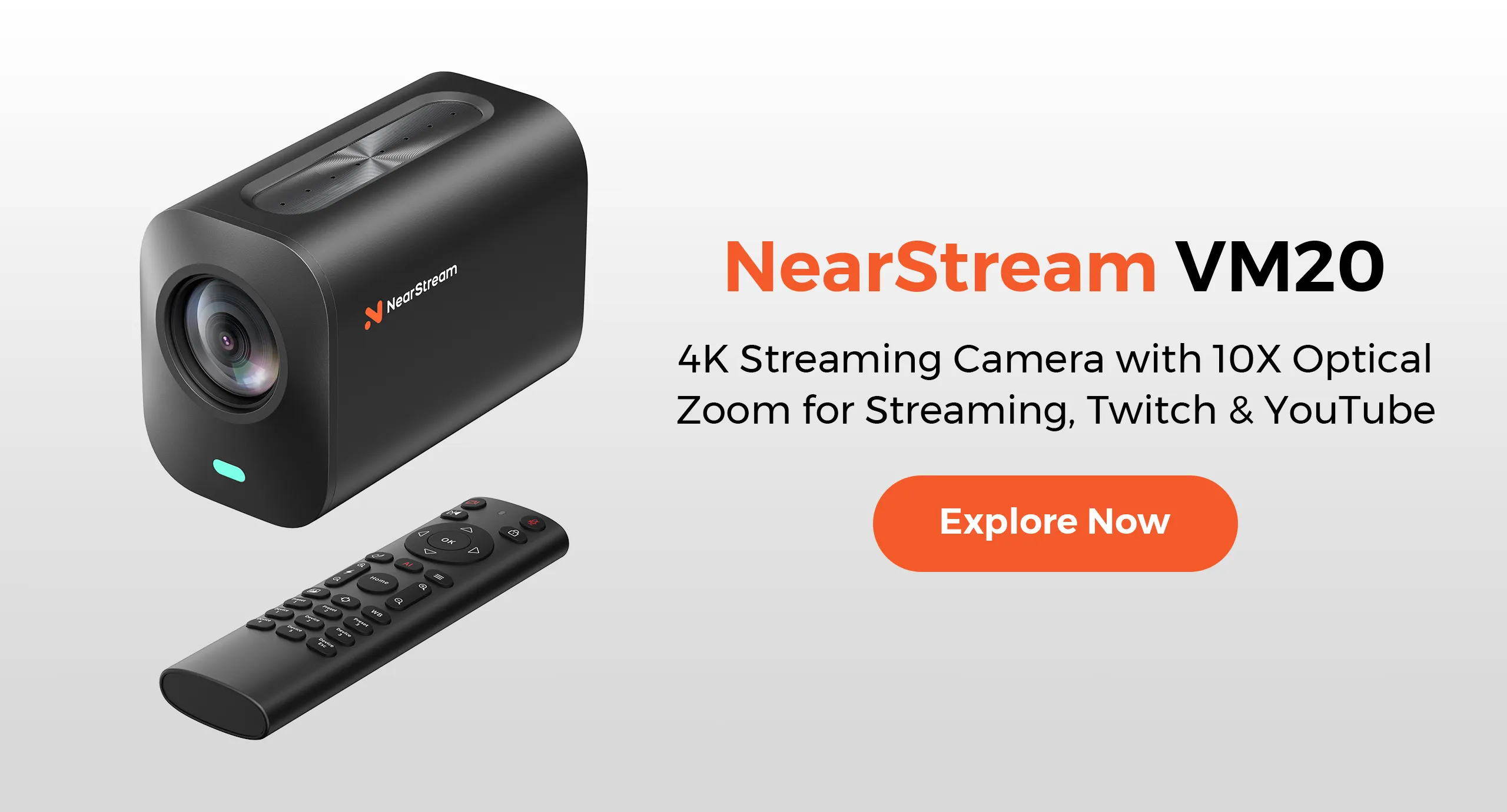
The NearStream VM20 4K Live Streaming Camera fits this role well. It outputs 4K over wired USB-C or Ethernet, eliminating battery anxiety and wireless dropouts mid-auction. Card sellers can punch in on grading labels and edges without losing clarity. Luxury sellers can zoom in on hardware stamps and stitching. Because the VM20 is built for streaming, it eliminates focus-hunting and auto-shutoff that plague mirrorless cameras during long streams.
Best for: Full-time Whatnot sellers needing reliable, interruption-free streaming.
Trade-off: Single-purpose compared to a multi-use DSLR.
2. DSLR with Capture Card — Best for Maximum Image Quality
A full-frame DSLR or mirrorless camera with a fast prime lens and capture card produces the highest image quality. The large sensor delivers shallow depth of field that makes presentations look cinematic.
However, this brings overhead: dummy batteries, a capture card, and constant focus management. Auto-focus hunts visibly when you move products, and manual focus requires pausing.
Best for: Sellers with video experience or an assistant.
Trade-off: Complex for solo operators.
3. High-End Webcam — Best Budget Entry Point
A premium 4K webcam is the most accessible entry into professional-looking Whatnot streams. Modern webcams offer excellent color reproduction and plug-and-play USB connectivity that works instantly with OBS.
The limitation is fixed focus and digital-only zoom. For larger items like sneakers, a webcam works fine. But for card edges or grading labels, the lack of optical zoom means moving the product extremely close to the lens.
Best for: New sellers testing the platform or large-item sellers.
Trade-off: No optical zoom for fine detail verification.
4. Dual-Camera Switching Setup — Best for Multi-Category Sellers
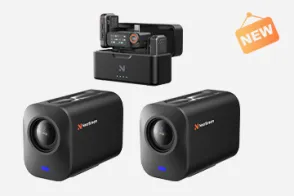
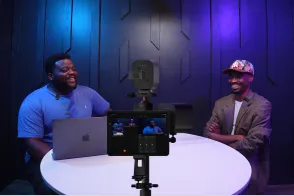
Sellers alternating between wide presentations and extreme detail shots benefit from a two-camera arrangement: one for the presenter shot and a second for macro close-ups, switched in OBS using scene transitions. Both cameras must be pre-framed before the auction starts.
Best for: High-volume sellers moving between product categories mid-stream.
Trade-off: Double equipment cost and a more complex OBS setup.
5. Smartphone with Pro Mount — Best Mobile Flexibility
Flagship smartphones output quality video over USB to OBS using apps like Camo. The upside is flexibility: quick reframing and zero hardware cost. The downside is battery drain, overheating, and paid software.
Best for: Sellers needing portability or testing before investing.
Trade-off: Unreliable for long sessions, lacks optical zoom.
At-a-Glance Comparison
Setup
Image Quality
Zoom
Solo-Friendly
Best For
4K streaming camera
Excellent
Optical + digital
Yes
Full-time sellers needing reliability
DSLR + capture card
Outstanding
Lens-dependent
No
Sellers with production experience
High-end webcam
Very good
Digital only
Yes
Beginners and large-item sellers
Dual-camera
Excellent
Combined range
Moderate
Multi-category high-volume sellers
Smartphone + mount
Good
Digital only
Yes
Mobile or testing-phase sellers
How to Stream on Whatnot Using OBS
Understanding how to stream on whatnot using obs is essential:
Connect your camera via USB, HDMI through a capture card, or Ethernet.
In OBS, add your camera as a Video Capture Device source.
Set canvas to 1920x1080 and output at 6000 kbps.
Paste your stream key from the Whatnot seller dashboard into OBS.
Test audio, framing, and zoom before every auction.
With a 4K camera, set the source resolution to 4K in OBS. This lets you digitally zoom while maintaining 1080p clarity.
Which Setup Fits Your Category?
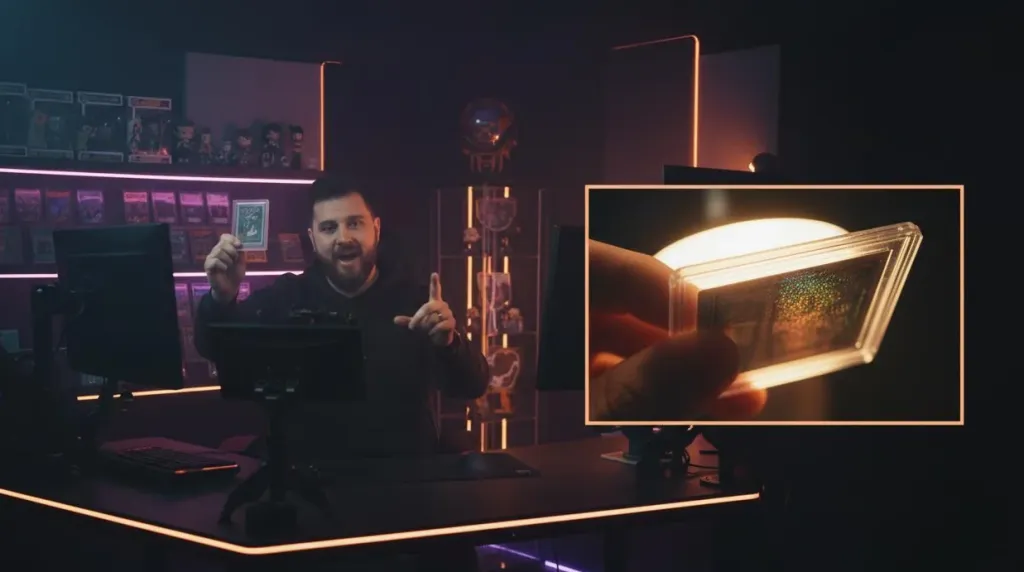
TCG and sports card sellers need to display grading labels, edge conditions, and surface textures. A 4K streaming camera with remote zoom verifies condition on camera without manual adjustments. The NearStream VM20 handles this well because 4K output maintains clarity zoomed in on PSA or BGS labels.
Vintage luxury sellers must authenticate hardware, stitching, and material patina. A setup moving from wide to macro without pausing keeps bidder confidence high.
Sneaker and hype culture sellers show larger items where extreme macro is less critical. Any of the top three setups work well. If you stream over ten hours weekly, a wired 4K camera pays for itself in avoided disruptions.
Frequently Asked Questions
What is the best camera setup for Whatnot streaming in 2026?
A dedicated 4K streaming camera with remote zoom and wired connectivity. Unlike DSLRs requiring capture cards and manual focus, purpose-built cameras like the NearStream VM20 offer plug-and-play operation and stable connections that do not drop during live auctions.
How do I stream on Whatnot using OBS?
Connect your camera via USB or HDMI, add it as a video source in OBS, configure output for Whatnot's specs, then paste your stream key. A 4K camera lets you zoom digitally while maintaining crisp detail.
Do I need 4K for Whatnot streaming?
Whatnot streams at 1080p, but 4K gives you cropping headroom for digital zoom on card edges or material textures without losing clarity.
Can I use a DSLR as my Whatnot camera?
Yes, but they require a capture card, external power, and manual focus. For solo sellers, these interruptions derail momentum. A dedicated streaming camera eliminates these issues.
Final Thoughts
The ultimate camera setup for Whatnot streaming eliminates friction between your product and bidder confidence. Every focus hunt during a live auction creates hesitation, and hesitation costs sales.
For most sellers, a dedicated 4K streaming camera delivers the best balance of image quality and reliability. When ready to upgrade, the NearStream VM20 offers stable connectivity and detail zoom, freeing you to focus on selling.















































 sales@nearstream.us