Best PTZ Camera Setups for Indoor Pickleball Streaming and Recording (2026)
Discover the best PTZ camera setups for indoor pickleball streaming.
ptz camera
pickleball ball
autotracking
Updated: Jun 5, 2026 · 8 minutes read
Modular Video Kits for Growing Business.
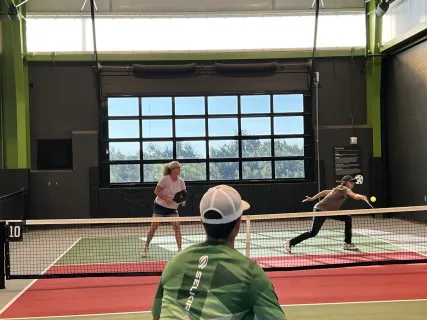
Recording or livestreaming a pickleball match used to mean hiring a camera operator and setting up bulky equipment. For indoor clubs and tournament organizers on tight margins, that level of production simply was not practical.
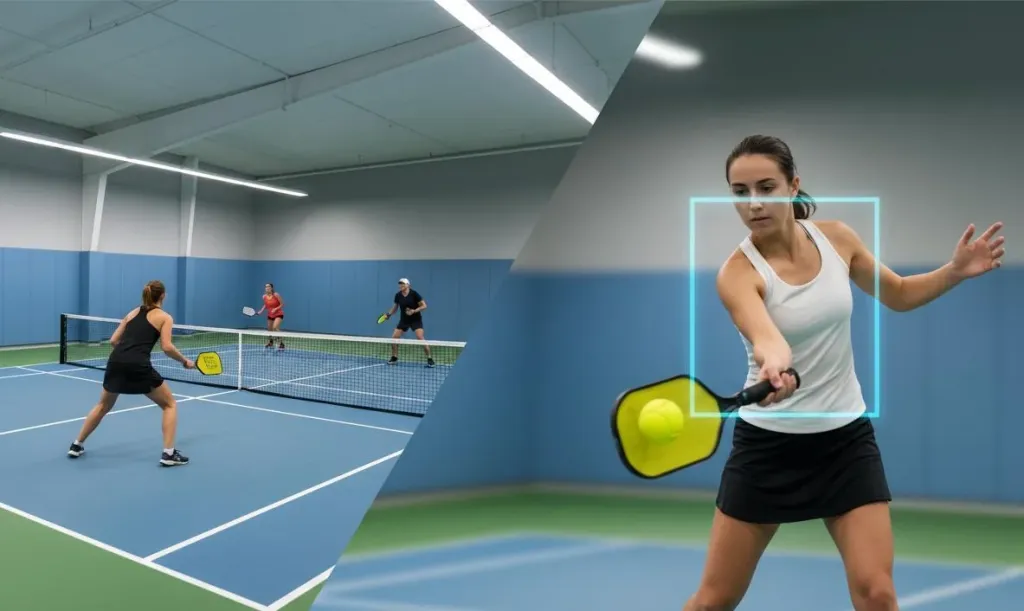
Today, a single ptz camera with AI-powered autotracking can handle the entire job. Mounted at center court or on a tripod, it automatically follows players through fast-paced rallies and keeps the pickleball ball in frame — no one needs to touch the controls.
This guide breaks down the best camera setups for different pickleball streaming scenarios. These recommendations are based on factors that matter in real facilities: tracking accuracy, ease of setup, connectivity, and total cost of ownership.
Quick Picks: Matching the Setup to Your Scenario
Scenario
Recommended Setup
Why It Fits
Single-court club, no camera operator
AI-tracking PTZ camera on tripod
Fully automated, mount-and-forget operation
Budget-conscious facility starting out
Entry-level PTZ with manual presets
Lower cost, still offers remote PTZ control
Multi-court tournament broadcast
Dual PTZ camera array with switcher
Professional coverage with multiple angles
Coach or player reviewing footage
All-in-one tracking camera with local recording
Simplest setup, minimal cabling
The Best PTZ Camera Setups for Pickleball Streaming
1. Best Overall: AI Auto-Tracking PTZ Camera with Dual-Lens System
Best for: Indoor clubs and tournament organizers who want broadcast quality without a camera crew
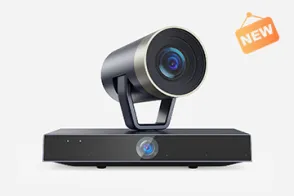
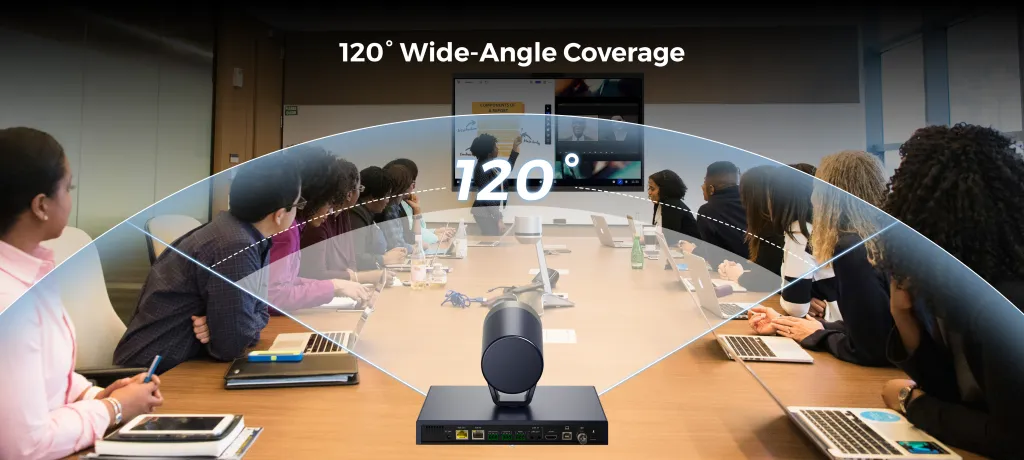
An AI-powered ptz camera with dual-lens architecture is the current standard for automated sports streaming. These cameras pair a wide-angle panoramic lens (110-120° field of view) with a telephoto PTZ lens featuring 20x optical zoom or greater. The result is a system that sees the entire court and delivers close-up shots of individual players.
Key strengths:
Zone following and auto-framing: AI algorithms detect player movement and automatically pan, tilt, and zoom to maintain optimal framing through fast volleys and side switches.
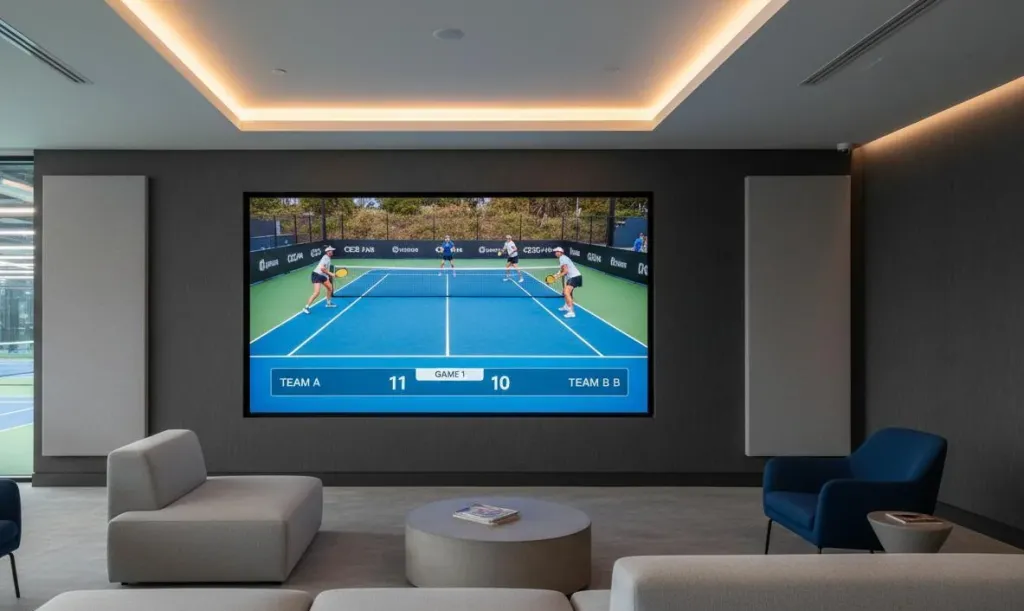
Dual-view output: Picture-in-picture modes broadcast a full-court view alongside a close-up tracking shot.
255 programmable presets: Store positions for the baseline, net, and benches. Switch between angles instantly during a livestream.
Single-cable connectivity: PoE carries video, control, and power over one Ethernet cable, reducing clutter in tight court spaces.
Trade-offs: At $1,500–$2,000, this is an investment. Facilities streaming only occasional recreational play may not need this capability. AI tracking also works best when the camera is mounted 10–15 feet high.
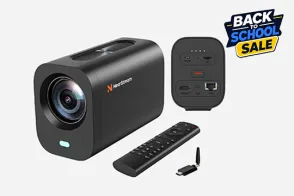
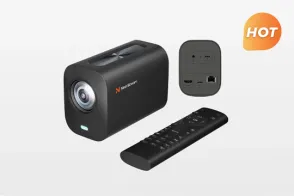
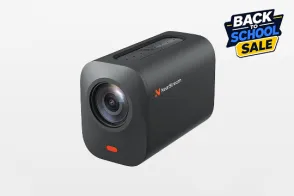
A strong example is the NearStream 4K PTZ Camera, which combines a Sony CMOS sensor, 20x optical zoom, and native NDI support. Its ±175° pan range and 100°/second pan speed keep up with rapid side-to-side rallies.
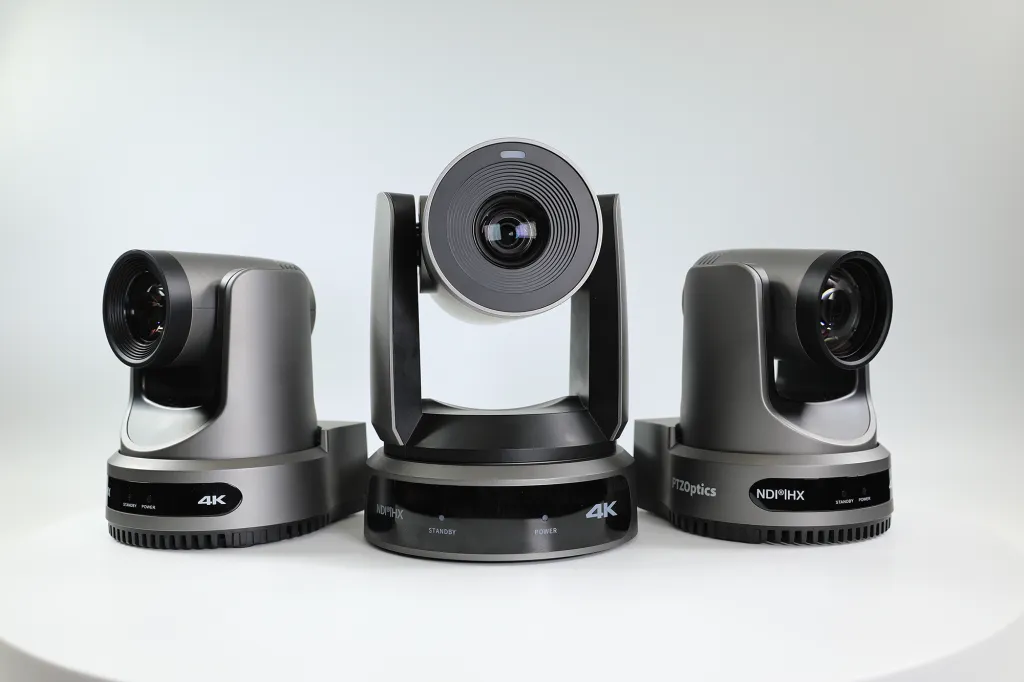
2. Best for Multi-Court Tournaments: PTZOptics Move 4K Synchronized Dual PTZ Array
Best for: Tournament directors covering multiple courts with professional production value
When your event spans four to twelve courts, one camera is not enough. A dual PTZ setup uses two cameras per court — one wide, one tracking — fed into a production switcher that lets a technical director cut between angles across all active courts.
Key strengths: Wide shots establish court position while tracking cameras deliver tight action. IP-based PTZ controllers let one operator manage cameras across multiple courts from a single station. You can start with two cameras on the championship court and expand outward.
Trade-offs: You need a production switcher, an operator, and network infrastructure. Total cost runs $3,000–$6,000 per court.
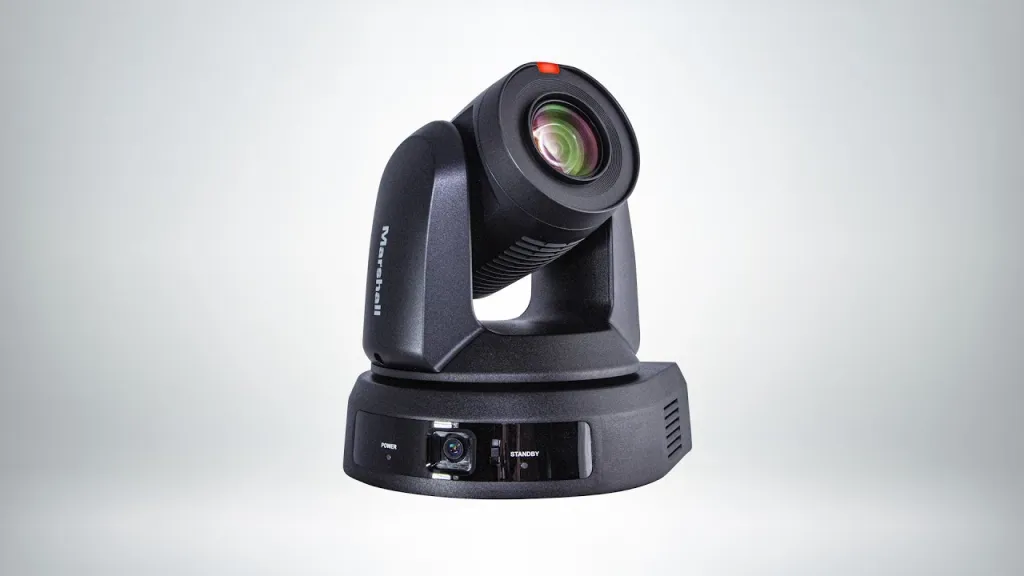
3. Best Budget Option: Marshall CV605 Entry-Level PTZ with Manual Presets
Best for: Clubs testing the waters before committing to a full AI-tracking setup
An entry-level PTZ camera with manual presets still lets you position the camera remotely and switch between saved angles using a remote control or software interface.
Key strengths: Prices start around $500–$800, roughly one-third the cost of AI-tracking models. You still get remote pan, tilt, and zoom control from a tablet or laptop. Many integrate into the same control ecosystems as premium cameras, so you can upgrade later without replacing infrastructure.
Trade-offs: Without autotracking, someone must operate the camera during matches. Tracking is also less smooth than AI-driven alternatives.
4. Best for Beginners: Veo Cam 2 All-in-One Sports Tracking Camera
Best for: Coaches and players who want to record matches for review with zero setup
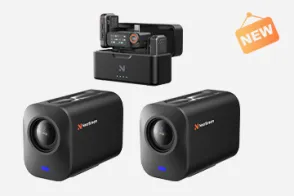
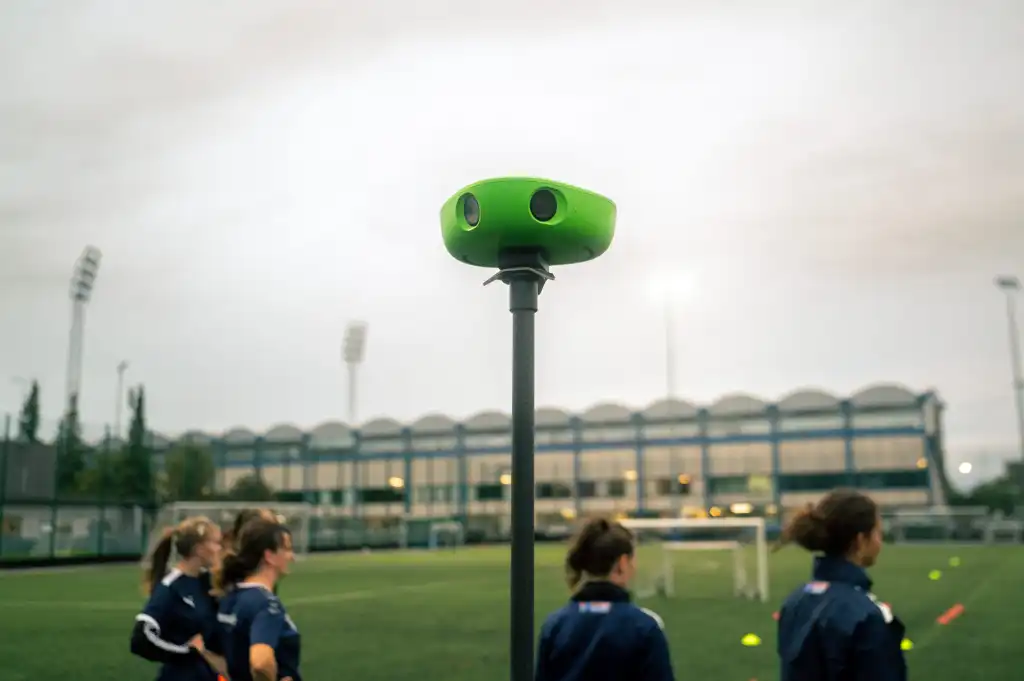
These purpose-built devices combine a wide lens, basic tracking, and internal recording in a plug-and-play unit. Set one on a tripod at court level, power it on, and press record.
Key strengths: Zero learning curve, internal SD card (or internal storage) recording, and portability between facilities.
Trade-offs: Video quality maxes out at 1080p, tracking struggles with complex player overlaps, and zoom range is limited. Livestreaming support is often minimal. These are recording tools first.
How to Choose the Right Setup for Your Facility
Your ideal setup depends on three factors: how often you stream, how many courts you cover, and whether someone can operate equipment.
If you stream weekly at a single-court facility: An AI-tracking PTZ camera is the strongest fit. The automation eliminates operator dependency, and the dual-lens system delivers both wide context and detailed action shots.
If you run multi-court tournaments: Start with a dual PTZ array on your show court and entry-level PTZ cameras on secondary courts. This staged approach delivers professional coverage where it matters most without overspending.
If you are a coach or player recording for review: The all-in-one tracking camera is your simplest path. It captures enough detail for tactical analysis without setup friction.
If budget is tight: A manual PTZ camera still gets you remote control and decent image quality. Just be realistic — someone needs to drive the camera during every match.
Frequently Asked Questions
Do I need a dedicated camera operator to stream pickleball matches?
No. A PTZ camera with AI autotracking follows the action automatically. Once configured, it pans, tilts, and zooms to keep players in frame without manual intervention.
What makes a PTZ camera better than a fixed camera for pickleball?
PTZ cameras offer remote pan, tilt, and zoom control, allowing one device to cover an entire court. Models with dual-lens systems and AI tracking automatically follow fast-paced rallies and switch between wide views and close-up shots.
How much does a professional pickleball streaming setup cost?
A single-camera PTZ setup ranges from $1,200 to $2,000 including tripod and streaming software. Budget options start around $600. Multi-camera tournament setups run $3,000 to $6,000.
Can a PTZ camera track a small pickleball ball during fast rallies?
Most AI-tracking PTZ cameras track player movement rather than the ball itself. Player tracking keeps the frame centered on the action, while the ball remains visible within the scene.
What internet speed do I need to livestream pickleball matches?
For 1080p streaming, a stable upload speed of at least 5 Mbps is recommended. For 4K streaming, aim for 15–25 Mbps upload.
Final Thoughts
The best tracking video camera for sports is the one that fits your operational reality. For most indoor pickleball facilities, that means a PTZ camera with reliable autotracking, simple connectivity, and enough zoom range to cover the full court from a single mounting position.
Start with one court, one camera, and a simple streaming workflow. Once you have matched footage going out every week, you will have the foundation to justify expanding to multi-camera productions.















































 sales@nearstream.us