Best Sports Camera for Basketball Streaming: Why a PTZ Camera Leads the Pack (2026)
Discover why a PTZ sports camera is the best choice for basketball streaming and recording.
sports camera
best camera for sports videography
ai track
Updated: Jun 4, 2026 · 8 minutes read
Modular Video Kits for Growing Business.
If you are responsible for streaming or recording basketball games at your school, league, or sports program, you have probably asked the same question that thousands of coaches and athletic directors ask every season: what is the best sports camera to capture the full-court action without hiring a professional production crew?
The answer, for most programs in 2026, is a PTZ camera. Short for Pan-Tilt-Zoom, these motorized cameras combine the coverage of multiple fixed cameras into a single unit that can follow the game intelligently, be controlled remotely, and deliver broadcast-quality footage at a fraction of the cost of traditional multi-camera setups—especially when you follow our expert PTZ camera placement guide to ensure optimal court coverage.
This guide breaks down the best camera options for basketball videography, explains what to look for when evaluating a sports camera, and shows why AI track technology has made PTZ systems the go-to choice for programs of every size.
How We Evaluated the Best Cameras for Basketball
Before diving into the recommendations, here is the criteria we used to rank each option:
Coverage ability: Can the camera capture the full court from a single position?
Tracking performance: Does it offer ai track or track ball features to follow action automatically?
Control flexibility: Can it be operated via remote, computer software, and mobile app?
Image quality: Does it deliver at least 1080p resolution with good low-light performance for gymnasiums?
Setup simplicity: How quickly can a non-technical user get it running?
Value: Does the price match the feature set for budget-conscious programs?
Our picks are designed for schools, youth leagues, coaches, and independent sports content creators who need reliable, professional-looking coverage without complexity.
Quick Picks: Best Sports Camera by Scenario
Scenario
Best Option
Why It Fits
Best overall for basketball
PTZ camera with AI tracking
Full-court coverage, auto-tracking, multiple control methods
Best for schools on a budget
Single PTZ + free streaming software
One camera replaces multiple units, minimal staff needed
Best for mobile workflows
PTZ with dedicated app control
Operate from smartphone or tablet courtside
Best for multi-sport use
4K PTZ with wide zoom range
Covers basketball, volleyball, wrestling from same mount point
Table 1: Quick reference guide for choosing a basketball streaming camera based on your program's needs.
Top Recommendations for Basketball Streaming and Recording
A PTZ camera equipped with AI-powered auto-tracking sits at the top of our list for one simple reason: it solves the hardest problem in basketball videography automatically.
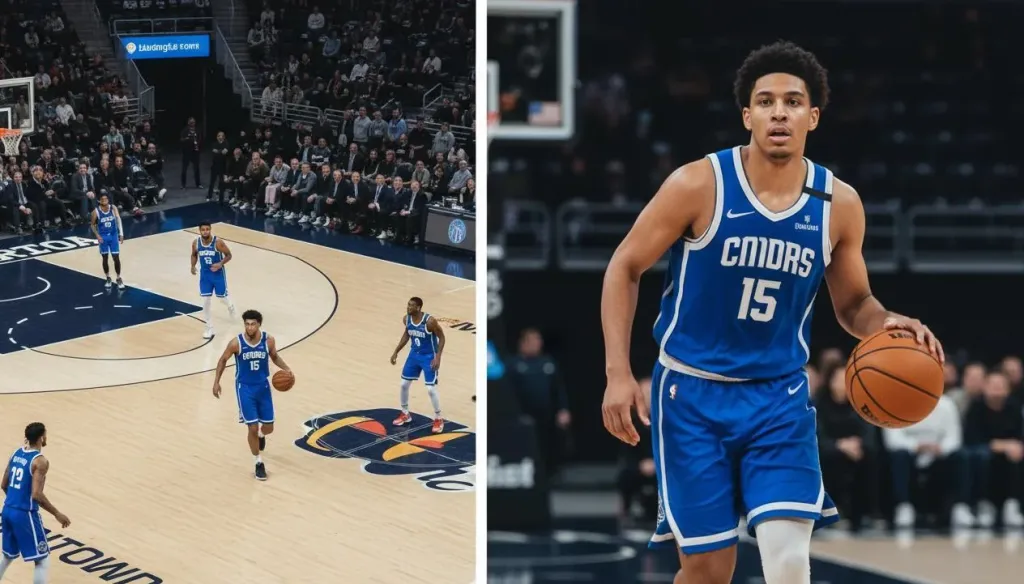
Basketball is a fast, continuous sport where the action moves from baseline to baseline in seconds. A fixed camera misses half the court. A manually operated camera requires a dedicated person paying attention for the entire game. A PTZ camera with ai track capabilities identifies the primary subject — whether that is the ball handler or a specific player — and adjusts pan, tilt, and zoom in real time to keep the action centered in the frame.
Key strengths:
AI tracking follows players across the full court without manual intervention
Preset positions let you jump to key angles instantly (free-throw line, bench side, overhead)
Remote control, software, and mobile app options suit different operator preferences
4K resolution available on newer models for crisp replays and highlight reels
Single-camera setup eliminates the need for video switchers and multiple operators. For organizations ready to take their production to the next level with a wireless, multi-camera setup, see our guide on wireless multi-cam broadcast networks.
Best for: Schools, youth leagues, and athletic departments that want professional-grade coverage with minimal staffing.
Trade-off: Premium PTZ models cost more upfront than basic camcorders, though they typically replace the need for multiple cameras and operators.
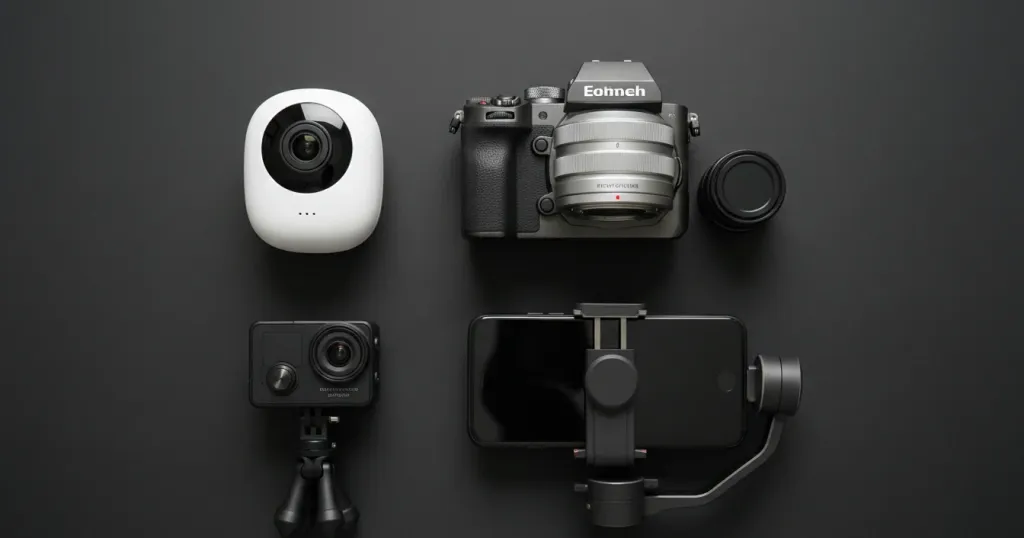
For programs with extremely limited budgets, a consumer or prosumer camcorder with HDMI output offers a viable starting point. These devices deliver solid image quality and can connect directly to a capture card or streaming encoder.
Key strengths:
Lower upfront cost compared to PTZ systems
Excellent image quality in well-lit gymnasiums
Simple operation with minimal learning curve
Optical zoom ranges from 20x to 30x on popular models
Trade-offs:
Fixed position means you cannot follow action on the opposite end of the court without moving the tripod
No AI track or auto-tracking capabilities
Requires a dedicated operator to pan and zoom manually
Limited remote control options compared to PTZ systems
Best for: Programs just starting out with streaming, or those with volunteer operators who need the simplest possible setup.
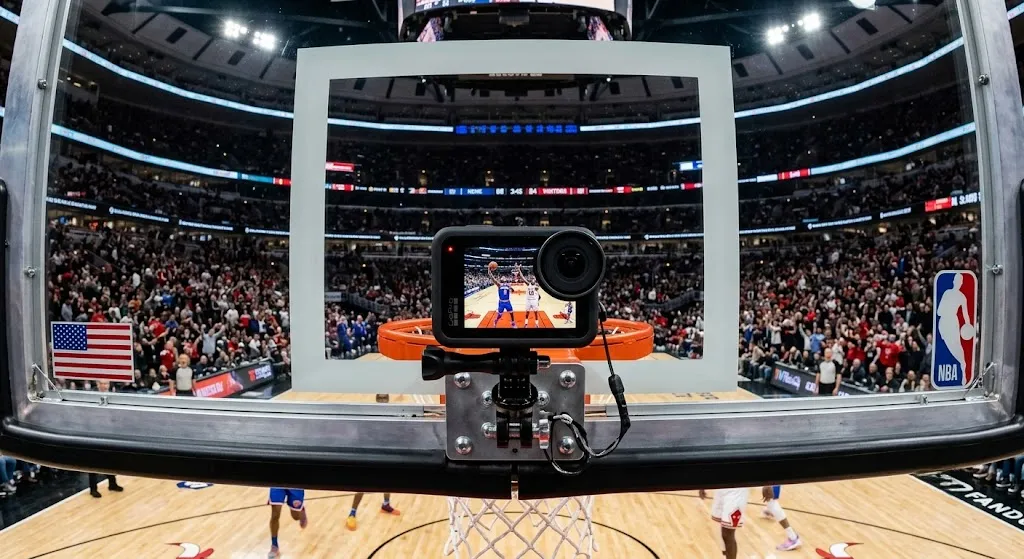
3. GoPro HERO13 Black Wide-Angle Setup — Best for Behind-the-Basket Angles
Action cameras have found a niche in basketball recording as supplementary or specialty-angle devices. Mounting one behind each basket creates an immersive view of drives, layups, and defensive plays.
Key strengths:
Extremely compact and easy to mount
Wide field of view captures the entire key area
Rugged build handles accidental contact near the court
Affordable enough to deploy multiple units
Trade-offs:
Wide-angle distortion makes them unsuitable as primary cameras
Battery life limits continuous recording to a few hours
No optical zoom or tracking capabilities
Requires additional hardware to integrate into a livestream
Best for: Content creators building highlight reels, or programs that want supplemental angles alongside a primary PTZ camera.
If your program needs both still photography and video streaming, a mirrorless camera with clean HDMI output serves double duty. These cameras produce cinematic image quality that stands out from typical sports camera footage.
Key strengths:
Exceptional image quality with large sensors
Interchangeable lenses for different court positions
Fast autofocus systems on recent models
Professional-looking shallow depth of field for intro sequences
Trade-offs:
Not designed for continuous operation; overheating is a risk during long games
Requires technical knowledge to configure settings correctly
No native remote pan/tilt control
Autofocus can hunt during fast-paced action
Best for: Programs with a skilled photographer who also handles video, or content creators prioritizing visual quality over automation.
5. Dual-Lens PTZ Camera — Best for Advanced Production Workflows
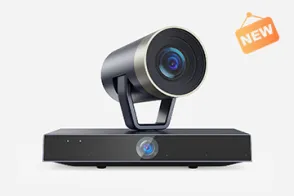
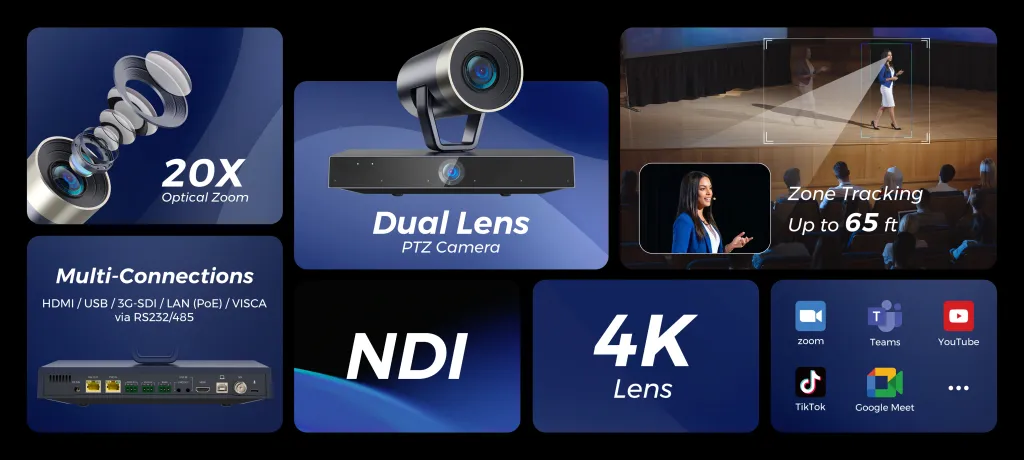
For programs ready to invest in a premium solution, dual-lens PTZ cameras represent the cutting edge of sports camera technology. These systems use two independent lenses to deliver both a wide court overview and a detailed tracking view simultaneously.
Key strengths:
Dual lenses provide panoramic coverage and close-up tracking at the same time
Advanced AI track algorithms can identify and follow specific players automatically
Built-in scoreboard overlay capability for professional broadcasts
Multiple output streams for recording and livestreaming simultaneously
Comprehensive control through desktop software, mobile app, and physical remote
Best for: Athletic departments, sports leagues, and content creators producing regular broadcasts who want the most capable single-camera solution available.
Trade-off: Higher price point than single-lens alternatives, though still significantly less expensive than a multi-camera production crew.
Choosing the Right Control Method for Your Workflow
One of the biggest advantages of a modern PTZ sports camera is flexibility in how you operate it. Depending on your resources and setup, you can choose the control method that fits best:
Computer-based control: Configure AI tracking, framing, and advanced settings through desktop software before the game. This gives you the most granular control over camera behavior.
Physical remote control: Use the included remote for straightforward pan, tilt, zoom, and preset recall during live games. This is the most reliable option for volunteers who need simple, tactile control.
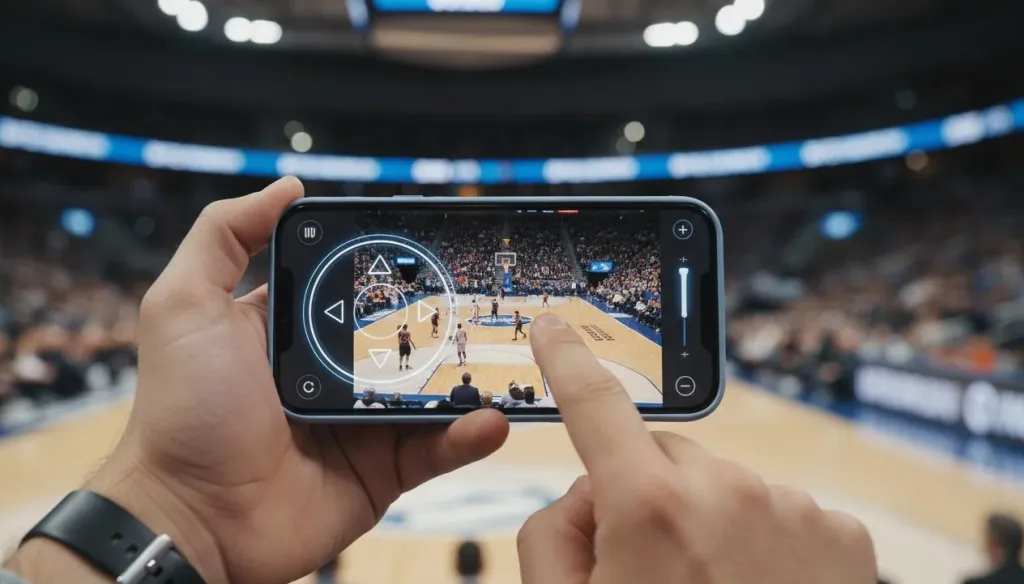
Mobile app control: Connect via the companion smartphone or tablet app for a portable, wireless control experience. Ideal for coaches who want to adjust the camera from the sideline.
Most programs find that a hybrid approach works best: configure the camera and tracking settings on a computer before tip-off, then use the remote or app for minor adjustments during the game. To ensure your camera is positioned for the optimal viewing angle, refer to our PTZ camera placement guide.
Final Recommendations: Which Camera Should You Choose?
Your ideal basketball streaming setup depends on your specific situation:
If you have no dedicated video staff: Choose a PTZ camera with AI auto-tracking. The camera does the hard work of following the action for you, and one volunteer can handle the occasional manual adjustment.
If you are on a tight budget: Start with a single PTZ camera and free streaming software like OBS Studio. This gives you professional coverage at the lowest per-game cost over time.
If you produce content across multiple sports: Invest in a 4K PTZ camera with a wide zoom range. The same camera that covers basketball works perfectly for volleyball, wrestling, and indoor track events. If you are also looking to cover faster-paced athletic events like hockey, our best camera for sports hockey guide provides specific adjustments for high-speed tracking.
If you want the simplest possible operation: Look for a PTZ camera with strong mobile app support. The ability to control everything from your phone eliminates the need for additional equipment at courtside.
For schools, youth leagues, and athletic departments that want professional basketball coverage without the complexity of traditional video production, a PTZ sports camera with AI track technology is the clear choice in 2026. It replaces multiple cameras and operators with a single intelligent device, delivers broadcast-quality footage, and adapts to the control method that fits your workflow — whether that is a computer, mobile device, or physical remote.
Frequently Asked Questions
What makes a PTZ camera better than a regular camera for basketball?
PTZ cameras offer motorized pan, tilt, and zoom controls that let you follow the full-court action remotely. Unlike fixed cameras, a PTZ sports camera can track ball movement automatically using AI tracking, cover the entire court from a single mounting point, and be operated by one person without leaving their seat.
Do I need a professional production crew to operate a PTZ camera?
No. Modern PTZ cameras are designed for single-operator workflows. You can configure AI tracking, framing, and advanced settings through companion software on a computer, then use the included remote control or a mobile app to operate the camera during live games. This makes them ideal for schools and youth leagues without dedicated video staff.
Can a PTZ camera really follow fast basketball action automatically?
Yes. Advanced PTZ cameras feature AI-powered auto-tracking that identifies and follows players or the ball across the court. The AI track system adjusts framing intelligently, keeping the primary subject centered while maintaining awareness of surrounding action. This dramatically reduces the need for constant manual adjustment.
What is the most cost-effective way to start streaming basketball games?
A single PTZ camera setup is the most cost-effective entry point for professional-quality basketball streaming. Instead of investing in multiple cameras, switchers, and operators, one PTZ sports camera positioned at mid-court can cover the entire game with AI-assisted tracking. Pair it with free or low-cost streaming software for a complete solution under a modest budget.
Can I control a PTZ camera from my phone during a game?
Absolutely. Many PTZ cameras support mobile app control, allowing you to pan, tilt, zoom, and switch between preset angles directly from your smartphone or tablet. This is especially convenient for coaches or volunteers who need a lightweight, portable control option without carrying a laptop to every game.



















































 sales@nearstream.us