Where Should You Place a PTZ Camera? Best Setup for Churches, Schools, and Conference Rooms
Learn the optimal PTZ camera placement for churches, classrooms, and conference rooms.
ptz camera
ptz video camera
conference room
Updated: May 28, 2026 · 8 minutes read
Modular Video Kits for Growing Business.
Getting the most out of your ptz camera starts with where you place it. The right position determines how well your audience sees the speaker, how natural the framing feels, and how smoothly your livestream runs. Whether you are setting up a church sanctuary, a classroom, or a conference room, smart ptz camera setup eliminates guesswork and delivers professional results.
A position that works in a small meeting room will fail in a high-ceilinged church. This guide walks you through the best strategy for each environment.
Why PTZ Camera Placement Matters
A poorly placed ptz video camera creates problems no editing can fix. Too far from the stage and your zoom strains. Too low and you shoot unflattering angles. Pointed toward a window and your subject becomes a silhouette.
Smart placement gives you better framing, sharper auto-tracking, and cleaner livestreams. When the camera has a clear vantage point, your preset positions work reliably every time.
Best PTZ Camera Placement for Churches
Churches present unique challenges: long rooms, high ceilings, mixed lighting, and the need to capture both the pastor and congregation.
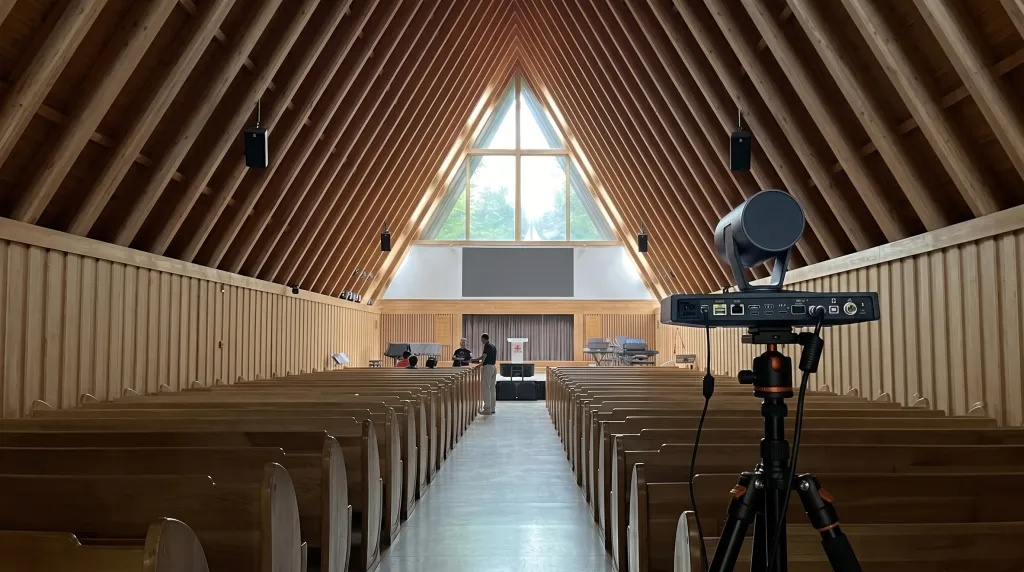
Rear wall or balcony mount. Mounting your ptz camera at the back of the sanctuary gives the widest view of the stage. Position it 30 to 50 feet from the platform, centered when possible. This lets you zoom in for sermon close-ups and zoom out for worship band shots without losing clarity.
Side wall, front third. A second camera on the side wall adds variety for congregation shots, baptistries, or side-stage activities. Keep it at least 8 feet high to avoid obstruction.
Avoid placing the camera directly under colored stage lights, which throws off white balance. Test presets during rehearsal, not during the live service.
PTZ Camera Setup for Schools and Classrooms
In educational spaces, your ptz camera setup needs to capture the instructor, the whiteboard, and student interaction—without becoming a distraction.
Ceiling mount, rear of the classroom. Mount the camera 9 to 12 feet high, 15 to 25 feet from the front teaching wall. This captures the full classroom while keeping the camera out of students' sightlines. For lecture halls, increase height to 12 to 15 feet.
Front wall mount. If ceiling mounting is not an option, place the camera high in a front corner, angled diagonally across the room. This works well in smaller classrooms.
Use preset positions for the instructor station, whiteboard, and student areas. Enable auto-tracking so the camera follows the teacher naturally.
Conference Room PTZ Camera Positioning
In a conference room, the goal is simple: everyone on the call should see and hear clearly.
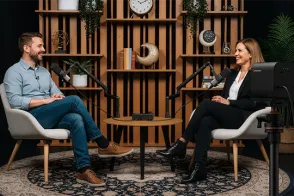
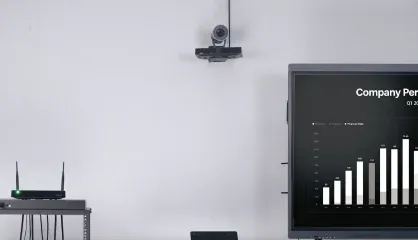
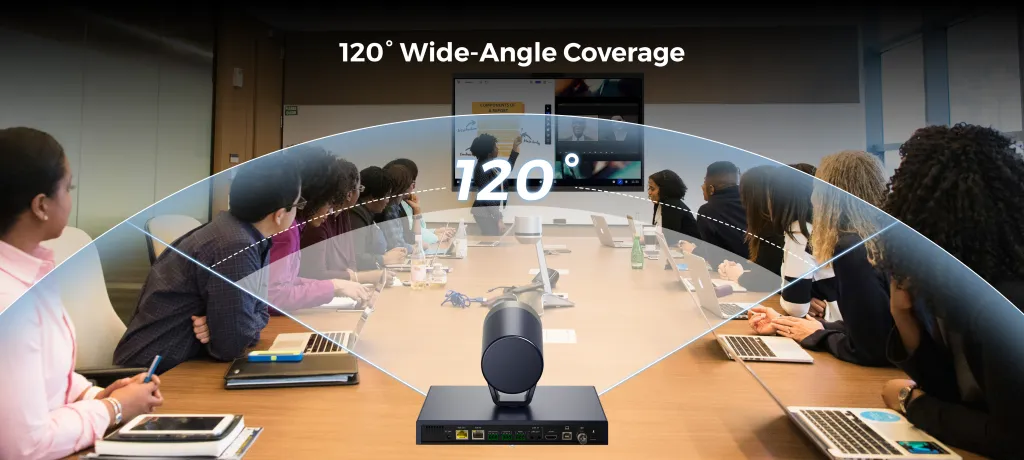
Front wall, centered above the main display. This is optimal for hybrid meetings. Mount the ptz camera 8 to 10 feet high, directly above or below the screen showing remote participants. This creates natural eye-line alignment—when local attendees look at the screen, they appear to be looking at remote participants.
For larger boardrooms over 25 feet, add a second camera at the far end or use a PTZ with longer optical zoom. Position tables so participants face the camera, and avoid placing the camera between bright windows and participants.
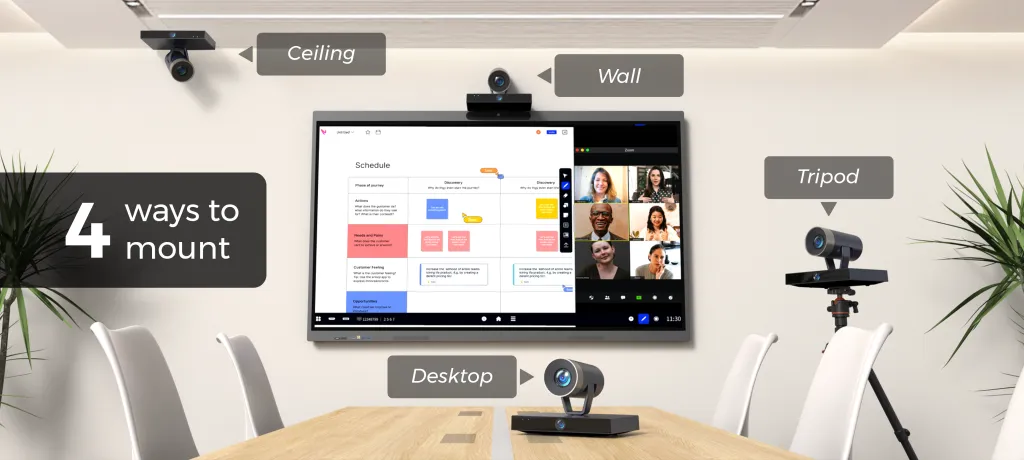
Wall, Ceiling, or Tripod: Choosing Your Mount
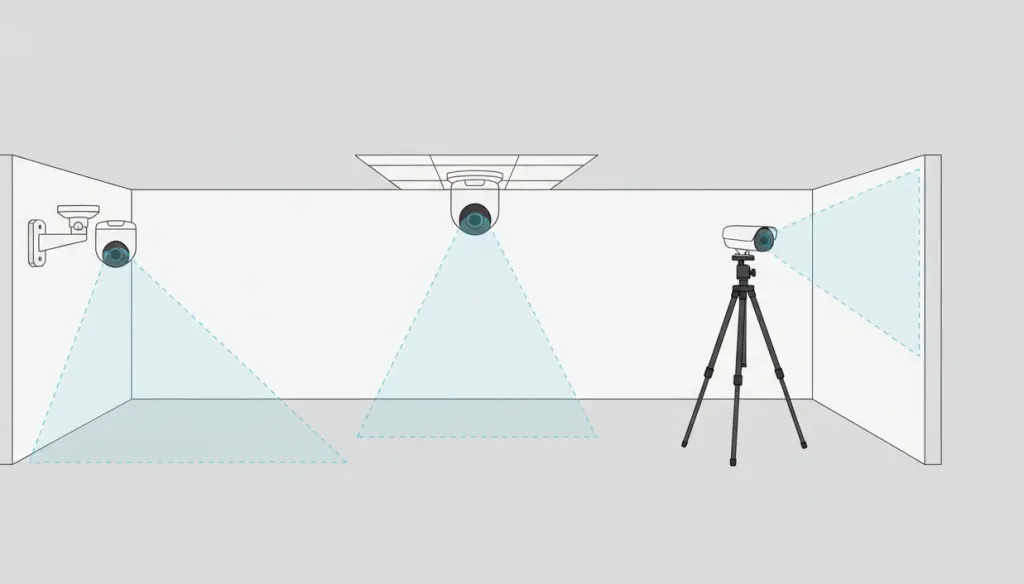
Mount Type
Best For
Pros
Cons
Wall mount
Churches, conference rooms
Stable, straight-on angle, easy cable management
Requires drilling, fixed position
Ceiling mount
Classrooms, large rooms
Out of sight, wide coverage, tamper-resistant
Installation complexity
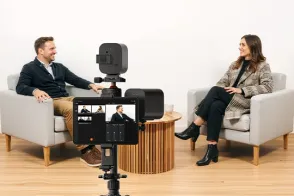
Tripod
Temporary events, testing
Portable, no installation, flexible height
Takes up floor space, can be bumped
For permanent ptz camera setup in churches and schools, wall or ceiling mounting is worth the upfront effort. For event production or multi-room use, a tripod gives you flexibility to test positions before committing.
Common PTZ Camera Setup Mistakes
Placing the camera too close. PTZ cameras need room to pan and zoom. Positioning one 5 feet from a podium limits framing and causes distortion.
Ignoring the background. Busy backgrounds with doorways or hallway traffic pull attention from your subject. Position the camera so the background is clean.
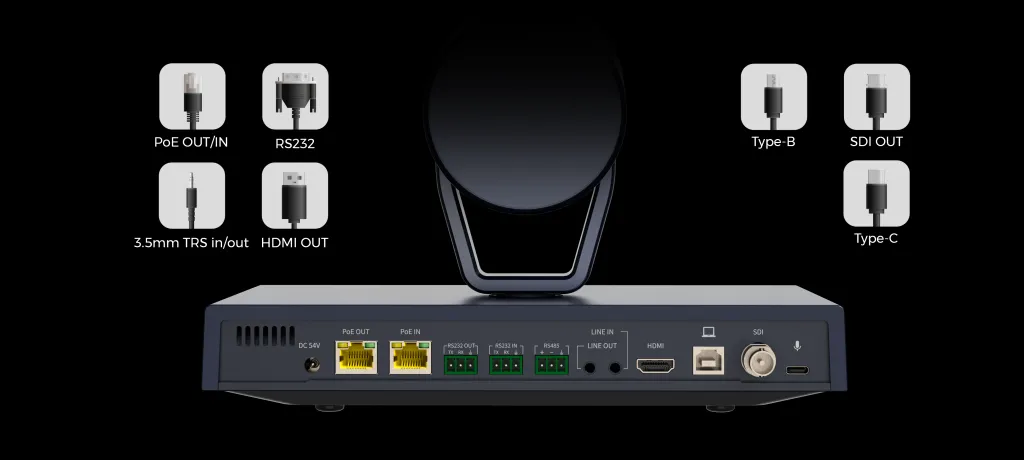
Forgetting cables and power. Before locking in a mount, confirm you can route cables cleanly. Exposed cables are an eyesore and a tripping hazard.
Assuming one camera is enough. A single ptz camera covers small rooms well. But in a large church, one camera forces you to choose between a wide shot and a close-up. Two cameras give you both.
A PTZ Camera for Every Environment
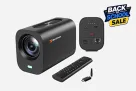
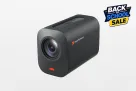
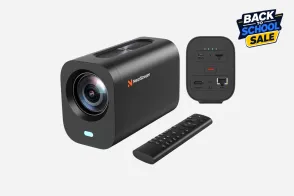
Placement matters, but so does the camera. The NearStream Dual-Lens 4K PTZ Camera is designed for the exact scenarios in this guide—churches, classrooms, conference room setups, and live events. Dual-lens architecture gives you wide coverage and detailed close-ups simultaneously, meaning fewer cameras and simpler ptz camera setup.
Frequently Asked Questions
How far should a PTZ camera be from the presenter?
Position the camera 10 to 30 feet from the presenter. In smaller conference room spaces, 8 to 12 feet works well. Stay within the camera's optical zoom range.
Can one PTZ camera cover an entire church sanctuary?
A single ptz camera can cover most small to medium sanctuaries when mounted at the rear, 30 to 50 feet from the pulpit. Larger spaces benefit from two cameras.
What is the best height to mount a PTZ camera?
Mount your camera at least 7 to 10 feet high. In conference room settings, 8 to 9 feet works best. In classrooms, 9 to 12 feet on the ceiling. Avoid mounting below 6 feet.
Should I wall mount or ceiling mount my PTZ camera?
Wall mounting gives a straight-on view of stages and presenters. Ceiling mounting works best for classrooms. Tripods offer the most flexibility for temporary setups.
How do I prevent glare and backlighting?
Keep the main light source behind the camera. Avoid pointing the camera at bright windows or LED walls.
Final Thoughts
The best ptz camera placement depends on your room and your goals. Churches need rear-wall or balcony positions. Classrooms benefit from discreet ceiling mounts. Conference room setups work best with front-wall placement for natural eye contact in hybrid meetings.
The core principles never change: clear line of sight, unobstructed height, and front lighting. Get those right and your ptz camera setup will deliver professional video every time.




































































 sales@nearstream.us






