Best Room Camera Setup for Product Demos and DIY Videos
Compare the top 5 overhead camera setups for solo creators filming product demos, DIY projects, and tutorials.
room camera
overhead camera
overhead camera mount
Updated: Jun 2, 2026 · 8 minutes read
Modular Video Kits for Growing Business.
This guide evaluates five overhead camera setups to help solo creators maximize desk space and eliminate recording interruptions. By prioritizing workflow smoothness and single-operator usability, it highlights a dual-camera desk mount configuration—like the NearStream VM20 and ST40 combo—as the optimal solution for seamlessly capturing both wide shots and macro details. Complete with practical production tips, this overview provides creators with a streamlined blueprint for a highly efficient, friction-free workflow.
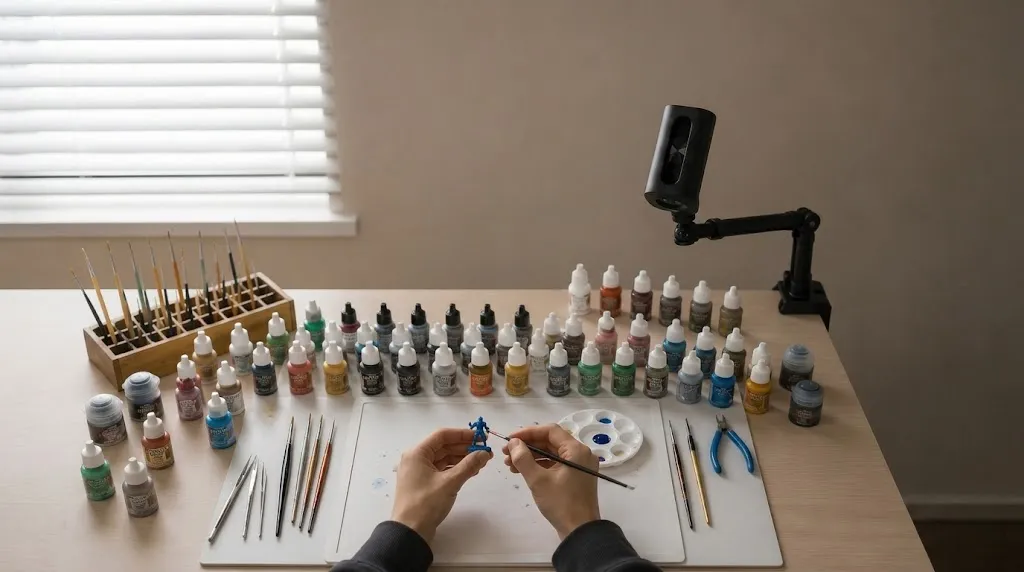
Filming product demos, DIY builds, or tutorials alone means stopping to reposition your room camera, struggling to capture fine details, or losing desk space to tripods. An overhead camera setup solves this with a stable top-down view that stays out of your way.
This guide ranks the five most practical overhead camera setups for solo creators, evaluated on desk space efficiency, workflow smoothness, and single-operator usability.
How These Rankings Work
These recommendations prioritize workflow over specifications. A setup ranks higher when it captures wide shots and detail close-ups without interrupting your work and stays stable through long sessions.
The 5 Best Overhead Camera Setups for Desk Creators
1. Dual-Camera Overhead + Side Angle with Desk Mount — Best Overall
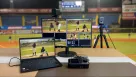
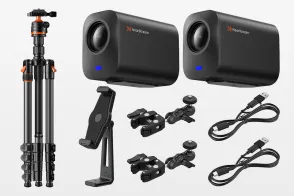
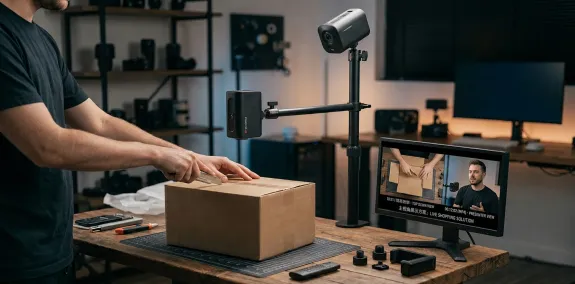
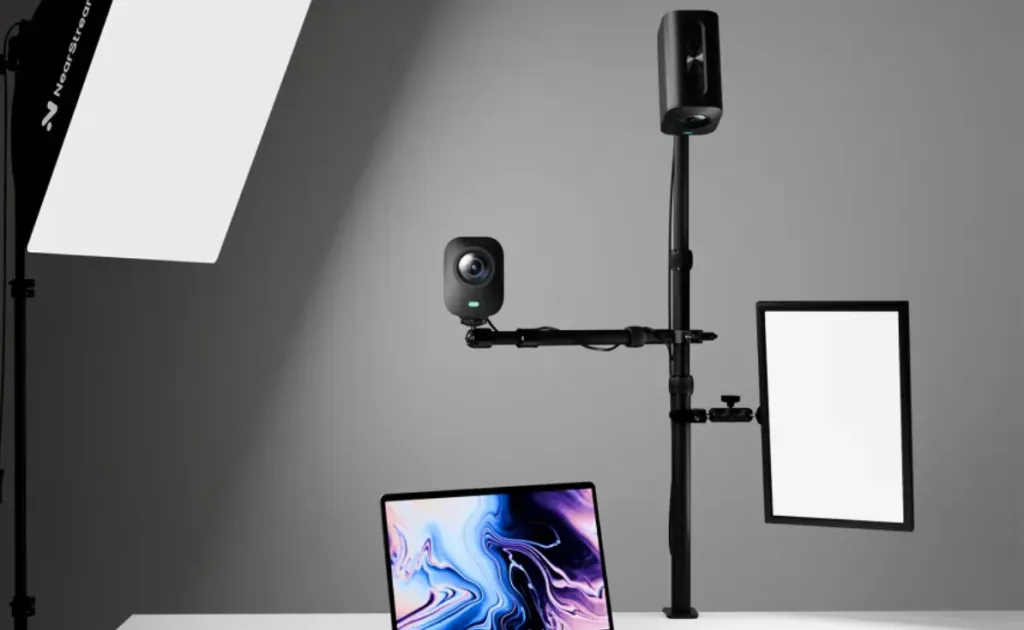
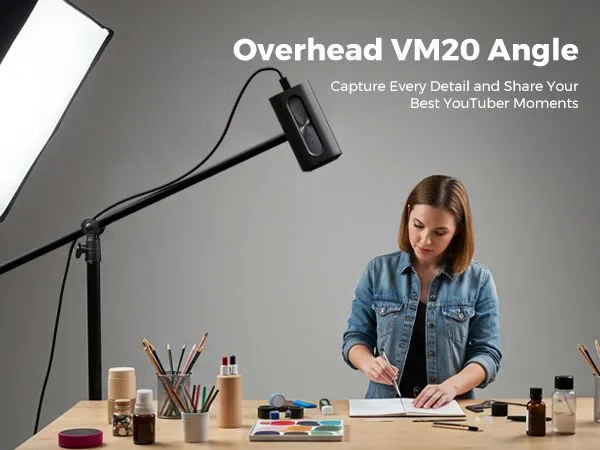
A dual-camera configuration on a single dual-arm overhead camera mount delivers the most efficient workflow for creators alternating between wide views and detail close-ups. One camera hangs overhead for the full workspace while the second captures side-angle macro details.
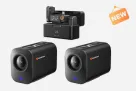
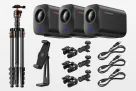
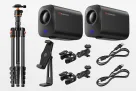
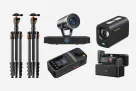
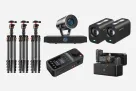
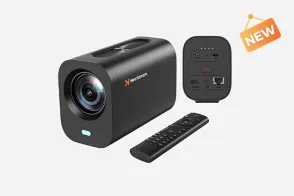
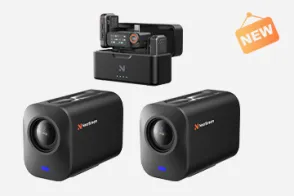
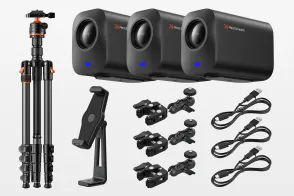
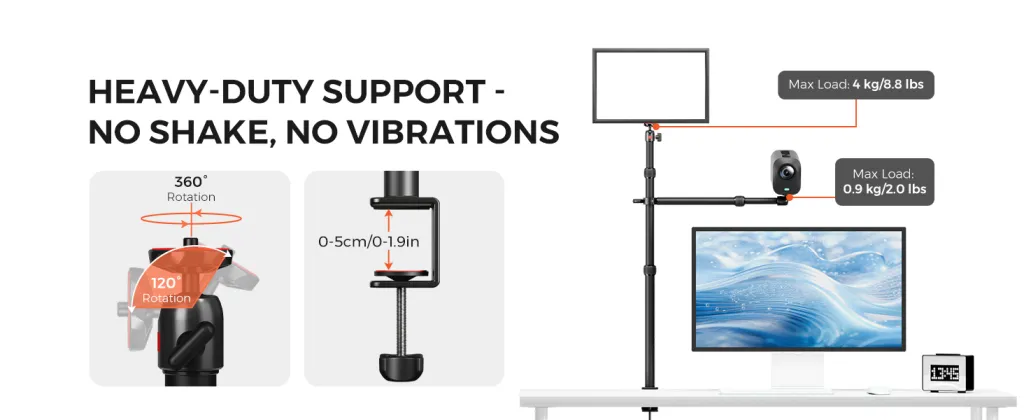
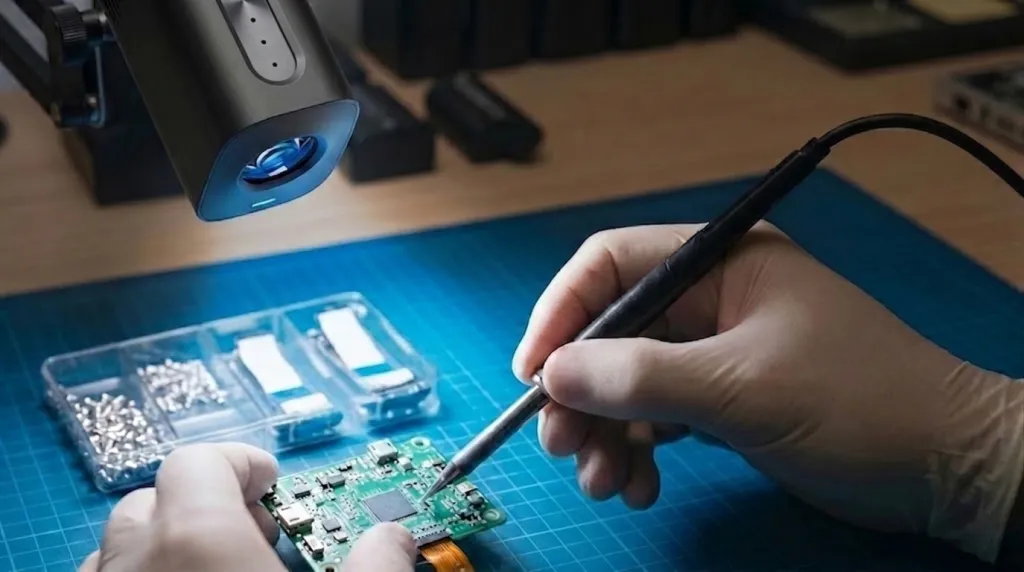
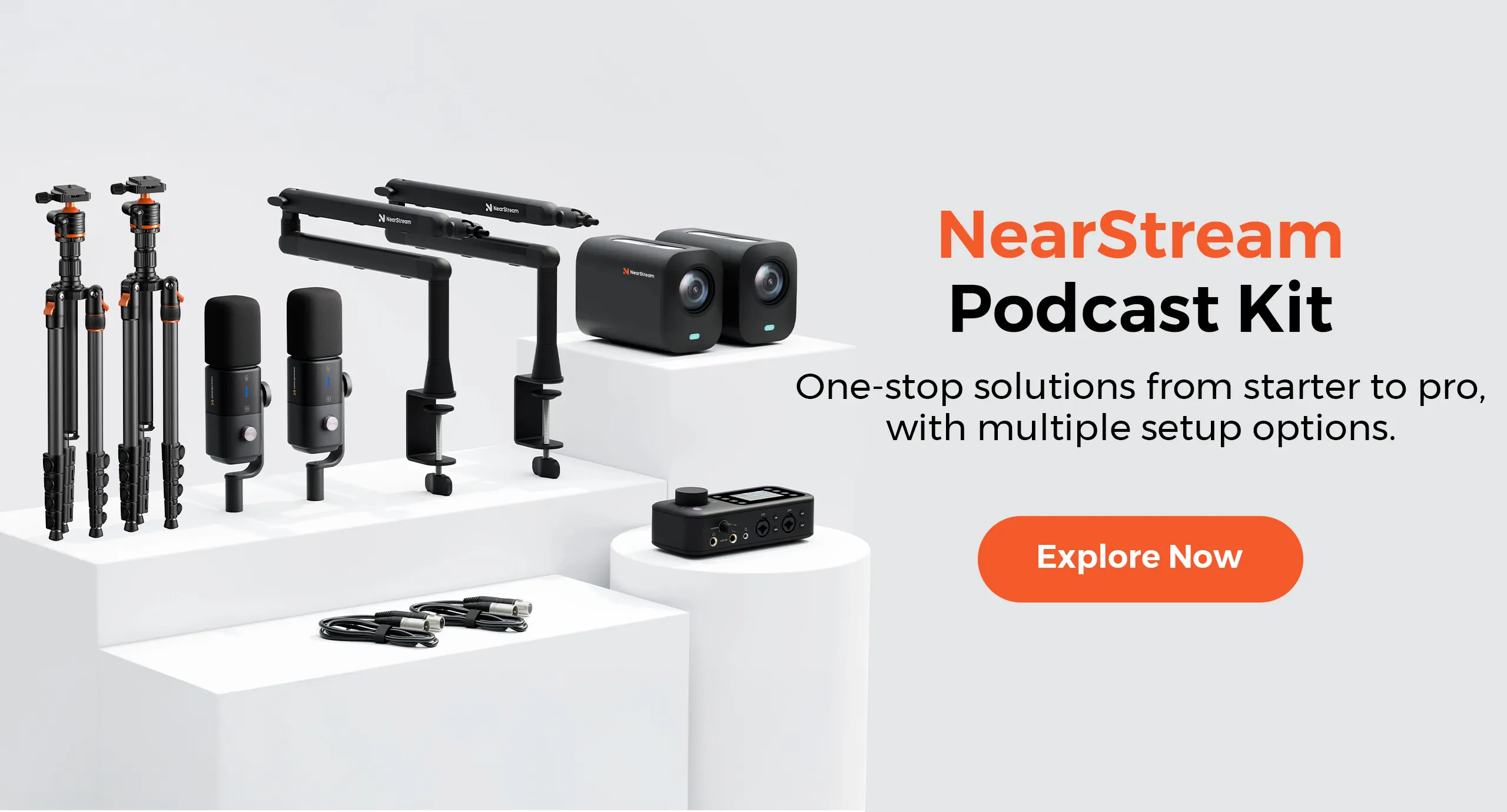
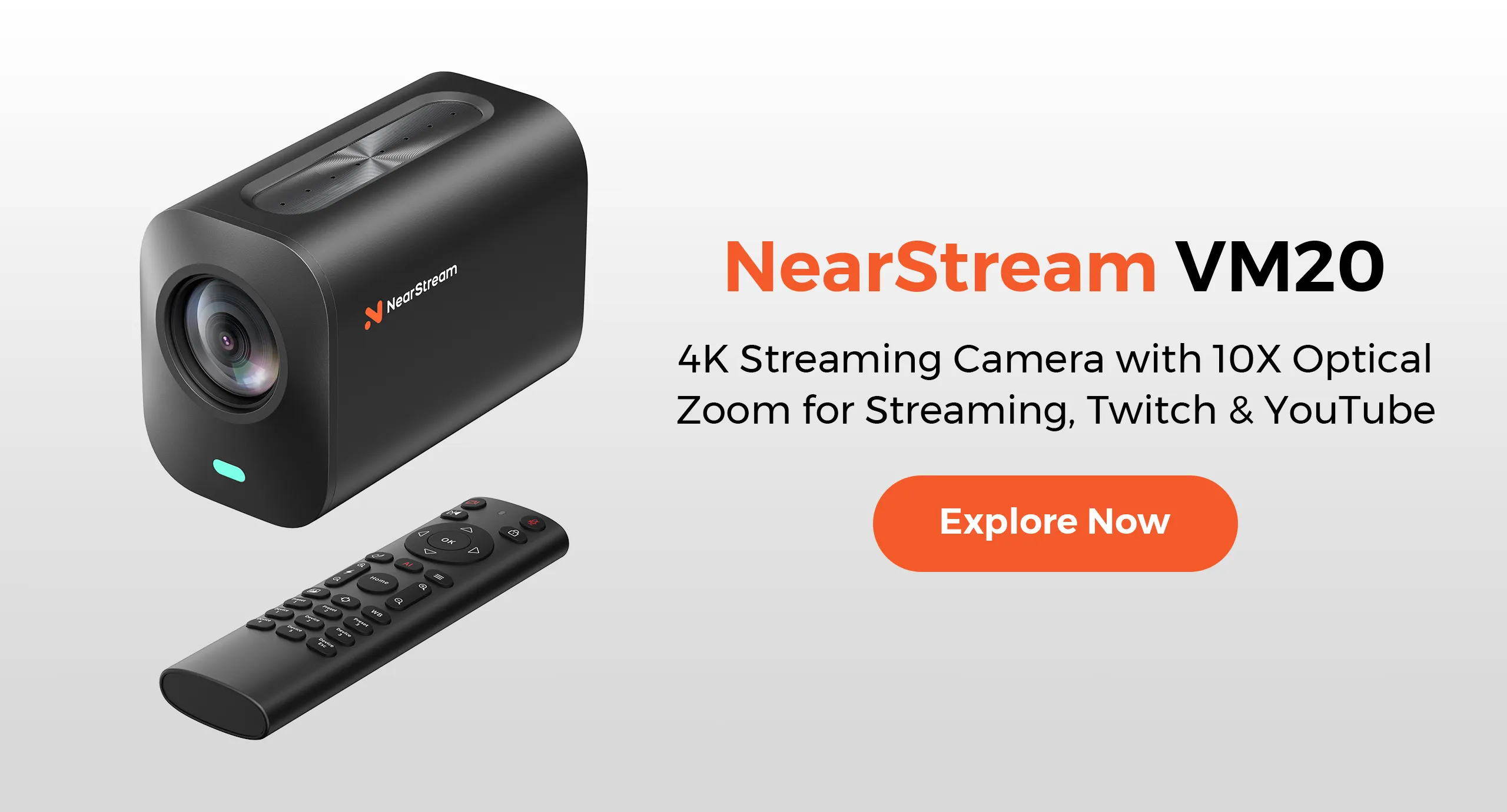
The NearStream VM20 4K Wired Streaming Camera paired with the NearStream ST40 Dual-Arm Desk Mount fits this well. Two VM20 units on the ST40 give you both angles from a single desk clamp, freeing floor space that tripods occupy. Independent arm adjustment lets you reposition either camera without affecting the other, and remote zoom punches in on fine details at 4K clarity without adjusting the lens mid-demo.
Best for: Tech reviewers, unboxing creators, and educators needing wide and detail shots.
Trade-off: Higher initial cost.
2. Single Overhead Camera on Articulating Desk Arm — Best for Compact Desks
If your workspace is limited, a single overhead camera on a sturdy desk arm is the cleanest solution. Choose a camera with at least 4K resolution for cropping flexibility, and a desk clamp with adjustable tension to prevent sagging.
Best for: Crafters and illustrators in small spaces needing one stable overhead angle.
Trade-off: You will pause and reposition manually for detail shots.
3. Tripod-Based Overhead Rig — Best Budget Entry Point
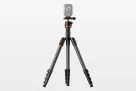
The most accessible entry is a tripod with an extended center column beside your desk, camera angled down. Many creators already own one. For better results, use a tripod with a horizontal center column arm extending directly over your desk.
Best for: Beginners testing overhead content or creators on a tight budget.
Trade-off: Tripods consume floor space, legs intrude into your work area, and bumps ruin takes.
4. Ceiling-Mounted Permanent Overhead Rig — Best for Dedicated Studios
Mounting an overhead camera on the ceiling eliminates all desk and floor obstruction. A ceiling plate with adjustable drop pole sets the exact height. Pair it with a second moveable room camera for detail work since the position is fixed.
Best for: Full-time creators with dedicated studio rooms.
Trade-off: Requires drilling into the ceiling, not practical for renters.
5. All-in-One Streaming Camera with Overhead Mode — Best for Plug-and-Play
Some streaming cameras include overhead mode that auto-corrects orientation when inverted, removing the need to flip footage in post. Pair one with a simple desk clamp for the most streamlined single-camera workflow. Look for USB-C models so one cable handles power and data together.
Best for: New creators wanting one-button recording without complex rigging.
Trade-off: Single-angle limitation and less optical zoom than multi-camera setups.
At-a-Glance Comparison
Setup
Cameras
Desk Space
Best Feature
Main Limitation
Dual-camera desk mount
2
Minimal
Two angles, no repositioning
Higher upfront cost
Single overhead arm
1
Minimal
Cleanest single-angle setup
No detail shots without pausing
Tripod overhead rig
1
Large
Uses gear you already own
Bulky, easy to bump
Ceiling mount
1
None
Completely invisible
Permanent installation required
All-in-one streamer
1
Minimal
Simplest workflow
Single angle only
Practical Workflow Tips for Solo Creators
Filming alone means you are both talent and crew. These practices help with any overhead camera mount.
Pre-set your angles. Lock in your wide overhead shot and detail close-up before starting. Mark arm positions with tape to return instantly after breaks.
Use a remote for recording control. Reaching for a camera shifts your body position. A Bluetooth remote keeps you in place.
Light from both sides. Overhead cameras cast shadows downward. Place LED panels at 45-degree angles to fill shadows evenly.
Route cables off your work surface. Run power and data along the back edge of your desk.
Which Setup Fits Your Workflow?
DIY and craft creators benefit most from a dual-camera desk mount capturing full workspace and macro details without stopping.
Tech reviewers and unboxing creators need stable footage from multiple angles. A dual-camera overhead camera setup shows the box, unboxing motion, and item details in a continuous professional flow.
Online educators find a single overhead camera on a rigid desk arm sufficient, though a second camera improves comprehension when demonstrating fine motor skills.
Space-limited creators should choose desk-clamp solutions over tripods. A clamp mount uses inches of desk edge versus square feet for a tripod.
The NearStream VM20 and ST40 combination fits most scenarios, addressing pain points solo creators face. Two VM20 cameras on one ST40 overhead camera mount replace multiple tripods and the repositioning that interrupts creative flow.
Frequently Asked Questions
Do I need two cameras for overhead filming?
Not necessarily. A single overhead camera works for most tutorials. Adding a second for side-angle close-ups lets you show details without repositioning your main shot.
What is the best overhead camera mount for small desks?
A dual-arm desk mount is ideal for compact workspaces because it holds two cameras on a single base, eliminating multiple tripods that clutter floor and desk space.
How do I avoid shaky footage with an overhead camera setup?
Use a rigid desk-mounted arm with a weighted or clamped base and a wired camera connection for stability during long sessions.
Can I use a webcam as an overhead camera for product demos?
Yes, a 4K webcam works for basic demos outputting at 1080p. Dedicated streaming cameras offer better color accuracy, optical zoom, and mounting flexibility.
Final Thoughts
The right overhead camera setup stays out of your way while capturing what your audience needs. A single overhead camera on a desk arm covers most needs for beginners. When ready to streamline, the NearStream ST40 dual-arm overhead camera mount with two VM20 units delivers the multi-angle efficiency professional solo creators rely on.





































 sales@nearstream.us