The Ultimate Guide to Clip-On Bluetooth & Wireless Microphones
Looking for the best clip-on microphone?
clip on mic bluetooth
clip on mic
microphone
Updated: Feb 27, 2026 · 8 minutes read
Modular Video Kits for Growing Business.
Discover the best clip-on microphones for crystal-clear audio in any scenario. This guide compares Bluetooth, wireless, and wired lavalier mics, highlighting key features like sound quality, battery life, and connectivity. Perfect for content creators, presenters, and performers, we break down top picks for every budget and use case. Learn professional setup tips and troubleshooting advice to maximize your microphone's performance.
Introduction
In today's fast-paced digital world, clear audio is just as important as high-quality video. Whether you're a content creator, public speaker, or podcaster, a clip-on microphone (also known as a lavalier mic) can make a huge difference in sound clarity. According to a 2023 report by Grand View Research, the global microphone market is expected to grow at a 6.3% CAGR from 2024 to 2030, with wireless and Bluetooth models driving much of that demand.
Why Use a Clip-On Microphone?
Clip-on microphones offer several advantages over traditional handheld or built-in mics:
Hands-free operation – Perfect for presentations, interviews, and vlogging.
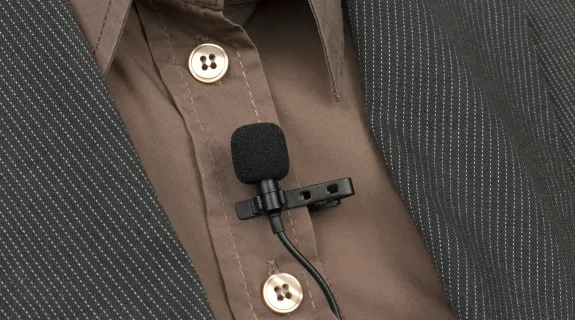
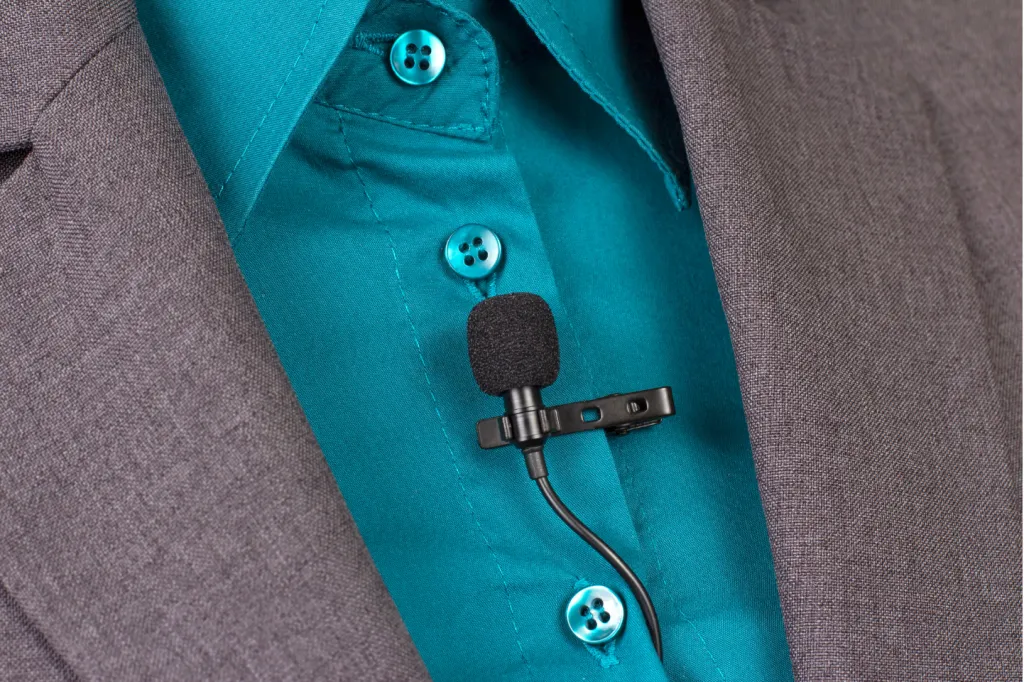
Discreet and lightweight – Small enough to attach to a shirt collar without being intrusive.
Superior sound quality – Reduces background noise and captures voice clearly.
Whether you need a Bluetooth clip-on mic for mobility or a wireless clip-on microphone for professional recording, this guide covers everything you need to know.
Types of Clip-On Microphones
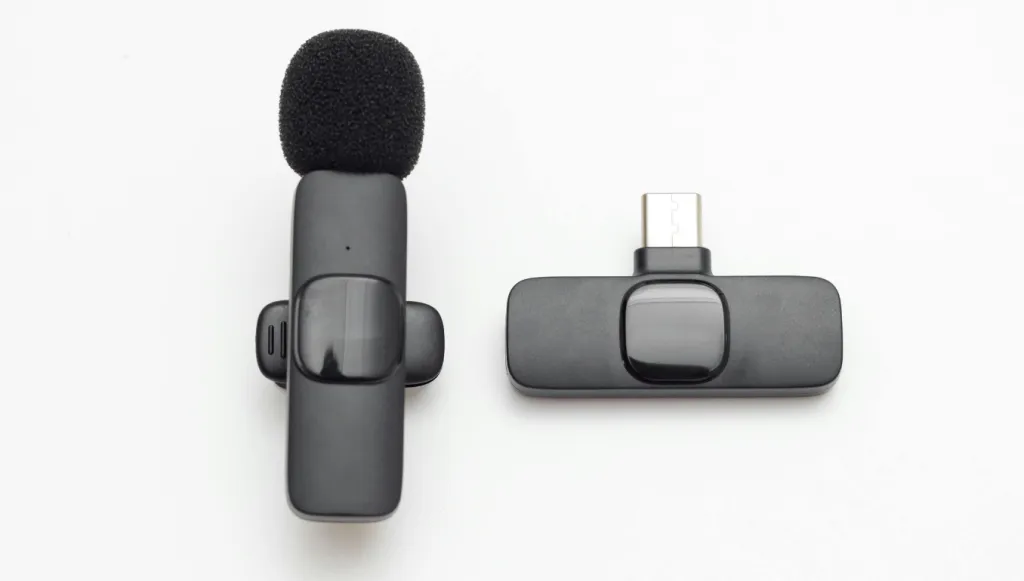
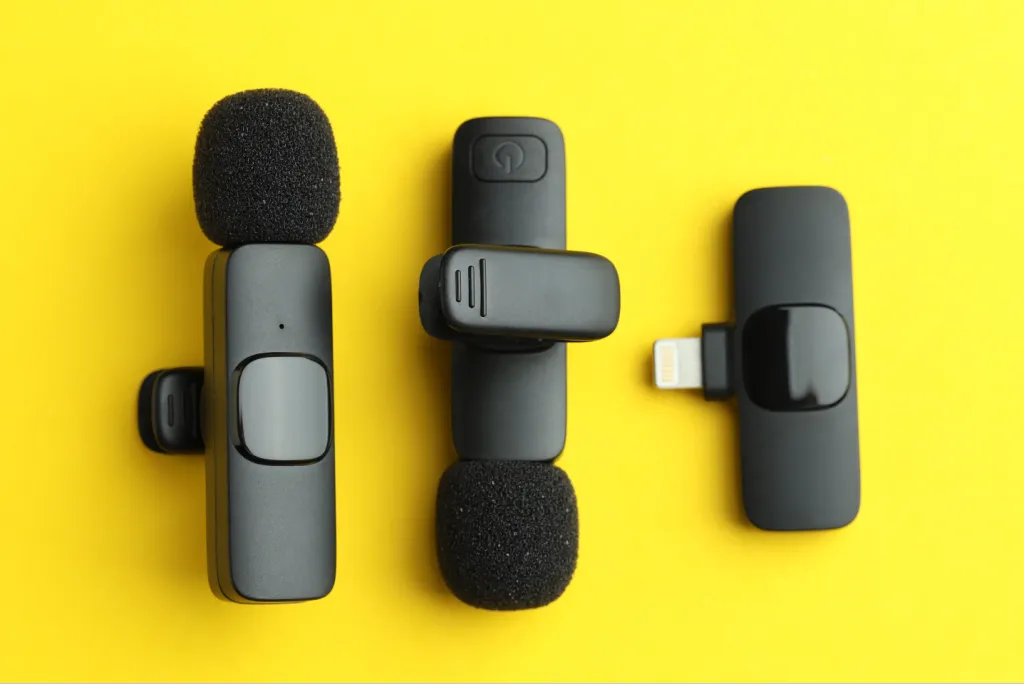
1. Bluetooth Clip-On Microphones
These mics connect wirelessly to smartphones, tablets, and laptops, making them ideal for:
Content creators filming on the go.
Remote workers in video meetings.
Public speakers who need mobility.
Pros: ✔ No cables, greater freedom of movement. ✔ Easy pairing with most modern devices.
Cons: ✖ Slight latency (not ideal for professional video sync). ✖ Limited battery life (typically 6-10 hours).
2. Wireless (Non-Bluetooth) Clip-On Microphones
These use RF or UHF transmission and are common in professional settings like:
Broadcasting (news reporters, filmmakers).
Live events (theater, conferences).
Pros: ✔ More stable connection than Bluetooth. ✔ Better for long-distance use (up to 300+ feet).
Cons: ✖ Requires a separate receiver. ✖ Often more expensive.
3. Wired Clip-On Microphones
The classic choice for:
Studio recordings (podcasts, voiceovers).
Musicians & stage performers.
Pros: ✔ Zero latency, best for real-time audio. ✔ No battery dependency.
Cons: ✖ Limited mobility due to cables.
Key Features to Look For in a Clip-On Microphone
Choosing the right clip-on microphone requires careful consideration of several critical factors. Here's an in-depth look at what really matters:
1. Sound Quality & Pickup Pattern
The microphone's pickup pattern determines how it captures sound:
Omnidirectional
Captures sound equally from all directions
Ideal for: Group discussions, ambient recordings
Example use: Panel discussions where multiple speakers share one mic
Cardioid (Unidirectional)
Focuses on sound from the front while rejecting side/rear noise
Ideal for: Solo presenters, noisy environments
Reduces: Room echo, background chatter
Supercardioid/Hypercardioid
Even more directional with a slight rear pickup
Ideal for: Professional broadcasting, stage performances
Benefit: Excellent noise rejection in loud venues
Pro Tip: For podcasting, a cardioid pattern is generally best. For outdoor reporting, consider a supercardioid mic with a windscreen.
2. Frequency Response
This determines how accurately the mic reproduces different sound frequencies:
Voice-optimized (100Hz-15kHz):
Emphasizes vocal clarity
Cuts unnecessary low frequencies (rumble) and ultra-highs
Full-range (20Hz-20kHz):
Better for musical performances
Captures deeper bass and brighter highs
Example: The Shure SM35 has a tailored frequency response perfect for speech, while the Audio-Technica PRO 70 handles both voice and instruments well.
3. Wireless Technology & Connectivity
Bluetooth Models:
Bluetooth 5.0+ preferred for:
Longer range (up to 100 feet unobstructed)
Lower power consumption
Better interference resistance
Codec Support:
Basic SBC: Standard but compressed
aptX/aptX LL: Near CD-quality, lower latency
Professional Wireless Systems:
Frequency agility: Automatically finds clean channels
Diversity reception: Two antennas prevent dropouts
Encryption: Prevents eavesdropping in sensitive environments
Real-World Test: In crowded RF environments (like conference halls), UHF systems like Sennheiser EW 100 perform significantly better than Bluetooth.
4. Battery Life & Power Options
Battery Type
Pros
Cons
Rechargeable Li-ion
Eco-friendly, USB charging
Degrades over 2-3 years
Replaceable AA/AAA
Instant swaps, widely available
Less convenient
Phantom Power (XLR)
No batteries needed
Requires mixer/interface
Battery Life Expectations:
Bluetooth: 5-10 hours
Professional wireless: 8-20 hours
Wired: Unlimited (but tethered)
Pro Tip: For all-day events, choose models with swappable batteries or bring a power bank for USB-rechargeable mics.
5. Build Quality & Durability
Metal-bodied mics: More durable but heavier
Plastic-bodied: Lightweight but less rugged
Moisture resistance: Important for outdoor use
Cable strain relief: Prevents damage at connection points
Stress Test Winner: The Shure SM35 survives drops up to 6 feet and resists sweat - great for stage use.
6. Accessories & Included Extras
Look for packages including:
Multiple windscreens (foam + furry)
Various mounting options (magnetic, clip, tape)
Carrying case for protection
Extension cables for wired models
Best Value Kit: The Rode Wireless GO II includes two transmitters, receivers, and all necessary cables.
7. Compatibility & Connectivity Options
Smartphone compatibility: TRRS vs TRS connectors
Camera compatibility: 3.5mm input requirements
Computer connectivity: USB vs analog input
Multi-device pairing: Some Bluetooth mics connect to 2 devices simultaneously
Adapter Tip: Keep a TRRS-to-TRS adapter handy for different devices.
Fix: Lower mic sensitivity, disable unused features.
FAQs About Clip-On Microphones
Q1: Can I use a clip-on mic with a smartphone?
A: Yes! Most Bluetooth and wired clip-on mics work with phones via 3.5mm jack or USB-C.
Q2: What’s the difference between omnidirectional and unidirectional?
A: Omnidirectional picks up sound from all sides, while unidirectional focuses on the speaker.
Q3: Do wireless clip-on mics have latency?
A: Bluetooth mics may have slight delay (50-200ms), while professional RF mics have near-zero latency.
Q4: How do I reduce wind noise?
A: Use a foam windscreen or deadcat furry cover.
Conclusion
Choosing the right clip-on microphone depends on your needs—whether it’s a Bluetooth clip-on mic for convenience or a professional wireless lavalier for broadcast-quality sound. With the right model, you’ll achieve crisp, clear audio in any setting.













































































 sales@nearstream.us






