Physical Features and Specifications
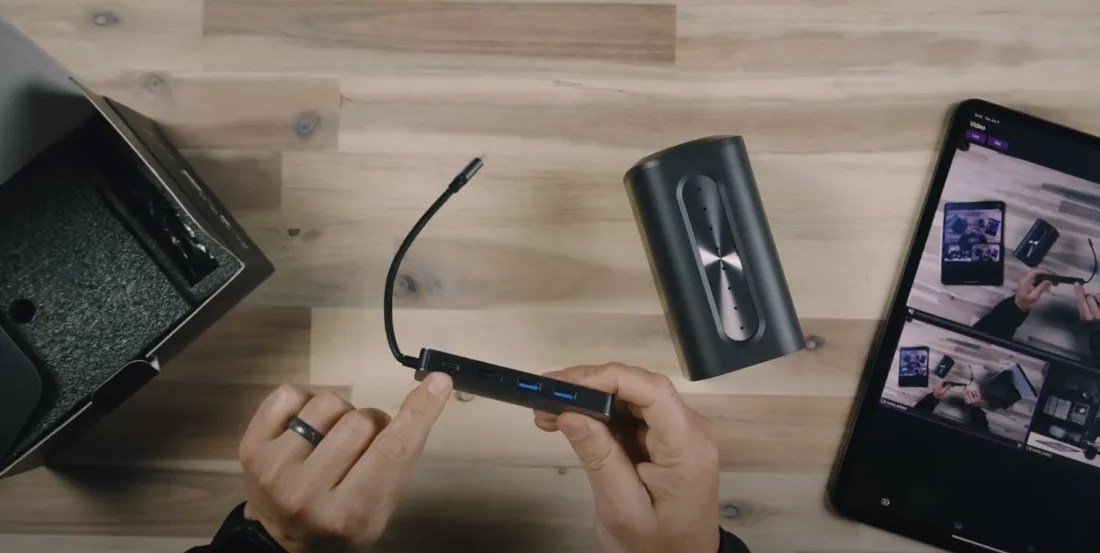
Jerad discussed the physical features of the VM 46, noting that it has a 1/4-20 mount on the bottom and a 3.5mm headphone jack on the back. Each camera is powered by a 6400mAh battery, providing approximately 4.5 to 5 hours of continuous use. The camera includes a USB-C port for charging and other functions, and a microSD card slot for internal recording up to 4K30p. A dongle provided with the camera offers additional connectivity options, including USB-C for power, HDMI for video output, and an Ethernet port for a stable internet connection.
Control and Customization via the App
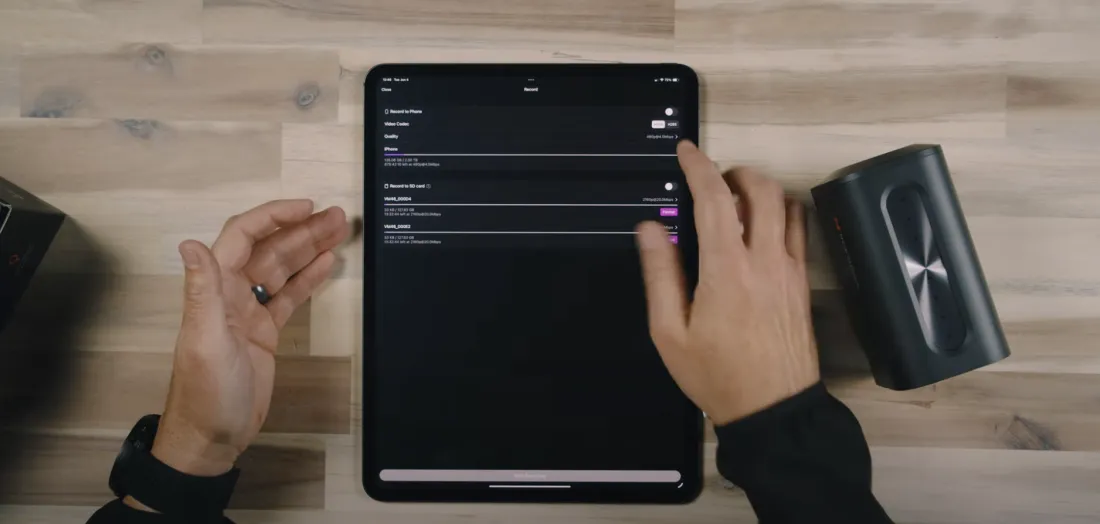
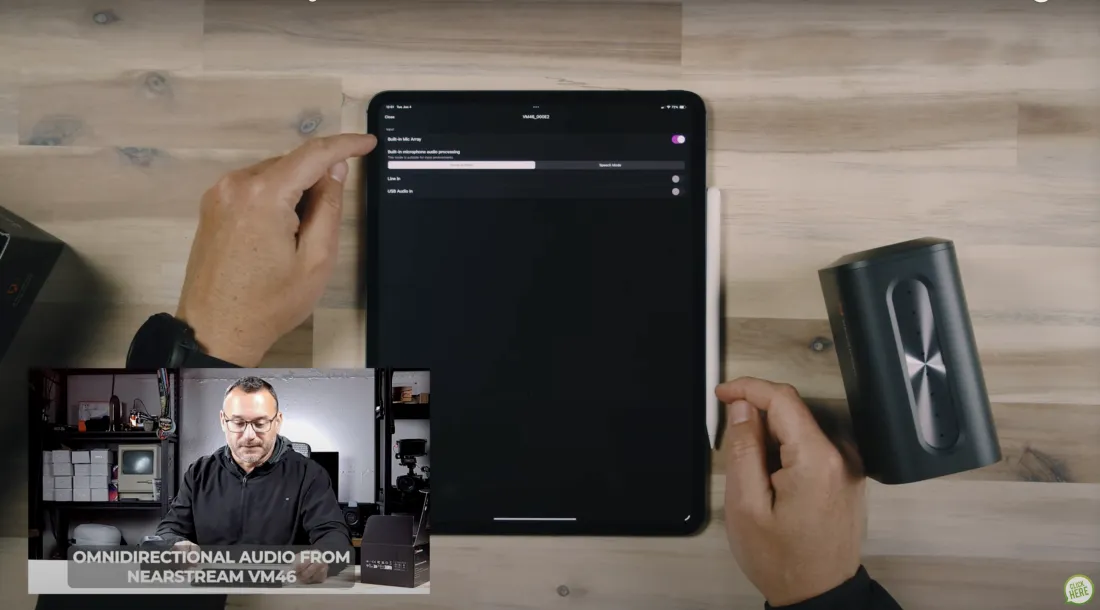
Jerad demonstrated the iPad app, which is used to control the VM 46 cameras. The app allows users to connect multiple cameras and adjust various settings, such as recording quality, audio modes, and camera controls. The app supports adjustments like zoom, autofocus, auto exposure, auto white balance, HDR, and manual tweaks to brightness, contrast, saturation, and hue. Users can also customize camera names, set passwords, and format SD cards directly from the app. The app further supports the addition of graphics, overlays, and even background music, making it a comprehensive tool for managing live streams and recordings.
Live Streaming Setup and Additional Features
Jerad explained how to set up a live stream using the app, showing how to connect the camera to platforms like Facebook, YouTube, Twitch, and others that support RTMP. While there were minor limitations with the resolution settings, Jerad noted that the cameras are fantastic overall. The build quality is good, and they are easy to deploy and manage, creating a dynamic live stream with minimal equipment. The app supports various configurations, including full-screen overlays, lower thirds, picture-in-picture, and side-by-side views, enhancing the flexibility of the setup.
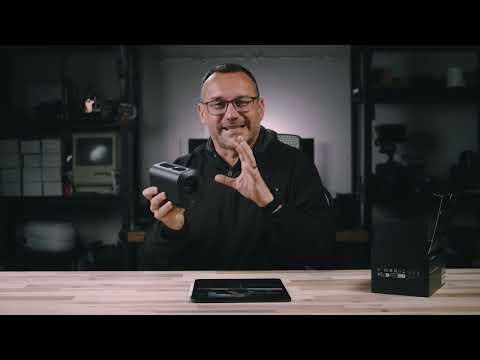
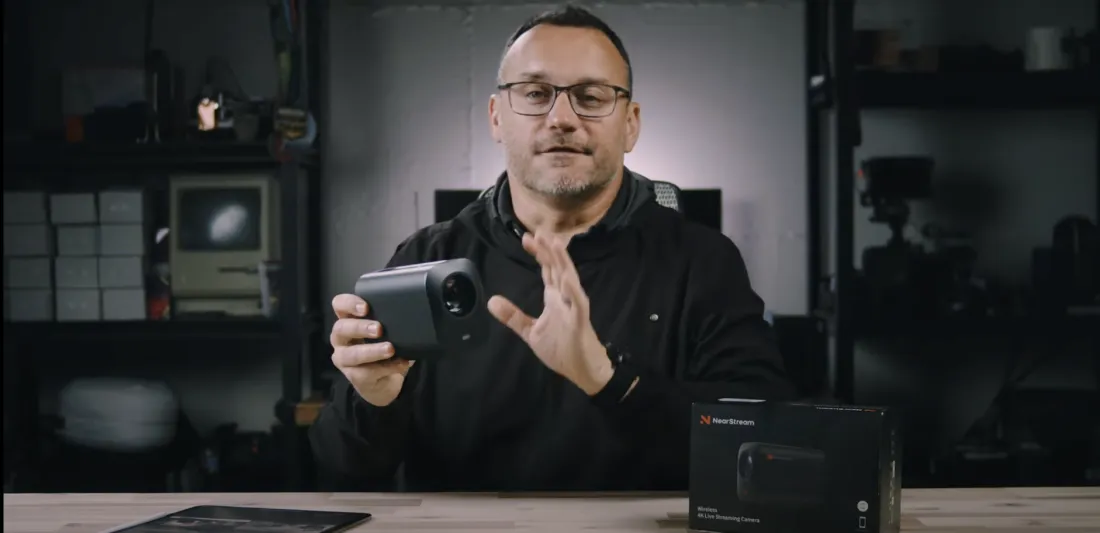
By covering the basics of the camera's design, physical features, and app functionality, Jerad provided viewers with a comprehensive understanding of the Near Stream VM 46 and its capabilities for live streaming.













































































 sales@nearstream.us






