topmost

Back to School Sale: Get 10% Off Your Video Setup

Never Miss a Deal from Us

Build Your Video Podcast like LEGO!

The Ultimate Guide to Video Switchers: Enhance Your Live Streaming Setup

Discover the best video switchers for live streaming, including HD and HDMI models, in our ultimate guide.

video switcher
video mixer switcher
live streaming switcher
Updated: Mar 6, 2026 · 8 minutes read
videoswitcher
Modular Video Kits for Growing Business.

This comprehensive guide examines the various types of video switchers—including production mixers, streaming-focused models, HD systems, and HDMI solutions—detailing their unique capabilities and ideal use cases. We analyze critical technical considerations such as input/output configurations, transition effects, audio handling, and control options to help you select the optimal switcher for your needs. The article also provides practical setup advice, troubleshooting tips, and recommendations across different budget levels, from entry-level devices to professional broadcast systems. Whether you're streaming gameplay, producing corporate events, or managing multi-camera broadcasts, this resource offers the insights needed to enhance your video production workflow and output quality.

Introduction

Live streaming has exploded in popularity, with over 2.2 billion people expected to watch live video by 2025. The live streaming market is projected to grow at a CAGR of 28.1% from 2023 to 2030, driven by gaming, e-commerce, and remote events. Whether you're a content creator, gamer, or professional broadcaster, a video switcher (also called a video mixer switcher or live streaming switcher) can take your production to the next level.
Video switchers allow seamless transitions between multiple cameras, graphics, and media sources—essential for professional-looking streams. In this comprehensive guide, we'll explore different types in depth, including HD video switchers, HDMI video switchers, and specialized video switchers for live streaming, while examining key features to help you choose the best one for your needs.


What Is a Video Switcher?

what is a video switcher.png

Definition and Basic Functionality

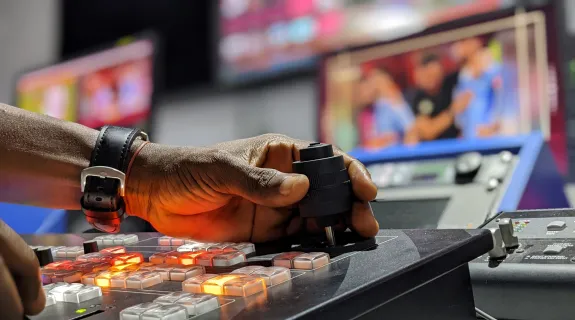
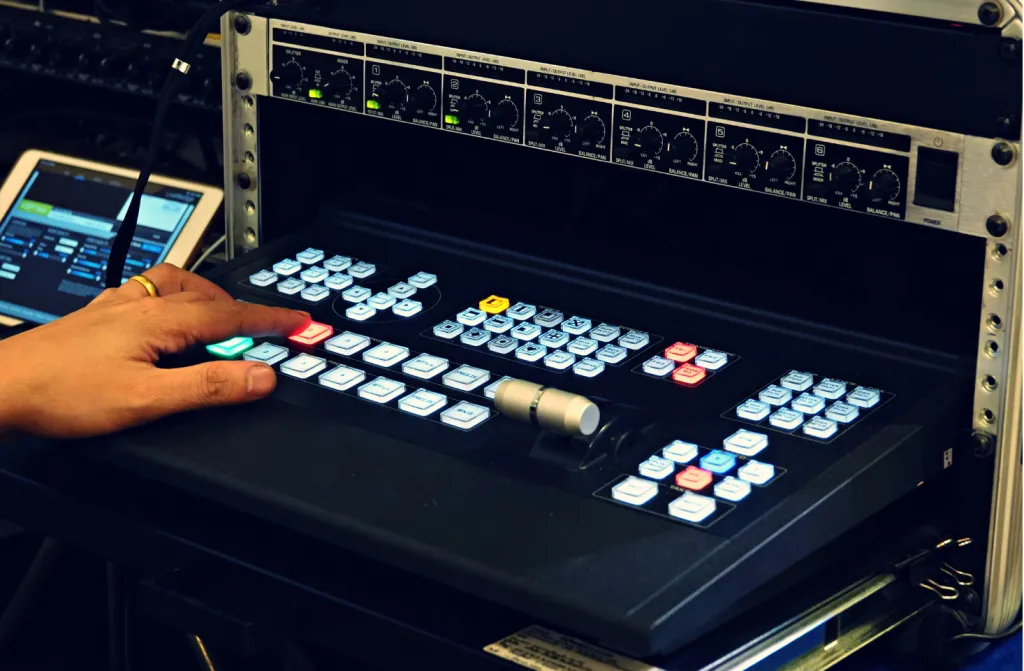
A video switcher is a hardware or software device that lets you switch between multiple video sources in real time. It serves as the control center for live productions, allowing directors to cut between cameras, add graphics, and create dynamic transitions. Modern switchers range from simple USB devices to full broadcast studios in a box.

Why You Need a Video Switcher

  • Professional transitions: Move beyond basic cuts with fades, wipes, and custom animations
  • Multi-source management: Seamlessly integrate cameras, screen shares, and pre-recorded clips
  • Production polish: Add lower thirds, picture-in-picture, and live effects
  • Workflow efficiency: Control everything from one interface instead of toggling sources manually
  • Audience engagement: Dynamic switching keeps viewers interested longer (streams with professional switching see 30% longer watch times according to StreamElements)

Types of Video Switchers: An In-Depth Look

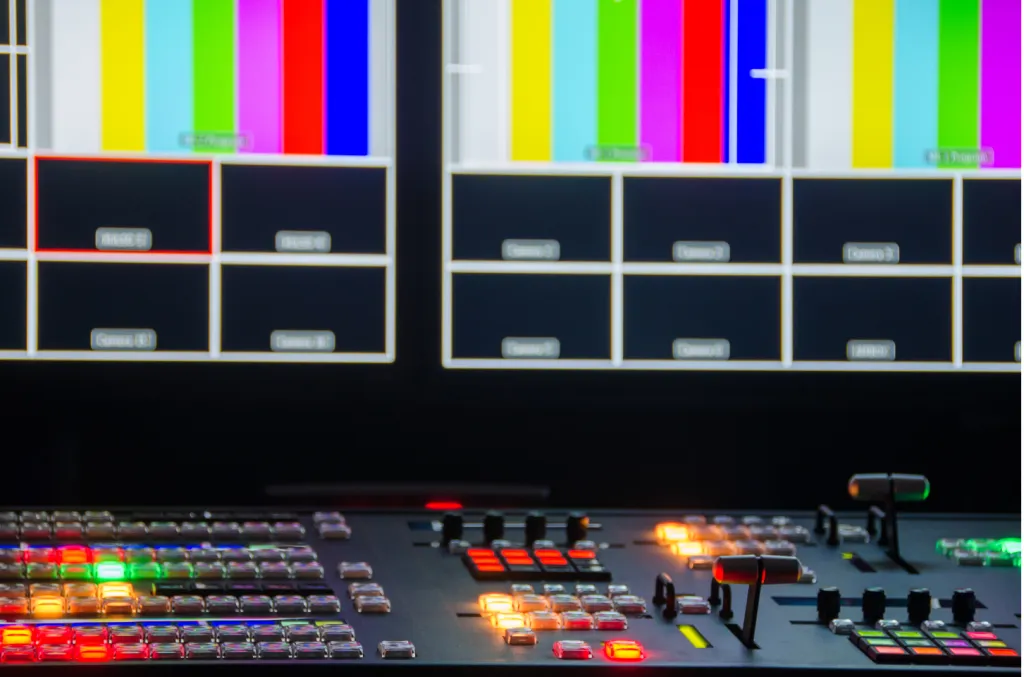
1. Video Mixer Switcher (Production Switchers)

These professional-grade devices combine multiple inputs with advanced mixing capabilities.

Features and Use Cases

  • Broadcast-quality transitions: Includes DVE (digital video effects) for zooms, spins, and complex animations
  • Multi-layer compositing: Handle keys, overlays, and chroma key (green screen) simultaneously
  • Tally lights: Camera operators see which source is live
  • Audio mixing: Built-in audio controls with XLR inputs

Best for:

  • Live television production
  • Large corporate events
  • Sports broadcasting

Popular Models:

2. Live Streaming Switcher

Designed specifically for streamers, these combine ease-of-use with streaming-specific features.

Key Advantages for Streamers

  • Direct platform integration: Stream to Twitch/YouTube without additional software
  • Compact form factor: Fits in small streaming setups
  • Streamer-friendly features: Chat integration, scene recall, and auto-transitions

Best for:

  • Gaming streamers
  • Podcasters
  • Small business live streams

Popular Models:

types of video switcher.png

3. HD Video Switcher

These maintain high picture quality while switching between sources.

Technical Considerations
  • Resolution support: True 1080p60 vs upscaled HD
  • Color sampling: 4:4:4 vs 4:2:2 for graphics/text clarity
  • Frame sync: Essential when mixing different source types

Best for:

  • Corporate video
  • House of worship productions
  • Education streaming

Popular Models:

4. HDMI Video Switcher

The simplest entry point for basic switching needs.

When to Choose HDMI

  • Budget-conscious setups
  • All-HDMI source environments
  • Space-constrained locations
Limitations:

  • Cable length restrictions (HDMI max ~50ft without extenders)
  • No professional features like frame sync

Popular Models:


Key Features to Look for in a Video Switcher: Detailed Breakdown

key feature of video switcher.png

1. Input/Output Configuration

Port Types

  • HDMI: Consumer-friendly but limited to ~50ft cable runs
  • SDI: Professional standard (runs 300+ ft), locking connectors

  • IP (NDI/SRT): Network-based video transport

Input Count Considerations

  • 4-input (most common for streamers): 2 cameras + graphics + backup
  • 8-input+: Large productions with multiple angles

Output Flexibility

  • Program vs Preview outputs
  • Multi-view monitoring
  • Aux outputs for confidence monitors

2. Transition Engine

Basic Transitions

  • Cut
  • Mix
  • Wipe (various patterns)

Advanced Transitions

  • DVE moves (zoom, spin, fly)
  • Stinger transitions (animated wipes)
  • Transition customization (speed, direction)

3. Audio Handling

Basic Audio Features

  • Embedded audio over HDMI/SDI
  • Audio follow video switching

Professional Audio

  • Dedicated audio mixer section
  • XLR inputs with phantom power
  • Audio delay compensation

4. Control Options

Hardware Controls

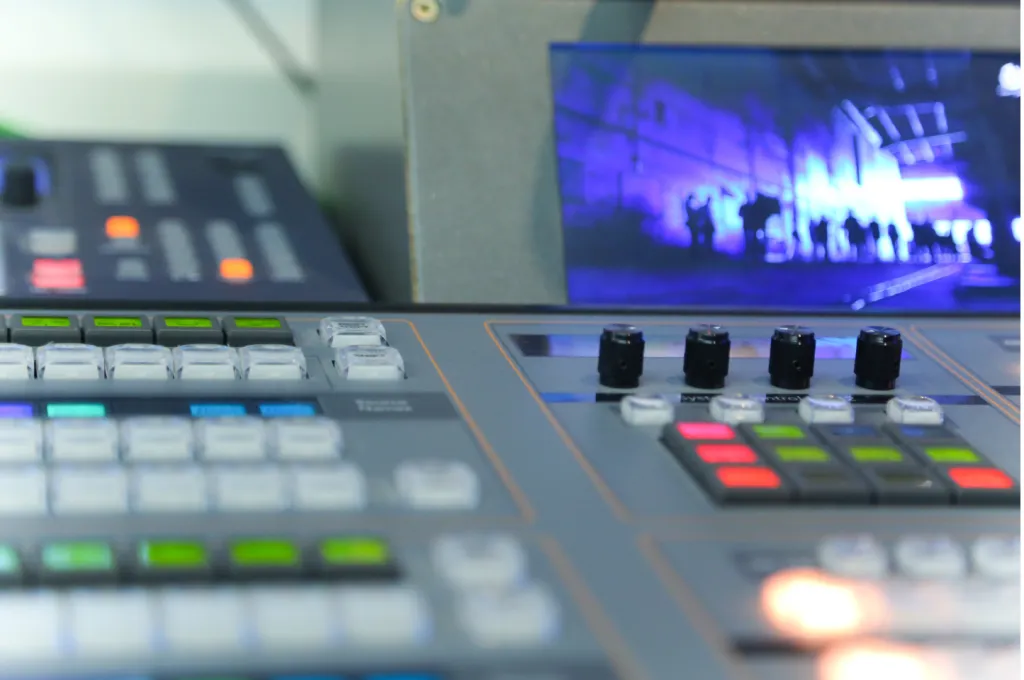
  • Physical buttons vs touchscreen
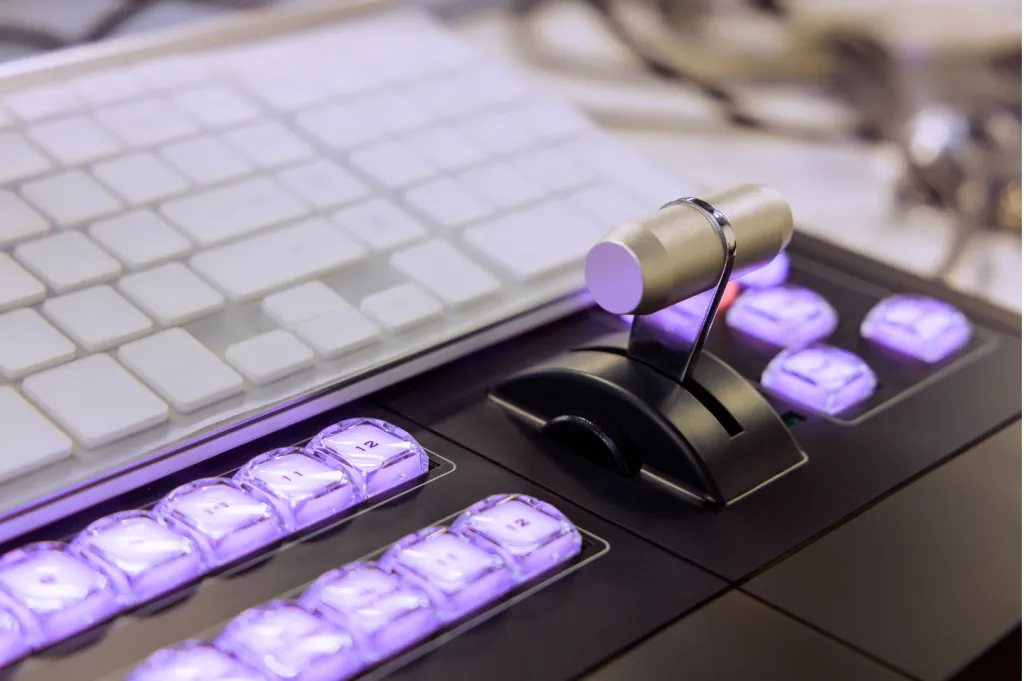
  • T-bar vs auto-transitions

Software Control

  • Companion apps
  • Web interfaces
  • API for automation

5. Recording & Streaming

Built-in Features

  • ISO recording
  • Direct RTMP streaming
  • H.264/HEVC encoding

Software Integration

  • OBS plugin support
  • vMix compatibilit
  • NDI output

Best Video Switchers for Live Streaming

Top Picks for Beginners

1.Blackmagic ATEM Mini ($295) – Best budget 4-input HDMI switcher
2.Elgato Stream Deck + Software Switcher – Great for streamers

Professional-Grade Video Switchers

1.Roland V-60HD ($3,995) – Advanced multi-camera production
2.Blackmagic ATEM Constellation 8K – For ultra-high-end broadcasts

HDMI Video Switchers for Small Setups


How to Set Up a Video Switcher for Live Streaming

how to setup video switcher.png

Step-by-Step Connection Guide

1.Connect cameras to the switcher via HDMI/SDI.
2.Link the switcher to a computer or stream directly.
3.Configure software (OBS, vMix) if needed.

Software Configuration Tips

  • Use NDI for wireless camera feeds
  • Set up hotkeys for quick switching

Troubleshooting Common Issues

  • No signal? Check cables and power.
  • Lagging stream? Lower bitrate or use a wired connection.

FAQs About Video Switchers

  1. What’s the difference between a video switcher and a mixer?

    video switcher switches between sources, while a mixer also adjusts audio levels. Some devices combine both.

  2. Can I use a video switcher without a computer?

    Yes! Standalone switchers like the ATEM Mini Pro can stream directly.

  3. Do I need an expensive switcher for YouTube streaming?

    Not necessarily—budget options like the ATEM Mini work great for beginners.

  4. How many cameras can I connect?

    Most consumer switchers support 4 inputs, while pro models handle 8+.


Final Thoughts: Choosing the Right Video Switcher

Matching Your Needs with the Right Model

  • Casual streamers: ATEM Mini or Elgato
  • Professional broadcasters: Roland or high-end Blackmagic

Future-Proofing Your Setup

  • Consider 4K compatibility if upgrading cameras soon.
  • Look for expandability (additional inputs, software support).

By choosing the right video switcher for live streaming, you can create polished, engaging content that stands out. Happy streaming! 🎥🚀

Author:By The NearStream Team

Share To:
More interesting articles for you