The NearStream app can go live to Facebook in various ways, you can go live to a personal profile, a page, and a group using the built-in Facebook destination. You can also go live to the same destinations using RTMPS. Check below for step-by-step guides.
Facebook Profile
1. Once your VM33 is connected to the NearStream app, press “Live” icon.
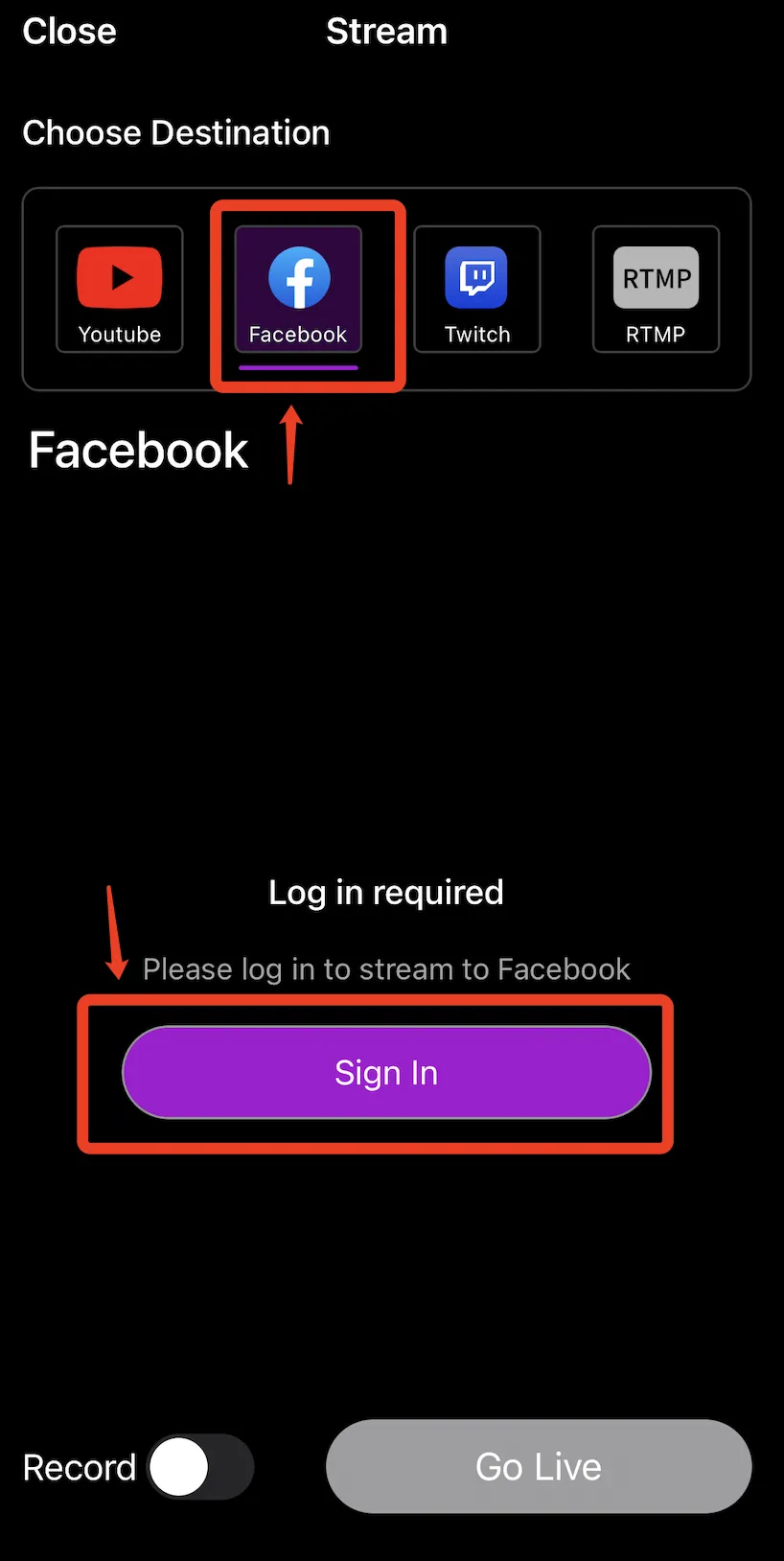
 2. Go to destination page, select Facebook and press "Sign In" and "Continue"
3. Facebook will open in a browser window and request that you log in and authorize permissions. You should allow all permissions in order for streaming to Facebook to work properly.

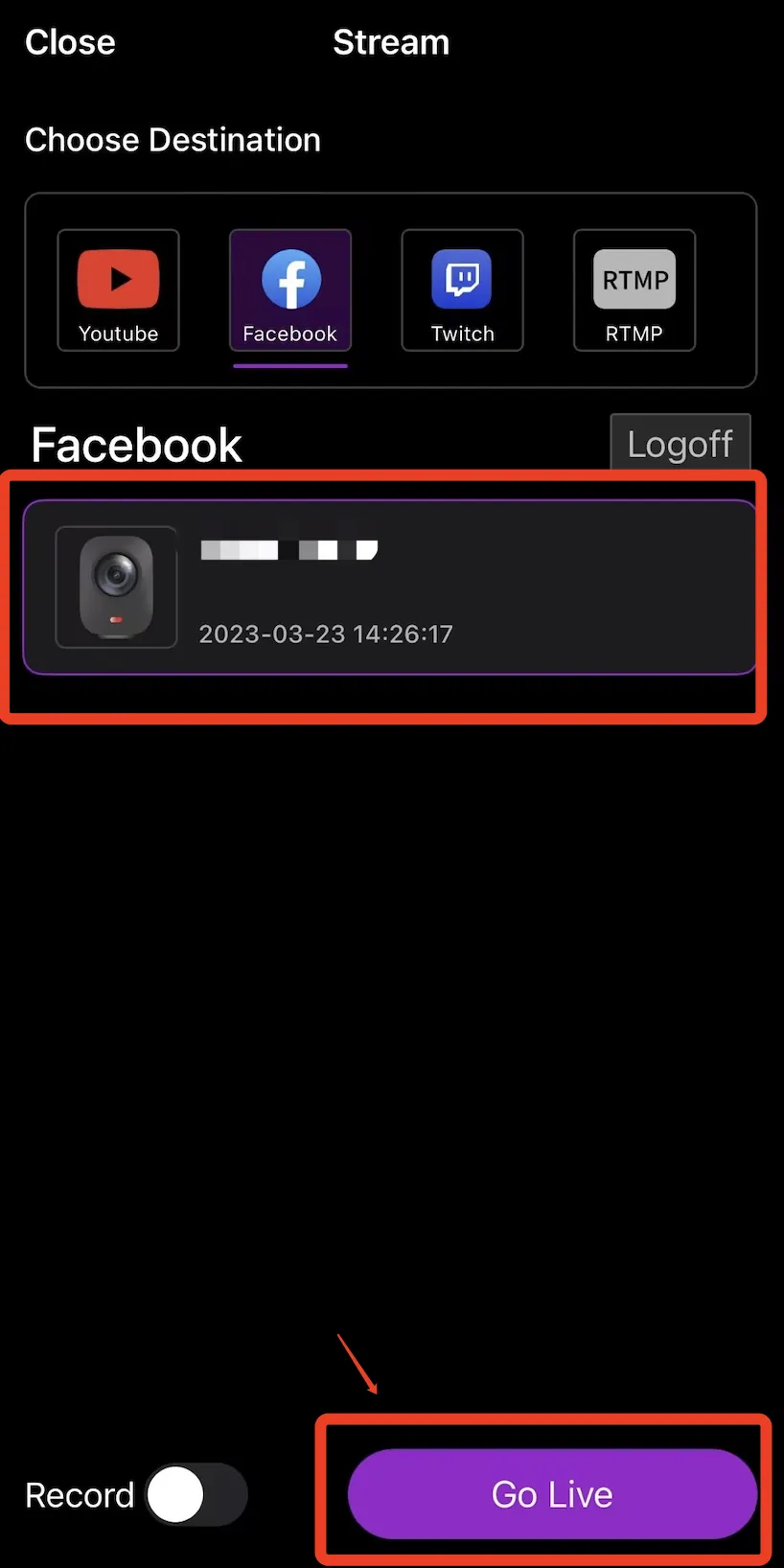
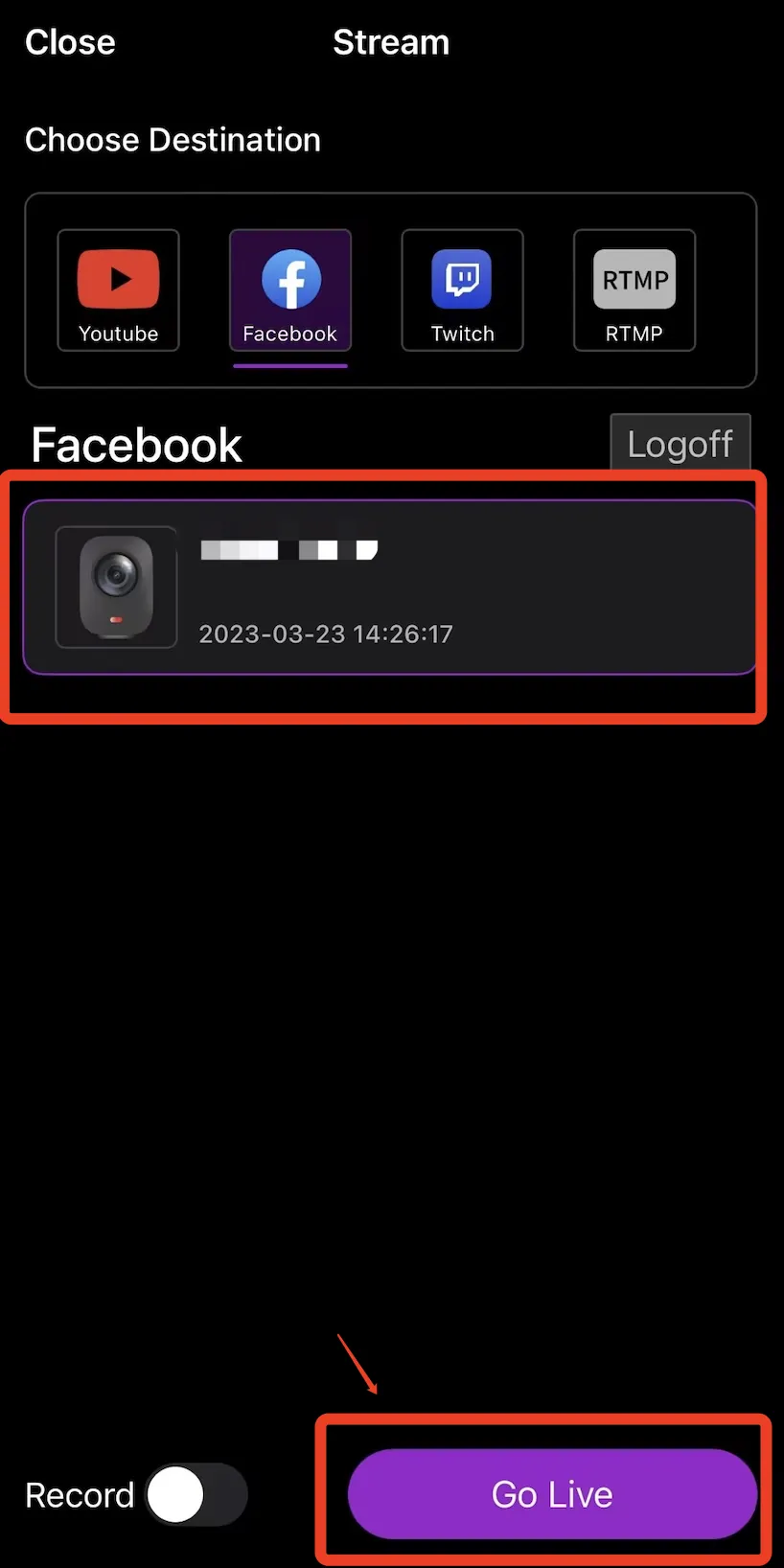
4. After successfully login, you will return to the destination page and you can choose the event you wish to go live and hit the “Go Live” button.
Facebook Page
If you wish to stream to a Page, you must be an Administrator or Editor. Moderators and other roles cannot go live to Pages or Groups. Currently, you need to use RTMP option to live stream to your page.
Facebook Group
Currently, we’re still developing the NearStream App for the Facebook app store. You need to use RTMP option to live stream to your group at the moment.










































































 sales@nearstream.us






