Best Capture Cards for Streaming in 2025: Top Picks for Every Setup
Explore the best capture cards for streaming in 2025.
capture card for streaming
Updated: Feb 26, 2026 · 8 minutes read
Modular Video Kits for Growing Business.
If you want to take your live stream to the next level in 2025, a reliable capture card is no longer optional — it’s essential. With platforms like Twitch surpassing 10 million daily active users in early 2025 and YouTube Live streaming hours increasing by 27% YoY, many content creators face higher quality expectations than ever before. Whether you're broadcasting gameplay in 4K, hosting a podcast, or capturing DSLR footage for tutorials, a good capture card ensures crystal-clear video with minimal latency.
In this guide, we’ll walk you through the best capture cards for streaming in 2025, how they work, key specs to consider (like 4K60fps and USB-C 3.1), and our top picks across different price points—from beginner-friendly models to professional-level gear.
What Is a Capture Card for Streaming?
A capture card is a device that converts audio/video from an external source—like a game console or camera—into data your PC can stream or record. If you're using a console, DSLR, or dual-PC setup, you'll need a video capture card for streaming to bring that signal into software like OBS or Streamlabs.
Why Use a Capture Card?
Better Quality: Stream in 4K or 1080p60 with low latency
Professional Camera Support: Use DSLRs or mirrorless cameras as webcams
Console Streaming: Capture your PS5, Xbox Series X/S, or Switch footage
Dual-PC Streaming: Offload encoding for smoother performance
Lossless Recording: Archive raw footage at full quality
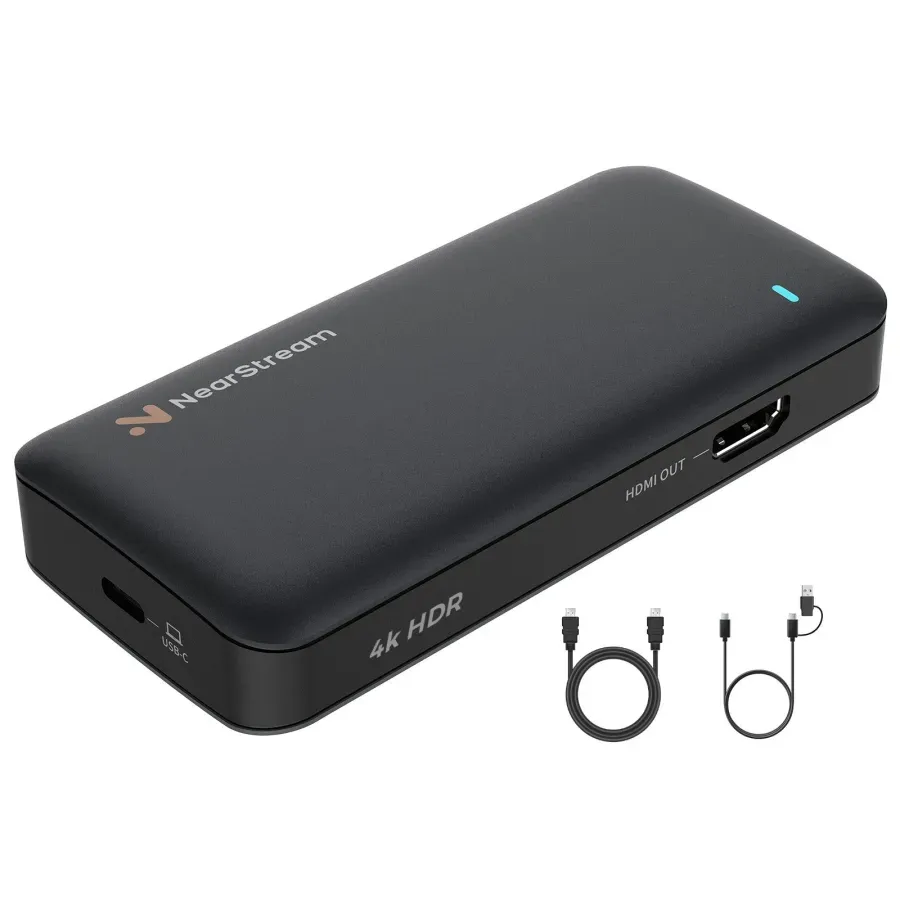
USB-C 3.1 interface for ultra-fast, reliable data transfer
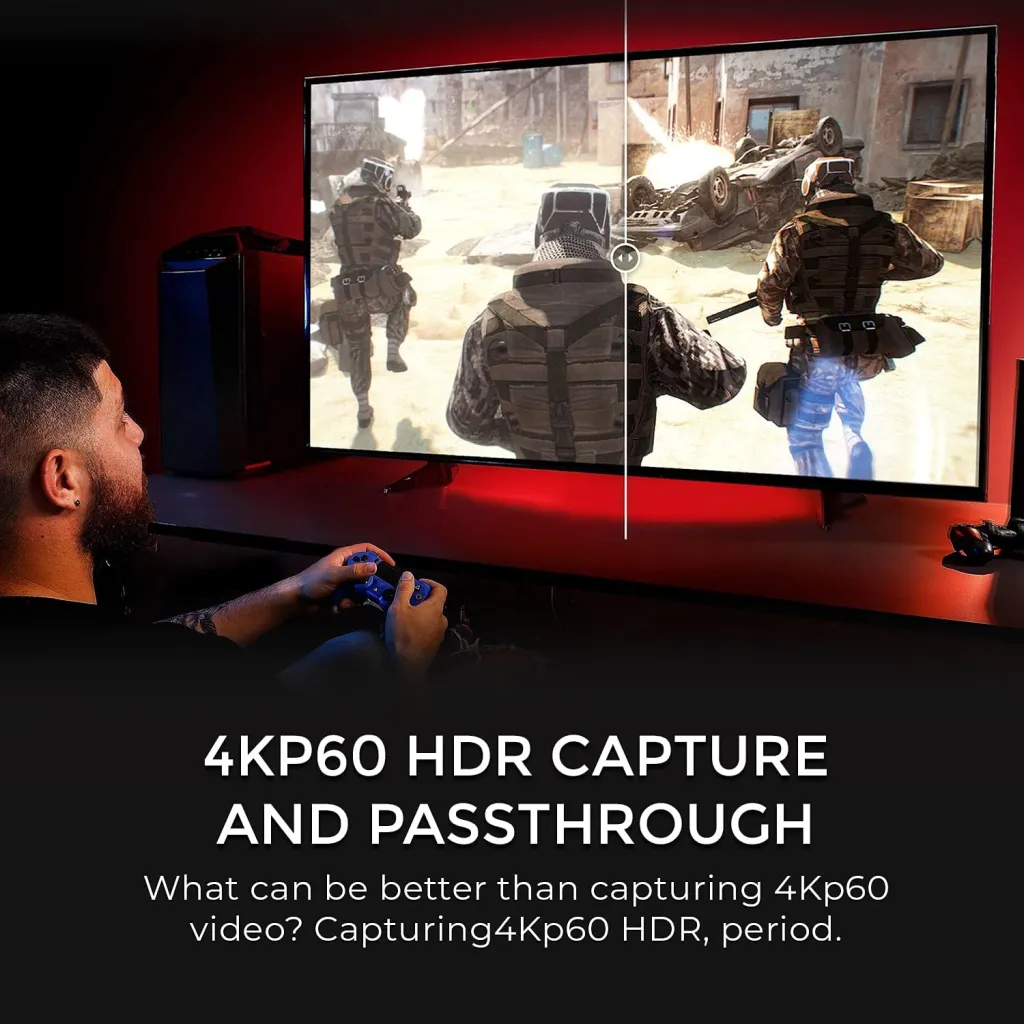
HDR10 support for lifelike contrast and vibrant color
Plug and play, no driver needed on Windows/Mac
Wide compatibility: Xbox Series X/S, PS5, PS4 Pro, Nintendo Switch, DSLR, PC
3.5mm audio input for direct mic/headphone connection
With professional-level features like 4K60 capture, HDR10, and plug-and-play ease, the NearStream CCD30 is arguably the best video capture card for streaming under $100. Whether you're gaming, podcasting, or creating tutorials, it's a versatile, affordable choice.












































































 sales@nearstream.us






