Best Football Cameras and Multi-Angle Recording Systems in 2025
Looking for the best football camera in 2025?
football camera
sport record
Updated: Feb 26, 2026 · 8 minutes read
Modular Video Kits for Growing Business.
⚽️ Which football camera is right for your team, school, or league? Whether you're capturing youth games or live-streaming college matches, this guide reveals the best cameras for 2025—based on stabilization, zoom, resolution, and live-streaming gear integration.
Quick Highlights:
Best cameras for school and coaching use
What makes a great football streaming setup
Smart mounting and angle tips
AV gear checklist for real-time sync and safety
Why Camera Choice Matters for Football Recording
Recording a football game is nothing like filming a birthday party. Football is fast-paced, covers a wide field, and involves dynamic motion from multiple players. This makes camera choice absolutely critical. Whether you’re capturing youth leagues, high school competitions, or college-level games, the right camera ensures not just clarity—but context, movement, and storytelling.
A poorly chosen camera may suffer from motion blur, poor lighting adaptation, or inadequate zoom, failing to follow the ball or missing critical moments like goals, fouls, or tactical plays. Worse still, without proper stabilization or remote control, long-range shots become shaky or unusable. This can affect training, game analysis, and even scouting footage quality.
Key Features to Look for in a Football Camera
To record football effectively, the camera you choose should meet several technical criteria:
Frame Rate: At least 60fps to capture fast movements without motion blur.
Zoom Capability: Optical zoom of 10x or more is essential for sideline or elevated shots.
Autofocus & Tracking: Must be responsive enough to follow players across the field.
Low-Light Performance: Games may occur at dusk or under poor lighting conditions—sensor quality matters.
Stabilization: Optical or digital image stabilization reduces shakiness, especially in handheld or mounted-on-stand shooting.
Portability & Battery Life: Particularly important for school tournaments or field recordings.
Output Compatibility: HDMI/USB-C output for streaming, plus SDI for professional switchers if needed.
In addition, supporting live streaming push (RTMP/NDI protocol) and multi-angle synchronization (such as multi-camera control system) are also key options for high-end shooting projects. When recording college competitions or vocational youth training, such functions can enhance the quality of the content and facilitate review and analysis.
Tip: If you want to do tactical analysis with AI in the future, choosing a device with clear recording and audio input will leave more room for subsequent processing.
Top Camera Types for Football Games
There’s no one-size-fits-all camera for football—but understanding the main types helps you make an informed decision based on your goals and budget:
📹 1. Handheld Camcorders (Prosumer Level)
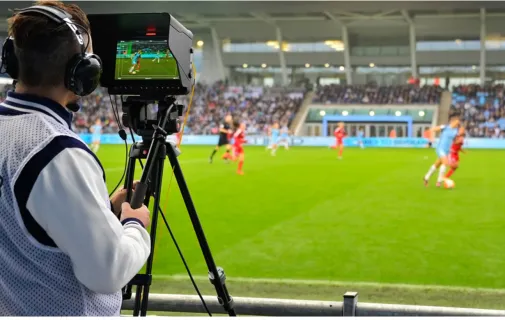
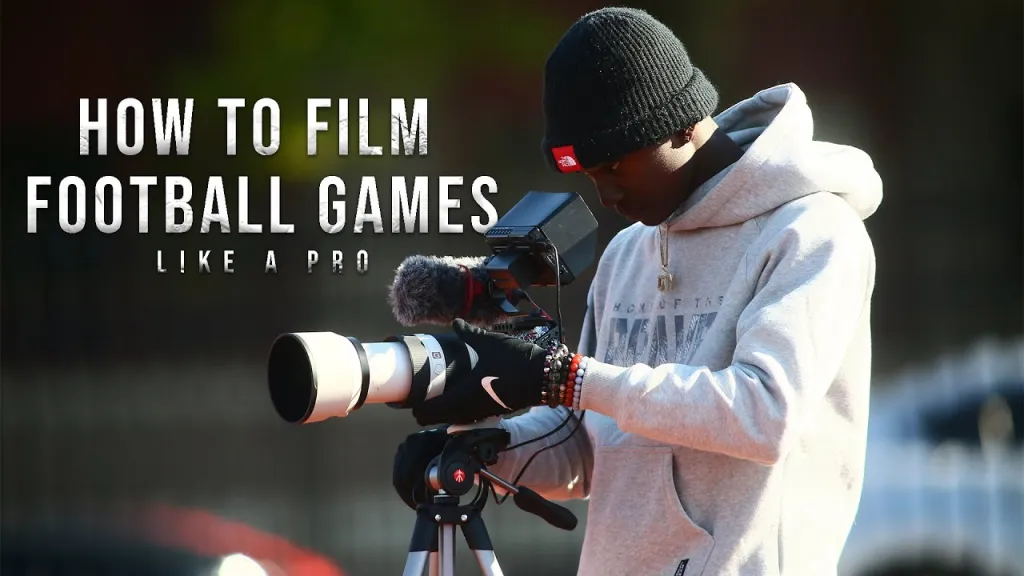
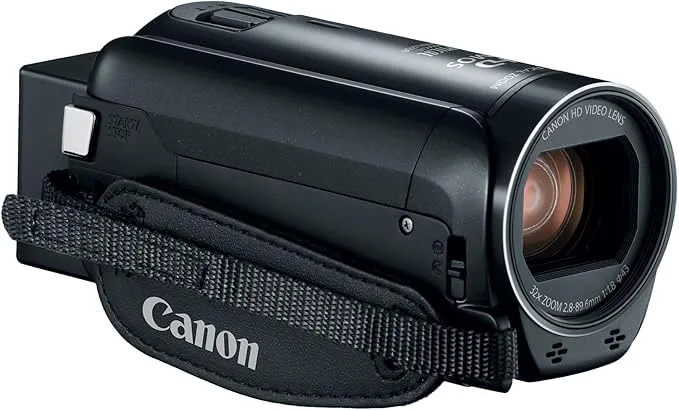
Great for sideline coverage. Offers good zoom, portability, and ease of use. Example: Canon Vixia HF G70.
But please note that the price of this kind of camera will be very high, usually above 1,000 US dollars.
🎥 2. PTZ Cameras (Pan-Tilt-Zoom)
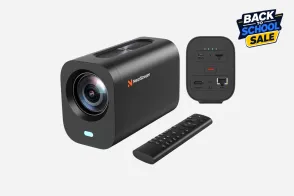
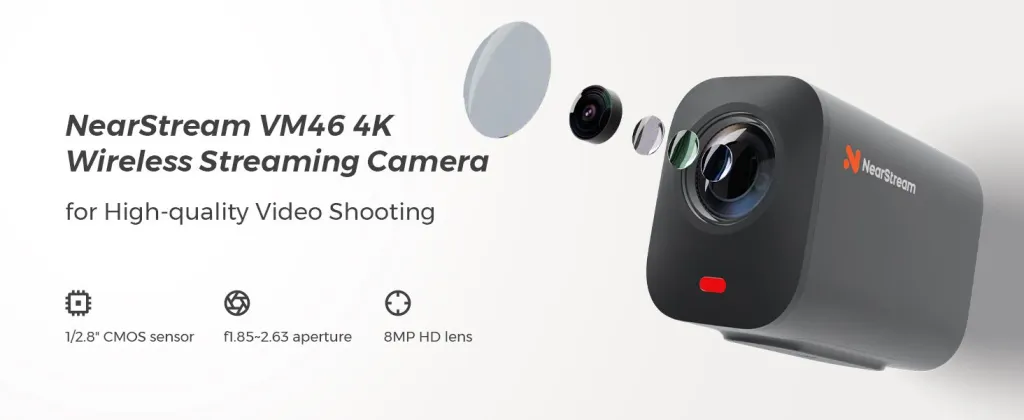
Suitable for high-budget, professional-grade sports setups. PTZ cameras allow full remote control, automatic tracking, and seamless zooming, but are typically expensive. Many PTZ options used in stadiums cost more than a full multi-camera system like the VM46 3-Camera Kit from NearStream.
🏞 3. Action Cameras (GoPro, Insta360)
Useful for creative angles—goalpost view, player perspective, or behind-the-scenes footage. Limited zoom, but highly mobile and durable.
🛸 4. Drones
Used for top-down tactical views, especially in coaching or promotional content. Note: Requires licenses in many regions and isn’t ideal for live play.
📷 5. Mirrorless & DSLR Cameras
These offer cinematic quality, often used in highlights, interviews, and promotional reels. Limited battery and zoom range for live recording.
Types
Applicable Scenes
Pros and Cons
Handheld Camcorders
Sidelines shooting and following the game
The operation is simple and the zoom is good, but it requires manual operation
PTZ Cameras
Multi-angle shooting and remote control
High stability, remote control, suitable for fixed layout
Action Cameras
Creative perspective, suitable for interspersed use within the venue
Compact and durable, with average image quality and a lack of zoom
Drones
Tactical analysis, promotional videos
The advantage of overhead shooting is obvious, but a pilot's license is required
Mirrorless & DSLR Cameras
High-quality edited content
The picture quality is excellent, but the shooting time is limited
Best Cameras to Record Football at Different Levels
For High School Football Games
High school football games often involve limited budgets, smaller venues, and minimal production staff. This means your camera must balance performance, affordability, and ease of setup.
🎯 What to Prioritize:
Simple operation – often handled by student volunteers or one-person teams.
Wide-angle + moderate zoom – high schools rarely need ultra-telephoto.
Battery endurance – at least 2–3 hours per game.
Wireless streaming or HDMI output – for school broadcasting platforms or Facebook Live.
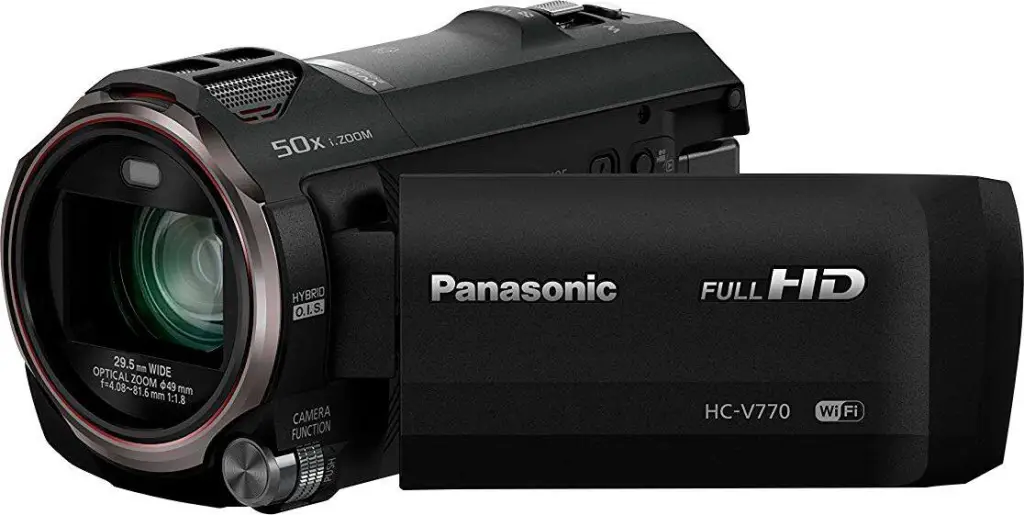
Panasonic HC-V770 – Offers optical zoom, live streaming, and Wi-Fi control.
💰Price: $599.99
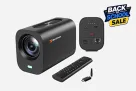
NearStream VM46 – A cost-effective, 3-camera multi-angle setup with optical zoom, 4K clarity, USB/HDMI output, and versatile mounting options. Perfect for fixed installations or mobile field recording.
💰Price: $699
The Trace survey shows that more than 61% of youth football clubs plan to increase investment in video analysis to enhance the development efficiency of players.
For College-Level & Professional Youth Training Programs
When recording college football or youth academy training, the stakes are higher: game analysis, athlete recruiting, and even commercial broadcasting come into play. That’s why cameras here need to deliver broadcast-level quality, multi-angle coordination, and robust customization.
📌 Typical Requirements:
High-resolution 4K capture – especially for replays or highlight reels.
Multiple output channels – for live streaming and recording simultaneously.
PTZ coordination – synchronized camera angles to capture offensive/defensive transitions.
Low-latency streaming – essential for remote coaching, sports analytics, or live commentators.
🔧 Recommended Setup:
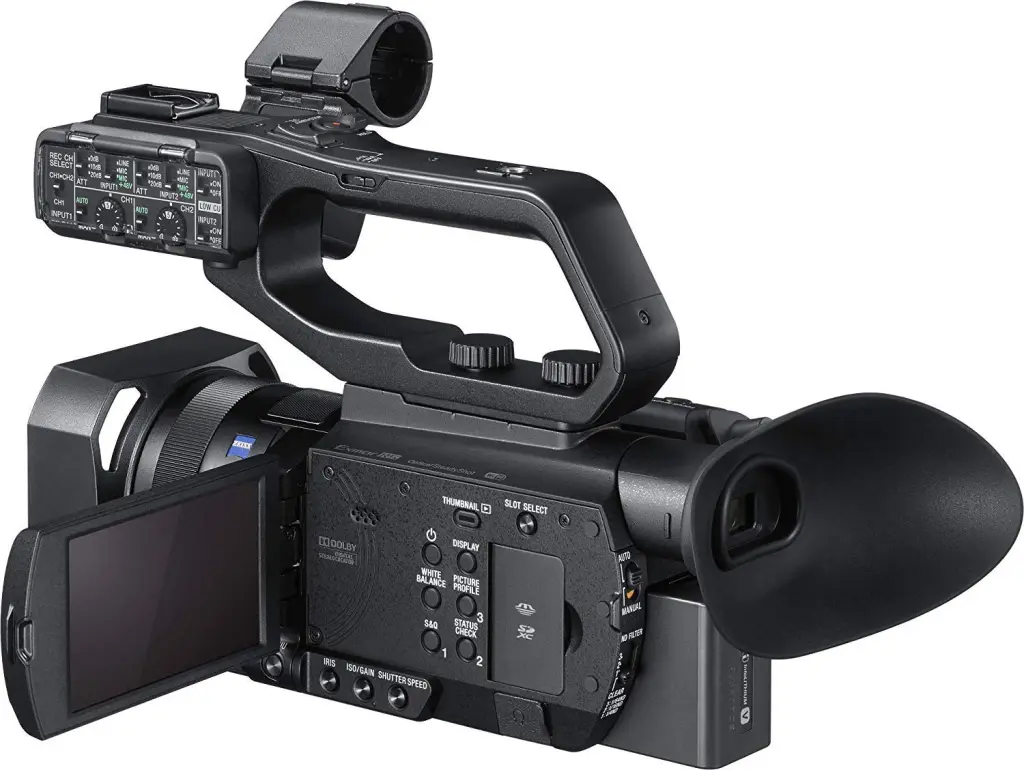
Sony PXW-Z90V – Ideal for on-the-ground camerawork with fast autofocus and 4K HDR.
Multi-Angle Football Camera Systems for Dynamic Coverage
Coaches need more than just footage—they need intelligent, usable visual data. Whether breaking down a formation, studying opponent plays, or highlighting player positioning, the camera system must deliver strategic insights.
🎯 What Matters Most:
High frame rate (60–120fps) – for slow-motion playback and movement clarity.
Consistent field coverage – ability to track all players and transitions.
Angle flexibility – top-down, wide-field, and sideline views needed.
Integration with analysis tools – such as Hudl, Coach’s Eye, or Dartfish.
🎥 Ideal System Configuration:
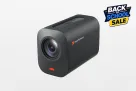
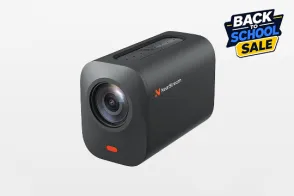
1 Elevated PTZ Camera (e.g. NearStream VM20 with ceiling mount or tall tripod) for full-field perspective.
1 Goal-side Action Cam for player-specific drills or penalty box breakdowns.
1 Mobile Camera (mirrorless or camcorder) for walkthroughs and coach interviews.
AV Mixer + Capture Card to integrate and record all sources into a single tactical video.
Stabilization, Zoom, and Resolution: What Really Impacts Quality
When choosing a football camera, creators and coaches often prioritize resolution—but that’s only one part of the quality equation. For dynamic sports like football, image stabilization and optical zoom range can matter just as much as 4K capabilities.
Why Stabilization Matters
Unstable footage not only looks amateurish but also makes tactical review harder. Look for cameras with:
Optical zoom keeps your image crisp even when zoomed in—essential for wide field shots and close player tracking. Digital zoom often causes pixelation.
Resolution Recommendations
1080p is the minimum for training and school games
4K is recommended for broadcast, highlight reels, and coaching analysis
60fps or higher is critical for motion clarity
Football Camera Setup Tips: Mounting, Angles, and Safety
Proper camera placement makes or breaks your footage. The goal is to maximize visibility of player movement while maintaining stability and protecting equipment.
🎯 Mounting Tips:
Elevated tripod (8–12ft) for mid-field wide angle
Press box mounts for a panoramic full-field view
Goal-line angles for close-up replay or striker analysis
Ceiling mount (indoor training spaces) for tactical top-down capture
🛠️ Safety & Stability:
Use sandbags or weighted tripods to resist wind
Secure all cables with gaffer tape to prevent tripping
Consider weatherproofing cases for outdoor games
🧠 Smart Configuration:
Use PTZ cameras so one operator can control multiple angles remotely
Label cables, mark angles in advance, and pre-test audio/video sync



































































 sales@nearstream.us






