Stop Leading from a Laptop Webcam: The Ultimate Guide to the Executive Home Office
Elevate your virtual leadership with this ultimate guide to setting up an executive home office.
executive home office
webcam setup
professional audio
Updated: Feb 26, 2026 · 8 minutes read
Modular Video Kits for Growing Business.
By The Executive Tech TeamEstimated Reading Time: 12 Minutes
Executive leadership is a game of nuance and precision.
If you have ever tried to command a room via a standard laptop webcam, you know the pain:
The camera angle looks up your nose, making you look tired.
The audio is thin and tinny, making you sound junior.
The software crashes right before you speak, forcing you to fumble with settings while 20 people watch.
To lead effectively in a hybrid world, you need dedicated gear. This guide analyzes the landscape of home office equipment to help you find the best setup for executives who value their time.
Why Your Laptop is Not a Command Center
Before we dive into what you should buy, we need to address what you are currently using.
Laptops are miracles of modern computing, but they are terrible at being a Broadcast Station.
The executive environment is hostile to consumer electronics. It demands reliability, speed, and aesthetic perfection.
The "Webcam Trifecta" of Failure:
The "Nostril" Angle: Laptops sit on desks. This forces the camera to look up at your chin. In psychology, this is a low-status angle. It distorts your face and makes eye contact impossible.
The "Tin Can" Audio: Laptop microphones are tiny. They pick up fan noise and keyboard typing just as loudly as your voice. They strip away the low frequencies (bass) that convey authority and calmness.
The "Friction" Wall: To share a physical document or prototype, you have to hold it up to the screen. The autofocus hunts, the text is blurry, and you look unprepared.
To lead like a pro, you need a dedicated Executive AV System designed for the boardroom, not the breakroom.
The Three Main Contenders: Categorizing Your Options
When searching for the best home office setup, you will generally encounter three distinct categories of devices. Each has a specific "vibe"—and most are wrong for you.
To help you understand the landscape, we have broken them down by function, aesthetic, and usability.
Option A: The "Gamer" Rig (RGB Everything)
Examples: Plastic headsets, glowing microphones.
The Vibe: "I play video games in my basement."
Pros: Cheap and easy to find.
Cons:Unprofessional Aesthetic. Flashing rainbow lights and aggressive plastic designs destroy the gravitas of a C-Suite office. You look like a streamer, not a leader.
Option B: The "Audiophile" Rat's Nest (The Engineer's Dream)
Examples: Rack-mounted interfaces, complex DAWs.
The Vibe: "I need a degree to turn this on."
Pros: Incredible sound quality.
Cons:High Friction. Requires installing drivers, routing software, and constant tweaking. If Windows updates overnight, your audio stops working. Executives don't have time to debug drivers.
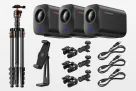
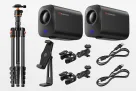
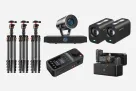
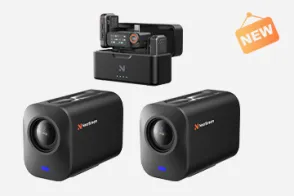
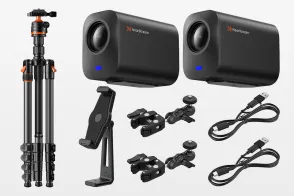
Option C: The Integrated Executive Kit (The PodKit Dual Kit)
The Vibe: The precision of a Swiss Watch with the simplicity of an iPhone.
Pros: Designed specifically for "Plug-and-Play" efficiency. Features Class-Compliant USB-C (no drivers), industrial matte-black design, and hardware-based control.
📊 Table 1: Which Type Fits Your Need?
Feature
Gamer Rig
Audiophile Setup
PodKit Dual Kit
Aesthetic
❌ Neon / Plastic
❌ Cluttered Wires
✅ Matte / Industrial
Setup Time
Fast
🐢 Slow (Calibration needed)
⚡ Instant (Plug & Play)
Software
Bloatware Required
Complex Drivers
None (Hardware Based)
Reliability
Low
Medium (Software bugs)
High (XLR Connections)
Verdict
Good for Teenagers
Good for Musicians
Best for Executives
Deep Dive: What Makes the Best Executive Setup?
If you are looking to invest in your office this quarter, you need to look past the marketing fluff. Here are the technical specs that actually impact your ROI (Return on Interaction).
1. Optical Zoom vs. Digital Zoom (The "Details" Matter)
This is the most critical factor for productivity.
Digital Zoom (Webcams): Crops the image, turning text into pixelated mush.
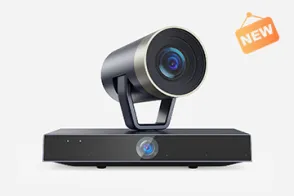
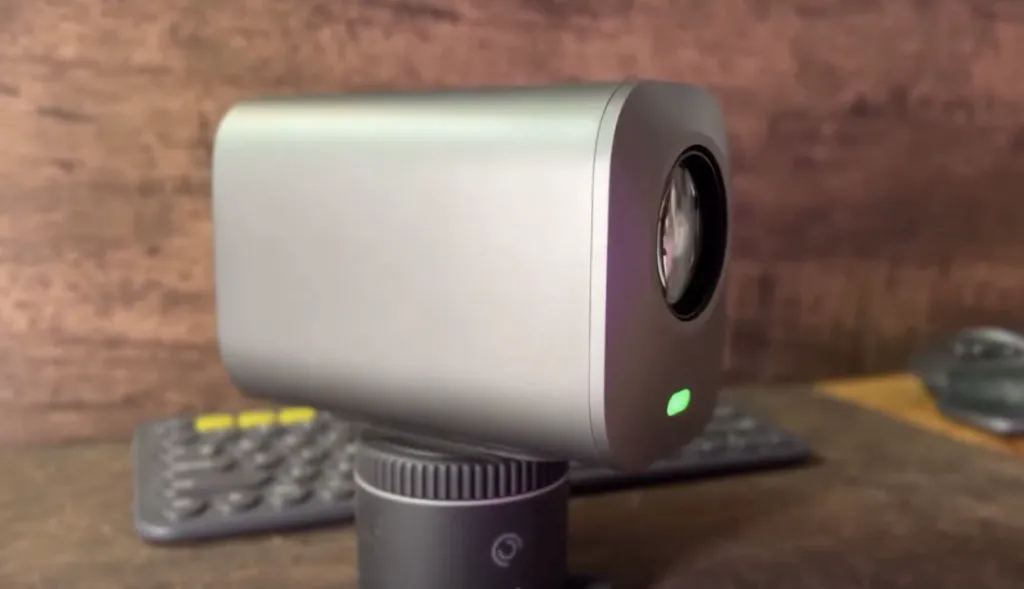
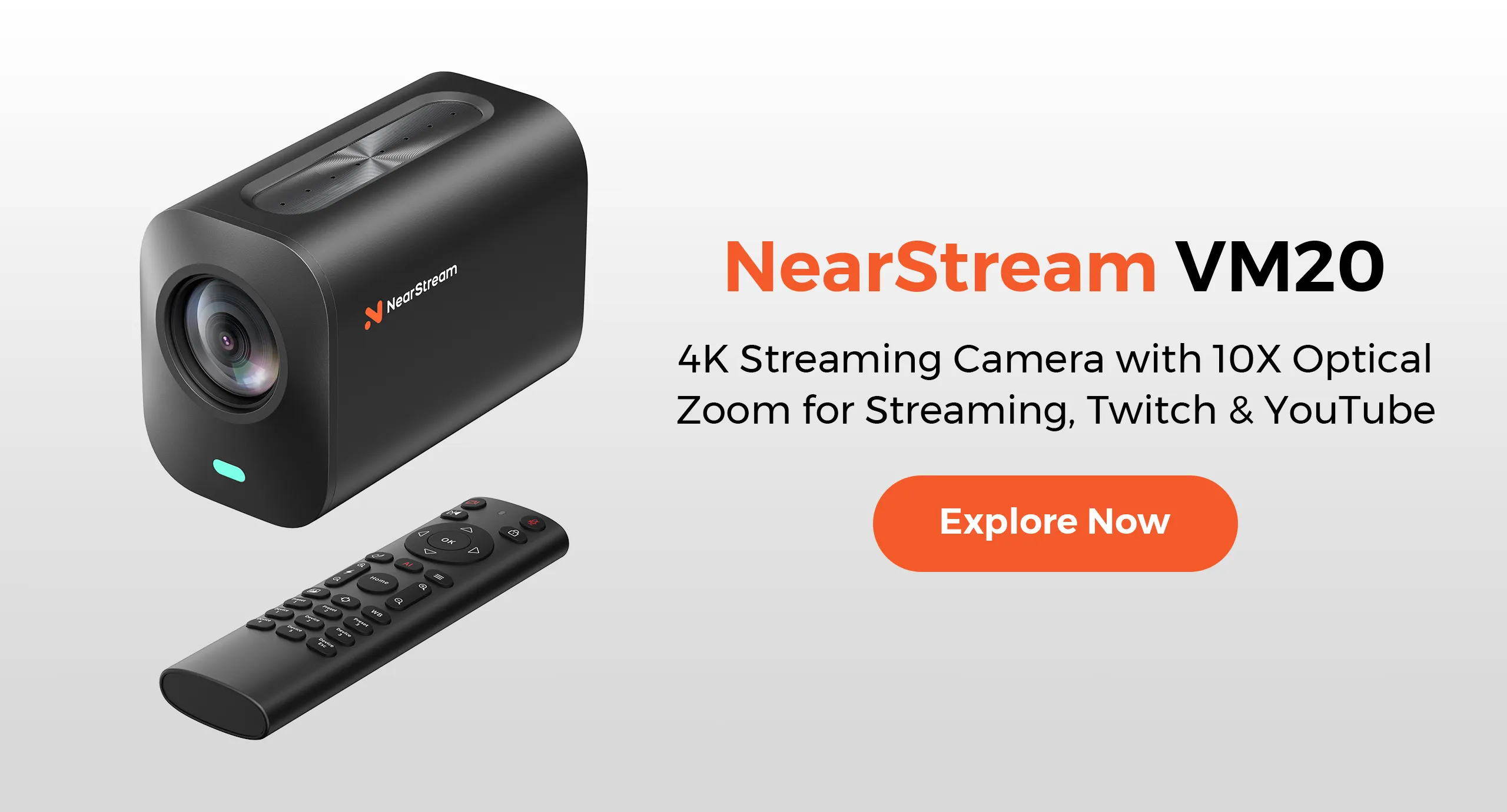
Optical Zoom (VM20): The lens physically moves to magnify the image.
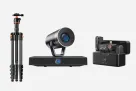
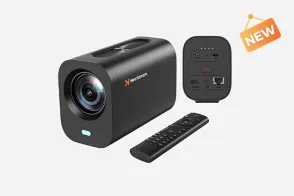
Why it matters: You often need to review a physical contract, a hardware prototype, or a fabric swatch. The VM20 Camera (included in the kit) features 40X Optical Zoom. You can frame a document on your desk and zoom in until the fine print is readable, with zero pixelation. It turns your camera into a presentation tool.
2. Hardware Mute vs. Software Mute (Risk Management)
In a high-stakes call, a "Hot Mic" is a liability.
Software Mute: Requires finding a mouse cursor and clicking an icon. Slow and unreliable.
Hardware Mute: A physical button on the device.
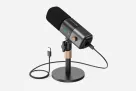
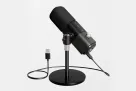
Why it matters: The AM25X Microphone features a Capacitive Touch Mute button with a giant Red/Green LED ring. You don't look at the screen; you tap the mic. It provides the psychological safety to have a private side-bar conversation instantly.
3. Class-Compliant USB-C (The "No Driver" Rule)
Time is money.
Driver-Based Gear: Requires software installation. Often breaks after OS updates.
Class-Compliant Gear: The computer recognizes it immediately as a generic audio device.
Why it matters: The AMIX40U Mixer connects via a single USB-C cable. You can walk into your office, plug it into a MacBook, iPad, or PC, and be live on Bloomberg in 30 seconds. No IT support ticket required.
The Solution: Why PodKit Dual Kit is the Ultimate Office Upgrade
After analyzing the categories, the market was missing a device that combined the quality of studio gear with the simplicity of a toaster.
Enter the PodKit Dual Kit.
Here is why it is becoming the standard for the minimalist CEO.
✅ It Respects Your Time (Zero Friction)
The PodKit system removes the "Tech Tax." There is no software mixer to learn.
Volume Control: Want to be louder? Slide the physical fader up.
Bluetooth: Want to play a voice memo from your phone? Connect via Bluetooth instantly. It leverages muscle memory, not menu diving.
✅ It Respects Your Space (Clean Desk Policy)
Clutter creates mental fog.
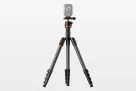
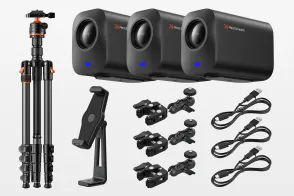
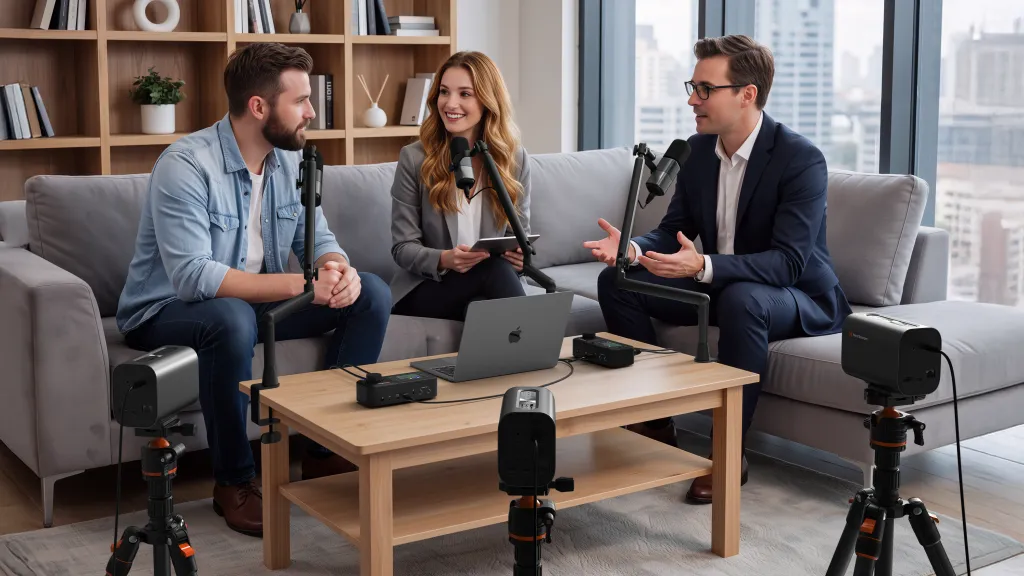
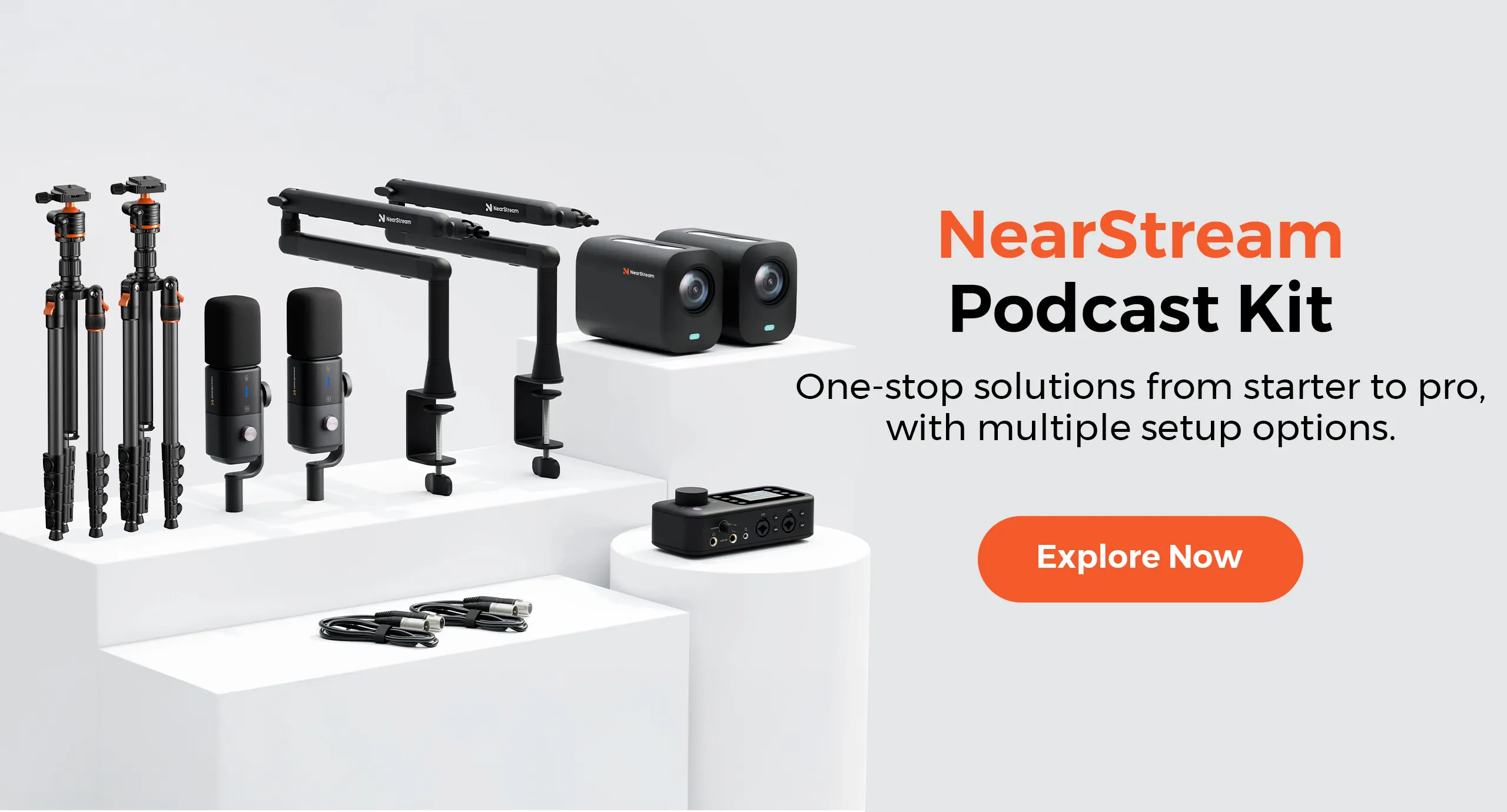
The kit includes 4x ST20 Boom Arms. These clamp to the rear of your desk, floating the microphones and cameras in the air.
Result: Your walnut desk surface is 100% reclaimed. You have space for your notebook and coffee. The technology is there when you need it and pushed away when you don't.
✅ The "Dual" Advantage (Multi-Zone Productivity)
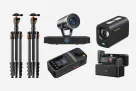
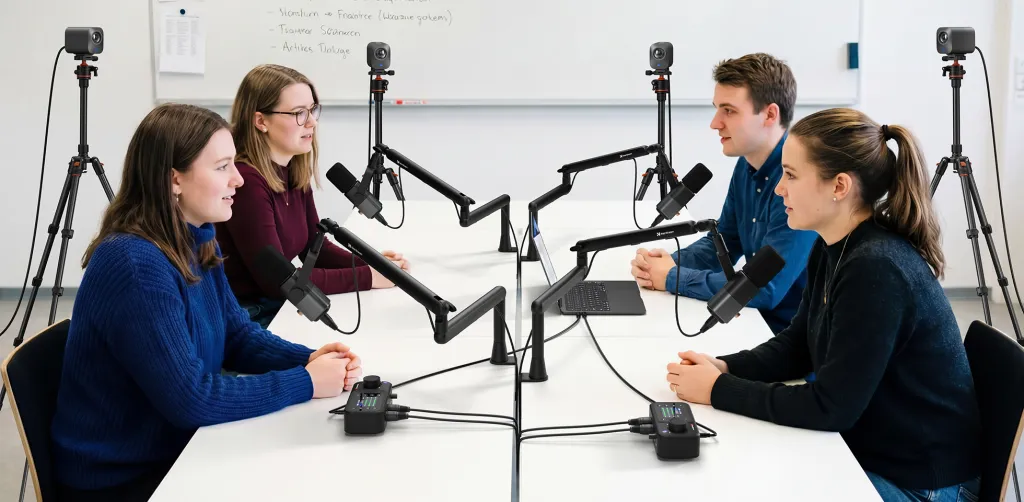
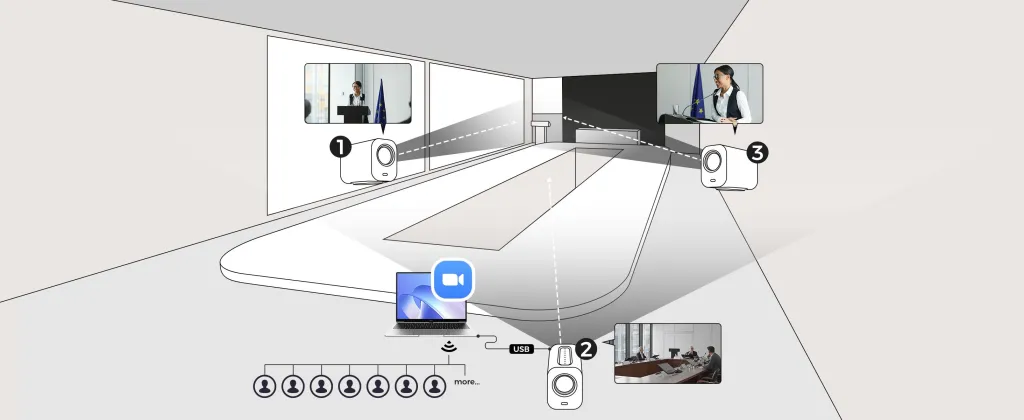
Why does the kit come with 4 cameras and 4 mics? It allows for Workflow Redundancy.
Zone A (Desk): For focused negotiation (Sit down).
Zone B (Whiteboard/Lounge): For strategy sessions (Stand up). You can switch from a seated call to a whiteboard presentation instantly without moving a single tripod.
📊 Table 2: Workflow Speed Test
Task
Standard Setup
PodKit Dual Kit Setup
Showing a Document
🐢 2 Minutes Scan → Email → Share Screen.
⚡ 5 Seconds Cut to VM20 "Zoom Cam" (Zone A).
Switching to Whiteboard
🐢 3 Minutes Move laptop → Adjust angle.
⚡ 2 Seconds Walk to Whiteboard (Zone B). Audio is ready.
Muting a Cough
🐢 3 Seconds Find mouse → Click icon.
⚡ 0.1 Seconds Tap AM25X Touch Mute.
The Future of Leadership: Digital Body Language
Investing in a PodKit Kit is about more than just vanity; it's about controlling the narrative.
🎓 Authority and Trust
When your audio has the deep resonance of a broadcast anchor (thanks to the AM25X), people listen longer. They interrupt less. High-fidelity audio is a subconscious signal of competence.
❤️ The Confidence Loop
The kit includes Zero-Latency Monitoring. You hear yourself in your headphones. This stops you from shouting. It allows you to use silence and pauses effectively, restoring your "Digital Body Language."
FAQ: Common Questions About Executive Setup
Q: Will the boom arms damage my expensive desk?
A: No. The ST20 clamps come with high-density rubber padding specifically designed to protect premium wood, glass, and composite surfaces from scratches or pressure marks.
Q: Does it work with Mac Studio / Mac Mini?
A: Yes. It is natively compatible with macOS. No "System Extension" blocked messages, no security workarounds. It just works.
Q: Can I turn off the LED lights on the microphone?
A: Yes. While the lights provide status confirmation (Red/Green), the design is understated. If you prefer a completely "Blackout" stealth look, the lights can be disabled.
Q: Why is this better than an expensive All-in-One conferencing bar?
A: Conferencing bars are "Far-Field" devices. They pick up the echo of the room. The PodKit Kit uses "Near-Field" microphones (AM25X) that sit close to you, giving you that rich, radio-quality sound that wall-mounted bars simply cannot achieve physically.
Conclusion
The days of squinting at a laptop screen and shouting into a pinhole microphone are over.
As a leader, you plan for every contingency in your business. Why leave your personal presence to chance?
To capture the room—even when the room is virtual—you need the right tools.
By moving away from consumer toys and choosing a specialized Executive System like the PodKit Dual Kit, you ensure that your voice carries the weight it deserves.
Stop debugging. Start leading.
Setup the PodKit Kit, plug in one cable, and get back to business.





















































 sales@nearstream.us