The $2 Million Meeting: Why Hardware is Your Only Insurance Policy Against Executive Risk
In high-stakes corporate environments, relying on basic software-based AV gear for critical meetings is a significant risk, leading to 'Tech Friction' that undermines credibility and operational security.
Corporate Meetings
AV Solutions
Executive Risk
Updated: Feb 25, 2026 · 8 minutes read
Modular Video Kits for Growing Business.
By The Executive Tech TeamEstimated Reading Time: 18 Minutes
In the C-Suite, we plan for every contingency. We insure our buildings against fire. We have legal teams vet every comma in a press release. We rehearse our earnings calls until they are perfect.
Yet, countless executives are currently sitting in front of a laptop, preparing for a million-dollar negotiation, relying on a fragile $50 webcam and a confusing Zoom interface.
This is a massive blind spot in corporate risk management.
In a high-stakes environment, "Tech Friction" is not just annoying; it is a Liability.
The Psychological Liability: When your video freezes or your audio sounds thin, you subconsciously signal incompetence and lack of preparation.
The Operational Liability: What if the software mute button lags when a confidential crisis happens in the room? What if the camera autofocus hunts wildly while you are trying to show a critical clause in a contract?
We need to stop treating AV gear as "IT Peripherals" and start treating them as "Risk Management Tools."
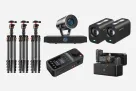
The PodKit Dual Kit was designed to close this gap. By replacing "Software Guesses" with "Hardware Certainty," it provides the physical infrastructure necessary to protect your reputation. Here is the comprehensive breakdown of how each device acts as a firewall against disaster.
The Audio Shield: Why Software Mute is a Security Risk
(The Problem: The "Hot Mic" Anxiety)
The most dangerous risk in a modern board meeting is not a bad slide deck; it is the "Hot Mic."
We have all seen the headlines: The CEO who thought he was private and insulted a client. The confidential merger discussion broadcast to the wrong department.
Relying on a software mute button (in Zoom, Teams, or Webex) adds a dangerous layer of uncertainty:
Latency: It takes 2-3 seconds to wake the screen, find the mouse, and click the icon. In a crisis, that is an eternity.
Ambiguity: Is the icon crossed out? Is it grey or red? When you are screen-sharing, the controls often disappear entirely.
The Hardware Solution: AM25X Microphone & The "Physical Cut-Off"
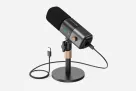
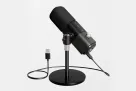
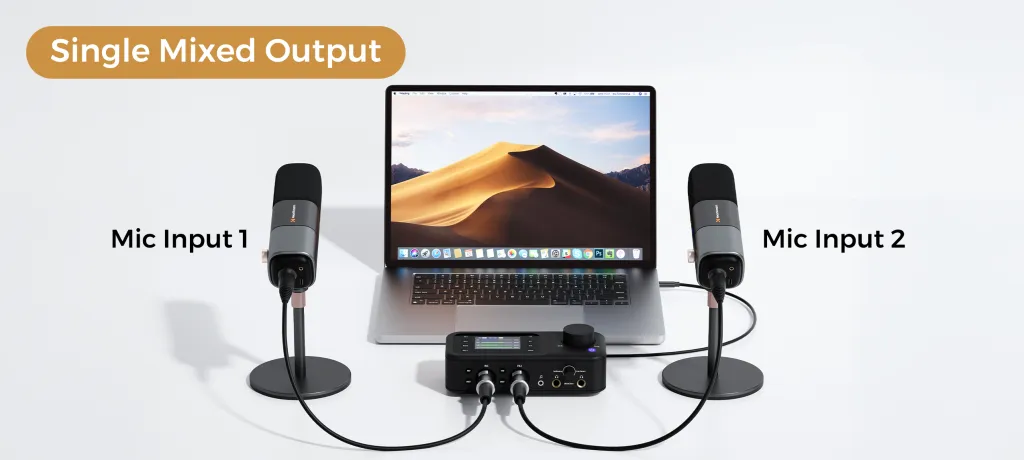
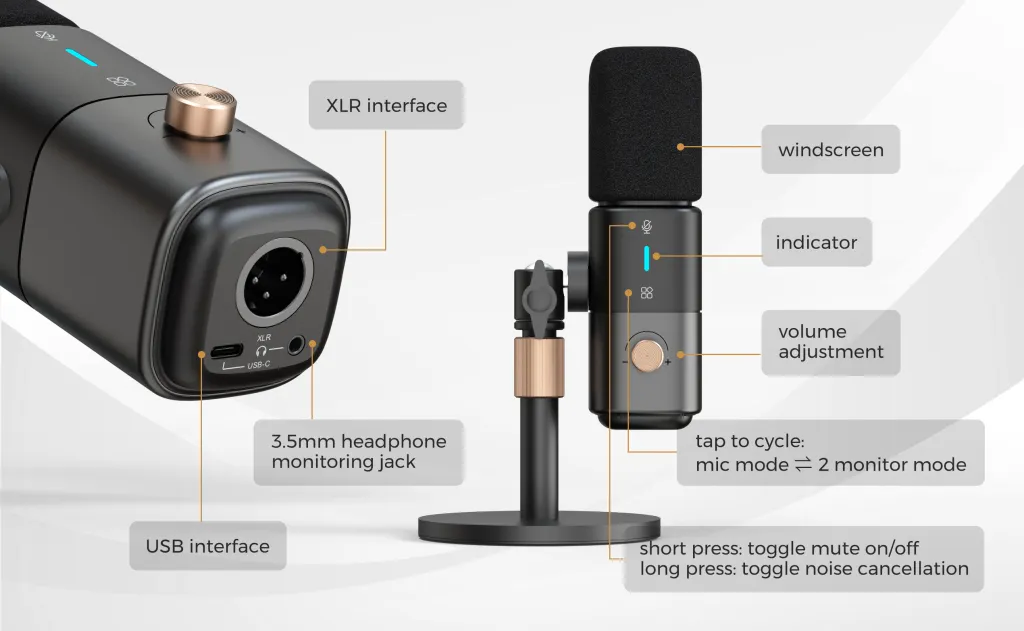
The AM25X Condenser Microphone (4 units included in the Dual Kit) acts as your primary security gate. It moves the control from the screen to your desk.
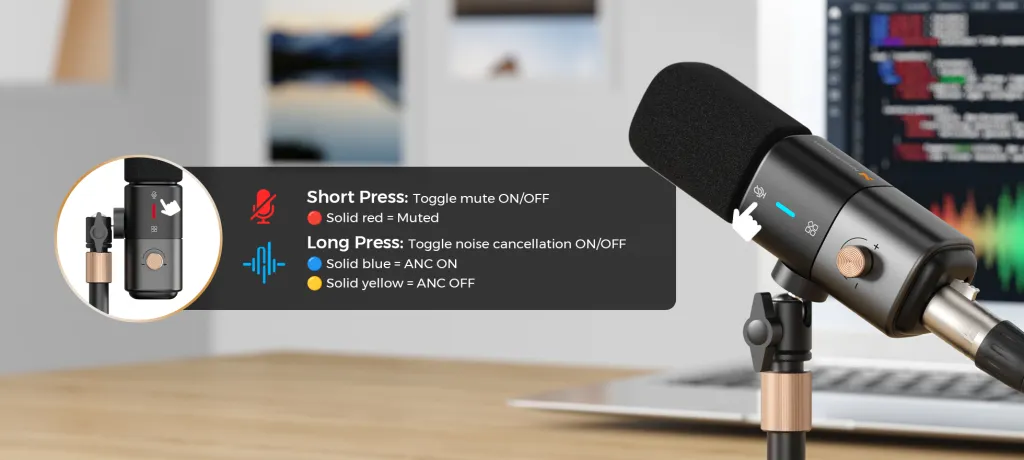
Capacitive Touch Mute (The 0.1s Response): Unlike software, this is a hardware interaction. A light tap on the top of the mic cuts the electrical signal instantly. Because it is capacitive (touch-sensitive), it is completely silent—there is no mechanical "click" sound to alert the audience that you have gone private. You simply touch, and you are safe.
The "Traffic Light" Certainty: The LED ring on the microphone provides a binary, unmistakable status check in your peripheral vision.
Red Light:SECURE. You can speak freely to your advisor.
Green Light:LIVE. You are broadcasting.
Benefit: You never have to ask the embarrassing question, "Can you hear me?" or "Am I muted?" The hardware tells you the truth, even if the software freezes.
AI Noise Cancellation (The Focus Shield): The AM25X features an internal DSP chip that acts as an intelligent filter. It identifies non-human noises—HVAC hum, construction drilling, keyboard typing—and silences them before they leave the device. This ensures that your environment never undermines your message.
Table 1: Audio Security Comparison
Risk Scenario
Laptop / Software Mute
PodKit AM25X Hardware Mute
Speed to Silence
🐢 Slow (3 Sec) Wake screen → Find cursor → Click.
⚡ Instant (0.1 Sec) Blind tap on the mic.
Visual Confirmation
❌ Ambiguous Small icon on screen.
✅ Certain Bright RED LED ring.
Fail Rate
⚠️ High Software lag or crash.
🛡️ Zero Physical circuit disconnect.
The Visual Authority: Why Blurry Video Destroys Credibility
(The Problem: The "Low-Status" Signal)
In a negotiation or legal deposition, Ambiguity is a Risk.
Psychological research shows that poor video quality (blurriness, bad lighting, low angle) causes viewers to perceive the speaker as less intelligent, less likeable, and less trustworthy.
If you are a CEO, but your camera makes you look like a pixelated shadow in a witness protection program, you have already lost the battle for authority. Furthermore, if you need to show a physical document or a product prototype, a standard webcam will fail to focus, making you look unprepared.
The Hardware Solution: VM20 4K Camera & "Evidence Quality"
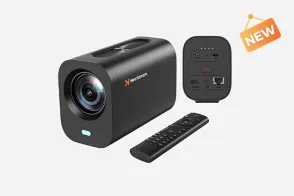
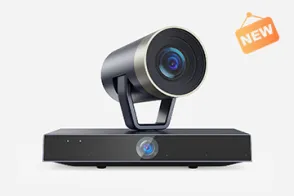
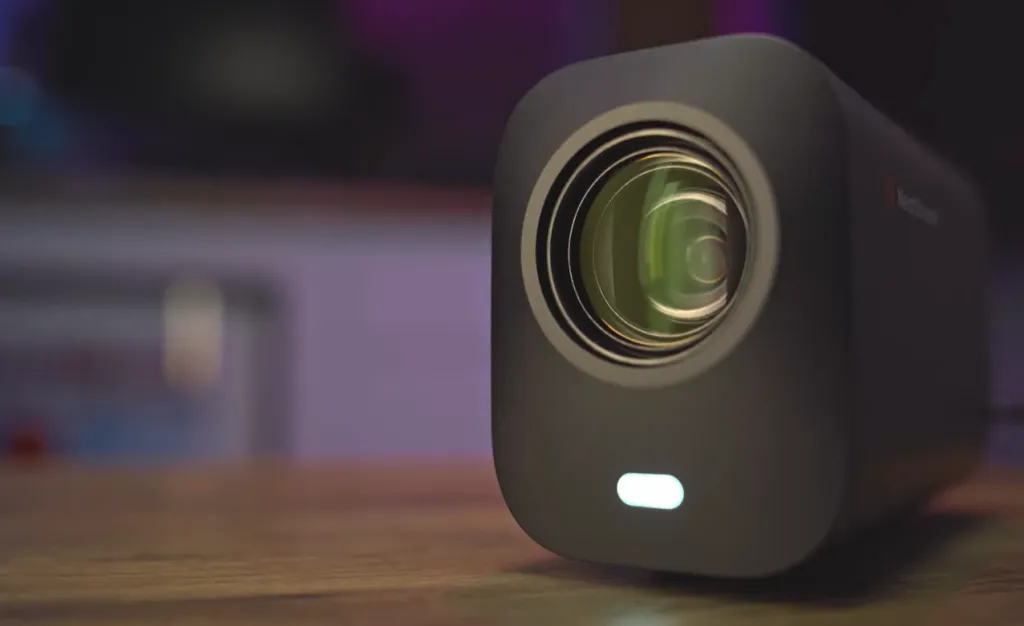
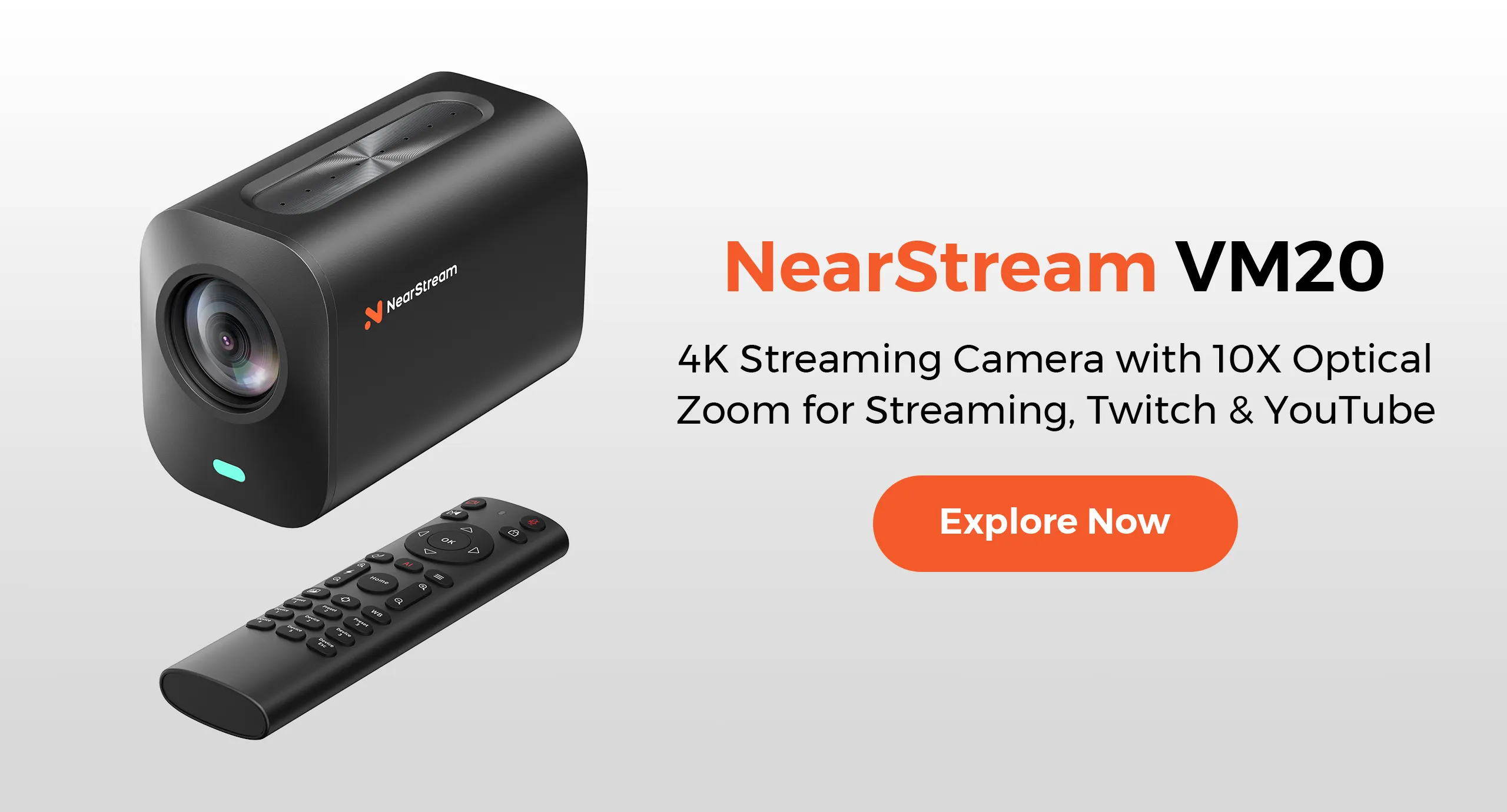
The VM20 4K Camera (4 units included) ensures absolute visual clarity, acting as a tool for "Evidence Presentation."
4K Resolution (The Authority Signal): Using a high-end Sony Sensor, the VM20 captures every micro-expression. It shows that you are alert, engaged, and in command. It conveys "Executive Presence" before you even speak a word.
40X Optical Zoom (The Strategic Asset): This is not just for framing; it is a business tool.
Scenario: You need to show a specific clause in a physical contract or the stitching quality of a prototype without handing it over digitally.
Action: Use the included remote to zoom in 40X optically.
Result: The client sees the texture or text clearly, with zero pixelation. It turns the camera into a document scanner.
Autofocus Reliability: The VM20 uses fast PDAF (Phase Detection Auto Focus). Unlike cheap webcams that "breathe" (pulse in and out of focus), the VM20 locks onto the subject instantly. You can gesture freely without the camera panicking.
Operational Control: Managing the Chaos of Hybrid Meetings
(The Problem: Loss of Command)
Nothing destroys a meeting faster than "Technical Chaos."
A remote participant screaming because their microphone gain is too high.
System sounds blasting unexpectedly.
The internet cutting out mid-pitch.
The awkward silence while you fumble for volume settings.
In these moments, you look like a passenger, not a pilot.
The Hardware Solution: AMIX40U Mixer & "The Cockpit"
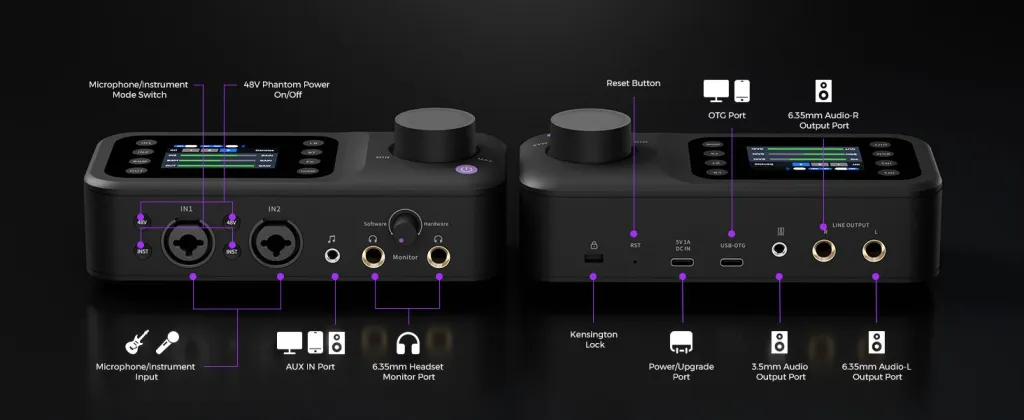
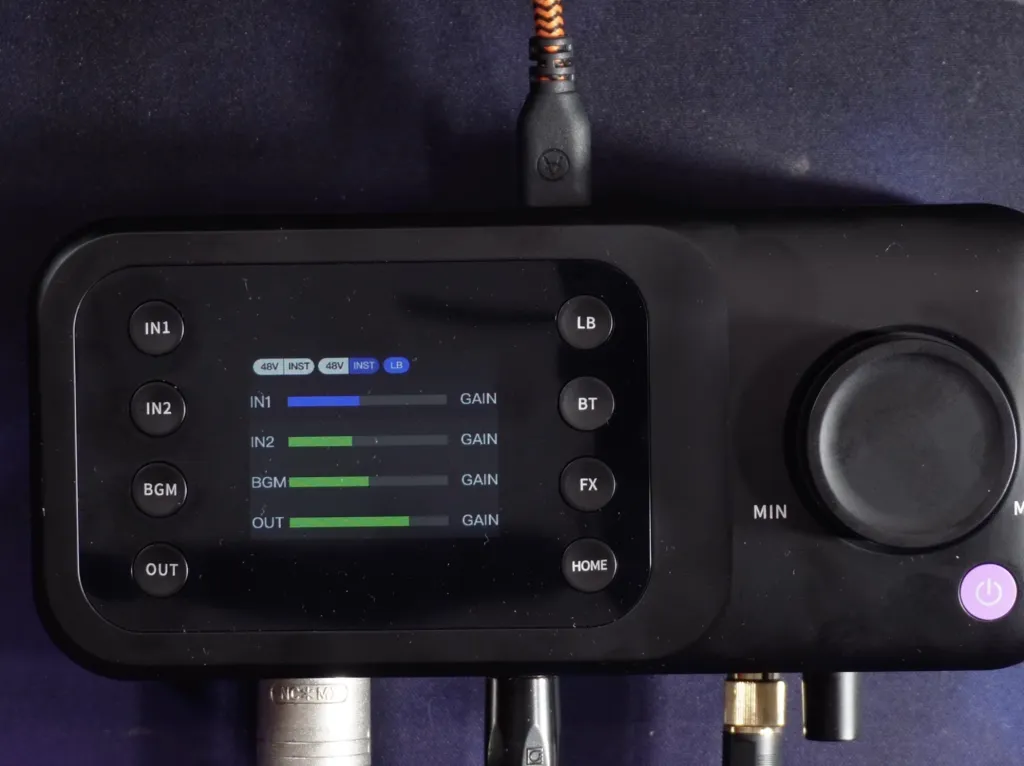
The AMIX40U Audio Mixer (2 units included) puts the "Pilot's Controls" at your fingertips. It moves audio management from a hidden software menu to a physical desktop console.
Physical Faders (Tactile Control): If a channel is too loud, you don't need to open settings. You simply slide the physical fader down. It is immediate, intuitive, and keeps your eyes on the camera, not the screen.
Bluetooth Rescue (The Contingency Plan): This is a critical redundancy feature.
Scenario: The building's internet goes down during a critical board vote.
Action: Connect your smartphone to the AMIX40U via Bluetooth.
Result: You can bridge a cellular call directly into the meeting system instantly. Your audio continues seamlessly via the high-quality mics, even if the video feed cuts. It is a communication lifeline.
Zero-Latency Monitoring (The Confidence Loop): By plugging headphones into the mixer, you hear your own voice in real-time. This "Pilot Effect" allows you to regulate your volume and pacing naturally, preventing the "Shouting at the Laptop" syndrome that plagues many executives.
Table 2: Control & Reliability Check
Crisis Scenario
Standard Setup
PodKit AMIX40U Setup
Internet Failure
❌ Meeting Ends.
✅ Bluetooth Backup keeps audio running via cellular.
Loud Feedback
❌ Panic search for volume key.
✅ Instant Fader Adjustment to kill noise.
System Crash
❌ Reboot required.
✅ Hardware Mixing continues to work independently.
The Infrastructure: Why Physical Stability Matters
(The Problem: The "Clutter" Distraction)
The final risk is Physical Chaos.
A cluttered desk with tangled wires signals a cluttered mind. A microphone falling over during a presentation signals amateurism. A USB cable wiggling loose signals unreliability.
The Hardware Solution: XLR Cables & ST Series Stands
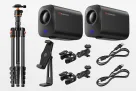
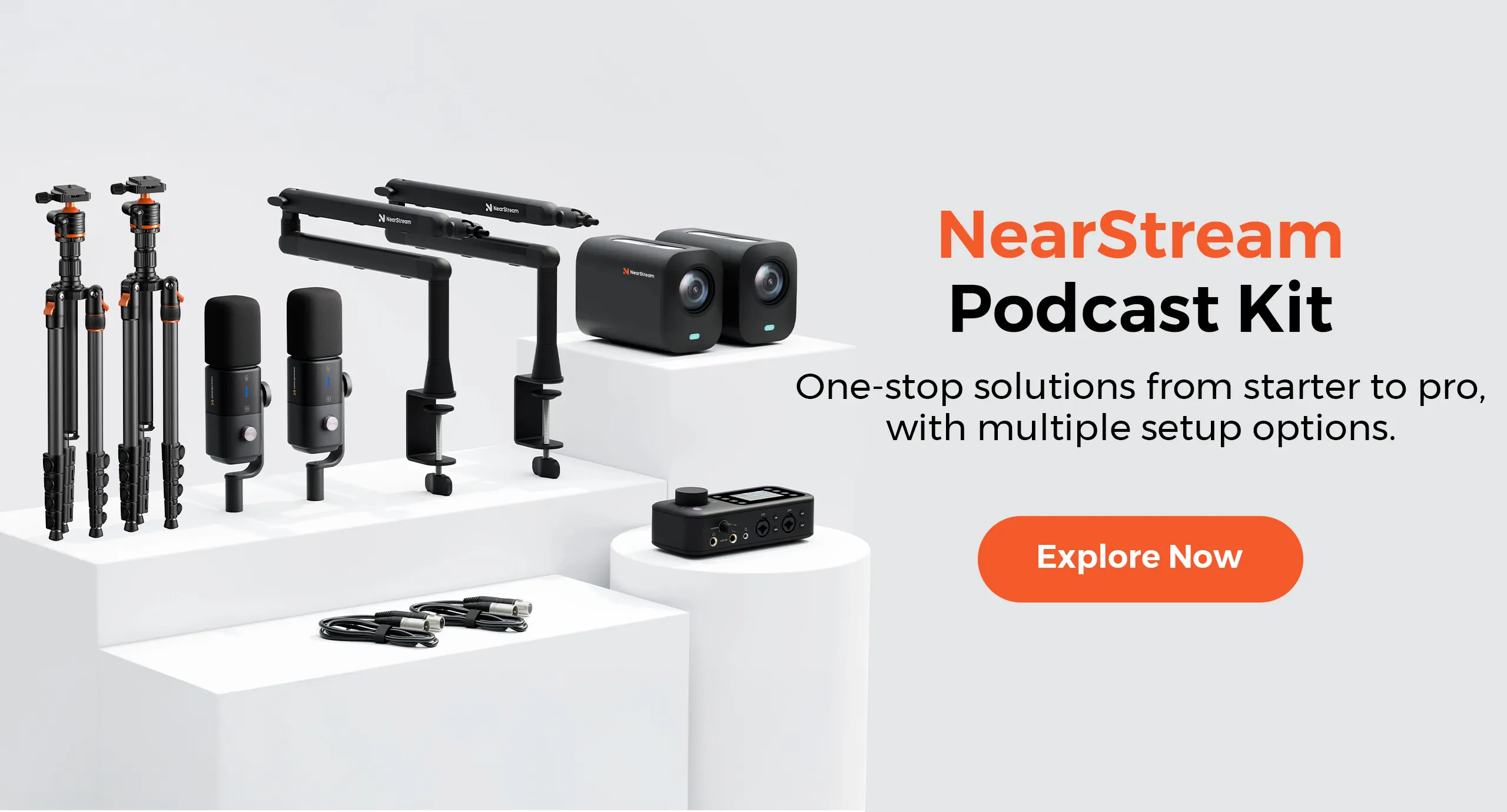
The PodKit Dual Kit includes the infrastructure to professionalize the physical space.
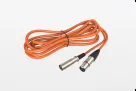
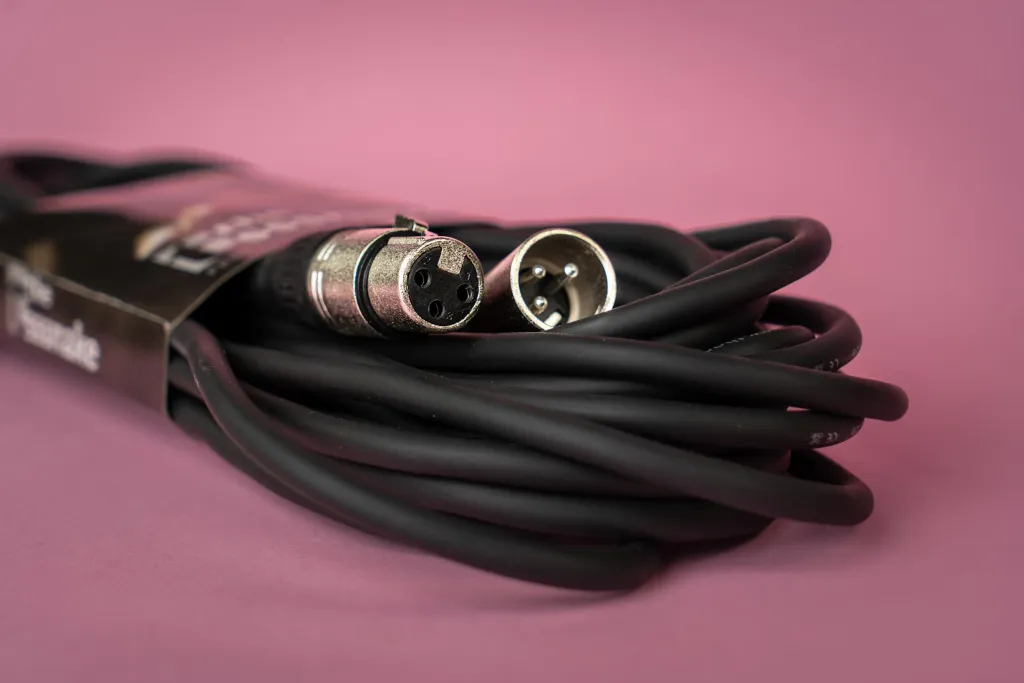
XLR Connectivity (The Secure Link): Consumer gear uses USB cables which can wiggle loose or cause driver conflicts. The PodKit Kit uses XLR cables, the global standard for professional audio.
The Lock: XLR cables physically click and lock into the microphone and mixer. A participant kicking a cable under the table won't disconnect the audio.
The Signal: Balanced XLR cables reject electrical interference, ensuring a clean signal even in an office full of Wi-Fi routers.
ST20 Boom Arms (The Clean Desk Policy): By clamping microphones to the table edge, the ST20 arms float the gear above the workspace. This removes the risk of knocking over a desk stand while gesturing and keeps the table clear for important documents, water, and tablets.
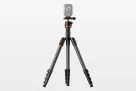
ST30 Camera Stands (The Fixed Perspective): These provide a heavy, stable base for the VM20 cameras. This ensures your camera angle never drifts, maintaining that perfect eye-level "Power Angle" throughout the meeting.
Conclusion: Hardware is Your Insurance
In high-stakes business, we do not rely on "Best Effort." We rely on "Guaranteed Performance."
If you are negotiating a merger, defending a legal position, or addressing a crisis, you cannot afford to have your tools fight against you.
The PodKit Dual Kit is an insurance policy for your reputation.
AM25X ensures Privacy with hardware mute.
VM20 ensures Clarity with 4K optics.
AMIX40U ensures Control with physical faders.
XLR/ST20 ensures Stability with locking connections.
Don't let a $2,000 meeting room setup ruin a $2,000,000 deal. Upgrade to the hardware that protects you.
Frequently Asked Questions (FAQ)
Q: Can I use the Mute button on the AM25X microphone with Zoom?
A: Yes. The Mute button on the microphone cuts the audio signal at the hardware level. This means even if Zoom says you are unmuted, no sound will go through. This is the ultimate security layer.
Q: Does the Dual Kit work if I am the only one in the room?
A: Absolutely. While the Dual Kit supports up to 4 people, it is modular. You can set up just one station for yourself in your executive office and keep the other units as backups or for guest seating.
Q: Is the AMIX40U difficult to operate for non-technical staff?
A: No. It is designed with a "Set and Forget" philosophy. Once the levels are set, the only buttons you typically need to touch are the Mute button and the Volume Fader. It is tactile and intuitive, unlike complex software mixers.
Q: Why do I need 4 cameras?
A: In a boardroom setting, 4 cameras allow you to have a dedicated angle for the Main Speaker, a Guest, a Product Demo Area, and a Wide Shot of the team. This allows you to switch views (using streaming software) to keep the meeting dynamic and professional, rather than relying on one static wide shot where everyone looks small.























































 sales@nearstream.us