














































Camera
Webcam
Microphone
Wireless Microphone
Capture Card
Audio Mixer
Lighting & Backdrop
Accessories

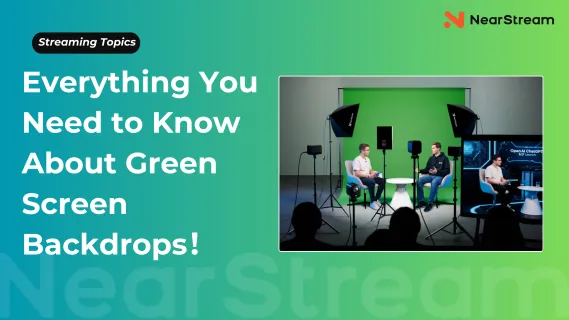
If you’re a content creator, streamer, or teacher, you’ve likely wondered: What is a green screen? How does it work? Which backdrop is best for streaming or video calls? Do I need expensive gear to get professional results?
You’re not alone. This guide will answer these common questions and help you choose, set up, and use the perfect green screen for your creative needs — whether on Twitch, YouTube, Zoom, or beyond. Let’s dive in!
According to a recent Statista report, over 40% of professional video producers now regularly use green screen setups to enhance their productions. So, what is a green screen, really? In the simplest terms, a green screen is a solid-colored backdrop (usually bright green) that allows you to digitally replace the background with any image or video you want.
This process is called chroma keying. The software detects the green color in your green screen bg and removes it, replacing it with your chosen green screen background video or image.
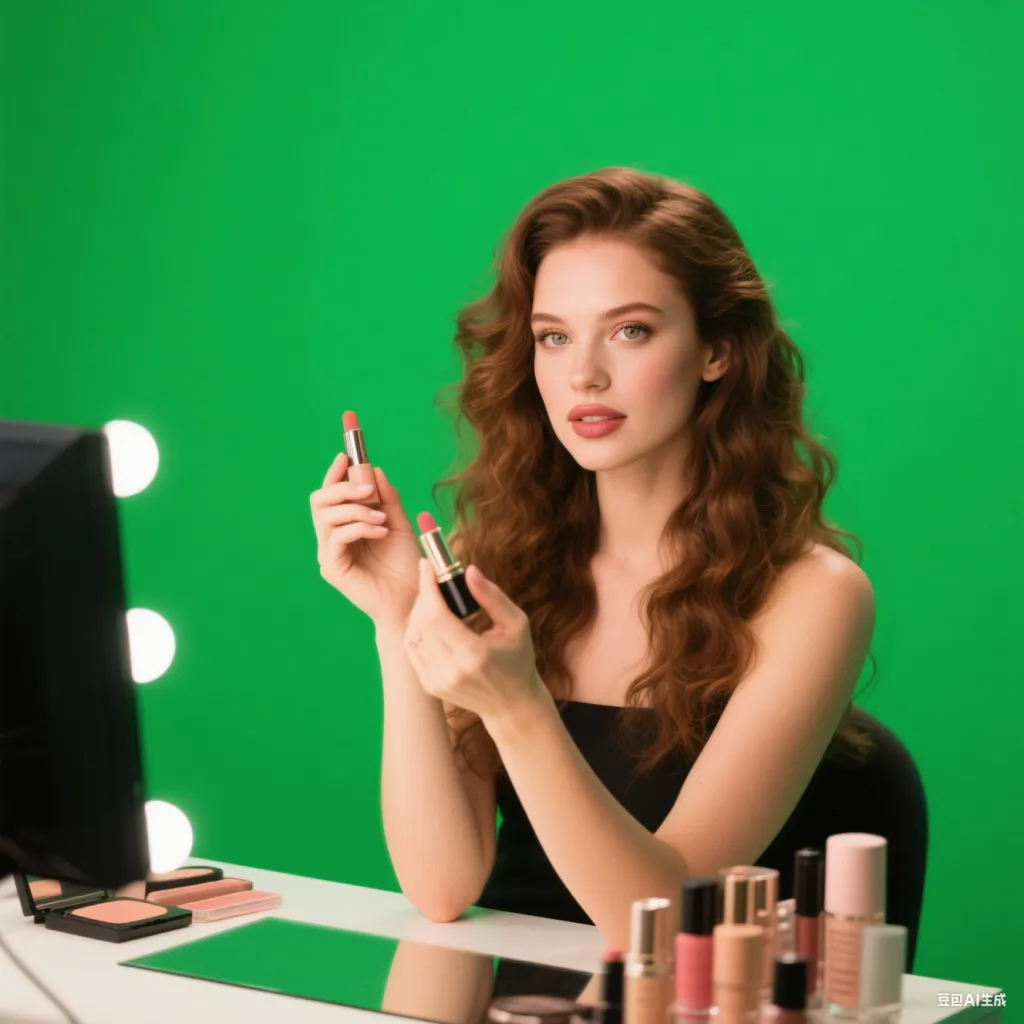
Green is the preferred color because it contrasts strongly with skin tones, hair, and most clothing colors, making it easier for software to separate the subject from the background.
Using a green screen backdrop lets you:
Green screen backdrops give you creative freedom to look professional and polished no matter where you film.
Green screen video works by detecting and removing a specific color range — the green from your backdrop.
Here’s a quick rundown:
Proper lighting and high-quality green screen backdrops make this process smooth, avoiding shadows and color spill.
Choosing the right green screen backdrop is crucial for clean, professional green screen video.
Your green screen backdrop needs to fully cover the background visible in your camera frame.
A larger backdrop reduces the chance of accidentally revealing your real background.
The fabric affects how easily your software can separate you from the green background.
Wrinkles or folds create shadows and color inconsistencies, making it harder to key out your green screen.
If you move between filming locations, portability matters.
Here’s a quick comparison of seven well-known green screen backdrops to help you find the best green screen for streaming and other uses.
Product Name | Core Strength | Main Drawback | Price | Best For |
| Elgato Collapsible | Wrinkle-resistant, built-in X-frame stand | Heavy (9.3kg) | $159 | Professional multi-use streams |
| EMART Green Screen | Opens quickly, storage box doubles as stand | Frame stability issues | $138 | Mobile creators needing fast setup |
| 9.8ft x 9.8ft large screen | needs space | $217.5(2 soft box lights & 1 panel light included) | Entry-level streaming, home office, video calls |
| Webaround Chair Screen | Lightweight (816g), clips to chair | Moves with your body | $48 | Sit-down streams, Zoom meetings |
| Neewer Double-Sided | Reversible green/blue, durable frame | Requires a separate stand | $49 | Users needing multiple key colors |
| LimoStudio Backdrop | Very affordable, machine washable | No stand, wrinkles easily | $27 | Budget-conscious beginners |
| Neewer Green Screen Kit | Includes lights + stand + backdrop | Average component quality | Varies | One-stop shop for complete setup |
| Fancierstudio Backdrop | Extra-long for full-body shots | Wrinkles, less stable | $55 | Full body presentations |
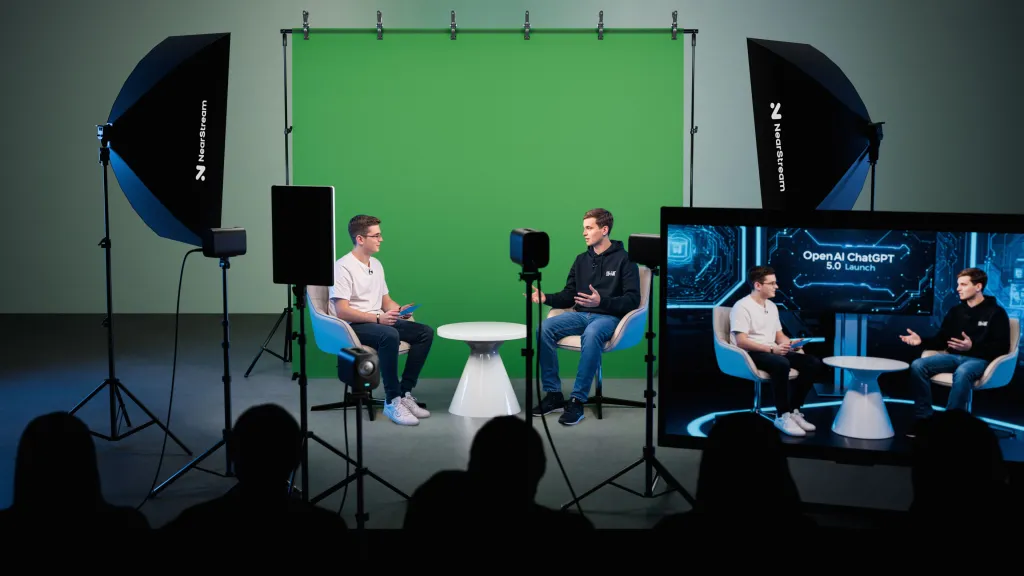
Choosing the right green screen for streaming depends on your specific needs and setup. Here’s a quick guide to help you find the perfect fit:
🏠 For Home Offices & Beginners – The All-in-One Solution:
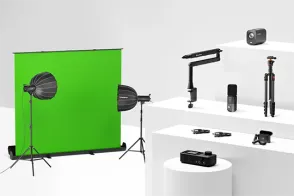
NearStream VK40 Studio Kit – $249
More than just a green screen—this complete kit includes a large backdrop, softbox lighting, and adjustable panel lights. It offers professional-quality setup and convenience at a surprisingly affordable price. Ideal for those wanting a streamlined, ready-to-go studio in one package.
✅ Best for: Remote workers, beginner streamers, and small studios
💡 Keywords: green screen backdrops, what is a green screen
💸 On a Tight Budget:
LimoStudio Backdrop Cloth – $27
An affordable, washable green screen fabric that’s great for starters. No stand included and requires ironing, but it’s an easy entry point for budget-conscious creators.
✅ Best for: First-time streamers, budget-limited setups
🧳 Most Portable:
Webaround Chair Green Screen – $48
Clips easily to your chair, folds up quickly, and weighs less than a bottle of water. Minor movement when leaning, but excellent for seated streams, Zoom calls, and on-the-go setups.
✅ Best for: Travel, casual streaming, online teaching
Owning the best green screen backdrop is just step one. How you set it up and use it makes all the difference.
Uneven lighting causes shadows and inconsistent green hues, making software struggle to key cleanly.
Wearing green or shiny fabrics causes parts of you to disappear on the green screen — something to avoid.
Run a test recording or stream to check for shadows, reflections, and how clean your green screen video looks. Adjust lighting or reposition the backdrop as needed.
Chroma keying and streaming together demand decent CPU and RAM resources.
Muslin cotton is ideal due to its light absorption and matte finish, resulting in clean chroma keying. It wrinkles easily, so ironing is recommended.
Sit-down streams need at least 1.5 x 1.8 meters. For standing or full-body shots, aim for 2.7 x 3 meters or larger.
Yes, but avoid strong sunlight and uneven lighting. Use multiple soft lights for consistent illumination.
Not necessarily. Budget-friendly green screen backdrops paired with good lighting and software can deliver professional results.
The green screen backdrop is the physical green fabric you film in front of. The green screen background video is the digital content you replace the green with during editing or live streaming.

Get exclusive NearStream offers and catch the latest in features, updates, and more.
By signing up, you agree to NearStream's Privacy Policy.










 sales@nearstream.us






