Professional Podcast Equipment: How to Build a Modular Multi-Camera Studio
This article explains how to choose a professional podcast setup around the show format, number of speakers, room, and operator.
podcast equipment bundle
best podcast equipment bundle
professional podcast equipment
Updated: Nov 22, 2026 · 8 minutes read
Modular Video Kits for Growing Business.
A practical guide to building a professional podcast studio with compatible audio, video, lighting, and an integrated setup that can grow from Solo to Duo or Quad.
A professional podcast studio is not defined by the number of products in the room. It is defined by consistency: voices sound clear, cameras match, lighting remains controlled, files are recorded reliably, and the system can be operated without rebuilding it for every episode.
For businesses, educational teams, media departments, and growing creators, a modular podcast equipment bundle offers another important advantage: the same core system can scale from a solo presenter to interviews, roundtables, livestreams, and multi-camera productions.
This guide shows how to plan a professional podcast setup, which components deserve priority, and how to build a studio that grows without becoming unnecessarily complicated.
The Core Components of a Podcast Equipment Bundle
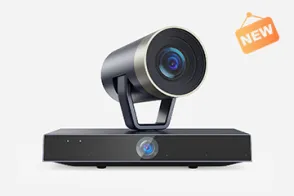
Cameras and multi-camera coverage
A professional video podcast needs deliberate framing. A Solo show may need one strong angle. An interview benefits from individual close-ups. A roundtable may require several individual angles plus a wide shot.
When comparing cameras, evaluate:
Resolution and image quality
Optical framing flexibility
Autofocus behavior
Low-light performance
Color consistency between units
Connection options
Mounting requirements
Compatibility with the recording workflow
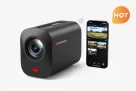
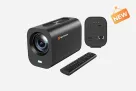
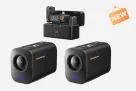
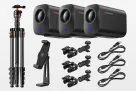
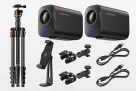
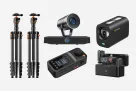
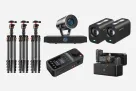
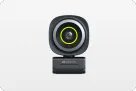
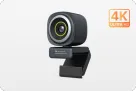
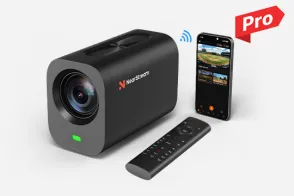
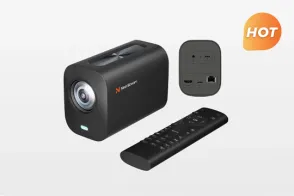
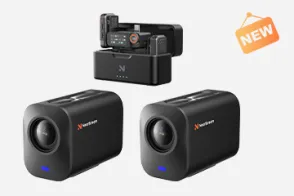
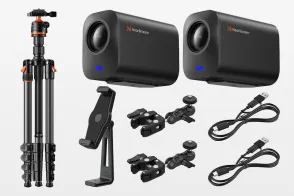
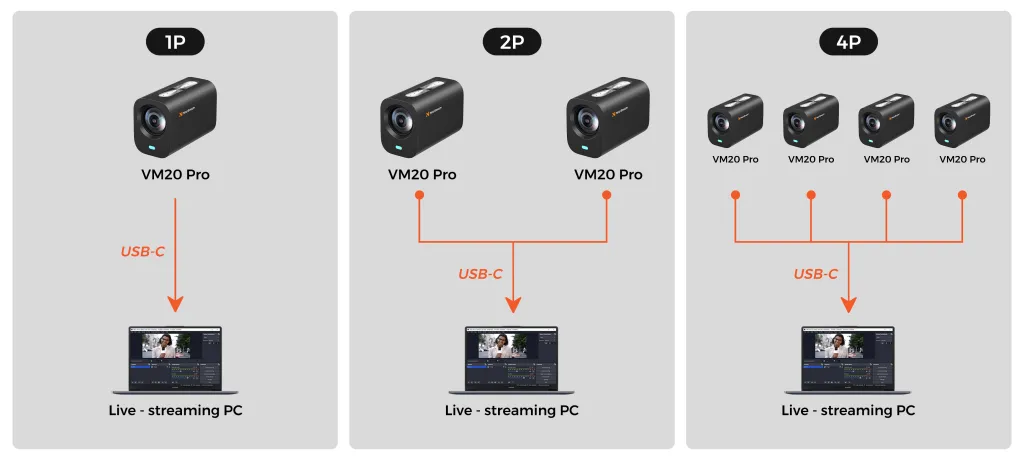
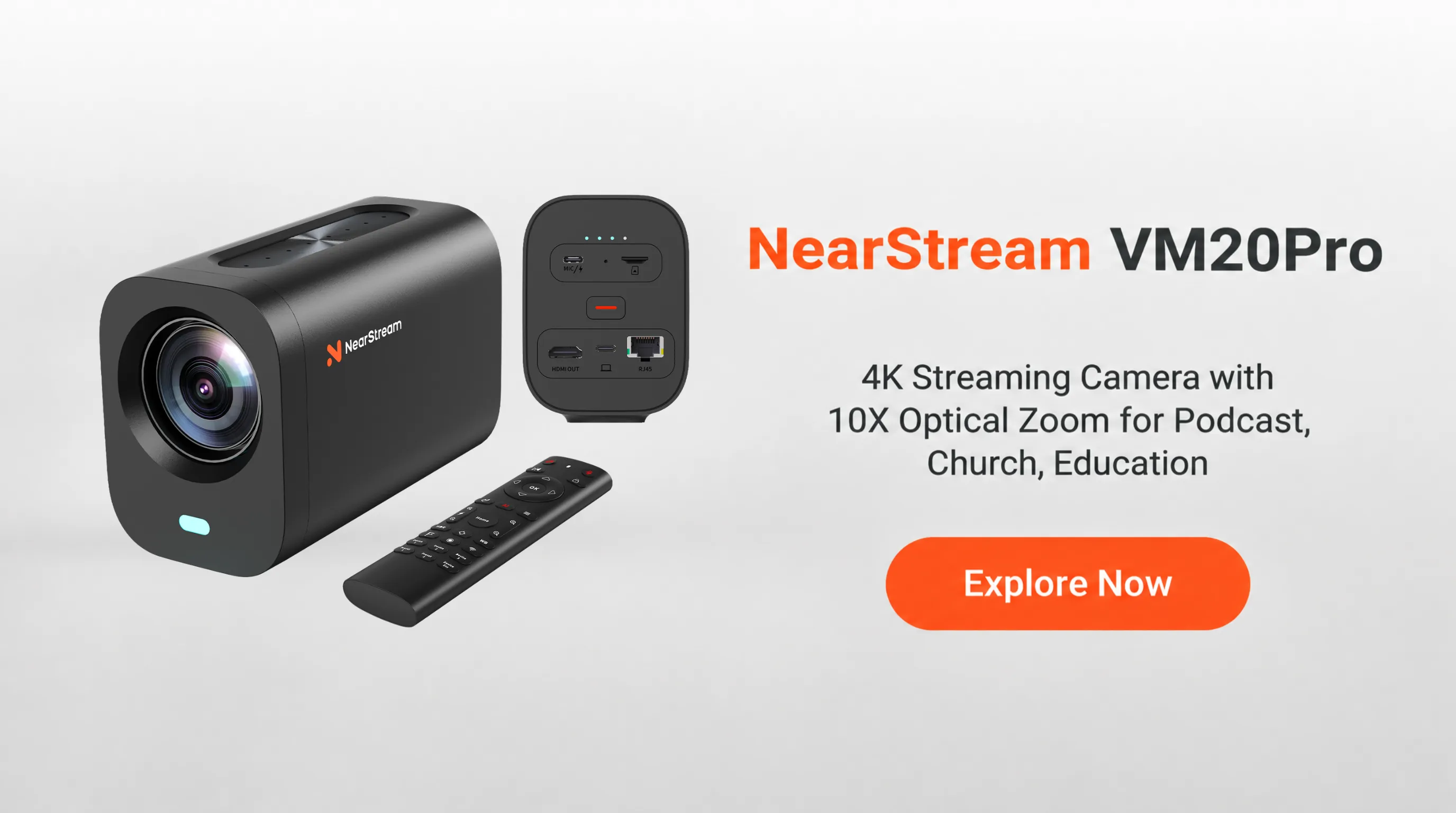
NearStream’s modular podcast page uses VM20 Pro cameras in several configurations and supports building systems for one, two, four, or more people.
Microphones and scalable audio
Give each participant a dedicated microphone. This makes it possible to balance speakers individually and correct problems without altering the entire mix.
A professional audio system should provide:
Enough microphone inputs for the largest regular session
Clean gain and appropriate preamps
Phantom power when required
Headphone monitoring
Independent level control
Reliable XLR or USB routing
A plan for backup audio
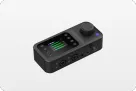
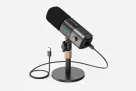
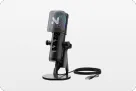
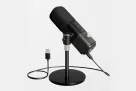
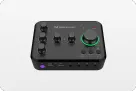
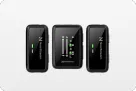
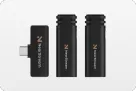
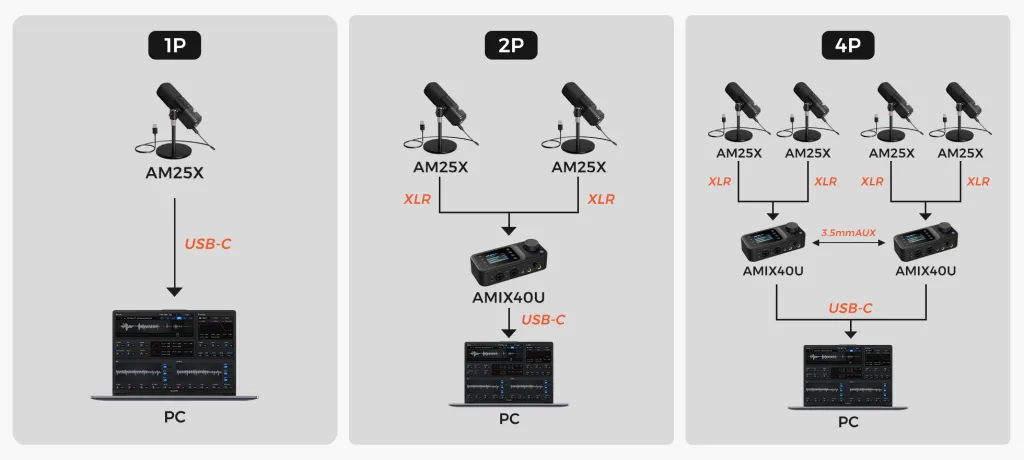
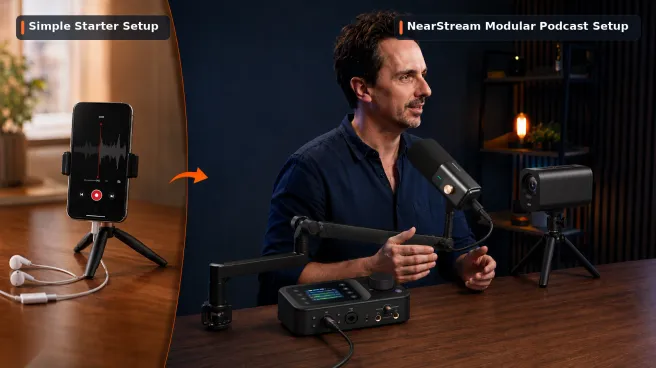
NearStream’s AM25X microphones and AMIX40U mixer/interface appear in modular configurations on its podcasting solutions page. The right quantities depend on whether the studio is Solo, Duo, or Quad.
Lighting and background control
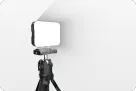
Lighting should remain repeatable regardless of the weather or time of day. Start with soft key lighting for each presentation area. Add fill or background light only when it solves a visible problem.
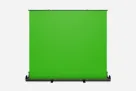
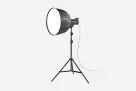
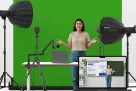
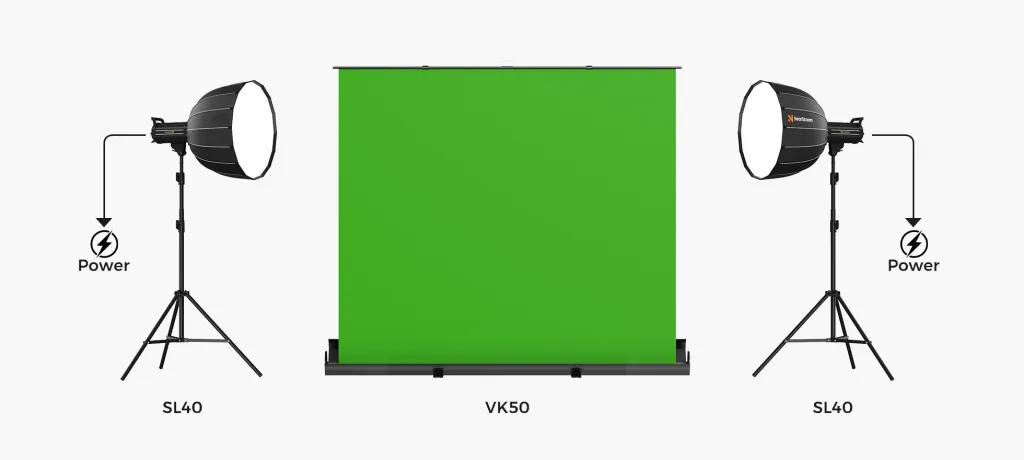
A physical set creates a tangible brand environment. A green screen creates flexibility when different programs need distinct visual identities from the same room. NearStream’s VK50 pull-up green screen and SL40 light/softbox options are designed for modular background and lighting setups.
Virtual production requires careful separation between the subject and screen, even background illumination, and enough computer performance to composite the scene reliably.
Stands, cables, and infrastructure
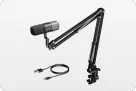
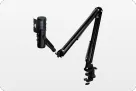
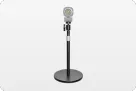
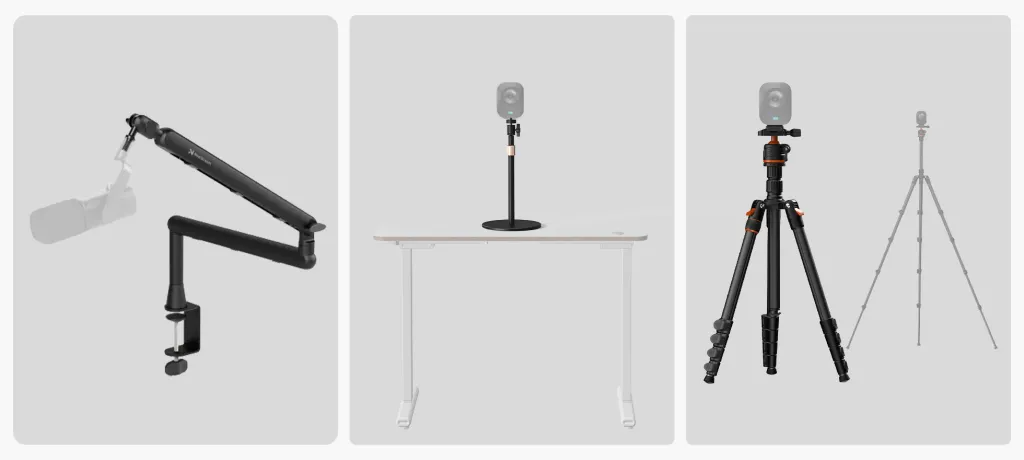
Mounting and cabling are part of the studio, not miscellaneous accessories. Select microphone arms that hold their position, tripods that remain stable, and cables of appropriate length. Use strain relief, label both ends, and keep power separate from signal cables where practical.
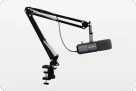
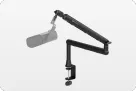
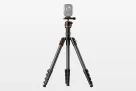
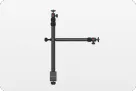
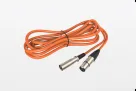
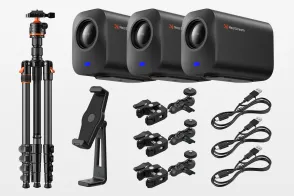
NearStream’s ST20 boom arms, ST30 camera tripods, and XLR cable options can form part of a complete system. Universal mounting threads make it easier to adapt the layout as the room changes.
Production computer and software
The computer must process every connected source at the target resolution and frame rate. Leave performance headroom for graphics, recording, streaming, and software updates.
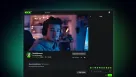
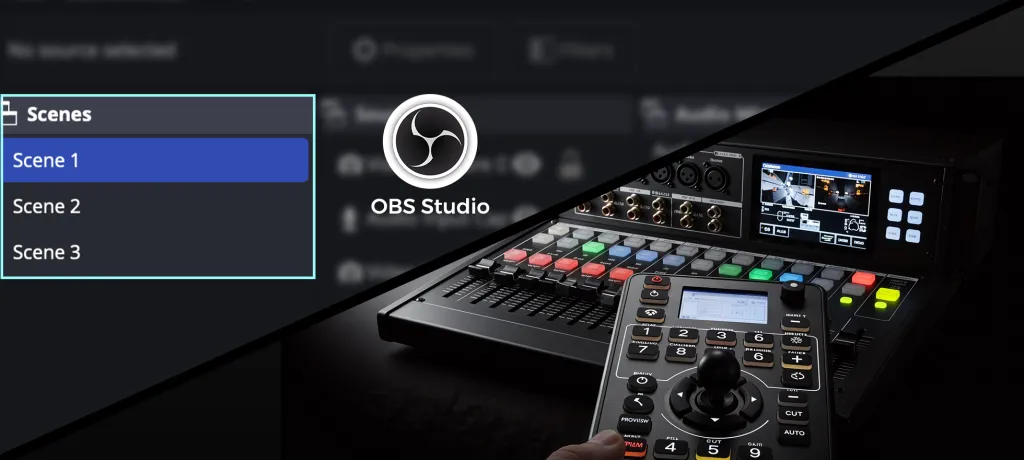
OBS Studio can combine cameras, audio, virtual backgrounds, graphics, and streaming destinations. A professional template should include named scenes, standardized audio routing, a recording profile, and a recovery plan if a source disconnects.
Why an Integrated Podcast Kit Can Simplify the Build
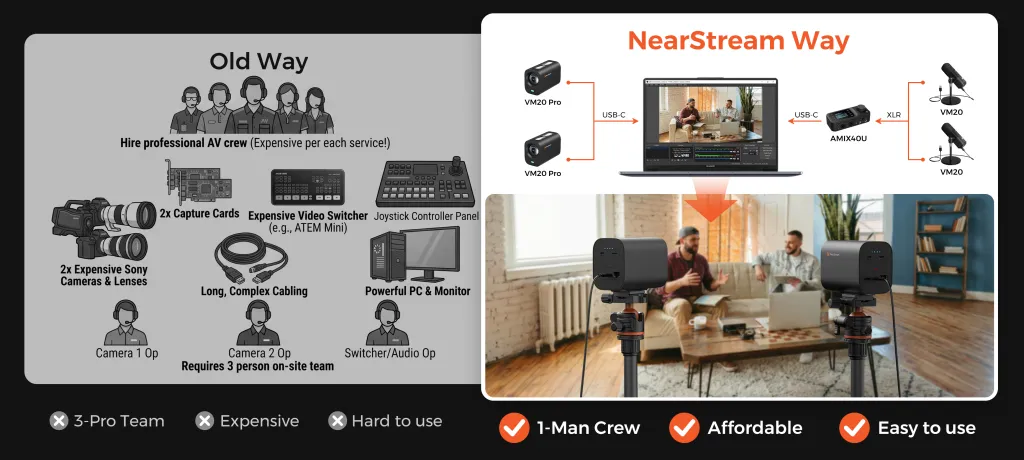
Building a studio component by component gives experienced production teams precise control, but it also creates a long list of compatibility questions. Do the microphones match the mixer? Are there enough inputs? Will the cameras connect to the same computer? Are the stands, cables, and lighting included, or do they need to be sourced separately?
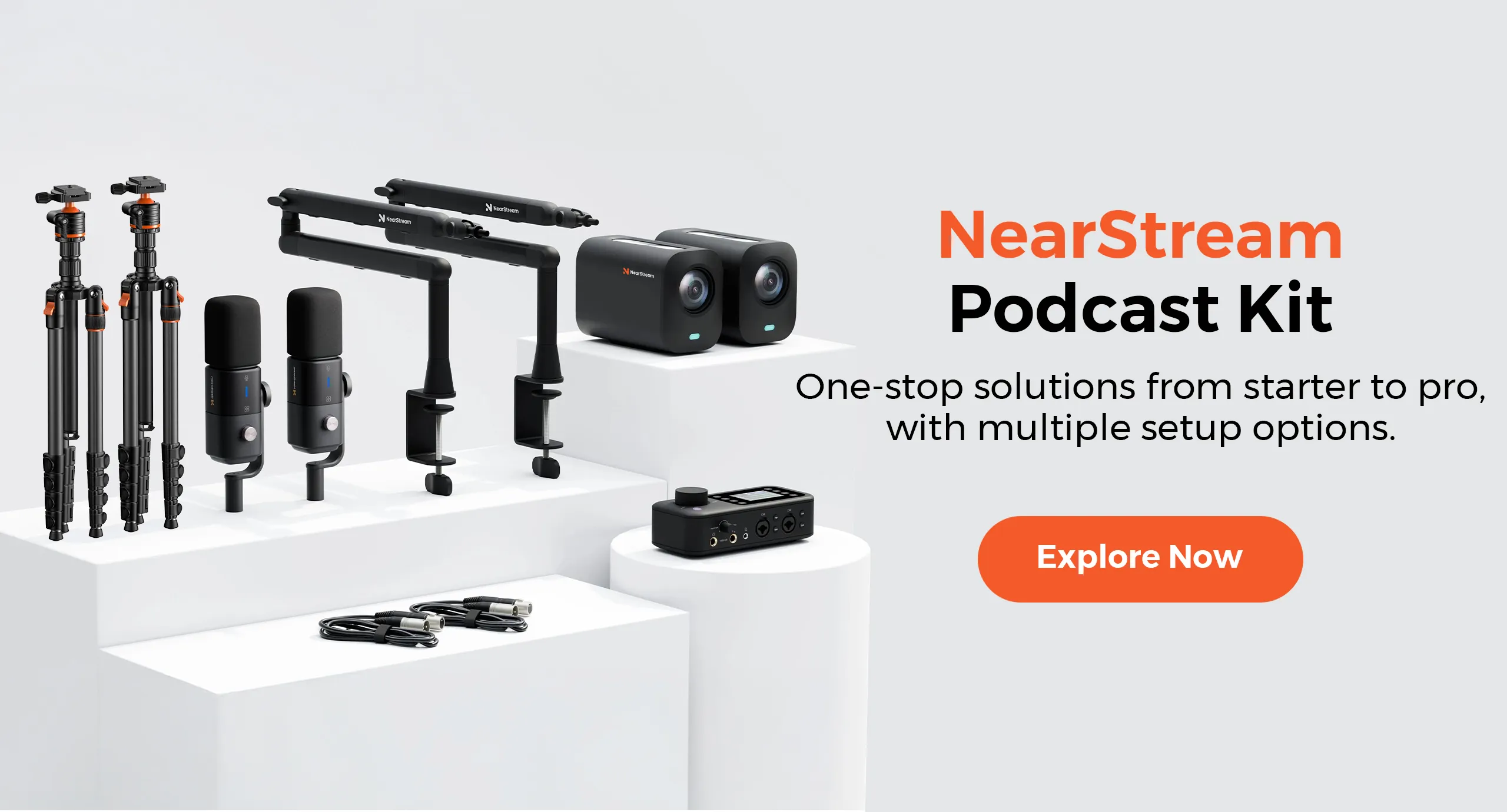
An integrated podcast equipment bundle is useful when it answers those questions as one system. Rather than treating the camera, microphones, mixer, stands, and cables as unrelated purchases, the setup is planned around a specific number of speakers and a common recording workflow.
This does not mean every studio needs the largest package. A solo creator may only need one camera and microphone. A two-person interview needs a second audio channel and suitable coverage for the guest. A four-person panel adds more inputs, mounting, and camera-management demands. The value of a modular bundle is that the system can expand with the format instead of forcing the team to redesign everything at once.
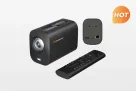
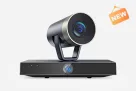
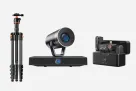
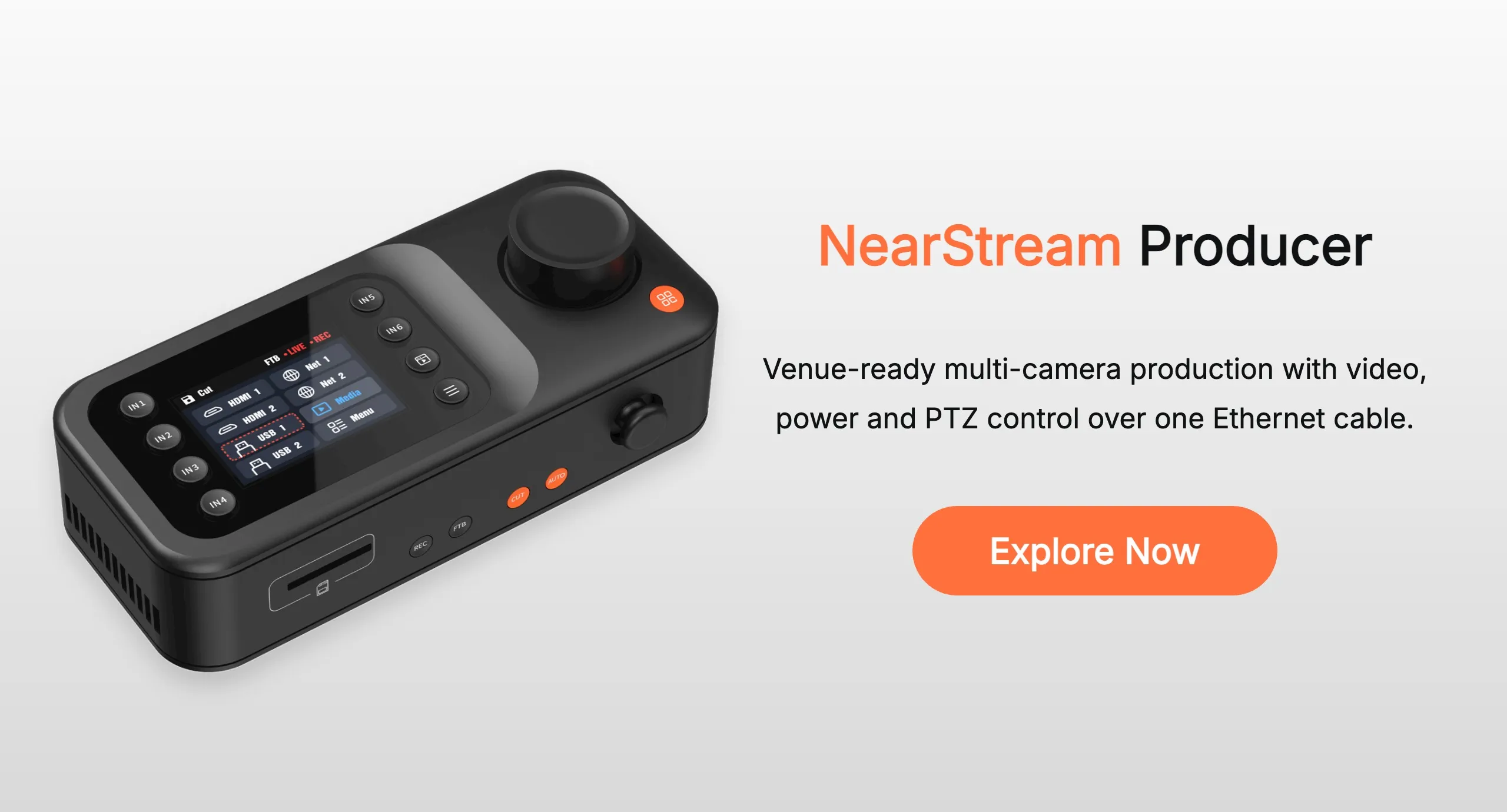
NearStream’s approach follows this progression. Its Solo, Duo, and Quad configurations combine the core audio and video components for one, two, or four participants, while optional lighting, background, and production tools can be added when the room actually requires them. For an audio-only show, the camera and lighting layer can be omitted. For a small team that does not want to switch every angle manually, an Auto Director configuration offers a different path.
The result is less about owning more equipment and more about reducing friction between the pieces. Teams should still confirm the exact components, quantities, computer requirements, and connections in the selected kit before purchasing.
Choose the Kit Around the Number of Speakers
The simplest way to choose a configuration is to start with the people in the room.
Format
What the setup needs
Suitable configuration
Solo commentary or training
One clear voice source and one dependable frame
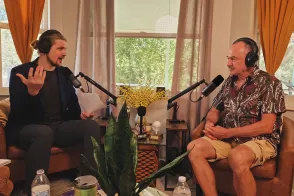
Solo
Interview or co-hosted show
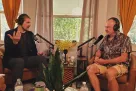
Separate microphones and coverage for both speakers
Duo
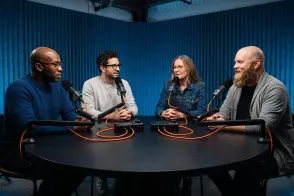
Panel or roundtable
More audio inputs, organized mounting, and planned multi-camera coverage
Quad
Traditional audio podcast
Microphones and mixing without an unnecessary video layer
Audio
Host-operated multi-camera show
A way to reduce constant manual switching
Auto Director
This is where an integrated system fits naturally: the equipment quantity follows the format, while the underlying workflow remains familiar as the show grows. The configurations can be explored on NearStream’s podcasting solutions page.
Build a Multi-Camera Workflow in OBS
Create the software environment before the first production day.
Standardize source settings
Use compatible resolution, frame rate, color, and audio sample-rate settings. Mismatches can create dropped frames, sync issues, or inconsistent images.
Create scenes around editorial needs
A panel studio may include:
Individual speaker shots
Two-person combinations
Full-panel wide shot
Split-screen or grid
Presentation or screen-share scene
Opening, break, and closing screens
Use clear names so another operator can understand the system immediately.
Organize audio separately
Name each microphone and verify which channel belongs to which seat. Use filters conservatively; strong noise reduction or compression can create artifacts. Improve microphone placement and the room before relying on heavy processing.
Test the real workload
Run a rehearsal at the intended resolution, recording duration, and streaming destination. Watch computer utilization, storage consumption, temperature, and network stability. A five-minute camera preview is not the same as a two-hour production.
Designing a Crew-Free Professional Podcast Setup
Reducing crew requirements is primarily a systems-design problem.
Fix what does not need to move
Leave lights, mounts, and frequently used cables in known positions. Mark seats and tripods. Save camera presets and software profiles when supported.
Put essential controls in one place
The operator should be able to see the program output, audio levels, recording status, and stream health from one position. Avoid workflows that require walking around the room during recording.
Use automation selectively
Automatic camera direction can reduce switching work. Preset scenes and hotkeys can simplify graphics. However, automation must be predictable and should always allow manual recovery.
Write a one-page operating procedure
Document startup, testing, recording, shutdown, and file handoff. The system becomes far more valuable when someone other than its designer can operate it confidently.
How to Evaluate the Best Podcast Equipment Bundle
Use a weighted scorecard rather than comparing specifications in isolation.
Criterion
Questions to ask
Format fit
Does it support our regular Solo, Duo, or Quad format?
Compatibility
Do cameras, microphones, mixer, and software work together?
Expandability
Can we add speakers, cameras, or lights without replacing the core system?
Operator effort
Can the intended staff run it after reasonable training?
Room fit
Do mounts, cable lengths, lighting, and backgrounds suit the space?
Reliability
Can it complete a full-length rehearsal under real load?
Support
Are setup resources and configuration assistance available?
Total cost
Have we included accessories, adapters, storage, and installation time?
A low initial price can become expensive if the system needs replacement to support the next show format. At the same time, buying the largest package before the workflow is defined creates unused complexity.
Common Professional Studio Mistakes
Designing around products instead of programs
Begin with the content formats and operator needs. Equipment should serve them.
Underestimating audio and acoustics
Viewers may tolerate a modest camera angle, but not echoing or unintelligible speech. Prioritize microphone placement, room treatment, and monitoring.
Failing to budget for infrastructure
Cables, adapters, mounting, lighting control, storage, and power distribution are essential parts of the project.
Depending on one untested path
Where practical, plan a backup recording and recovery procedure. Test what happens if the network drops or one source disconnects.
Building a system only one person understands
Use labels, diagrams, templates, and checklists so the studio remains usable when the original designer is unavailable.
A Phased Studio Build Plan
Phase 1: Establish the core
Build the most common show format with reliable audio, essential camera coverage, controlled lighting, and a tested recording template.
Phase 2: Improve production value
Add secondary angles, set lighting, graphics, remote guests, or a green-screen workflow based on actual editorial needs.
Phase 3: Scale operations
Introduce automated direction, standardized staff training, booking procedures, file management, and additional modular seats or cameras.
This phased approach protects the budget and lets real production experience guide each upgrade.
Build a Studio That Can Evolve
The goal of professional podcast equipment is not to make production look complicated. It is to make high-quality results repeatable. A modular system supports that goal by matching the current number of speakers while preserving a clear path to interviews, panels, virtual sets, and automated multi-camera production.
NearStream’s modular podcast equipment bundles combine selectable cameras, microphones, mixing, stands, lighting, and background options for Solo, Duo, Quad, Audio, and Auto Director workflows. For a room with unusual requirements, its configuration service can help map equipment to the intended program.
Frequently Asked Questions
What equipment is needed for a professional podcast studio?
A typical studio needs one microphone per speaker, an interface or mixer with enough inputs, headphones, appropriate camera coverage, lighting, stable mounts, compatible cables, a production computer, and recording or streaming software. The exact quantities depend on the format.
Is a complete podcast equipment bundle better than buying components individually?
It can be, especially when the bundle is designed as a compatible system and remains customizable. Experienced teams may choose individual components, but they should still design and test the complete signal path.
How many cameras are needed for a four-person podcast?
There is no fixed number. One wide camera is the simplest option; multiple individual angles provide more engaging coverage. The right choice depends on budget, operator capacity, computer inputs, and editing style.
Can a professional multi-camera podcast run without a crew?
Yes, if the room uses repeatable positions, centralized monitoring, saved scenes, clear operating procedures, and suitable automation. Complex live programs may still benefit from a dedicated operator.
Should a studio use a physical set or green screen?
Use a physical set when you want a tangible, consistent brand environment. Use a green screen when one room must support several virtual environments. Green-screen production requires even lighting, subject separation, and sufficient computing resources.









 sales@nearstream.us