Will It Work? The AM25X Hardware & Software Compatibility List (PC, Mac, PS5, OBS & More)
This comprehensive guide explores the NearStream AM25X hybrid microphone's extensive compatibility across various hardware and software.
NearStream AM25X
USB microphone
XLR microphone
Updated: Feb 26, 2026 · 8 minutes read
Modular Video Kits for Growing Business.
By The Tech Support TeamEstimated Reading Time: 8 Minutes
You are building your dream setup. You have the PC (or Mac), the console, the software, and the mixer.
Now you want to buy the NearStream AM25X. But a nagging question remains:
"Will it actually work with what I have?"
In the world of tech, "compatibility" can be a nightmare of drivers, dongles, and crashes.
Fortunately, the AM25X was designed with a simple philosophy: Universal Connectivity.
Because it is a Hybrid Microphone (USB-C + XLR), it can connect to virtually anything that accepts an audio signal. Whether you are a Linux coder, a PS5 gamer, or a professional podcaster using a RØDEcaster Pro, the AM25X fits right in.
In this guide, we break down exactly what works, what doesn't, and how to connect it all.
Hardware Compatibility (The Physical World)
The AM25X is a "Class Compliant" device. This is fancy tech-speak for "It doesn't need special drivers." If your device has a USB port or an XLR jack, it probably works.
💻 Computers & Operating Systems
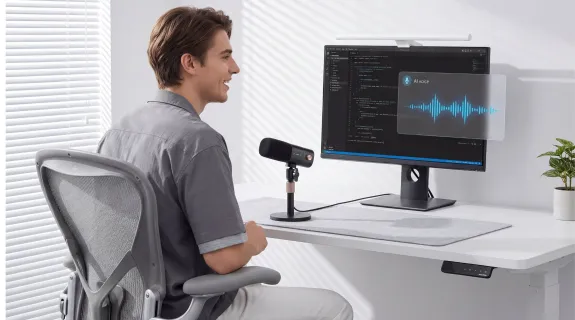
This is the AM25X's home turf. It works natively without installing any software.
Platform
Connection Type
Driver Needed?
Notes
Windows (10/11)
USB-C
❌ No
Plug & Play. Recognizes as "NearStream AM25X".
macOS (All Versions)
USB-C
❌ No
Works with CoreAudio. Compatible with M1/M2/M3 chips.
Linux (Ubuntu/Debian)
USB-C
❌ No
Recognized as generic USB Audio Device. Great for coders.
Chromebook (ChromeOS)
USB-C
❌ No
Works instantly for Google Classroom/Meet.
🎮 Gaming Consoles
Gamers love the AM25X for its RGB lights and clear voice chat. But console ecosystems are tricky.
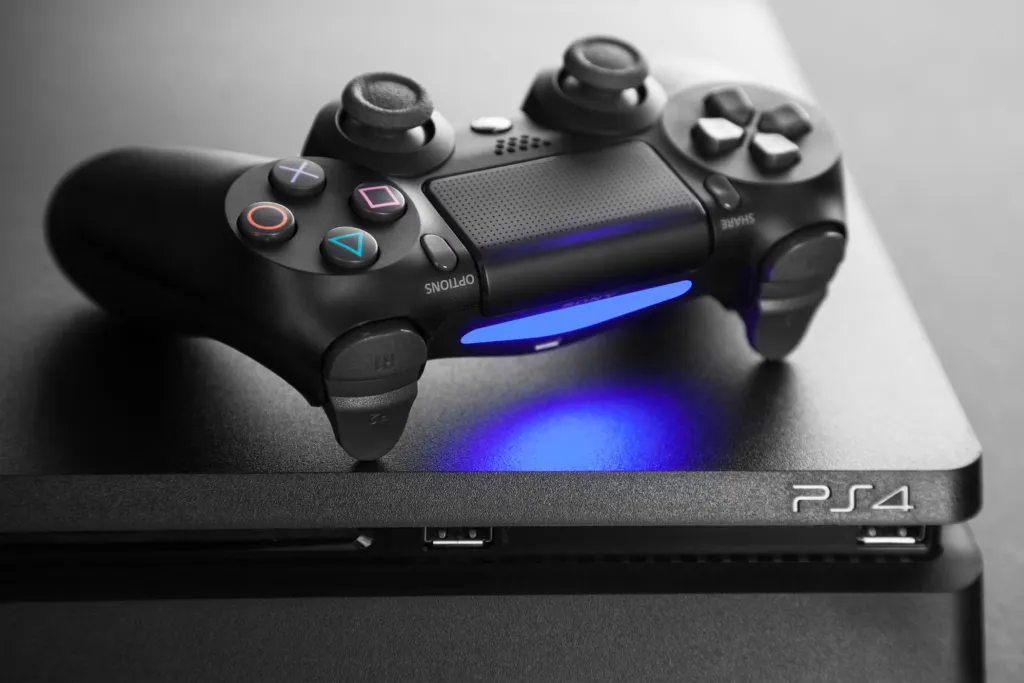
✅ PlayStation 4 & 5 (PS4/PS5): Supported. Sony allows standard USB audio. simply plug the AM25X into the USB port on the front of your console. The PS5 will instantly switch input to the mic.
Tip: You can plug your headset into the back of the AM25X to hear game audio + chat!
✅ Nintendo Switch (Docked Mode): Supported. Plug the USB cable into the Switch Dock. It works for games that support voice chat (like Fortnite).
❌ Xbox (Series X/S/One): NOT Supported via USB.
The Reason: Microsoft uses a proprietary security chip for USB audio accessories. Standard USB mics (like Blue Yeti or AM25X) do not work directly.
The Workaround: You CAN use the AM25X with Xbox if you use the XLR connection plugged into an Xbox-licensed audio mixer (like the Astro MixAmp). But direct USB will not work.
🎛️ Professional Audio Gear (XLR Mode)
Because the AM25X has an XLR port, it is compatible with 99% of professional audio equipment on the planet.
Requirement: The mixer MUST provide 48V Phantom Power.
✅ Audio Interfaces:
Focusrite Scarlett: Works perfectly.
Universal Audio Volt: Works perfectly.
Elgato Wave XLR: Works perfectly.
Software Compatibility (The Digital World)
Hardware is useless without software. Since the AM25X adheres to standard audio protocols (UAC), it works with basically any app that uses a microphone.
🎥 Streaming & Recording Software
If you are a streamer, this is your bread and butter.
Benefit: The AM25X's internal noise cancellation takes the load off your CPU, so OBS runs smoother.
Streamlabs Desktop:
Status: Perfect Compatibility. Same setup as OBS.
Twitch Studio / TikTok Live Studio:
Status: Perfect Compatibility.
💬 Communication & Meetings
For the work-from-home crowd.
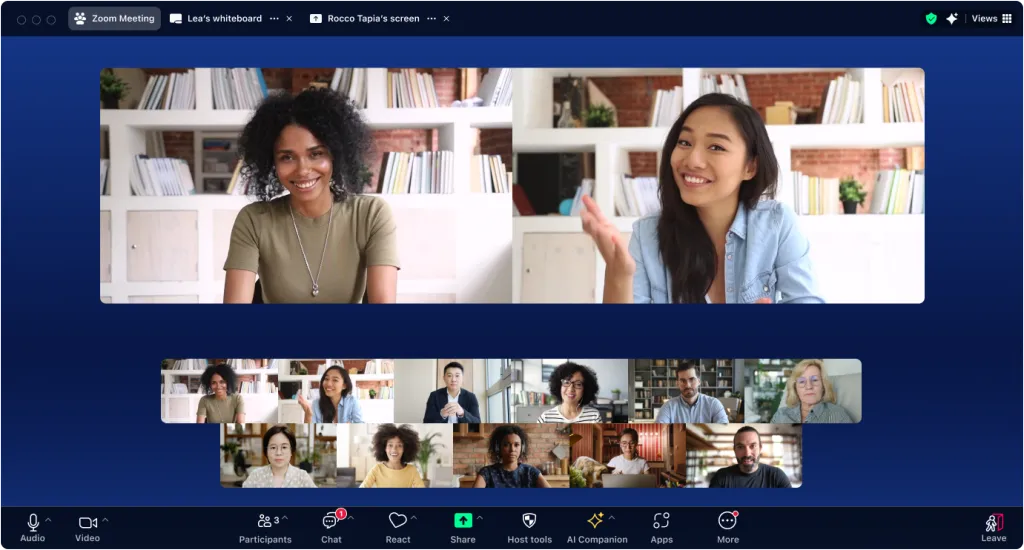
Zoom / Microsoft Teams / Google Meet:
Status: Perfect Compatibility.
Feature: You can use the physical Mute Button on the mic to cut audio instantly without clicking the screen.
Discord:
Status: Discord Certified Quality (Unofficial).
Benefit: Discord has its own noise suppression (Krisp), but we recommend turning OFF Discord's Krisp and using the AM25X's Blue Light Mode (Hardware Denoise) for a more natural sound that doesn't sound robotic.
🎵 DAWs (Digital Audio Workstations)
For musicians and podcasters editing audio.
GarageBand / Logic Pro X: Recognized instantly as an Input Device.
Audacity: Works perfectly for recording.
Audition / Premiere Pro: Fully supported for voiceovers.
Why "Class Compliant" Matters
You might wonder: "Why doesn't the AM25X have a custom driver software like Razer or Logitech?"
This is a deliberate design choice.
Custom Drivers = Potential Problems.
They can crash.
They might not be updated for the next Windows version.
They use up CPU memory.
Class Compliant = Forever Compatible.
By using the universal audio standards built into every operating system, the AM25X is "Future Proof." It will work on Windows 12. It will work on macOS 16. It will work on whatever PS6 looks like.
As long as the device has a USB port or an XLR jack, the AM25X can speak its language.
Compatibility Summary Table
Save this chart to check your setup instantly.
Device / Software
Connection Method
Compatible?
Notes
PC (Windows)
USB-C
✅ Yes
Plug & Play
Mac (MacBook/iMac)
USB-C
✅ Yes
No drivers needed
iPhone 15/16
USB-C
✅ Yes
Use included cable
iPhone 14 (Lightning)
USB + Adapter
✅ Yes
Requires OTG Adapter
iPad (USB-C)
USB-C
✅ Yes
Works with GarageBand/Video apps
Android Phone
USB-C
✅ Yes
Works with Camera app
PS4 / PS5
USB-A to C
✅ Yes
Console recognizes mic immediately
Xbox Series X
USB-C
❌ NO
Microsoft proprietary lock
RØDEcaster Pro
XLR
✅ Yes
Turn on 48V Phantom Power
Focusrite Scarlett
XLR
✅ Yes
Turn on 48V Phantom Power
OBS / Zoom / Discord
Software
✅ Yes
Select as "Input Device"
Frequently Asked Questions (FAQ)
Q: Can I use the AM25X with my GoPro or DSLR Camera?
A: Not directly via USB. However, the AM25X is not designed as an on-camera shotgun mic. It requires power (USB or 48V). It is meant for stationary setups (desk/studio), not mounting on top of a camera.
Q: Does it work with the "GameChanger" app for sports scoring?
A: Yes! Many users use the AM25X connected to an iPad to provide commentary for youth sports streams on GameChanger. The app recognizes it as the external audio source.
Q: I plugged it into my Xbox via USB and it lights up, but no sound?
A: Correct. The lights turn on because the Xbox USB port provides power (electricity), but the Xbox operating system blocks the audio data transfer because it lacks the "Designed for Xbox" security chip. You must use the XLR connection into a compatible mixer to use it with Xbox.
Q: Does it work with Linux?
A: Yes. We have confirmed it works on Ubuntu, Debian, and Fedora distributions. No sudo apt-get install required. It just appears in your PulseAudio or PipeWire settings.
Conclusion: The "Master Key" of Microphones
Compatibility shouldn't be a guessing game.
The NearStream AM25X acts as a universal bridge.
It speaks "Digital" (USB) for your computers and consoles.
It speaks "Analog" (XLR) for your professional mixers.
Whether you are streaming on a PS5 today, joining a Zoom call on a Mac tomorrow, or recording a podcast on a RØDEcaster next week, the AM25X is the only microphone you need to pack.













































































 sales@nearstream.us






