Who is the Best Microphone for YouTube Creators? Why AM25X Fits Every Niche
This article explores why high-quality audio is crucial for YouTube content creators and introduces the NearStream AM25X as a versatile microphone solution for various niches.
NearStream AM25X
YouTube microphone
gaming mic
Updated: Feb 25, 2026 · 8 minutes read
Modular Video Kits for Growing Business.
You spend hours color-grading your 4K footage. You spend days designing the perfect thumbnail. But when you upload your video, the retention graph drops like a stone in the first 30 seconds.
Why? The answer is usually Audio.
For YouTube creators, audio is the emotional anchor of your content.
Great video keeps people looking.
Great audio keeps people staying.
If your voice sounds echoey, distant, or is riddled with the hum of a computer fan, viewers subconsciously perceive your content as "low quality" and click away.
The Creator's Dilemma:
Creating content is hard enough without fighting your gear.
Noise Pollution: You don't have a soundproof studio. You have a bedroom with traffic outside and a loud PC inside.
Post-Production Hell: You waste hours in Premiere Pro trying to "De-Noise" your audio, only to make it sound robotic.
Rigid Gear: Your mic works for gaming but fails for vlogging. Or it works for OBS but needs a heavy mixer you can't travel with.
You need a microphone that is a Chameleon—one that adapts to your content, not the other way around.
In this guide, we break down why the NearStream AM25X has become the secret weapon for four distinct types of YouTube creators.
Scenario 1: The Gaming Streamer
The Challenge: Balancing Chaos and Clarity.
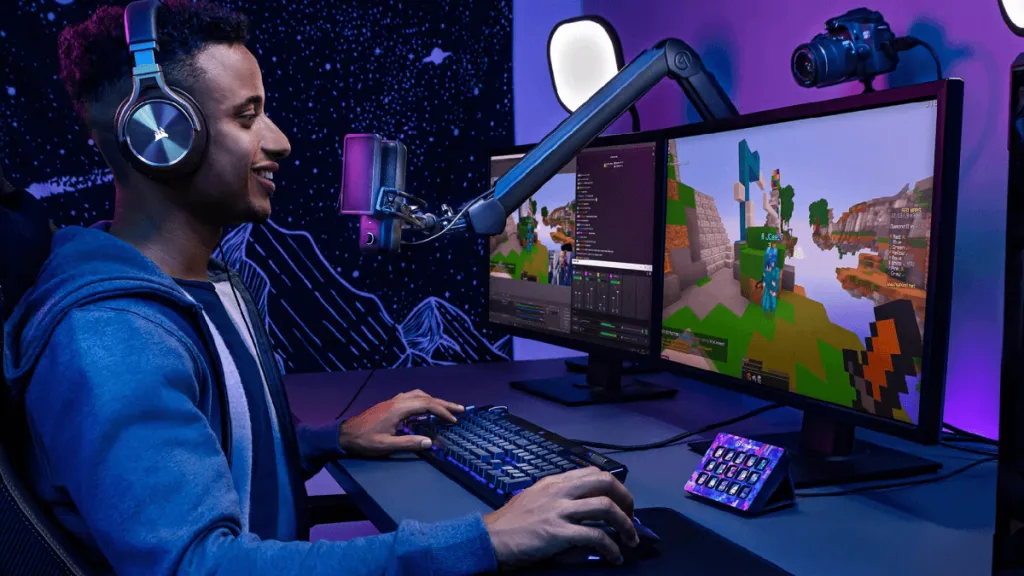
If you are a Let's Play creator or Twitch streamer, your environment is hostile to audio.
The Noise: You are smashing a mechanical keyboard (Click-Clack). You are clicking a mouse. Your GPU fans are spinning at 100%.
The Requirement: You need a mic that can reject all that noise while keeping your shout-outs clear and low-latency.
✅ How AM25X Solves It
AI Noise Cancellation (The Shield): The AM25X features an internal DSP chip. With one long press, the Blue Light activates. It creates a digital shield that identifies steady noises (fans) and sharp transients (key clicks) and suppresses them instantly.
Physical Gain Control: In the heat of battle, you might get loud. The physical gain knob allows you to pull back the volume instantly to prevent distortion, without Alt-Tabbing out of your game.
Plug-and-Play USB: Connects directly to PC or PS5. No mixers needed.
⚔️ The Gaming Mic Showdown
Feature
NearStream AM25X
Shure MV7+
RØDE NT-USB
Noise Rejection
⭐⭐⭐⭐⭐ (AI Chip)
⭐⭐⭐⭐ (Good)
⭐⭐⭐ (Picks up keyboard)
Price / Value
🔥 High Value
💰 Expensive
😐 Mid-Range
Control
Physical Knob + Touch
Touch Bar (Fussy)
Physical Knobs
Verdict
Best for Noise Control
Good if budget is high
Dated technology
Why AM25X Wins:
The Shure MV7 is great, but the AM25X offers superior active noise cancellation for mechanical keyboards at a much friendlier price point.
Scenario 2: The Education & Tutorial Creator
The Challenge: Authority and Focus.
You are making coding tutorials, math lessons, or software guides.
The Noise: You are likely in a home office with bare walls (Echo/Reverb).
The Requirement: Your voice must be crisp and authoritative. You are recording for hours, so stability is key.
✅ How AM25X Solves It
Background Suppression: The cardioid pattern focuses strictly on your voice, ignoring the "room tone." This makes your voice sound closer and more intimate, which improves student focus.
Long-Session Comfort: When using the XLR connection (to an interface), the AM25X provides a rock-solid analog signal that never drifts or crashes, perfect for recording a 3-hour course.
Adjustability: The AM25X sits on a robust yoke mount that allows 360-degree rotation. You can position it perfectly out of the camera frame while still capturing perfect audio.
⚔️ The Educator Mic Showdown
Feature
NearStream AM25X
Audio-Technica AT2020
RØDE NT1-A
Room Echo Handling
⭐⭐⭐⭐⭐ (Excellent)
⭐⭐⭐ (Picks up room)
⭐⭐ (Too Sensitive)
Setup Ease
USB or XLR
XLR Only (Needs Interface)
XLR Only (Needs Interface)
Real-Time Control
On-Mic Mute/Gain
None
None
Verdict
Best for Home Offices
Good for treated studios
Too sensitive for home
Why AM25X Wins:
The AT2020 and NT1-A are classic studio mics, but they are too sensitive for a home office. They will pick up the echo of your room. The AM25X is tuned to focus on the voice and ignore the room.
Scenario 3: The Vlogger & Beauty Guru
The Challenge: Simplicity and Aesthetics.
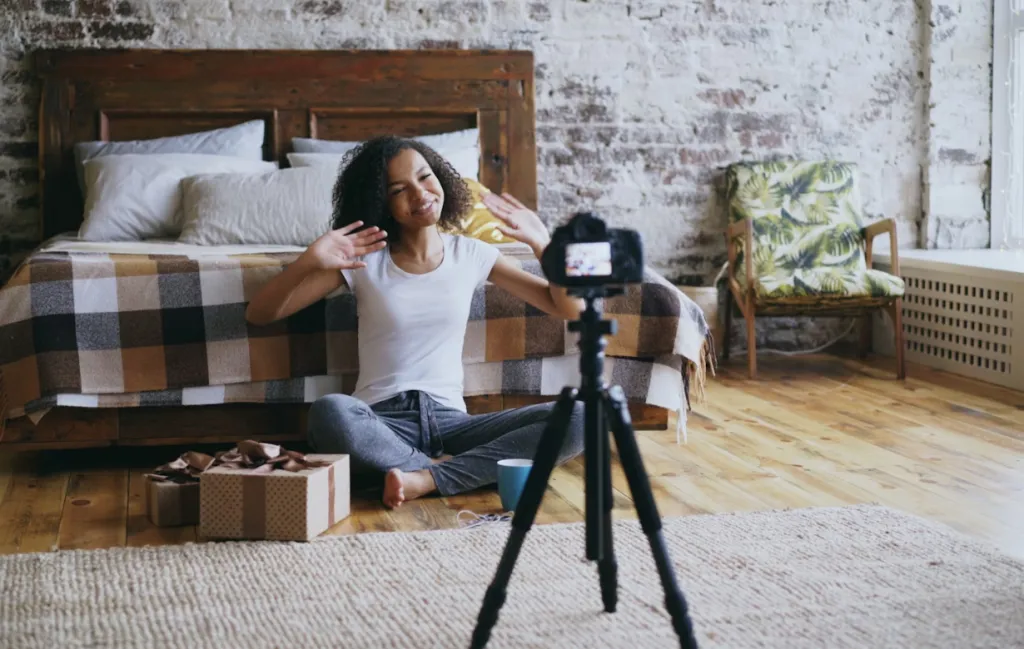
You are filming a "Get Ready With Me" or a tech review. You are moving around. You might be connecting to a phone or camera.
The Noise: You are handling products (rustling packaging).
The Requirement: The gear must be beautiful (it's on camera) and simple (no complex cables).
✅ How AM25X Solves It
Mobile Compatibility: The AM25X connects via USB-C directly to iPhone 15+, iPads, and Android. You can record high-quality voiceovers directly into your phone editor (CapCut/LumaFusion).
Aesthetic Appeal: With its sleek metal body and customizable RGB ring, it serves as a modern set prop that elevates the "Look" of your video.
Natural Tone: The AM25X captures the rich details of your voice, making your product reviews sound like professional commercials.
⚔️ The Lifestyle Mic Showdown
Feature
NearStream AM25X
Blue Yeti
Rode VideoMic Pro
Form Factor
Sleek / Modern
Bulky / Heavy
Camera-Top Only
Connectivity
Phone / PC / Tablet
PC Only (Old USB)
Camera / Phone
Versatility
High (Podcast + Voiceover)
Stationary only
Field only
Verdict
Best All-Rounder
Outdated Design
Good for outdoors only
Why AM25X Wins:
The Blue Yeti is an eyesore on camera and picks up too much noise. The AM25X looks premium and connects directly to your mobile devices for easy TikTok/Reels creation.
Scenario 4: The Podcaster
The Challenge: Consistency and Stamina.
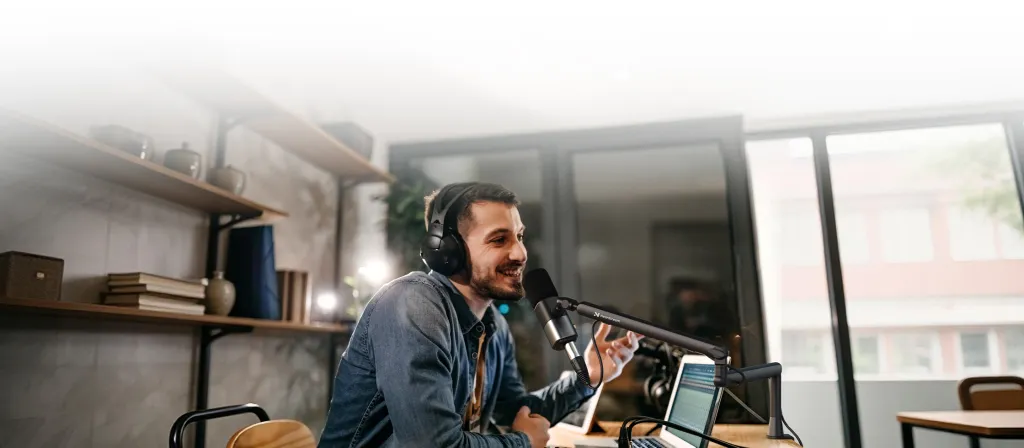
You are recording long-form conversations, sometimes with remote guests.
The Requirement: You need that "NPR Radio" sound—warm, deep, and rich. You need a mic that doesn't distort when you laugh loud.
✅ How AM25X Solves It
The "Broadcast" Tone: The AM25X is tuned to enhance the lower-mid frequencies of the human voice. This gives you that "radio DJ" warmth instantly, without needing EQ plugins.
Stability: Unlike cheap USB mics that can drift out of sync over time, the AM25X (especially in XLR mode) provides professional reliability.
Flexibility: You can start your podcast using USB (Solo). Later, when you invite guests, you can plug the AM25X via XLR into a mixer (like AMIX40U) to record multiple people.
⚔️ The Podcast Mic Showdown
Feature
NearStream AM25X
Samson Q2U
Shure SM7B
Sound Profile
Rich & Modern
Thin / Basic
Dark & Warm
Build Quality
Premium Metal
Plasticky
Premium Metal
Hidden Costs
None
None
High (Needs Preamp)
Verdict
Best Growth Mic
Good budget entry
Top Tier (If rich)
Why AM25X Wins:
The Samson Q2U is a great starter mic, but it feels and sounds cheap. The SM7B is a legend, but costs 4x more. The AM25X sits in the perfect middle ground: Premium sound at an accessible price.
Conclusion: The One Mic to Rule Them All
YouTube is not one single thing.
One day you are streaming a game. The next day you are recording a tutorial. The next day you are doing a voiceover for a short.
You shouldn't need three different microphones for these tasks.
The NearStream AM25X is the Unified Solution.
For the Gamer: It kills keyboard noise.
For the Educator: It kills room echo.
For the Vlogger: It connects to your phone.
For the Podcaster: It gives you that rich, warm tone.
By combining the Simplicity of USB with the Quality of XLR, the AM25X ensures that no matter what kind of content you create, your audio will never be the reason a viewer clicks away.
7. Frequently Asked Questions (FAQ)
Q: Can I use the AM25X with my iPad for video editing?
A: Yes! The AM25X is plug-and-play with USB-C iPads. You can record voiceovers directly onto your timeline in LumaFusion, DaVinci Resolve for iPad, or CapCut.
Q: Do I need a Pop Filter for YouTube videos?
A: The AM25X has internal pop protection, which is usually enough. However, for a visually professional look and extra protection against "plosives" (P sounds), adding a simple external pop filter can help, but it's not strictly necessary.
Q: Which mode is better for voiceovers: Blue Light or Green Light?
A:
Green Light (Standard): Best for quiet rooms. It captures the most natural, rich detail of your voice.
Blue Light (Denoise): Best for noisy rooms (AC on, PC fans loud). It focuses on clarity over richness.
Q: Can I connect two AM25X mics to one computer for a podcast?
A: We recommend using the XLR connection into an audio mixer (like the AMIX40U) if you want to record two mics. This ensures both mics stay perfectly in sync and allows you to mix them easily.














































































 sales@nearstream.us






