Escaping the App Dead End: A Workflow Comparison for Real Productions
Compare Mevo Start and NearStream VM33 Pro beyond app-based control.
nearstream vs mevo
mevo start alternative
mevo camera alternative
Updated: Nov 15, 2026 · 8 minutes read
Modular Video Kits for Growing Business.
Is an app-only workflow enough for real-world live production? Based on actual Amazon customer feedback, this comparison examines common challenges with app dependency, software updates, and limited connectivity. Discover how VM33 Pro combines an RF remote, HDMI, USB-C, built-in Ethernet, NDI, RTMP, and RTSP to give creators more control and flexible ways to keep their productions running.
The best app is not a substitute for an exit route
An app-centered camera can feel wonderfully simple—until the phone is incompatible, an update changes behavior, the operator needs a direct monitor feed, or a venue demands wired Ethernet. At that point, the real question is not “Does the app have many features?” It is “Can the production continue by another path?”
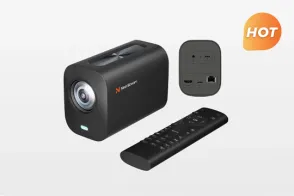
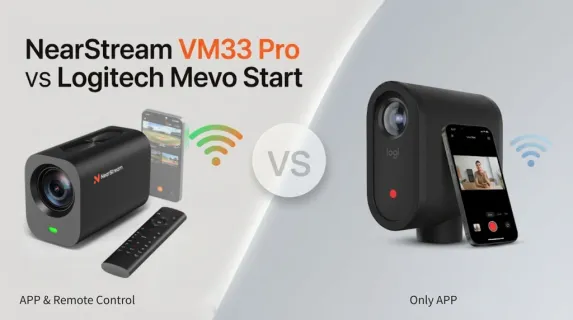
This is the most useful lens for evaluating a Mevo Start alternative. Mevo Start offers mobile live production, multicamera tools, Auto-Director features, webcam modes, NDI|HX, RTMP(S), and SRT. It is a capable app-led 1080p ecosystem. NearStream VM33 Pro takes a more connection-diverse approach: app control plus an included RF remote, built-in RJ45 and HDMI, USB-C, microSD, and support for NDI, RTMP, and RTSP.
Neither architecture eliminates setup or testing. The difference is how many ways the operator can recover when one layer is inconvenient.
Workflow comparison
Workflow layer
NearStream VM33 Pro
Logitech Mevo Start
Production consequence
Camera control
NearStream app + included 433 MHz RF remote
Mevo mobile apps
VM33 Pro provides physical control for common adjustments and recording.
Direct computer path
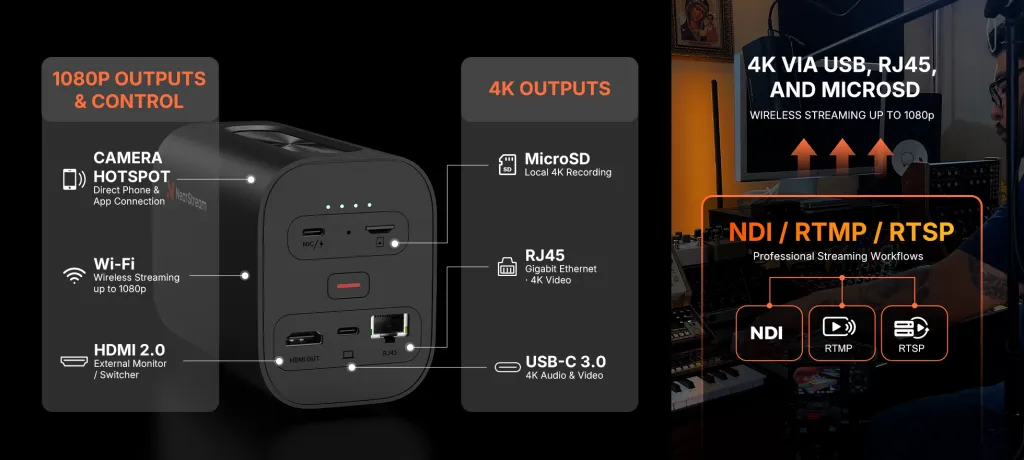
USB-C audio/video, up to 4K30
Wired or wireless webcam modes; wired mode enabled through mobile app
VM33 Pro can reduce app dependence for a direct computer feed.
Wired network
Built-in RJ45; up to 4K30
Optional Ethernet power adapter
Built-in Ethernet removes one accessory from the wired plan.
Direct monitor/switcher path
HDMI, up to 1080p30
No built-in HDMI output
VM33 Pro can feed compatible hardware directly.
Network protocols
NDI, RTMP, RTSP
NDI
HX, RTMP(S), SRT
Protocol choice must match the exact software and network design.
Local recording
Up to 4K30 microSD
Up to 1080p30 microSD
Both can record locally; VM33 Pro offers a higher-resolution master.
Multi-camera operation
App workflow; remote can select which of up to three cameras it controls
Mevo Multicam and Auto-Director
The VM33 Pro remote is a controller, not a program switcher.
VOC finding 1: a forced update can turn convenience into dependency
Eve Tey described a camera that stopped working after required updates:
It would work and then the vendor would force an update, and it would stop working.
— Eve Tey, 1-star Amazon review, April 25, 2022
This is one customer account, not proof that every firmware update fails. The deeper VOC need is continuity: a production camera should have a tested recovery plan when software behavior changes.
VM33 Pro is still a software-enabled device and should also be tested after updates. Its differentiation is that control and output are not concentrated in a single app route. The included RF remote provides common camera controls; USB-C, RJ45, and HDMI provide distinct physical paths; NDI, RTMP, and RTSP support compatible network workflows.
VOC finding 2: “phone required” can be a buying surprise
Andrew Wilson wrote:
You MUST use their smartphone app or you can’t control the camera. There should be a warning for this in the product description.
— Andrew Wilson, 1-star Amazon review, December 28, 2021
Logitech’s app-led design is a benefit for users who want mobile live editing. The mismatch occurs when a buyer expects a conventional camera with independent hardware controls or a direct production output.
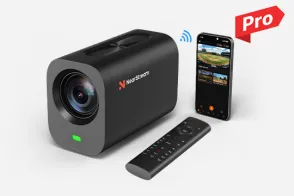
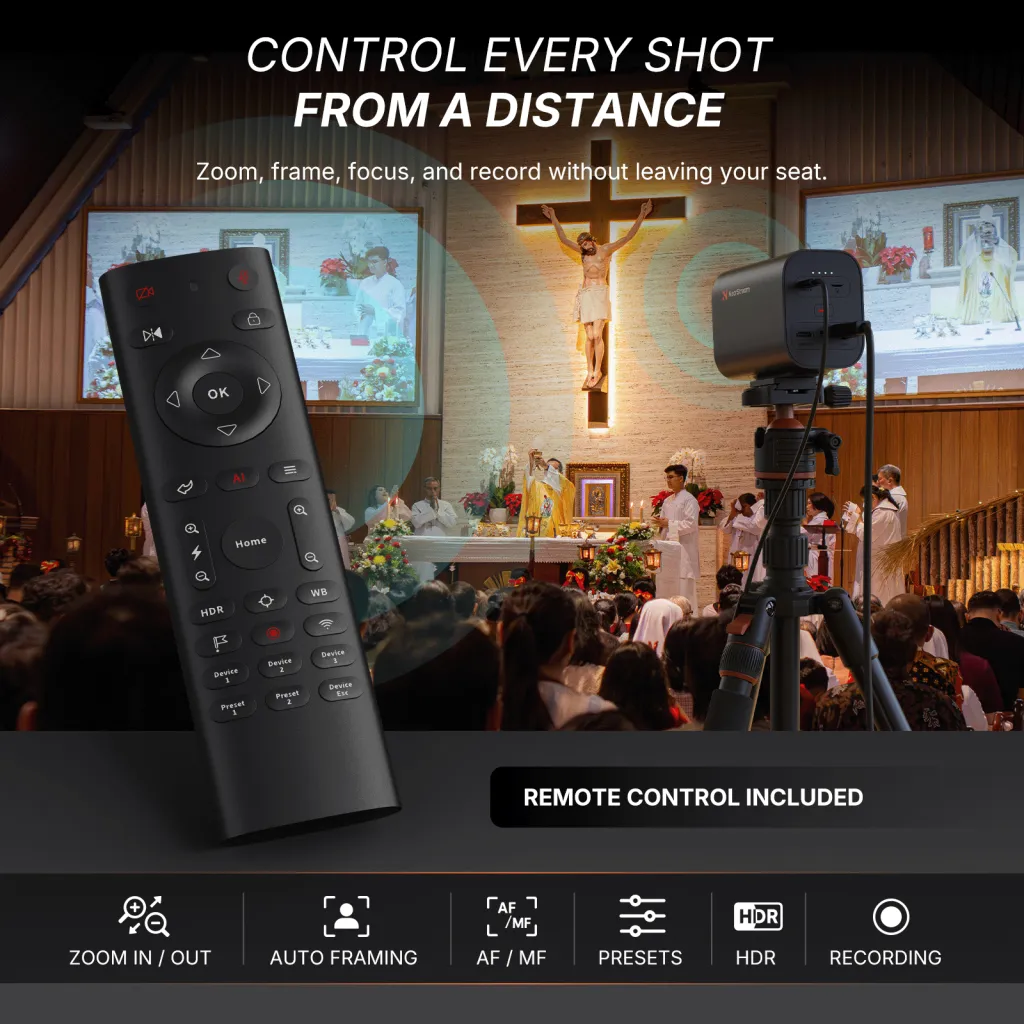
VM33 Pro’s RF remote can control zoom, focus, image and audio settings, presets, and recording without requiring the operator to touch the mounted camera. The app remains useful for monitoring and deeper configuration; the remote creates a second operating surface.
That distinction matters for a solo sports operator whose phone is also running scoring software, or for a worship volunteer who needs to recall a stage preset without navigating menus during a service.
VOC finding 3: missing direct outputs can become visible only after failure
Jonah DeJarnette described frustration after a long mounted installation:
It’s not like it has an HDMI connection or direct output to get video out from.
— Jonah DeJarnette, 1-star Amazon review, October 10, 2023
That sentence defines a distinct customer job: when an app or network route is unsuitable, the operator wants a direct way to move video into a monitor, computer, or switcher.
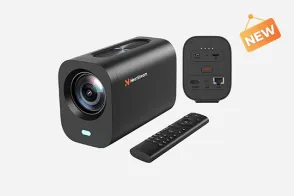
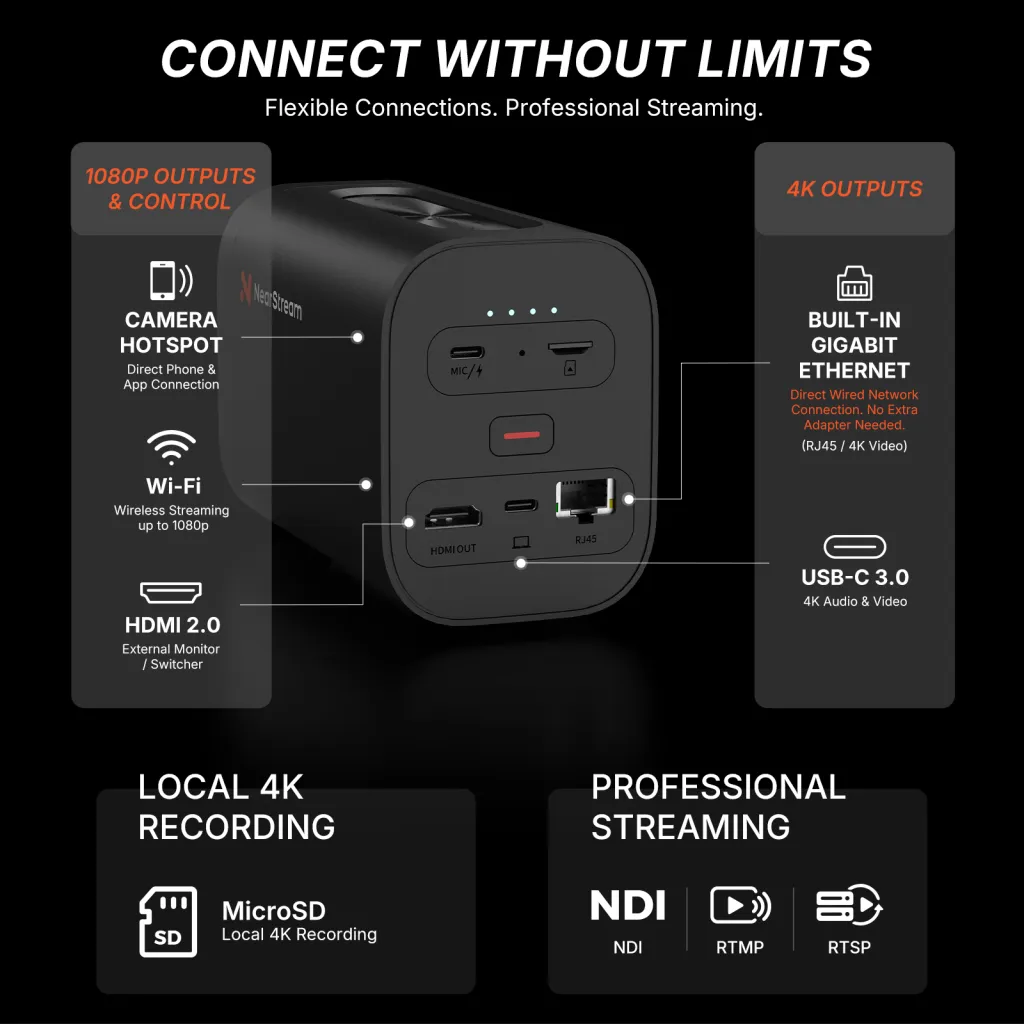
VM33 Pro addresses this directly with HDMI and USB-C, plus built-in RJ45 for a wired network. Its HDMI output is up to 1080p30; 4K30 is available through USB-C or RJ45, subject to the supported workflow. Buyers should map the exact port to the exact destination rather than assuming all ports carry the same resolution.
App convenience vs production optionality
Mevo Start remains compelling when the mobile app is the intended control room. Its multicamera and automatic production features may be more valuable to some users than a collection of physical ports. A small creator who wants a compact 1080p stream may never need HDMI or optical zoom.
VM33 Pro becomes the stronger mevo camera alternative when the buyer wants choices outside the app:
A physical remote for common camera control and recording.
USB-C for direct computer audio/video.
Built-in RJ45 for a wired network without a separate Ethernet adapter.
HDMI for a compatible monitor or switcher.
NDI, RTMP, and RTSP for compatible network production.
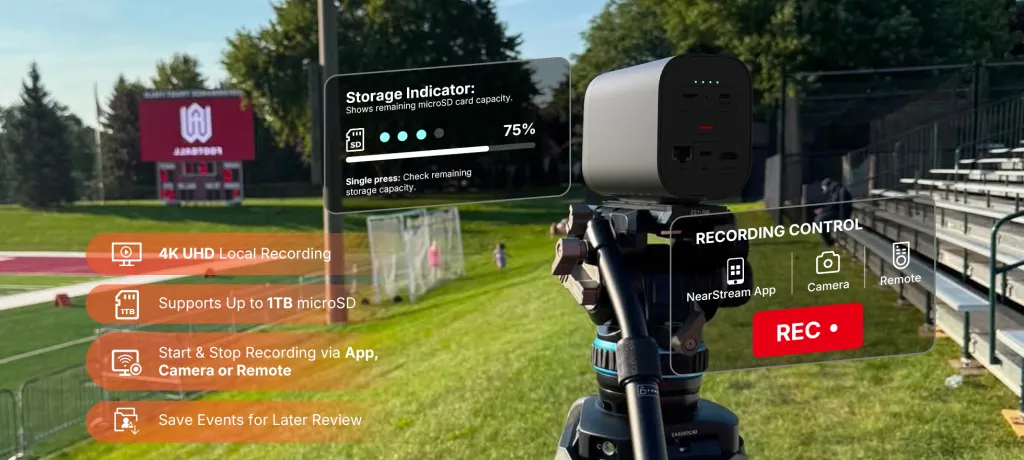
microSD recording up to 4K30 for a local deliverable.
An NDI streaming camera still depends on network design, compatible software, bandwidth, and configuration. The port and protocol list is not a reliability guarantee. Its value is architectural optionality.
Build a workflow that can exit gracefully
Before choosing either camera, run four rehearsals:
No-phone test: determine which essential controls and outputs remain available when the primary phone is occupied.
Update test: after firmware or app changes, retest connection, audio, local recording, protocol output, and presets before the event.
Wired test: connect the exact computer, Ethernet network, monitor, or switcher the venue will use.
Failure test: interrupt the primary path and confirm what continues—local recording, program output, control, and audio.
VM33 Pro offers more alternative routes through that test. Mevo Start can still be the better fit when the Mevo app ecosystem itself is the desired production method.
Verdict: choose the architecture, not just the interface
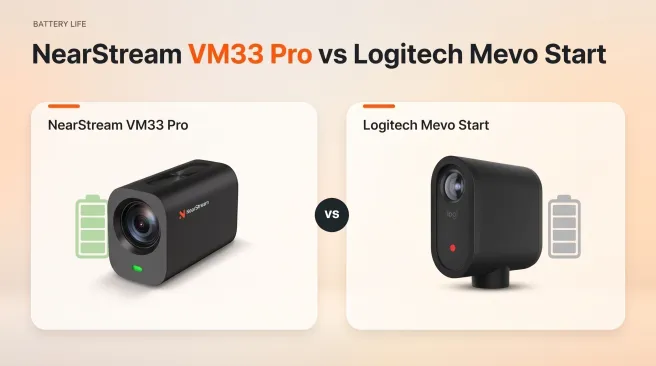
Choose Mevo Start for a portable, app-first 1080p production where Mevo’s mobile tools, multicamera workflow, and longer rated battery life align with the job.
Choose VM33 Pro when an app should be one option rather than the entire operating model. Its remote, optical zoom, built-in Ethernet, HDMI, USB-C, local 4K recording, and network protocols provide more ways to integrate the camera—and more ways to keep working when a preferred route is unavailable.
FAQ
Can VM33 Pro work without its app?
The included RF remote can handle recording, zoom, focus, presets, camera selection, and several image/audio adjustments. The app remains relevant for broader configuration and monitoring. Direct USB-C, RJ45, and HDMI workflows depend on the destination and selected settings.
Does the VM33 Pro remote switch the live program?
No. Its camera-selection keys choose which VM33 Pro the remote controls. A compatible app or switcher still selects the feed sent to viewers.
Does Mevo Start support NDI and RTMP?
Logitech lists NDI|HX and RTMP(S), as well as SRT. Compatibility and available modes should be confirmed against current firmware, apps, and receiving software.
Does VM33 Pro have HDMI and Ethernet built in?
Yes. It includes HDMI output and an RJ45 Ethernet port. HDMI is rated up to 1080p30; RJ45 can support up to 4K30 in the specified workflow.
Is a wired connection automatically more reliable?
No. Cables, switches, network congestion, software, credentials, and destination services can all fail. A wired path is valuable because it gives the team another tested option.
Which is the better Mevo Start alternative for sports or worship?
VM33 Pro is better matched when the production needs optical zoom, phone-independent common controls, built-in Ethernet/HDMI, or a 4K local master. Mevo Start remains suitable for close-range, app-centered 1080p production.

























 sales@nearstream.us