NearStream VM33 Pro vs Mevo Start: Which Camera Delivers the Better Shot?
Mevo Start offers a simple 1080p streaming workflow, while NearStream VM33 Pro adds 10x optical zoom and 4K recording.
wireless sports camera
live stream wireless camera
logitech mevo start
Updated: Nov 15, 2026 · 8 minutes read
Modular Video Kits for Growing Business.
Is 1080p enough for every live streaming setup? Based on real Amazon customer feedback, this comparison explores the practical differences between Mevo Start and NearStream VM33 Pro. Learn how optical zoom, autofocus, and 4K production help VM33 Pro capture clearer details and adapt to demanding streaming environments.
A resolution label is not the same as a usable shot
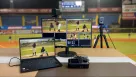
The volleyball match has already started. The camera is fixed near the back of the gym, the lighting is uneven, and the operator needs a tight view of the serve without moving the tripod into the crowd. This is where a specification such as “1080p” stops being an answer.
Image quality in a real livestream depends on more than the output resolution. Subject distance, lens reach, light, exposure, focus, encoding, platform compression, and the amount of digital cropping all shape what viewers finally see. That distinction appears repeatedly in customer language about Logitech Mevo Start—and it helps explain when a 4K streaming camera with optical zoom is the more useful production tool.
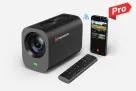
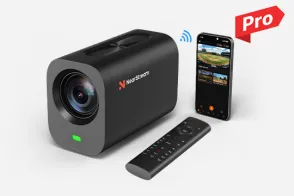
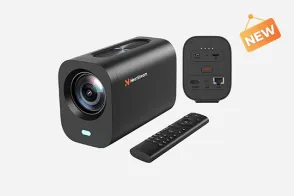
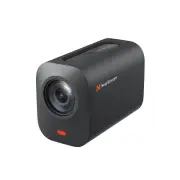
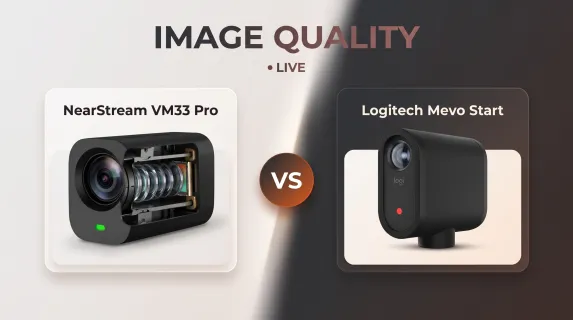
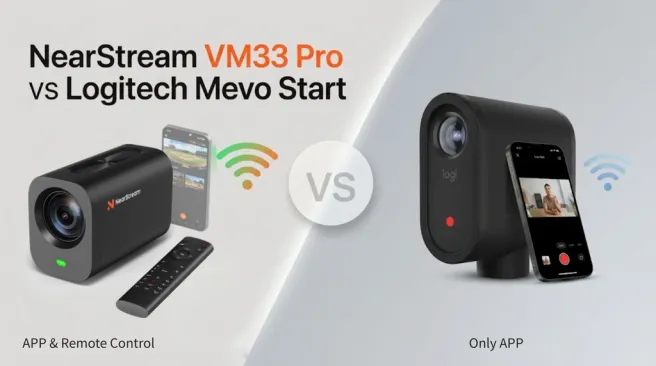
NearStream VM33 Pro and Logitech Mevo Start are designed around different priorities. Mevo Start is a compact, app-led camera for streaming and recording up to 1080p30. VM33 Pro adds 10x optical zoom, autofocus, up to 40x hybrid zoom, 4K30 output through USB-C or RJ45, and local 4K30 microSD recording. Wireless and HDMI output on VM33 Pro remain up to 1080p30, so its 4K capability is connection-specific—not a promise of 4K over every path.
Image-quality comparison at a glance
Production question
NearStream VM33 Pro
Logitech Mevo Start
Why it matters in practice
Maximum production resolution
Up to 4K30 via USB-C/RJ45; up to 4K30 local microSD recording
Up to 1080p30 streaming and recording
A higher-resolution master gives editors more latitude for reframing and highlights.
Wireless/HDMI output
Up to 1080p30
Up to 1080p30 streaming
“4K camera” does not mean every live destination receives 4K.
Zoom
10x optical; up to 40x hybrid
Digital zoom
Optical zoom changes framing through the lens before encoding; digital zoom enlarges/crops existing pixels.
Focus
Autofocus
Fixed focus
Autofocus is useful as subject distance changes; fixed focus favors a simpler, broad scene.
Field of view
62.7° wide; 9.95° at full telephoto
83.7° diagonal
Mevo’s wider view suits close spaces; VM33 Pro provides substantially tighter framing.
Physical production paths
Wi-Fi, USB-C, RJ45, HDMI, microSD
Wi-Fi, USB-C, microSD; optional Ethernet adapter
The chosen route determines achievable resolution and integration.
VOC finding 1: customers judge the picture, not the pixel count
Brianne Jurs compared the delivered image with an older phone:
The picture is grainy — I wouldn’t believe it’s 1080p if you gave me a thousand dollars — the light balance is TERRIBLE.
— Brianne Jurs, 1-star Amazon review, May 22, 2020
Another reviewer tried to solve sharpness with more light:
The clarity of the video is NOT sharp at all even when using two very powerful light boxes.
— DDVA, 1-star Amazon review, January 23, 2021
These are individual negative experiences, not laboratory measurements. They do, however, reveal the purchasing question hidden behind “1080p”: will faces, uniforms, text, and motion remain clear in the buyer’s actual venue?
More light can help a camera use a cleaner exposure, but it cannot replace optical reach. Likewise, 4K alone does not guarantee good color or low-light performance. The useful advantage of VM33 Pro is the combination: its lens can create a tighter optical composition, autofocus can respond to distance, and a 4K wired or local path can preserve more source detail for later use.
VOC finding 2: indoor sports expose the cost of phone dependence and digital framing
AW purchased Mevo Start for indoor volleyball and reported:
Using the Mevo ties up the IPhone and you can’t even minimize the app. Plus the video on iPhone is better quality.
— AW, 1-star Amazon review, September 3, 2024
That comment combines two separate concerns: perceived picture quality and operator workflow. In a gym, the camera may need to stay wide enough to cover play, while the operator also needs the phone for communication, scoring, or another task.
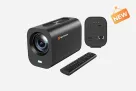
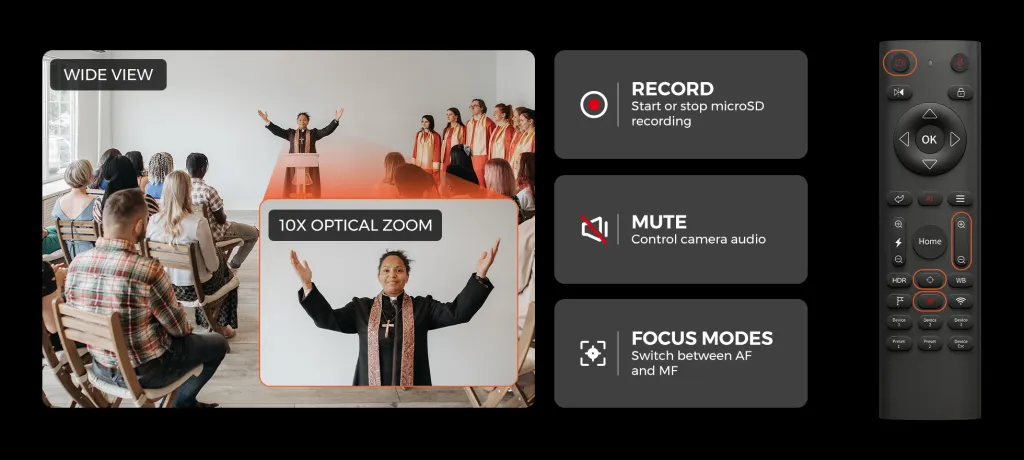
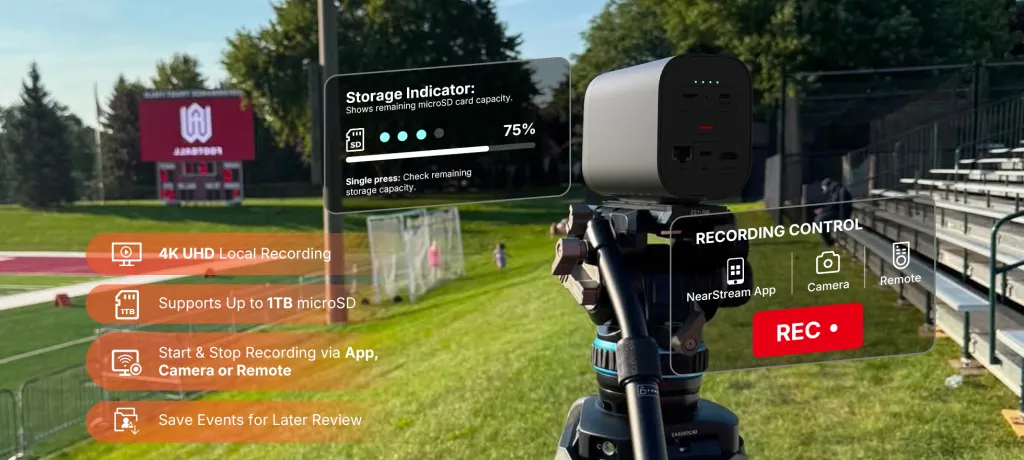
VM33 Pro does not guarantee perfect gym footage; lighting, placement, network conditions, and settings still matter. Its differentiator is that the operator can use the included RF remote to change zoom and focus, recall presets, adjust image settings, and start or stop recording without making the phone the only control surface. A wide preset can cover the court, while a tighter preset can frame a server, coach, or awards presentation.
Why optical framing matters before the stream is compressed
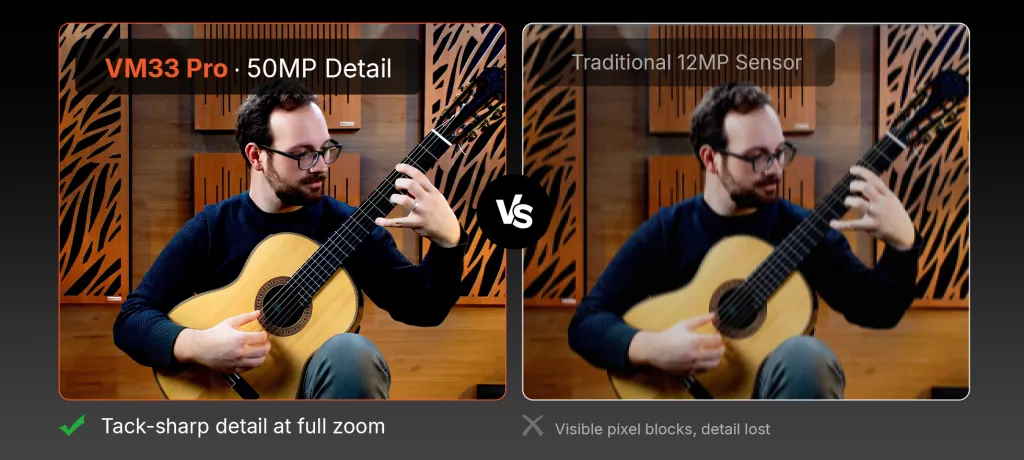
Imagine that the subject occupies one quarter of a 1080p frame. Enlarging that area digitally asks a relatively small group of pixels to fill the viewer’s screen. The platform may then compress the enlarged image again. Optical zoom instead makes the subject larger at capture, before the camera creates and encodes the output.
This does not mean every shot should be at 10x, or that hybrid zoom is equivalent to optical zoom. The practical rule is to use optical reach first, reserve additional hybrid enlargement for when it is genuinely needed, and test camera movement and focus before the event.
For editors, VM33 Pro’s local 4K30 recording can also provide a better master for a highlight crop—even when the live output is 1080p. NearStream notes that 4K H.264 streaming and 4K recording cannot operate simultaneously, so crews must choose and test the required combination beforehand.
Three real scenes where the difference becomes visible
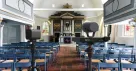
1. A church camera at the rear of the sanctuary
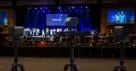
Mevo Start’s wide fixed view can be useful in a small room. When the camera is far from a speaker, VM33 Pro’s optical zoom can create a more intentional medium or close shot without moving the camera into an aisle. A 4K local file can preserve a higher-resolution sermon archive, while the stream follows the resolution of the selected connection.
2. An indoor volleyball match
A wide angle helps retain the court, but the audience may also want tighter shots between points. VM33 Pro’s remote and presets reduce the need to touch a mounted camera or navigate every change through a phone. The operator should still avoid aggressive reframing during live action and test autofocus against nets, spectators, and changing backgrounds.
3. A video that becomes edited content
Mevo Start’s 1080p workflow can be sufficient for a straightforward call. If the recording will later be cropped into speaker clips, training modules, or vertical social posts, a 4K USB-C/RJ45 or local master from VM33 Pro supplies more pixels for the edit.
Which camera is the better fit?
Choose Mevo Start when the subject is close, a broad fixed view is desirable, 1080p delivery is sufficient, and the compact app-centered workflow fits the operator.
Choose VM33 Pro when the camera must work at a distance, optical framing matters, autofocus is useful, or the production needs a 4K wired/local master. It is the stronger candidate for buyers searching for the best 4K camera for live streaming only if their planned connection actually supports the desired resolution.
FAQ
Is VM33 Pro a 4K wireless live streaming camera?
VM33 Pro supports up to 4K30 through USB-C and RJ45 and for local microSD recording. Its Wi-Fi and HDMI outputs are rated up to 1080p30. Treat “4K” as a connection-specific capability.
Does Mevo Start record 4K?
No. Logitech specifies streaming and recording up to 1080p30.
Does a 4K camera automatically look better in low light?
No. Lighting, exposure, lens, sensor behavior, focus, encoding, and platform compression remain important. The 4K master mainly adds resolution and editing latitude.
Is optical zoom always better than digital zoom?
Optical zoom generally preserves more captured detail because it changes the lens framing before encoding. Digital or hybrid enlargement can still be useful, but aggressive enlargement will not create detail that was never captured.
Which camera is better for indoor sports?
Mevo Start can suit a simple wide 1080p stream. VM33 Pro is better matched when the camera is farther from play, tighter framing is required, or the operator wants remote control and a 4K local production master.
















 sales@nearstream.us