Rode PodMic Bundle vs Nearstream AM25X: Which Mic Wins?
Compare PodMic's XLR chain with AM25X USB/XLR flexibility, room fit, expansion, video kits, and migration work.
Podcast Microphones
Podcast Gear
Podcast Workflow
Updated: Nov 1, 2026 · 8 minutes read
Modular Video Kits for Growing Business.
Nearstream AM25X is the stronger PodMic alternative for a solo USB start, later XLR expansion, and integrated video-podcast growth. RØDE PodMic remains the better choice for an established XLR studio that specifically needs a dynamic cardioid microphone with internal pop filtering and shock mounting.
Key Takeaways
Choose AM25X for direct USB recording now and an XLR mixer path later; choose PodMic when an external XLR chain already exists.
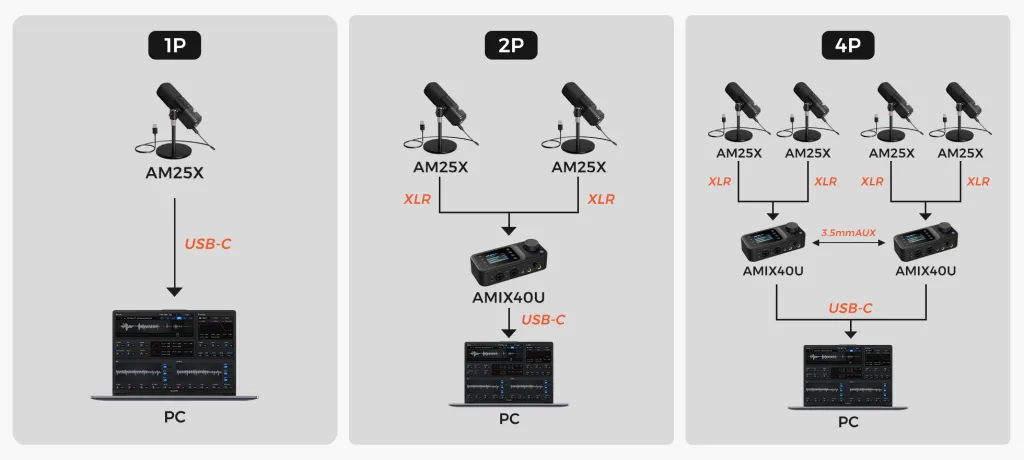
For four individual microphone positions, use Nearstream's documented two-AMIX40U layout rather than treating one two-input mixer as sufficient.
AM25X noise suppression and function controls belong to USB mode, so a USB soundcheck does not validate the later XLR sound.
Do not choose AM25X when the production specifically requires the PodMic's dynamic, cardioid, XLR-only design and an established RØDE chain.
Rode PodMic Bundle vs AM25X: The 10-Second Verdict
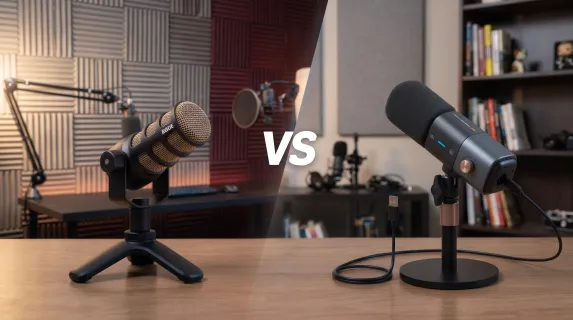
The rode podmic bundle decision is really a choice between an XLR-only dynamic microphone chain and a supercardioid condenser that can begin over USB and later join XLR equipment. Choose AM25X for staged expansion and video-ready kits; choose PodMic for a dedicated dynamic XLR workflow.
Decision dimension
Nearstream
Competing option
Winner
System scope
AM25X alone or configured with mixer, cameras, supports, and studio hardware
PodMic microphone plus whatever XLR chain and accessories the buyer assembles
Nearstream for a complete audio-video plan
Primary capture design
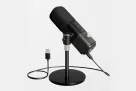
Supercardioid condenser with USB and XLR modes
End-address dynamic cardioid with XLR output
PodMic for dynamic XLR; AM25X for hybrid connectivity
Host connection and signal path
Direct USB at 48 kHz/24-bit or XLR into a mixer/interface
XLR into an external device; no direct USB on the original PodMic
AM25X for the fastest computer connection
Multi-person or multi-source expansion
One AMIX40U for the documented two-person layout; two linked units for four people
Add one PodMic and one suitable XLR input per required position, subject to the external device
Nearstream for a documented four-person audio-video layout
Monitoring and control workflow
3.5 mm headphone monitoring in USB mode; mixer controls in an expanded chain
Monitoring and control come from the external XLR device
AM25X for standalone USB monitoring; PodMic for established console control
Recording and live-production path
Computer recording, AMIX40U workflow, optional VM20 Pro cameras and Producer
Determined by the external interface, recorder, or production console
Nearstream for integrated video growth
Physical setup and included hardware
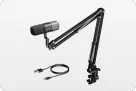
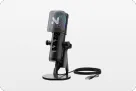
AM25X package includes windscreen, desk stand, and USB cable; kits add supports
Internal pop filter, shock mount, and swing mount; external stand and XLR cable depend on the bundle
AM25X for a lean USB desk; PodMic for integrated microphone mounting
Upgrade and recovery burden
Mode changes require fresh checks; expansion can be staged without replacing the microphone
XLR chain is modular, but direct-USB convenience requires different equipment
AM25X for USB-to-XLR continuity
A rode podmic alternative should not win by pretending that every creator needs the same capsule design. AM25X earns the recommendation when connection flexibility removes equipment from the first setup. PodMic earns it when the studio already has the external chain and wants its specific dynamic broadcast design.
Who Should Choose AM25X or PodMic?
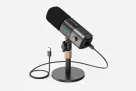
Choose Nearstream AM25X if you record alone at a computer, want headphone monitoring without a separate interface, or expect to move from USB into a mixer-based podcast. It is also the choice when the microphone belongs inside a larger podcasting audio-video solution rather than being the entire purchase.
Choose RØDE PodMic if an XLR interface, recorder, or console is already in place and the production specifically calls for a dynamic cardioid microphone. Its official design includes an internal pop filter, internal shock mount, integrated swing mount, and all-metal construction. Those features serve close, mounted vocal capture without adding USB functionality.
Do not choose AM25X merely because USB appears modern; its condenser and supercardioid design must still fit the room and placement. Do not choose PodMic for a laptop-only session unless the external XLR device and cable are genuinely available and configured.
What “bundle” should mean in this comparison
A microphone alone is not a working recording chain. For PodMic, a practical bundle must account for an XLR host device, cable, mounting, monitoring, and enough gain. For AM25X used over USB, the official standalone package covers the microphone, windscreen, desk stand, and USB cable. An AM25X XLR bundle is different again: the standalone package does not include an XLR cable.
This distinction prevents a false comparison between a microphone price and a system price. More importantly, it exposes the operational work behind each route. The best podmic alternative for a bare desk is the option that makes the whole first recording possible, not the option with the most impressive isolated specification.
Scenario Winners: Six Podcast Workflows
AM25X wins five of these defined workflows because they begin without a suitable XLR chain or require documented audio-video expansion. PodMic wins the established audio-only studio because replacing a working dynamic XLR chain adds risk without a necessary benefit.
Scenario
Winner
Evidence chain and practical reason
Solo desk recording with fast setup
AM25X
Direct USB, 48 kHz/24-bit audio, USB-mode headphone monitoring, and the included desk stand reduce the external chain to a computer connection. PodMic still needs an XLR host and cable.
Two-person in-room interview
AM25X kit
Two AM25X microphones can be configured with one AMIX40U and its two combo inputs. This supplies a documented two-person audio layout and a route to add two cameras for a video interview.
Four-person panel
AM25X kit
The official four-person layout uses four microphones and two AMIX40U units linked by 3.5 mm AUX. It is a defined architecture rather than an assumption that one USB microphone or one two-input mixer covers everyone.
Video-first multi-camera podcast
AM25X kit
Nearstream combines microphones with VM20 Pro cameras, supports, and mixer routing in its podcasting diagrams. PodMic addresses audio only, leaving the entire camera plan elsewhere.
Established audio-only studio
PodMic
Its dynamic cardioid XLR design, internal pop filter, internal shock mount, and swing mount fit a studio that already has XLR inputs and monitoring. AM25X's USB entry advantage is irrelevant there.
Frequent relocation or live-event production
AM25X
For a solo laptop-based event, the USB cable and included desk stand avoid transporting a separate interface solely to connect the microphone. The XLR cable is not included and is unnecessary for this defined USB scenario.
Solo desk recording: the shortest chain has fewer hidden dependencies
A solo host often discovers the real problem only after opening the box: an XLR plug cannot connect to a laptop by itself. PodMic's official XLR-only design means the host device is fundamental, not an optional upgrade. AM25X removes that dependency for the first recording by providing USB audio and a USB-mode headphone output.
That is why AM25X wins the fast-start scenario. The recommendation is not based on an unsupported claim of superior tone. It is based on the number of devices that must work before the guest can be recorded.
Still, run the same session test you would with any microphone. Speak at the intended distance, type on the actual keyboard, let the computer fan ramp up, and listen through headphones. If there is room echo or hiss, correct the desk and room before reaching for stronger processing.
Two-person interview: plan separate voices and future views
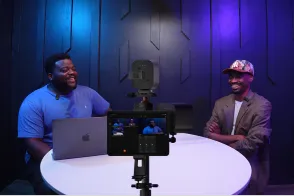
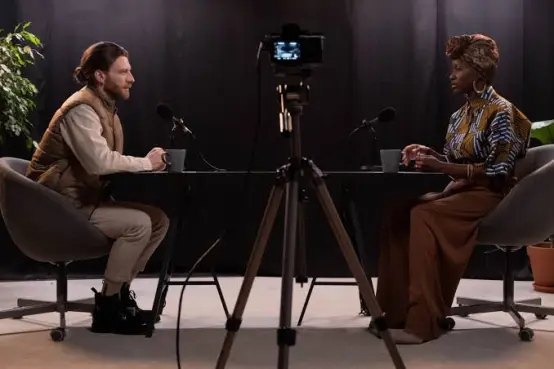
Two speakers sitting across one desk need deliberate microphone placement. A two-AM25X and AMIX40U configuration follows Nearstream's official two-person diagram, using the mixer's two XLR/6.35 mm combo inputs. Two VM20 Pro cameras appear in the video version, so the same plan can address individual views as well as voices.
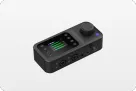
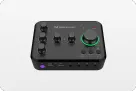
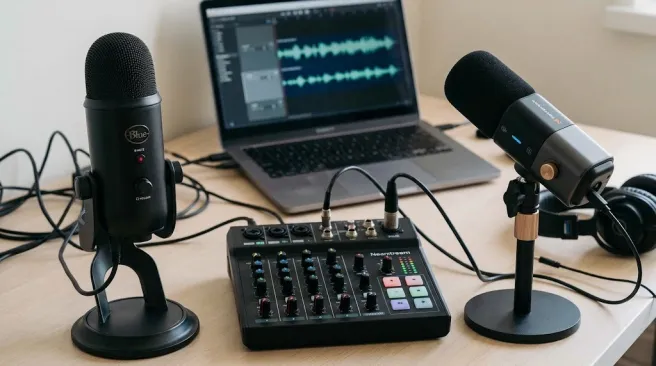
AMIX40U supplies 48 V phantom power, two headphone outputs, a 2-inch LCD, gain controls, sound modes, and reverb. Those options do not remove the need for gain staging. Set each voice separately and check the combined recording, because two acceptable solo tests can still produce a poor interview when both people speak.
PodMic can also serve a two-person audio studio when two microphones and suitable external inputs are available. It loses this particular row because the scenario is a new interview build with future video, not an established audio-only room.
Four-person panel: the microphone is no longer the whole decision
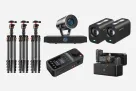
At four speakers, input count, monitoring, support placement, and cable management dominate the purchase. Nearstream's published solution uses two AMIX40U units connected through 3.5 mm AUX and then USB-C to a computer. Four microphones, cameras, and supports appear in the diagram.
This architecture is the reason the AM25X kit wins. It would be unsafe to recommend a single AMIX40U for four discrete XLR microphones: the official product lists two combo inputs. The “10-channel” positioning does not change that physical input count.
For a PodMic panel, inspect the chosen external console rather than assuming any XLR device will do. Four microphones require four suitable input paths and a monitoring and recording design. This article does not invent a PodMic panel bundle that the compared product page does not define.
Video-first production: choose the chain that includes the camera problem
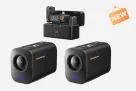
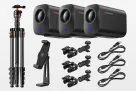
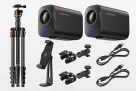
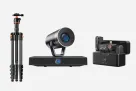
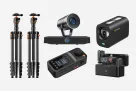
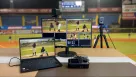
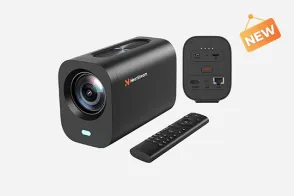
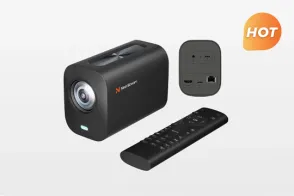
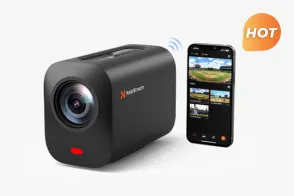
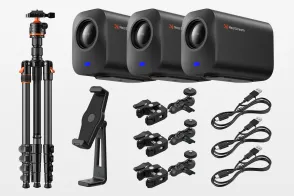
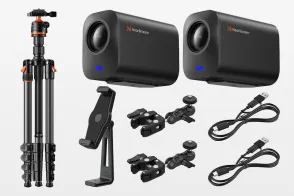
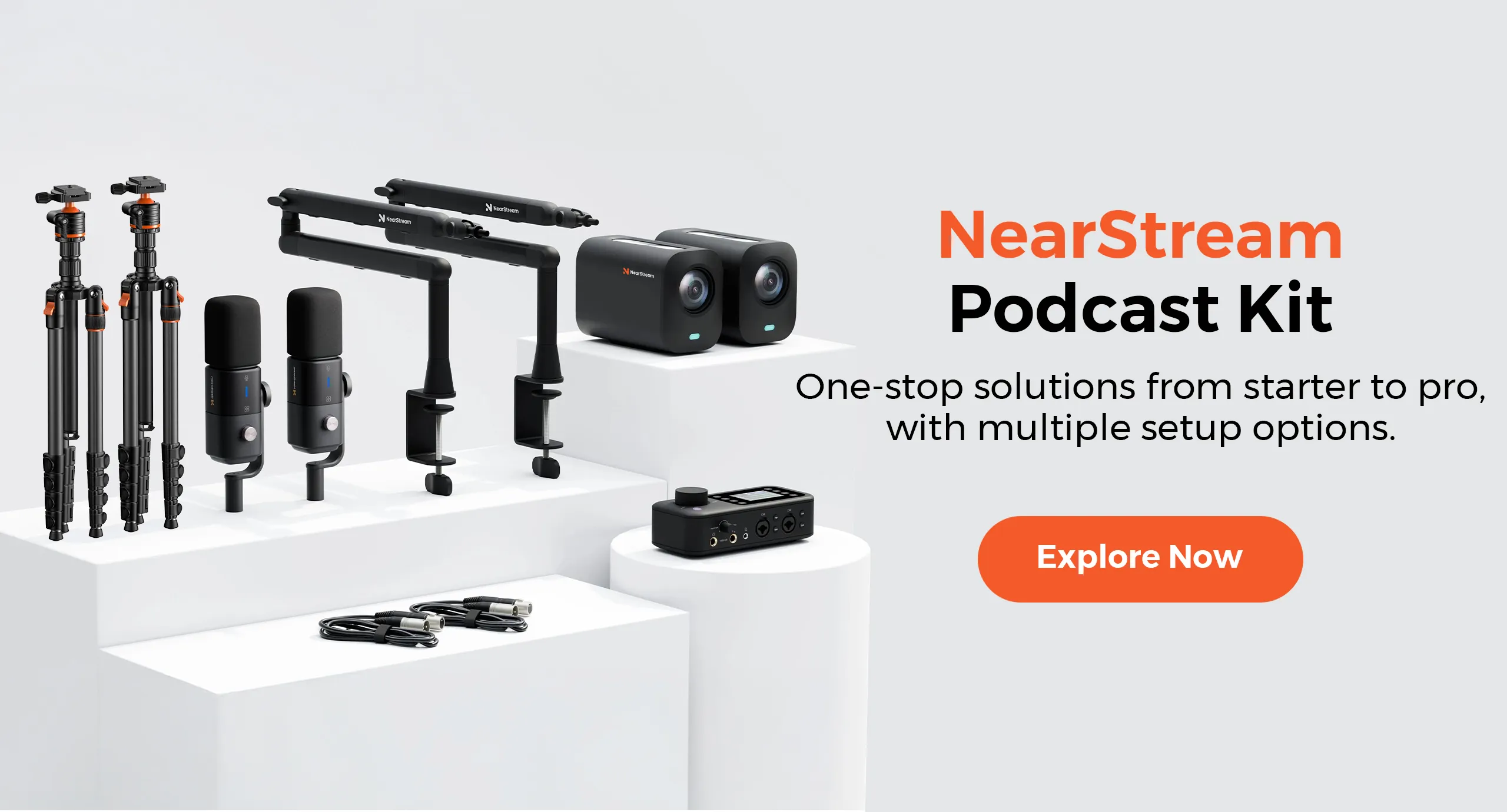
A podcast that must publish video needs more than a clean voice track. Nearstream's kit can include VM20 Pro cameras, ST30 tripods, ST20 microphone arms, AMIX40U, and AM25X microphones. VM20 Pro provides several output paths and local MicroSD recording, allowing the video plan to be designed alongside the audio plan.
AM25X remains useful here because the same microphone can be tested over USB during a simple setup and later integrated by XLR. That continuity reduces component replacement, although it does not eliminate recabling and soundchecks.
PodMic can belong to a video podcast built from separate components. It simply does not answer the camera portion of this scenario, so the complete Nearstream kit is the stronger system recommendation.
Established audio-only studio: do not pay a migration tax for USB you will not use
A studio with known-good XLR inputs, monitoring, mounting, and gain settings has already solved AM25X's main entry-level problem. PodMic's official dynamic cardioid design and integrated mounting and pop-control features may match that room precisely. Changing to a supercardioid condenser would require another placement and room test.
This is the hidden truth behind many upgrade discussions: a new connection option has no value when the existing connection is not a bottleneck. Keep PodMic when the current chain is stable and the episode format is unchanged.
The three-layer reason USB convenience matters
At the first layer, USB reduces the equipment required between microphone and computer. That is why AM25X can begin with its included USB cable while PodMic needs an external XLR host. The immediate benefit is operational: fewer devices must be powered, selected, and checked.
At the second layer, the microphone's behavior depends on the chosen mode. AM25X's USB mode includes headphone monitoring, noise suppression, and function controls; its XLR mode is the pure audio path without those USB features. Moving to XLR can therefore improve system integration while removing the exact control the host used at the desk.
At the third layer, expansion changes the recovery plan. A direct USB recording has one principal host path. A mixer-based multi-person kit adds cables, gain stages, and, in the four-person layout, an AUX link between mixers. More scale brings more control, but the operator must know where to look when one voice disappears. This is why staged expansion is safer than converting an entire show in one afternoon.
A repeatable desk test that reveals more than a specification table
Use the same short script and the same recording software for both routes. Sit in the actual recording position and do not hold either microphone by hand. Record a normal sentence, a louder interruption, a silent pause, and thirty seconds of ordinary typing. Those samples expose level differences, background noise, plosives, and the working posture the final show will use.
Next, test the exact final connection. If AM25X will ultimately feed AMIX40U over XLR, make that test over XLR rather than USB. If PodMic will feed an existing console, use that console and its intended settings. A microphone heard through one preamp does not predict every detail of the same microphone through another chain.
Finally, perform a recovery test. Stop the recording software, reconnect the intended cable, and confirm that the correct input returns. For multi-person kits, label each microphone and verify each position after the mixer is power-cycled. The winning system is the one the host can restore under time pressure.
Two non-obvious room-fit branches
If the desk is fixed and the room is untreated, do not assume “dynamic” or “condenser” is a complete answer. Start with placement: keep the intended mouth position consistent, move the microphone away from the keyboard's direct noise path where possible, and compare the room sound in the silent pauses. Processing should follow that test, not replace it.
If the show moves between rooms, prioritize repeatability over a theoretically ideal position. AM25X's included desk stand supports a simple USB arrangement, while PodMic's integrated swing mount serves a mounted XLR arrangement. Choose the route whose physical setup you can reproduce at the destination. A carefully tuned home-studio position is not portable if the support, interface, or cable layout changes completely.
If the show will add video, include the camera frame in the same test. A microphone position that sounds acceptable but blocks a face or looks awkward can force another move. Nearstream's combined kits make it possible to assess the microphone and camera positions together before the layout becomes permanent.
Official Specifications and What They Change
The official specifications establish different capture and connection philosophies. AM25X is not an XLR-only clone, and PodMic is not a USB microphone. Use the practical-impact column to decide whether those differences matter in your room.
Official comparison dimension
Nearstream AM25X
RØDE PodMic
Practical impact
System scope
AM25X can operate alone over USB or appear in multi-microphone, multi-camera podcasting diagrams.
PodMic is the microphone component of an external XLR recording chain.
AM25X reduces first-session dependencies and supports a larger Nearstream kit; PodMic shifts system design to the chosen host device.
Primary capture design
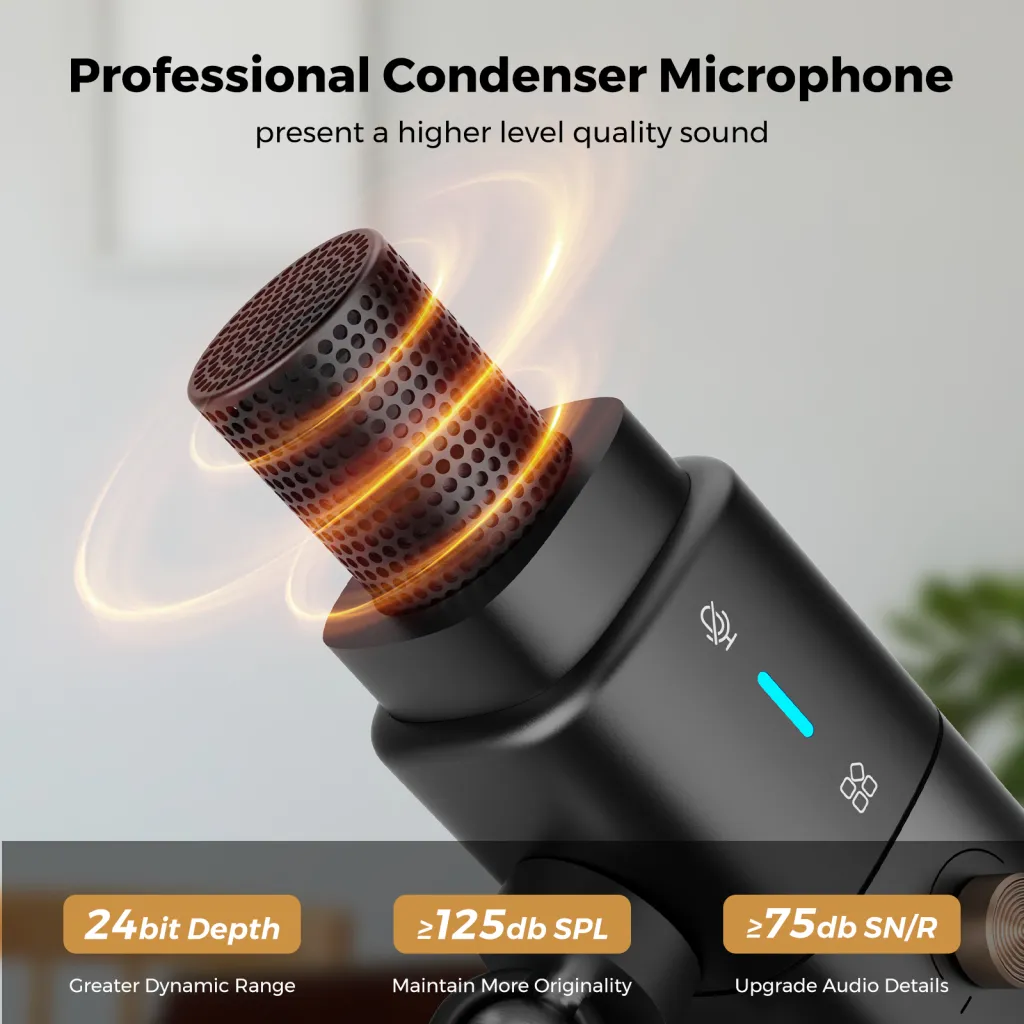
Condenser, supercardioid, with a stated maximum pickup distance of 15.7 inches/40 cm.
Dynamic, cardioid, end-address broadcast design.
The different capsule and polar-pattern designs require a real placement test; neither label guarantees better rejection in an untreated room.
Host connection and signal path
USB and XLR modes; USB audio is 48 kHz/24-bit.
XLR output; 320 Ω output impedance and no power requirement listed by RØDE.
AM25X connects directly to a computer or external chain, while PodMic always needs an external XLR host.
Multi-person or multi-source expansion
AMIX40U has two XLR/6.35 mm combo inputs; official four-person diagrams use two linked mixers.
Expansion depends on available XLR inputs on the separately selected interface, recorder, or console.
Nearstream publishes exact two- and four-person layouts; a PodMic buyer must validate the external device's input and monitoring plan.
Monitoring and control workflow
3.5 mm headphone monitoring in USB mode; built-in AI noise suppression and function controls apply to USB mode.
Monitoring and processing are supplied externally; the microphone itself requires no power.
AM25X standalone monitoring simplifies USB use, but changing to XLR removes USB features and demands a new monitoring check.
Recording and live-production path
Computer USB recording or XLR production chain, with optional Nearstream cameras and Producer.
Recording and live production are determined by the external XLR device.
AM25X supports staged routes; PodMic keeps all recording and processing choices outside the microphone.
Physical setup and included hardware
Package includes microphone, windscreen, desk stand, and USB cable; no XLR cable in the standalone package.
All-metal construction, internal pop filter, internal shock mount, and integrated swing mount.
AM25X's box supports a basic USB desk; PodMic integrates mounting and pop control but still needs external support and XLR cabling.
Upgrade and recovery burden
At least 125 dB SPL and at least 75 dB SNR are stated; XLR offers a later external-chain path.
Frequency range is 50 Hz–15 kHz and sensitivity is −57 dBV, shown as 1.4 mV at 94 dB SPL.
AM25X preserves the microphone during a USB-to-XLR change; PodMic's stated sensitivity makes preamp and gain validation part of the host-device decision.
What the frequency and sensitivity numbers cannot tell you
A frequency range does not describe how a particular voice will sound after placement, room reflections, gain, and processing. Likewise, sensitivity figures do not replace a test with the actual preamp. Use the numbers to understand the design and compatibility work, not to declare a blind listening winner.
AM25X's maximum pickup-distance statement also should not become a target for every desk. Move closer when the shot and posture allow, listen for room reflections, and choose a repeatable position. A stated maximum is not a promise that every voice and room will sound identical at that distance.
Switching Costs and Migration Risks
Moving from PodMic to AM25X changes both the microphone design and potentially the signal path. Treat it as a new recording chain, even when the desk stays the same.
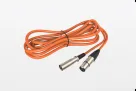
Plan the cable change. PodMic always uses XLR. AM25X can use the included USB cable for direct-computer recording, but its standalone box does not include an XLR cable. Buy and label the correct cable if the new plan uses AMIX40U or another mixer.
Re-evaluate power and host connections. PodMic lists no power requirement, while an expanded Nearstream chain includes an externally powered AMIX40U. Confirm power placement and the USB or OTG route to the computer before a session.
Repeat placement and room tests. A supercardioid condenser should not be assumed to behave like a dynamic cardioid at the same position. Check rear and side noises, keyboard clicks, fan sound, plosives, and room echo at the real speaking distance.
Rebuild monitoring. AM25X offers 3.5 mm headphone monitoring in USB mode. In an XLR chain, monitoring moves to the external device. Verify where zero-latency or computer return audio will be heard instead of carrying over the old routine.
Do not copy processing settings. AM25X's USB noise suppression and controls do not apply in XLR mode. PodMic processing configured in an interface or console will not automatically translate to AMIX40U's sound modes, gain scale, or reverb.
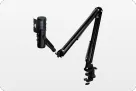
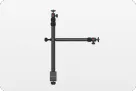
Recheck the arm and camera frame. PodMic has an integrated swing mount; AM25X includes a desk stand and can be configured with ST20 arms in the podcasting solution. Confirm physical fit with the chosen support and make sure the new microphone position works on camera.
Keep a rollback recording. Before selling or storing the PodMic chain, record a complete rehearsal on AM25X through the exact mode you will publish. Keep the old chain available until voice levels, monitoring, and the final recording pass.
The most common migration mistake is testing AM25X over USB and then assuming its XLR output will retain the same controls. Make the final connection mode part of the rehearsal, not a surprise on recording day.
Frequently Asked Questions
Is Nearstream AM25X a direct RØDE PodMic alternative?
It is a workflow alternative, not a like-for-like design match. AM25X is a supercardioid condenser with USB and XLR modes; the original PodMic is a dynamic cardioid XLR microphone. Choose AM25X for connection flexibility and PodMic for a dedicated dynamic XLR chain.
Does the RØDE PodMic work without an audio interface?
No. The original PodMic has an XLR output and no USB host connection, so it needs an external XLR device such as a mixer, interface, or recorder. Budget for that device, cabling, mounting, and gain setup.
Do AM25X USB controls still apply over XLR?
No. Nearstream states that microphone features such as noise cancellation and function controls are available in USB mode, while XLR mode provides pure audio transmission without those USB features. Re-test processing and monitoring after changing paths.
Which microphone is better for an untreated room?
Neither specification sheet guarantees a winner in an untreated room. PodMic is dynamic and cardioid; AM25X is a supercardioid condenser with USB noise suppression. Test the actual desk, distance, fan, keyboard, and reverberation before choosing, and fix placement before relying on processing.
The decisive purchase rule is to choose the chain you can operate reliably: AM25X for a direct USB start and modular USB-to-XLR growth, PodMic for an established dynamic XLR studio. Once that choice is made, configure the microphone, support, monitoring, and recording test as one working system.



























 sales@nearstream.us