RØDECaster Video vs NearStream Producer: Which Multicam Live Production Workflow Is Better?
Compare RØDECaster Video and NearStream Producer by setup, camera connectivity, PTZ control, recording, expansion, and value—and find the safer fit for a small production team.
video switcher
video switcher for live streaming
podcast switcher
Updated: Nov 5, 2026 · 8 minutes read
Modular Video Kits for Growing Business.
For most small teams, NearStream Producer is the stronger multicam choice because direct inputs, PoE camera links, built-in PTZ control, and SD program recording reduce deployment complexity. RØDECaster Video remains relevant for buyers who specifically need its XLR audio processing or an established NDI workflow.
Key Takeaways
Choose Producer when fast deployment matters more than building an NDI-based production chain.
Producer supports 9 sources, 6 simultaneous, with PoE runs up to 328 ft / 100 m for compatible NearStream cameras.
Producer records the switched program to SD card; buyers needing per-source ISO recording should not assume it is included.
At $720 promotional pricing, Producer sits within the roughly $599–$1,050 RØDECaster Video lineup range; verify current prices before buying.
Introduction: Choosing a Multicam Production Workflow
Choosing a video switcher for a podcast, church service, ball game, or community event is not just a question of who has the most buttons. The better purchase is the one your team can connect, operate, verify, and expand without turning every production into a troubleshooting session.
Start with the work around the switch: How easily do cameras connect? Will your webcam, computer, mixer, and network sources cooperate? Does the setup demand subnet or firewall changes? Will a long recording remain usable, and can you find the footage afterward? Just as importantly, can one person run the show today and a small team expand it tomorrow?
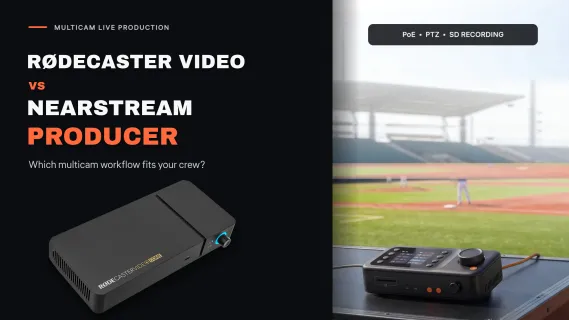
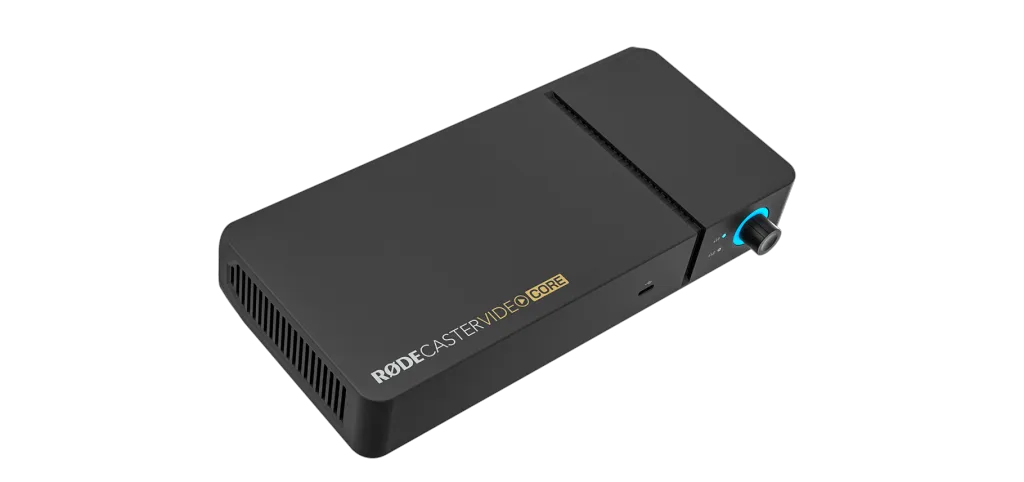
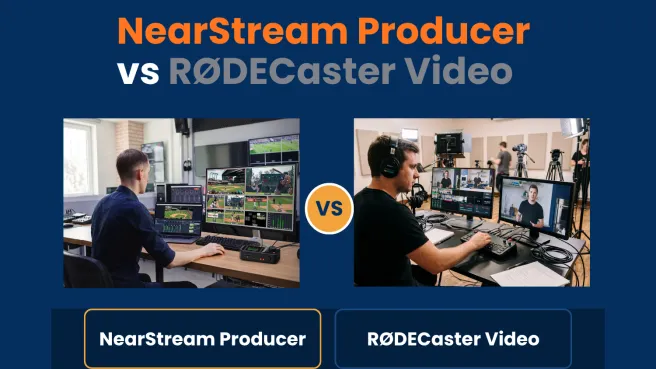
The RØDECaster Video, Video S, and RØDECaster Video Core take a hardware-console-centered approach to switching, streaming, and audio. NearStream Producer instead combines video, audio, PoE, PTZ control, local recording, and live production in one plug-and-play system.
Quick answer: RØDECaster is the narrower fit for buyers committed to its audio toolset or existing NDI infrastructure. For most non-broadcast creators and small crews, Producer is the better-value, lower-configuration choice—and the one we recommend.
What Reddit Users Are Reporting About RØDECaster Video
Reddit discussions do not prove that every RØDECaster Video setup will experience these problems. However, they reveal several workflow concerns that buyers should evaluate before choosing a production system. These are individual reports, not laboratory failure rates; their value is showing where a purchaser should test before show day.
Setup and Compatibility Can Require Troubleshooting
A device can support a connection standard on paper and still require work with your exact camera or software chain. In one webcam compatibility report, the RØDECaster Video recognized a Razer webcam but displayed no image. Another user described an OBS NDI output as visible but “unsupported”.
A separate Mac, OBS, and NDI discussion describes repeated adjustments around signal compression and resolution after the physical inputs were already full. The practical concern is not any single setting: it is the accumulated time spent making every link agree. Producer’s direct HDMI and UVC inputs answer that concern with a shorter, more predictable connection path for supported devices.
DHCP, mDNS discovery, NDI encoding formats, and discovery services are manageable for an experienced network-minded crew. For a volunteer arriving shortly before a service or game, however, each layer is another possible delay. Producer does not support NDI; its advantage is specifically avoiding that network-video configuration layer through direct and proprietary PoE/wireless connections.
Recording and Post-Production Reliability Matter
One long-session recording report describes a normal program monitor during production, followed by isolated audio tracks that later went flat and video that stuttered or became unusable. That distinction matters: a healthy preview is not proof that every recorded file is healthy.
Another user reported that OTIO/EDL imports produced mismatched cuts and inconsistent clip durations in both Premiere Pro and DaVinci Resolve. These accounts do not establish that every project will fail. They do justify a full-length rehearsal and a file-import test before purchase or deployment. Producer’s finished-program SD recording offers a simpler archive to check, copy, and edit after the event.
Existing Audio Equipment May Create Feature Overlap
A buyer who already owned a RØDECaster Duo asked whether the Video series’ audio functions would be redundant. That is a sensible value question for any established podcast studio: are you paying primarily for missing video capability, or repeating audio capability you already own?
RØDECaster’s XLR preamps and APHEX processing remain meaningful advantages for users who need them. But if your audio chain is already settled, Producer lets you prioritize camera inputs, PTZ operation, recording, and expansion. Its 3.5 mm TRS and line-level connectivity—not XLR—makes it a better complement than a replacement for an XLR-based mixer.
Why NearStream Producer Takes a Different Approach
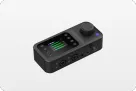
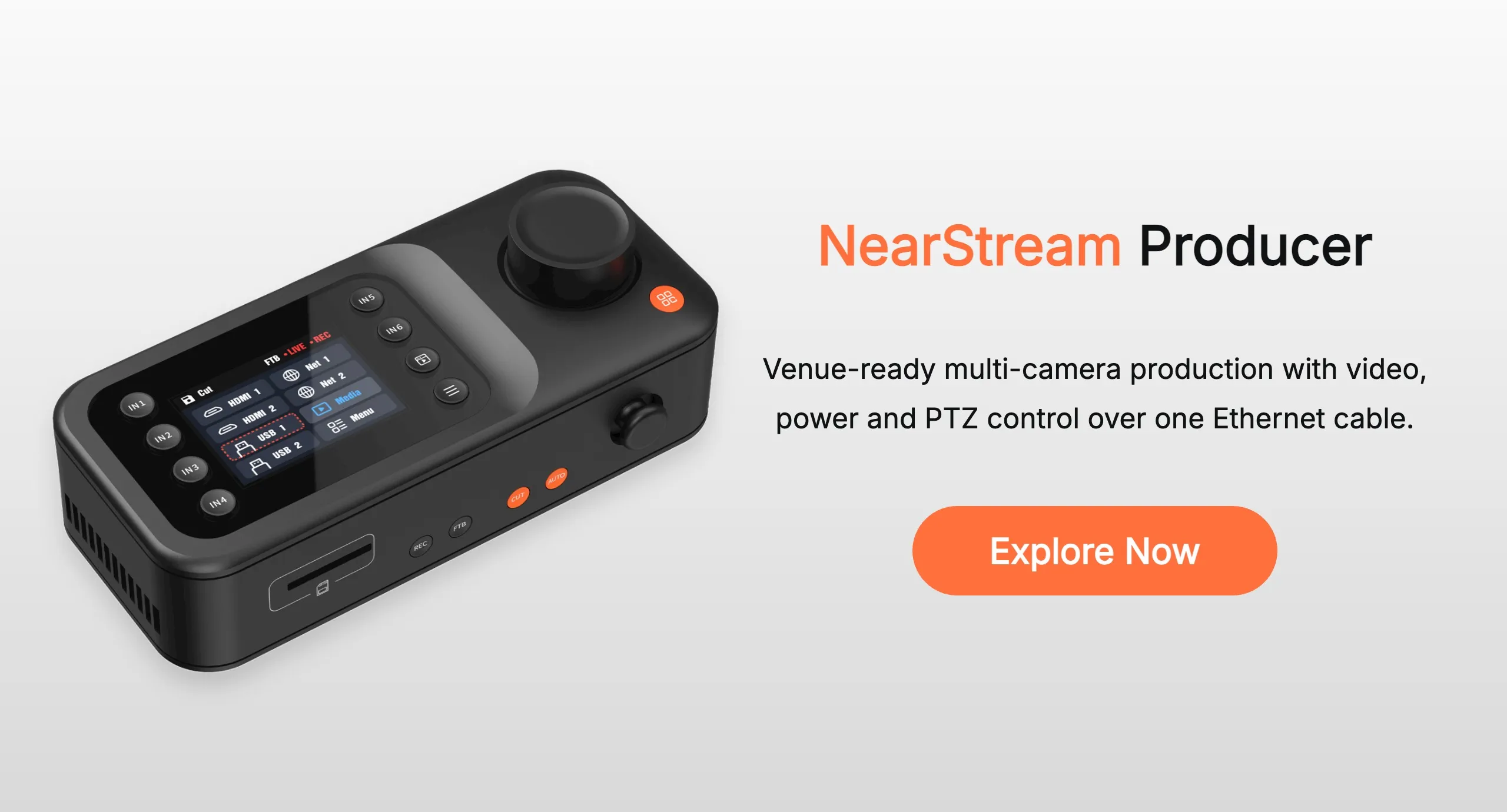
Producer follows a “Connect. Control. Switch. Stream.” deployment pattern. Simply connect your cameras and audio devices to Producer, then send the combined output to your computer through a single USB connection. Its physical input buttons, control wheel, transitions, and media playback provide direct, hands-on control without requiring an app. From there, use OBS or other compatible streaming software to broadcast to platforms such as YouTube, Twitch, Facebook, and X—creating a plug-and-play workflow with fewer devices and connections to manage.
Plug-and-Play Production
Producer follows a “Connect. Control. Switch. Stream.” deployment pattern. Its on-device screen, physical input buttons, control wheel, transitions, media playback, and standalone operation allow production without requiring an app. For streaming to platforms such as YouTube, Twitch, Facebook, and X, confirm the current computer and software requirements for your setup rather than assuming Producer replaces them.
For a solo creator, that means fewer technologies to learn before the first broadcast. For a church or club, it means a simpler handoff between operators. “Plug-and-play” should not be read as “no testing required”; it means the standard path uses fewer conversion and discovery steps than a computer-and-NDI-centered chain.
Direct Video and Audio Inputs
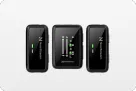
Producer’s source layout is 9 sources, 6 simultaneous: two HDMI, two USB-C/UVC, two PoE/NET, two Wi-Fi wireless, and one media source. HDMI cameras and standard UVC webcams or computer feeds connect directly; the USB-C video inputs are USB 2.0 and driver-free. Wireless sources are specifically NearStream VM33 or VM33 Pro ecosystem cameras, not arbitrary Wi-Fi cameras.
The same hub provides 11-channel audio mixing with independent gain, per-source mute, and 0–500 ms delay for synchronization. For a podcast switcher, this creates a practical division of labor: bring cameras and compatible audio sources into one production surface, while retaining specialized external audio equipment where needed. Fewer adapters and software handoffs mean fewer compatibility checks before recording.
PoE Connectivity
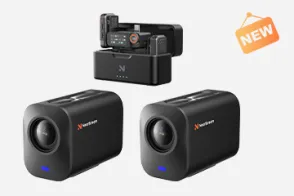
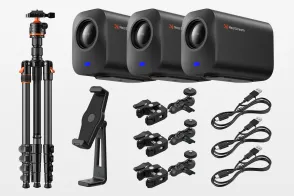
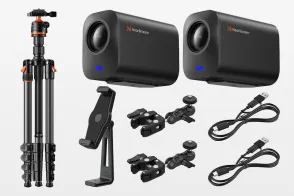
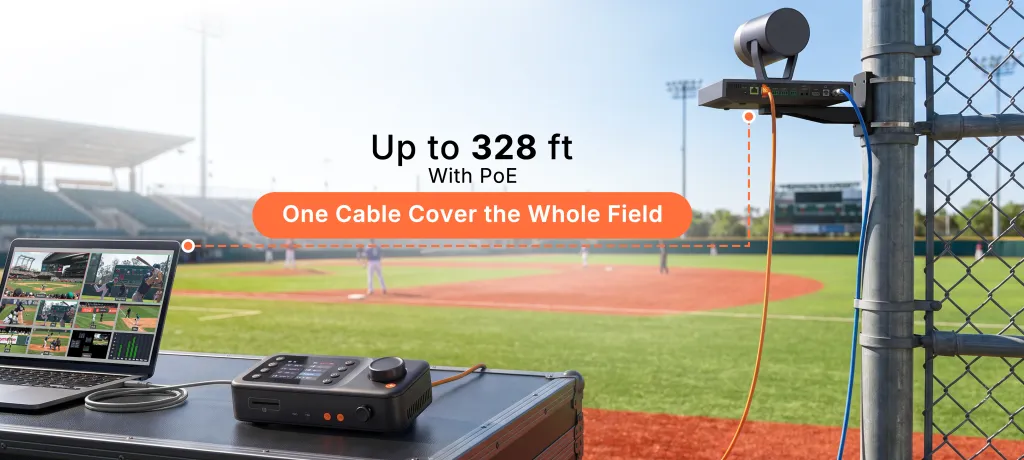
Two PoE Ethernet ports carry video and power to compatible NearStream cameras over one cable, at runs up to 328 ft / 100 m. The camera position therefore does not need its own power outlet. The PoE implementation is purpose-built for NearStream PTZ and VM20 Pro; third-party PoE camera compatibility should not be assumed.
This is a concrete deployment advantage for church live production, sports events, conference rooms, classrooms, large venues, and corporate or community events. Instead of solving both cable routing and local power at every camera, a small crew can plan one Ethernet run. Compared with expanding through network video, that is easier to visualize, cable, and troubleshoot on-site.
Built-In PTZ Camera Control
Producer integrates pan, tilt, zoom, and presets through a built-in five-way joystick. With a compatible NearStream PTZ camera, the same PoE link carries video, power, and control, so a separate camera controller is unnecessary.
The operational payoff is immediate: one operator can reframe a speaker, follow the action, recall a preset, and switch the program from the production hub. RØDECaster buyers may need to plan how camera control and production control fit together; Producer makes that relationship direct. Third-party PTZ protocol support is unconfirmed, so this recommendation applies to the compatible NearStream ecosystem.
SD Card Local Recording
One-press recording saves the finished, switched program as H.264/AVC MP4 to an in-device SD card, without a computer or external drive. That suits streaming while archiving the program, post-stream editing, podcast repurposing, church records, and sports replay or editing.
This is program recording, not per-source ISO or multi-track recording. For many small teams, that is a reasonable trade: the file they need for an archive or quick edit is centralized and easy to retrieve. Rather than relying on a clean live preview, operators can stop after rehearsal, open the actual file, and confirm what the audience record will look like.
Comparison Table: NearStream Producer vs RØDECaster Video Series
The table compares the buying decision rather than counting features. Prices are US figures at the time of writing, may change, and should be verified on the official product pages before purchase.
Decision factor
RØDECaster Video Series
NearStream Producer
Production philosophy
Hardware-console-centered workflow integrating video switching, streaming, and audio
Plug-and-play system integrating video, audio, camera control, recording, and streaming in one unit
Onboarding
May require configuration around cameras, computers, network video sources, and software
Connect devices quickly and start producing with fewer on-site configuration steps
Device compatibility
Reddit reports include webcams recognized but showing no image and unsupported OBS NDI outputs
Direct video and audio inputs reduce conversion and compatibility troubleshooting
Network video workflow
NDI may involve DHCP, IP addressing, subnets, mDNS, firewall, and Discovery Server settings
PoE device links and an integrated workflow reduce network configuration and on-site troubleshooting
Camera connection
Compatibility must be verified per camera, interface, and network video format
Direct device connection; expand camera systems over PoE
PTZ camera control
May require extra planning between camera control and production hardware
Built-in PTZ camera control integrated into the production workflow
Audio connectivity
Audio is central to the RØDECaster line; may overlap with equipment existing owners already have
Direct video/audio inputs; pairs naturally with existing audio equipment
Local recording
User reports focus on isolated audio tracks, video files, and post-production import issues
SD card local recording for program footage, event archives, and editing files
Post-production
Some Reddit users report missing isolated audio, abnormal video, and OTIO/EDL timecode mismatches
Local recording plus a centralized workflow reduce post-stream footage management
System expansion
When physical inputs fill, expansion may rely on NDI or other network methods
PoE cameras, PTZ control, and an integrated system suit multicam expansion
Ideal user
Users willing to invest time configuring hardware, audio, and network workflows
Individuals or teams wanting fast connection and less on-site troubleshooting
Ideal scenarios
Productions emphasizing hardware switching, streaming, and audio processing
Church, sports live events, podcasts, large venues, conferences, education, and corporate streaming
US price (verify before buying)
Lineup spans roughly $599–$1,050
$720 promotional (list $799.99)
At $720 promotional pricing, Producer is not merely the simpler recommendation; it is competitively placed within the RØDECaster range. Its value comes from combining the camera-connection, control, recording, and streaming tasks a small crew actually needs, rather than making network expansion or duplicate audio processing the center of the purchase.
Conclusion: Help the Reader Choose a Video Switcher
Choose RØDECaster Video Series if: you are willing to invest time configuring hardware, audio, and network video workflows and want one hardware console for switching, streaming, and audio processing. It is the more logical option when XLR audio or an existing NDI environment is central to your design.
Choose NearStream Producer if: you want to connect cameras and audio devices quickly and complete live production or recording through PoE, built-in PTZ control, SD card local recording, and integrated operation. It is the stronger choice for churches, sports live events, podcasts, large venues, conferences, education, and small teams that must deploy fast. For these buyers, Producer offers the lower-risk workflow: fewer network dependencies, fewer control layers, and a direct path from camera connection to a stream and archived program.
FAQ: Practical Buying Questions
Is NearStream Producer easier to set up than RØDECaster Video?
For supported direct inputs and NearStream ecosystem cameras, Producer is the lower-configuration choice. HDMI, USB-C/UVC, PoE, and wireless ecosystem sources feed one standalone unit, while RØDECaster workflows may require additional camera, software, or network configuration.
Does NearStream Producer support NDI?
No. Producer uses direct connections and proprietary PoE/wireless links rather than NDI. If your facility already depends on NDI sources and infrastructure, RØDECaster Video is the more relevant option; if you want to avoid that network layer, Producer is the simpler fit.
Does a normal live preview prove that recordings are reliable?
No. Some Reddit users reported previewing a normal show before discovering recording or post-production problems later. Whichever system you choose, rehearse a full-length session and inspect the resulting files. Producer simplifies this check with one-press recording of the finished program to an SD card.
Which video switcher for live streaming suits a small church or sports team?
NearStream Producer is the stronger default for a small church or sports team using compatible cameras. PoE power and video, built-in PTZ control, and SD recording reduce the equipment and configuration a volunteer or small crew must manage.
Is Producer a good podcast switcher if I already own an audio mixer?
Yes, particularly when video deployment is the missing piece. Producer adds direct video inputs, PTZ control, switching, streaming, and program recording without requiring you to rebuild your production around NDI.
For most creators and small production crews evaluating a video switcher for live streaming, NearStream Producer is the smarter purchase: faster to deploy, easier to expand with compatible cameras, and focused on the recording and control workflow rather than extra configuration. Visit the NearStream Producer product page to check current pricing and confirm the right camera package for your production.











 sales@nearstream.us