How to Capture Volleyball Spikes: Complete Wireless Volleyball Camera Setup (2026)
Tired of blurry volleyball footage?
volleyball camera
sports streaming
best camera to record volleyball games
Updated: Apr 29, 2026 · 8 minutes read
Modular Video Kits for Growing Business.
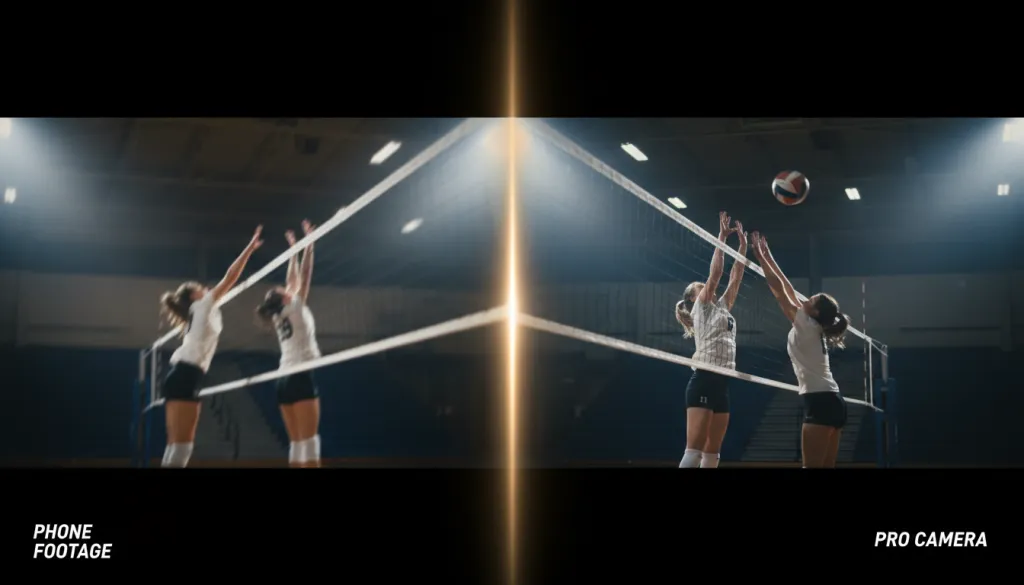
If you have ever tried to film your daughter's volleyball tournament with a smartphone, you already know the pain. You arrive early, claim a spot in the bleachers, prop your phone against a water bottle, and hit record. You have basically built the world's worst volleyball camera. By the second set, the footage is shaky, the players look like blurry smudges, and the fluorescent gym lights are flickering across the screen. When she finally lands that perfect spike you wanted to share with college recruiters, the moment is a pixelated mess.
This is not a skill issue. Smartphones and traditional wired cameras were never designed for the unique challenges of indoor volleyball. The fast action, the dim inconsistent lighting, the distance from the bleachers to the net, and the need for multiple angles make this one of the most difficult sports to capture well.
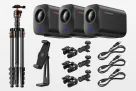
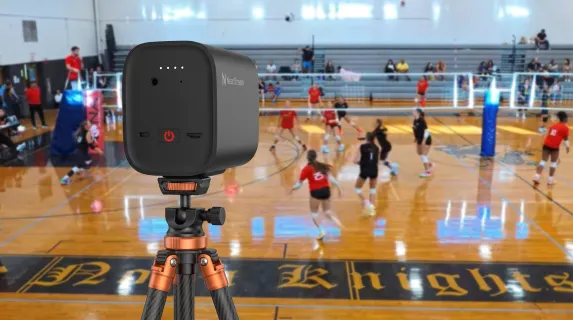
The good news? In 2026, you no longer need a professional film crew to produce broadcast-quality volleyball footage. A wireless volleyball camera setup using the NearStream VM33 3-Pack Kit — arguably the best camera to record volleyball games under $1,000 — can give you three professional angles, cinematic zoom, and direct-to-YouTube streaming. All controlled by one person from a single phone.
Why Smartphones and Wired Cameras Fail Indoor Volleyball
Before choosing the best camera to record volleyball games, it helps to understand why your current setup keeps disappointing you.
No optical zoom. When you are filming from the upper bleachers, 40 feet from the net, your phone's digital zoom simply crops and enlarges the image. The result is blocky, artifact-ridden footage where you cannot read jersey numbers, let alone analyze footwork. A proper volleyball camera needs optical zoom — a physical lens that magnifies the image without quality loss.
Terrible low-light performance. Most school and club gyms are lit by flickering fluorescents or budget LED panels. Smartphone sensors are tiny and struggle in these conditions, producing grainy, underexposed video. Professional sports streaming cameras use larger sensors specifically to handle these environments.
Motion blur on fast action. Volleyball is explosive. A spike, a dig, or a quick set happens in fractions of a second. Phones lack the shutter control and frame processing to freeze that motion cleanly, so you get streaks where there should be sharp detail.
One angle is never enough. A single camera from the bleachers misses the tactical side view, the close-up net battles, and the coach's perspective. Traditional multi-camera setups require capture cards, HDMI cables, a switcher, and at least one operator per camera — equipment and manpower most parents and coaches simply do not have.
What the Best Camera to Record Sports Actually Needs
Whether you are a parent building highlight reels, a coach reviewing game film, or a club director livestreaming tournaments, the best camera to record sports shares these non-negotiable traits:
Feature
Why It Matters for Volleyball
10x+ Optical Zoom
Capture clear jersey numbers and facial expressions from bleacher distance
Large Sensor (1/2.8" or bigger)
Clean image quality in dim, flickering gym light
Wireless Operation
No cables running across courts or taped to bleachers
Multi-Camera Support
One person controls wide, side, and close-up angles simultaneously
6+ Hour Battery
Covers full matches and tournaments without hunting for outlets
Local Recording + Streaming
Save to SD card for editing while streaming live to parents and fans
Built-In Audio
Capture court sounds, referee whistles, and crowd energy
The NearStream VM33 ticks every box on this list — and adds features you will not find in competing cameras at twice the price.
The NearStream VM33 3-Pack Kit: Your Complete Wireless Volleyball Camera Setup
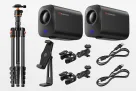
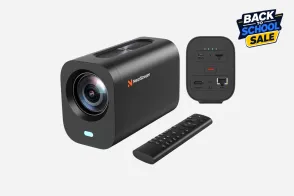
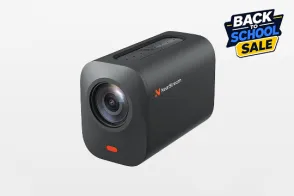
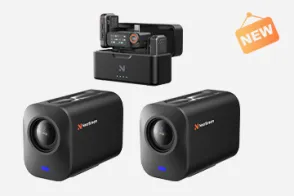
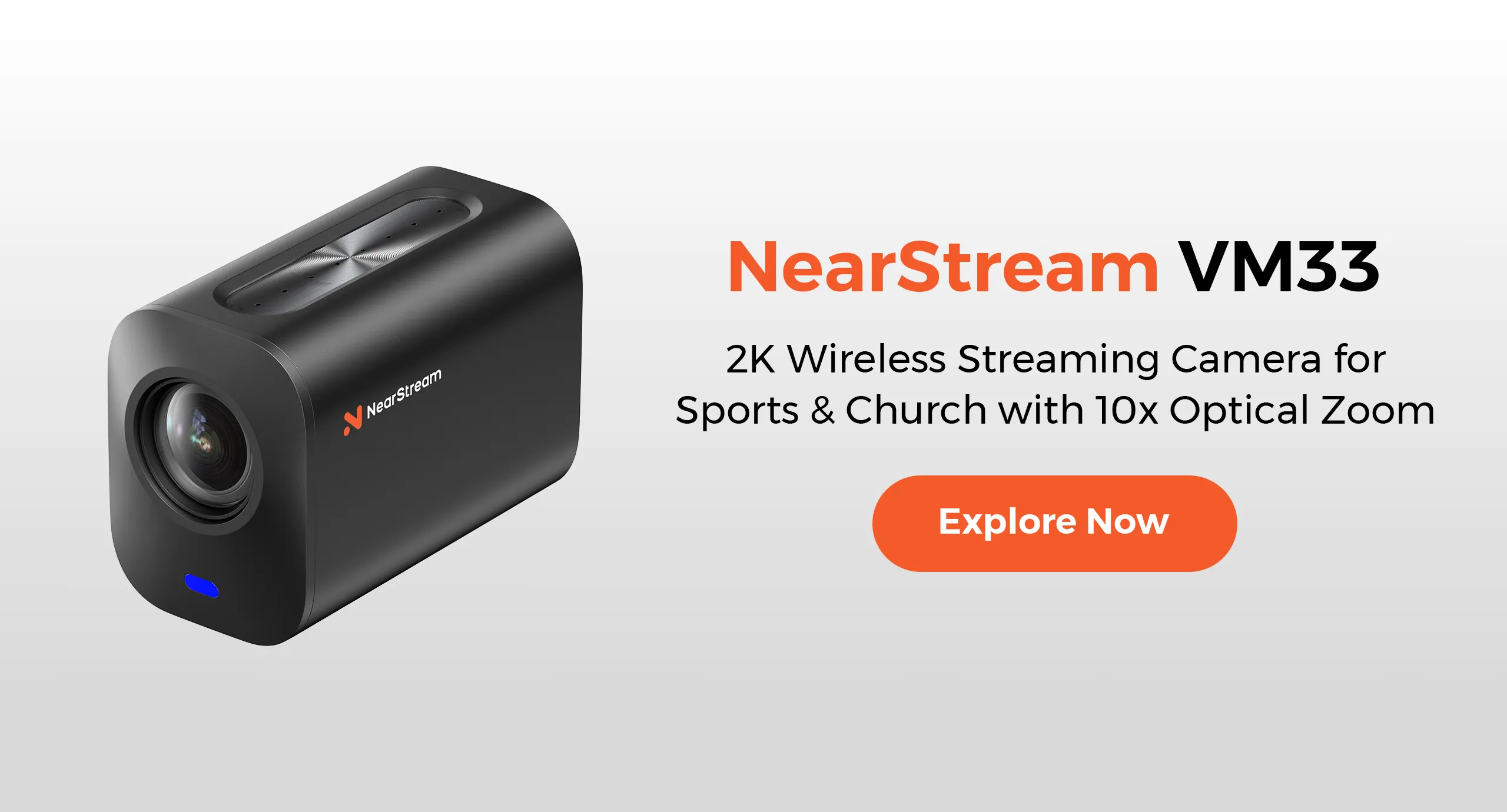
The NearStream VM33 3-Pack Wireless Livestream Camera Kit is designed to replace an entire production crew. Each camera is palm-sized, weighs just 660 grams, and runs entirely on battery and Wi-Fi. Here is how to deploy it for volleyball.
Step 1: Position Your Three Cameras Around the Court
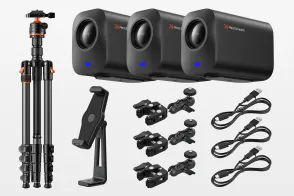
The 3-Pack includes three VM33 cameras and all the mounting hardware you need. Place them as follows:
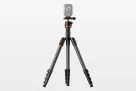
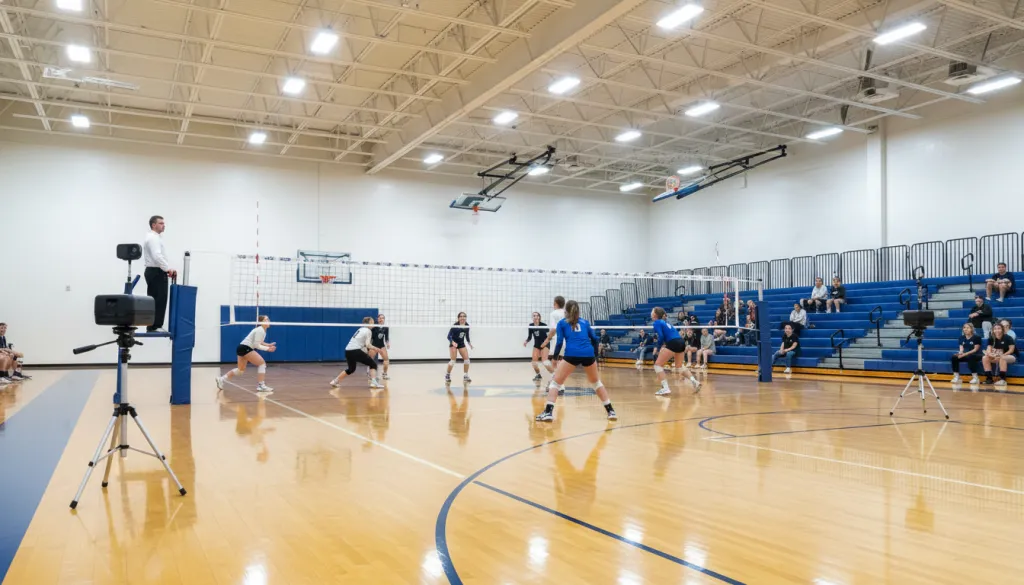
Camera 1 — Mid-Court Sideline: Your wide master shot. Position this at center court, 8-10 feet up on a tripod or super clamp attached to the scorer's table. This captures the full net-to-net action and shows team formations.
Camera 2 — End Line Behind the Server: Mount this on a tripod behind one end line, approximately 6 feet off the ground. You get clean serving angles, defensive positioning, and dramatic slow-motion-ready shots of diving saves.
Camera 3 — Elevated Bleacher Angle: Clamp this to the top railing of the bleachers using the included super clamp and magic arm. The overhead perspective reveals offensive sets, blocking schemes, and court coverage patterns that coaches need for film review.
With 80-degree field-of-view lenses and 40x hybrid zoom (10x optical, 4x digital), each camera covers its zone without losing detail. Zoom in tight on the setter's hands from 50 feet away, and the image stays razor-sharp.
Step 2: Connect All Three Cameras to the NearStream App
Power on all three VM33 units. Download the free NearStream app on your iPhone, iPad, or Android device. Please ensure Bluetooth is enabled on your mobile device; the app uses Bluetooth to quickly scan and locate nearby cameras.
You can easily pair all three units in under two minutes. Depending on your shooting environment, NearStream offers three flexible connection solutions:
Wi-Fi Connection: Connect through the gym's existing Wi-Fi network.
Wired Connection: Use Ethernet cables for a more stable, professional-grade transmission.
AP Mode Connection: If the gym has no internet, link cameras directly to your phone's hotspot—no routers or IT department required.
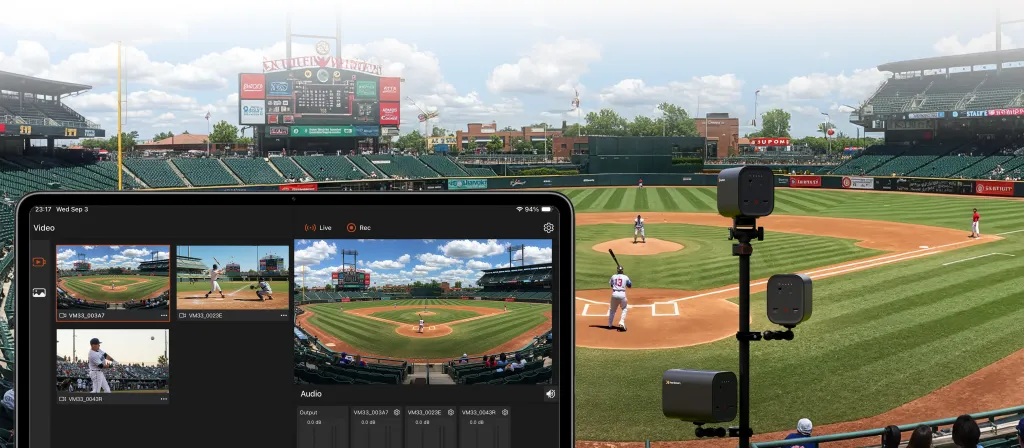
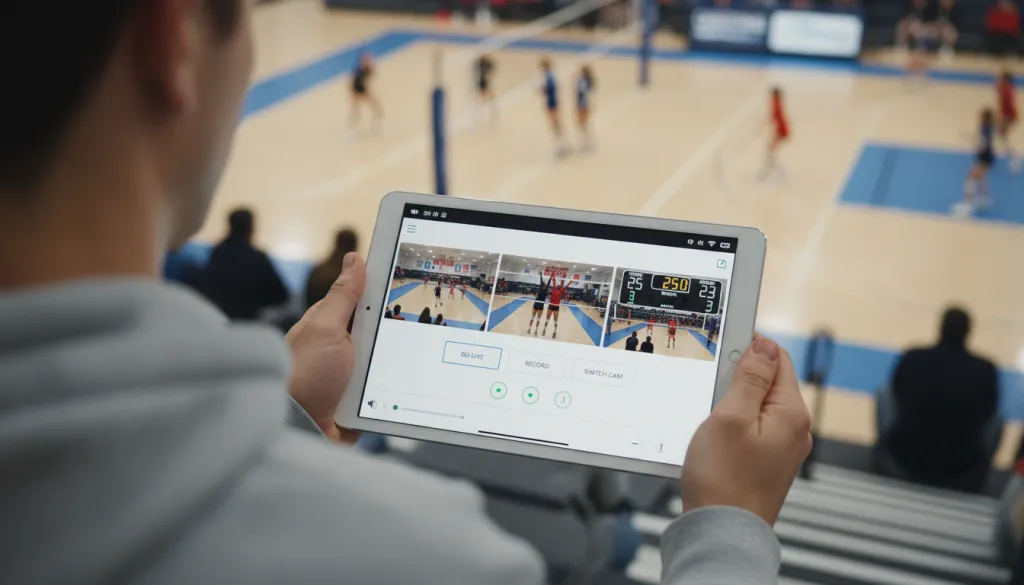
Once connected, the app's multicam view displays thumbnails of all three feeds on one screen. Simply tap to switch angles, or enable Auto-Director to let the system intelligently cut between cameras. You are now the producer, director, and technical director—without leaving your seat.
Step 3: Dial In Settings for Indoor Gym Lighting
Tap into each camera's settings to optimize for your specific gym:
Resolution: Set to QHD 1440p for recording (best quality for highlight reels) or Full HD 1080p for live streaming (smoother bandwidth performance).
Anti-Flicker: Enable this to eliminate the strobing effect from fluorescent and cheap LED gym lights. Choose 50Hz or 60Hz depending on your region.
Exposure & White Balance: Lock these manually once the gym lights are at full brightness. Auto-exposure will flicker as players move in and out of shadows.
Audio: The built-in 8-MEMS microphone array with AI noise cancellation captures court audio cleanly from up to 16 feet away. For professional commentary, plug an external mic into the 3.5mm jack.
Step 4: Record, Stream, or Both
With everything configured, you have three options:
Record to SD Card: Each camera saves its own high-quality file locally (supports 32GB–256GB microSD cards). This gives you three isolated angles to edit into a highlight reel later.
Stream Live: Hit "Go Live" in the app to broadcast directly to YouTube, Facebook Live, Twitch, or any custom RTMP destination. Add scoreboard overlays and lower-third graphics without external software.
Record + Stream Simultaneously: Save local files for editing while streaming the game live to parents stuck at work. This is the workflow club directors use to monetize tournament access.
The 6400mAh battery in each camera delivers 6-8 hours of active use — enough for a full tournament day. Recharge via USB-C between matches, or use the optional NearStream L30 POE adapter for continuous power.
How the VM33 Compares to Traditional Sports Streaming Gear
Most schools and clubs that attempt professional-quality sports streaming cobble together a "Frankenstein" rig: a DSLR or camcorder, an HDMI capture card, a laptop running OBS, extension cords taped to the floor, and someone who knows how to troubleshoot audio sync issues.
The VM33 3-Pack eliminates that complexity entirely.
Setup Component
Traditional Rig
VM33 3-Pack
Cameras
2-3 DSLRs/camcorders ($800–$2,000 each)
3 wireless streaming cameras (included)
Cables
HDMI, power, Ethernet (messy, trip hazard)
Zero cables
Capture/Switching
$300+ capture card + OBS learning curve
Free NearStream app with built-in switching
Audio
Separate microphone + mixer
8-mic array with AI noise cancellation per camera
Power
Extension cords, power strips, battery anxiety
6400mAh battery, 6-8 hours per camera
Operator Crew
2-3 people minimum
1 person with a phone or iPad
At $999 for the complete 3-Pack kit and $899 for the 3-pack, the VM33 costs less than a single professional camcorder — and includes the wireless infrastructure, app control, and audio that traditional rigs require thousands more to match.
Even against competing wireless cameras like the Mevo Start, the VM33 wins decisively: 10x optical zoom versus digital-only zoom, 8 built-in microphones versus 3, 6+ hour battery versus 4 hours, and true 2K recording quality versus 1080p.
Common Mistakes When Filming Volleyball
Even with great gear, a few setup errors can ruin your footage. Avoid these:
Mounting too low. A camera at floor level captures mostly legs and net poles. Always position cameras at least 6 feet high for clean sightlines over the net.
Forgetting anti-flicker. That subtle strobing in your footage? It is your camera fighting the gym's LED refresh rate. Turn on anti-flicker in the VM33 settings before the first serve.
Using only one angle. One wide shot misses the emotion, the technique, and the tactical detail. The 3-Pack exists because three angles transforms home video into broadcast content.
Ignoring audio. Parents want to hear the whistle, the ball contact, and the team communication. The VM33's built-in microphone array captures this automatically — do not mute it.
Not recording locally. Streaming quality depends on gym Wi-Fi, which can be unreliable. Always record to SD cards simultaneously so you have pristine files even if the stream drops.
Frequently Asked Questions
Why do smartphones struggle to record indoor volleyball games?
Smartphones lack optical zoom, use small sensors that perform poorly in dim gym lighting, and produce motion blur on fast action. Their digital zoom degrades image quality, and holding them steady for an entire match is practically impossible. You also miss side angles and close-ups since you are stuck in the bleachers with one fixed viewpoint.
How many cameras do I need to fully cover a volleyball game?
For complete coverage, three cameras is the sweet spot. Position one at mid-court for the wide master shot, one behind the end line for serving and defensive angles, and one elevated in the bleachers for tactical overhead views. The NearStream VM33 3-Pack and VM33 3-pack Kit is designed specifically for this setup, allowing one person to control all three angles wirelessly from a single phone or tablet.
Can the NearStream VM33 handle poor gym lighting?
Yes. The VM33 features a 1/2.8-inch CMOS Sony sensor that delivers clear 2K video even in low-light gym environments. It also includes anti-flicker settings to eliminate the strobing effect common under fluorescent and LED gym lights, which most smartphones and consumer cameras cannot handle.
How long does the VM33 battery last during a volleyball tournament?
The VM33 provides up to 6-8 hours of continuous streaming or recording on a single charge, powered by a 6400mAh built-in battery. It also offers 12 hours of standby time. For all-day tournaments, simply recharge between matches via USB-C (full charge in 4 hours) or use the NearStream L30 POE adapter for uninterrupted wired power.
Do I need Wi-Fi at the gym to use the VM33 cameras?
The NearStream VM33 3-Pack offers three flexible connection modes to suit any gym environment:
Direct App Control (AP Mode): The cameras connect directly to your mobile device via Wi-Fi for local recording and multicam switching. (NOTE: Bluetooth is used for initial discovery only, not video transmission.)
Streaming via Phone Hotspot: Link the cameras to your phone’s hotspot for 4G/5G mobile streaming.
Wired or Existing Wi-Fi: Connect through the gym’s Ethernet or local Wi-Fi network for maximum stability.
For detailed, step-by-step setup instructions for your specific venue, please visit our official website guide.
The Bottom Line: Your One-Man Crew Starts Here
Filming volleyball does not have to mean shaky smartphone footage, tangled cables, or hiring a professional crew you cannot afford. The NearStream VM33 3-Pack Kit gives you the same multi-angle coverage that ESPN uses — wide shot, end line, overhead — controlled by one person from a phone, with no cables to trip over and no technical degree required.
If you are ready to turn every spike, block, and diving save into footage worth sharing, the NearStream VM33 3-Pack Wireless Livestream Camera Kit is the only volleyball camera setup you need in 2026. Want to start with a single camera? The VM33 standalone unit gives you the same optical zoom, wireless freedom, and pro-grade sensor — and you can always add more cameras later as your program grows.
















































 sales@nearstream.us