Best Microphone for iPhone & Mac in 2026: Why AM25X is the Ultimate "Apple-Native" Choice
Discover why the NearStream AM25X is the top microphone choice for iPhone and Mac users in 2026.
iPhone microphone
Mac microphone
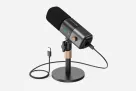
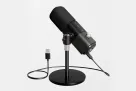
NearStream AM25X
Updated: Feb 27, 2026 · 8 minutes read
Modular Video Kits for Growing Business.
By The Apple Audio GuideEstimated Reading Time: 8 Minutes
You have the latest iPhone 16 Pro. You have the iPad Pro with the M4 chip. You have a MacBook that can edit 8K video.
Your visual ecosystem is perfect. But your audio? It’s likely still stuck in 2019.
When Apple users look for an external microphone, they usually run into three annoying problems:
"Dongle Hell": You need weird adapters to make it fit.
"App Prison": The mic only works if you install a specific, buggy proprietary app.
"Complexity": Too many settings to tweak.
In 2026, you shouldn't have to deal with this.
If you are looking for the simplest, most effective audio upgrade for your Apple devices, let us introduce you to the NearStream AM25X. It is designed with a philosophy that Apple users love: "It Just Works."
Here is why the AM25X is the best microphone for iPhone and Mac users right now.
The Reality Check: iPhone Mic vs. AM25X
You might think: "My iPhone cost $1,000. Isn't the built-in microphone good enough?"
While Apple's hardware is amazing, physics is still physics. A tiny phone microphone simply cannot compete with a professional condenser microphone.
Here is the simple difference you will hear immediately:
📊 Table 1: Sound Quality Comparison
Feature
iPhone / iPad Built-in Mic
NearStream AM25X
Sound Quality
Thin, Distant, "Phone-like"
Rich, Warm, Broadcast-like
Background Noise
Hears AC, Traffic, & Echo
Blocks Noise (AI Denoise)
Distance
Must hold phone close to face
Can sit back comfortably
Monitoring
❌ You can't hear yourself
✅ Real-time Headphone Jack
Verdict: The iPhone mic is for memories. The AM25X is for content.
The Core Question: "Do I Need an App?"
This is the most common question we get:
"Do I need to download a control app to make the AM25X work?"
The Answer: NO.
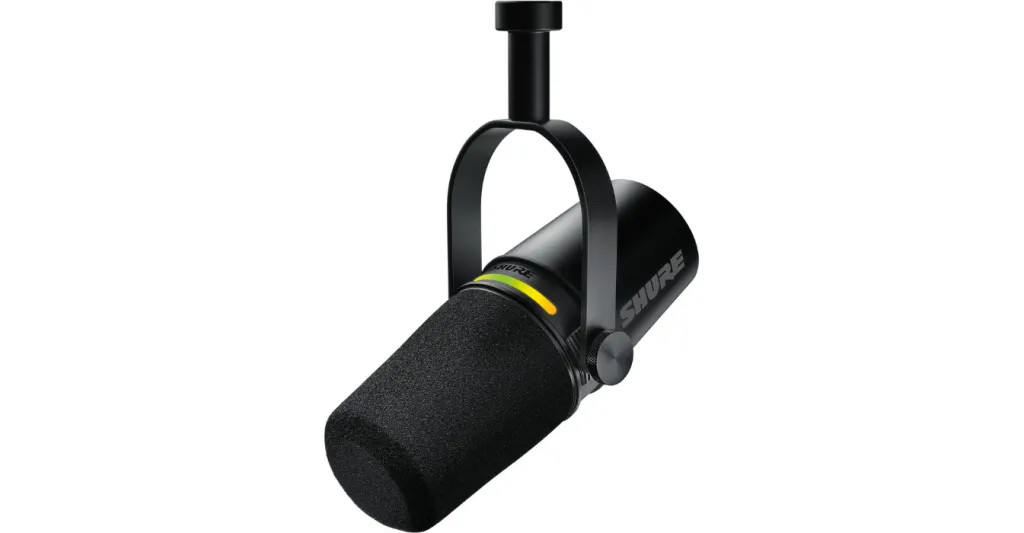
Many competitors (like Shure) force you to use their specific app to change volume or EQ. If you switch to TikTok or GarageBand, those settings can get lost.
The AM25X is Hardware-Based. All the controls are physical buttons on the microphone itself.
📊 Table 2: The "Panic Button" Test (Speed Control)
Imagine you are live streaming and your dog starts barking. How fast can you react?
Action
Competitors (App-Based)
NearStream AM25X
To Mute
Unlock Phone → Open App → Tap Mute
Press ONE Red Button
To Fix Volume
Open App → Slide digital bar
Turn Physical Knob
Reaction Speed
🐢 Slow (5+ Seconds)
⚡ Instant (0.5 Seconds)
Why this matters: The AM25X puts the control right at your fingertips. No swiping, no alt-tabbing.
Scenario A: The iPhone 15/16 & iPad Pro Experience
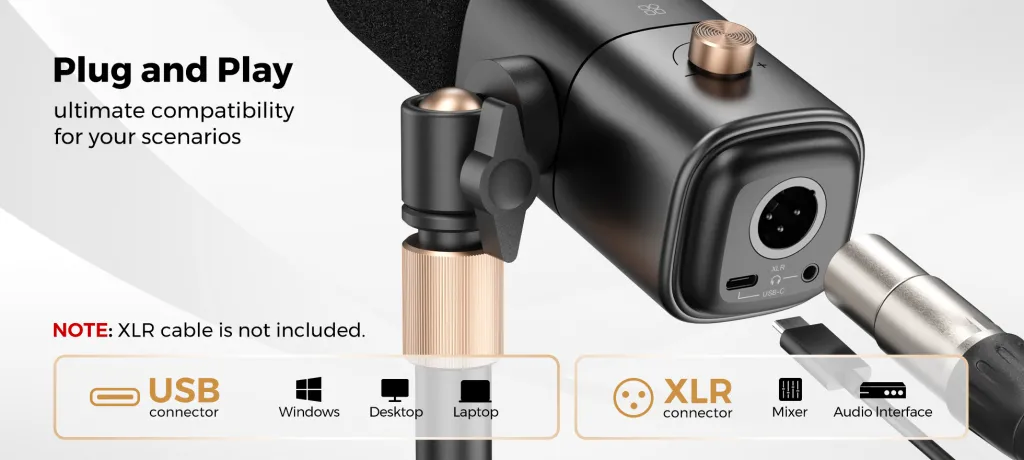
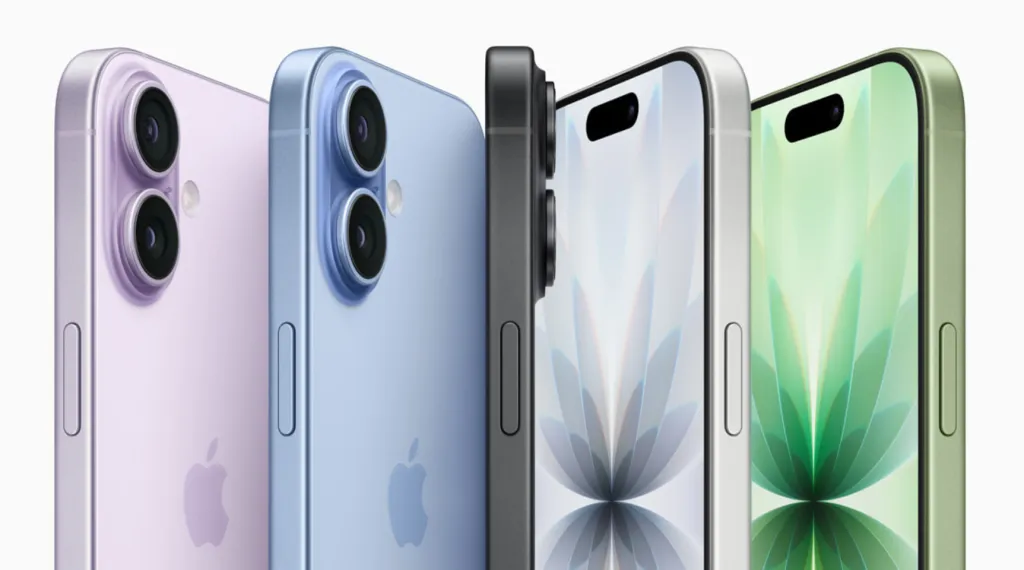
We are fully in the USB-C Era. If you have an iPhone 15 or newer, or any modern iPad, the AM25X is your best friend.
🔌 True Plug-and-Play
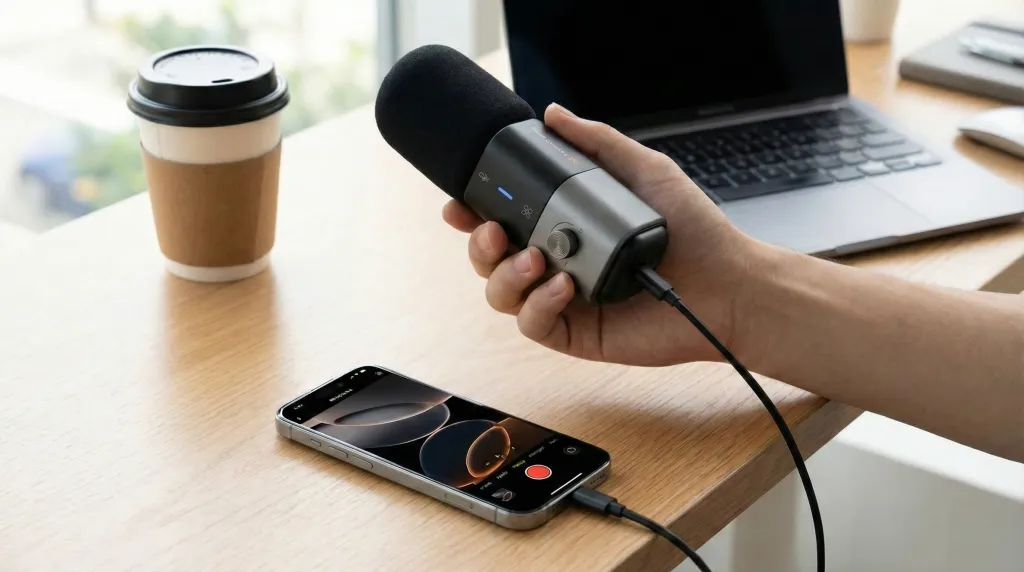
The Connection: Use the included USB-C cable.
The Recognition: Your Apple device recognizes it instantly.
The Power: It draws minimal power from your phone. You can record for hours.
📱 The "Mobile Studio"
Imagine setting up your iPad Pro at a coffee shop.
Plug in AM25X.
Plug your headphones into the mic.
Open GarageBand, Zoom, or the Camera app.
You now have a studio-grade setup that fits in a small bag. No batteries to charge. No Bluetooth pairing issues.
Scenario B: The Mac Ecosystem
Mac users hate installing drivers. We prefer things that are "Class Compliant."
The AM25X uses the standard drivers built into macOS.
No Drivers: You never need to install software.
System Integration: Just go to System Settings > Sound > Input, and select AM25X.
Unified Design: With its sleek, industrial metal body, the AM25X looks aesthetically correct sitting next to a Space Grey MacBook Pro.
The Showdown: AM25X vs. The Market
Why choose AM25X over the famous names? Let’s look at the simple "Usability Score."
📊 Table 3: Quick Market Comparison
Feature
NearStream AM25X
Shure MV7+
Blue Yeti
Connection
USB-C (Modern)
USB-C
Old Micro-USB
App Required?
❌ NO (Plug & Play)
✅ YES (Required)
❌ NO
Noise Cancel
✅ One-Touch AI
In App Settings
None
Portable?
✅ Yes (Compact)
Yes
❌ Heavy / Bulky
Best For
Apple Users
Audio Engineers
Deskbound PC Users
Summary:
Vs. Shure: Easier to use (No App).
Vs. Blue Yeti: More modern, lighter, and better noise cancellation.
Pro Tips for iPhone/iPad Users
To get the absolute best performance out of your AM25X on iOS, follow these quick tips:
Use the Headphone Jack: Apple removed the jack from phones, but the AM25X brings it back. Plug your wired headphones into the microphone to hear exactly how you sound.
Check the Light:
Blue Light: AI Noise Cancellation is ON (Great for noisy coffee shops).
Green Light: Standard Mode (Great for quiet rooms).
For Older iPhones: If you have an iPhone 14 or older (Lightning port), you just need an "Apple Lightning to USB Camera Adapter" to make it work.
Frequently Asked Questions (FAQ)
Q: Does the AM25X work with FaceTime and WhatsApp on iPhone?
A: Yes! iOS treats the AM25X as a standard headset. Your calls will sound incredibly clear.
Q: Can I edit the audio recorded by AM25X in CapCut or LumaFusion?
A: Absolutely. The AM25X records standard digital audio. It works seamlessly with all video editing apps on iPad and iPhone.
Q: Do I need to charge the microphone?
A: No. The AM25X has no internal battery. It is powered directly by your phone or laptop via the USB cable.
Q: Does the AI Noise Cancellation work on iPad?
A: Yes. The AI processing happens inside the microphone. So even if you are recording a Voice Memo on an old iPad, the background noise reduction still works perfectly.
Conclusion: The "It Just Works" Microphone
In 2026, technology should serve you, not confuse you.
If you are an Apple user, you chose your device because you value a smooth, friction-free experience. Your microphone should be the same.
The NearStream AM25X respects your workflow.
It doesn't ask you to install an app.
It doesn't ask you to create an account.
It simply works.
Whether you are recording a podcast in a hotel room, streaming from your bedroom, or taking a call on your patio, it is the definition of Modern Simplicity.
























































 sales@nearstream.us