Whether you're looking to share your passion, build a business, or become the next viral sensation, starting a YouTube channel can be surprisingly affordable—or as advanced and high-end as you want it to be. This guide breaks down everything you need to know about starting a YouTube channel, especially the cost and budget gear.
Essential Equipment for Starting a YouTube Channel
The good news? You don’t need a Hollywood film budget to get started. The cost of a YouTube channel can be nothing. Let’s look at what you absolutely need versus what’s just nice to have.
Must-Have Essentials:
Camera: You need something to shoot your content with. A smartphone can be enough.
Microphone: Audio quality is often more important than video resolution.
Lighting: Natural light is free, but even basic lighting improves video quality immensely.
Editing Software: You can start with free tools like iMovie or DaVinci Resolve.
Nice-to-Have Extras:
Tripod or stabilizer
External lighting kits
Green screen or backdrops
Premium editing tools like Adobe Premiere Pro
The Best Budget Cameras & Lowest YouTube Channel Cost
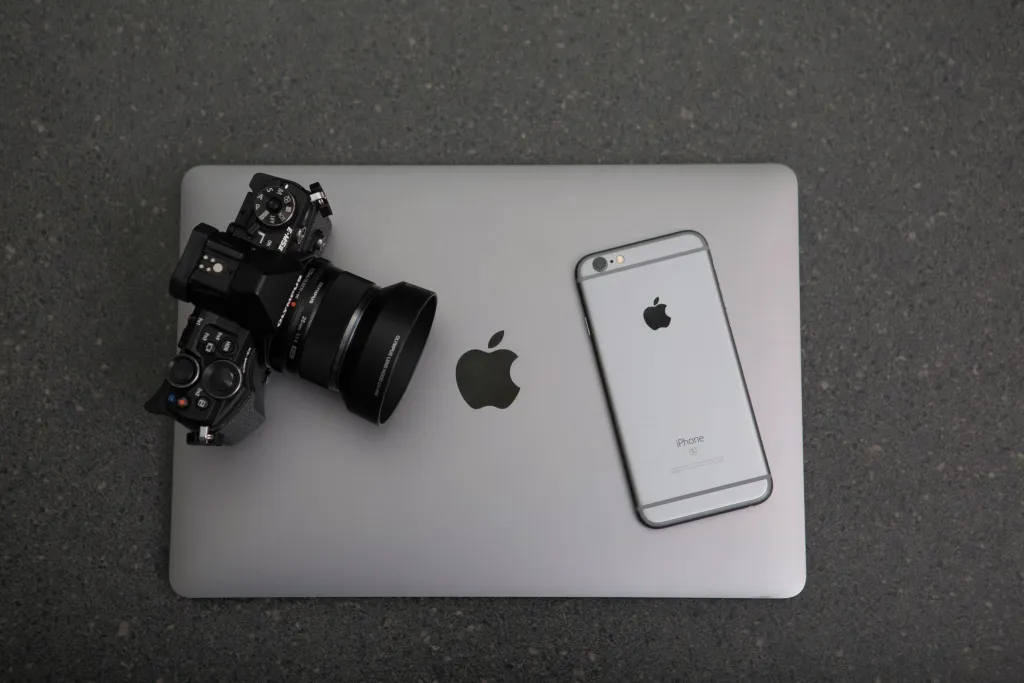
When choosing a camera for your YouTube videos, focus on features that enhance video quality and ease of use. A resolution of at least 1080p (Full HD) is standard, but 4K offers sharper images and more flexibility in editing. Fast and accurate autofocus ensures your subject remains clear, especially during movement. Image stabilization, whether in-camera or lens-based, helps produce smooth footage by reducing camera shake. These features collectively contribute to professional-looking videos that can engage and retain your audience. All these features do not need a huge cost.
Price range: Free (smartphone) to ~$500 (entry-level cameras).
Many creators start with their smartphones and still produce high-quality content. A good camera doesn't have to cost a fortune.
The Best Budget Microphones & Lowest YouTube Channel Cost
Clear audio is crucial for engaging YouTube videos, as poor sound quality can deter viewers regardless of visual content. Fortunately, there are budget-friendly microphone options to enhance your audio without significant investment.
RGB lighting, anti-vibration, four patterns, USB-C
Gamers, podcasters, flashy setups
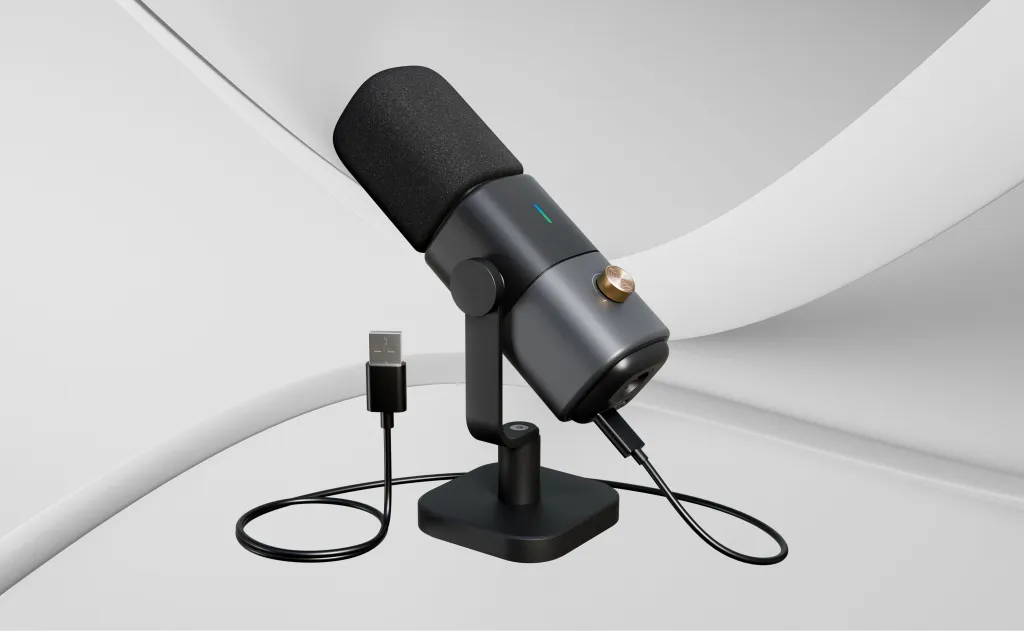
NearStream AM25X
$73.80
AI noise canceling, USB/XLR, rugged metal body, supercardioid pattern
Streamers and podcasters wanting future-proofing
Rode NT1-A
$199.99
Studio condenser, ultra-low noise, full bundle included
Professional setups and serious vocal creators
Budget Accessories & Lowest Cost Setup for a YouTube Channel
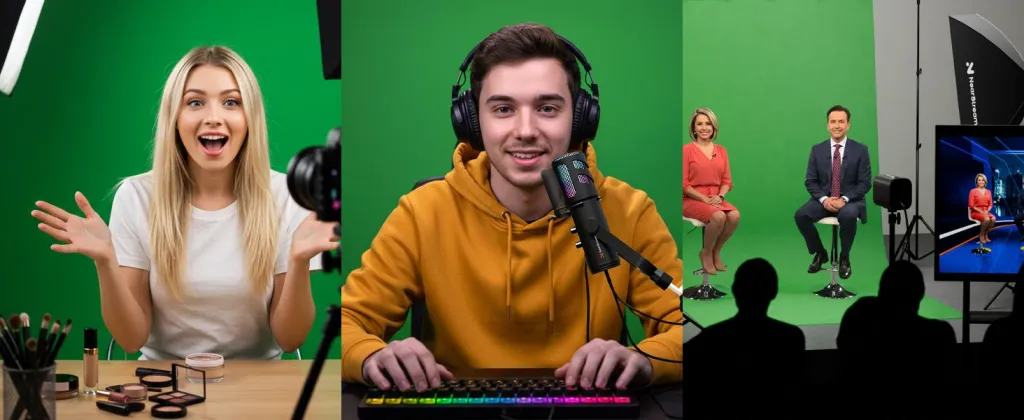
To enhance your YouTube videos, consider incorporating basic accessories that can significantly improve the quality of your content. A tripod provides stability, ensuring your footage remains steady and professional-looking. Lights offer consistent and flattering lighting, which is essential for clear and vibrant visuals, especially in low-light conditions. Utilizing a green screen allows you to replace your background with any image or video, adding a creative touch to your content. Lastly, basic editing software enables you to cut, arrange, and refine your footage, making your videos more engaging and polished.
Suggested budget breakdown for accessories: $0–$200. (Actually you don't even need it)
Click the camera icon (top right) → “Upload video”
Drag and drop your video file
Add a title, description, and relevant tags
Upload a custom thumbnail
Choose visibility: Public, Unlisted, or Private
Click “Publish”
Yes, this is also how to upload video to YouTube. It’s that simple.
Step 6: Optimize for Search
Use relevant keywords in your title, description, and tags. Research similar content and use tools like TubeBuddy or VidIQ to maximize visibility.
How Much Does YouTube Pay Per View?
This is one of the most common follow-up questions after “How do I start a YouTube channel?”
Here’s a basic breakdown:
YouTube pays an average of $1–$5 per 1,000 views through AdSense. This rate is known as CPM (Cost Per Mille).
CPM can vary depending on:
Your content niche (finance pays more than comedy)
Audience location (U.S. CPM is higher)
Viewer engagement and ad-block usage
Example: A video with 100,000 views at a $3 CPM = $300 revenue.
However, AdSense isn’t your only income stream. As your channel grows, you can earn through:
Brand sponsorships
Affiliate marketing
Channel memberships
Super Chats (during livestreams)
Merch and course sales
Final Thoughts: Start Simple, Grow Big
Starting to become a YouTuber doesn't have to be expensive. With just a smartphone, natural lighting, and free editing tools, you can begin creating content today. As your channel grows, you can invest in better equipment to enhance your videos. To promote your channel and boost your reach, this blog provides some proven helpful tips for you: How to Get More Views on YouTube in 2025.
Remember, success on YouTube isn't solely about high-end gear; it's about delivering valuable and engaging content to your audience. Consistency, authenticity, and understanding your viewers' needs are key factors in building a loyal subscriber base. Use the lowest cost to achieve the best views — start early and earn early!














































































 sales@nearstream.us






