How to Go Live on TikTok: Essential Guide You Need
Optimize your TikTok Live experience with expert t
how to go live on tiktok
go live on TikTok
Updated: Mar 4, 2026 · 8 minutes read
Modular Video Kits for Growing Business.
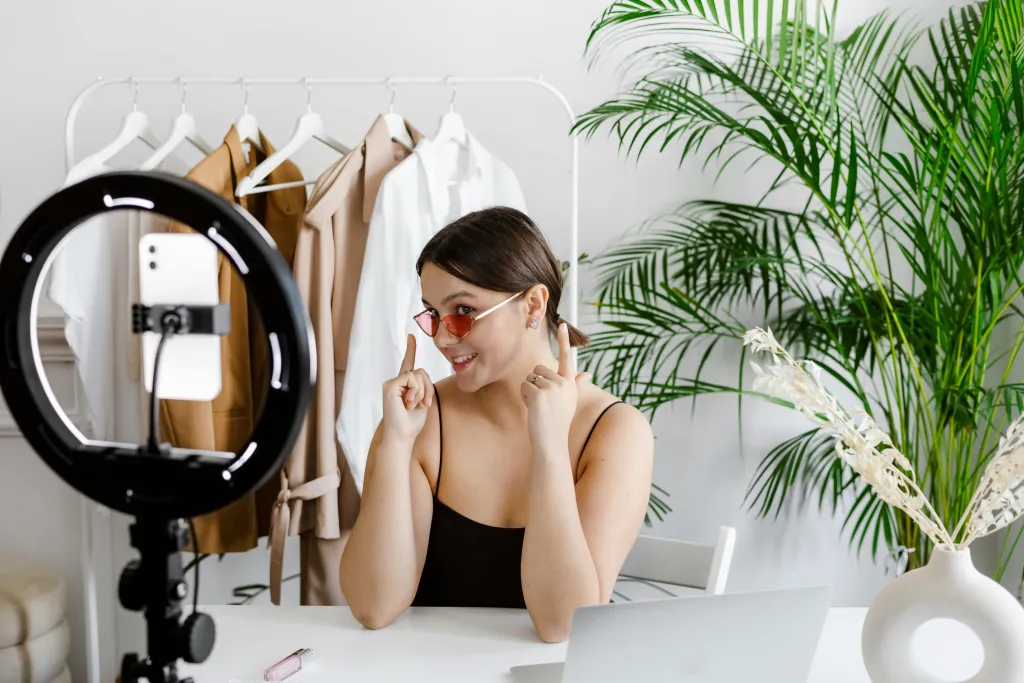
Going live on TikTok is an incredibly powerful way to engage with your audience in real-time. Whether you're showcasing new content, sharing behind-the-scenes moments, or simply interacting with your followers, TikTok Live helps you connect on a deeper level. When you go live on TikTok, you boost your visibility, increase interactions, and foster follower growth by offering a unique and interactive experience. TikTok Live offers various features such as filters, special effects, virtual gifts, and the ability to invite guests to join your live stream, making it easy and fun to create engaging content that captures your audience's attention.
Why Go Live on TikTok?
Going live on TikTok offers numerous benefits that can elevate your content strategy. One of the key advantages is the ability to boost engagement and grow your followers in real time. Live streams create immediate, two-way interactions between creators and viewers, making it an excellent tool to increase visibility and connect with your audience on a personal level. Additionally, TikTok’s algorithm favors live content, meaning your live streams are more likely to appear on the "For You" page, increasing your exposure and attracting new followers.
TikTok Live also presents exciting monetization opportunities. You can earn through virtual gifts from viewers, collaborate with brands, and explore affiliate marketing options. This creates a chance to not only entertain but also generate income while going live on TikTok. Another great benefit is the ability to build a stronger community. Going live allows you to directly interact with your followers, answer questions, and foster loyalty, turning casual viewers into dedicated fans.
If you're wondering how to go live on TikTok, there are a few requirements you should know. To go live on TikTok, you must have at least 1,000 followers. Additionally, you need to be 16 years or older to access the live streaming feature. If you want to receive virtual gifts during your live session, you must be 18 years or older. These eligibility criteria ensure that you’re able to take full advantage of TikTok Live's features and monetization opportunities. As of 2025, these rules apply to all users aiming to go live on TikTok, so make sure you meet the requirements before broadcasting your first live stream.
Essential Gear for Going Live on TikTok
Audio/video and related gear are required for TikTok Live because high-quality sound and visuals are essential for creating engaging, professional streams that capture your audience's attention, enhance interaction, and ensure a smooth, enjoyable viewing experience. With the right equipment, such as a reliable microphone and a clear, high-definition camera, you can elevate your live sessions, stand out from the crowd, and improve overall viewer satisfaction, making it easier to grow your following and boost engagement.
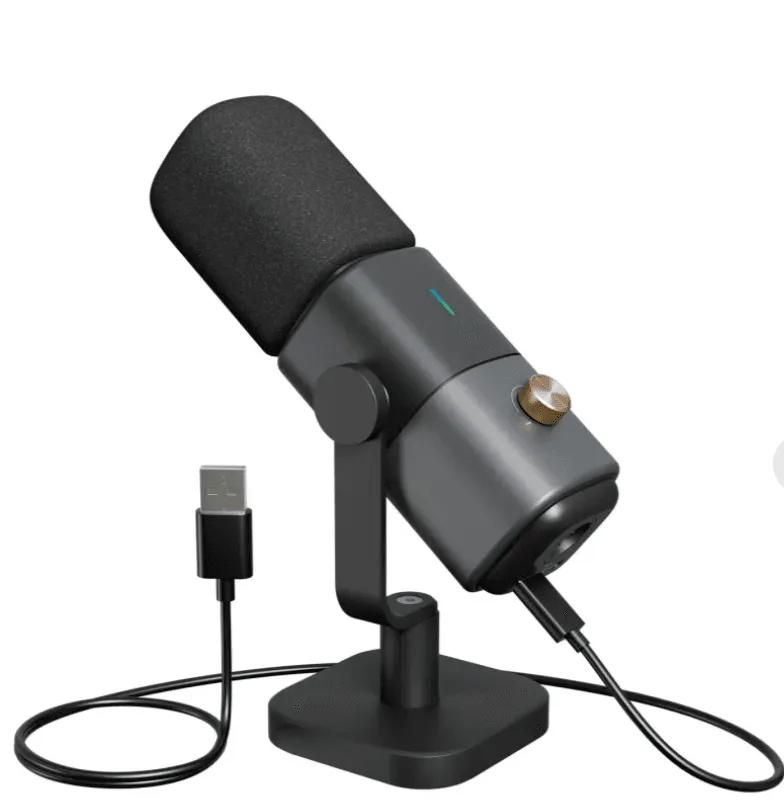
Microphone for TikTok Live – Lavalier mic or USB mic for crisp sound.
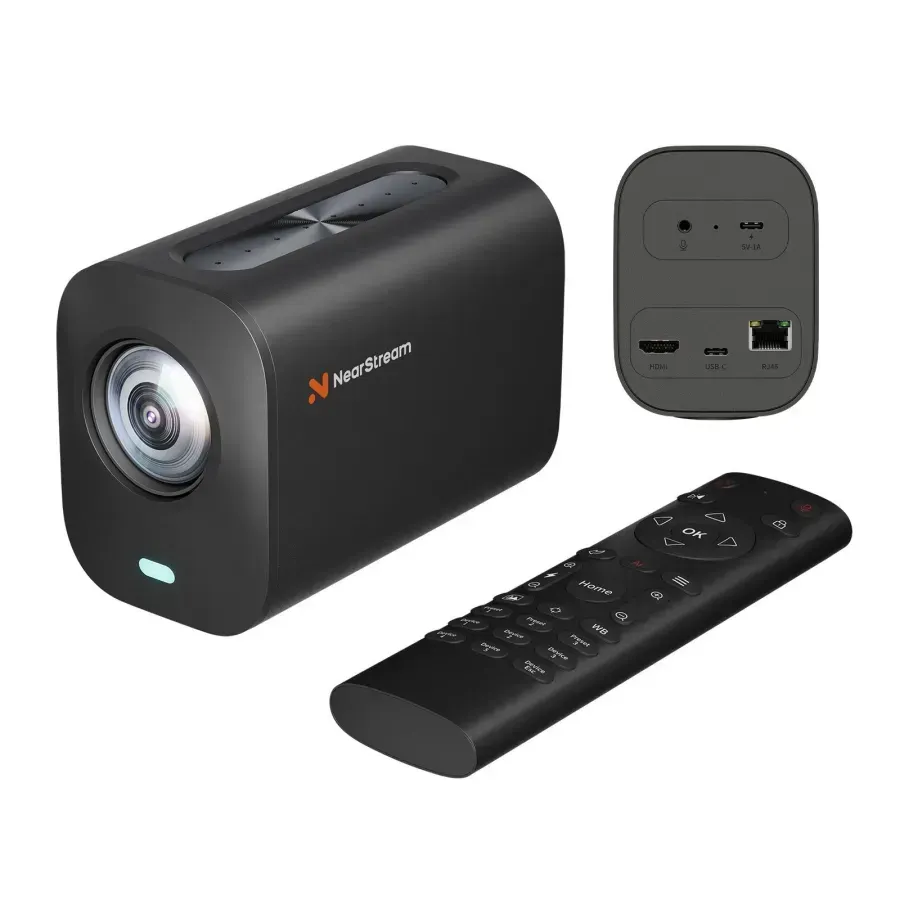
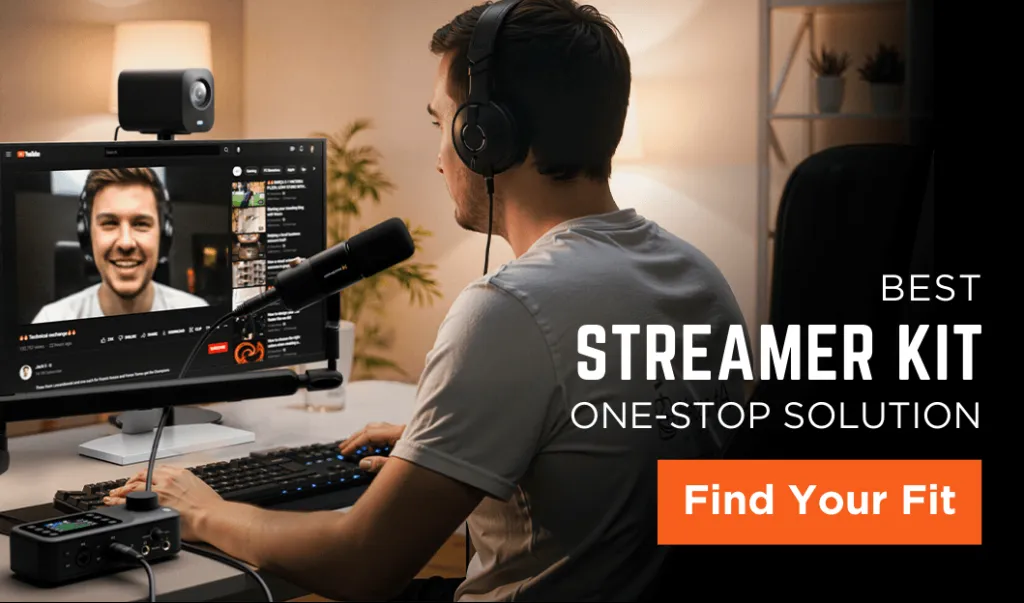
The NearStream All-In-One Kit is an excellent choice for TikTokers looking to elevate their live streams with professional-quality audio and video. The AM25X Mic delivers crystal-clear, noise-canceling sound, ensuring that your voice is always heard loud and clear, even in noisy environments—ideal for engaging with your TikTok audience without distractions. Meanwhile, the VM20 Camera offers stunning 4K video with a powerful 40X hybrid zoom, providing sharp, high-definition visuals that make your live streams stand out. This kit is not only designed to meet the needs of home offices, gaming, and podcasting, but it is also incredibly easy to use, making it perfect for TikTokers who want to produce high-quality content without complicated setups. Whether you're hosting live events, creating engaging content, or just chatting with followers, the NearStream kit is built to enhance every aspect of your TikTok live streaming experience.
How to Go Live on TikTok: Step-by-Step Guide
Open the TikTok App and go to the homepage.
Tap the "+" Button (just like when you create a normal video).
Swipe to "LIVE" Mode from the video recording options.
Enter a Compelling Live Title (Include keywords and a hook to attract viewers).
Choose Your Settings – Filters, effects, monetization, and guest invites.
Tap “Go Live” to start broadcasting.
Engage with Viewers in Real Time – Respond to comments and encourage interactions.
End the Live Stream Properly – Thank viewers, recap key points, and hint at the next live.
How to Optimize Your TikTok Live for More Viewers
To maximize your viewership and engagement when going live on TikTok, it's crucial to optimize your live streams strategically. Start by choosing the right time to go live, targeting peak engagement hours when your audience is most active. Research TikTok's engagement trends to find the best time slots for maximum exposure. Additionally, make sure to use an engaging title and eye-catching thumbnails that captivate potential viewers and make them eager to click on your stream. A compelling headline can make all the difference in drawing in an audience.
Encourage interaction by actively engaging with your viewers during the live session. Ask questions, host Q&A sessions, and respond to comments in real time to create a dynamic and engaging atmosphere. This builds a sense of community and keeps viewers coming back for more. Don't forget to leverage TikTok Live Gifts and other monetization features to earn money from your live streams. Encourage viewers to send virtual gifts, which can be exchanged for real cash, and explore brand partnerships and affiliate marketing opportunities.
Lastly, collaborate with other creators to boost your reach and attract new viewers. Inviting guests to join your live stream not only adds variety to your content but also helps tap into their followers, expanding your potential audience. By combining these strategies, you’ll be able to optimize your TikTok Live sessions for greater visibility and engagement, ultimately growing your TikTok presence.













































































 sales@nearstream.us






