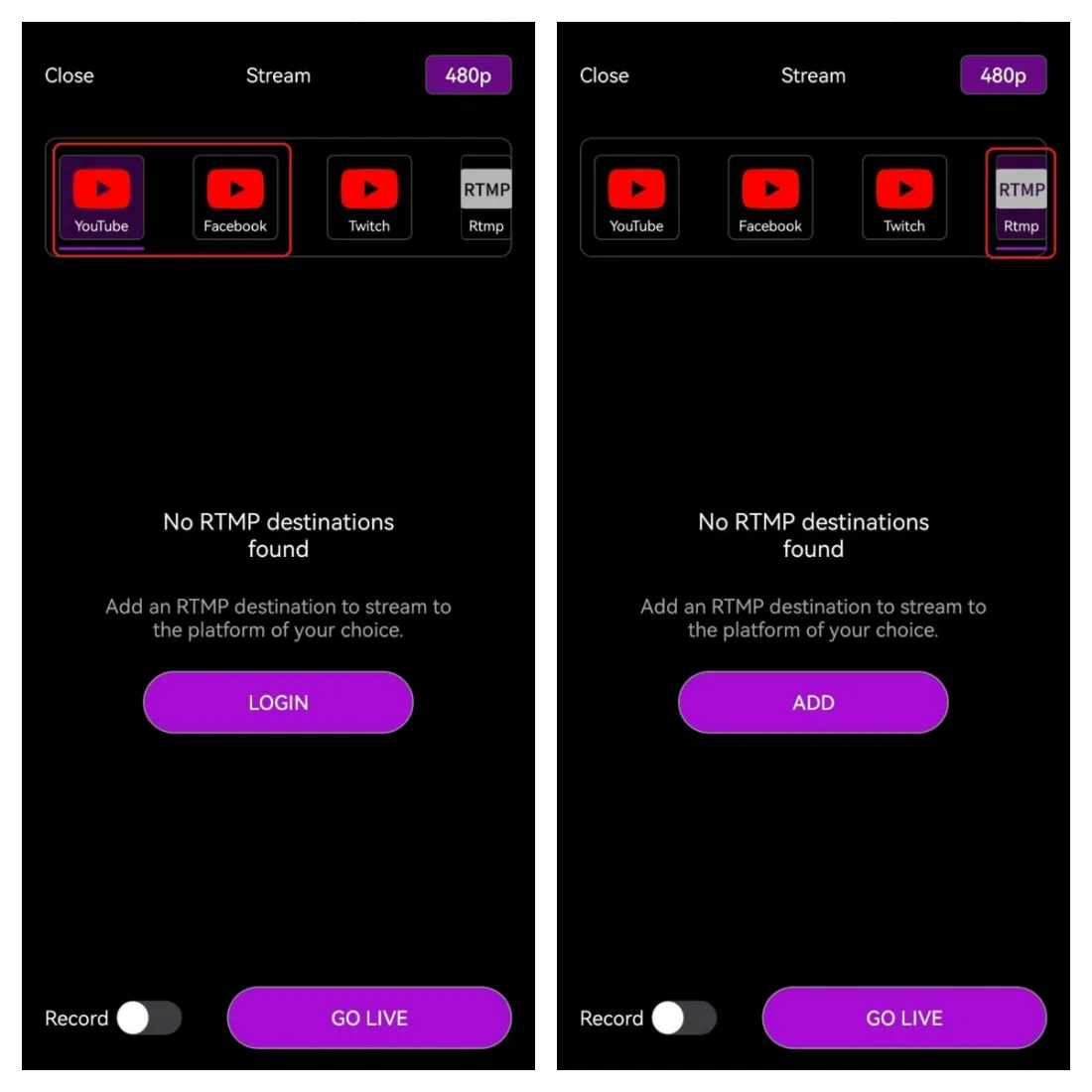
You can use VM33 with the NearStream App to stream to popular platforms including Youtube, Facebook, and Twitch. Or you can choose to stream to a custom RTMP destination.
To start streaming, open the NearStream app and click the Live button at the top of your screen.
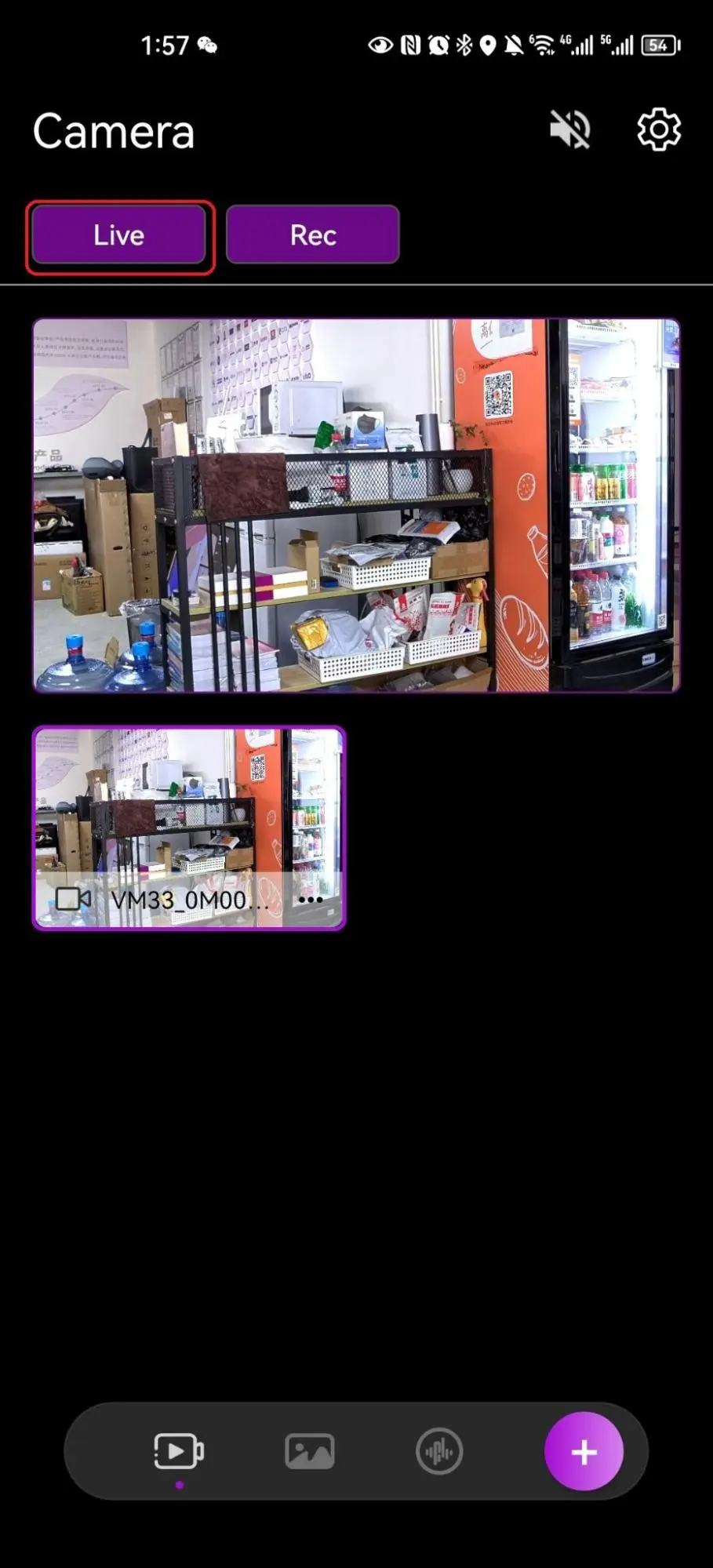
You can choose between two approaches to start streaming and set up your event.
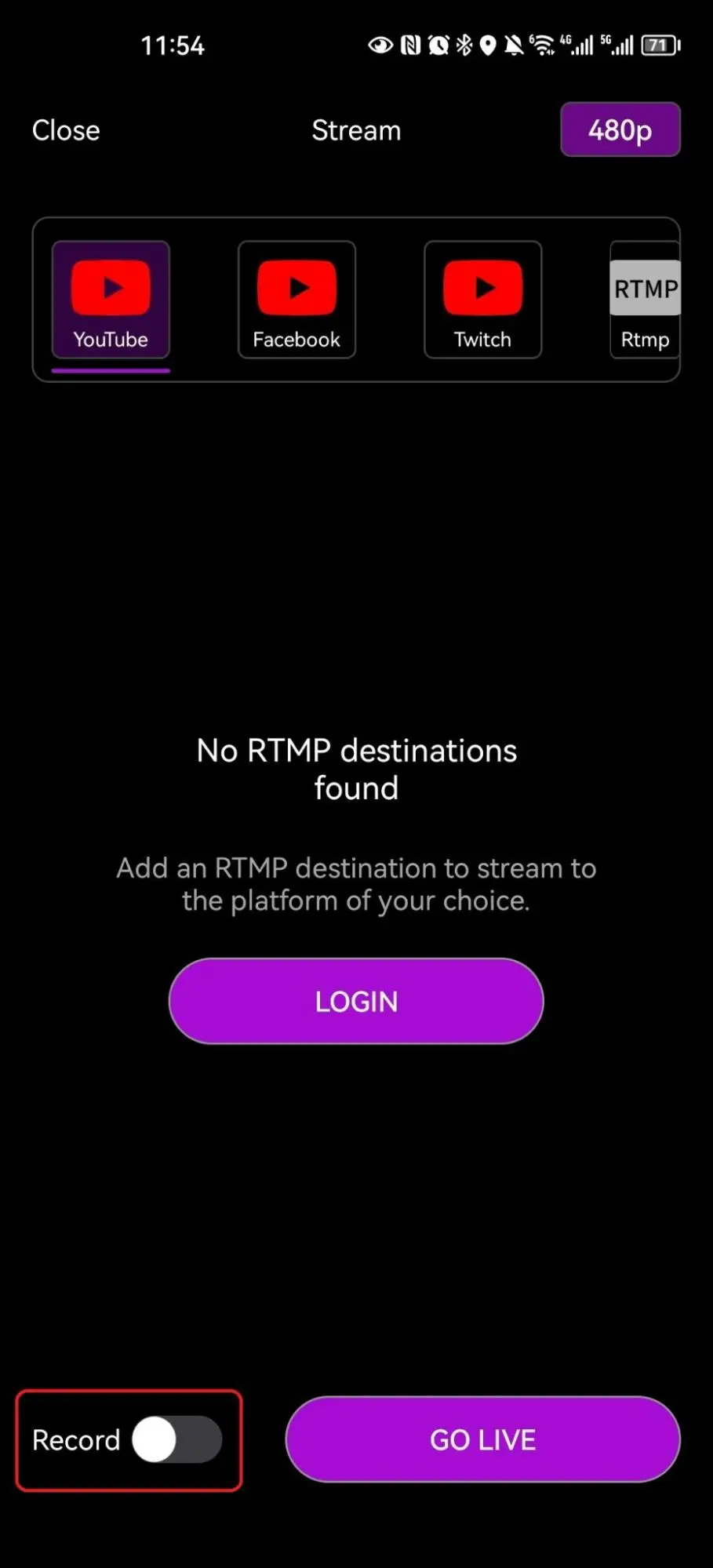
You can choose to toggle the Record switch on, in order to record the event to your device or to an SD card at the same quality as your stream.
Read more about recording video with VM33
To stop the broadcast, simply tap the Live button again.
Below you will find each destination along with directions for each platform.
Youtube
With YouTube, you can stream without the need for an event or you can stream to a new event. Also, you can stream to an event that was created in YouTube Studio. YouTube allows you to go live to your channel using RTMPS.
Read more about streaming to Youtube using the built-in Youtube function
Read more about streaming to Youtube using Custom RTMP
Facebook
You can stream to Facebook personal profiles, groups, and pages using the built-in function in the NearStream app. Facebook also allows you to stream directly using RTMP.
Read more about streaming to Facebook
Twitch
You can stream to Twitch with the built-in Twitch function in the NearStream app.
Read more about streaming to Twitch using the built-in Twitch function
Custom RTMP
You can go live to many destinations that allow RTMP connection. Each platform is different but once you have the source URL and key you can insert it in the NearStream app.
Read more about streaming via RTMP













































































 sales@nearstream.us






