With gaming content booming on Twitch, Xbox users are in a great position to join the wave. Whether you're a casual gamer or an aspiring influencer, streaming from your Xbox can be a fun way to build an audience and share your passion for gaming.
If you've ever wondered:
How to stream Xbox on Twitch?
How to stream on Twitch from Xbox in the easiest way possible?
How to improve your Xbox Twitch stream?
This guide will walk you through everything—equipment, setup, advanced options, tips, and more.
Why Stream Xbox on Twitch?
Streaming gameplay has become more than just a hobby—it's a form of entertainment and a way to build an online identity. Here’s why streaming Xbox games on Twitch is worth your time:
Access to a massive audience: Twitch has millions of daily viewers looking for content just like yours.
Easy setup on Xbox: You can start streaming without a capture card or PC—just your Xbox and the Twitch app.
Community building: Live chat interaction allows you to build real-time relationships with viewers.
Opportunities for monetization: With enough followers, you can unlock Twitch Affiliate or Partner status, leading to revenue from subs, bits, and ads.
What Do You Need to Start Streaming from Xbox?
Streaming on Xbox is relatively simple, especially since Microsoft has built-in Twitch integration. Here's what you'll need to get started:
✅ A Compatible Console
You’ll need one of the following Xbox models:
Xbox One
Xbox One S
Xbox One X
Xbox Series S
Xbox Series X
✅ A Twitch Account
Visit Twitch.tv and create a free account.
✅ Internet Connection
Minimum Upload Speed: 3 Mbps
Recommended: 6–10 Mbps for smoother streaming
Use wired Ethernet if possible for better stability.
✅ Twitch App on Xbox
Download the Twitch app from the Microsoft Store on your Xbox.
✅ Optional Add-ons
Headset with mic for clear commentary
Webcam (Logitech C922 is a popular choice, but only a few are Xbox-compatible)
Lighting to improve face-cam visuals
External storage if you record clips or gameplay footage
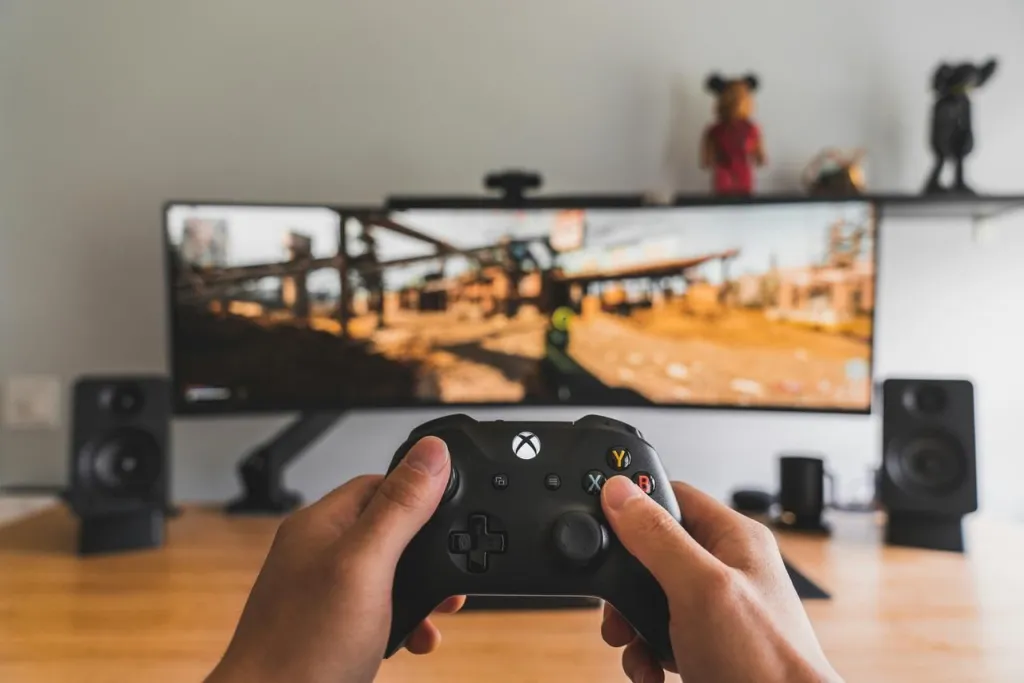
How to Stream on Twitch on Xbox: Step-by-Step Guide
If you're looking for the fastest way to start streaming without extra equipment, follow this step-by-step tutorial:
Step 1: Download the Twitch App
Step 2: Link Your Twitch Account
Launch the Twitch app on Xbox.
You'll see a 6-digit code.
On a browser, go to twitch.tv/activate and enter the code after logging in.
Select your stream resolution (720p, 1080p).
Choose whether to include:
Game audio
Party chat
Microphone input
Set a catchy stream title and pick the game category.
Step 4: Go Live
This process answers the common question: how to stream on Twitch Xbox easily without a PC.
Essential Gear to Stream Xbox on Twitch (Optional But Helpful)
While Xbox makes it simple to stream directly through the Twitch app, adding a few extras can make your stream look and sound significantly better. These tools are not required—but they’re highly recommended if you want to stand out in a crowded space.
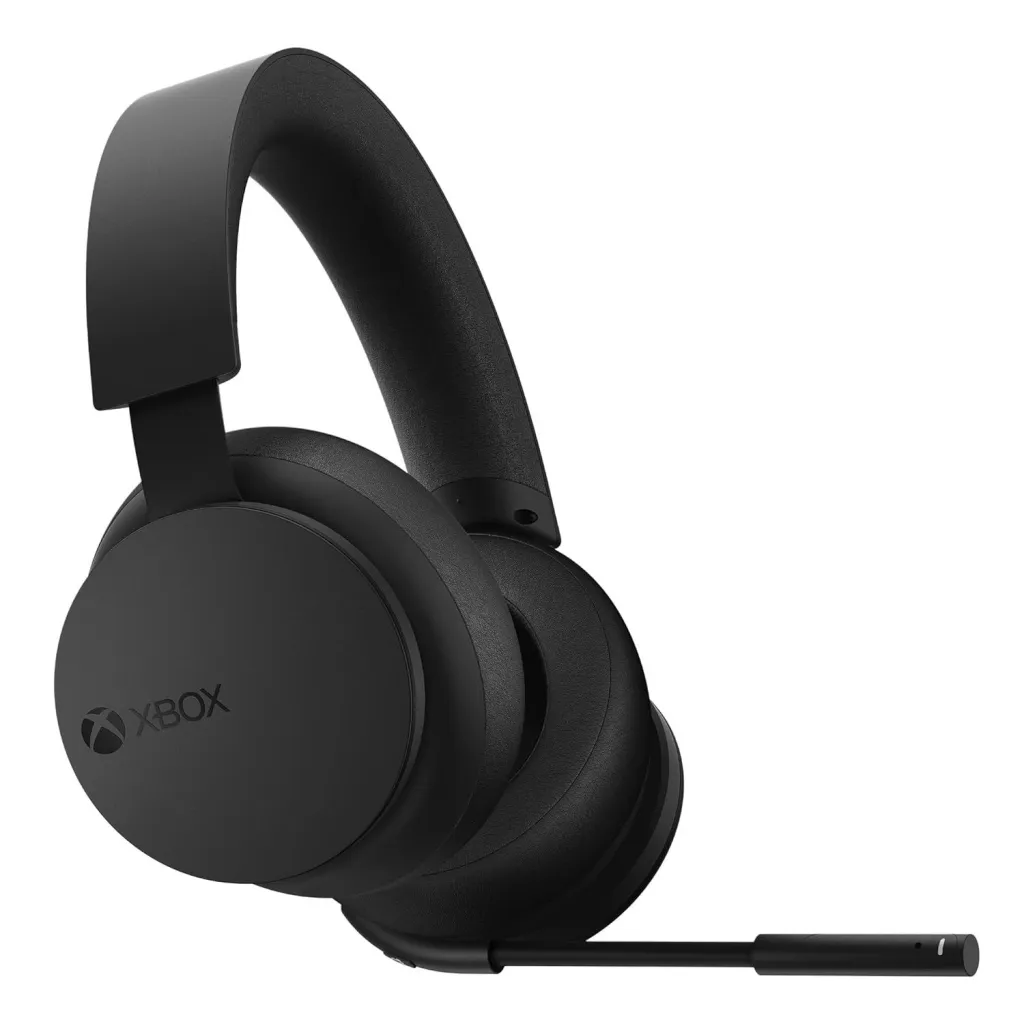
🎧 Gaming Headset with Mic
A good headset ensures that your voice is clear and your game audio doesn’t leak into your mic. It also helps you stay fully immersed in your gameplay.
Top Picks:
SteelSeries Arctis 9X – Wireless, Xbox-compatible, clear mic, and premium comfort.
Razer Kaira Pro – Designed specifically for Xbox Series X|S, with powerful sound and a detachable mic.
Xbox Wireless Headset – Affordable, official Microsoft product with great performance and ease of use.
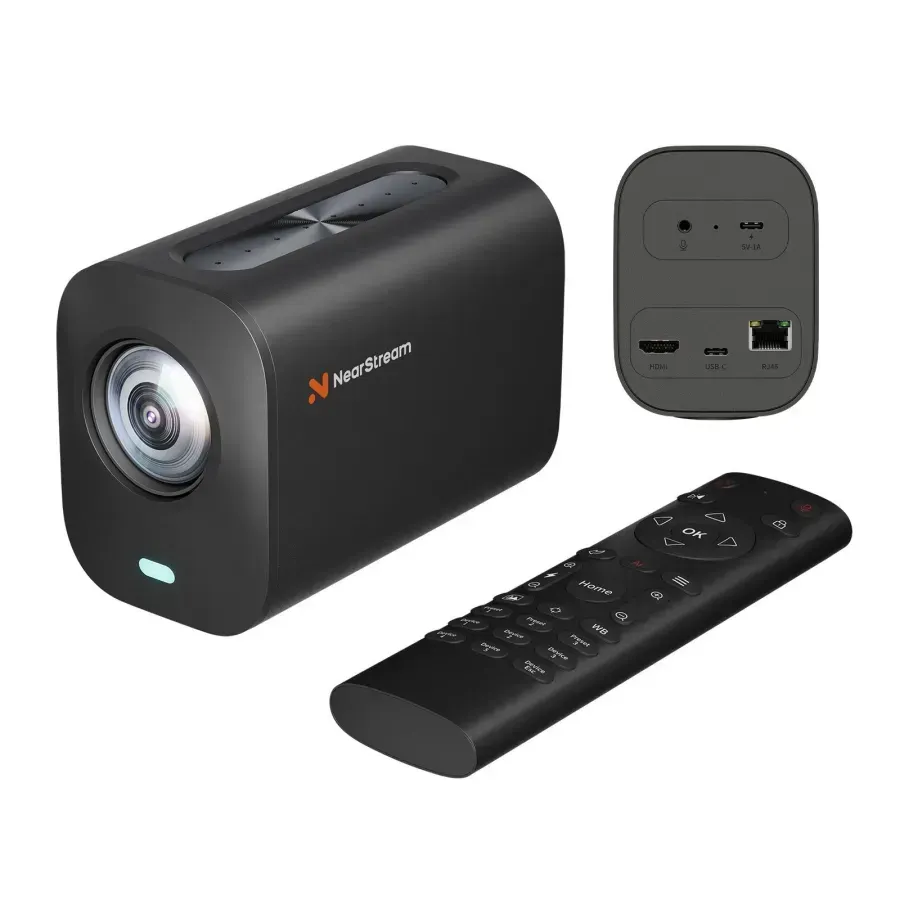
🎥 Xbox-Compatible Webcam (Face Cam)
Adding a face cam personalizes your stream and builds stronger audience connection. However, Xbox only supports certain USB webcams.
Recommended Webcams:
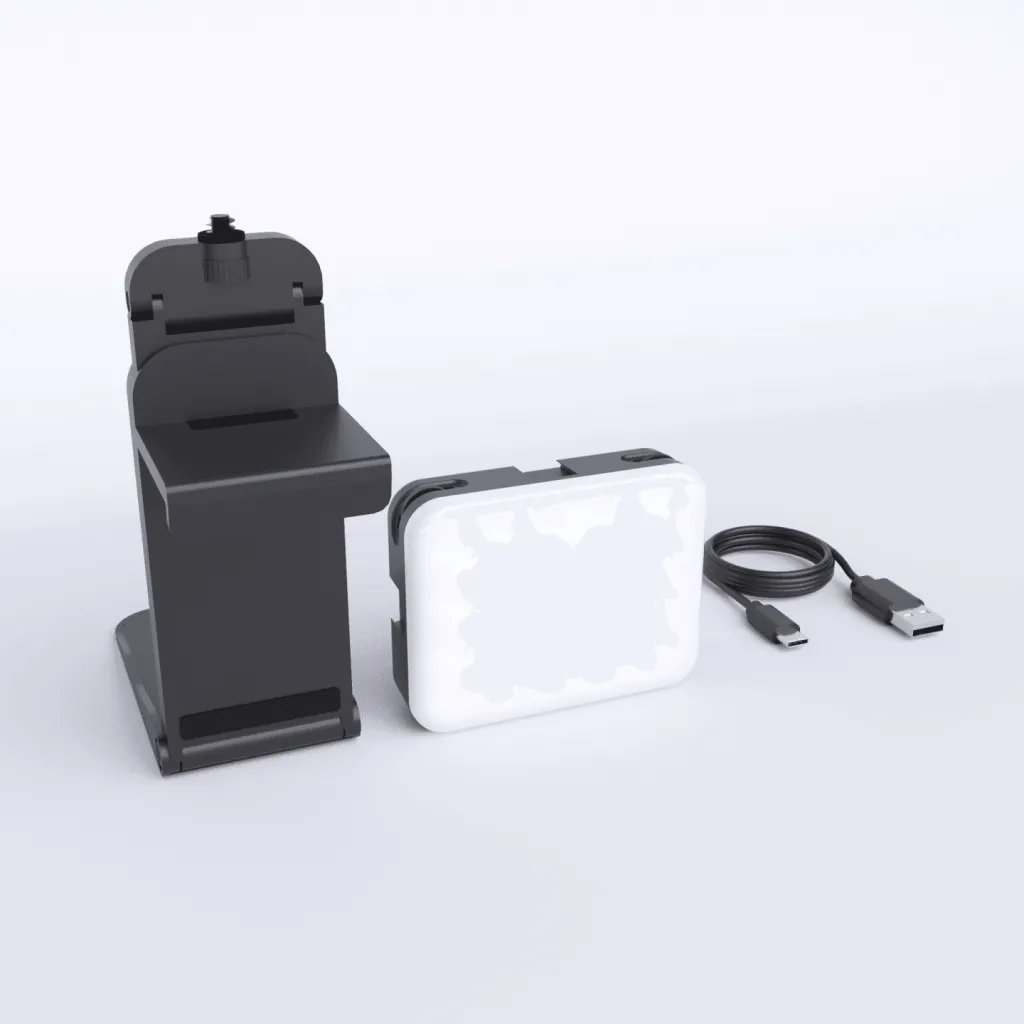
💡 Lighting (to Improve Cam Quality)
Good lighting drastically improves the appearance of your webcam feed, even if you're using a mid-range camera.
Best Lighting Options:
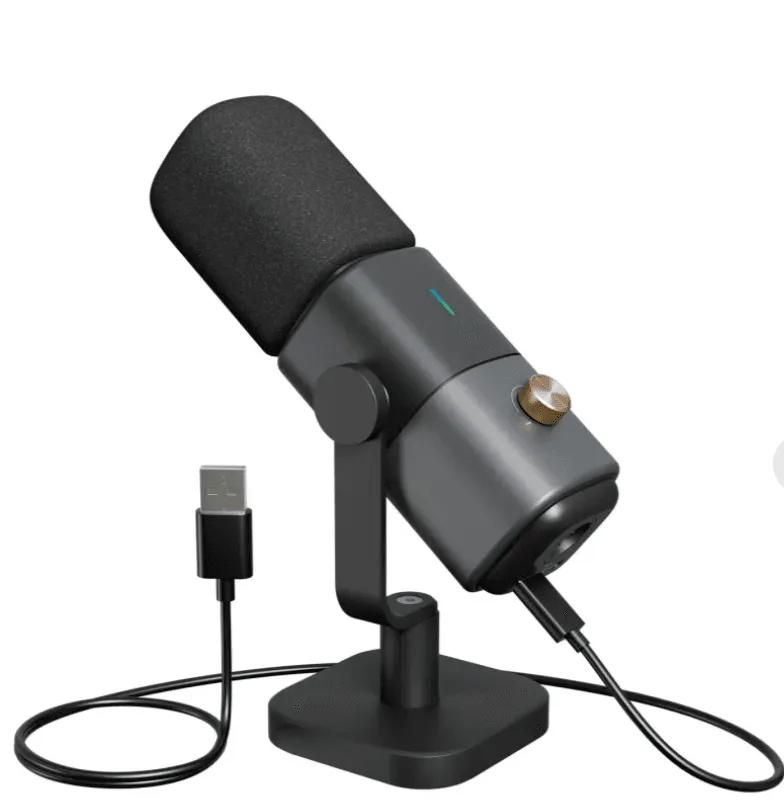
🧍 External Microphone (Better Than Headset Mics)
While headset mics are good, a dedicated microphone delivers clearer, richer audio—especially useful if you plan to repurpose stream content for YouTube.
Top Microphone Picks for Xbox (via PC or Capture Card):
NearStream AM25X USB/XLR Microphone – Clean audio, sturdy desk stand, ideal for hybrid streamers.
Blue Yeti X – A popular USB microphone for creators; works seamlessly on PC setups with a capture card.
Elgato Wave:3 – Excellent mic with software-based mixer; perfect for streamers who also use OBS or Streamlabs on PC.
🔌 Wired Ethernet Connection
Wireless can work, but Ethernet gives you a more stable stream. A weak signal can ruin your gameplay and frustrate viewers.
What You Need:
Cat6 or Cat7 Ethernet Cable – Reliable, future-proof cable for consistent upload speed.
Powerline Adapter – If your router is far from your Xbox, these use your home’s electrical wiring to deliver a wired connection.
💽 External Storage Drive (Optional)
Want to save longer gameplay footage or stream recordings? An external drive gives you more space without slowing down your console.
Top External Drives:
Seagate Game Drive for Xbox (2TB) – Designed specifically for Xbox, plug-and-play setup.
WD_BLACK P10 Game Drive (5TB) – High capacity, reliable, and sleek design.
How to Stream Xbox on Twitch with a PC and Capture Card
Want overlays, alerts, face cam positioning, and transitions? Then streaming with a PC is your best option. Here's how:
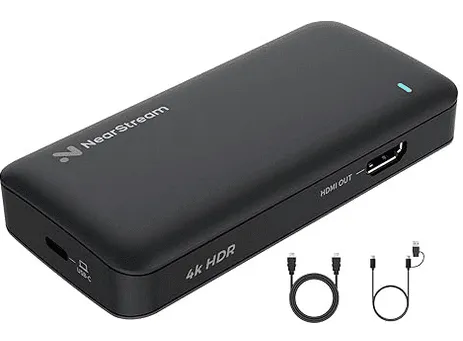
What You'll Need:
Setup Steps:
Connect Xbox to Capture Card via HDMI cable.
Connect Capture Card to PC using USB.
Open OBS on PC.
Add a new source → Video Capture Device → Select your capture card.
Add overlays, webcam feed, alerts, etc.
Connect your Twitch account to OBS.
Click Start Streaming.
This method gives you complete control over your stream layout and quality. It’s the answer for those who ask: how to stream using Twitch with high production value.
Tips to Improve Your Xbox Twitch Stream
No matter which method you choose, these tips can help you build a stronger channel:
Interact with Your Viewers
Use a Consistent Schedule
Share links on Twitter, Discord, Reddit, or TikTok
Use tools like Canva to make engaging promo graphics
Post highlights to YouTube Shorts or Instagram Reels
Monitor Audio and Video Quality
Make sure your mic is clear and not too loud
Avoid in-game sound drowning out your voice
Test your stream before going live to check for lag or sync issues
Play Popular (or Niche) Games
FAQs: Common Questions About Streaming on Xbox with Twitch
❓ Can you stream on Xbox Twitch without a PC?
Yes! You can stream directly from your Xbox console using the official Twitch app—no PC or capture card needed.
❓ How to stream using Twitch if I want alerts and overlays?
You’ll need to use a PC and a capture card. OBS or Streamlabs OBS lets you fully customize your stream.
❓ Does Twitch on Xbox support face cam?
Yes, but only with certain webcams. Make sure it’s Xbox-compatible (like Logitech C922).
❓ Can I include party chat in my stream?
Yes. Make sure you enable the “Include party chat” option in the Twitch app settings on your Xbox.
❓ What is the best internet speed for Xbox Twitch streaming?
Final Thoughts
Now that you know how to stream on Twitch on Xbox, the only thing left is to start creating! Whether you're using just your console or stepping up your game with a PC and capture card, Twitch gives you the tools to share your passion with the world.
Don’t worry about being perfect on day one. The most successful streamers all started somewhere. What matters is consistency, creativity, and community.
So, if you’re still wondering “how to stream on Twitch on Xbox” or “can you stream on Xbox Twitch”—you now have everything you need to go live, grow your audience, and enjoy the ride.













































































 sales@nearstream.us






