PTZ Camera Optical Zoom vs Digital Zoom: What’s the Difference?
Learn where to place a PTZ camera for professional video in churches, classrooms, and conference rooms.
ptz camera
optical zoom vs digital zoom
digital zoom vs optical zoom
Updated: Jun 1, 2026 · 8 minutes read
Modular Video Kits for Growing Business.
If you have ever struggled to capture a clear close-up of a speaker from the back of a church, a professor across a classroom, or a presenter on a conference stage, you already know one of the biggest challenges in video production: distance. Subjects look too small, framing feels awkward, and constantly adjusting the camera during a livestream or recording is rarely practical.
This is where PTZ cameras stand out. With remote pan, tilt, and zoom control, modern PTZ cameras can capture professional-looking video from far away — but not all zoom works the same. Understanding the difference between optical zoom and digital zoom is essential if you want sharp, natural-looking footage instead of blurry, cropped images.
In this guide, we explain optical zoom vs digital zoom, how intelligent auto zoom and auto framing improve video quality, and why high optical zoom matters for churches, schools, conference rooms, livestreams, and other long-distance filming environments.
What Makes a PTZ Camera Different?
A PTZ camera combines pan, tilt, and zoom into one motorized device. Unlike fixed cameras, it adapts in real time to the action, making it ideal for environments where speakers move and focal points change. Modern PTZ cameras include auto tracking, preset positions, and automatic framing, which are especially valuable for organizations that rely on volunteers or non-technical staff.
Optical Zoom vs Digital Zoom: What Every Operator Should Know
When evaluating a ptz camera, understand how it achieves magnification. Not all zoom is equal.
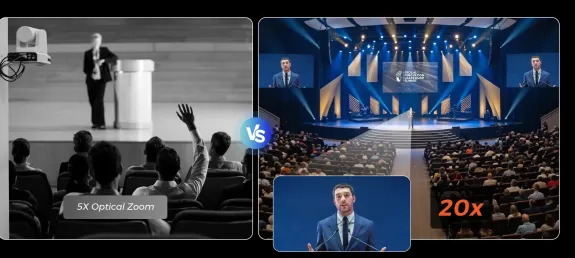
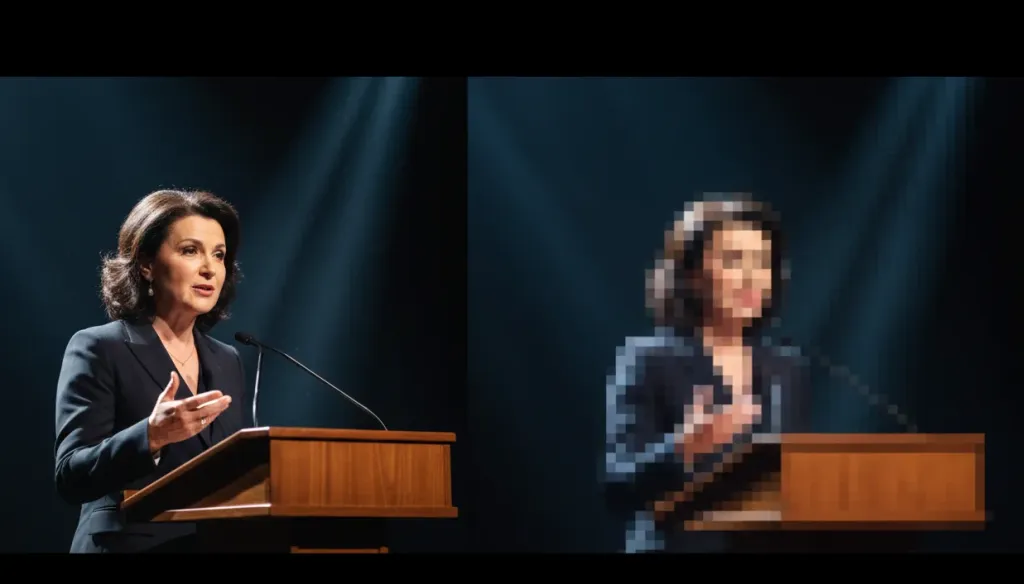
Optical zoom uses physical lens elements that move to magnify the image before the sensor captures it. There is no loss in resolution. A 20x optical zoom camera captures crisp detail from across a large auditorium because the lens does the work.
Digital zoom is a software crop. The camera enlarges the center of the image and discards the edges, reducing pixel count and producing softer, pixelated footage. It might look acceptable on a small preview, but degrades noticeably on large displays.
Feature
Optical Zoom
Digital Zoom
Image quality
Full resolution maintained
Resolution reduced, pixelation increases
How it works
Physical lens elements move
Software crops and enlarges center area
Effective range
Depends on lens (5x, 10x, 20x)
Limited before visible degradation
Best use case
Distant subjects in large venues
Minor adjustments when optical limit reached
Professional use
Essential for broadcast and streaming
Not recommended as primary zoom method
When comparing digital zoom vs optical zoom, optical zoom delivers the clarity that churches, schools, and corporate teams need when streaming or projecting video.
Best PTZ Camera Placement by Venue Type
Even the best optical zoom camera cannot overcome poor placement. Here are proven strategies for each venue.
Church Sanctuaries
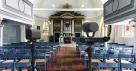
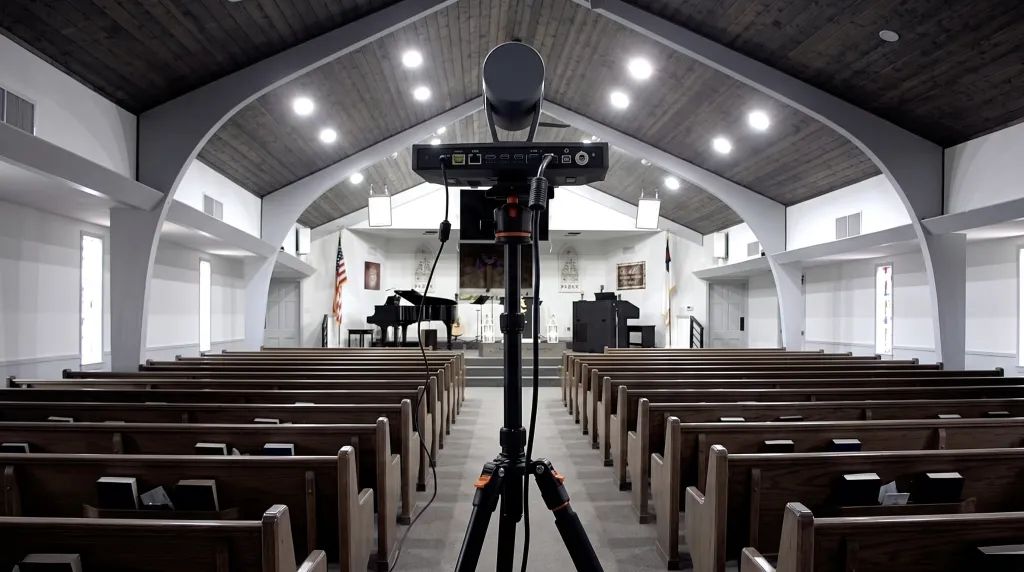
Mount the camera at the rear of the sanctuary, 30 to 60 feet from the stage, at an elevated position on a balcony back wall or ceiling mount. Ensure a clear sightline to the pulpit and avoid placing it near speakers to prevent audio feedback. Use at least 20x optical zoom for sanctuaries over 100 feet deep. Rear placement lets the camera leverage its full zoom range while capturing a natural frontal stage angle.
Classrooms and Lecture Halls
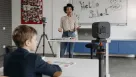
Ceiling mount at the rear of the classroom, centered for widest coverage, 15 to 25 feet from the teaching wall. For lecture halls, mount at the rear or mid-point along a side wall. Use 10x to 20x optical zoom depending on room depth. Classrooms benefit from cameras with auto tracking that follows instructors as they move.
Conference Rooms
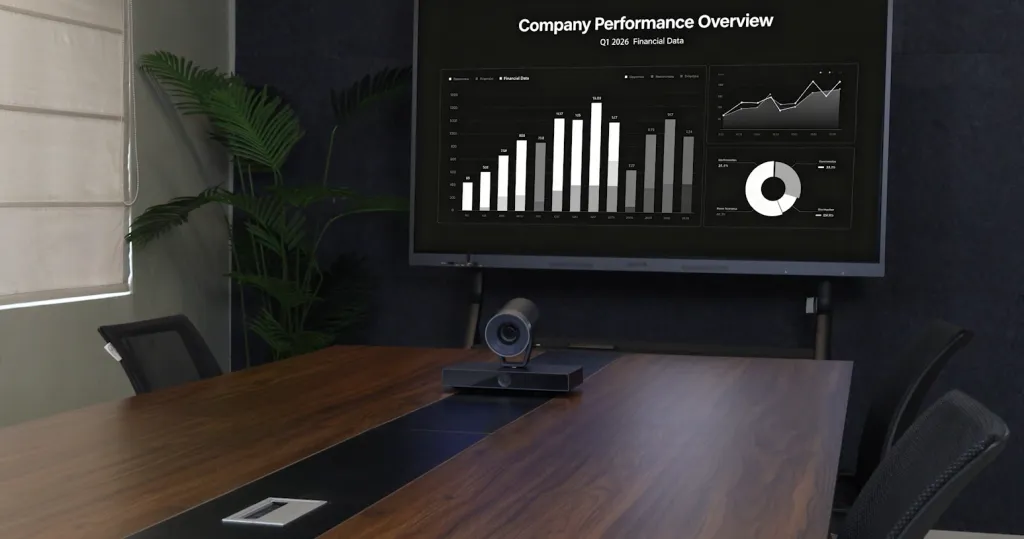
Wall mount on the wall opposite the main display, 10 to 15 feet from the conference table head, at eye level or slightly above. Use 5x to 10x optical zoom for small to medium rooms. Wide-angle capability at the zoomed-out position lets one camera capture the full room and then zoom in on individual speakers.
Why Intelligent Auto Zoom Changes Everything
Manual PTZ operation requires constant attention. Someone must monitor the shot, adjust framing, and follow action. Many organizations cannot dedicate a skilled operator to every stream.
Intelligent auto zoom uses subject detection and framing algorithms to automatically identify speakers, adjust zoom, and track movement. This reduces operator workload, ensures consistent framing, and helps non-technical volunteers achieve professional results. Auto zoom does not replace manual control for complex productions, but it eliminates the pain points that cause amateur-looking video.
Choosing the Best Optical Zoom Camera for Your Needs
Match optical zoom range to venue size:
Small rooms under 20 feet: 5x to 10x optical zoom
Medium venues 20 to 50 feet: 10x to 20x optical zoom
Large auditoriums over 50 feet: 20x or higher optical zoom
The best optical zoom camera should also offer 4K resolution, software integration with your streaming or conferencing platform, and intelligent auto framing to reduce manual adjustments.
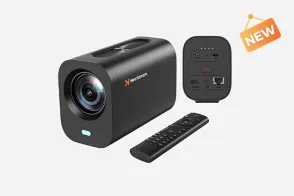
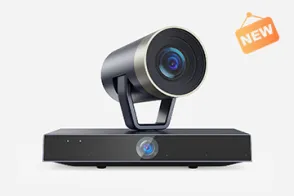
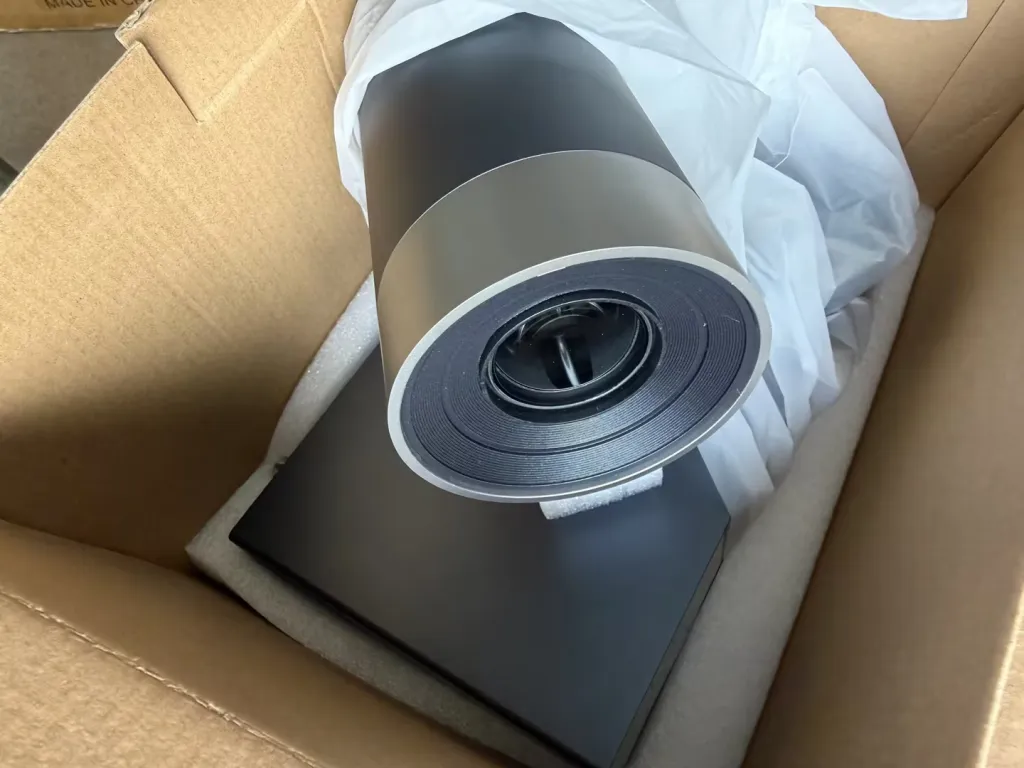
The NearStream Dual Lens 4K PTZ Camera handles the demands of churches, schools, and conference rooms without requiring a production team. With powerful optical zoom, intelligent auto framing, and dual-lens flexibility, it delivers the clarity and automation modern video workflows demand.
Frequently Asked Questions
What is the difference between optical zoom and digital zoom on a PTZ camera? Optical zoom uses physical lens movement to magnify subjects without losing image quality. Digital zoom crops the center of the image, reducing resolution. For professional video, optical zoom is essential.
Where should I mount a PTZ camera in a church sanctuary? Mount it at the rear of the sanctuary, 30 to 60 feet from the stage, at an elevated position with a clear sightline to the pulpit. Avoid placement near speakers.
How does auto zoom improve PTZ camera operation? Auto zoom uses intelligent framing to detect subjects, adjust zoom, and track movement automatically. This reduces the need for dedicated operators and ensures consistent shots.
Is optical zoom or digital zoom better for livestreaming? Optical zoom is better because it maintains full image quality. Digital zoom degrades resolution and should be avoided for professional broadcasts.
What is the best optical zoom camera for a small conference room? A PTZ camera with 5x to 10x optical zoom, mounted opposite the display 10 to 15 feet from the table, with auto framing and 4K resolution.
Ready to Set Up Your PTZ Camera?
Getting professional video does not require a production crew. Choose a PTZ camera with enough optical zoom for your venue, mount it at the rear with a clear sightline, and enable intelligent auto zoom to reduce manual work.
The right ptz camera placement, combined with understanding optical zoom vs digital zoom, transforms any space into a professional video environment. Explore the NearStream Dual Lens 4K PTZ Camera to see how intelligent optical zoom and auto framing simplify your workflow while delivering professional results.














































 sales@nearstream.us